We advise you personally
Directly accessible for private and business customers.
We are happy to help!
Mon. - Fri.: 9:00 a.m. - 2:00 p.m.
Prices incl. VAT plus shipping costs
Instant download + product key
- Order number: SWI24-701221
- Devices: 30 devices
- Runtime: 1 year
- Language: All languages
- Country zone: Worldwide
- Shipping method: E-Mail
- Manufacturer: Microsoft
What's Included
- Instant delivery – Key & download via email
- Activation guarantee – Permanent access, quality assured
- Installation guide – Simple & easy to follow, included
- VAT invoice – Official proof of purchase included
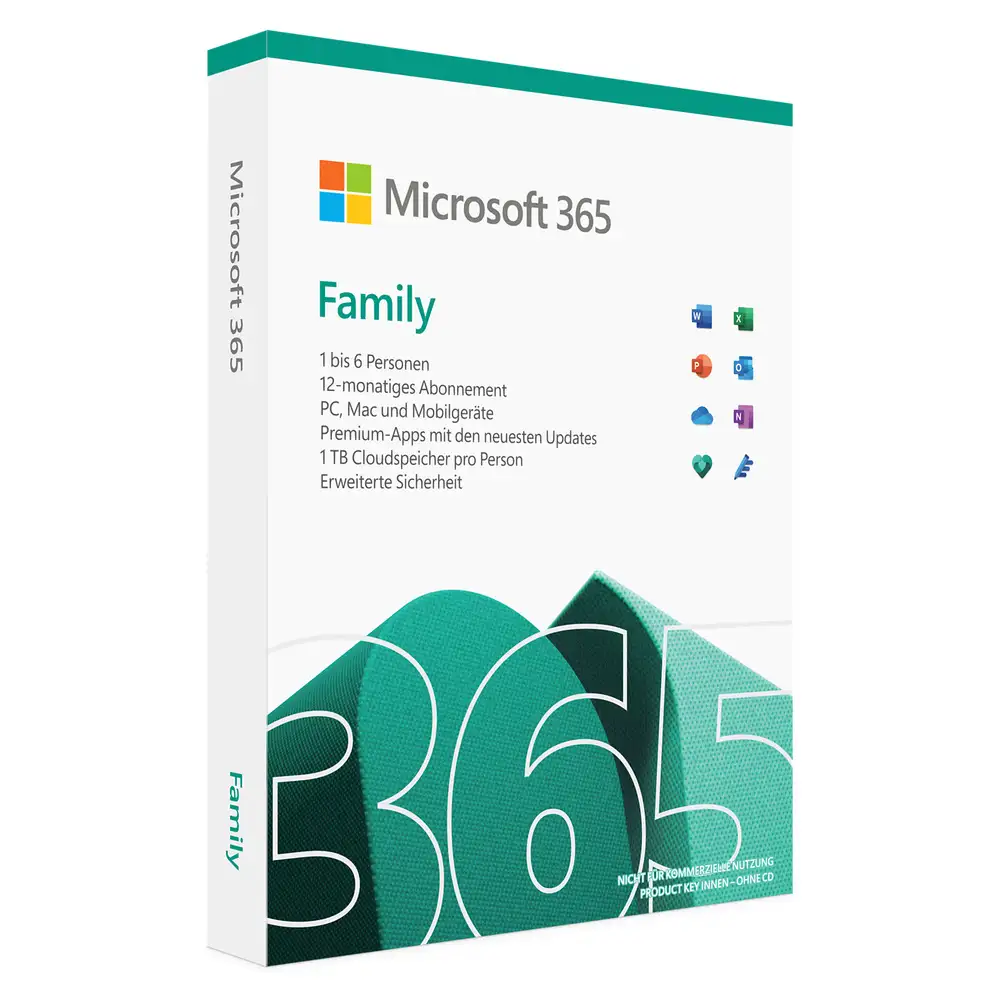
Microsoft Office 365 Family: comprehensive cloud-based productivity software for families
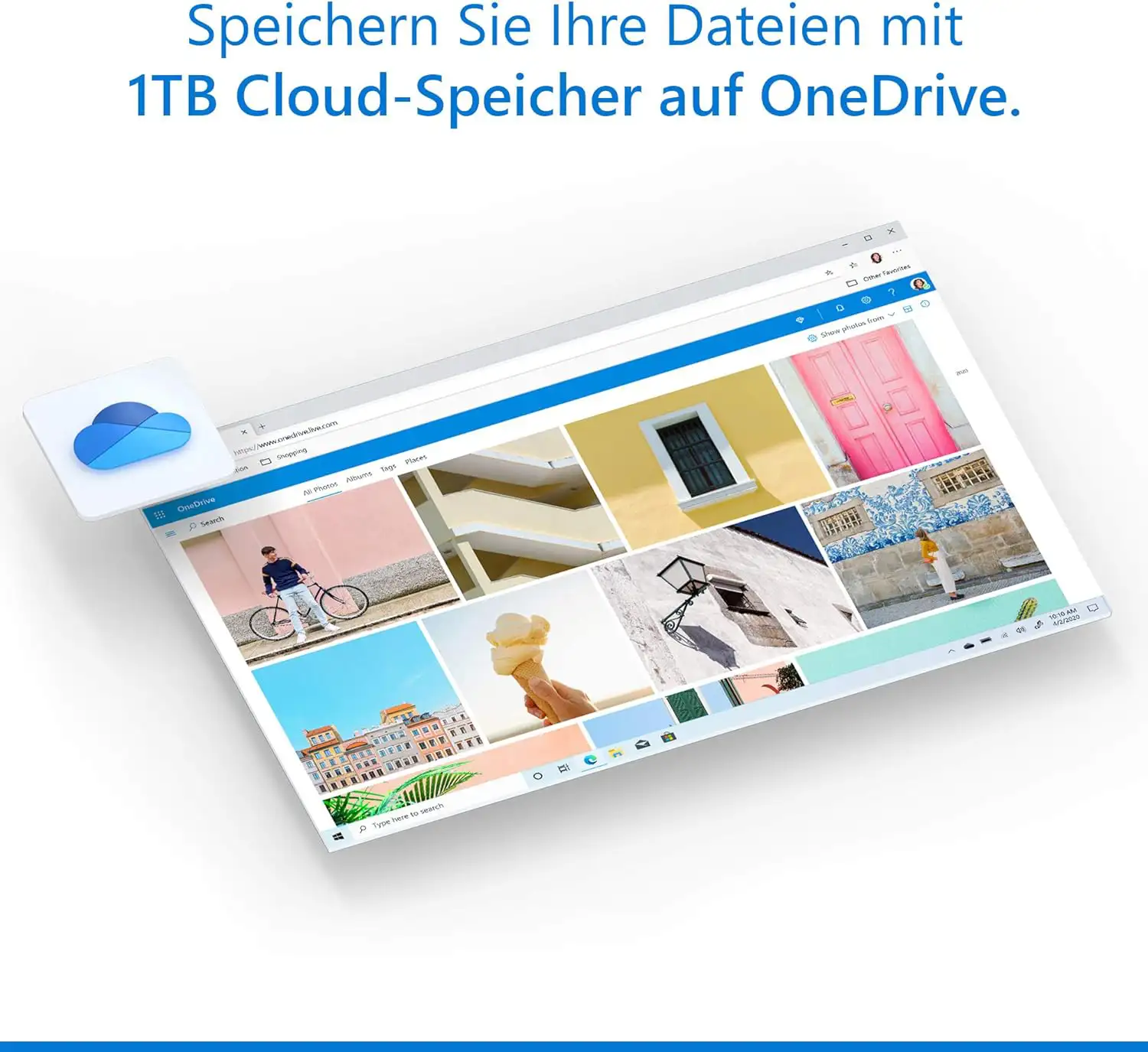
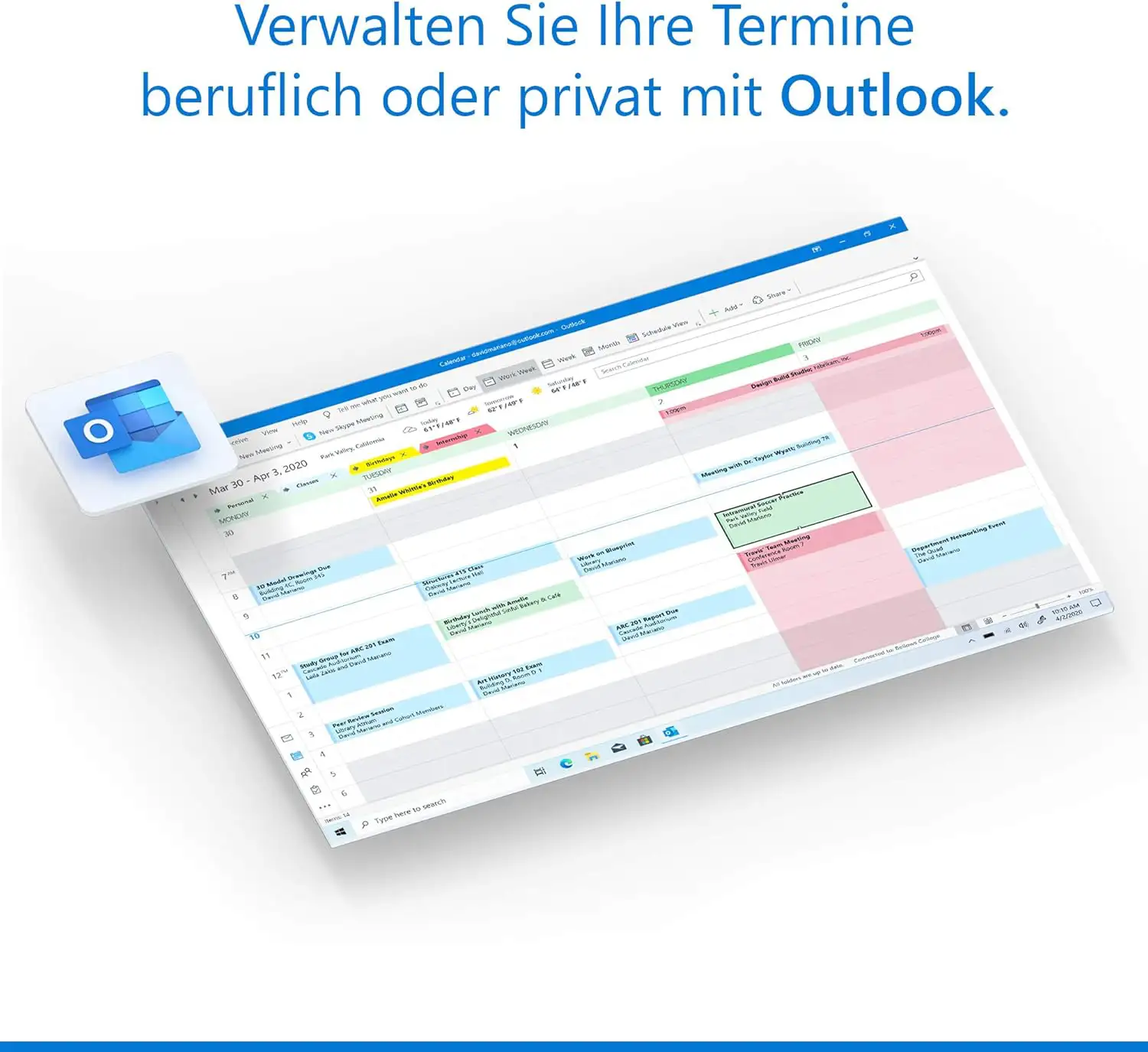
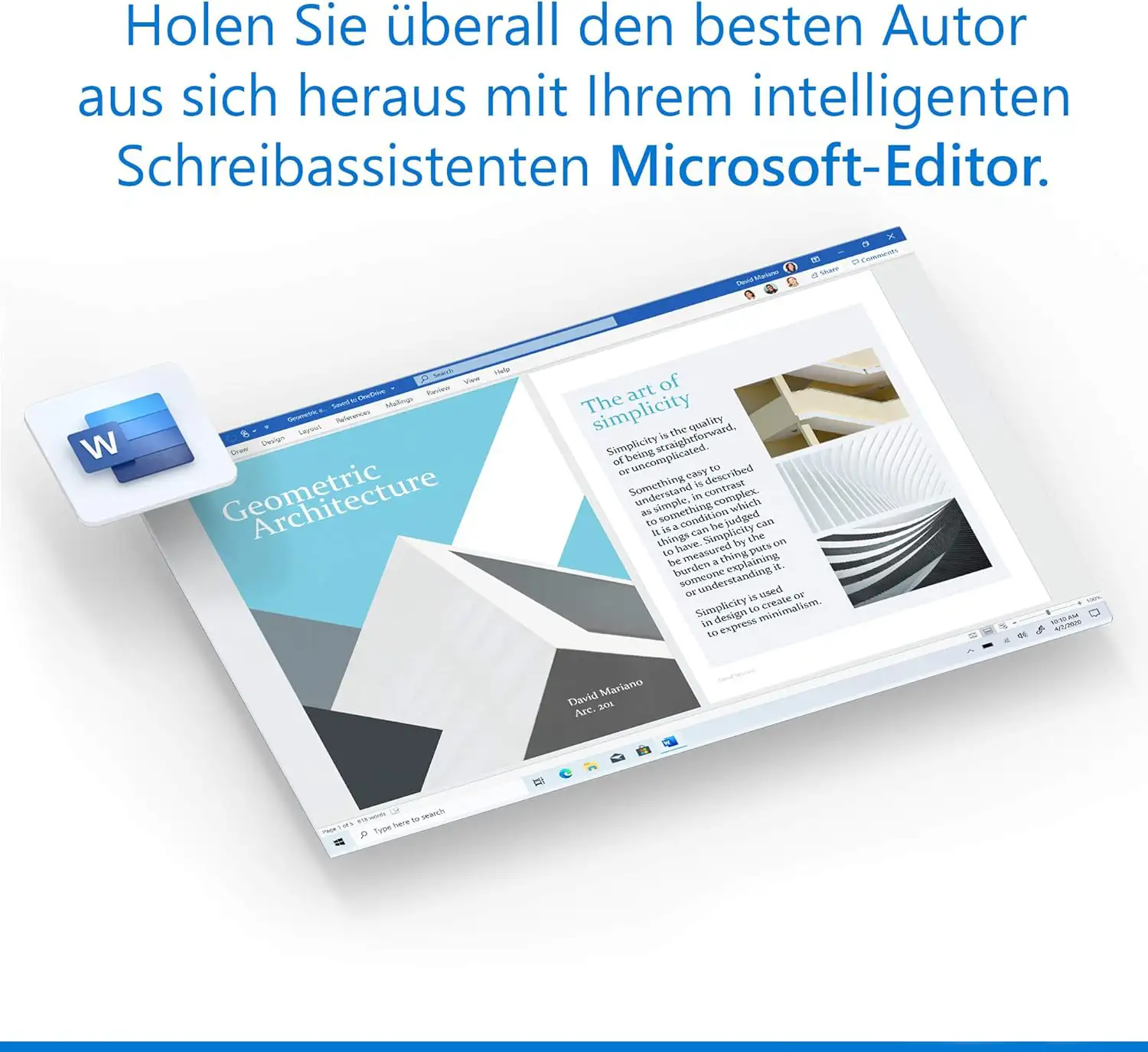
Microsoft Office 365 Family is a comprehensive productivity software designed specifically for families. This cloud-based software suite includes a wide range of applications that allow users to create documents, create spreadsheets, create presentations, send and receive emails, take notes and create databases. The applications include Word, Excel, PowerPoint, Outlook, OneNote and Access. A key advantage of Microsoft Office 365 Family is that it is updated automatically. This means that users always have access to the latest version of the software without having to update it manually. These automatic updates ensure that users always get the latest features and improvements. In addition, users can access their files from virtually any device with an internet connection. This can be from home, the office or even on the move. The files are stored in the cloud, which allows users to access them from anywhere. Users can also easily share their files with other people, making it easier to collaborate on projects.
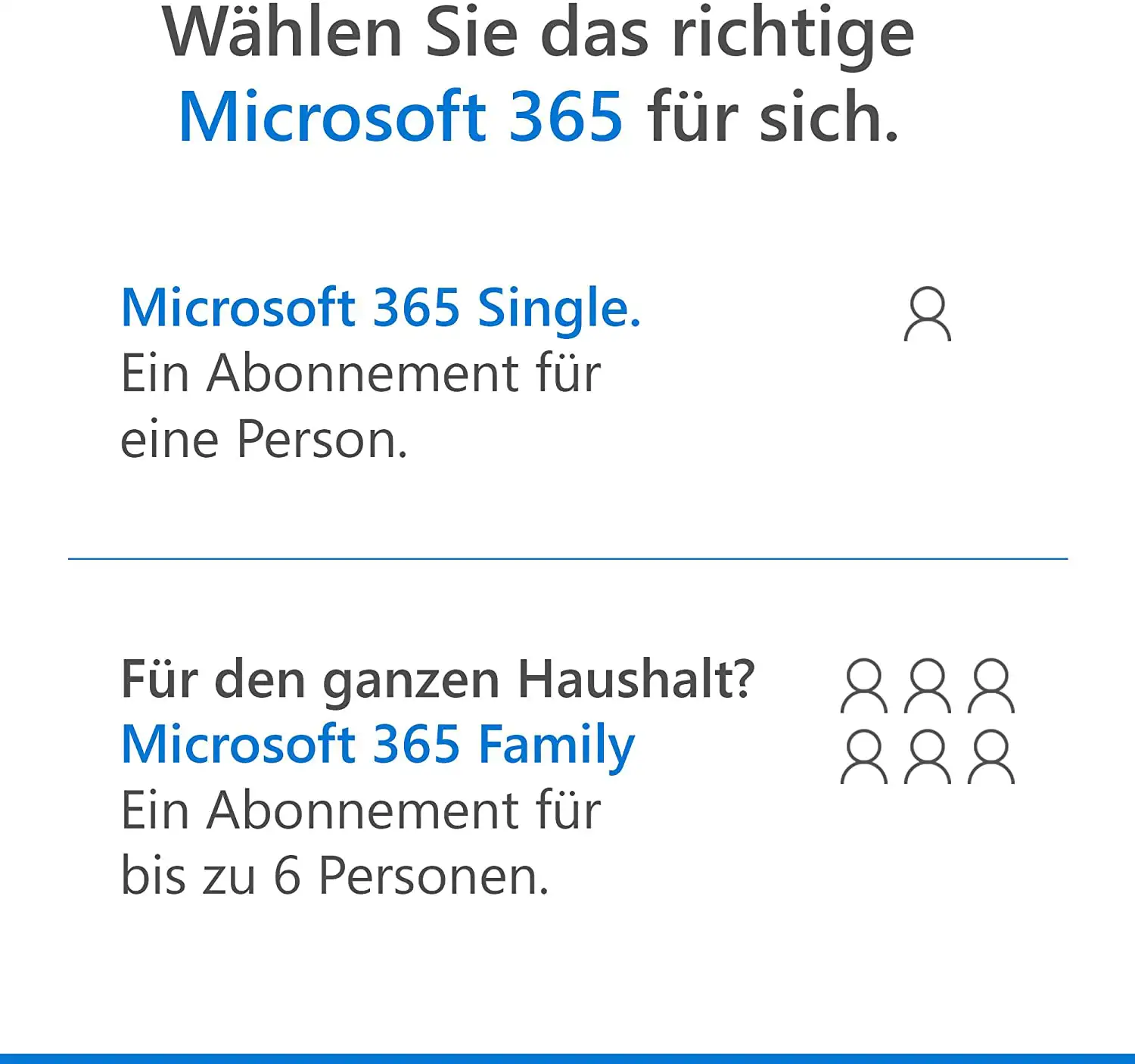
Another notable feature of Microsoft Office 365 Family is its ease of use. The software has an intuitive user interface that makes it easy for users of all experience levels to use the various applications. Most of the features are self-explanatory and easy to find, making the software even easier to use. Another advantage of Microsoft Office 365 Family is that it is licensed for up to six users. This means that a family with several members can use the software without having to buy a separate license for each family member. Each family member receives their own access to the software and can install the applications on their own devices.
Overall, Microsoft Office 365 Family offers a comprehensive suite of applications that enables families to work more productively and effectively. The cloud-based nature of the software offers flexibility and mobility, while the automatic updates ensure that users always receive the latest features and improvements.
Who is Microsoft Office 365 Family suitable for?
Microsoft Office 365 Family is productivity software designed specifically for families. It is a cloud-based suite of applications that allows users to create documents , create spreadsheets , create presentations, send and receive emails, take notes and create databases. The software is suitable for families with multiple members and can be used by up to six users.
Here are some categories of users for whom Microsoft Office 365 Family is particularly suitable:
- Families - The software is ideal for families as it provides a cost-effective way to unite multiple users on one platform and enable effective collaboration on projects. Each family member gets their own access to the software and can install the applications on their own devices.
- Students - Students can benefit from the software by having the ability to create documents and presentations, write assignments and complete other tasks. With the cloud-based nature of Microsoft Office 365 Family , students can also access their files from virtually any device.
- Professionals - Professionals can use the software to create documents , create spreadsheets , create presentations and send and receive emails. The software is also well suited for people working from home as it offers the ability to access files and collaborate with others from anywhere.
- Small businesses - Small businesses can benefit from the software as it offers the ability to create documents and presentations, send and receive emails and create databases. The cloud-based nature of Microsoft Office 365 Family also makes it easier to collaborate on projects with other team members.
Overall, Microsoft Office 365 Family is suitable for families, students, professionals and small businesses. It offers a comprehensive suite of applications that enables users to work more productively and effectively.
Hardware requirements for Office 365 Family | Windows PC/MAC/mobile devices
The hardware requirements for Microsoft Office 365 Family | Windows are generally not particularly demanding and should run smoothly on most modern devices.
Here are the minimum requirements:
- Operating system: Windows 11, Windows 10, Windows 8.1, Windows Server 2019 or Windows Server 2016 (for Office 365 Business)
- Processor: 1.6 GHz or faster, 2 cores or more
- RAM: 4 GB RAM or more
- Hard disk space: 4 GB free space on the hard disk
- Screen resolution: 1280 x 768 or higher
- Graphics card: DirectX 9 or higher, with WDDM 2.0 driver
It is important to note that, depending on which Microsoft Office 365 Family | Windows applications and features are used, higher requirements may apply. For example, the use of video or graphics applications such as PowerPoint or Excel may increase the requirements for the graphics card.
It is recommended to compare the hardware requirements of Microsoft Office 365 Family | Windows with the specifications of the device used to ensure that the system meets the requirements and achieves optimum performance.
The hardware requirements for Microsoft Office 365 Family on a Mac computer are slightly different than on a Windows-based system.
Here are the minimum requirements:
- Operating system: compatibility of Office on Mac systems applies to the three most recent versions of macOS. After the release of a new major version of macOS, Microsoft focuses on the latest and the two previous versions of macOS and ends support for the oldest version. The availability and functionality of product features may vary depending on the age of the system. To ensure trouble-free use for the user, it is recommended to always use the latest version of the specified operating system.
- Processor: Intel processor
- RAM: 4 GB RAM or more
- Hard disk space: 10 GB free space on the hard disk (SSD is recommended for best performance)
- Screen resolution: 1280 x 800 or higher
- Graphics card: The graphics card must be DirectX10-capable or higher
As with the Windows version of Microsoft Office 365 Family, higher requirements may apply if certain applications and functions are used. For example, the use of video or graphics applications such as PowerPoint or Excel can increase the requirements for the graphics card.
It is important to compare the hardware requirements of Microsoft Office 365 Family with the specifications of the Mac computer used to ensure that the system meets the requirements and achieves optimum performance.
Mobile devices
The hardware requirements for Microsoft Office 365 Family on mobile devices differ depending on the operating system.
Here are the minimum requirements for Windows, iOS and Android:
Windows:
- Operating system: Windows 10 Mobile
- Processor: ARM-based processor or x86/x64 processor with at least 1 GHz clock frequency
- RAM: 1 GB RAM or more
- Hard disk space: Not applicable
- Screen resolution: 720p or higher
- Graphics card: Not applicable
iOS:
- Operating system: Last two versions of iOS are supported
- Device: iPhone or iPad
- RAM: Not applicable
- Hard disk space: Not applicable
- Screen resolution: Not applicable
- Graphics card: Not applicable
Android:
- Operating system: Android 6.0 or higher
- Device: Smartphone or tablet
- RAM: 1 GB RAM or more
- Hard disk space: Not applicable
- Screen resolution: 720p or higher
- Graphics card: Not applicable
It is important to note that the performance of Microsoft Office 365 Family on mobile devices is highly dependent on the performance of the device and the quality of the internet connection. A powerful device and a fast, stable Internet connection are recommended to enable optimal use of Microsoft Office 365 Family.
(Further detailed information can be obtained from the manufacturer).
Relevant: We offer you the appropriate setup file for the key! Due to the variety of available versions, we strongly recommend performing a new installation with our provided file to avoid possible future difficulties. If you are unsure or have further questions, please do not hesitate to contact our toll-free customer service. We are always ready to provide you with expert advice!