

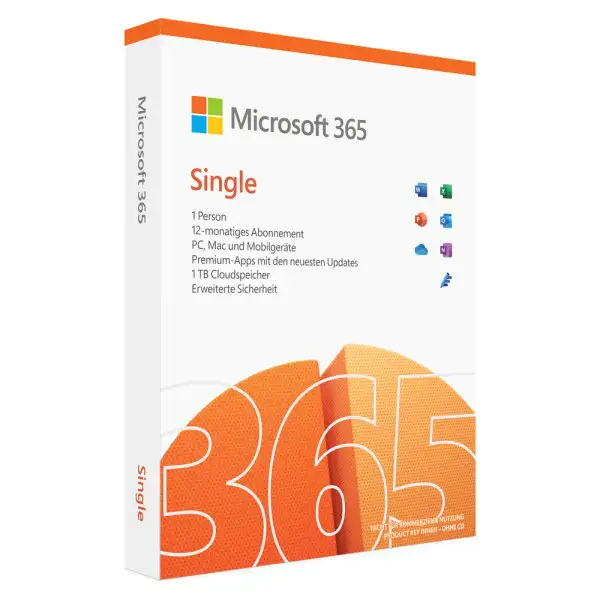
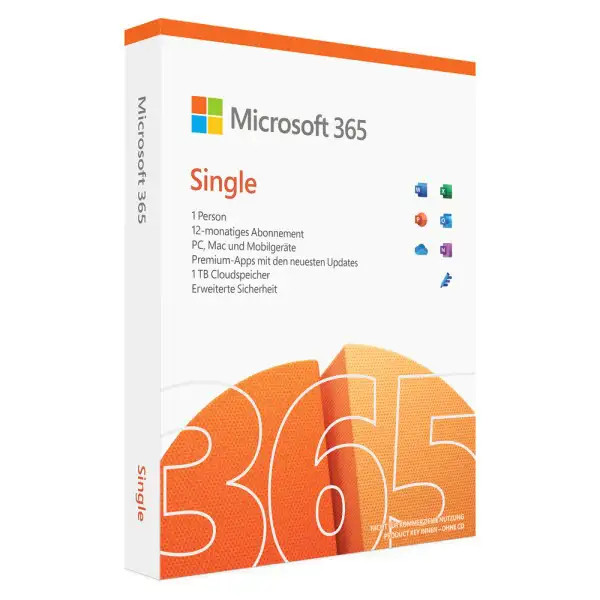
Microsoft Office 365 Single - PC/Mac/mobile devices




We advise you personally
Directly accessible for private and business customers.

We are happy to help!
Mon. - Fri.: 9:00 a.m. - 2:00 p.m.
Prices incl. VAT plus shipping costs
Instant download + product key
What's Included
- Instant delivery – Key & download via email
- Activation guarantee – Permanent access, quality assured
- Installation guide – Simple & easy to follow, included
- VAT invoice – Official proof of purchase included
- Order number: SWI24-701220
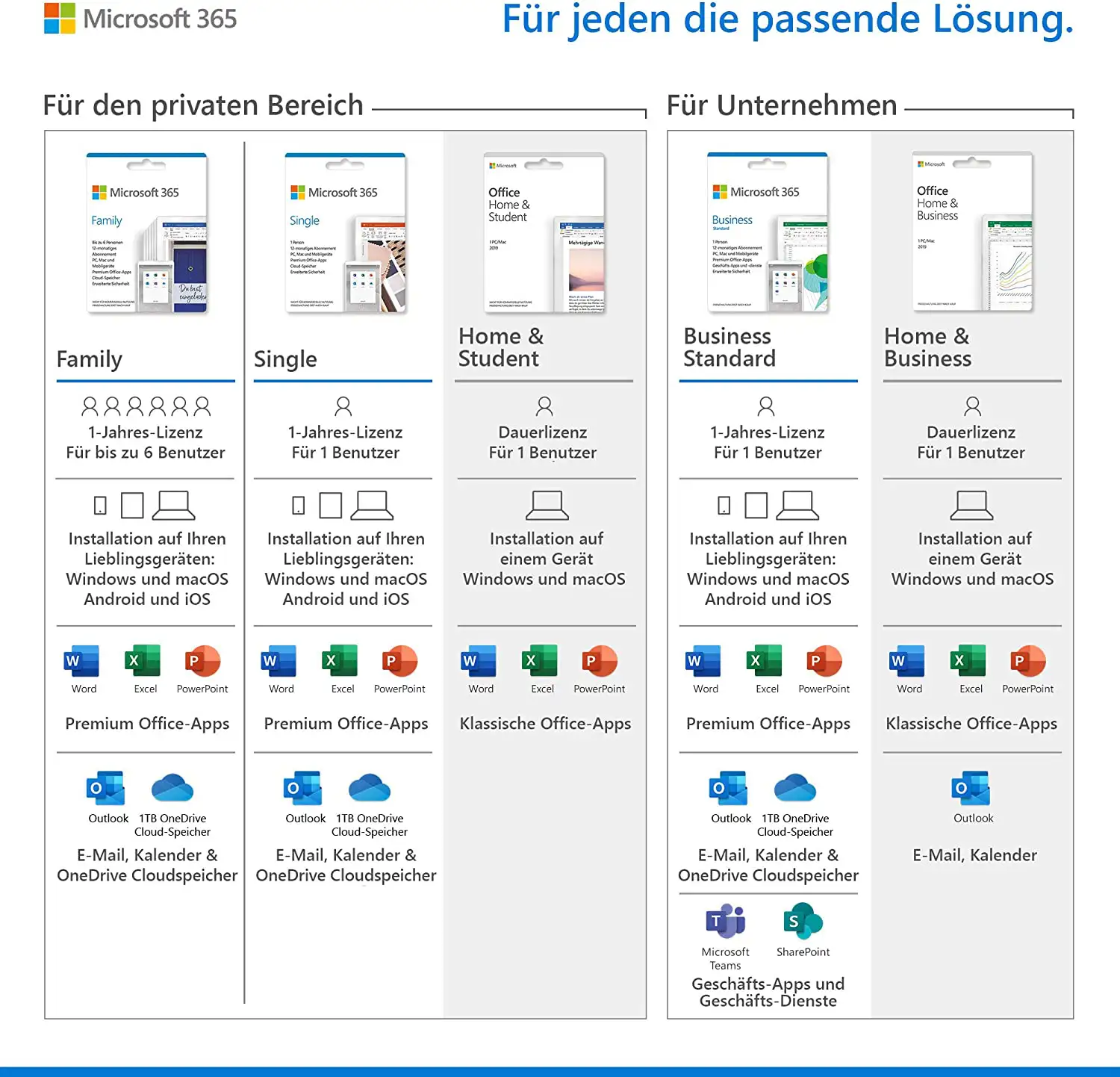
- Devices: 5 devices
- Runtime: 1 year
- Language: All languages
- Country zone: Europa
- Shipping method: E-Mail
- Manufacturer: Microsoft







Microsoft Office 365 Single: A comprehensive and powerful productivity suite for single users
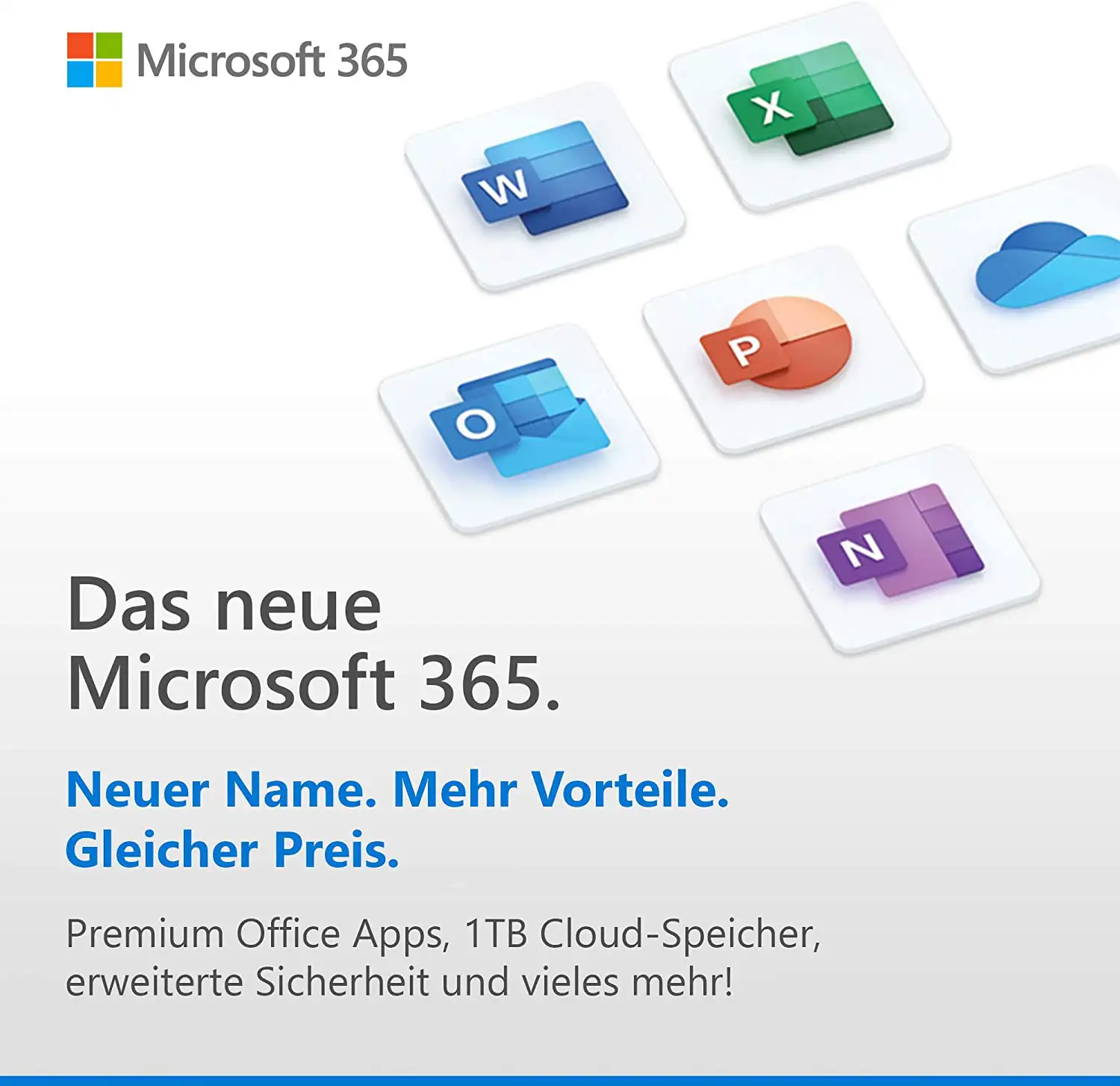
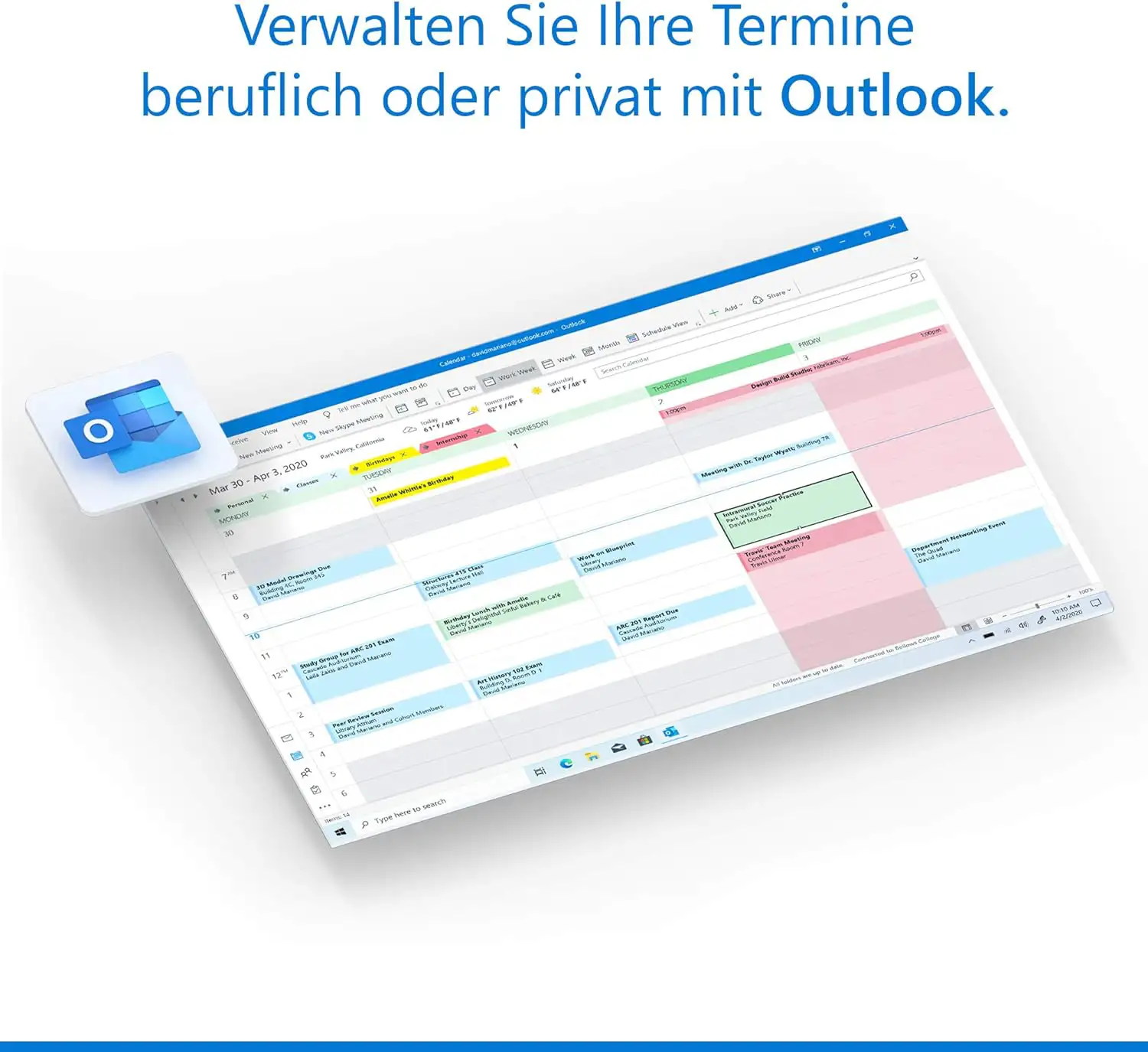
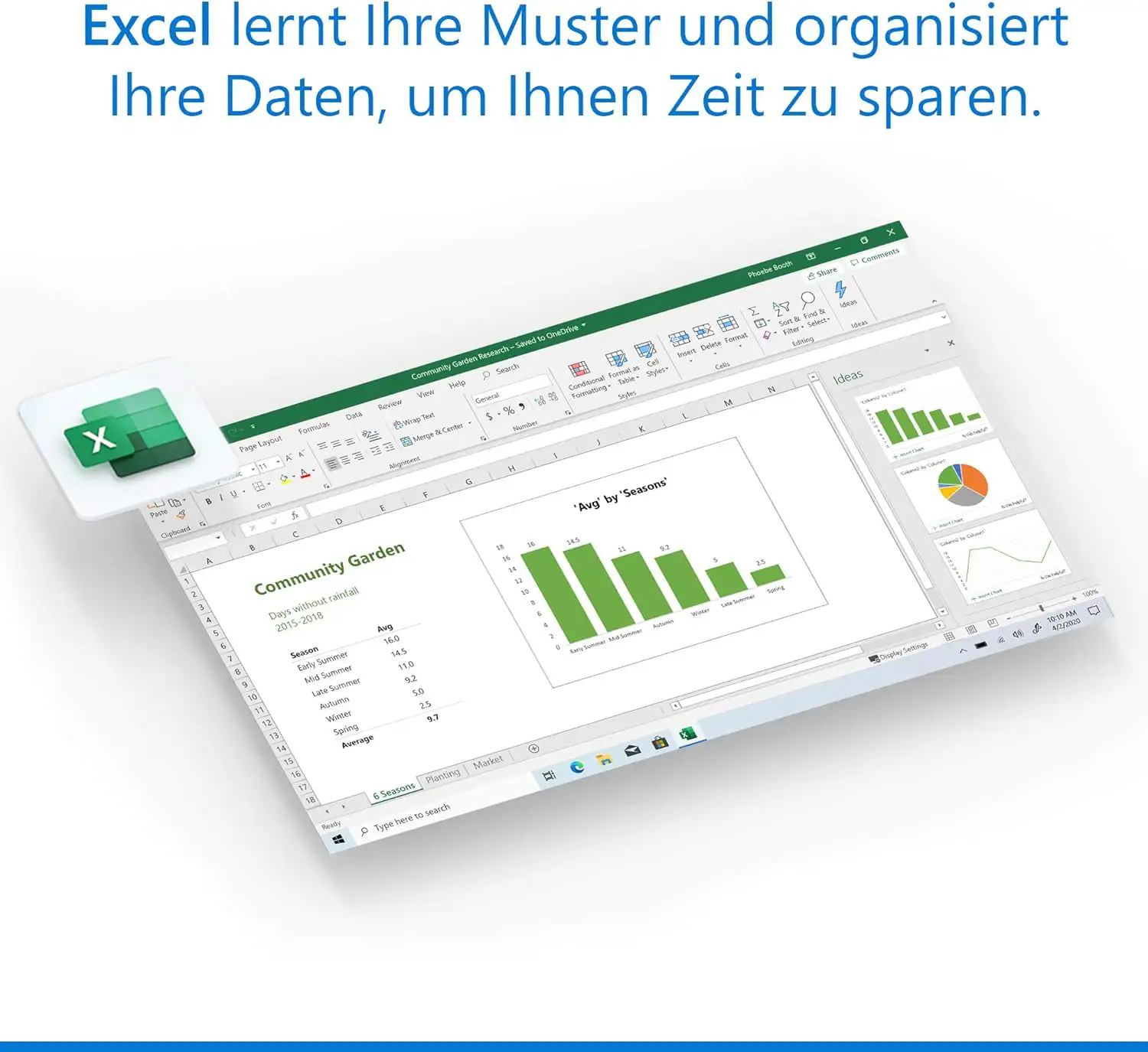
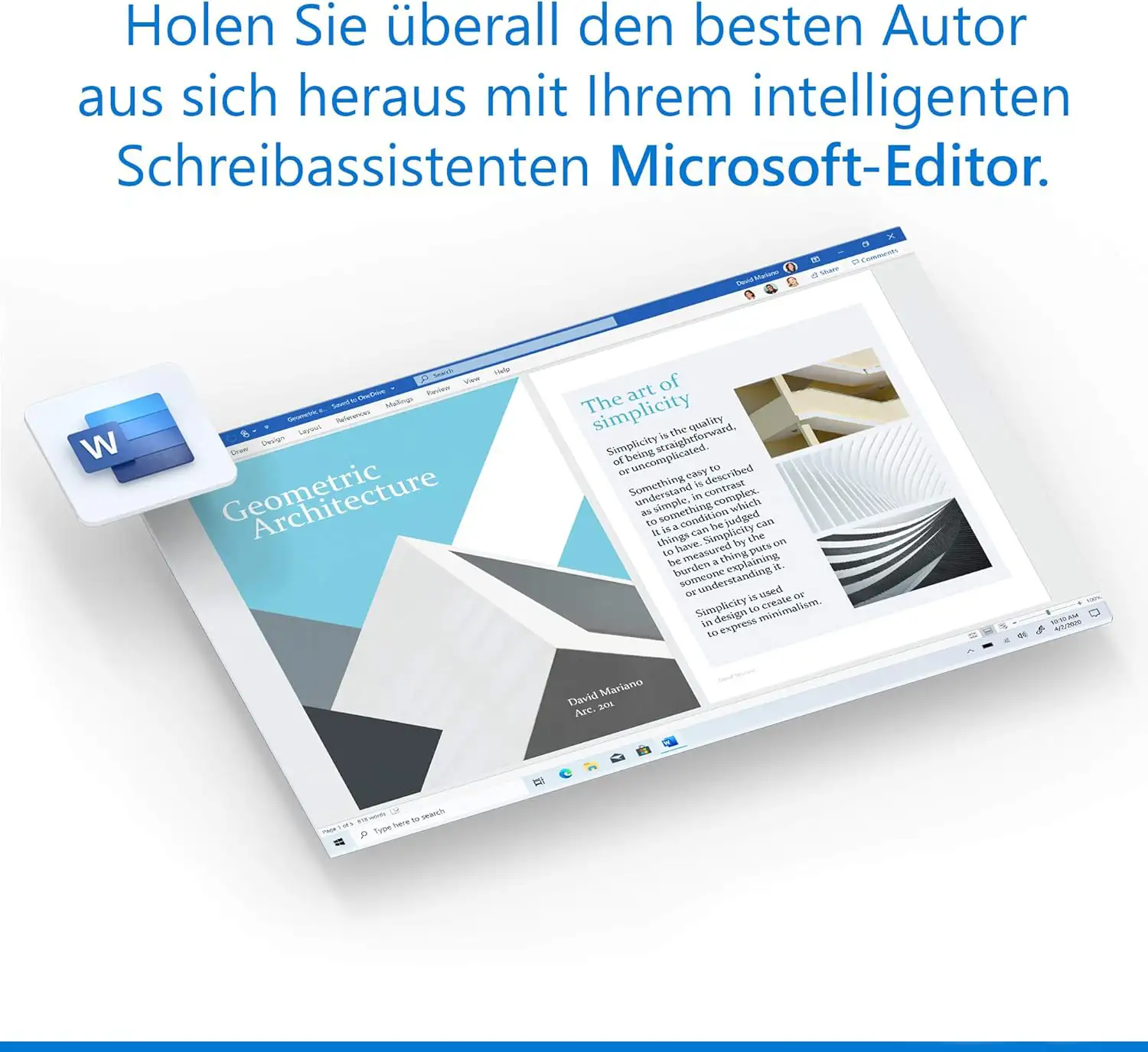
Microsoft Office 365 Single is a comprehensive suite of productivity tools designed for use on a PC, Mac, or mobile device. The software is capable of meeting the needs of a single user who requires a powerful and flexible solution for creating and managing documents. The suite includes various applications, including Word, Excel, PowerPoint, Outlook, OneNote, Publisher, and Access, as well as a variety of online services and cloud storage solutions. These tools are hosted in the cloud and can be accessed anytime, anywhere via an internet connection. Word is a word processing program that allows users to create professional documents such as letters, reports, and resumes. Excel is a spreadsheet program that allows users to perform complex calculations and data analysis. PowerPoint is a presentation program that allows users to create and deliver engaging presentations. Outlook is an email client that allows users to send and receive emails and manage calendars and contacts. OneNote is a digital notebook application that allows users to create and organize notes. Publisher is a desktop publishing application that allows users to create professional publications such as flyers and brochures. Access is a database application that allows users to collect, store, and manage data.
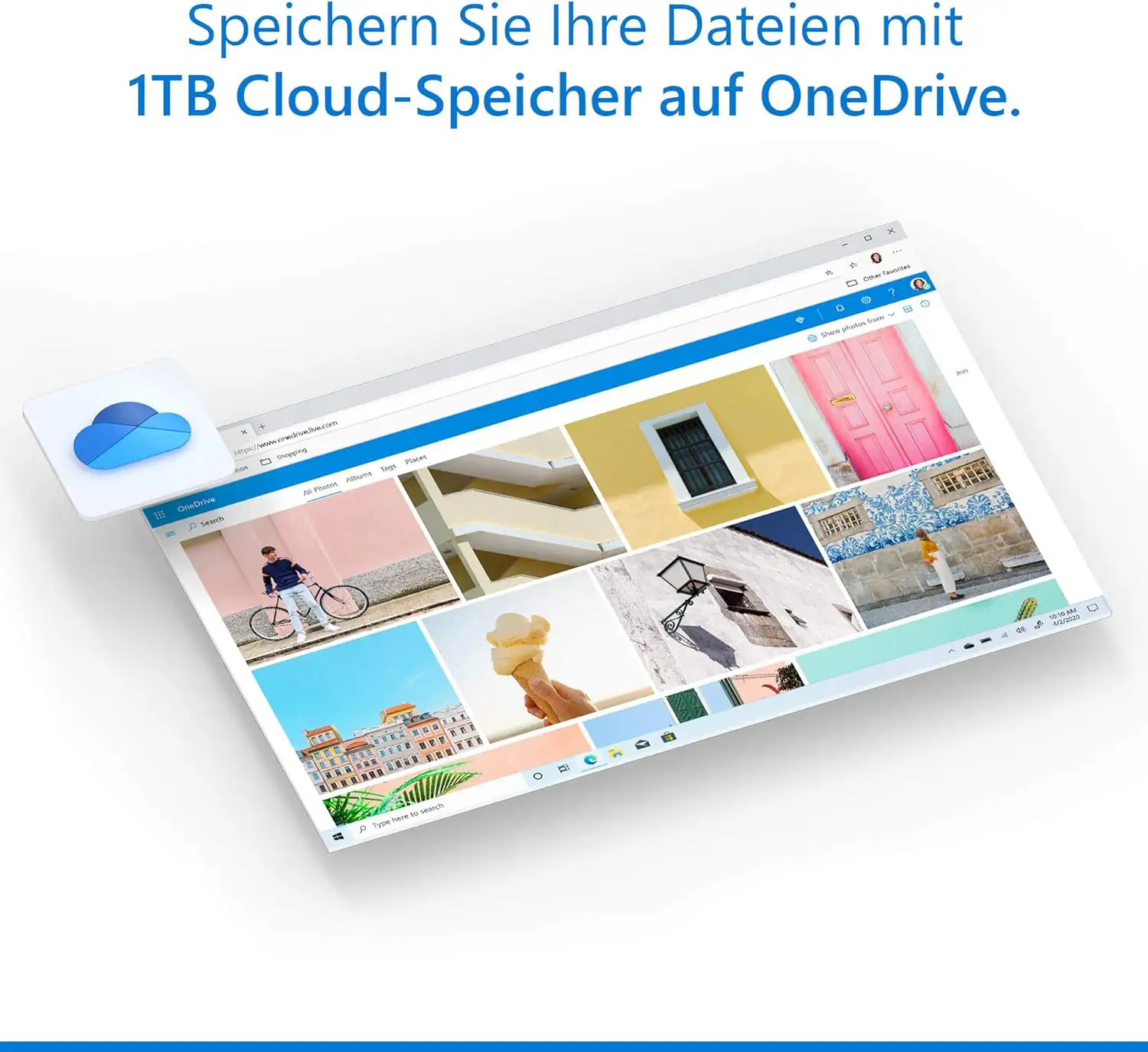
Microsoft Office 365 Single also includes online services such as OneDrive, Skype, Microsoft Teams, and SharePoint. OneDrive is cloud storage that allows users to store documents online and access them from any device. Skype is an instant messaging and video conferencing app that allows users to communicate with other users. Microsoft Teams is an online collaboration platform that allows users to work together on projects and hold meetings. SharePoint is an online collaboration platform that allows users to share documents, tasks, and information with other users within a team or organization. With Microsoft Office 365 Single, users can access and use all applications and services from a single subscription. The suite is automatically kept up to date, giving users access to new features and updates as soon as they become available. The user interface is simple and intuitive, making it easy for users to get started quickly.
In summary, Microsoft Office 365 Single offers a powerful and comprehensive solution for single users who need a variety of productivity tools and cloud storage solutions to work more efficiently. With a wealth of applications and services available, it is an essential tool for single users who want to work productively and effectively.
Who is Microsoft Office 365 Single - PC/Mac/Mobile Devices suitable for?
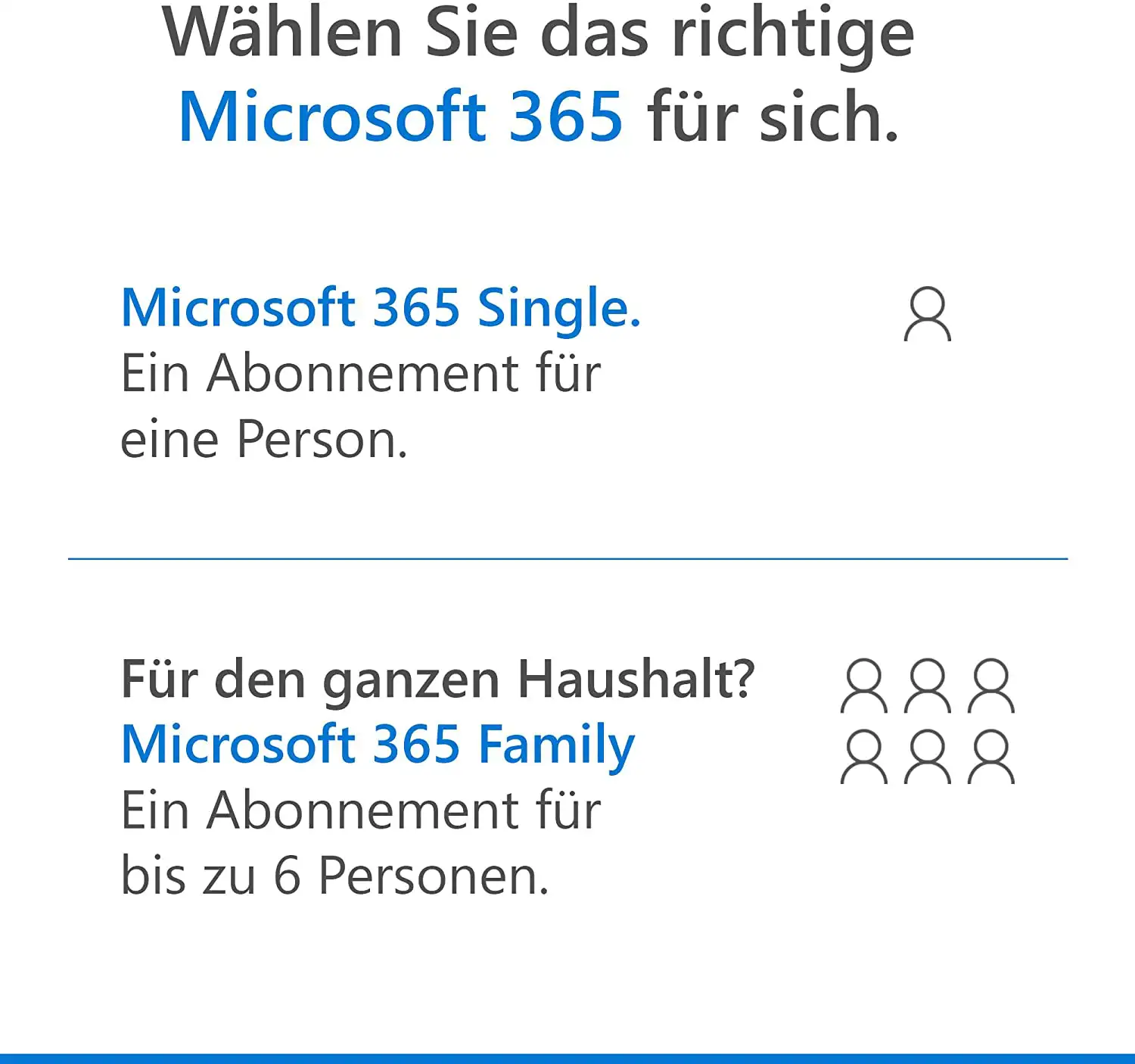
Microsoft Office 365 Single - PC/Mac/Mobile Devices is suitable for single users who need a powerful and comprehensive solution for creating and managing documents and files.
This software suite is particularly useful for people who need a flexible working environment, as it can be used on various devices such as PCs, Macs, and mobile devices.
Here are some categories of people who can benefit from Microsoft Office 365 Single:
- Students: Microsoft Office 365 Single is ideal for students who need to create documents, presentations, and other work. With applications such as Word, Excel, and PowerPoint, they can get their work done quickly and easily and save it to OneDrive for access from anywhere.
- Professionals: Professionals can benefit from Microsoft Office 365 Single because it provides them with a variety of applications and online services that help them create documents and manage emails and contacts. The software is also suitable for businesses and organizations because it facilitates online collaboration and teamwork.
- Self-employed: For self-employed people and freelancers who need to create and manage their business documents, Microsoft Office 365 Single offers a powerful and flexible solution. The software allows them to work from anywhere and store and share their documents securely and efficiently.
- Teachers and professors: Teachers and professors can use Microsoft Office 365 Single to create teaching materials, presentations, and other materials. The applications and online services make it easy to collaborate with other teachers and students and organize lesson plans and assignments.
- Home users: Home users who need a powerful and flexible solution for creating and managing documents can benefit from Microsoft Office 365 Single. The software offers a variety of applications and online services that allow them to get their work done and store and share their files securely.
In summary, Microsoft Office 365 Single is suitable for individual users who need a comprehensive and powerful productivity suite to get their work done and store and share their files securely.
Hardware requirements for Microsoft Office 365 Single PC
The hardware requirements for Microsoft Office 365 Single PC are relatively moderate and should be met by most modern PCs. Here are the recommended system requirements for Microsoft Office 365 Single PC:
- Operating system: Windows 10 or Windows 11
- Processor: 1.6 GHz or faster, 2 cores
- RAM: 4 GB RAM or higher
- Hard disk space: 4 GB available hard disk space
- Screen resolution: 1280 x 768 or higher
- Graphics card: DirectX 9 or higher, with WDDM 2.0 or higher
- Windows 10 browser: The latest version of Microsoft Edge, Internet Explorer, Safari, Chrome, or Firefox
Please note that these requirements may vary depending on the applications and features included in Microsoft Office 365 Single. For example, if you perform intensive tasks such as editing videos or working with large amounts of data, higher system requirements may be necessary. We recommend checking the system requirements on the Microsoft website or contacting support to ensure that your hardware is compatible.
Hardware requirements for Microsoft Office 365 Single Mac
The hardware requirements for Microsoft Office 365 Single on a Mac are similar to those on a PC, but there are some differences.
Here are the recommended system requirements for Microsoft Office 365 Single Mac:
- Operating system: Office compatibility on Mac systems applies to the three most recent versions of macOS. After the release of a new major version of macOS, Microsoft focuses on the latest and the two previous versions of macOS and ends support for the oldest version. The availability and functionality of product features may vary depending on the age of the system. To ensure a smooth user experience, it is recommended to always use the latest version of the specified operating system.
- Processor: Intel processor
- RAM: 4 GB RAM or higher
- Hard disk space: 10 GB available hard disk space
- Screen resolution: 1280 x 800 or higher
- Graphics card: DirectX 10-compatible graphics card for graphics hardware acceleration (optional) Browser: The latest version of Safari, Chrome, or Firefox
It is important to note that older Mac models may not be compatible or may not support all features of Microsoft Office 365 Single. We recommend checking the system requirements on the Microsoft website or Apple's technical support to ensure that your Mac is compatible.
(Further detailed information can be obtained from the manufacturer).
Relevant: It is important that the installation file and product key match. There are different versions of this software, so it may be necessary to use the installation file we provide as a download for a new installation. It is recommended that you obtain information in advance and ask questions if necessary to avoid difficulties and inconvenience later on.
Mobile devices
The hardware requirements for Microsoft Office 365 Single on mobile devices vary depending on the operating system and device type. Here are the recommended system requirements for using Microsoft Office 365 Single on mobile devices:
iOS:
- Operating system: The last two versions of iOS are supported
- Processor: ARM-based processor system
- RAM: 2 GB RAM or higher
- Hard disk space: No specific storage space required, but additional storage space may be required for storing documents and other data
- Screen resolution: No specific value required, but higher resolutions provide a better user experience
- Browser: Safari
Android
- Operating system: Android 6.0 or higher
- Processor: ARM-based processor system
- RAM: 2 GB RAM or higher
- Hard disk space: No specific storage space required, but additional storage space may be required for storing documents and other data
- Screen resolution: No specific value required, but higher resolutions provide a better user experience
- Browser: The latest version of Chrome
It is important to note that older or lower-end mobile devices may not meet the recommended system requirements and may not support all features of Microsoft Office 365 Single. We recommend checking the system requirements on the Microsoft website or with the device manufacturer's technical support to ensure that your mobile device is compatible.


