
Jetzt zum Newsletter anmelden!

Abonnieren Sie jetzt unseren kostenlosen Newsletter und verpassen Sie keine Aktionen und Neuigkeiten mehr.

Please enter a valid email address.
  • Spring sale
  • Get your discounts now!
Offers in:
Offers for:

  Service: +49 5561 - 6092957

  Free shipping

  Secure shopping thanks to SSL

Microsoft PowerPoint 2016 | Mac

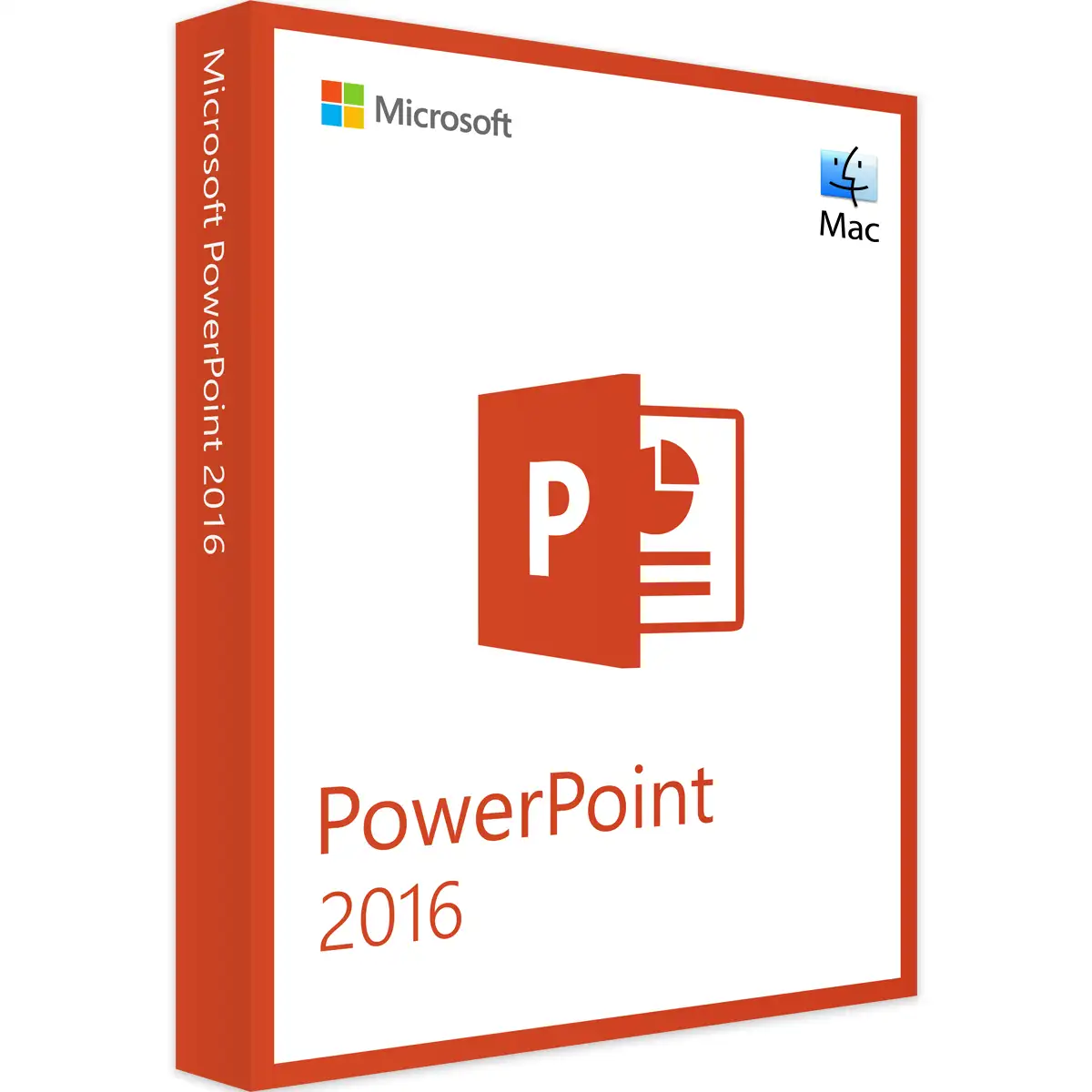
Microsoft PowerPoint 2016 | Mac
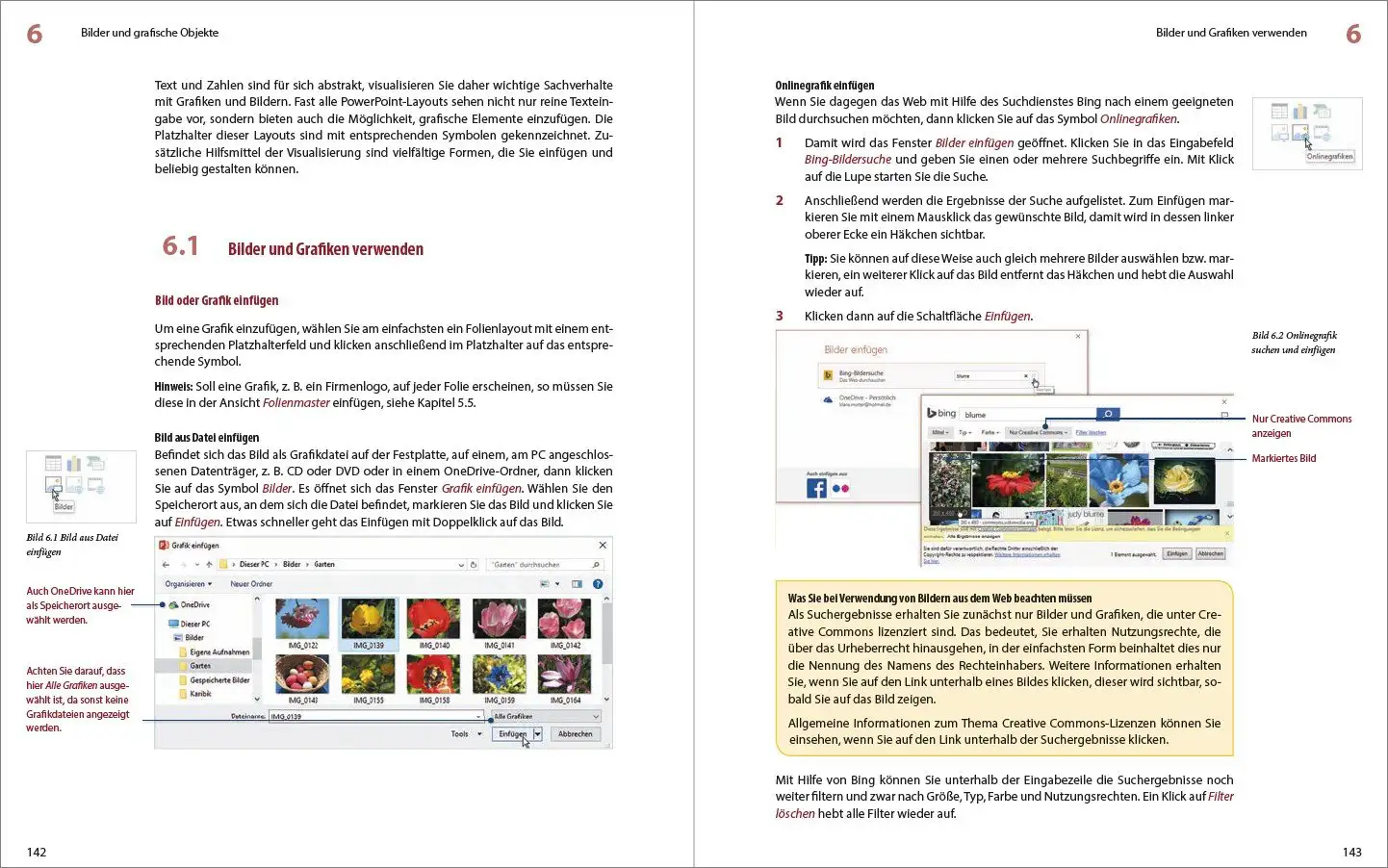
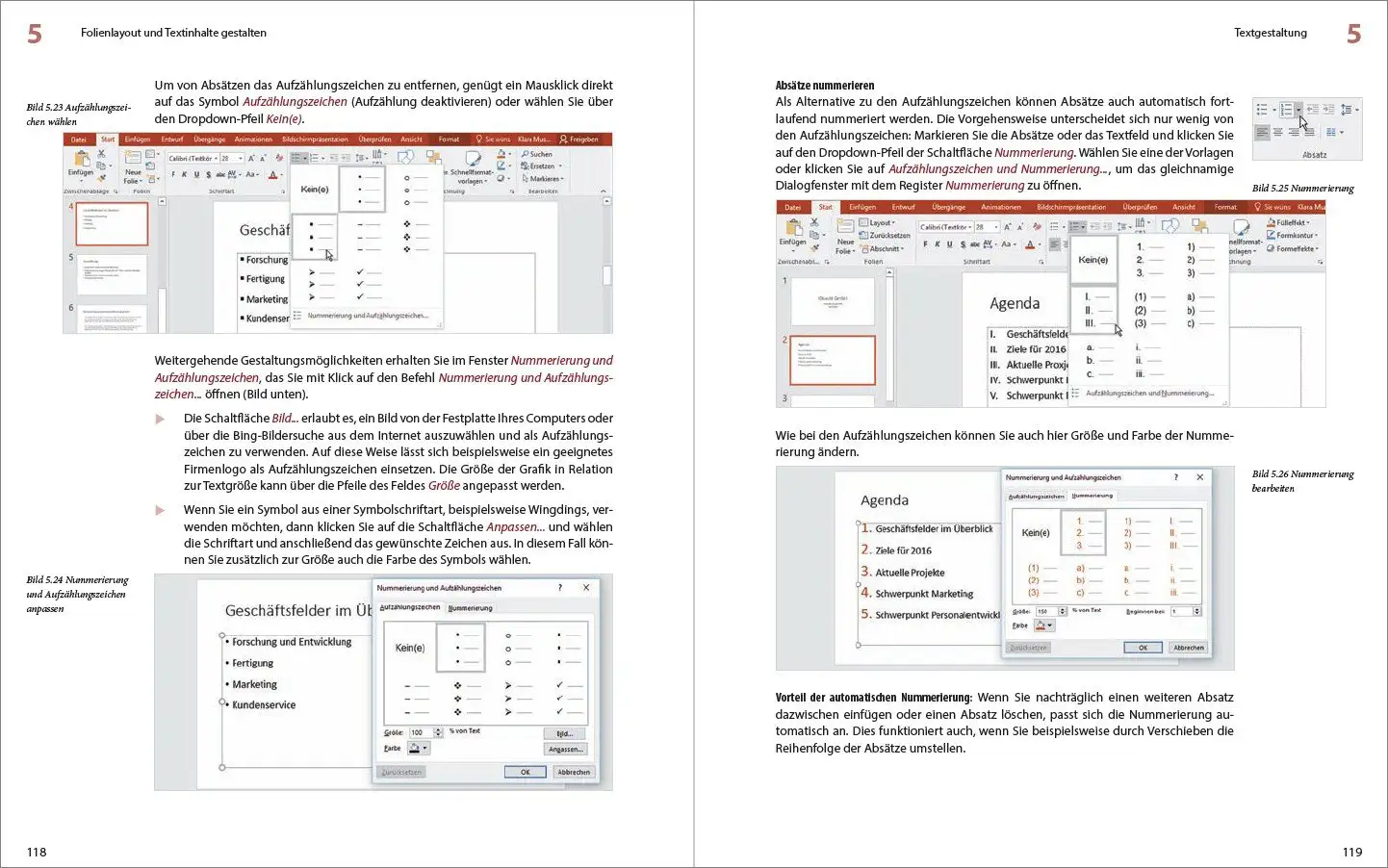
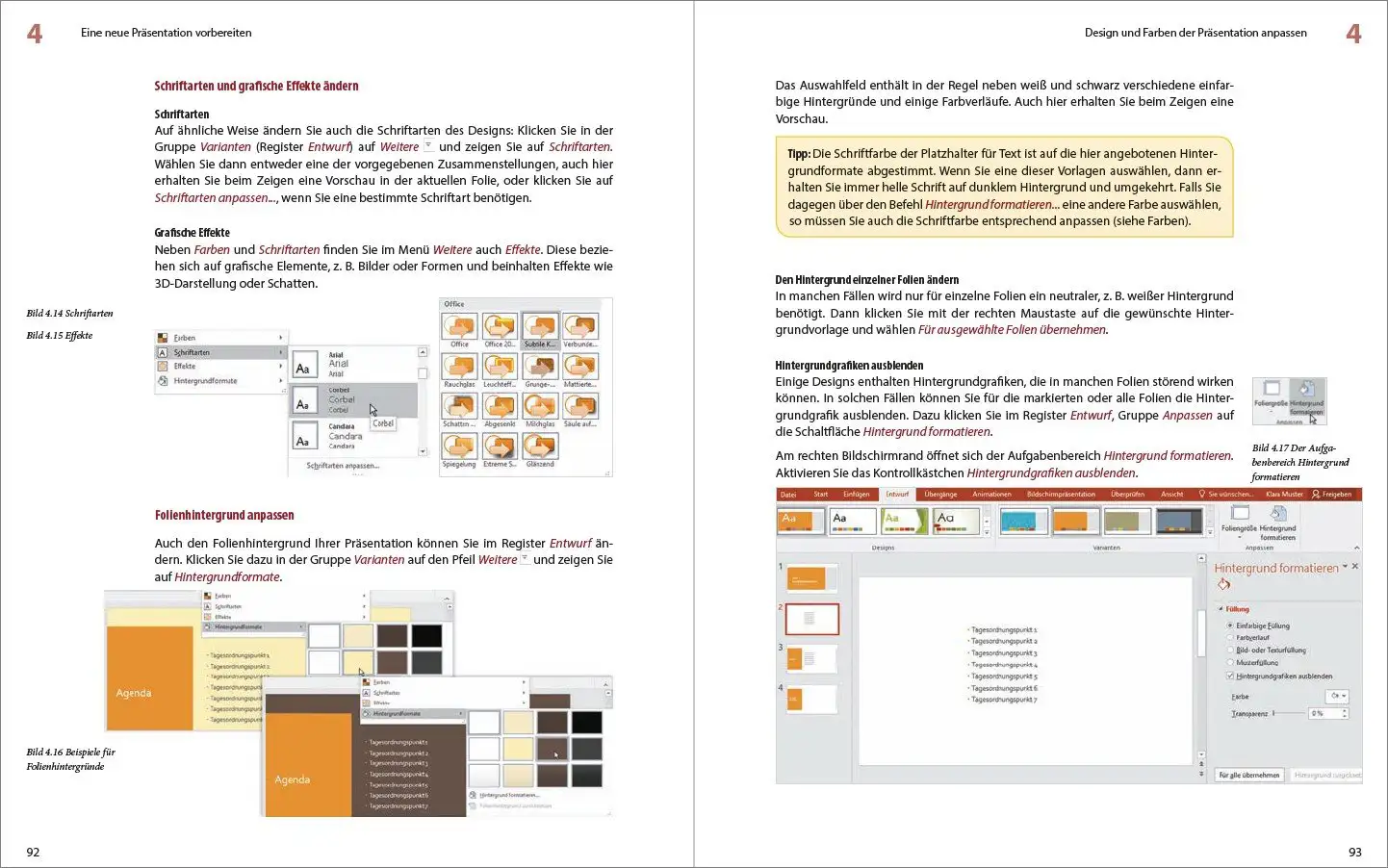

We advise you personally

Directly accessible for private and business customers.


berater-bild

We are happy to help!


Mon. - Fri.: 9:00 a.m. - 2:00 p.m.

€19.90 €64.90 (69.34% Saved)

Prices incl. VAT plus shipping costs

Instant download + product key

What's Included

  • Instant delivery – Key & download via email
  • Activation guarantee – Permanent access, quality assured
  • Installation guide – Simple & easy to follow, included
  • VAT invoice – Official proof of purchase included
Already sold 2341 times!
[Optional] Software to take with you - incl. USB stick
USB - Stick
USB - Stick
€14.95
  • SWI24-700477
  • 1 Mac
  • Permanently valid
  • All languages
  • Worldwide
  • E-Mail
  • Microsoft
  • Amazon Pay Kreditkarte Klarna Rechnung Apple Pay Google Pay
Microsoft PowerPoint 2016 | Mac: The ultimate presentation software for effective collaboration...more
Product information "Microsoft PowerPoint 2016 | Mac"

Microsoft PowerPoint 2016 | Mac: The ultimate presentation software for effective collaboration and impressive results

Microsoft PowerPoint 2016 for Mac is a powerful presentation software that enables users to create and present impressive presentations. The software is part of the Microsoft Office suite and offers a variety of tools and features that allow users to design their presentations in a professional manner. One of the key features of PowerPoint 2016 for Mac is the ability to create animated slide transitions and effects that enhance the visual aspect of the presentation. The software has an extensive library of slide layouts and templates that allow users to quickly and easily create presentations that are well-structured and visually appealing.

PowerPoint 2016 for Mac also offers a variety of features for working with text, images and multimedia elements. Users can format text in different fonts and sizes, insert and edit images and videos, and create charts and graphs. The software also offers an integrated spell checker and an automatic slide layout function, making it easier for users to create their presentations quickly and efficiently. In addition, PowerPoint 2016 for Mac offers the ability to save presentations in various formats, including PowerPoint presentations, PDFs and web pages. The software also has a built-in presentation mode feature that allows users to seamlessly present their presentations without leaving the software.

In summary, Microsoft PowerPoint 2016 for Mac is a powerful and versatile presentation software that allows users to create and present stunning presentations. With a variety of features for designing slide layouts, text formatting, multimedia elements and presentation mode, PowerPoint 2016 for Mac is an ideal solution for anyone who wants to create professional and engaging presentations.

Who is Microsoft PowerPoint 2016 | Mac suitable for?

Microsoft PowerPoint 2016 | Mac is a presentation software aimed at a broad target group. It is a suitable solution for business people, teachers, pupils, students and anyone who needs to create and present presentations. The software is easy to use and offers a variety of features and tools to create professional and engaging presentations. Therefore, PowerPoint 2016 | Mac is suitable for individuals as well as companies and organizations of all sizes who want to improve their presentations and convey their messages visually effectively.

  • Business professionals and executives : PowerPoint 2016 offers a variety of features that make it easy for business professionals and executives to create and deliver professional presentations to effectively communicate their ideas and concepts.
  • Teachers and students: Teachers and students can use PowerPoint 2016 to create engaging and informative presentations that illustrate and enhance lessons.
  • Freelancers and creatives: Freelancers and creatives can use PowerPoint 2016 to present their projects and communicate their ideas visually, especially in areas such as graphic design, photography, architecture and web design.
  • Event planners and organizers: Event planners and organizers can use PowerPoint 2016 to create presentations and slideshows that can be shown at events such as conferences, trade shows, weddings or birthday parties.
  • Anyone who needs to create and present presentations: Whether at work or at home, PowerPoint 2016 is a useful and versatile software that can be used by anyone who needs to create and present presentations, whether for a project meeting, a wedding or a travel presentation.

In short, Microsoft PowerPoint 2016 | Mac is suitable for anyone who needs an easy-to-use and versatile presentation software to prepare and present content visually.

Hardware requirements for Microsoft PowerPoint 2016 Mac

  • Operating system: The compatibility of Office on Mac systems applies to the three latest versions of macOS. After the release of a new major version of macOS, Microsoft focuses on the latest and the two previous versions of macOS and ends support for the oldest version. The availability and functionality of product features may vary depending on the age of the system. To ensure trouble-free use for the user, it is recommended to always use the latest version of the specified operating system.
  • Processor: Intel processor
  • Memory: At least 4 GB RAM
  • Hard disk space: At least 6 GB free hard disk space
  • Screen resolution: At least 1280 x 800 pixels
  • Graphics card: At least DirectX 10-compatible graphics card

Please note that these requirements are minimum requirements and you may need a higher specification for better performance.

(Further detailed specifications can be obtained from the developer).

Relevant: We provide you with the appropriate setup file for the key! Due to the variety of available versions, we strongly recommend to perform a fresh installation with our provided file to avoid possible future difficulties. If you are unsure.

Related links to "Microsoft PowerPoint 2016 | Mac"







