We advise you personally
Directly accessible for private and business customers.
We are happy to help!
Mon. - Fri.: 9:00 a.m. - 2:00 p.m.
Prices incl. VAT plus shipping costs
Instant download + product key
What's Included
- Instant delivery – Key & download via email
- Activation guarantee – Permanent access, quality assured
- Installation guide – Simple & easy to follow, included
- VAT invoice – Official proof of purchase included
- Order number: SWI24-701629
- Devices: 1 Mac
- Runtime: Permanently valid
- Language: All languages
- Country zone: Worldwide
- Shipping method: E-Mail
- Manufacturer: Roxio
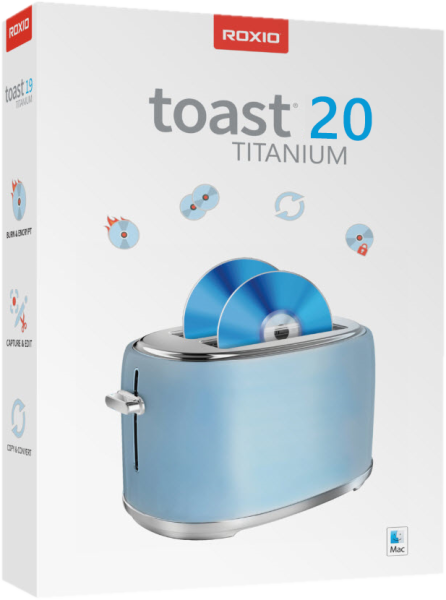
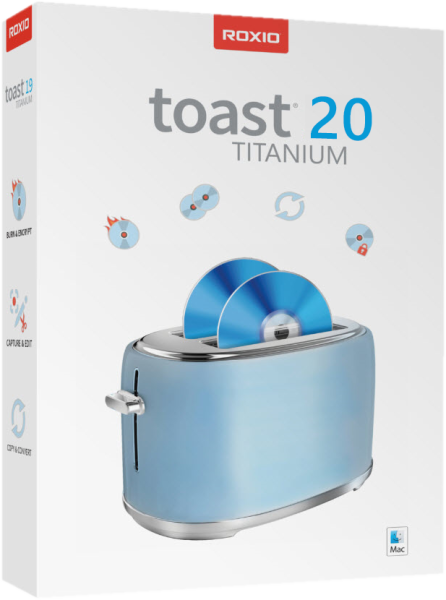
Burn, convert, and design: Roxio Toast 20 Titanium for Mac has everything you need
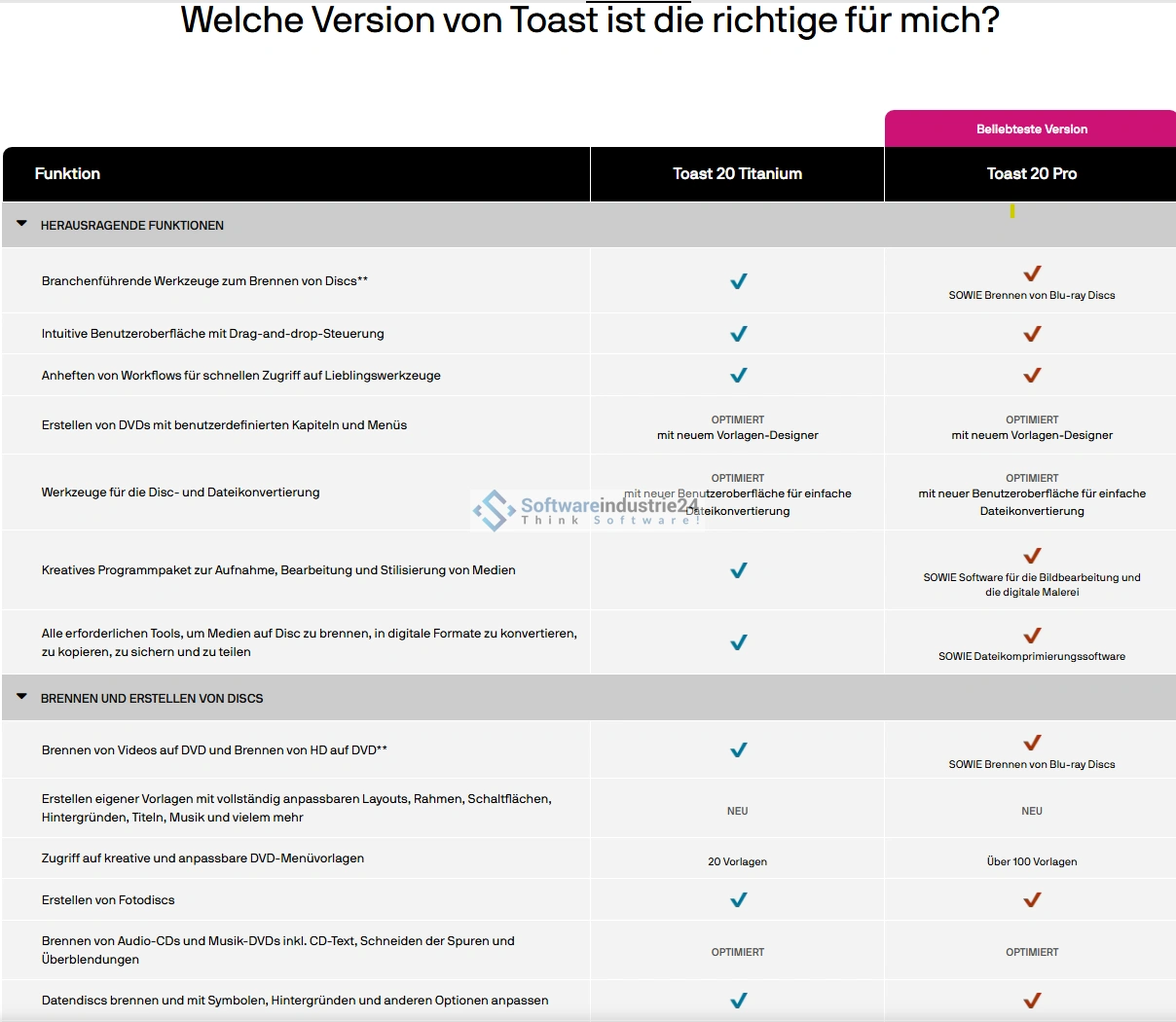
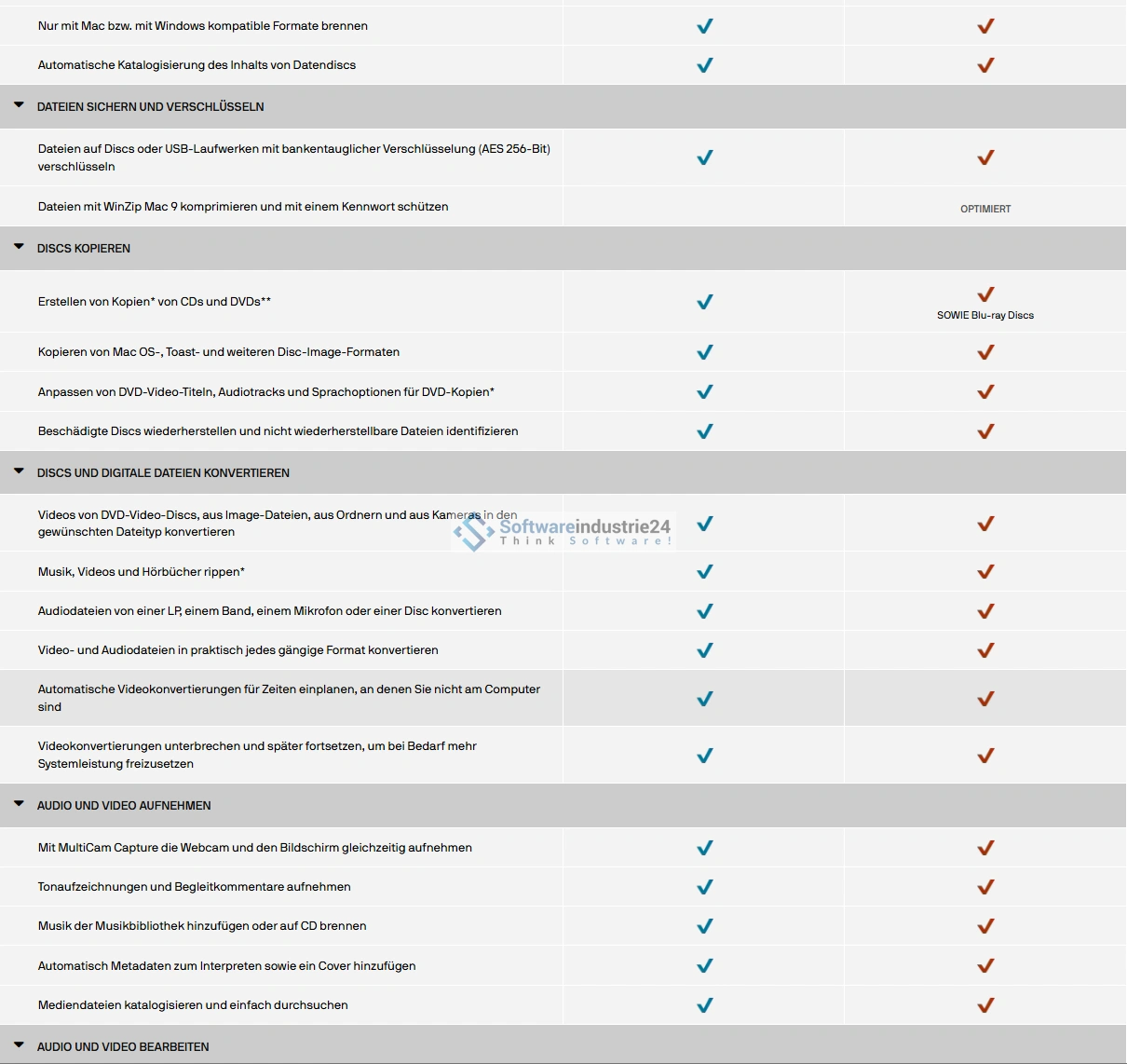
Roxio Toast 20 Titanium for Mac is the ideal solution for creating data discs. Although streaming is replacing physical media such as CDs, DVDs, USB sticks, and memory cards in some areas, there are still reasons not to abandon the use of such media. With Roxio Toast 20 Titanium for Mac, you get everything you need to create your own optical media, including the right hardware in the form of a suitable burner and reliable software. The program is characterized by its reliable functionality and ease of use, so even beginners can get started right away. If you are a professional and the features of the basic version are not enough, Roxio Toast 20 Titanium Pro for Mac is another alternative that should leave nothing to be desired.
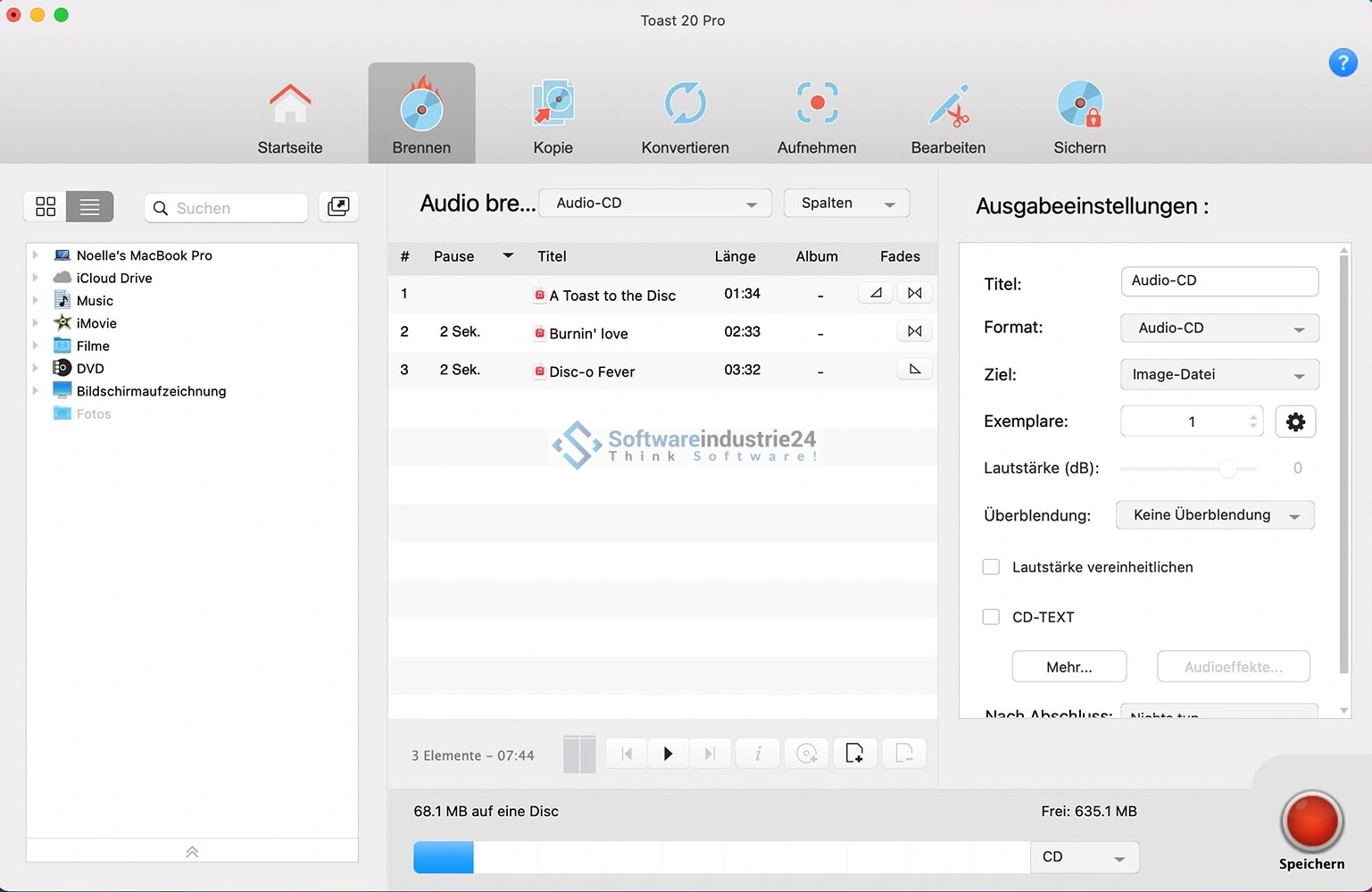
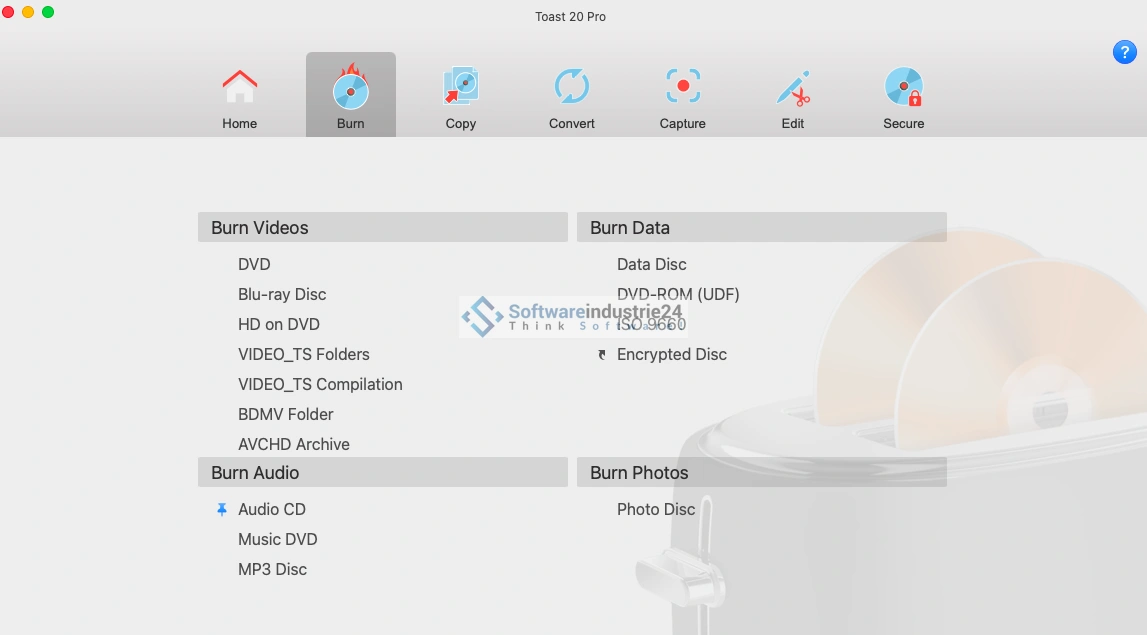
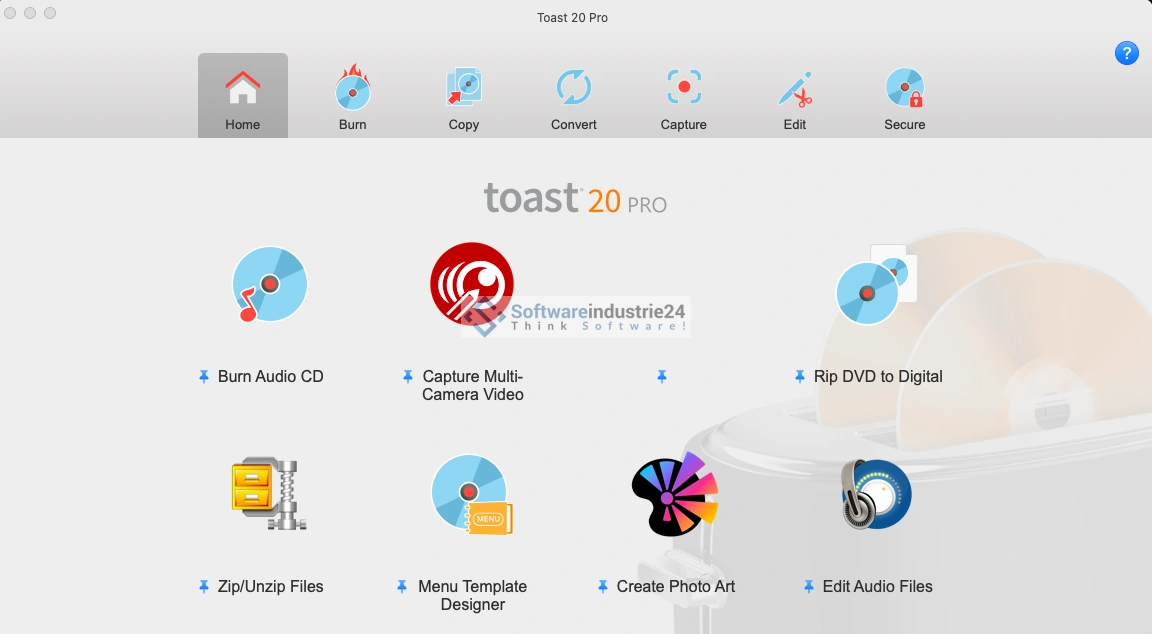
With Roxio Toast 20 Titanium for Mac, you can burn content securely and reliably. The built-in tools of operating systems often only offer a basic solution that cannot be of any real help with any additional requirements. With Roxio Toast 20 Titanium, you have significantly more options on your Mac to give free rein to your creativity. Create custom menus and chapters for DVDs that look truly professional. In addition to videos and music, you can of course burn all other file types and thus back them up to external media and share them. Another interesting feature of Roxio Toast 20 Titanium is the conversion of existing files to other formats. For example, if certain files are in a format that is not compatible with your Mac, you can still make the data usable in many cases. Since version 19, Roxio Toast Titanium has a new and even better designed user interface that makes it easy to get started. Advanced users benefit from the practical customization of the interface, allowing them to easily rearrange frequently used tools as they wish so that they are always immediately available.
With Roxio Toast 20 Titanium for Mac, you no longer have to worry about complicated solutions for burning discs for your creative projects. You will receive your license for Roxio Toast for Mac immediately and without delay via the convenient download function.
Who is Roxio Toast 20 Titanium | Mac suitable for?

Roxio Toast 20 Titanium for Mac is aimed at a wide range of users who want to create, copy, or convert optical media such as CDs, DVDs, and Blu-ray discs on their Mac.
Here are some categories of users for whom the program is particularly suitable:
- Amateur photographers and videographers: Roxio Toast 20 Titanium for Mac is ideal for amateur photographers and videographers who want to burn their photos or videos to DVDs or Blu-ray discs. The software allows users to create custom menus and chapters for DVDs that look professional and are easy to navigate. In addition, they can convert their photos and videos to other formats and play them on their mobile devices or TV.
- Content creators: Content creators, especially YouTubers, can use Roxio Toast 20 Titanium for Mac to convert their videos to various formats for uploading to different platforms or sharing on optical media. The software supports all popular video formats and offers numerous options for customizing video bitrate, resolution, and frame rate.
- IT professionals: IT professionals who often work with different file formats can use Roxio Toast 20 Titanium for Mac to convert files from one format to another. The software supports a wide range of file formats and offers comprehensive options for customizing conversion settings.
- Audio professionals: Audio professionals can use Roxio Toast 20 Titanium for Mac to burn audio CDs and convert them to various formats. The software supports all popular audio formats and offers comprehensive options for customizing bit rate, channels, and sample rate.
- Businesses and organizations: Businesses and organizations can use Roxio Toast 20 Titanium for Mac to burn and distribute internal training materials, presentations, or other data on optical discs. The software offers numerous options for customizing menus, chapters, and labels to ensure a professional appearance.
Overall, Roxio Toast 20 Titanium for Mac is a useful and versatile software solution for a wide range of users who want to create, convert, or copy optical discs.
Hardware requirements for Roxio Toast 20 Titanium | Mac
The hardware requirements for Roxio Toast 20 Titanium | Mac are:
- A Mac computer with an Apple M1 chip or higher or an Intel processor
- MacOS Compatible with the latest three Mac versions
- At least 2 GB RAM (4 GB or more recommended)
- 1 GB of free hard disk space for installation of all components
- An Internet connection for installation, registration, and updating of the software
Please note that older Mac models may not have the necessary hardware specifications to run Roxio Toast 20 Titanium | Mac.
(Further details can be obtained from the manufacturer)