


We advise you personally
Directly accessible for private and business customers.

We are happy to help!
Mon. - Fri.: 9:00 a.m. - 2:00 p.m.
Prices incl. VAT plus shipping costs
Instant download + product key
- Order number: SWI24-700132
- Devices: 1 PC
- Runtime: Permanently valid
- Language: All languages
- Country zone: Worldwide
- Shipping method: E-Mail
- Manufacturer: Microsoft

What's Included
- Instant delivery – Key & download via email
- Activation guarantee – Permanent access, quality assured
- Installation guide – Simple & easy to follow, included
- VAT invoice – Official proof of purchase included
The future of work: Windows 11 Pro revolutionizes productivity!
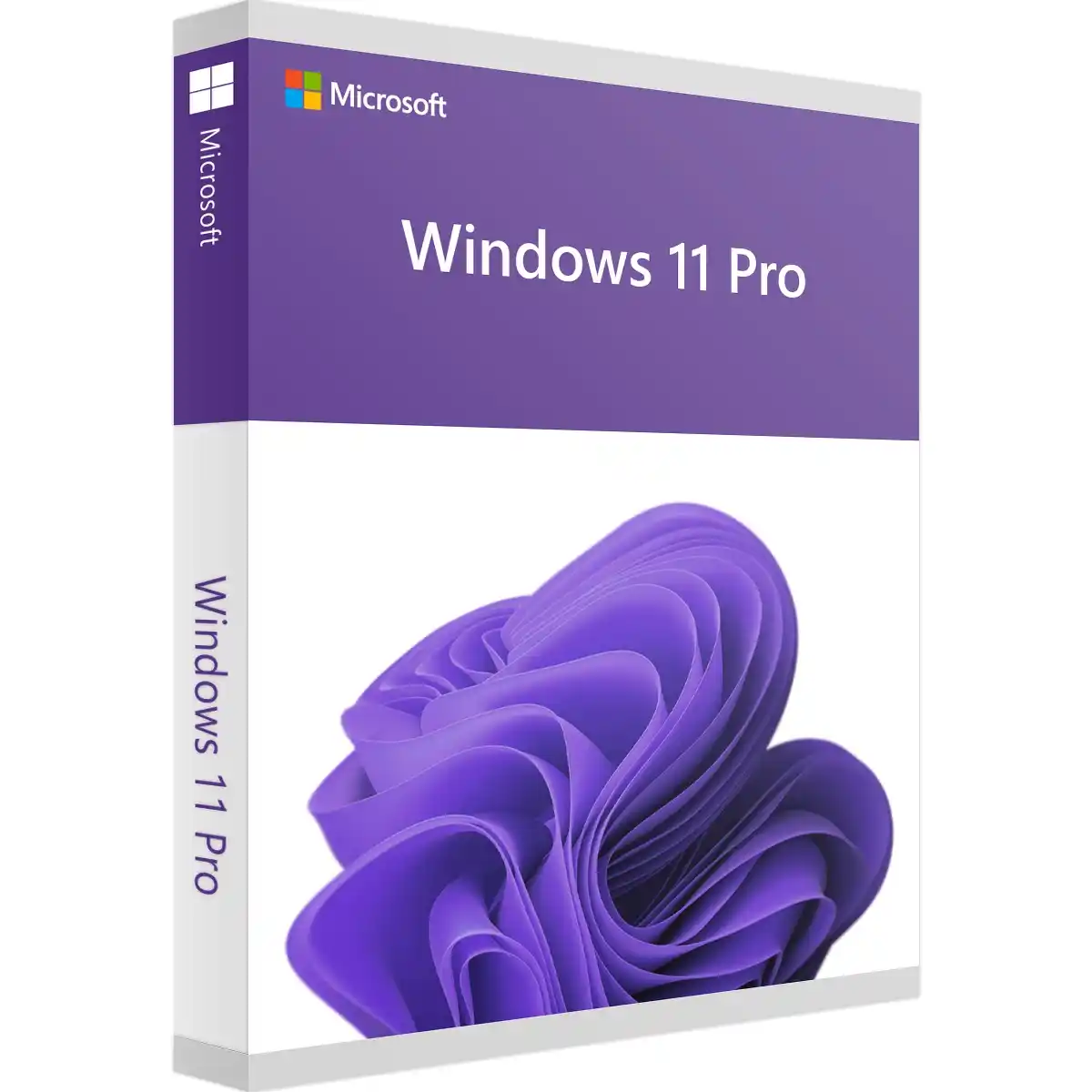
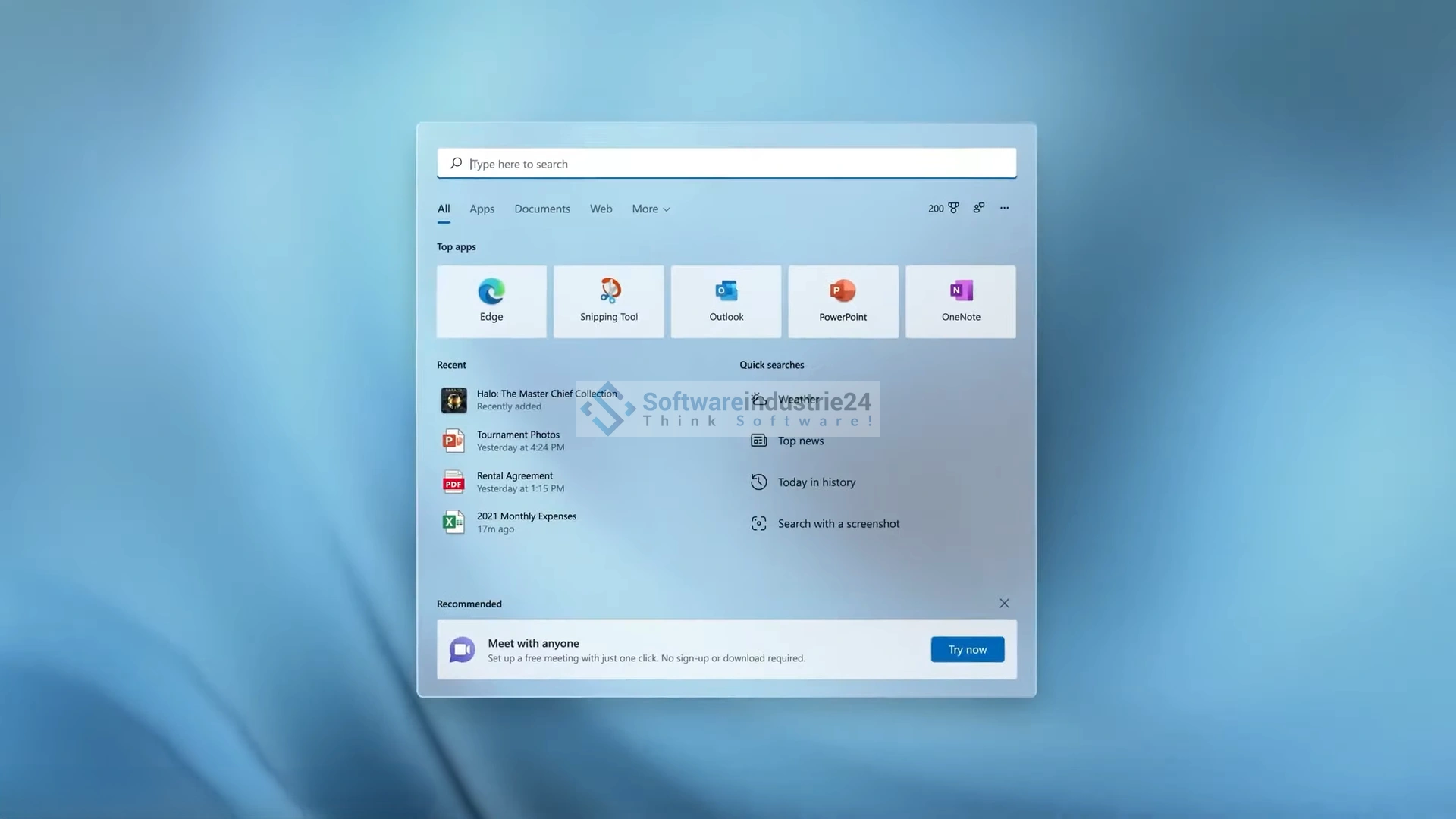
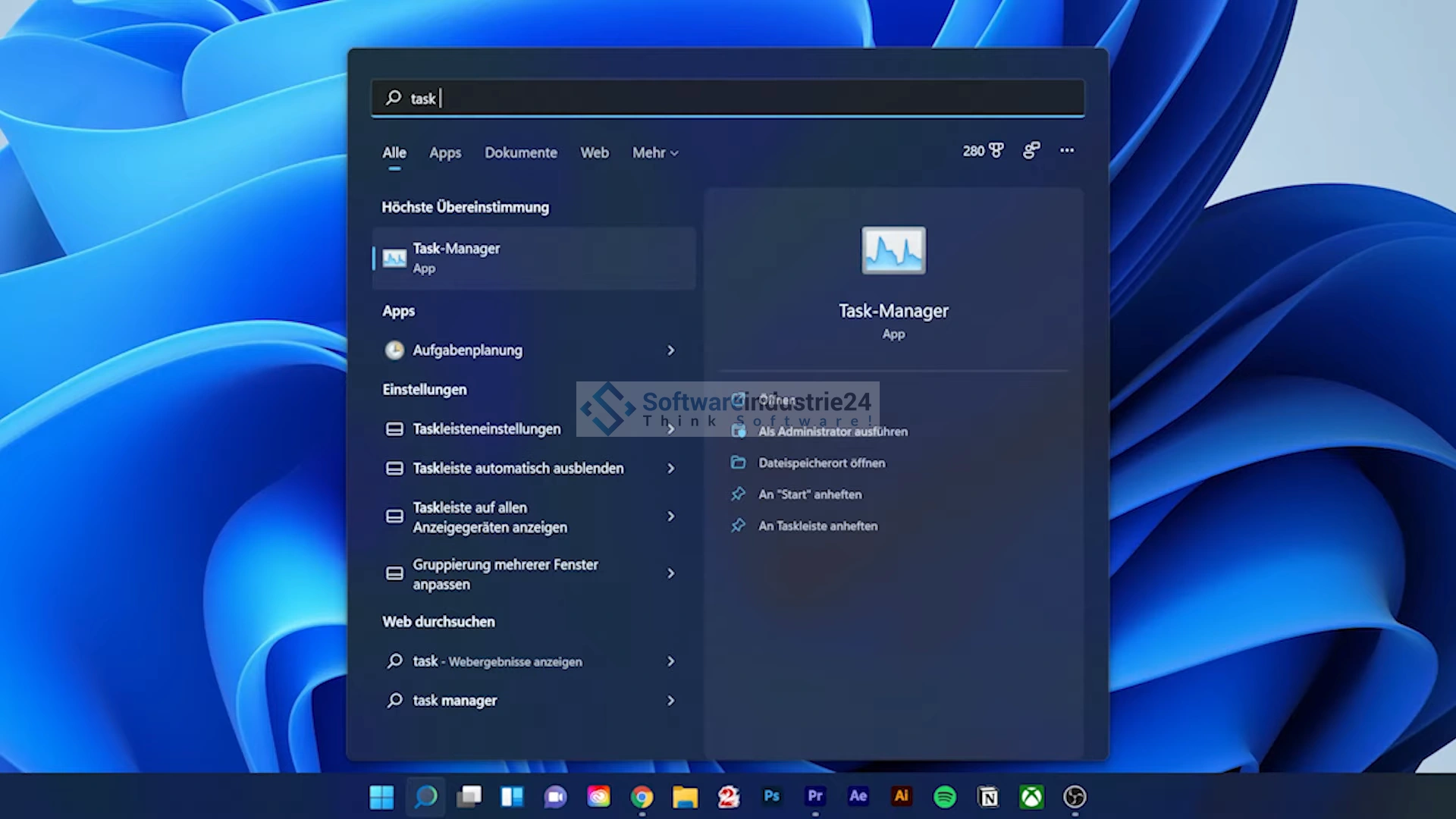
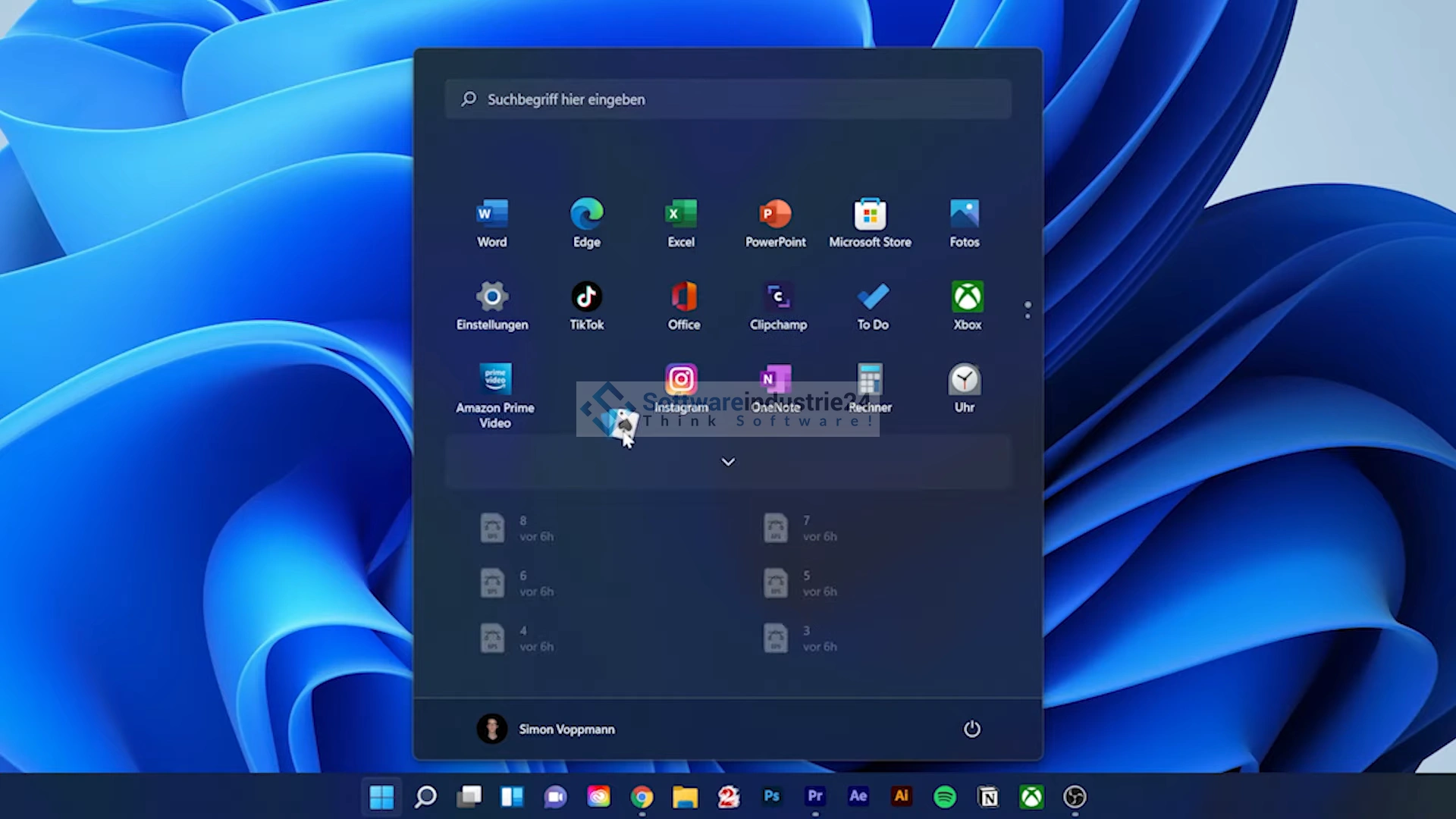
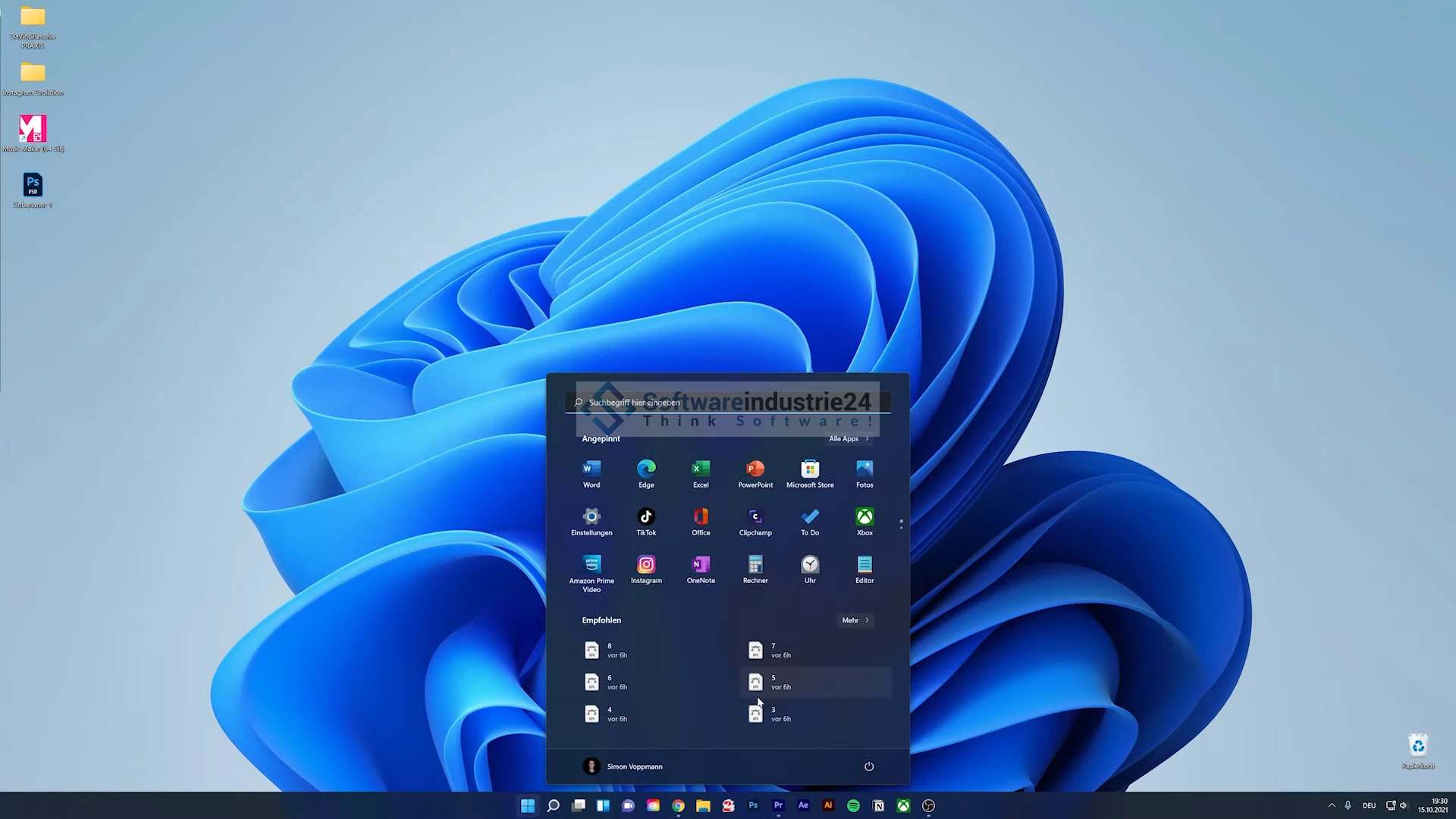
Windows 11 Pro is the latest operating system from Microsoft, designed for professional use. It is an advanced version of its predecessor, Windows 10, and offers a wide range of features designed to make workflows more efficient and productive. One of the most striking new features of Windows 11 Pro is its completely redesigned user interface. The operating system is now controlled via a centralized start menu that is quick and easy to navigate. There is also an improved snap feature that allows applications to be arranged on the screen to make work easier. In addition, Windows 11 Pro has a variety of security features to protect data and systems from threats. These include the integrated Windows Defender, which provides comprehensive protection against viruses and malware. The “Windows Hello” biometric authentication feature also ensures greater security.
The “Azure Active Directory Join” feature is particularly interesting for businesses. This feature allows employees to seamlessly integrate their Windows 11 Pro devices into the company's IT infrastructure and access various applications and resources with a single password. Windows 11 Pro also offers improved performance, which translates into faster startup times, better energy efficiency, and optimized resource utilization. This makes running programs and performing tasks even faster and more efficient.
Overall, Windows 11 Pro offers a comprehensive range of features tailored specifically to professional users. It is a reliable choice for businesses that need an efficient and secure IT infrastructure.
Who is Windows 11 Pro suitable for?
Windows 11 Pro is primarily designed for businesses and professional users who need a reliable and secure IT infrastructure.
Below are some categories for which Windows 11 Pro is suitable:
- Small, medium, and large businesses: Windows 11 Pro is an ideal choice for businesses of all sizes. With features such as Azure Active Directory Join, advanced security features, and the ability to integrate with existing IT infrastructures, businesses can increase their productivity and efficiency.
- IT professionals: Windows 11 Pro offers numerous features designed specifically for IT professionals. These include the ability to manage devices and applications, as well as advanced group policy management.
- Creatives and designers: Windows 11 Pro is also a good choice for creatives and designers, as it offers improved support for graphics, multimedia, and video editing. With the new Snap Layout, multiple applications can be displayed on one screen at the same time, making it easier to work with different applications.
- Educational institutions: Windows 11 Pro is also suitable for educational institutions. It offers features such as the ability to create multiple user accounts on one device and improved support for touchscreen and pen input. The security features of Windows 11 Pro protect both teachers and students.
- Freelancers and self-employed professionals: Windows 11 Pro is also suitable for freelancers and self-employed professionals, as it offers an effective way to organize and manage work. With features such as the virtual desktop and improved File Explorer, tasks can be completed more efficiently.
- Call centers and customer service centers: Windows 11 Pro offers improved support for VoIP and video calls, making it an ideal choice for call centers and customer service centers. The integrated security features protect customer data and confidential information.
- Healthcare: Windows 11 Pro is also suitable for the healthcare industry, as it provides a secure and reliable platform for storing and managing confidential patient data. Improved support for touchscreens and pen input makes it easier for doctors and nurses to do their work.
- Technology companies: Windows 11 Pro is also suitable for technology companies as it provides a powerful platform for creating and managing applications and developer tools. With features such as enhanced Hyper-V support and the ability to manage devices and applications, technology companies can increase their productivity.
Overall, Windows 11 Pro is a powerful solution that is suitable for a wide range of users and businesses. It offers a wide range of features tailored to the needs of professional users.
Buy Windows 11 Pro and take advantage of an excellent operating system
Windows 11 Pro offers ideal user-friendly features that allow you, as a user, business, self-employed person, or other organization, to benefit from numerous additional features compared to the Home Edition. When you purchase Windows 11 Pro, you get BitLocker device encryption and other system-optimized features. Other examples include Windows Information Protection (WIP)1, Assigned Access2, Dynamic Provisioning3, Enterprise State Roaming with Azure4, Group Policy5, Kiosk Mode Settings6, Microsoft Store for Business7, Mobile Device Management8, Active Directory Support9, Azure Active Directory Support10, and Windows Update for Business11. All of these features give you the opportunity to optimize your business. Microsoft builds on the strengths of Windows 10 and ensures effective work. After installing Windows 11, you are just a few small steps away from using a user-friendly and modern operating system.
Windows 11 comes with optimizations
Windows 11 primarily includes optimizations in terms of performance while working, streaming, gaming, or processing video and data. In addition, according to Microsoft, annoying updates will be reduced by 40% and will also be smaller. You can also benefit from faster and more visually appealing default settings during the installation process. For visualization, Microsoft has taken its cue from the present and integrated a contemporary design language. Both the structure and the look are more harmonious and distinctive. If you prefer a pleasant working atmosphere, Windows 11 allows you to easily arrange multiple windows side by side or one above the other with a click of the mouse using the SnapView function. A minimalist context menu, which can be expanded as needed, makes your workspace clearer and easier to use. Buy now from our shop and benefit from the future.
Minimum system requirements:
The minimum requirements for Windows 11 Pro are as follows:
- Processor: 1 GHz or faster with at least 2 cores on a 64-bit processor.
- Memory: 4 GB RAM or more.
- Storage: 64 GB or more free space on the hard drive.
- Graphics card: Compatible with DirectX 12 or higher, with a WDDM 2.0 driver.
- Display: A screen with a minimum resolution of 720p (1280 x 720) and a diagonal of 9 inches or more. The display should also support 8-bit color depth per color channel.
- TPM: A Trusted Platform Module (TPM) version 2.0 is required.
- Internet connection: An internet connection is required for activation and regular updates of Windows 11 Pro.
- Additional requirements: A Microsoft account and internet access are required for some features.
It is important to note that these specifications are the minimum requirements to run Windows 11 Pro. To achieve the best performance and user experience, Microsoft generally recommends exceeding the minimum requirements, especially in terms of processor, RAM, and hard disk space.
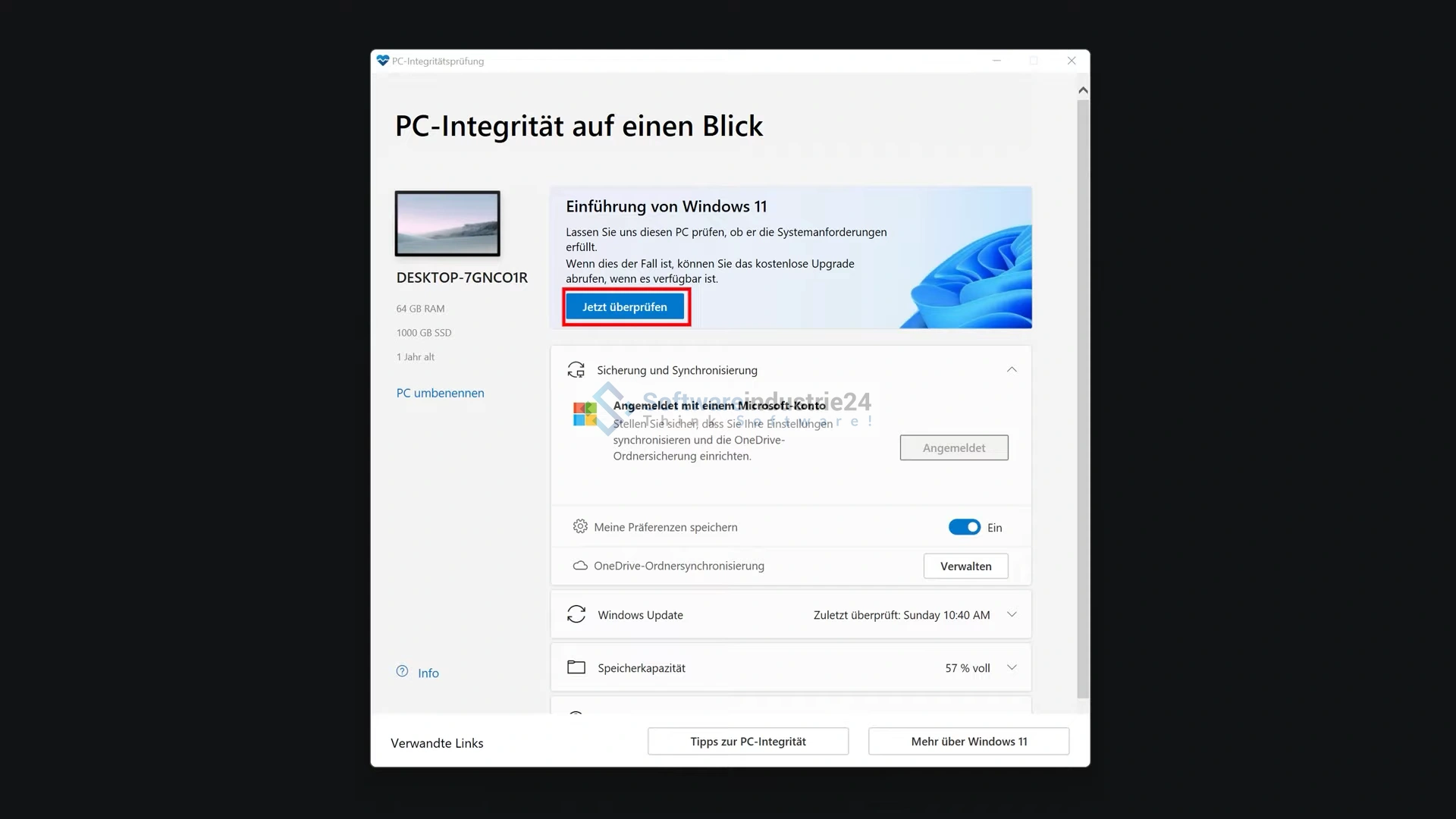
In addition, you should check whether your existing hardware is compatible with Windows 11 Pro. Microsoft offers an official compatibility tool that checks whether your device is suitable for upgrading to Windows 11 Pro.