
We advise you personally
Directly accessible for private and business customers.
We are happy to help!
Mon. - Fri.: 9:00 a.m. - 2:00 p.m.
Prices incl. VAT plus shipping costs
Instant download + product key
What's Included
- Instant delivery – Key & download via email
- Activation guarantee – Permanent access, quality assured
- Installation guide – Simple & easy to follow, included
- VAT invoice – Official proof of purchase included
- Order number: SWI24-701475
- Devices: 1 PC
- Runtime: Permanently valid
- Language: All languages
- Country zone: Worldwide
- Shipping method: E-Mail
- Manufacturer: Ashampoo
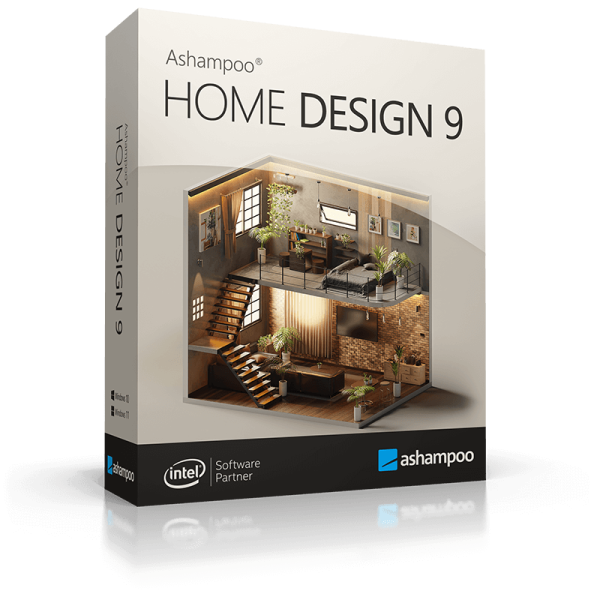
Ashampoo Home Design 9: The planner for your dream home
Introduction
Planning your own home is one of the most exciting phases in life. With the right tools, this process not only becomes easier, but also much more efficient. Ashampoo Home Design 9 is the latest version of a highly acclaimed software that helps you realize your architectural visions. In this comprehensive product description, you'll learn everything you need to know about Ashampoo Home Design 9 - from its features and benefits to technical details and much more.

What is Ashampoo Home Design 9?
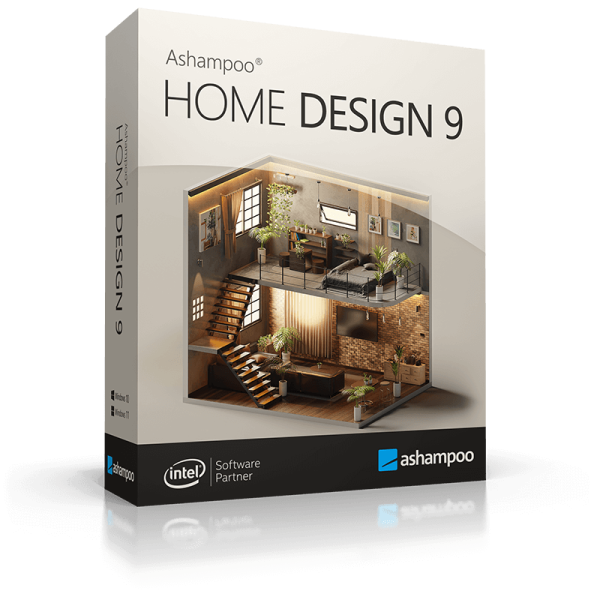
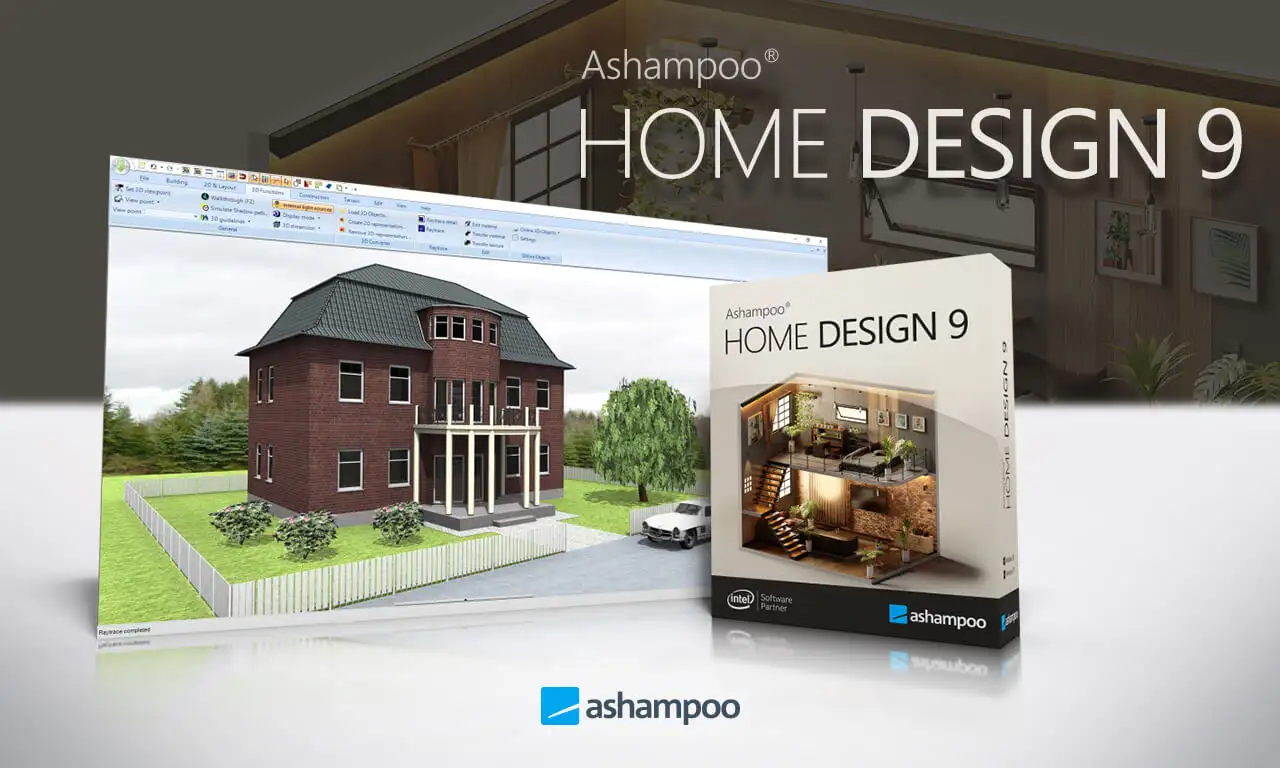
Ashampoo Home Design 9 is a powerful 3D home design software. It allows you to create detailed designs for houses, apartments and landscapes. With a variety of tools and a user-friendly interface, both beginners and experienced users can create realistic and professional designs. The software provides you with everything you need to design and visualize your dream home from scratch.
Features of Ashampoo Home Design 9
User-friendly interface
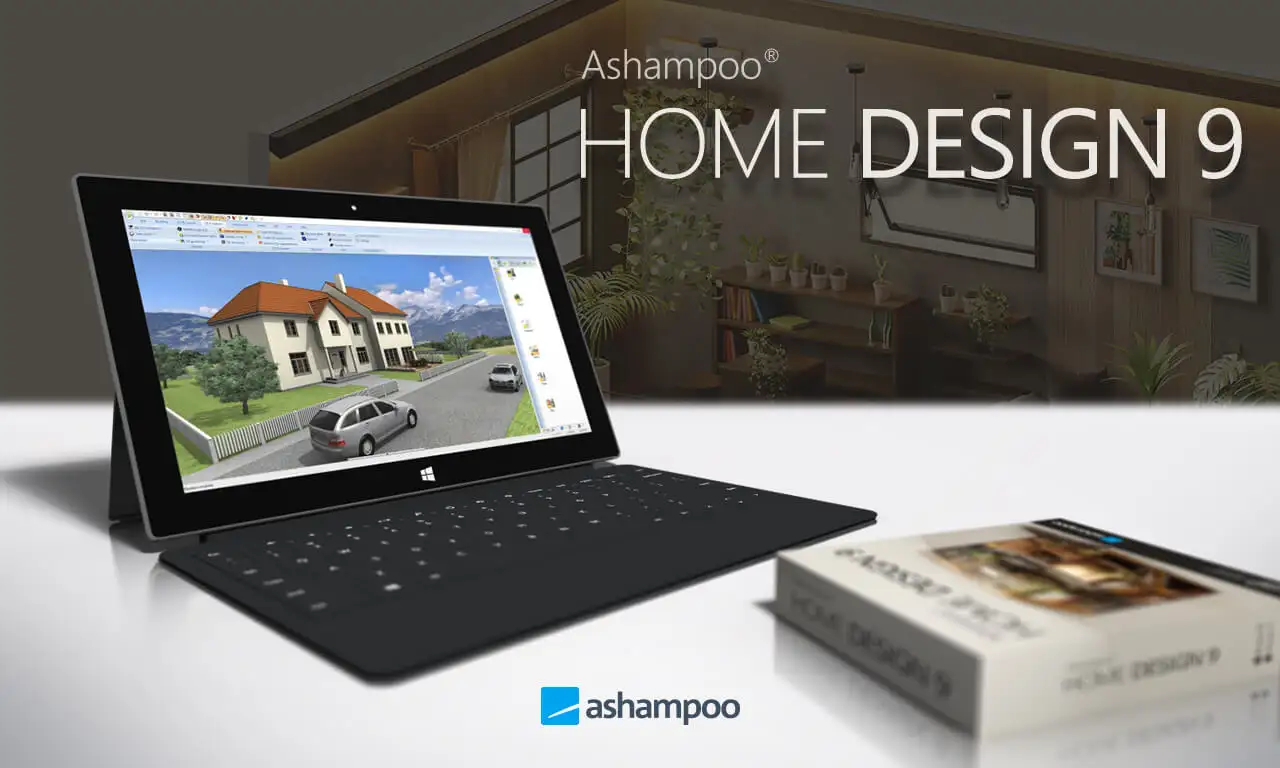
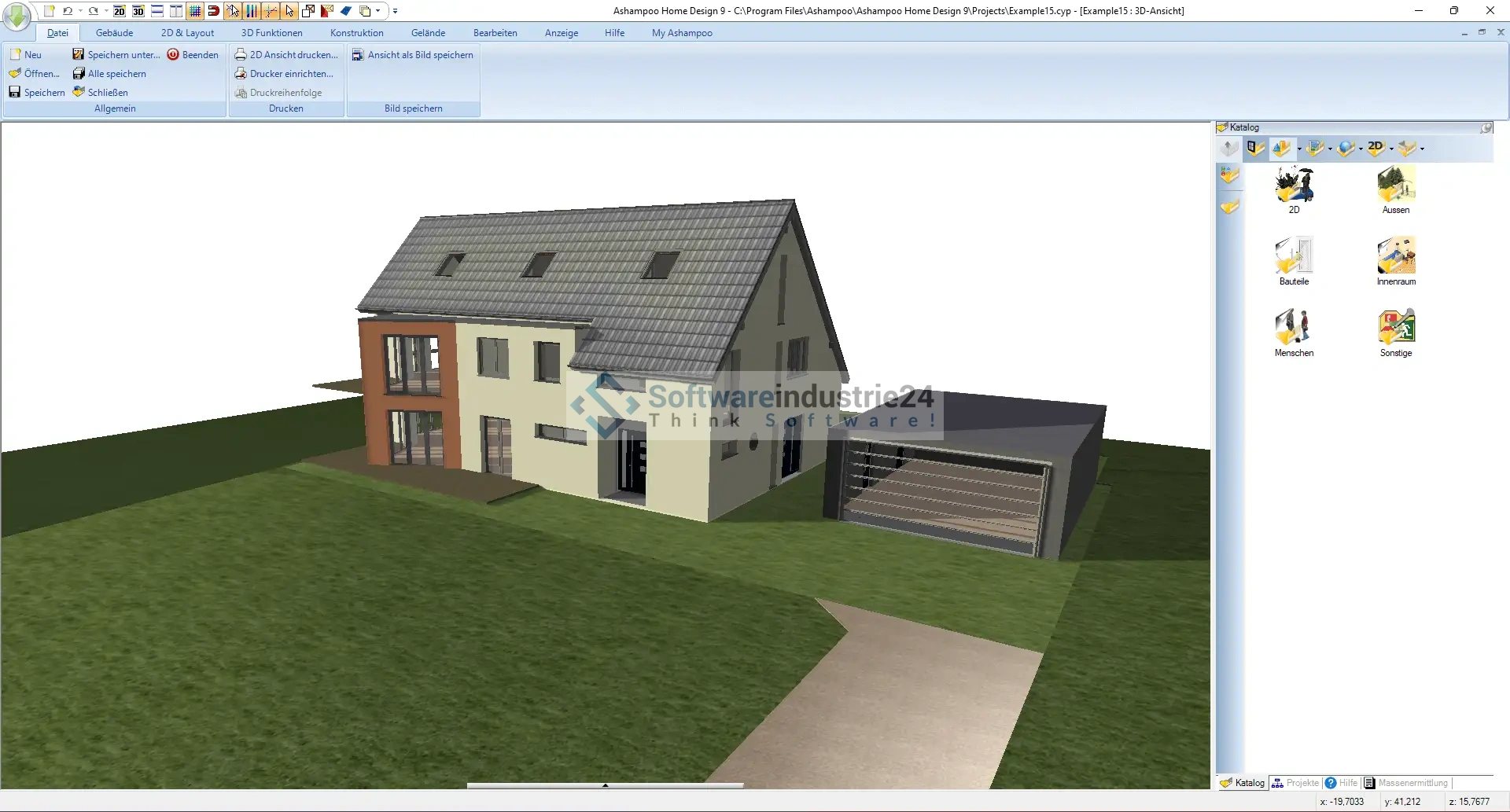
Ashampoo Home Design 9 is characterized by an intuitive and user-friendly interface. Even if you have no previous knowledge of house planning, you will quickly find your way around. The software offers clear menus and easily accessible tools to help you get started.
Extensive library of objects
Another highlight of Ashampoo Home Design 9 is the extensive library of objects. From furniture and decorative objects to plants and light sources - the software offers a wide range of elements that you can integrate into your design. This library is updated regularly, so you always have access to the latest trends and styles.
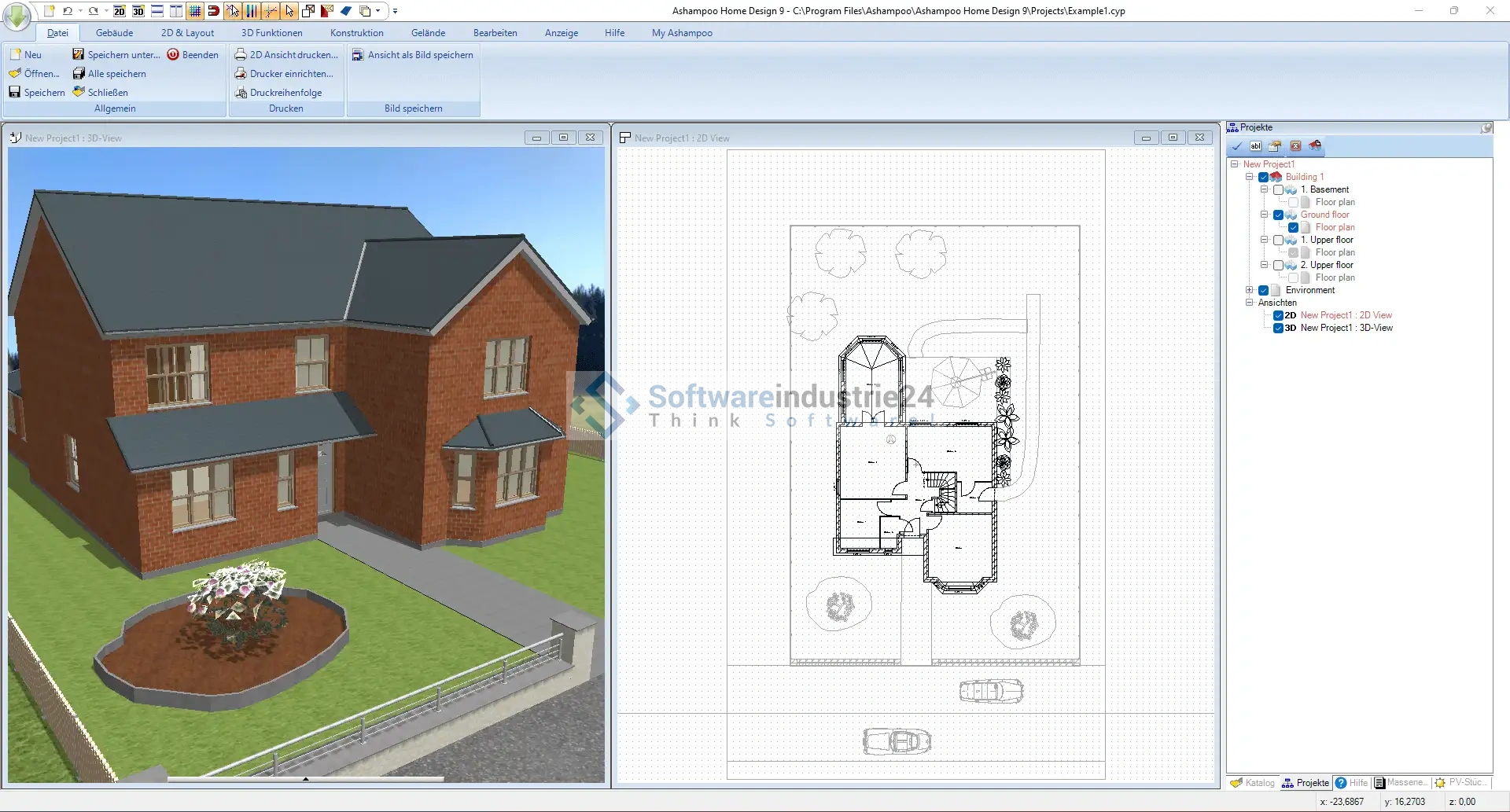
3D visualization
The 3D visualization features of Ashampoo Home Design 9 are particularly impressive. You can view your design in real time in 3D and navigate through your rooms. This feature allows you to get a realistic feel for your future home and make any changes early on.
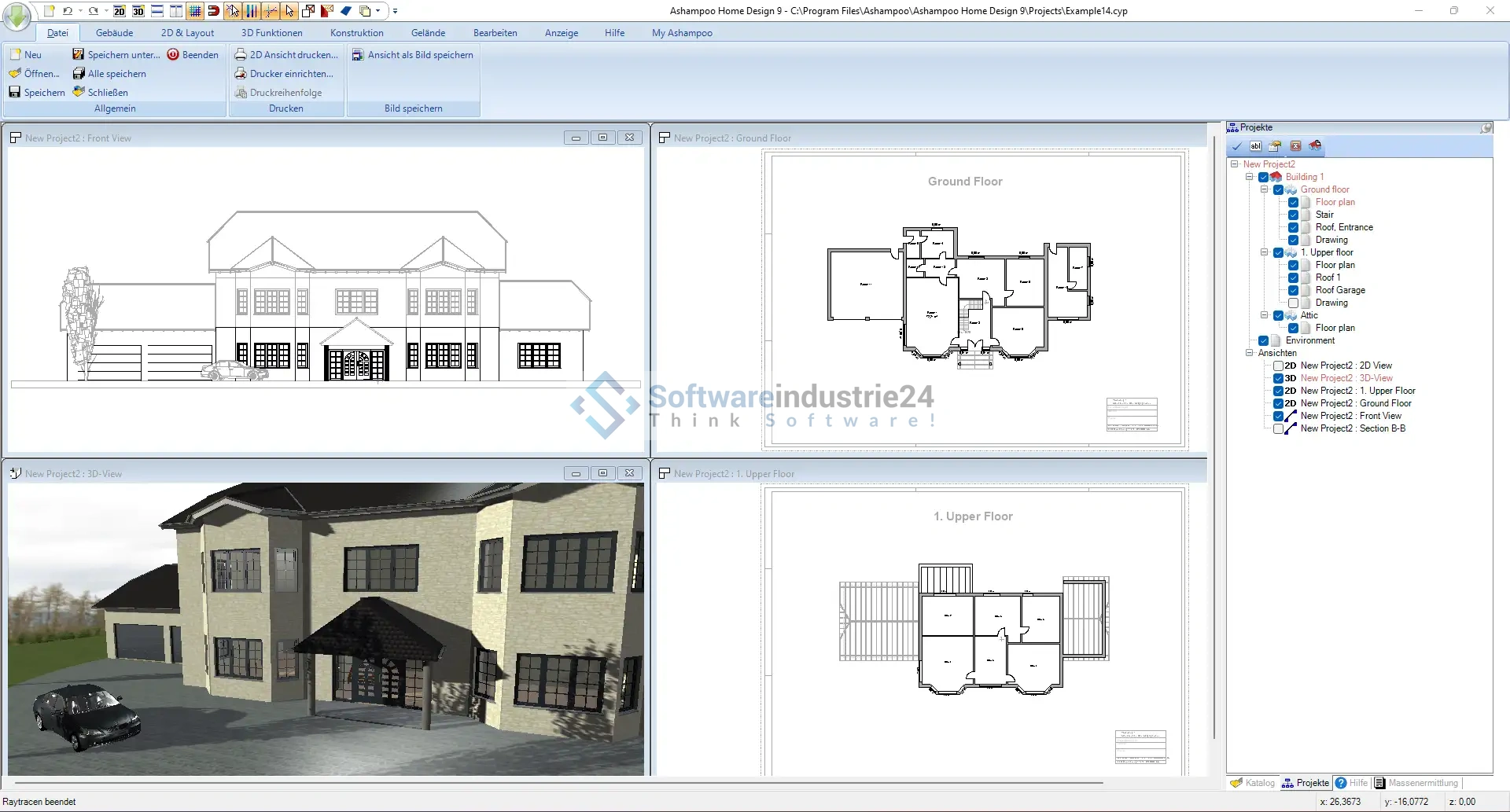
Detailed planning tools
Ashampoo Home Design 9 offers a variety of planning tools that allow you to specify every detail of your home. This includes tools for creating floor plans, placing walls and windows, designing roof structures and much more. With these tools, you can ensure that your design meets the structural requirements and that your ideas are perfectly realized.
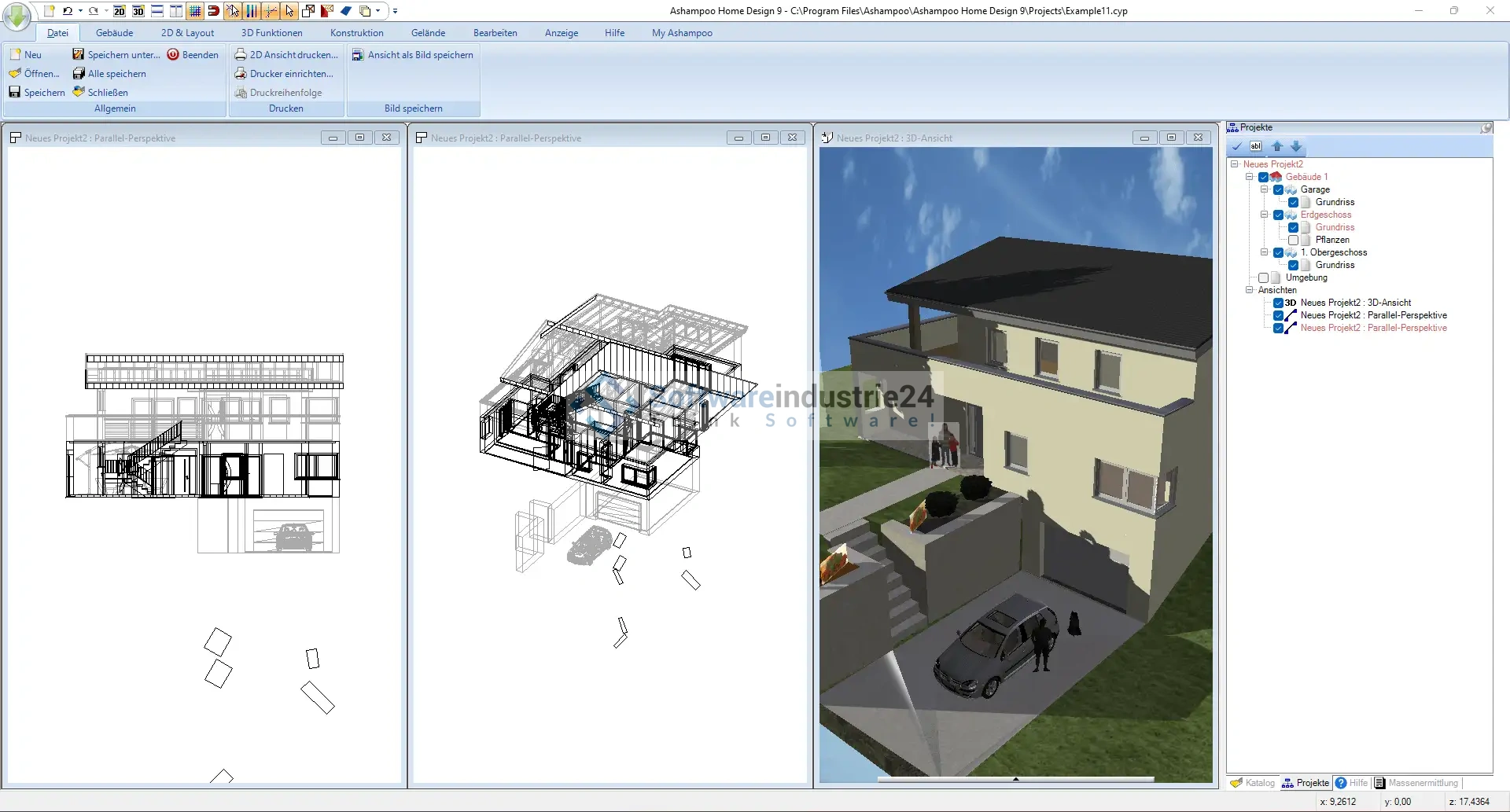
Import and export functions
The software supports a variety of import and export formats, so you can easily share or edit your designs with others. For example, you can import 2D floor plans and convert them into 3D or export your finished projects as images or videos.
Energy efficiency analysis
A special feature of Ashampoo Home Design 9 is the integrated energy efficiency analysis. This function helps you to evaluate the energy efficiency of your home and make improvements. This way you can ensure that your future home is not only beautiful, but also environmentally friendly and cost-efficient.
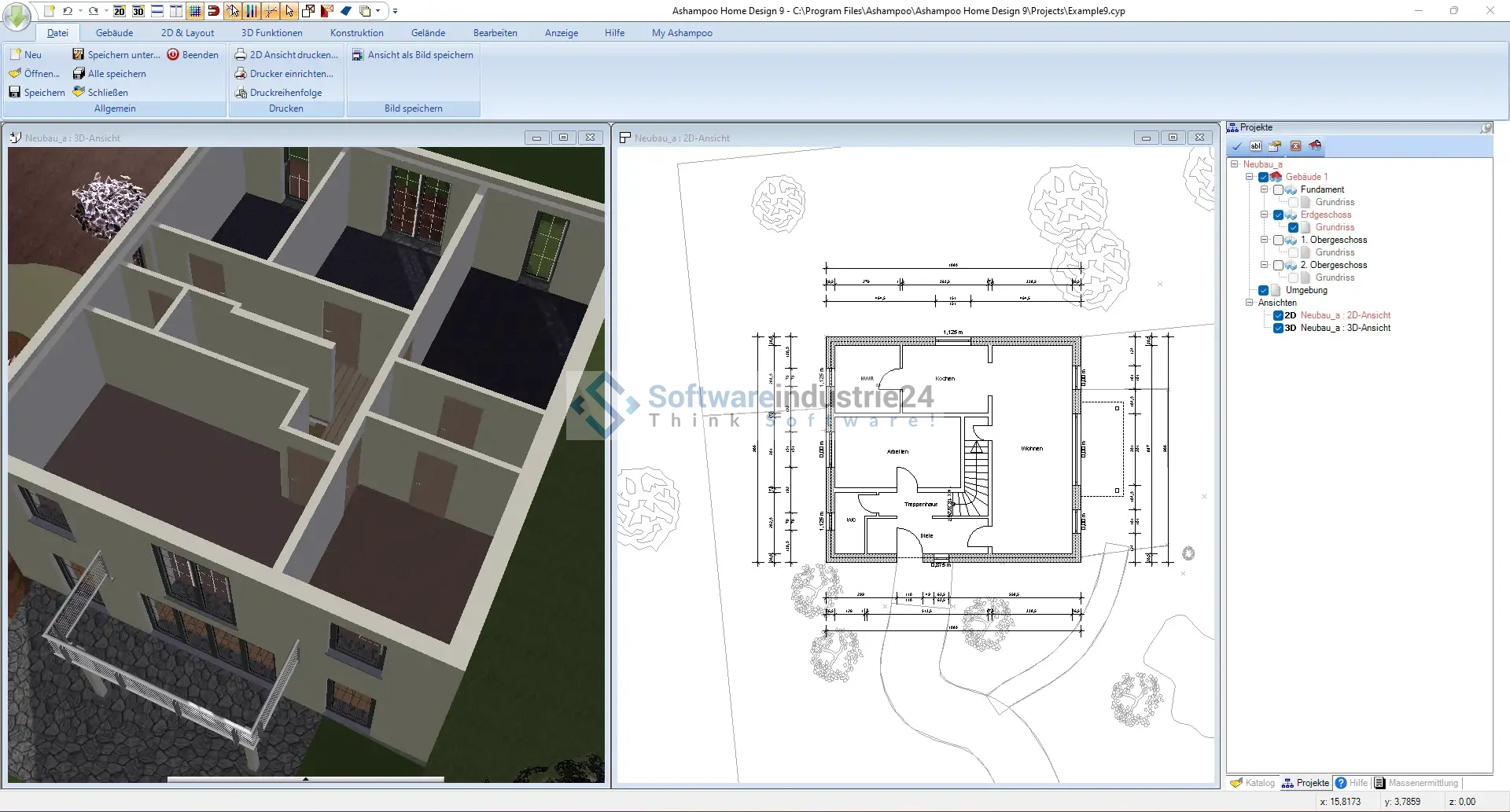
Advantages of Ashampoo Home Design 9
Time saving
Ashampoo Home Design 9 saves you valuable time. The user-friendly interface and extensive planning tools allow you to work quickly and efficiently. You don't have to spend hours struggling with complicated programs, but can concentrate fully on your creative work.
Cost savings
By using Ashampoo Home Design 9 you can also save costs. Instead of hiring expensive architects or designers, you can plan and design your home yourself. In addition, the energy efficiency analysis helps you to reduce energy costs in the long term.
Flexibility and control
Ashampoo Home Design 9 gives you full control over your project. You can make changes at any time and try out different designs. This flexibility is particularly important if you want to ensure that your house is exactly as you want it.
Realistic visualization
The software's 3D visualization functions allow you to present your design realistically. You can navigate through your future home and see how different elements interact. This makes it easier for you to make decisions and ensure that the end result meets your expectations.
Areas of application for Ashampoo Home Design 9
Home users
For home users, Ashampoo Home Design 9 is the ideal tool for planning your dream home. Whether you are planning a new build, renovating your existing home or simply want to try out a new room concept - the software offers you all the functions you need.
Architects and designers
Ashampoo Home Design 9 is also a valuable addition for professional architects and designers. The software makes it possible to create detailed and professional designs that meet the requirements of clients and building regulations. You can also easily share and present your designs with others.
Real estate developers
Real estate developers can use Ashampoo Home Design 9 to visualize and plan potential projects. The software helps to create realistic models that can be presented to potential buyers or investors. This facilitates decision-making and can help to move projects forward more quickly.
Technical details and system requirements
System requirements
To get the most out of Ashampoo Home Design 9, your computer should meet the following minimum requirements:
- Operating system: Windows 10 or higher
- Processor: Systems with ARM processors are not supported.
- Memory: At least 4 GB RAM (8 GB recommended)
- Hard disk space: 2 GB free hard disk space
Installation and setup
Installing Ashampoo Home Design 9 is simple and straightforward. Simply follow the instructions of the installation wizard to install the software on your computer. After installation, you can start planning your home immediately.
Updates and support
Ashampoo offers regular updates for Home Design 9 to ensure that the software is always up to date. There is also an extensive support area where you can find help and instructions.
Tips and tricks for using Ashampoo Home Design 9
Use templates
If you are new to house planning, you can start with the integrated templates in Ashampoo Home Design 9. These templates provide a good foundation that you can customize to your liking.
Experiment with different styles
Ashampoo Home Design 9 offers a variety of design options. Experiment with different styles and layouts to find out what you like best. Use the 3D visualization to view the different options realistically.
Use the online resources
Ashampoo offers a variety of online resources, including tutorials and forums where you can find tips and tricks from other users. Use these resources to improve your skills and get the most out of the software.
Plan in stages
Comprehensive house planning can be overwhelming. Divide your project into smaller stages and focus on one area at a time. This will help you stay on top of things and ensure that every detail is taken into account.
Ashampoo Home Design 9 is a must-have software for anyone who wants to design their dream home. With a variety of features, a user-friendly interface and extensive planning tools, the software offers everything you need to realize your architectural visions. Whether you are a home user, a professional architect or a real estate developer, Ashampoo Home Design 9 will help you realize your projects efficiently and cost-effectively. Discover the possibilities and start planning your dream home today!







