
We advise you personally
Directly accessible for private and business customers.
We are happy to help!
Mon. - Fri.: 9:00 a.m. - 2:00 p.m.
Prices incl. VAT plus shipping costs
Instant download + product key
What's Included
- Instant delivery – Key & download via email
- Activation guarantee – Permanent access, quality assured
- Installation guide – Simple & easy to follow, included
- VAT invoice – Official proof of purchase included
- Order number: SWI24-701177
- Runtime: Permanently valid
- Language: All languages
- Country zone: Worldwide
- Shipping method: E-Mail
- Manufacturer: Microsoft
Licensing devices with Microsoft Exchange Server 2013 Device CAL

Microsoft Exchange Server 2013 Device CAL is a licensing option that allows access to Microsoft Exchange Server 2013 for a specific device. Unlike Microsoft Exchange Server 2013 User CAL, which allows access to the Exchange server for a specific user, Device CAL allows multiple users who use the same device to access the Exchange server without requiring a separate license for each user. A Microsoft Exchange Server 2013 Device CAL offers a variety of benefits for businesses. One of the most important benefits is that it provides a cost-effective solution for businesses that have a fixed number of devices that need to access the Exchange Server, rather than having a fixed number of users. This can be particularly beneficial for businesses with a high number of shared workstations or mobile devices. In addition, the Microsoft Exchange Server 2013 Device CAL offers a range of features that can help improve productivity and efficiency within the company. These include features such as email, calendar, contacts, tasks, and notes, which enable seamless integration with Microsoft Outlook and other email clients. Microsoft Exchange Server 2013 Device CALs also provide excellent support for mobile devices such as smartphones and tablets to access Exchange servers to synchronize email, calendars, and contacts. By supporting mobile devices, companies can ensure that their employees are always up to date, regardless of where they are.
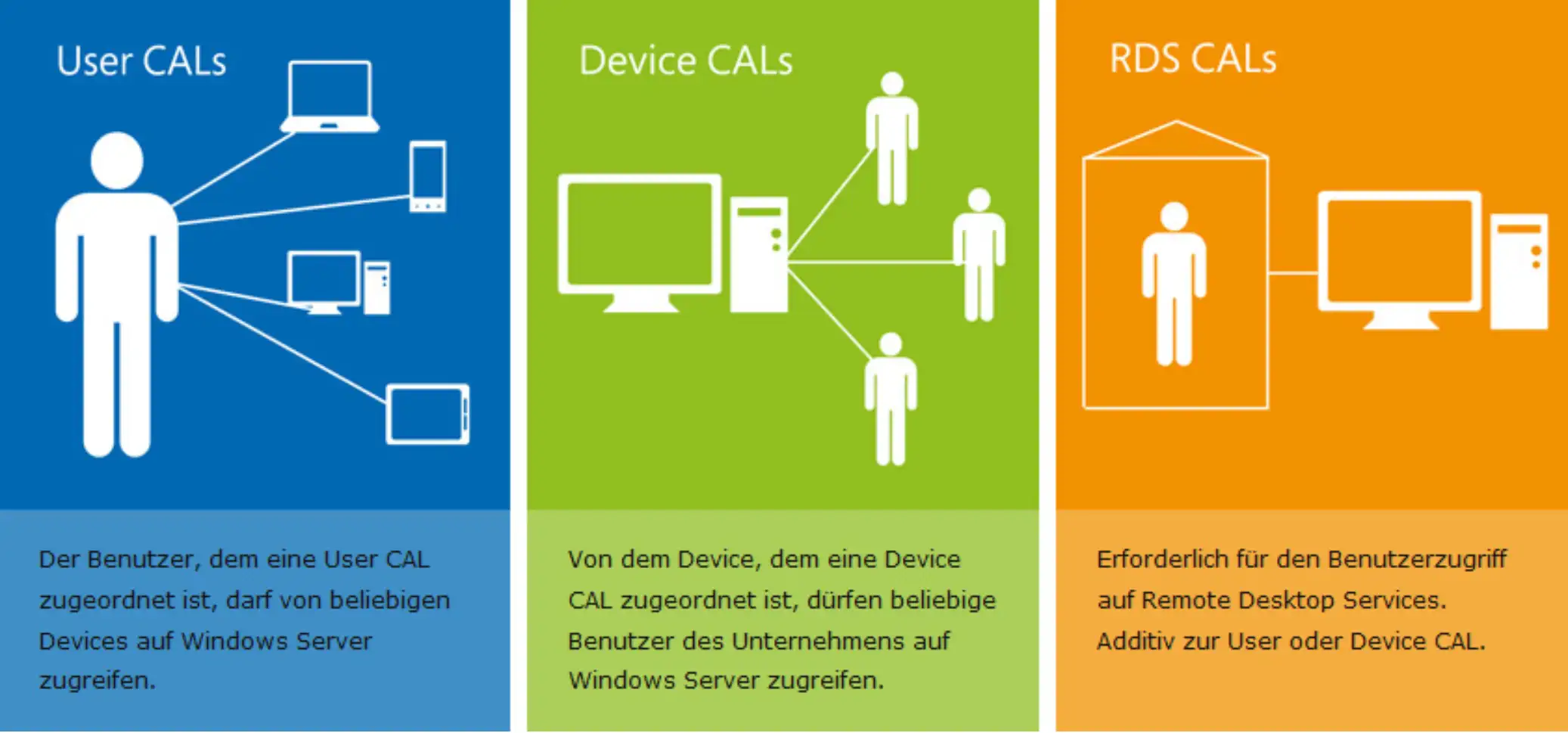
In summary, Microsoft Exchange Server 2013 Device CAL offers a powerful, cost-effective, and flexible solution for businesses that need device-based licensing to access the Exchange server.
Who is Microsoft Exchange Server 2013 Device CAL suitable for?
Microsoft Exchange Server 2013 Device CAL is a licensing option for businesses that allows access to the Exchange Server for specific devices. It is an alternative to user CAL licensing, where access to the Exchange Server is tied to specific users.
This licensing option is particularly suitable for companies that have a fixed number of devices that need to access the Exchange server, rather than a fixed number of users. Some examples of companies that can benefit from using Microsoft Exchange Server 2013 Device CAL are:
- Multi-shift businesses: Multi-shift businesses where multiple users share the same devices can benefit from Device CAL licensing because it saves them money. Instead of purchasing a separate license for each user, they can purchase a Device CAL license and allow all users who use the device to access the Exchange server.
- Educational institutions: Schools, universities, and other educational institutions often have computer labs, libraries, or classrooms that are used by different users. Device CAL licensing offers these institutions a cost-effective way to provide access to the Exchange server for all users working on these devices.
- Retail stores: Retail stores, especially those with multiple locations, often use shared computer terminals for employees to access the Exchange server. Device CAL licensing provides these stores with a cost-effective way to enable access to the Exchange server for all employees who use these computer terminals.
- IT expertise: Companies that have an IT department or IT specialists, or that use external IT consulting services, are better suited to implement and manage Microsoft Exchange Server 2013 Device CAL.
Overall, Microsoft Exchange Server 2013 Device CAL is an effective licensing option for businesses with multiple users who use the same devices to access the Exchange server. Device CAL licensing allows businesses to reduce costs while ensuring access to the Exchange server for all users who use these devices.
Hardware requirements for Microsoft Exchange Server 2013 Device CAL
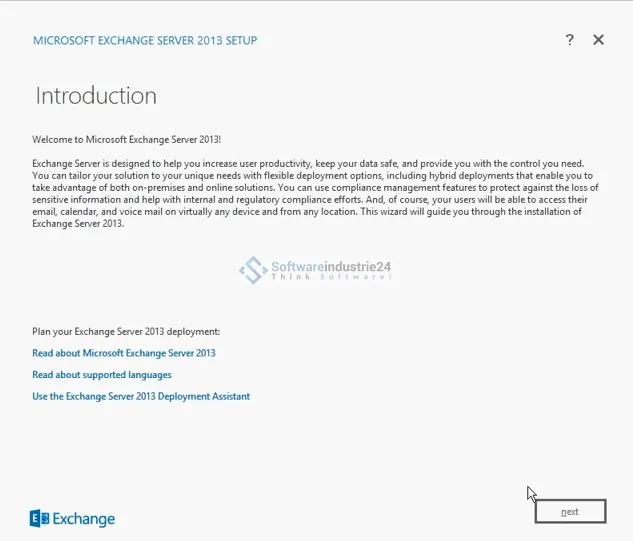
The hardware requirements for Microsoft Exchange Server 2013 Device CAL are as follows:
- Processor: x64 architecture processor with at least 2 GHz or faster (dual-socket, quad-core recommended)
- Memory: At least 8 GB RAM, 16 GB RAM or more recommended
- Hard disk space: At least 30 GB free space on the system partition, additional space required for databases
- Screen resolution: At least 1024x768 pixels
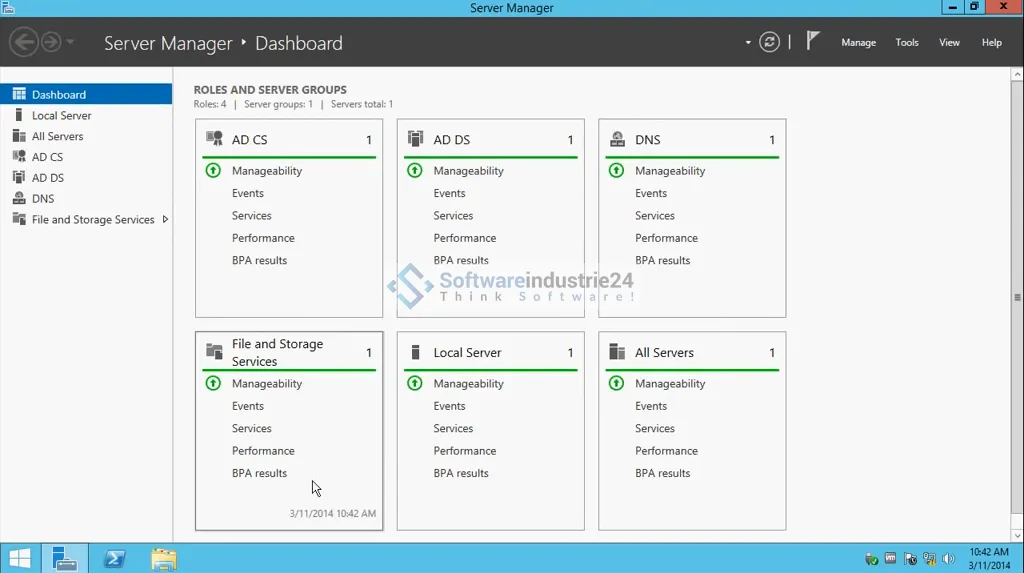
- Operating system: Windows Server 2012 R2 Standard or Datacenter Edition (64-bit), Windows Server 2016 Standard or Datacenter Edition (64-bit)
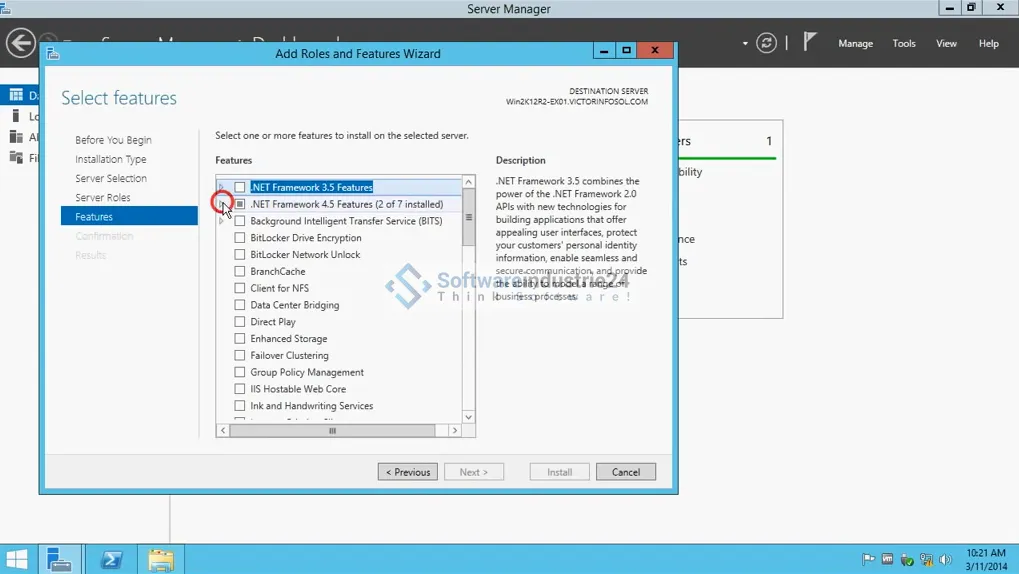
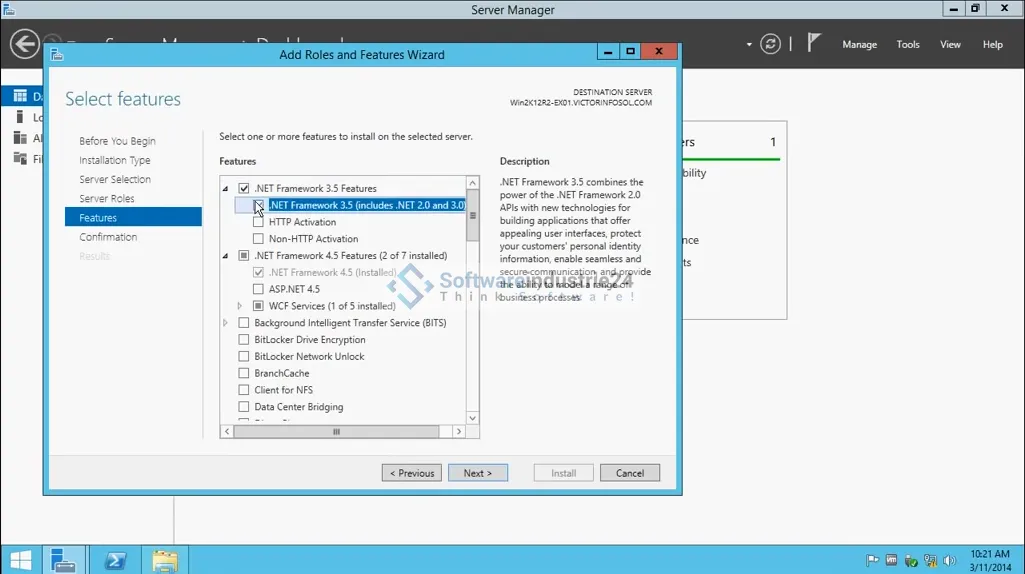
- Other software requirements: Microsoft .NET Framework 4.7.2, Windows Management Framework 4.0, Microsoft Unified Communications Managed API 4.0 Core Runtime 64-bit.
It is important to note that these requirements are the minimum requirements and that actual requirements may vary depending on the size and complexity of the Exchange implementation. It is recommended that you consult the Microsoft Exchange Server 2013 Device CAL documentation for more information about system requirements.
(Further detailed information can be obtained from the manufacturer)







