
Jetzt zum Newsletter anmelden!

Abonnieren Sie jetzt unseren kostenlosen Newsletter und verpassen Sie keine Aktionen und Neuigkeiten mehr.

Please enter a valid email address.
  • Spring sale
  • Get your discounts now!
Offers in:
Offers for:

  Service: +49 5561 - 6092957

  Free shipping

  Secure shopping thanks to SSL

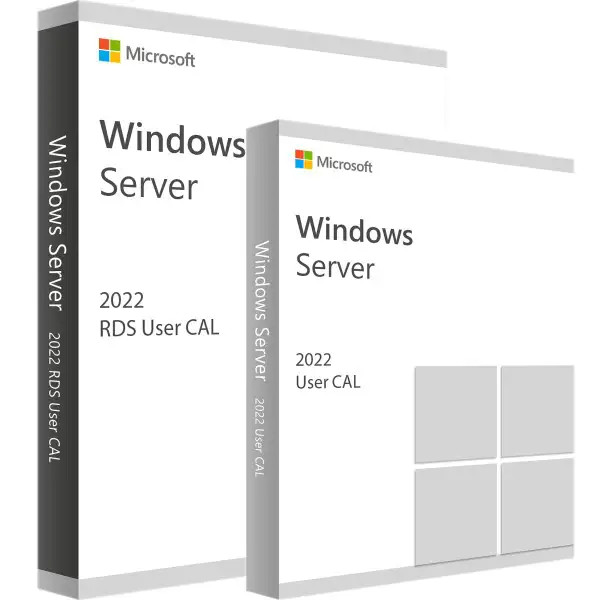
Microsoft RDS 2022 User CAL + User Access License
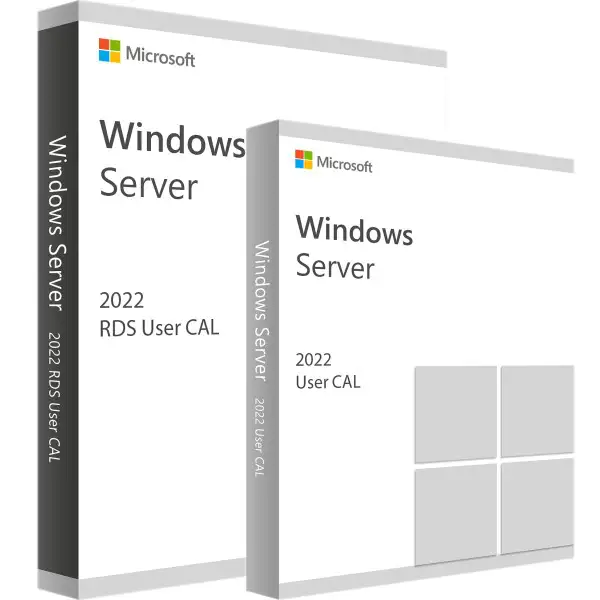
Microsoft RDS 2022 User CAL + User Access License
We advise you personally

Directly accessible for private and business customers.


berater-bild

We are happy to help!


Mon. - Fri.: 9:00 a.m. - 2:00 p.m.

€69.90 €129.90 (46.19% Saved)

Prices incl. VAT plus shipping costs

Instant download + product key

What's Included

  • Instant delivery – Key & download via email
  • Activation guarantee – Permanent access, quality assured
  • Installation guide – Simple & easy to follow, included
  • VAT invoice – Official proof of purchase included
Already sold 129 times!

CAL Anzahl

  • SWI24-701167
  • Permanently valid
  • All languages
  • Worldwide
  • E-Mail
  • Microsoft
  • Amazon Pay Kreditkarte Klarna Rechnung Apple Pay Google Pay
Maximize the user experience: Microsoft RDS 2022 User CALs and user access licenses...more
Product information "Microsoft RDS 2022 User CAL + User Access License"

Maximize the user experience: Microsoft RDS 2022 User CALs and user access licenses

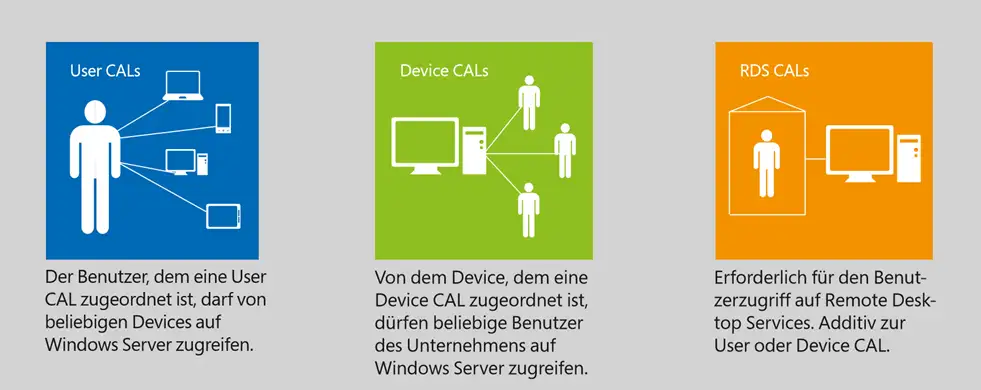
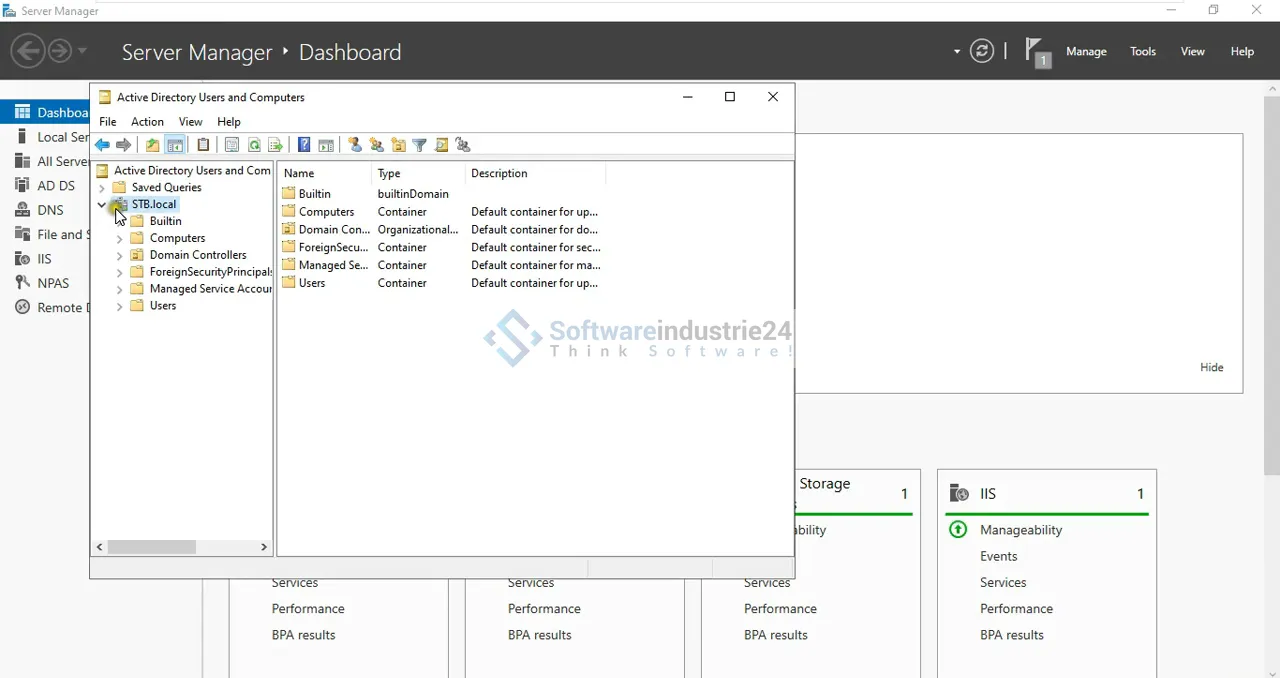
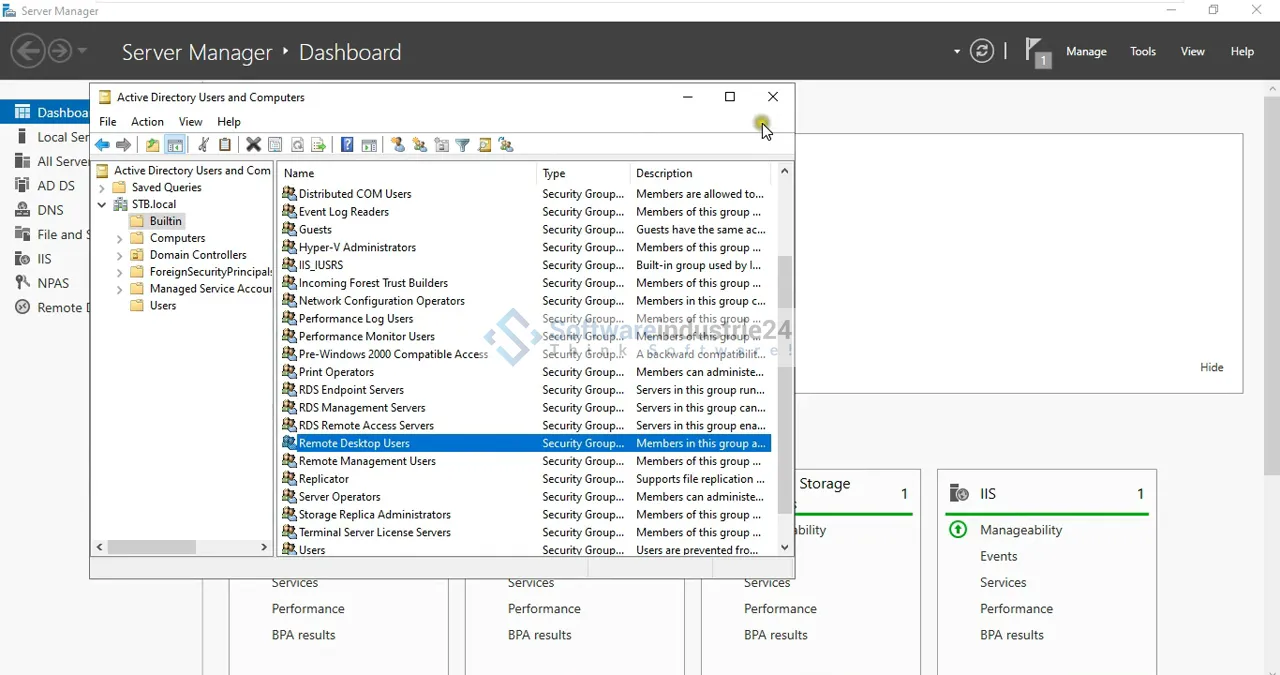
Microsoft RDS 2022 User CAL (Client Access License) and user access licenses are licenses that companies can purchase to enable their users to access Microsoft Remote Desktop Services. RDS is a solution that allows users to access Windows applications and desktops from remote locations. The User CAL is a type of license where licensing is done at the user level. This means that each individual user license is assigned to a specific user, regardless of how many devices that user uses. With a User CAL, a user can access RDS from any device as long as they have a valid license. The User Access License extends the functionality of the RDS solution and gives users access to additional features and services. It offers advanced features such as running applications in parallel, sharing sessions, and managing virtual desktops.

With RDS 2022 User CALs and User Access Licenses, companies can efficiently and securely provide their users with access to applications and desktops, regardless of their location. The licenses are flexible and allow users to access from various devices such as desktop computers, laptops, tablets, or even mobile devices. It is important to note that User CALs and User Access Licenses must be purchased separately and in addition to the server licenses required to run RDS. By purchasing Microsoft RDS 2022 User CALs and User Access Licenses, organizations gain the flexibility to provide their users with secure and reliable remote access to Windows applications and desktops while maintaining control over licensing.

In summary, Microsoft RDS 2022 User CALs and user access licenses enable companies to provide their users with secure and efficient access to Windows applications and desktops from remote locations. With User CALs, licensing is performed at the user level, regardless of the devices used. User access licenses extend the functionality of the RDS solution and offer advanced features and services. By purchasing these licenses, companies gain flexibility, control, and a reliable remote access solution. It is recommended to consult the official Microsoft website or authorized Microsoft partners for current and specific information.

Who is Microsoft RDS 2022 User CAL + User Access License suitable for?

Microsoft RDS 2022 User CALs and User Access Licenses are suitable for various user groups and companies.

Here are 8 categories of users for whom these licenses may be relevant:

  • Companies with distributed locations: If a company has branches or employees in different locations, RDS User CALs and User Access Licenses enable users to securely access applications and desktops remotely, regardless of their location.
  • Home office employees: For employees who work from home, RDS User CALs and user access licenses offer a convenient way to access company applications and data without storing sensitive information on personal devices.
  • Companies with BYOD policies: In a Bring Your Own Device (BYOD) environment, RDS User CALs and User Access Licenses allow employees to securely access company applications and desktops from their personal devices without the need to provide additional devices.
  • External contractors and partners: For companies that engage external contractors or partners, RDS user CALs and user access licenses enable secure access to specific applications or desktops without having to grant access to the entire network.
  • Educational institutions: Schools, universities, and other educational institutions can benefit from RDS User CALs and User Access Licenses by allowing students and teachers to access specific applications and desktops regardless of the devices they use.
  • Companies with mobile workforces: Companies that have employees who travel frequently or work from different locations can use RDS User CALs and user access licenses to give them seamless access to applications and desktops from their mobile devices.
  • IT service providers: IT service providers and managed service providers can use RDS User CALs and user access licenses to offer remote services to their customers while maintaining control over licensing.
  • Companies with scalability requirements: RDS User CALs and User Access Licenses offer companies the flexibility to expand their user base without having to deploy additional hardware. This is particularly useful for growing companies or those that employ seasonal staff.

In summary, Microsoft RDS 2022 User CALs and User Access Licenses may be suitable for a wide range of user groups and businesses. These include companies with distributed locations, home office employees, companies with BYOD policies, external contractors and partners, educational institutions, companies with mobile workforces, IT service providers, and companies with scalability requirements.

Hardware requirements for Microsoft RDS 2022 User CAL + User Access License

Microsoft RDS 2022 User CALs and User Access Licenses are licenses for accessing Microsoft's Remote Desktop Services (RDS). However, these licenses do not regulate the hardware requirements for RDS itself, but rather access to RDS functionality.

Microsoft recommends certain minimum specifications for deploying RDS and meeting hardware requirements.

Here are some general hardware requirements for setting up RDS:

  • Server hardware: You need one or more powerful servers that can host the RDS roles and features. The exact hardware requirements depend on the number of users, the applications running, and the expected workload.
  • Processor: A powerful processor with sufficient cores and clock speed is required to handle simultaneous user requests. Recommended processors include Intel Xeon or AMD Ryzen processors.
  • Memory: Sufficient RAM is required to support the operating systems, applications, and simultaneous user activities. Depending on the number of users and their requirements, 8 GB of RAM per user is generally recommended.
  • Hard disk space: You need sufficient storage space for the operating system, applications, user profiles, and data. The exact storage requirement depends on the size of the applications and data provided.
  • Network: A reliable and fast network connection is important to efficiently support remote user access. It is recommended to provide a high-quality network infrastructure to avoid latency issues and network bottlenecks.

It is important to note that this information is general in nature and may vary depending on specific requirements and environments. It is recommended that you consult the official documentation from Microsoft or a Microsoft partner for accurate and up-to-date hardware requirements for deploying RDS.

Related links to "Microsoft RDS 2022 User CAL + User Access License"







