We advise you personally
Directly accessible for private and business customers.
We are happy to help!
Mon. - Fri.: 9:00 a.m. - 2:00 p.m.
Prices incl. VAT plus shipping costs
Instant download + product key
- Order number: SWI24-700384
- Devices: 1 PC
- Runtime: Permanently valid
- Language: All languages
- Country zone: Worldwide
- Shipping method: E-Mail
- Manufacturer: Microsoft
What's Included
- Instant delivery – Key & download via email
- Activation guarantee – Permanent access, quality assured
- Installation guide – Simple & easy to follow, included
- VAT invoice – Official proof of purchase included
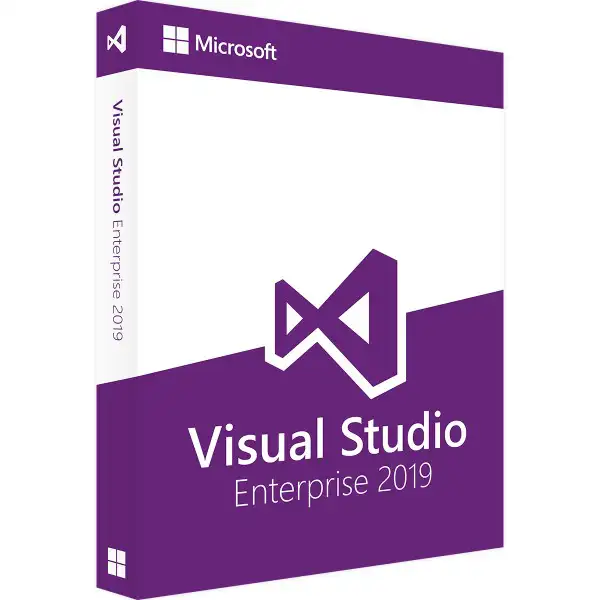
Microsoft Visual Studio 2019 Enterprise - A comprehensive development environment for efficient and high-quality applications

Microsoft Visual Studio 2019 Enterprise is a comprehensive development environment that helps developers and development teams create high-quality applications for various platforms. This version of Visual Studio offers a wide range of tools and utilities that make the development process more efficient and productive. It supports a variety of development platforms such as Windows, web, cloud, mobile devices, and other platforms. With the tools and utilities provided, developers can develop applications quickly and efficiently. Visual Studio 2019 Enterprise includes a powerful code editor that allows developers to write and edit code quickly. This editor supports various languages such as C#, C++, F#, Visual Basic, Python, JavaScript, and TypeScript.
In addition, Microsoft Visual Studio 2019 Enterprise has powerful debugging tools that allow developers to identify and fix errors in their code. It also offers comprehensive testing tools to ensure that applications run smoothly and reliably. Visual Studio 2019 Enterprise provides various tools and utilities for collaboration within development teams. For example, teams can work together on a project using the integrated code management features. In addition, there are a variety of tools that teams can use to review code, track changes, and exchange feedback. Seamless integration with Microsoft's Azure platform is also included in Microsoft Visual Studio 2019 Enterprise. It provides tools and utilities that enable developers to quickly and easily migrate and deploy applications to the cloud. In addition to supporting the features mentioned above, Visual Studio 2019 Enterprise also provides tools and utilities for developing, training, and deploying machine learning models.
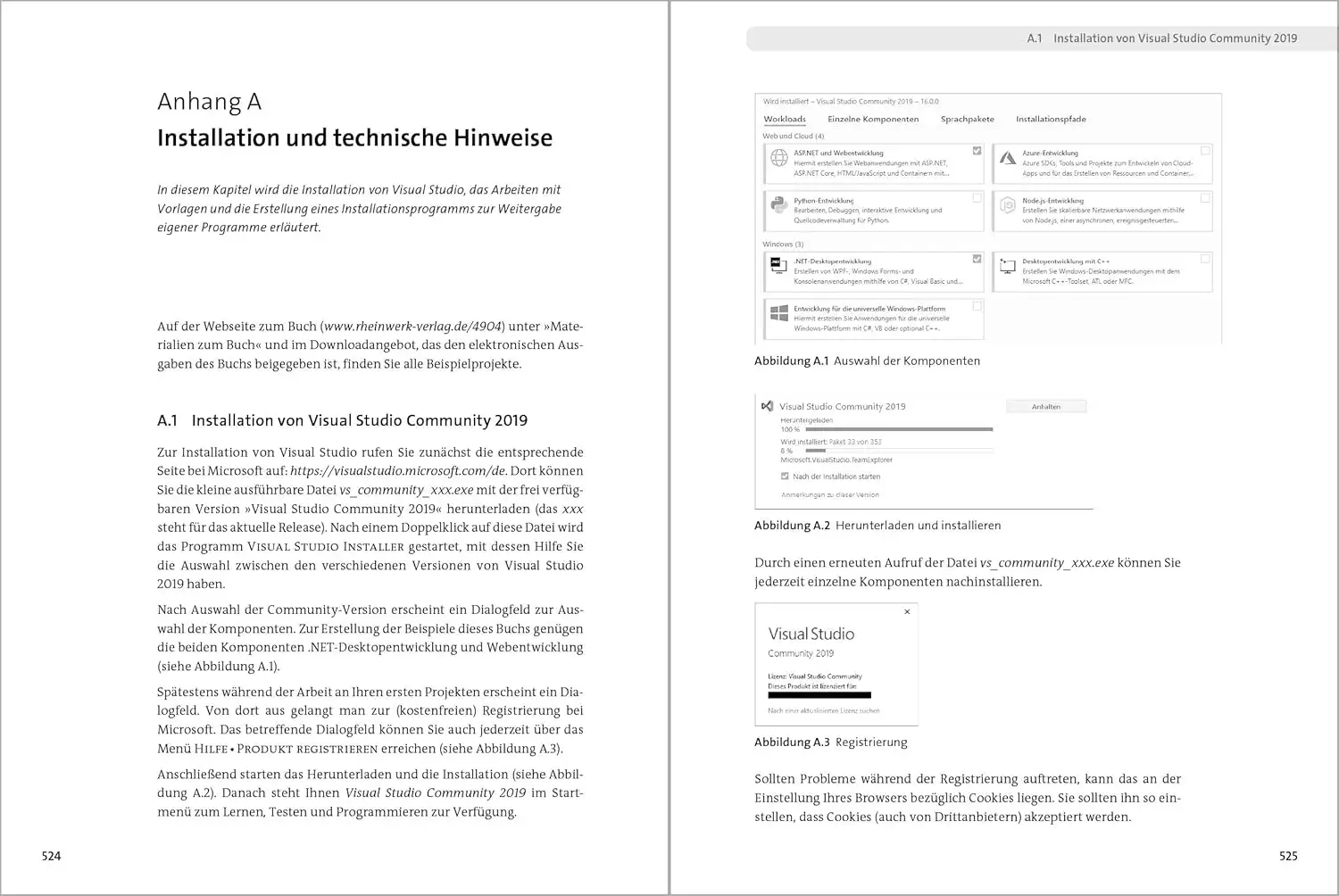
All in all, Microsoft Visual Studio 2019 Enterprise is a comprehensive development environment that provides developers and development teams with a wide range of tools and utilities. These enable them to quickly and efficiently create high-quality applications for various platforms. It is a powerful solution that is used in many industries and companies to optimize the development process and increase productivity.
Who is Microsoft Visual Studio 2019 Enterprise suitable for?
Microsoft Visual Studio 2019 Enterprise is a powerful development environment designed for developers and development teams to create applications for various platforms. It offers a wide range of tools and utilities that make the development process more efficient and productive. Developers who need a comprehensive development environment to build complex applications for Windows, the web, the cloud, and mobile devices will appreciate the functionality of Visual Studio 2019 Enterprise. It is particularly suitable for professional developers and teams who need a powerful and flexible development environment to meet their customers' requirements. In addition, Visual Studio 2019 Enterprise is also suitable for companies that want to optimize their development processes and increase productivity. Companies can use the product to develop and manage their applications quickly and efficiently in order to better meet their customers' requirements and increase their competitive advantage.
Visual Studio 2019 Enterprise is particularly suitable for developers who work with different programming languages, as it offers a wide range of tools and utilities for languages such as C#, C++, F#, Visual Basic, Python, JavaScript, and TypeScript. It also offers powerful debugging tools that allow developers to identify and fix errors in their code, as well as comprehensive testing tools that allow developers to test their applications and ensure that they work flawlessly and reliably. Visual Studio 2019 Enterprise also offers seamless integration with Microsoft's Azure platform. Developers can quickly and easily migrate and deploy applications to the cloud to create a flexible and scalable infrastructure for their applications. It also offers support for machine learning, allowing developers to develop, train, and deploy machine learning models.
Overall, Microsoft Visual Studio 2019 Enterprise is a comprehensive development environment designed for developers and businesses who want to create high-quality applications quickly and efficiently.
Hardware requirements for Microsoft Visual Studio 2019 Enterprise | for Windows
Here are the recommended hardware requirements for installing and using Microsoft Visual Studio 2019 Enterprise on a Windows-based computer:
- Operating system: Windows 10 version 1507 or later, 64-bit version.
Windows 8.1 or Windows 7 SP1, 64-bit versions are also supported.
- Processor: 1.8 GHz or faster. A processor with at least 2.0 GHz or faster is recommended.
- Memory: 2 GB RAM. 8 GB or more of memory is recommended.
- Hard disk space: At least 20 GB of free hard disk space is required. A hard disk with 50 GB or more free space is recommended.
- Graphics card: DirectX 10-compatible graphics card or higher. A graphics card with a resolution of at least 1024 x 768 pixels is recommended.
- Screen resolution: 1024 x 768 pixels.
- NET Framework: .NET Framework 4.5, 4.6, or higher is required.
- Other required components: An internet connection is required to install and update Visual Studio 2017 Enterprise.
(Further details can be obtained from the developer).
Relevant: We offer you the appropriate setup file for the key! Due to the variety of available versions, we strongly recommend that you perform a new installation with the file we provide to avoid possible future difficulties. If you are unsure. This Office program offers countless templates to help you create documents.