We advise you personally
Directly accessible for private and business customers.
We are happy to help!
Mon. - Fri.: 9:00 a.m. - 2:00 p.m.
Prices incl. VAT plus shipping costs
Instant download + product key
What's Included
- Instant delivery – Key & download via email
- Activation guarantee – Permanent access, quality assured
- Installation guide – Simple & easy to follow, included
- VAT invoice – Official proof of purchase included
- Order number: SWI24-7016089
- Devices: 1 device
- Runtime: Unlimited
- Language: All languages
- Country zone: Worldwide
- Shipping method: E-Mail
- Manufacturer: Corel
MindManager 22 Professional | Windows - The software for efficient mind mapping and project management

Maximum productivity with MindManager 22 Professional
Take your productivity to new heights with MindManager 22 Professional for Windows. This outstanding software combines advanced mind mapping with powerful project management tools to help you organize complex information, develop creative ideas, and execute projects efficiently.
Key features at a glance
With MindManager 22 Professional, you benefit from a wide range of impressive features, including:
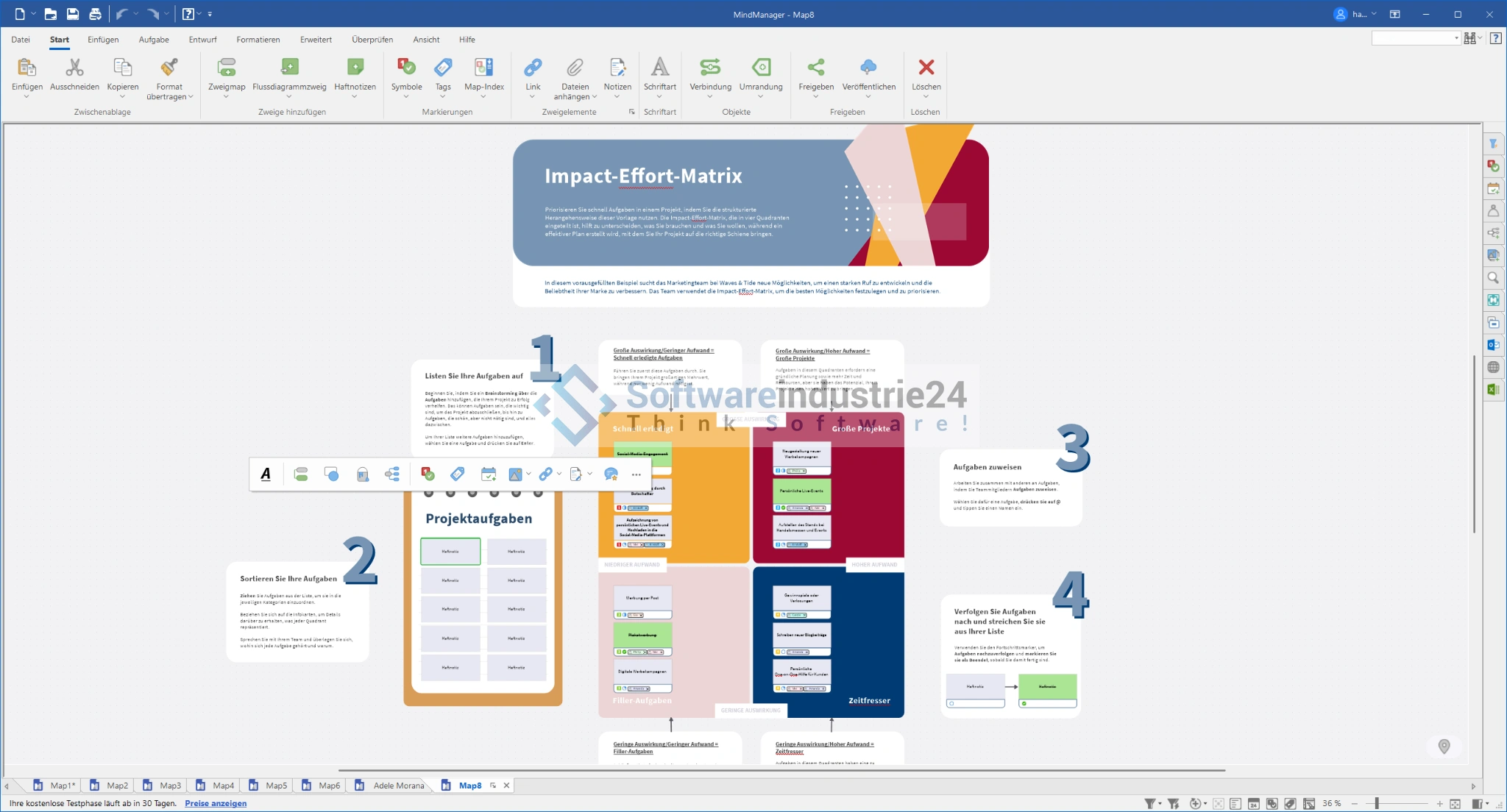
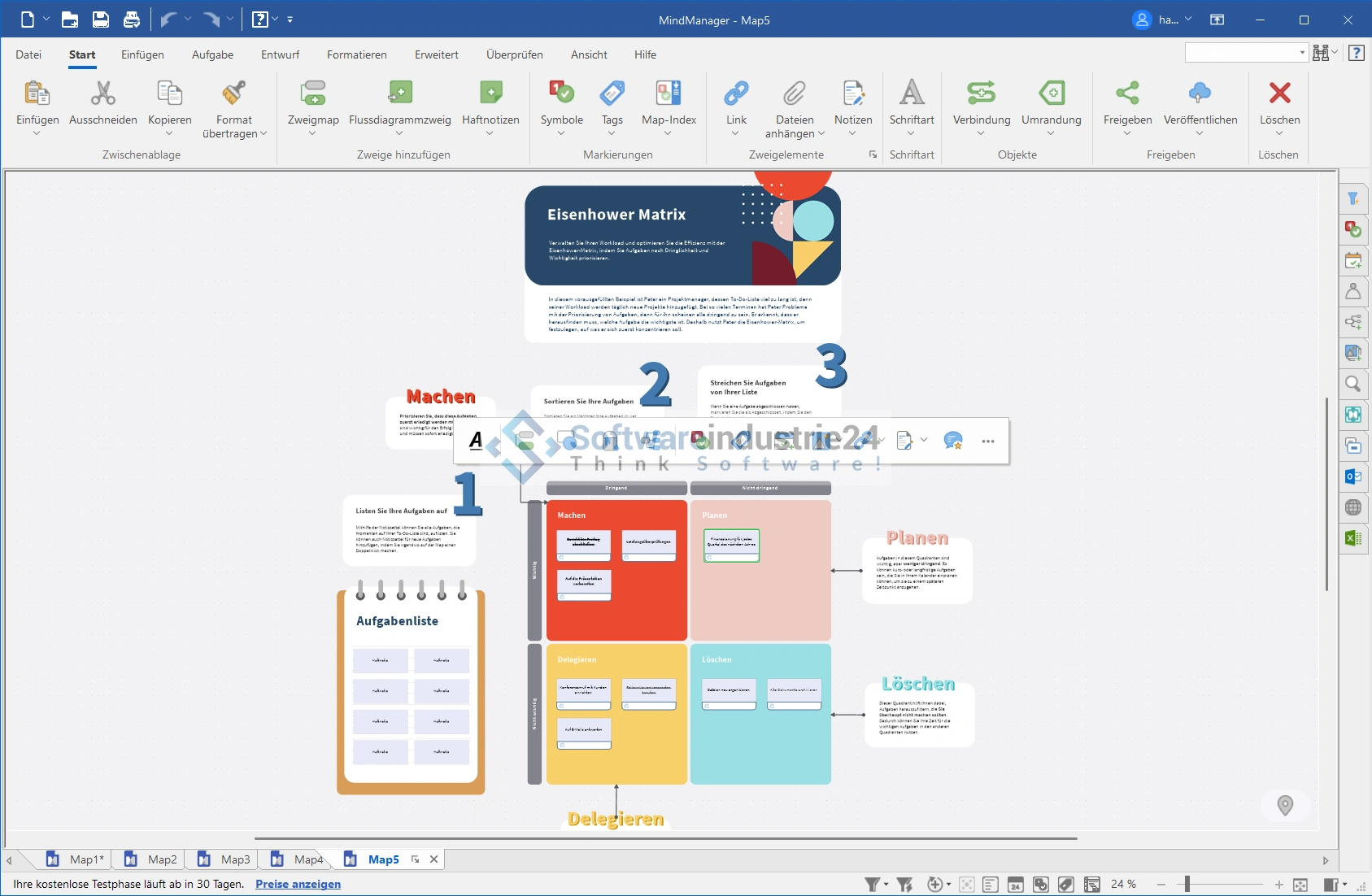
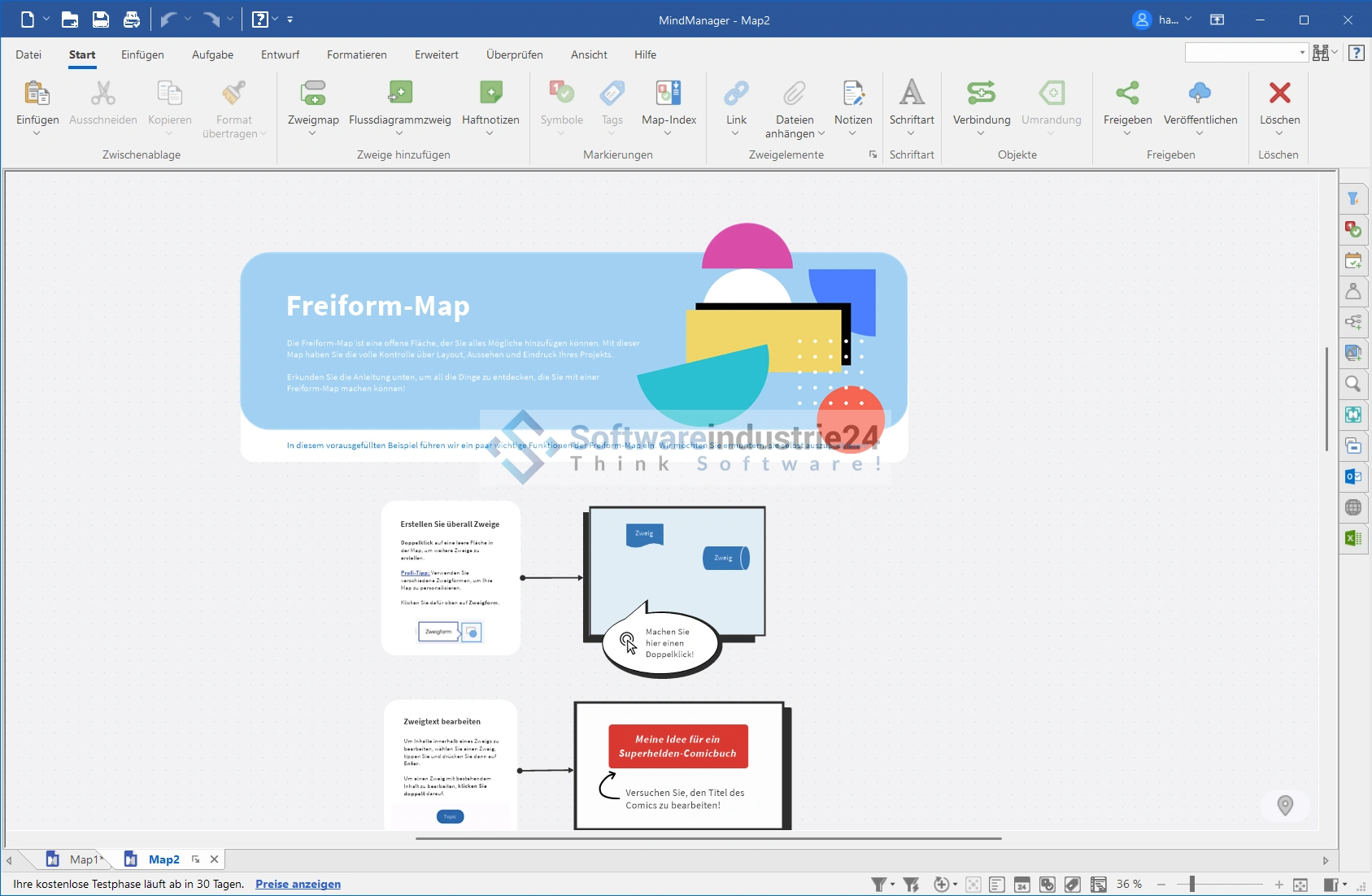
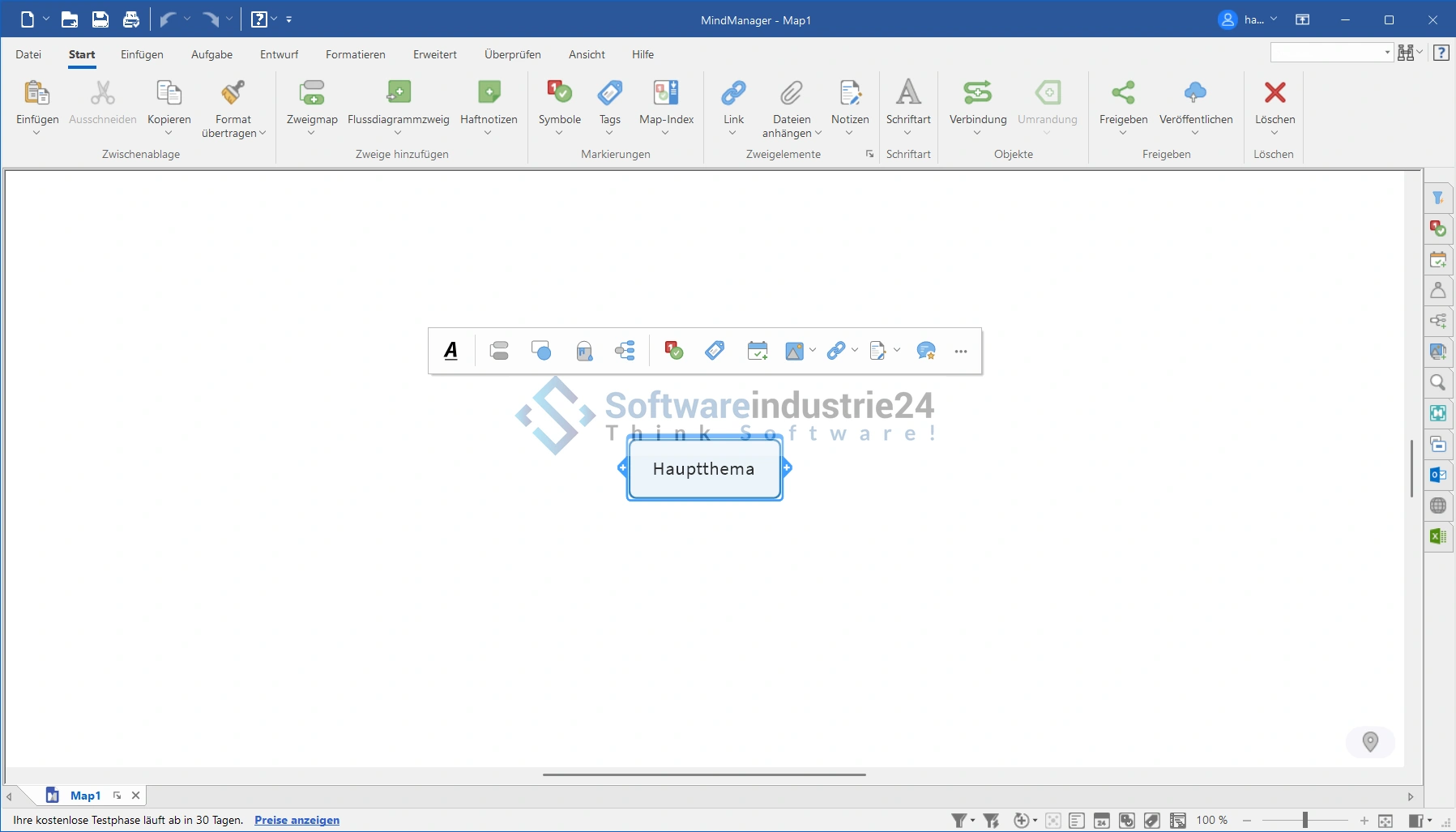
- Intuitive mind mapping: Effortlessly create meaningful mind maps to structure ideas and visualize connections.
- Project management tools: Manage projects with ease. Use Gantt charts, resource management, and progress tracking to stay on top of everything.
- Integrated collaboration: Work seamlessly with your team. Share mind maps and project data in real time to optimize collaboration.
- Integration with Office applications: Connect your mind maps to Microsoft Office and other applications to increase the efficiency of your workflows.
- Visualization tools: Use diagrams, heat maps, and other visualization options to present data and information in an easy-to-understand way.
Why choose MindManager 22 Professional?
- Efficient working: By combining mind mapping and project management tools, MindManager 22 Professional enables efficient working and clear structuring of tasks.
- Creativity-enhancing: Develop creative ideas by capturing and connecting thoughts and concepts in visual mind maps.
- Time savings: The integrated project management tools help you save time by breaking down complex tasks into clear steps and displaying progress transparently.
- Collaboration at the highest level: Real-time collaboration optimizes teamwork, leading to increased productivity.
System requirements and availability
MindManager 22 Professional is available for Windows and runs smoothly on all common Windows operating systems. See the numerous advantages for yourself and increase your productivity with this outstanding software. MindManager 22 Professional is the ultimate software solution for anyone who wants to increase their productivity, develop ideas creatively, and implement projects efficiently. With a wide range of features and a user-friendly interface, this software is an indispensable tool for professionals in the software industry. Don't wait any longer – discover the possibilities of MindManager 22 Professional and optimize your workflows today.
System requirements for smooth use of MindManager 22 Professional
To get the most out of MindManager 22 Professional, make sure your system meets the following requirements:
- Processor
- 1.6 GHz or faster
- At least 2 cores for optimal performance
- Memory (RAM)
- At least 2 GB RAM for the basic functions of MindManager 22 Professional
- Hard disk
- At least 1.5 GB of free hard disk space for installation and smooth operation of the software
- Screen resolution:
- Recommended minimum display of 1280 x 720 pixels for clear and detailed display of mind maps and project data*
- SharePoint Linker authentication:
- The SharePoint Linker feature supports various authentication methods, including NTLM, form-based authentication, SAML for SharePoint 2013, Azure ADFS/Local, Office 365, and multi-factor authentication.
- Additional requirements for specific features:
- Microsoft Office Professional 2016 or later (32-bit and 64-bit)
- Microsoft Project 2016 or later (32-bit and 64-bit)
- Microsoft Edge WebView2 Runtime
- Internet access for smooth data exchange and access to online resources
Ensure that your system meets these requirements to get the most out of MindManager 22 Professional. This will ensure smooth installation, high performance, and maximum efficiency when working with this world-class mind mapping and project management software.
(*Note: The recommended minimum display resolution of 1280 x 720 pixels ensures that the MindManager 22 Professional user interface is displayed optimally and that you have a comfortable working environment.)