We advise you personally
Directly accessible for private and business customers.
We are happy to help!
Mon. - Fri.: 9:00 a.m. - 2:00 p.m.
Prices incl. VAT plus shipping costs
Instant download + product key
What's Included
- Instant delivery – Key & download via email
- Activation guarantee – Permanent access, quality assured
- Installation guide – Simple & easy to follow, included
- VAT invoice – Official proof of purchase included
- Order number: SWI24-700606
- Devices: 2 PC | 1 User
- Runtime: Permanently valid
- Language: German, English
- Country zone: Worldwide
- Shipping method: E-Mail
- Manufacturer: Nuance
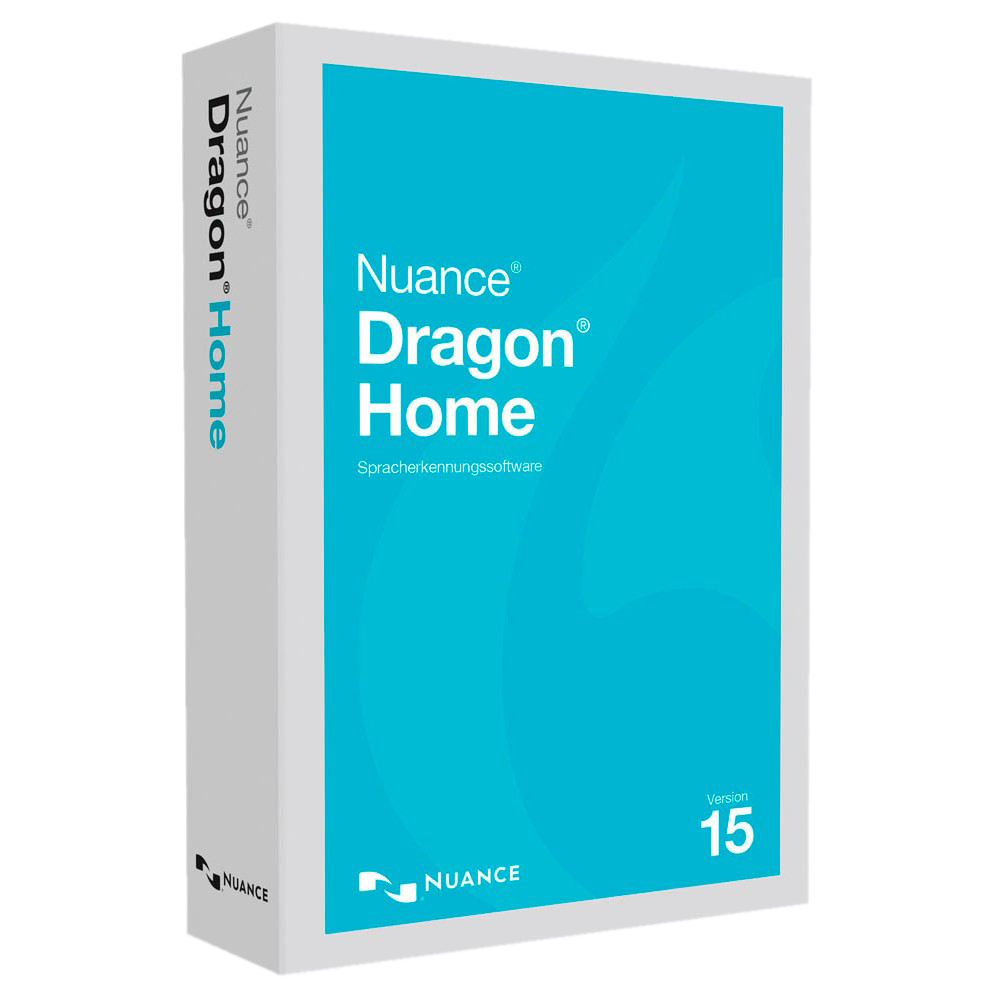
Dragon 15 Home | Windows: Your personal voice assistant for efficient work
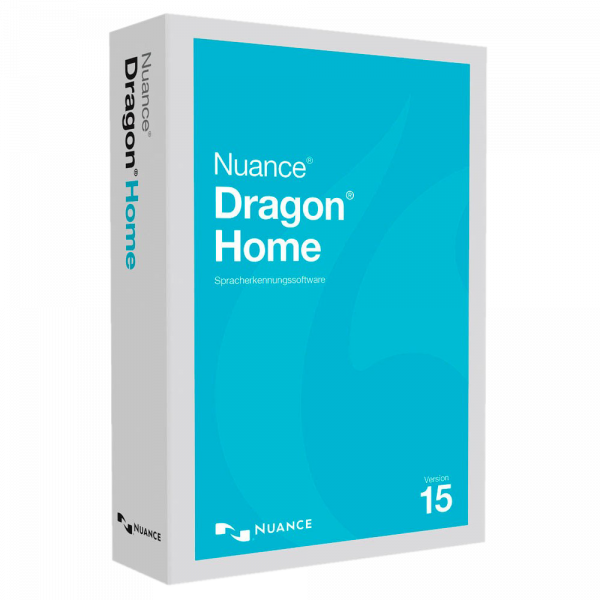
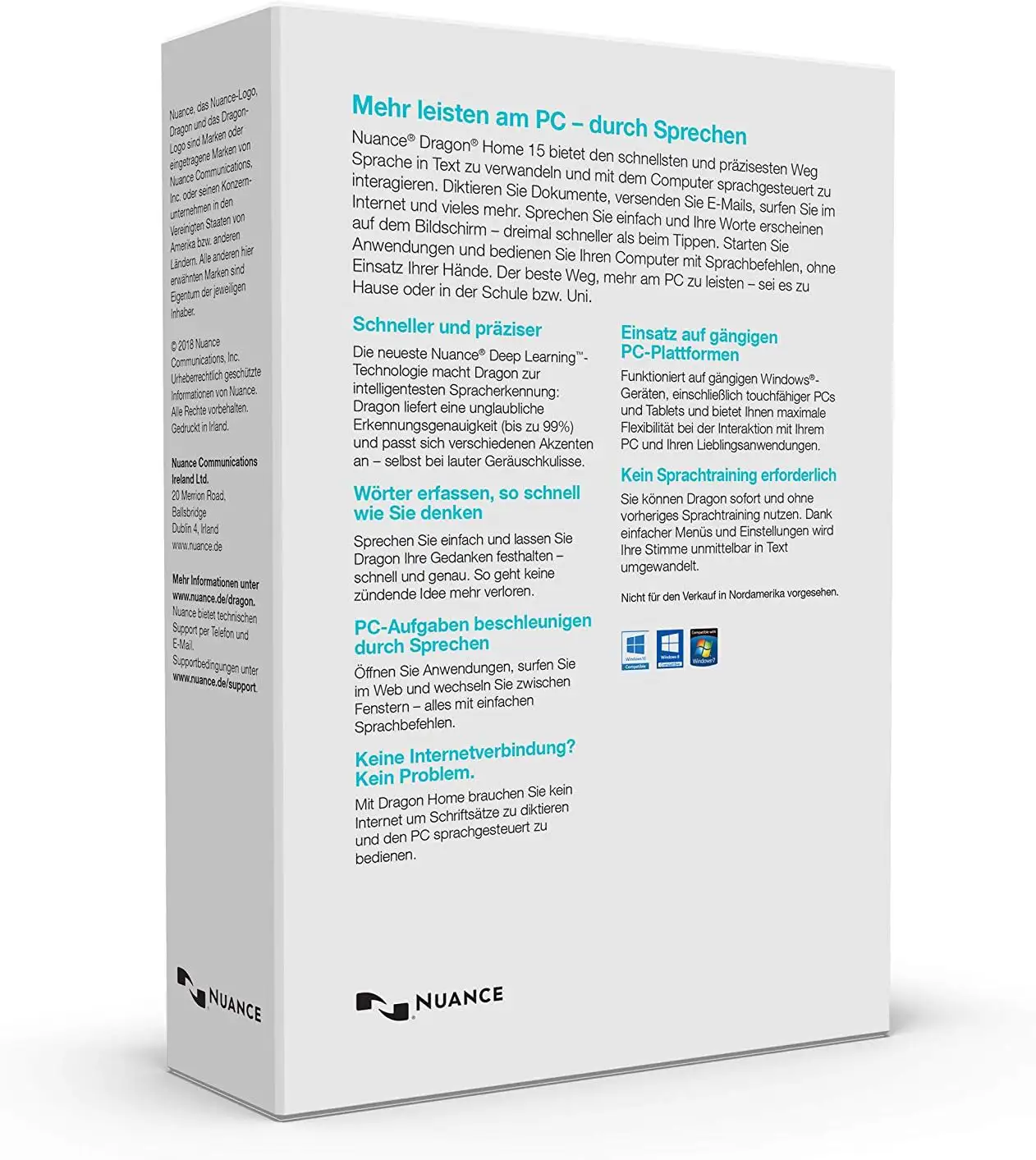
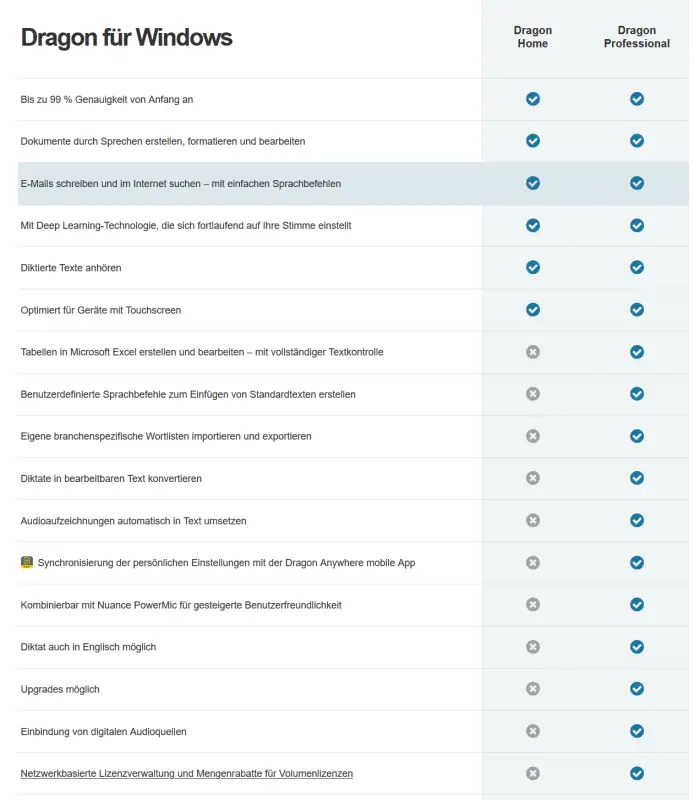
Nuance Dragon 15 Home | Windows is a powerful speech recognition software that enables users to use their voice to create text, control applications and use their computer more efficiently. With a variety of features and enhancements, Dragon 15 Home provides a smooth and accurate speech recognition experience. One of the most notable features of Dragon 15 Home is its high accuracy in converting spoken language to text. The software uses advanced language models and algorithms to ensure accurate transcription and minimize the need for manual corrections. With Dragon 15 Home, users can not only create text, but also control their computer by voice command. From opening applications and navigating menus to performing complex tasks, the extensive collection of voice commands enables efficient and user-friendly interaction with the computer. Dragon 15 Home 's intelligent customization feature allows the software to adapt to the user's individual language and vocabulary. The more the software is used, the better it will be able to understand the user's specific expressions and preferences and provide increasingly personalized speech recognition .

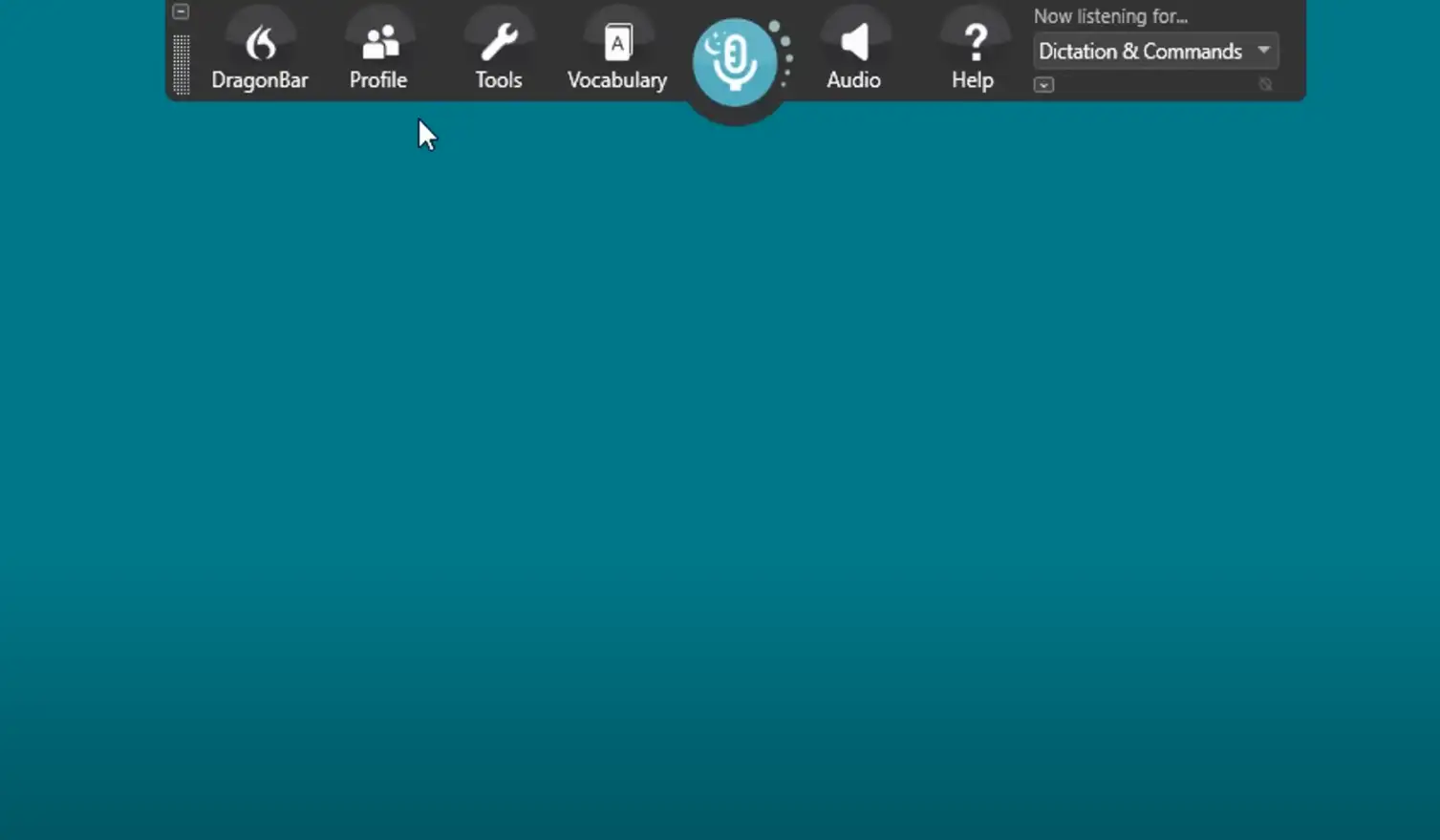
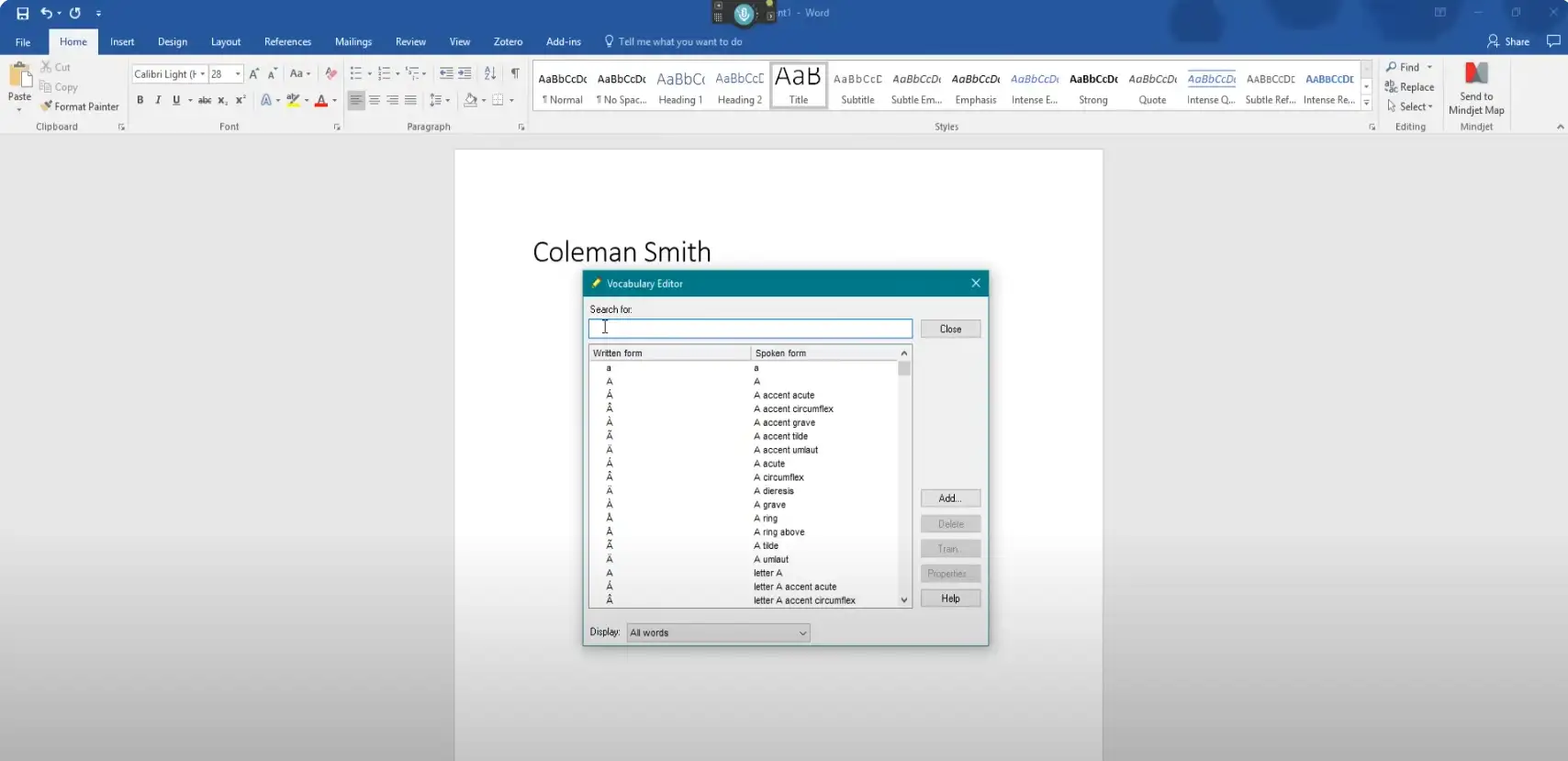
Dragon 15 Home 's user interface is intuitively designed for easy navigation and configuration. Users can quickly learn and customize the software to their individual needs for an optimal user experience. Dragon 15 Home integrates seamlessly with a variety of applications and programs, including word processors, email clients and web browsers. Direct speech integration allows users to work more efficiently and productively by creating and editing text directly in these applications. In addition, Dragon 15 Home offers support for mobile devices such as smartphones and tablets. Users can also use their voice input on these devices and create texts on the go, promoting flexibility and productivity.
In summary, Nuance Dragon 15 Home | Windows offers powerful and accurate speech recognition, rich voice commands, intelligent customization, easy-to-use interface, integration with applications and mobile support. With Dragon 15 Home, users can work more efficiently and increase their productivity by using their voice as a powerful tool for text creation and computer control.
Who is Nuance Dragon 15 Home | Windows for?
Nuance Dragon 15 Home | Windows is suitable for:
- Typists and writers: Dragon 15 Home makes text creation easier for typists and writers by allowing them to convert their spoken language into accurate text. This saves time and enables efficient writing.
- Students: Students can use Dragon 15 Home to create their notes and assignments quickly and easily by voice. The software helps them to optimize their workflow and work more productively.
- Business people: For business people, Dragon 15 Home is a valuable tool for quickly creating reports, emails, presentations and other business documents. The speech recognition function enables efficient document creation and increases productivity.
- People with reduced mobility: People with reduced mobility, whether due to physical limitations or injury, can benefit from Dragon 15 Home. The software enables them to operate their computer using only their voice and create texts without having to rely on a keyboard or mouse.
- Researchers and scientists: Dragon 15 Home makes it easier for researchers and scientists to document experiments, research results and reports. Speech recognition allows them to concentrate on their work instead of manually entering text.
- Journalists and bloggers: For journalists and bloggers, Dragon 15 Home is a useful tool for quickly creating articles and blog posts. The speech recognition feature allows them to capture their thoughts and ideas instantly without using the keyboard.
- People with reading and writing difficulties: Dragon 15 Home is a valuable support for people with reading and writing difficulties. They can convert their spoken language into text to read or communicate.
- Creative minds: Artists, designers and creative people can use Dragon 15 Home to capture and document their creative ideas. Whether it's sketches, concepts or collections of ideas, the speech recognition feature makes capturing thoughts quick and easy.
In summary, Nuance Dragon 15 Home | Windows is suitable for typists, authors, students, business people, people with limited mobility, researchers, journalists, people with reading and writing difficulties and creative minds. The software provides an efficient and accurate speech recognition function to facilitate text creation and computer access.
Hardware requirements for Nuance Dragon 15 Home | Windows
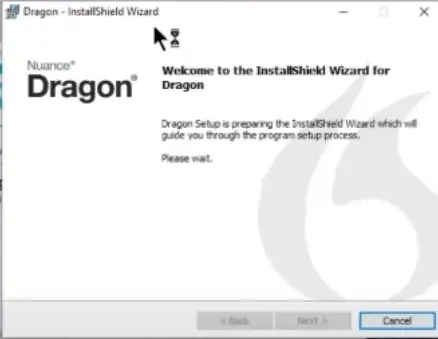
The hardware requirements for Nuance Dragon 15 Home | Windows are as follows:
- Processor: At least an Intel dual-core or equivalent AMD processor with a clock speed of 2.2 GHz or faster. A faster processor is recommended for optimal performance.
- Memory (RAM): At least 4 GB RAM. However, a larger RAM capacity is recommended for smooth performance, especially if you want to run other memory-intensive applications at the same time.
- Hard disk space: At least 8 GB of free hard disk space for installing the software and additional space for language files and other data.
- Operating system: Windows 7, Windows 8.1 or Windows 10, Windows 11 (32-bit or 64-bit).
- Sound card: A sound card with support for 16-bit recording.
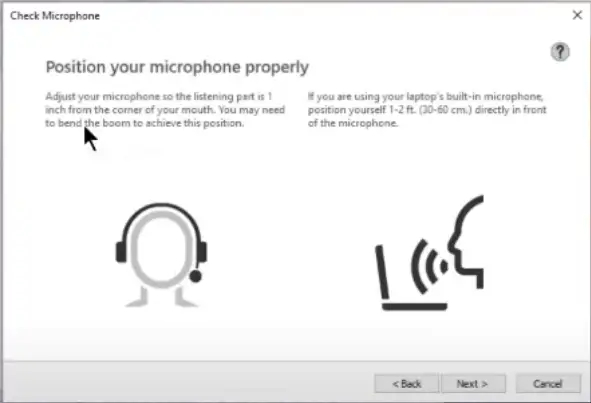
- Microphone: A microphone supported by the manufacturer. It is recommended to use a high-quality USB microphone or a wireless microphone to improve speech recognition accuracy.
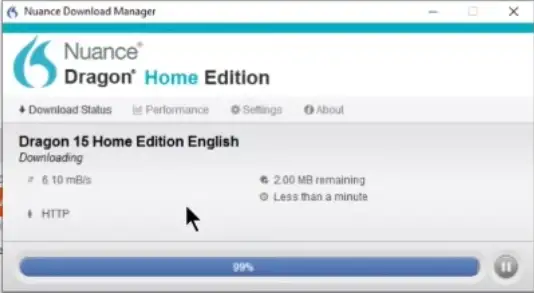
- Internet connection: An internet connection is required for the voice learning process and to access online features.
Please note that the specified hardware requirements are minimum requirements. To achieve the best possible performance, you can use more powerful hardware.
It is also important to ensure that your computer has the latest drivers for the microphone input and sound card to ensure optimum speech recognition performance.
(Further details can be obtained from the manufacturer).
Relevant: It is important that the installation file and the product key match. There are different versions of this software, so it may be necessary to use the installation file we offer as a download for a new installation. It is advisable to obtain information in advance and ask questions if necessary to avoid difficulties and inconvenience later on.
Legal matters:
With the final judgment of the Federal Court of Justice of 11.12.2014 with the file number: IZR 8/1 /3 we do not violate any rights of third parties with our offer & therefore do not violate any principles, the software is a single user licensing from a volume contract takeover. Registration for an ID is therefore not possible. You can activate the product, use it without restriction and also obtain the update to 15.3. However, higher updates and registration are not possible.