

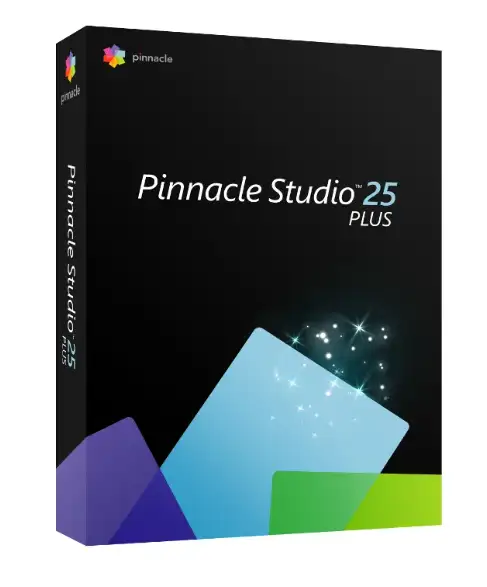
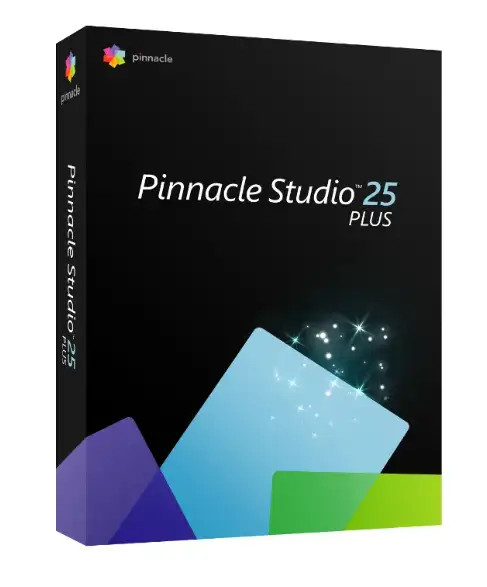
Pinnacle Studio 25 Plus | Windows




We advise you personally
Directly accessible for private and business customers.

We are happy to help!
Mon. - Fri.: 9:00 a.m. - 2:00 p.m.
Prices incl. VAT plus shipping costs
Instant download + product key
- Order number: SWI24-701653
- Devices: 1 PC
- Runtime: Unlimited
- Language: All languages
- Country zone: Worldwide
- Shipping method: E-Mail
- Manufacturer: Corel







What's Included
- Instant delivery – Key & download via email
- Activation guarantee – Permanent access, quality assured
- Installation guide – Simple & easy to follow, included
- VAT invoice – Official proof of purchase included
Buy Pinnacle Studio 25 Plus – Professional video editing software for Windows
If you want to create high-quality videos without relying on a massive budget or years of training, Pinnacle Studio 25 Plus is the ideal solution. The software combines professional tools with an intuitive user interface, making it perfect for both ambitious hobbyists and experienced content creators looking to take their productions to the next level. As a result, Pinnacle Studio 25 Plus offers just the right balance between performance and user-friendliness. In this product description, you’ll learn everything you need to know to make an informed purchasing decision—from key features and practical use cases to a comparison with the competition.
What is Pinnacle Studio 25 Plus?
Pinnacle Studio 25 Plus is the mid-range version of the three available editions of Pinnacle Studio 25—developed by Corel Corporation, one of the most renowned software providers in the creative software sector. The Plus edition is specifically positioned between the entry-level Standard version and the professional Ultimate edition. As a result, users get a powerful toolset that goes far beyond the basic functions without reaching the price of the Ultimate version.
The software is available exclusively for Windows operating systems and supports video formats up to 4K. This makes it ideal for anyone looking to professionally produce high-resolution video projects—whether for YouTube, social media, wedding videos, corporate presentations, or creative short films.
24 video tracks for maximum creative freedom
One of the most outstanding features of Pinnacle Studio 25 Plus is the availability of up to 24 video and audio tracks. Compared to the standard version, which offers only 6 tracks, this opens up a whole new dimension of creative work. Furthermore, this number of tracks allows you to work simultaneously with multiple video layers, overlays, graphics, title animations, and audio tracks—all within the same project.
In practice, this means you can create complex compositions where the main video, B-roll footage, text overlays, background music, and voice-over are seamlessly combined. As a result, Pinnacle Studio 25 Plus is ideal for projects that go beyond simple editing and aim for a truly cinematic level of quality.
4-Camera MultiCam Editing – Multi-angle productions made easy
With its built-in 4-Camera MultiCam Editing, Pinnacle Studio 25 Plus offers a feature that will delight professional videographers and event filmmakers. This powerful feature allows you to edit footage from up to four different cameras in sync and switch between perspectives in real time. This results in dynamic, varied cuts, similar to those seen in concert recordings, sports events, or interviews.
The cameras are synchronized automatically—either via audio sync cues, timestamps, or manually set sync points. This eliminates the time-consuming process of manual frame alignment, allowing you to focus entirely on the creative process.
Motion Tracking – Track and Highlight Objects Professionally
The Motion Tracking feature in Pinnacle Studio 25 Plus is one of the most impressive features of the Plus Edition. With this tool, you can automatically track moving objects or people in a video and attach effects, text, or graphics tied to their movement. Additionally, motion tracking allows for the targeted pixelation of faces, license plates, or other sensitive content—a feature that is particularly indispensable for journalistic or documentary video productions.
The implementation in Pinnacle Studio 25 is precise and reliable: The system automatically detects the contours and edges of the object to be tracked and dynamically adjusts the mask to changes in movement. This ensures clean tracking even with fast camera movements or changing lighting conditions.
Blend Modes – Cinematic Image Composition Through Layer Blending
Anyone familiar with the world of image editing knows the concept of Blend Modes from programs like Adobe Photoshop. Pinnacle Studio 25 Plus now consistently brings this powerful design tool to video editing. Through the targeted use of blend modes, you can create creative transitions, double exposure effects, and atmospheric image compositions that give videos a distinctive, cinematic look.
This opens up entirely new creative possibilities: from subtle brightening effects to dramatic contrast compositions and surreal dream sequences—with blend modes, the creative range is virtually unlimited.
Advanced Audio Editor for Professional Sound with Pinnacle Studio 25 Plus
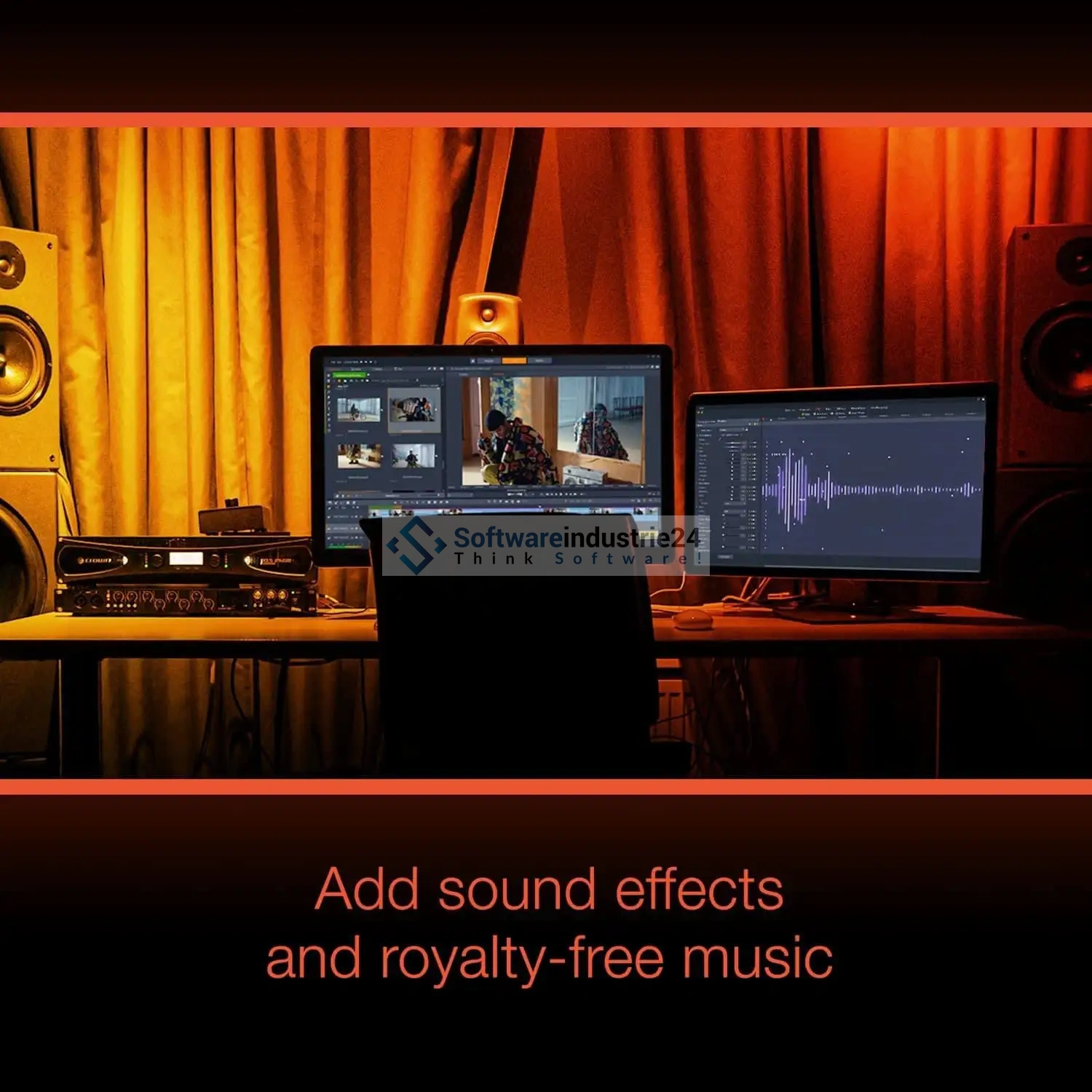
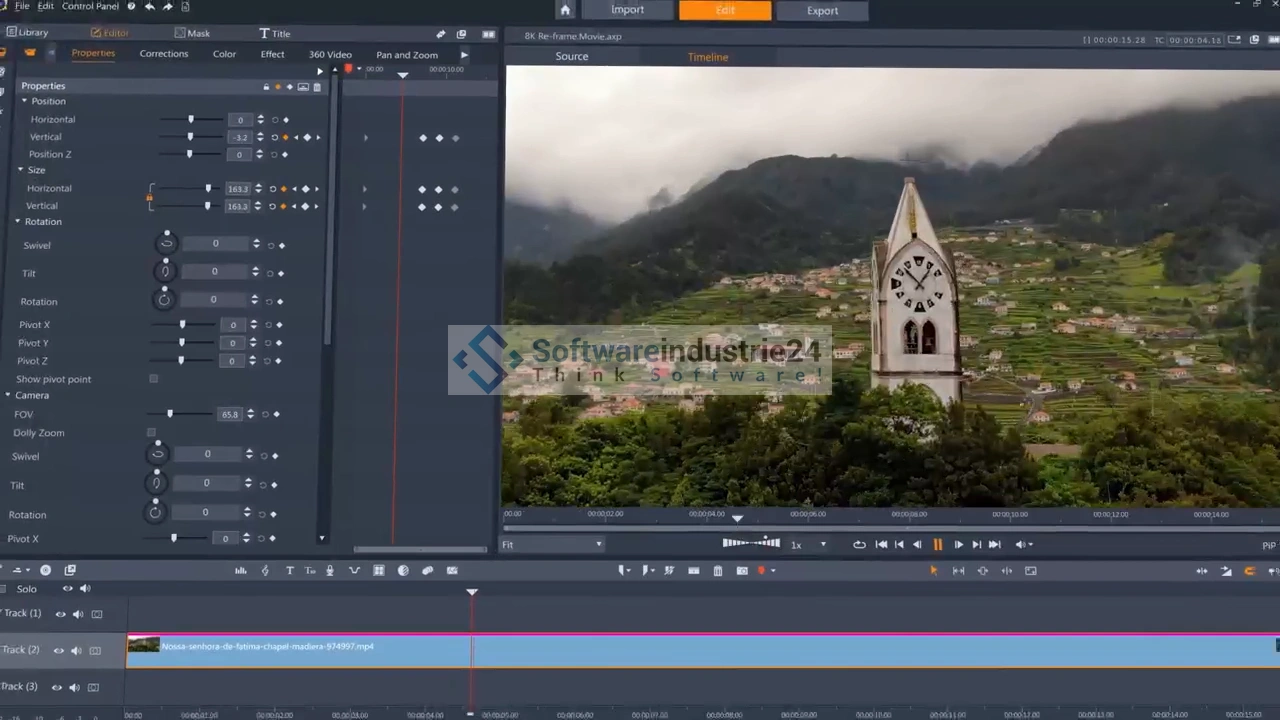
Excellent video quality alone isn’t enough—the sound has to be right, too. That’s why Pinnacle Studio 25 Plus includes an advanced audio editor that goes far beyond simple volume trimming. With the built-in equalizer, noise reduction, reverb effects, and precise keyframe volume curves, you can create a professional audio mix.
Additionally, the software supports Batch Processing, allowing time-consuming tasks such as rendering multiple project sequences to run automatically in the background. Consequently, this workflow saves a significant amount of time, especially for large-scale productions with many individual clips.
4K Video Editing and Support for Modern Formats
Pinnacle Studio 25 Plus supports the editing of 4K video footage in common formats such as HEVC (H.265), XAVC S, AVCHD, AVI, MOV, MPEG-4, and many more. This ensures you’re fully equipped to meet current production standards, whether you’re filming with a modern DSLR, a GoPro action cam, or a latest-generation smartphone.
In addition, the software offers extensive color correction tools that allow you to precisely adjust exposure, white balance, and hue. This means that even footage shot under suboptimal lighting conditions can be enhanced and transformed into professional-looking final products.
Hundreds of effects, transitions, and title templates
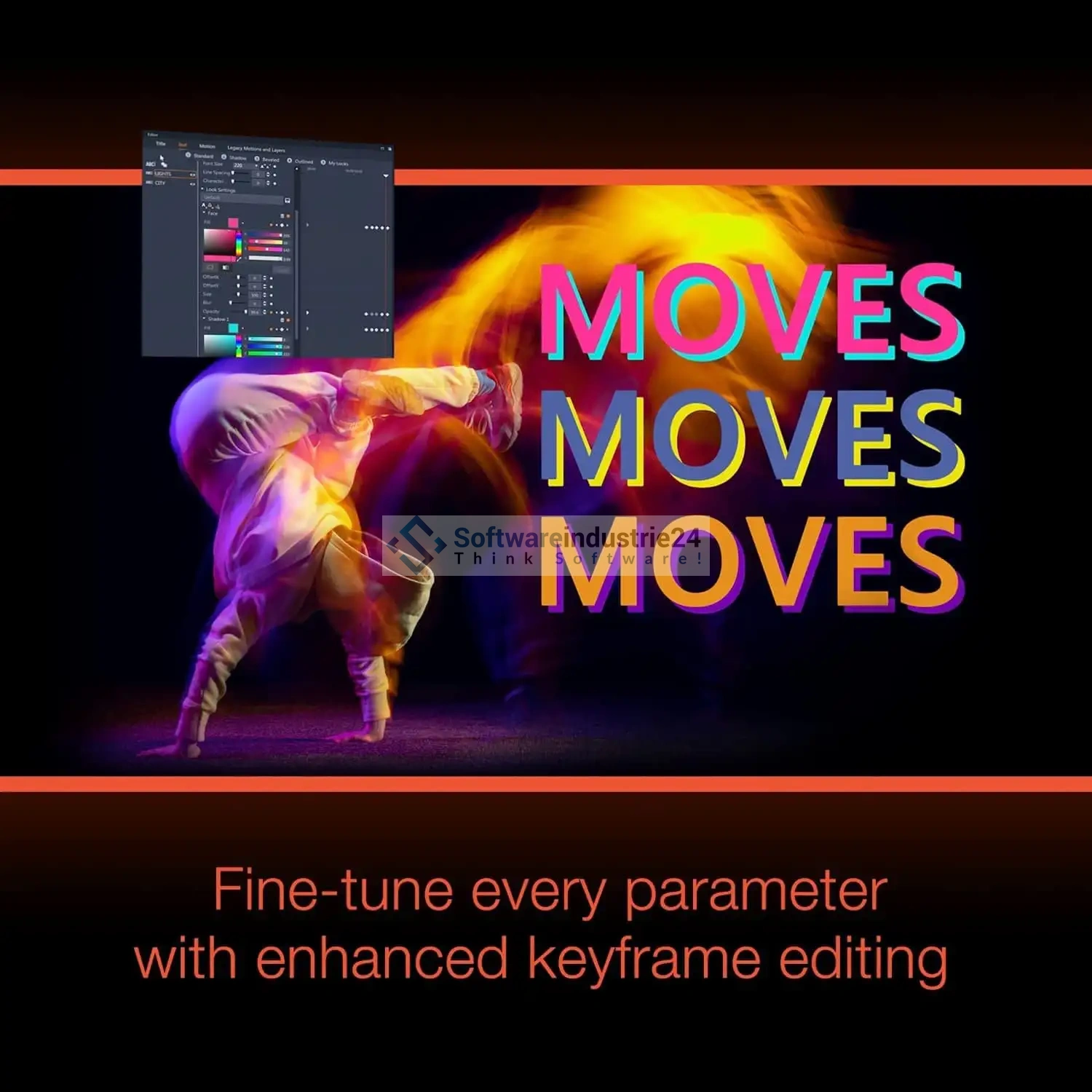
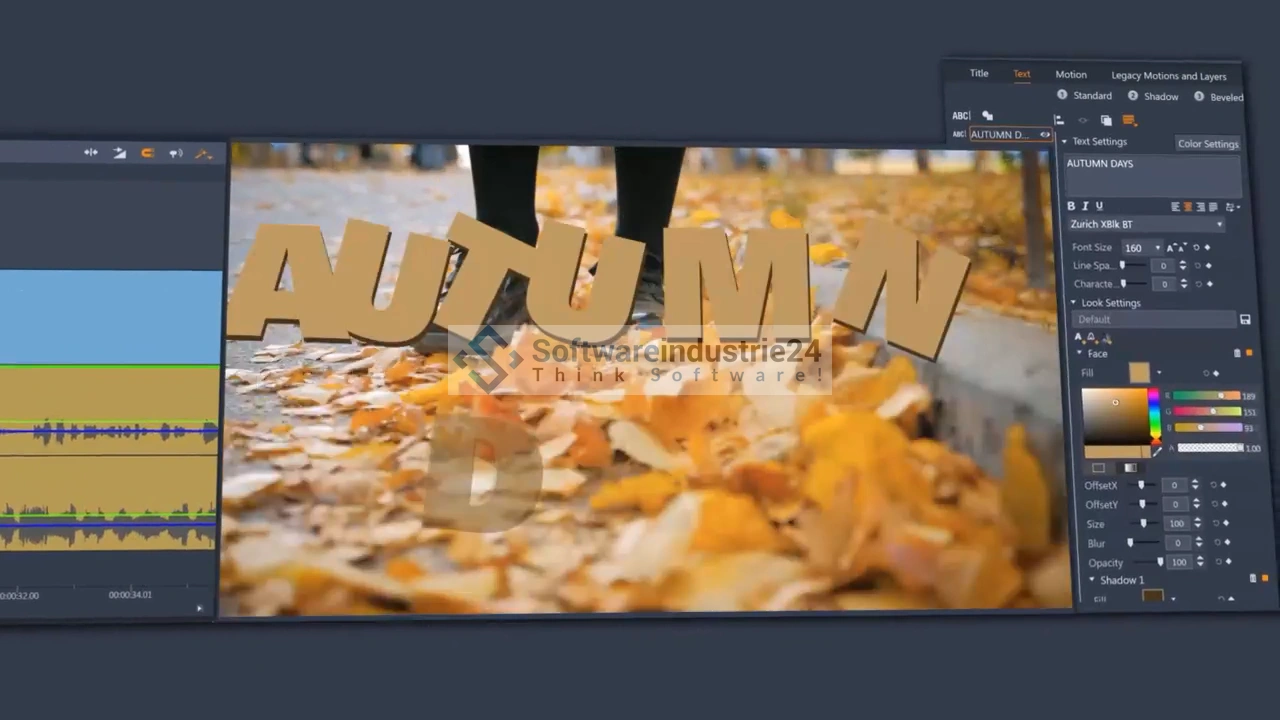
Creativity needs the right tools—and Pinnacle Studio 25 Plus delivers them in abundance: hundreds of effects, transitions, graphic overlays, fonts, and title animations are available to visually enrich your projects. The new title editor also allows you to create keyframe-controlled animations directly within the text, so animated typography can be achieved without any external tools.
Additionally, royalty-free music and sound effects are included, which can be used in commercial projects without hesitation. This eliminates the need for time-consuming searches for royalty-free audio material in external databases.
Use Cases – Who is Pinnacle Studio 25 Plus suitable for?
YouTube creators and content marketers: Those who regularly produce videos for YouTube, Instagram Reels, or TikTok will benefit from the speed and efficiency of the editing system. The ability to export projects directly to social media formats saves a significant amount of time. This allows the entire workflow, from recording to publication, to be seamlessly managed.
Wedding and event videographers: The 4-camera MultiCam editing is ideal for anyone who covers events with multiple cameras and wants to edit them dynamically afterward. Consequently, emotional highlights of an event can be effectively showcased from various perspectives.
Businesses and marketing departments: Product videos, explainer videos, and company presentations can be produced professionally and cost-effectively with Pinnacle Studio 25 Plus. Therefore, the software is also an attractive alternative to expensive agency services for small and medium-sized businesses.
Amateur filmmakers and families: Thanks to the intuitive user interface and numerous templates, even beginners can achieve impressive results in a short time. Additionally, the built-in slideshow maker and themed video templates offer a quick start without a long learning curve.
Pinnacle Studio 25 Plus Compared to the Competition
In a direct comparison with other video editing software products in the same price range, Pinnacle Studio 25 Plus holds its own very well:
vs. Adobe Premiere Elements: While Adobe offers a solid entry-level solution, it relies on a subscription model for Premiere Pro. Pinnacle Studio 25 Plus, on the other hand, is a one-time purchase with no monthly fees—a significant advantage for anyone planning for the long term. Additionally, Pinnacle offers significantly more feature depth in the areas of MultiCam and motion tracking within this price range.
vs. CyberLink PowerDirector: PowerDirector is a direct competitor that also offers solid features. However, Pinnacle Studio 25 Plus stands out with a more sophisticated timeline architecture and the blend mode system, which CyberLink does not offer in this form. Therefore, Pinnacle is the better choice for users who want to combine cinematic quality with technical precision.
vs. DaVinci Resolve (Free): DaVinci Resolve is a powerful tool in its free version, but it comes with a steep learning curve. Pinnacle Studio 25 Plus thus offers the decisive advantage of easier accessibility without sacrificing essential professional features.
Frequently Asked Questions (FAQ) about Pinnacle Studio 25 Plus
Is Pinnacle Studio 25 Plus also available for Mac?
No. Pinnacle Studio 25 Plus is developed exclusively for Windows operating systems and is not supported on macOS. For Mac users, we recommend alternative products from the Softwareindustrie24 range.
What are the system requirements?
We recommend an Intel Core i7 (4th generation or newer) or comparable AMD processor, at least 4 GB of RAM (8 GB or more for 4K projects), and a DirectX-compatible graphics card with at least 256 MB of VRAM. An internet connection is also required for installation.
Can Pinnacle Studio 25 Plus be installed on multiple PCs?
No. The license is limited to a single installation on one computer. Therefore, a separate license is required for each additional workstation.
Does Pinnacle Studio 25 Plus support exporting to social media platforms?
Yes. Projects can be exported directly to platform-specific formats for YouTube, Vimeo, and other social media channels. This eliminates the need for manual format conversion.
Is there a difference from the Ultimate version?
Yes. The Ultimate version additionally offers unlimited video tracks, 6-camera MultiCam editing, 8K video support, advanced masking tools, and 360° video editing. For most semi-professionals and advanced hobbyists, however, the Plus version already provides all essential features.
How does activation work after purchase?
After purchasing from Softwareindustrie24, you’ll receive a license key via email. Installation and activation are done through the official Pinnacle website. This means you can get started on your video projects right after purchase.
Is Pinnacle Studio 25 Plus available in German?
Yes. The software supports German, English, French, Italian, Spanish, and many other languages.
Buy Pinnacle Studio 25 Plus now and create professional-quality videos
Pinnacle Studio 25 Plus is an exceptionally powerful video editing software that perfectly strikes the balance between professional-grade features and intuitive usability. With features like 24-track editing, 4-camera MultiCam, precise motion tracking, blend modes, and a full-featured audio editor, it offers everything ambitious videographers need to create impressive productions. That’s why the software is a top-notch investment for creative hobbyists, semi-pros, and freelancers alike.
Particularly compelling is the one-time purchase model with no subscription fees: You pay once and can use the software permanently—no monthly fees, no hidden costs. This means the investment pays for itself in no time, especially compared to subscription models like Adobe Premiere Pro.
Take advantage of this opportunity now and purchase Pinnacle Studio 25 Plus directly from Softwareindustrie24.de—your trusted specialist retailer for software licenses. Benefit from fast delivery of the license key, a secure payment process, and expert customer support. Start your next video project today at a professional level—with Pinnacle Studio 25 Plus.


