We advise you personally
Directly accessible for private and business customers.

We are happy to help!
Mon. - Fri.: 9:00 a.m. - 2:00 p.m.
Prices incl. VAT plus shipping costs
Instant download + product key
- Order number: SWI24-700134
- Devices: Depending on selection
- Runtime: Permanently valid
- Language: All languages
- Country zone: Worldwide
- Shipping method: E-Mail
- Manufacturer: Microsoft

What's Included
- Instant delivery – Key & download via email
- Activation guarantee – Permanent access, quality assured
- Installation guide – Simple & easy to follow, included
- VAT invoice – Official proof of purchase included
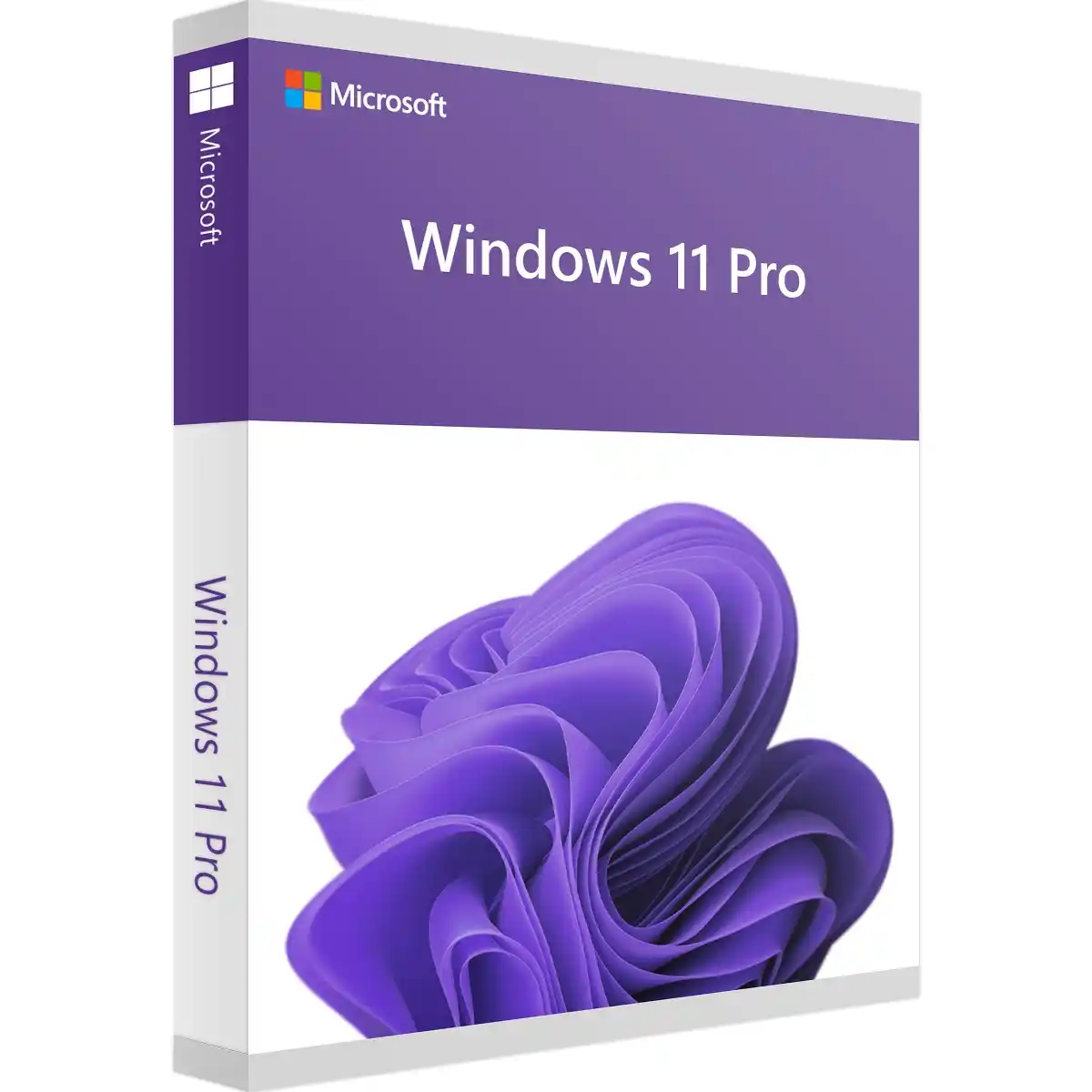
Windows 11 Pro - The future of productivity and elegance!
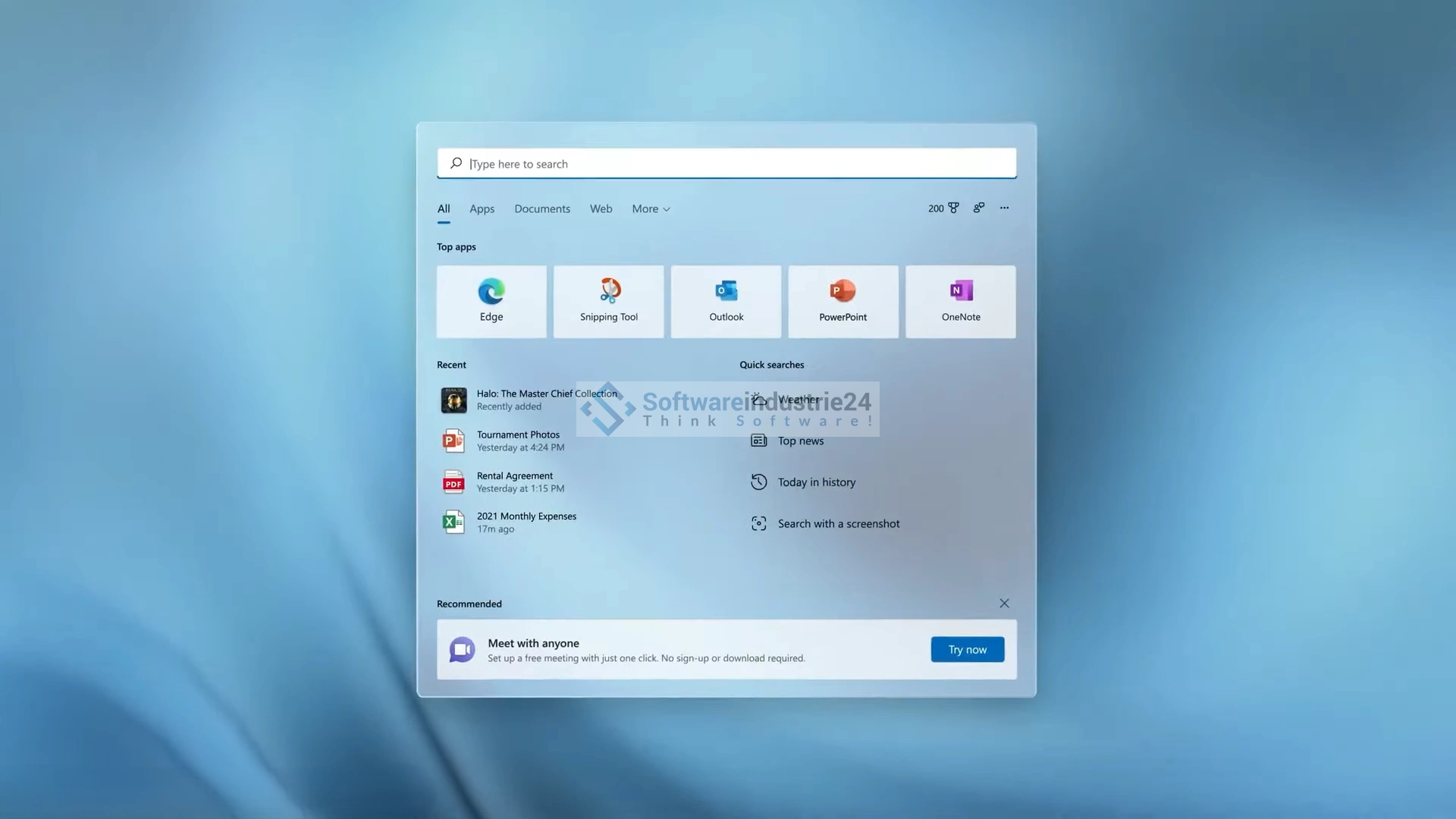
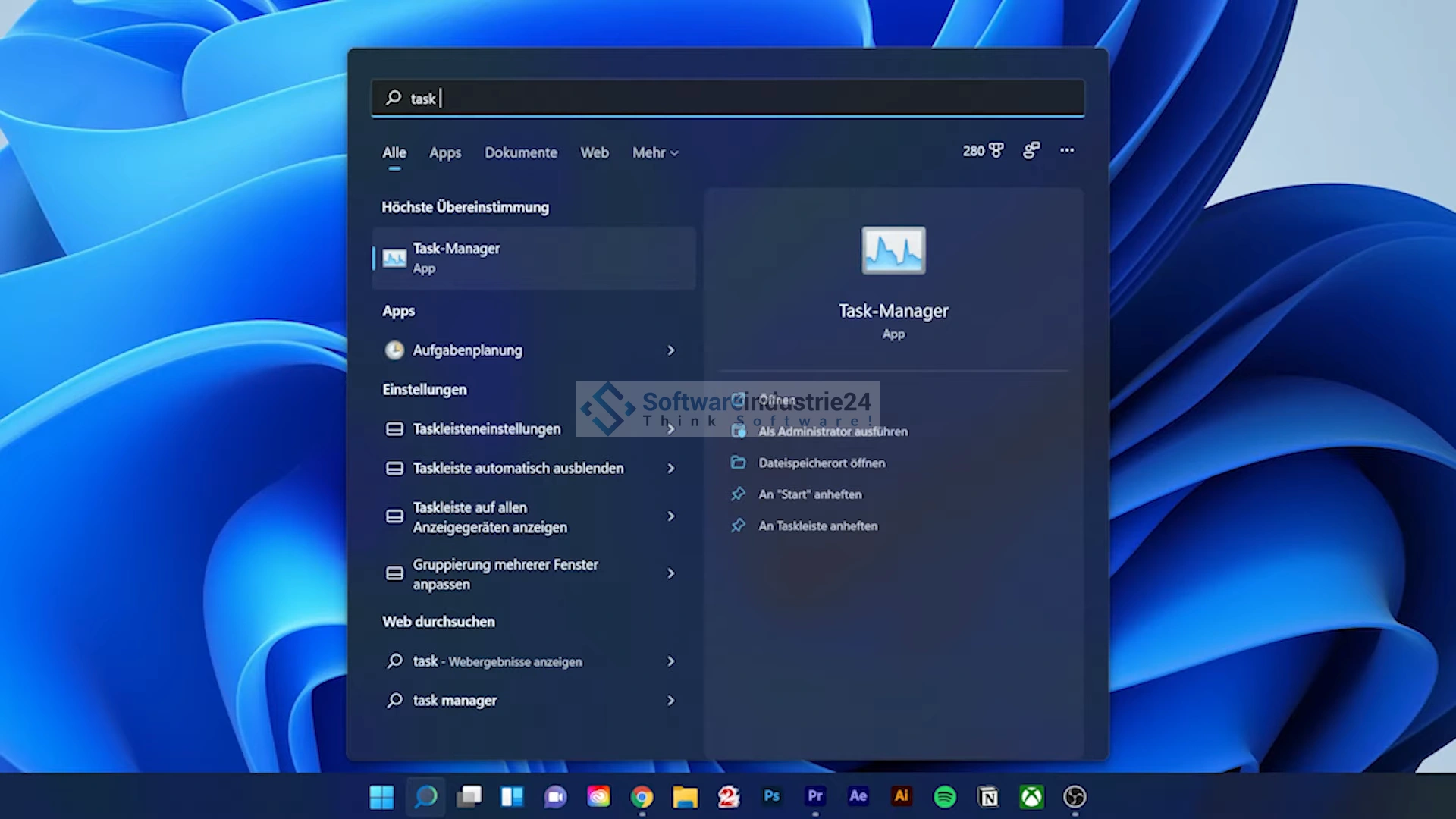
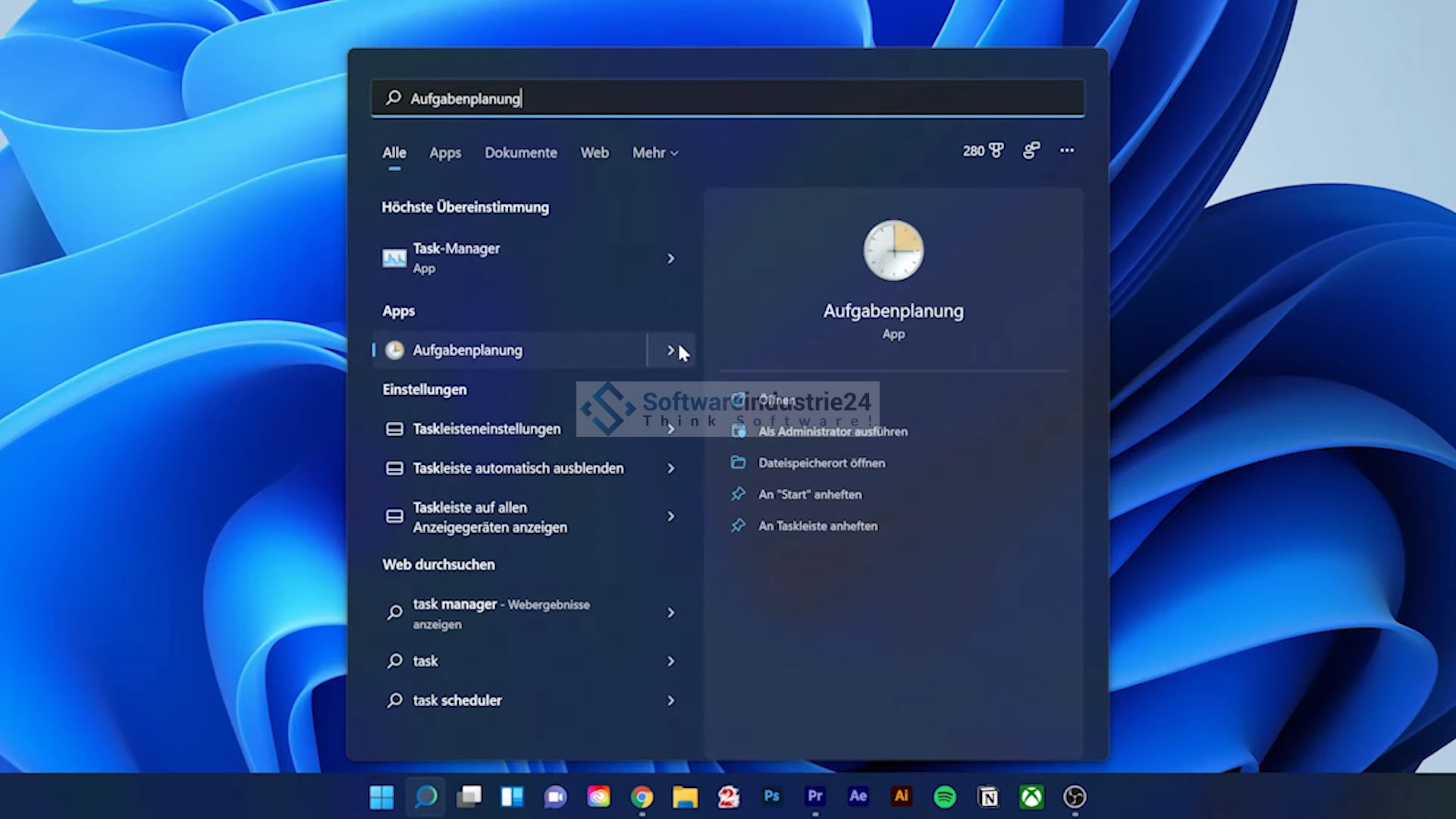
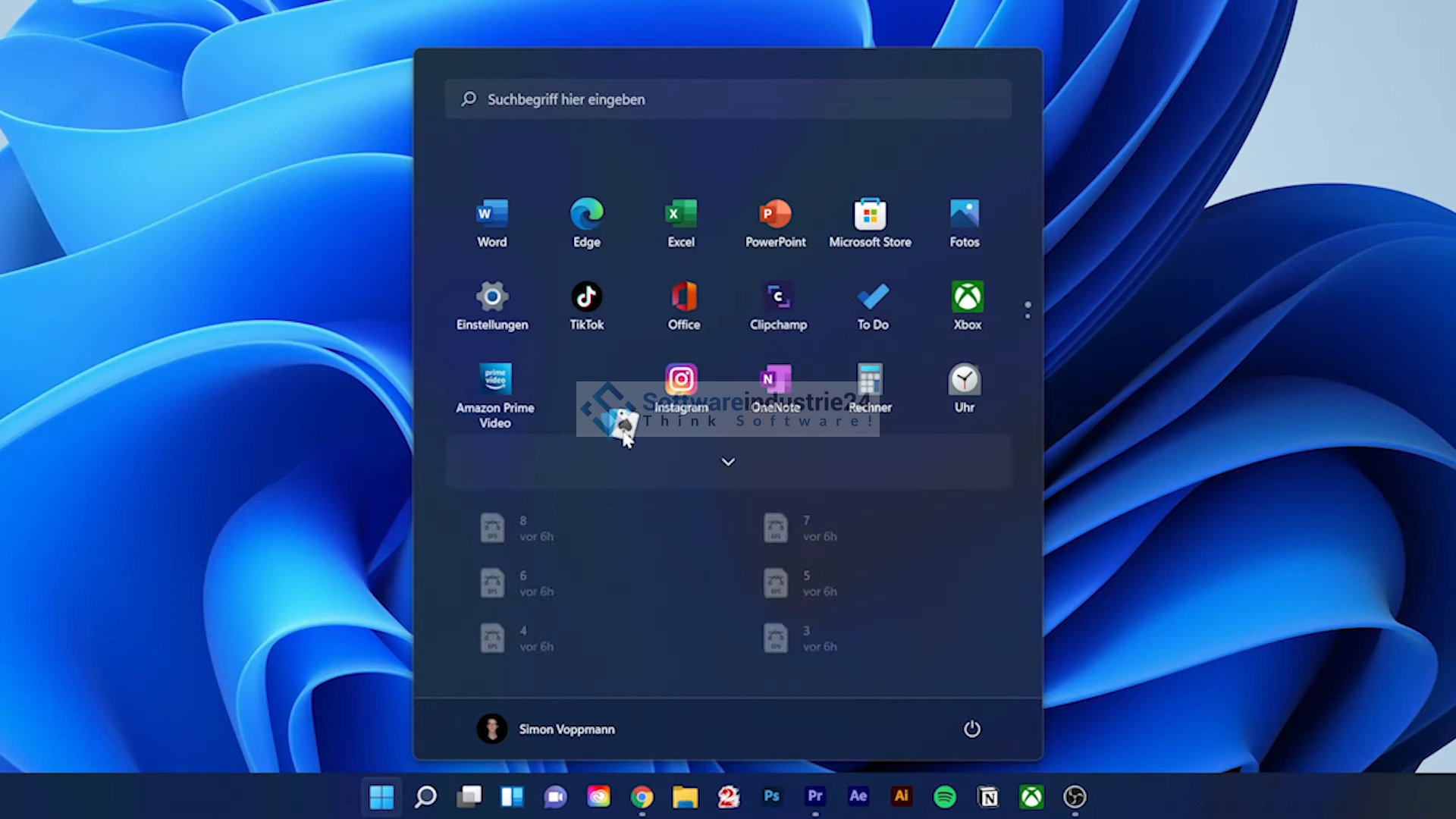
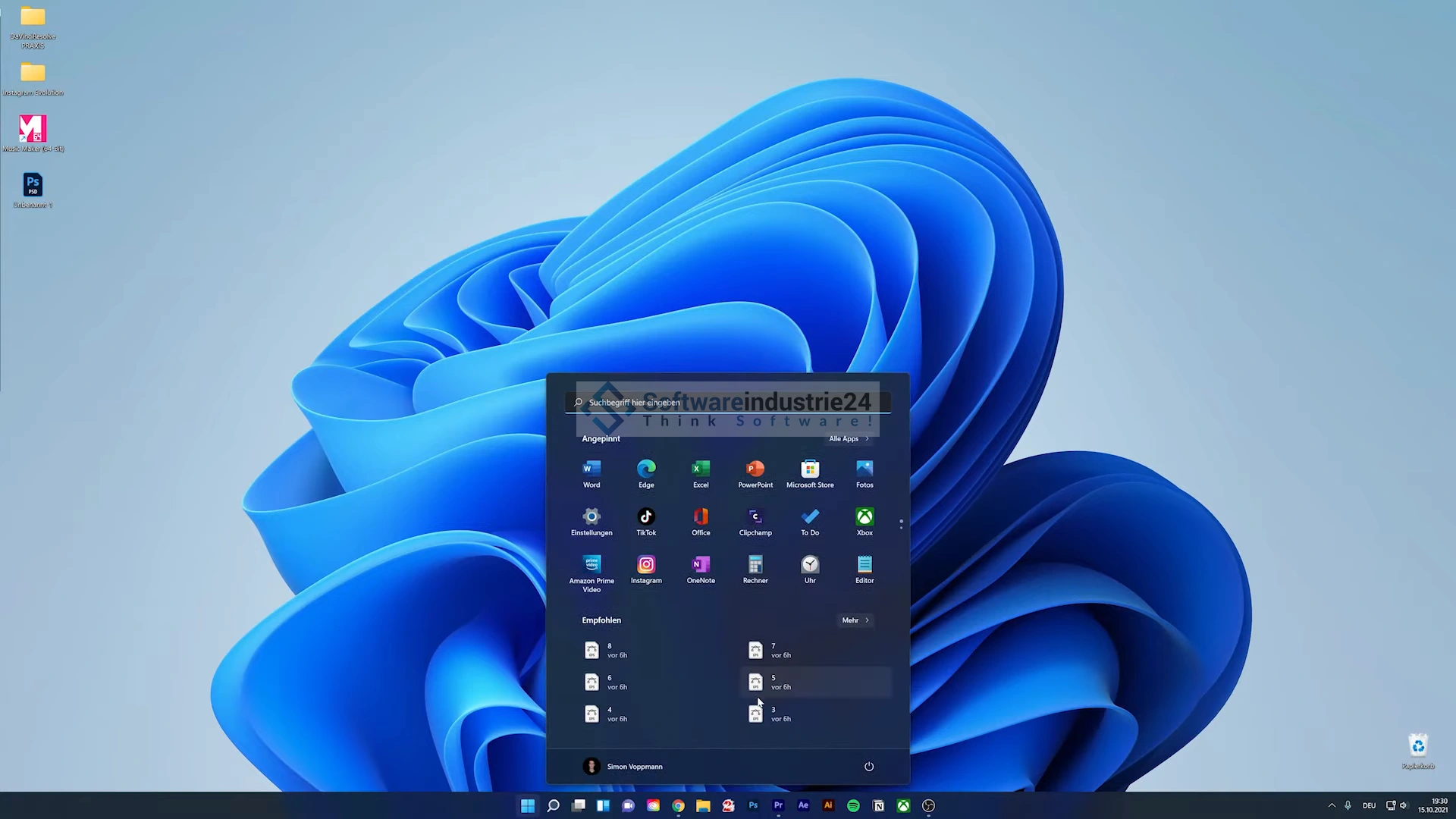
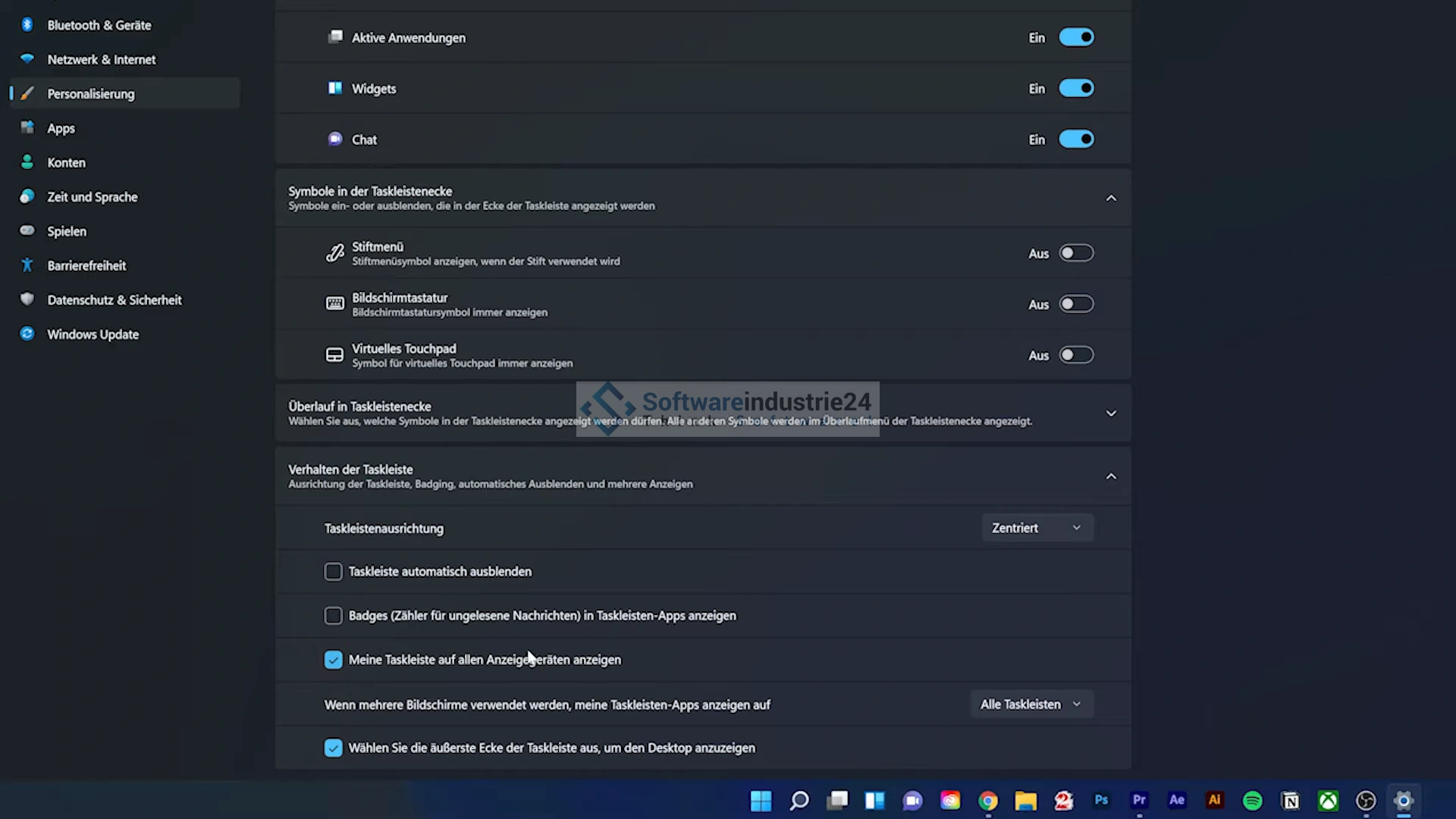
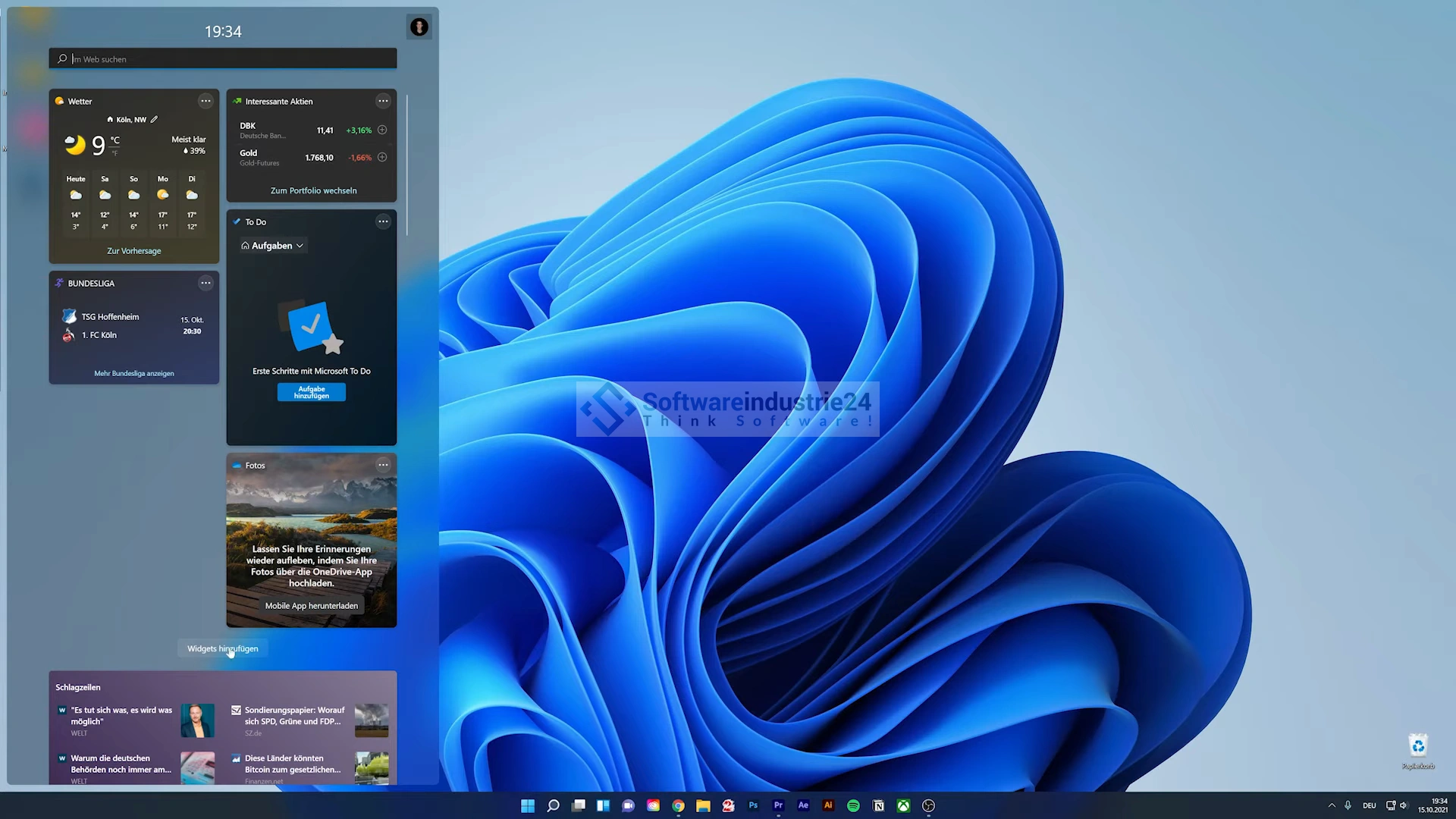
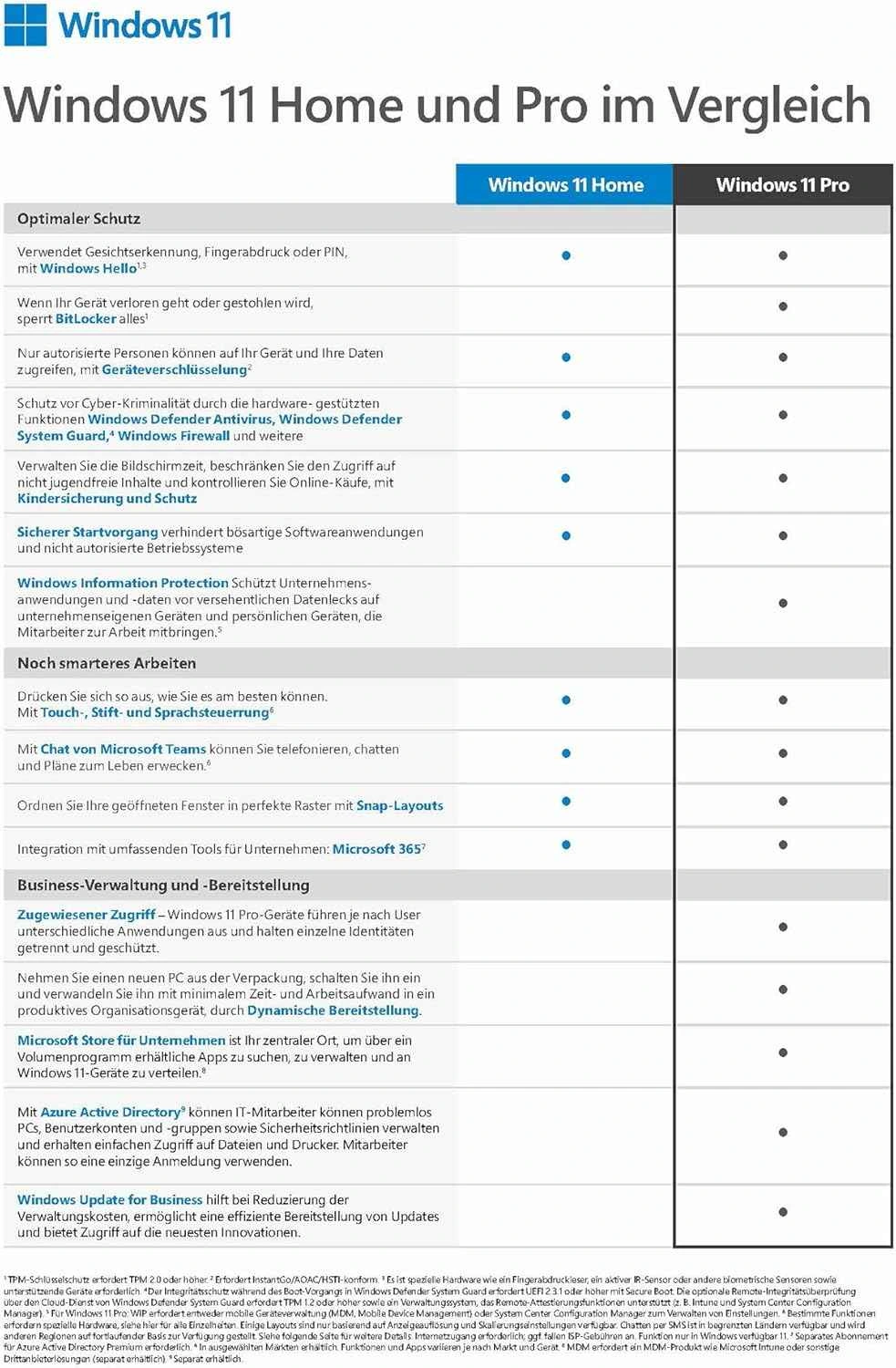
Windows 11 Pro is the latest operating system from Microsoft, which has been specially developed for professional users and can be purchased as a volume license. This version provides companies and organizations with a powerful platform that increases their productivity and enables them to meet their business requirements efficiently. The Windows 11 Pro operating system is characterized by an elegant and modern user interface that ensures an intuitive and seamless user experience. The redesigned taskbar and Start menu provide quick access to frequently used applications and files, while the revised design makes it easier and more appealing to use overall. Windows 11 Pro also gives volume license customers access to many powerful features and tools. These include, for example, Hyper-V virtualization technology, which enables companies to run virtual machines on their computers. This is particularly useful for software testing and deploying different operating systems in a secure environment. The security of Windows 11 Pro has also been enhanced. The integrated Windows Defender Firewall and Windows Defender Antivirus provide reliable protection against malware, viruses and other threats. The “Windows Update for Business” function enables centralized management of updates and patches to ensure the security of the IT infrastructure.
Another advantage of volume licensing is that companies can easily deploy and manage Windows 11 Pro on multiple devices. This greatly simplifies IT management as centralized licensing and activation is possible. In addition, flexible licensing options can be selected according to company size and needs. Windows 11 Pro supports a wide range of hardware configurations and offers optimized performance designed specifically for modern hardware. Improved support for touchscreen devices, pen input and seamless Microsoft 365 integration enable more efficient collaboration and productivity. For businesses that rely on cloud services, Windows 11 Pro offers tight integration with Microsoft Azure. This enables seamless synchronization of data and settings between different devices and access to cloud-based applications and services.
Overall, Windows 11 Pro - Volume License offers a powerful and flexible solution for businesses looking to create a secure, productive and modern working environment. With its extensive features, enhanced security and ease of management, Windows 11 Pro is the ideal choice for businesses of all sizes and industries.
Who is Windows 11 Pro - Volume License suitable for?
Windows 11 Pro - Volume Licensing is suitable for different user groups and organizations .
Here are eight categories for which this operating system is ideal:
- Enterprise and Large Business: Windows 11 Pro - Volume License provides a powerful platform for businesses of all sizes. Centralized management and provisioning of licenses allow for easy scaling and management of large device fleets.
- Educational institutions: Schools, universities and educational institutions can benefit from the security, flexibility and manageability of Windows 11 Pro. The ability to create virtual machines facilitates the use of learning and teaching applications.
- Creative professions and designers: Windows 11 Pro supports touchscreen devices and pen input, making it attractive to creative professions such as designers, artists and architects. The modern user interface promotes smooth and intuitive work.
- Software developers and IT professionals: Hyper-V virtualization technology enables software developers and IT professionals to test and run different operating systems and applications in a secure environment.
- Cloud-focused organizations: Windows 11 Pro offers seamless integration with Microsoft Azure and cloud services. Companies that rely on cloud-based solutions benefit from efficient data synchronization and improved collaboration.
- Healthcare and medical facilities: The enhanced security of Windows 11 Pro is particularly beneficial for organizations in the healthcare sector, as it ensures the protection of sensitive patient data.
- Financial institutions and legal organizations: Windows 11 Pro offers security features such as Windows Defender Firewall and Antivirus, which help financial institutions and legal organizations protect confidential information.
Overall, Windows 11 Pro - Volume License is suitable for a wide range of users who need a reliable, secure and productive operating system environment that is easy to manage and compatible with modern hardware configurations.
Hardware requirements for Windows 11 Pro - Volume License
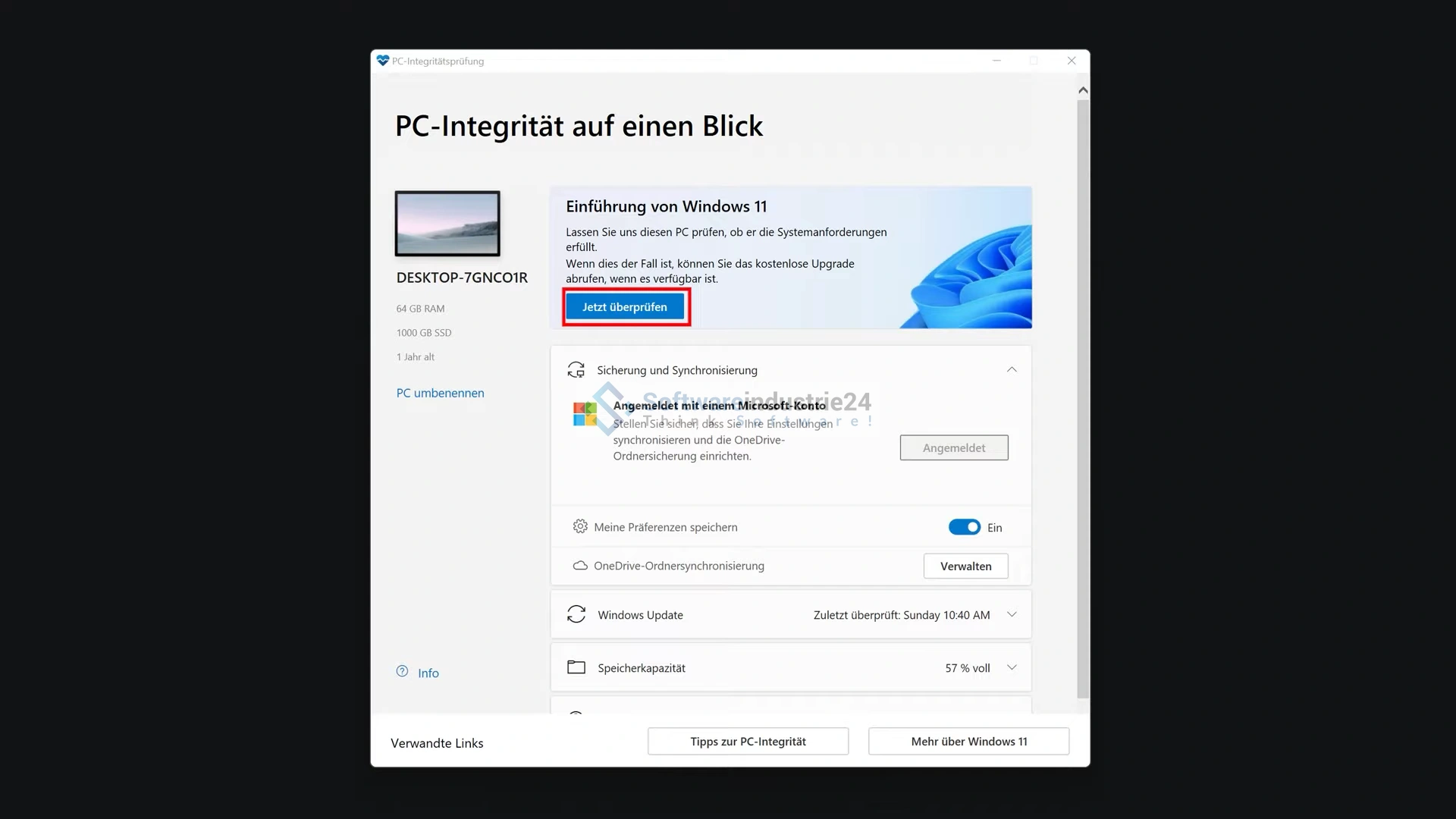
To install and run Windows 11 Pro on a PC , your device must meet the following minimum requirements:
- Processor: 64-bit processor with at least 1 GHz or faster (dual-core processor recommended).
- RAM: At least 4 GB RAM (8 GB or more recommended).
- Hard disk space: At least 64 GB of free space on the hard disk.
- Graphics card: DirectX 12 compatible graphics card with WDDM 2.0 driver.
- Display: Screen with a resolution of 720p (1280 x 720) or higher. Larger screens with higher resolution are recommended.
- TPM (Trusted Platform Module): TPM version 2.0 is required.
- Secure Boot: UEFI Secure Boot with support for Microsoft Windows requirements.
- Internet connection: Required for updates and some features.
It is important to note that these requirements may vary depending on the version of Windows 11 Pro and the updates. It is recommended to consult Microsoft 's official website or other trusted sources for the latest and most accurate information on hardware requirements for Windows 11 Pro - Volume License, as these may change over time.
(Further detailed information can be obtained from the manufacturer)