
We advise you personally
Directly accessible for private and business customers.
We are happy to help!
Mon. - Fri.: 9:00 a.m. - 2:00 p.m.
Prices incl. VAT plus shipping costs
Instant download + product key
What's Included
- Instant delivery – Key & download via email
- Activation guarantee – Permanent access, quality assured
- Installation guide – Simple & easy to follow, included
- VAT invoice – Official proof of purchase included
- Order number: SWI24-701133
- Runtime: Permanently valid
- Language: All languages
- Country zone: Worldwide
- Shipping method: E-Mail
- Manufacturer: Microsoft
Access freedom: Discover the world with Windows Server 2012 R2 Device CAL!
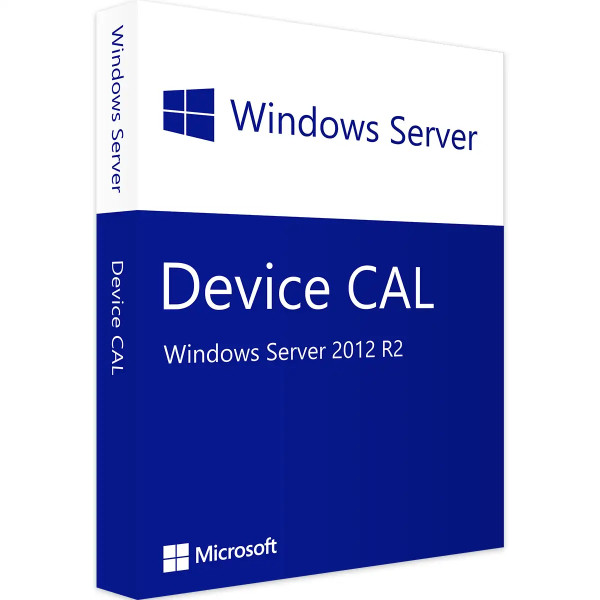
The Windows Server 2012 R2 Device CAL (Client Access License) is an important licensing option that enables companies and organizations to access the resources and features of a Windows Server 2012 R2. This licensing applies to devices and allows authorized devices to connect to a Windows Server 2012 R2 and benefit from the services and applications hosted on it. Each device that wants to access Windows Server 2012 R2 requires a single Windows Server 2012 R2 Device CAL license. These CALs are specific to each device and are not tied to the user ID, which means that regardless of the number of users using the device, licensing is granted on a per-device basis. The Windows Server 2012 R2 Device CAL provides access to a wide range of server services and features, including file and print services, Active Directory, DHCP (Dynamic Host Configuration Protocol), DNS (Domain Name System), web servers, database services, remote desktop services, and much more. With this license, companies can optimize their IT infrastructure and improve collaboration and communication among their employees. The Device CAL offers several advantages for businesses. First, it provides a cost-effective licensing solution for companies where multiple users share a single device. Instead of purchasing CALs for each user, businesses can save money with the Windows Server 2012 R2 Device CAL and only purchase licenses for the devices they need.

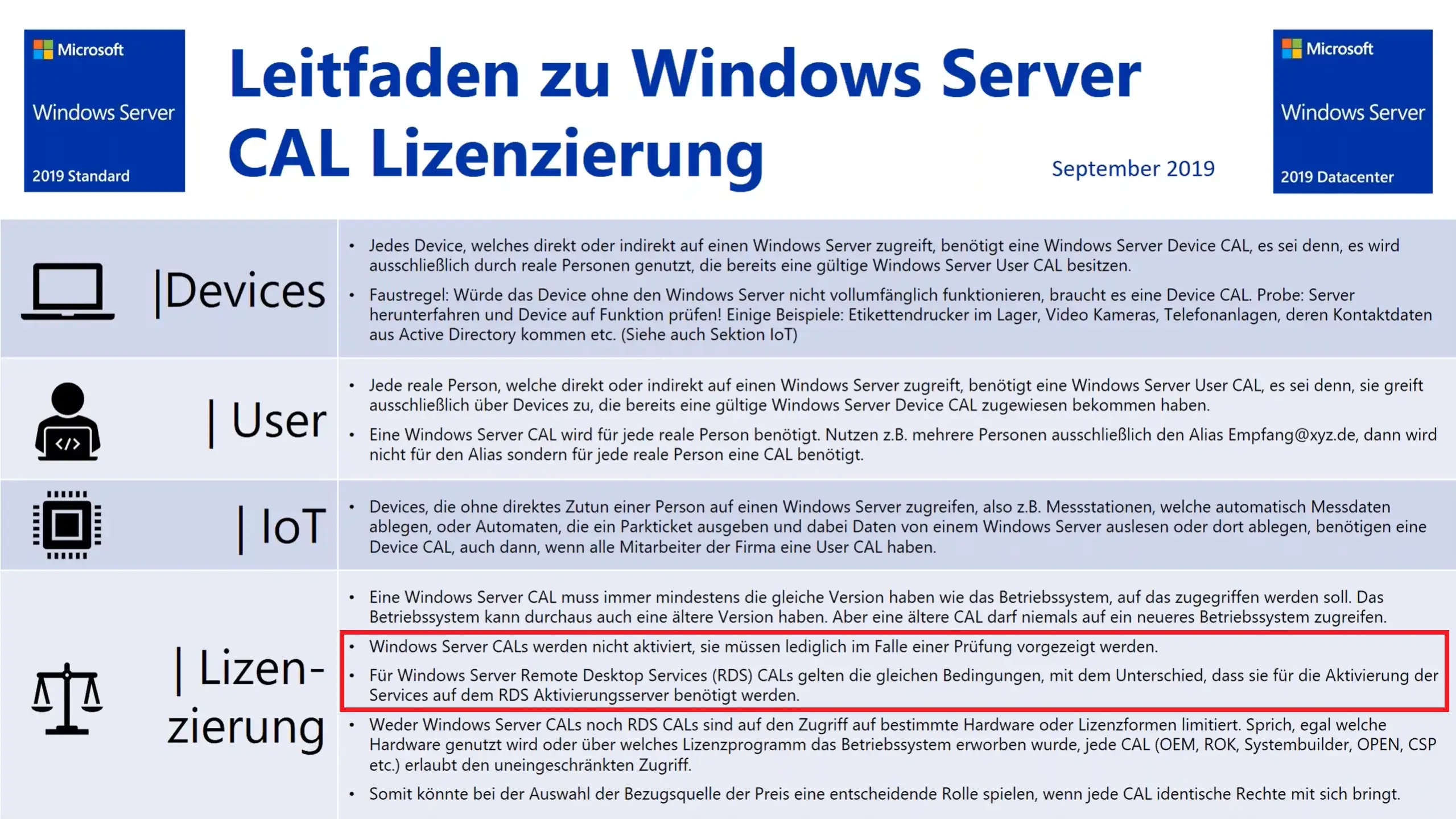
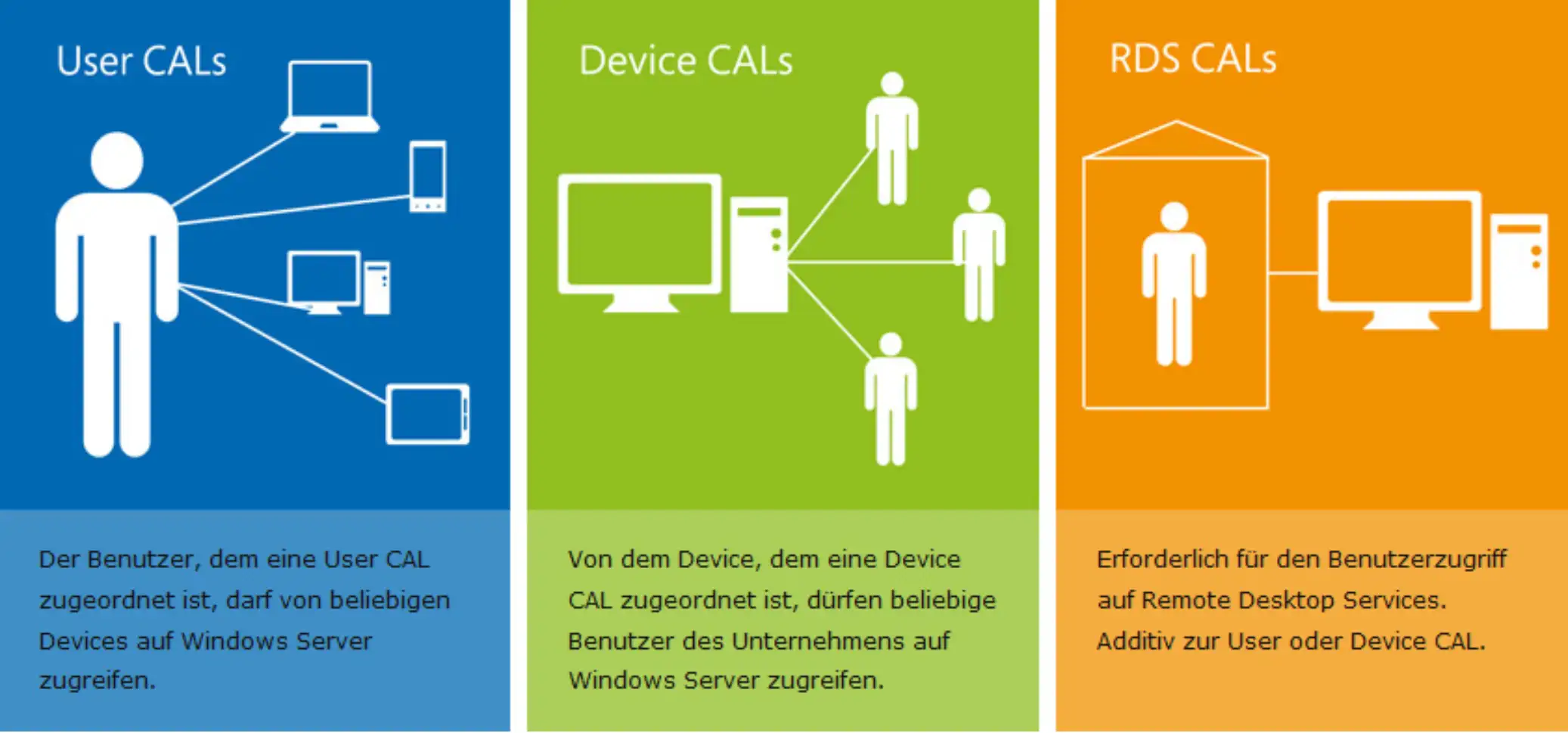
Second, the Windows Server 2012 R2 Device CAL enables a flexible and mobile work environment. Authorized devices can access Windows Server 2012 R2 from different locations, which is particularly beneficial for companies with remote and home office employees. This improves productivity and allows users to access important company resources from virtually anywhere. Third, the Device CAL offers easier management and monitoring of license usage. Since the CALs are device-based, companies do not need to track and license each individual user ID. Instead, they can manage the number of CALs based on the number of devices accessing the server. It is important to note that the Windows Server 2012 R2 Device CAL must be properly purchased and activated to ensure legal use of the server. Companies should ensure that they purchase the correct number of licenses to cover all eligible devices and ensure compliance with the license terms.
In summary, the Windows Server 2012 R2 Device CAL offers a reliable and efficient solution for companies that want to access the resources and services of a Windows Server 2012 R2. With this licensing option, companies can optimize their IT infrastructure, improve collaboration, and create a secure and flexible working environment for their employees.
Who is Windows Server 2012 R2 Device CAL suitable for?
The Windows Server 2012 R2 Device CAL (Client Access License) is suitable for various companies and organizations that need a reliable and flexible IT infrastructure to access the resources and functions of a Windows Server 2012 R2.
Here are eight categories of companies and use cases for which the Windows Server 2012 R2 Device CAL is particularly suitable:
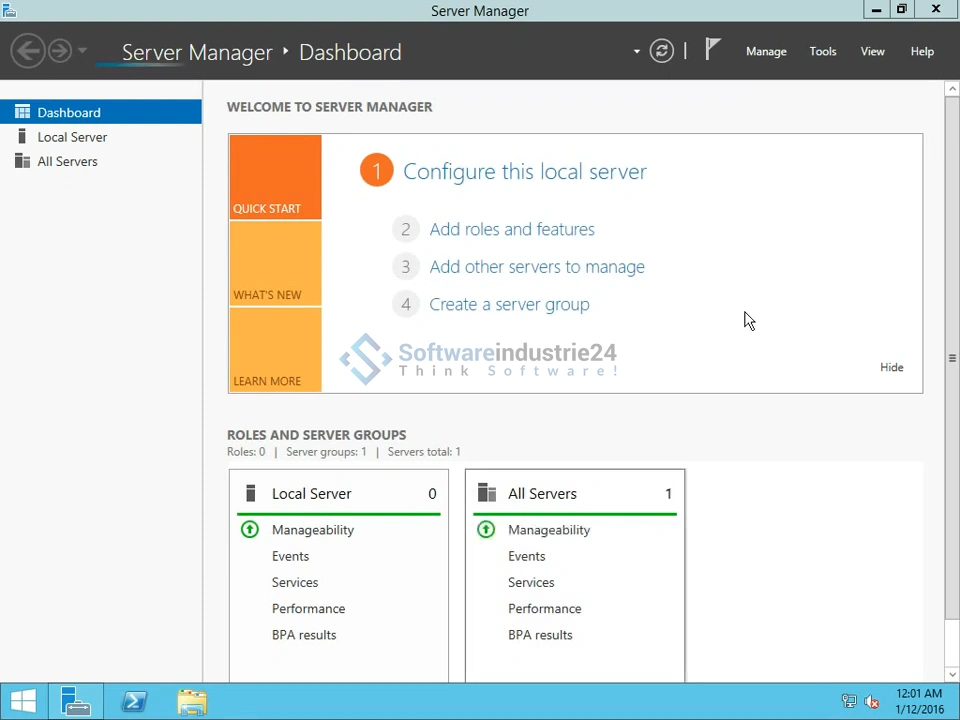
- Small businesses: Small businesses with limited IT resources and a limited number of devices can benefit from the Windows Server 2012 R2 Device CAL. The CAL offers a cost-effective licensing solution, as CALs are only required for the devices that access the server.
- Medium-sized businesses: Medium-sized businesses with a growing workforce and an increasing number of devices can use the Windows Server 2012 R2 Device CAL to create a scalable and flexible infrastructure. The CAL allows you to manage access to the server for a large number of devices.
- Large enterprises: Large enterprises with extensive IT infrastructures and many devices can benefit from the Windows Server 2012 R2 Device CAL. It provides an efficient way to manage access to the server and optimize license usage.
- Educational institutions: Schools, universities, and other educational institutions can use the Windows Server 2012 R2 Device CAL to give teachers, students, and administrative staff access to the server and important educational resources from a variety of devices.
- Healthcare: Hospitals, clinics, and medical facilities where doctors, nurses, and administrative staff access shared devices can benefit from the Windows Server 2012 R2 Device CAL to create an efficient and secure working environment.
- Technology companies: IT companies and technology providers can use the Windows Server 2012 R2 Device CAL to offer their customers a flexible and scalable solution for accessing their platforms and services.
- Companies with flexible working models: Companies that offer flexible working hours and models can benefit from the Windows Server 2012 R2 Device CAL, as it allows their employees to access the server from different devices and locations.
- Non-profit organizations: Non-profit organizations and charitable associations can use the Windows Server 2012 R2 Device CAL to give their employees and volunteers access to the server and efficiently manage their charitable projects.
The Windows Server 2012 R2 Device CAL offers a reliable and powerful licensing option for businesses and organizations that want to create a secure and flexible work environment on Windows Server 2012 R2. With device-based licensing, businesses can benefit from improved collaboration, mobile working capabilities, and easier CAL management.
Hardware requirements for Windows Server 2012 R2 Device CAL
The Windows Server 2012 R2 Device CAL (Client Access License) is a licensing option and has no specific hardware requirements. The CAL simply regulates access to Windows Server 2012 R2 by authorized devices and allows them to use the services and features hosted on it.
The hardware requirements for Windows Server 2012 R2 depend on the version of the server and the planned features and services to be run on it.
However, here are some general hardware requirements for a typical Windows Server 2012 R2:
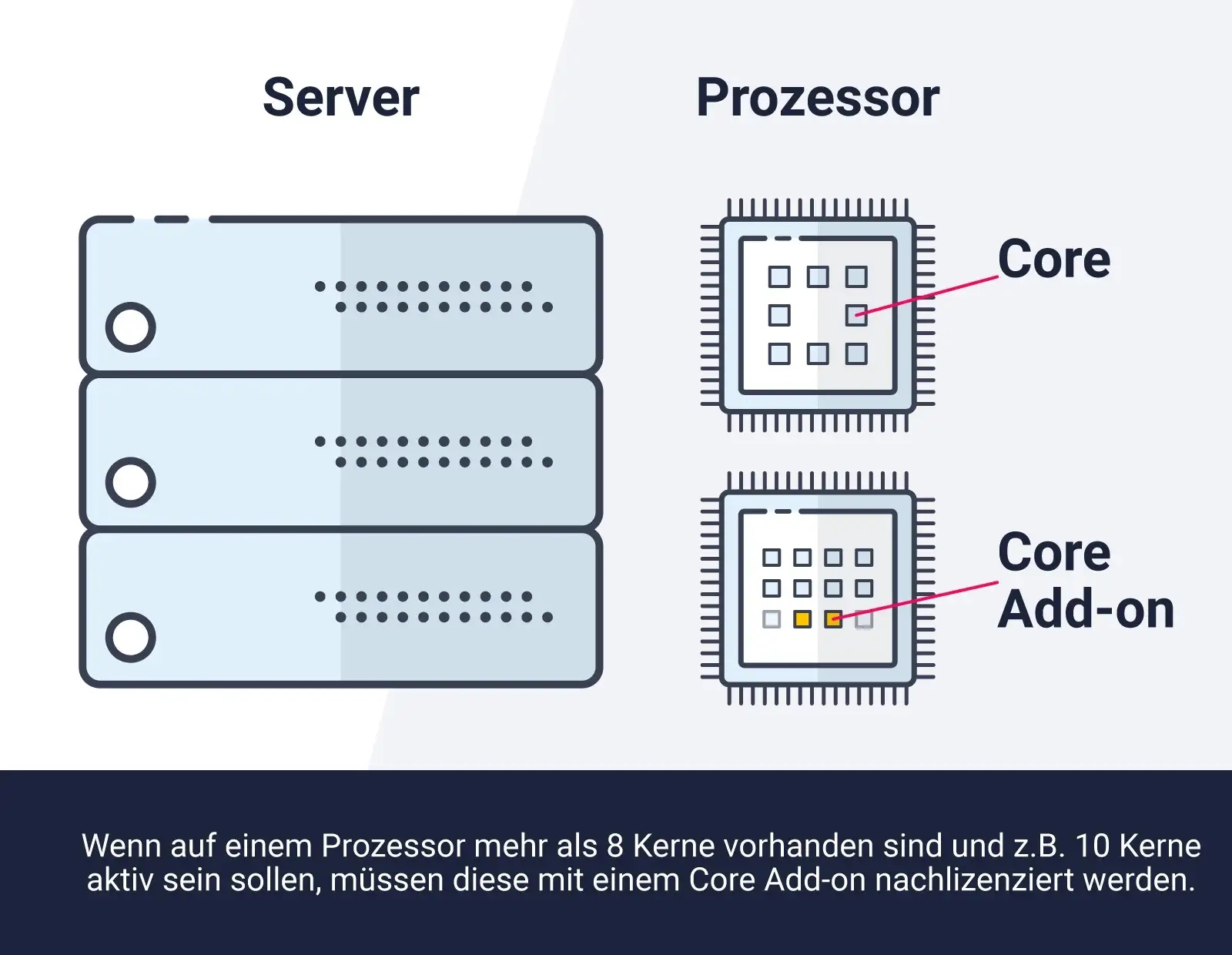
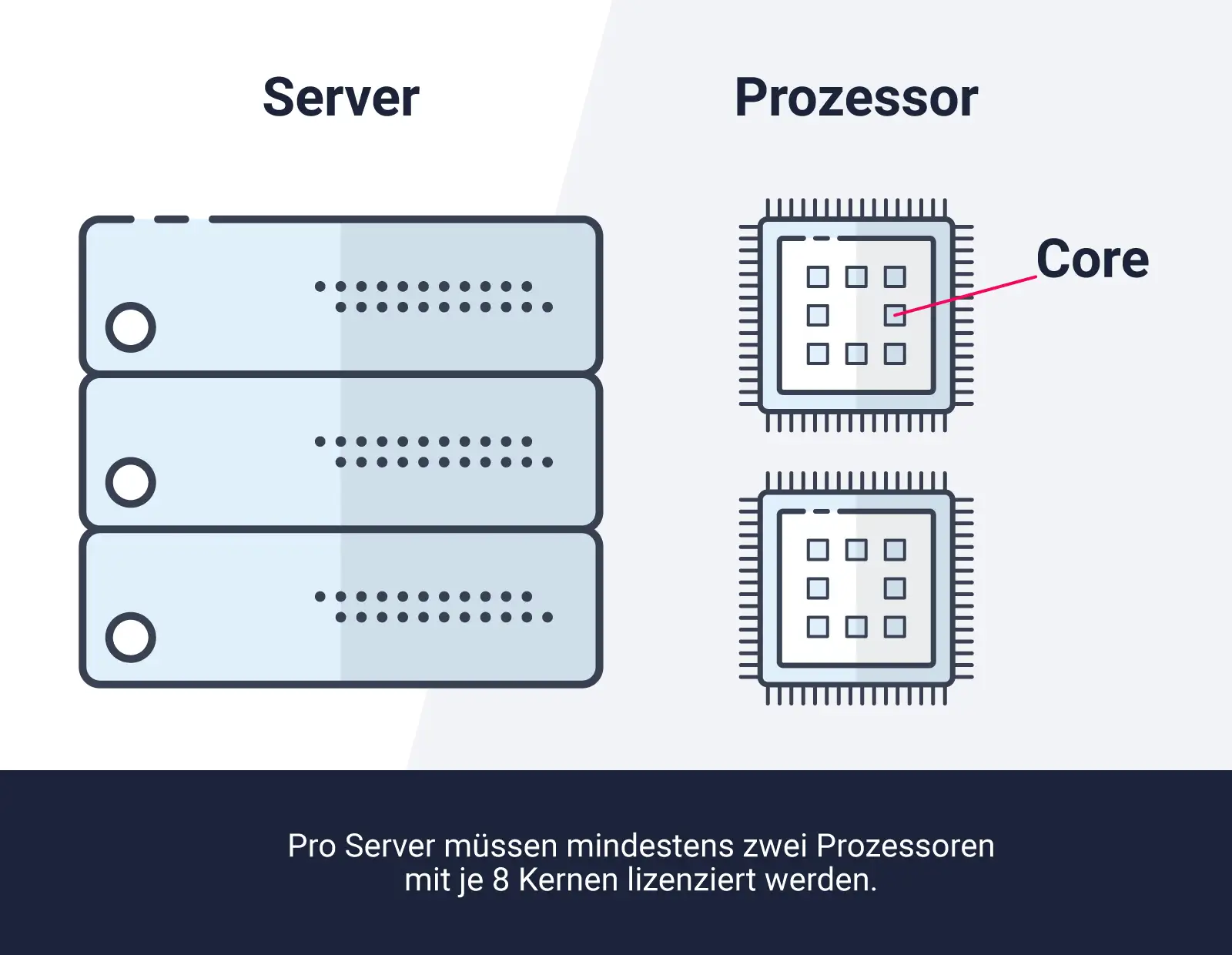
- Processor: A 64-bit processor is required. The exact speed and number of cores depend on the desired performance and the number of simultaneous users.
- RAM: The recommended minimum RAM capacity is 2 GB for the Standard Edition and 4 GB for the Datacenter Edition. However, more RAM is recommended, especially if multiple services and applications are to be run simultaneously.
- Hard disk space: The minimum requirement for the system partition is 32 GB, but additional space is required for applications, data, and backups.
- Network: A reliable network connection with sufficient bandwidth is important to ensure efficient communication between the server and the connected devices.
- Graphics card: A dedicated graphics card is not required in most cases, as servers are typically operated without a direct display.
It is advisable to consult the official documentation from Microsoft or the technical requirements for the specific version of Windows Server 2012 R2 that you intend to use. There you will find detailed information on the recommended hardware requirements for optimal server performance and stability.
In summary, the hardware requirements for the Windows Server 2012 R2 Device CAL are closely linked to the requirements of Windows Server 2012 R2 itself. It is important to ensure that the server is running on a suitable hardware platform with sufficient performance and resources to efficiently run the desired services and applications. The Device CAL itself has no hardware requirements, as it only regulates the licensing of device access to the server.
(Further details can be obtained from the developer).







