We advise you personally
Directly accessible for private and business customers.

We are happy to help!
Mon. - Fri.: 9:00 a.m. - 2:00 p.m.
Prices incl. VAT plus shipping costs
Instant download + product key
What's Included
- Instant delivery – Key & download via email
- Activation guarantee – Permanent access, quality assured
- Installation guide – Simple & easy to follow, included
- VAT invoice – Official proof of purchase included
- Order number: SWI24-700674
- Devices: 1 PC
- Runtime: 3 years
- Language: All languages
- Country zone: Worldwide
- Shipping method: E-Mail
- Manufacturer: Adobe

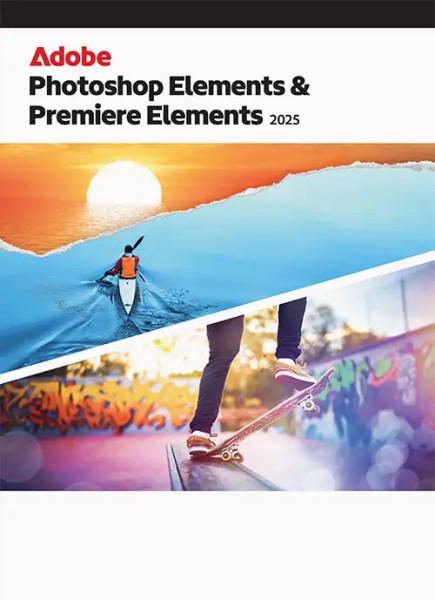
Adobe Photoshop & Premiere Elements | Windows / Mac – The creative boost for photos and videos
Bring your creativity to life with the latest version of Adobe Elements! Adobe Photoshop & Premiere Elements offer powerful, intuitive photo and video editing for Windows and macOS – ideal for ambitious amateur photographers, content creators, bloggers, families, and social media enthusiasts.
Why the bundle is worth it
- One-time cost instead of a subscription – Elements now comes with a limited-time license (up to 3 years), but without a term subscription. Pay once and enjoy professional features forever.
- Double the value, significantly lower price – The bundle costs the same as the individual products, but together they are available at the best price – a real bargain.
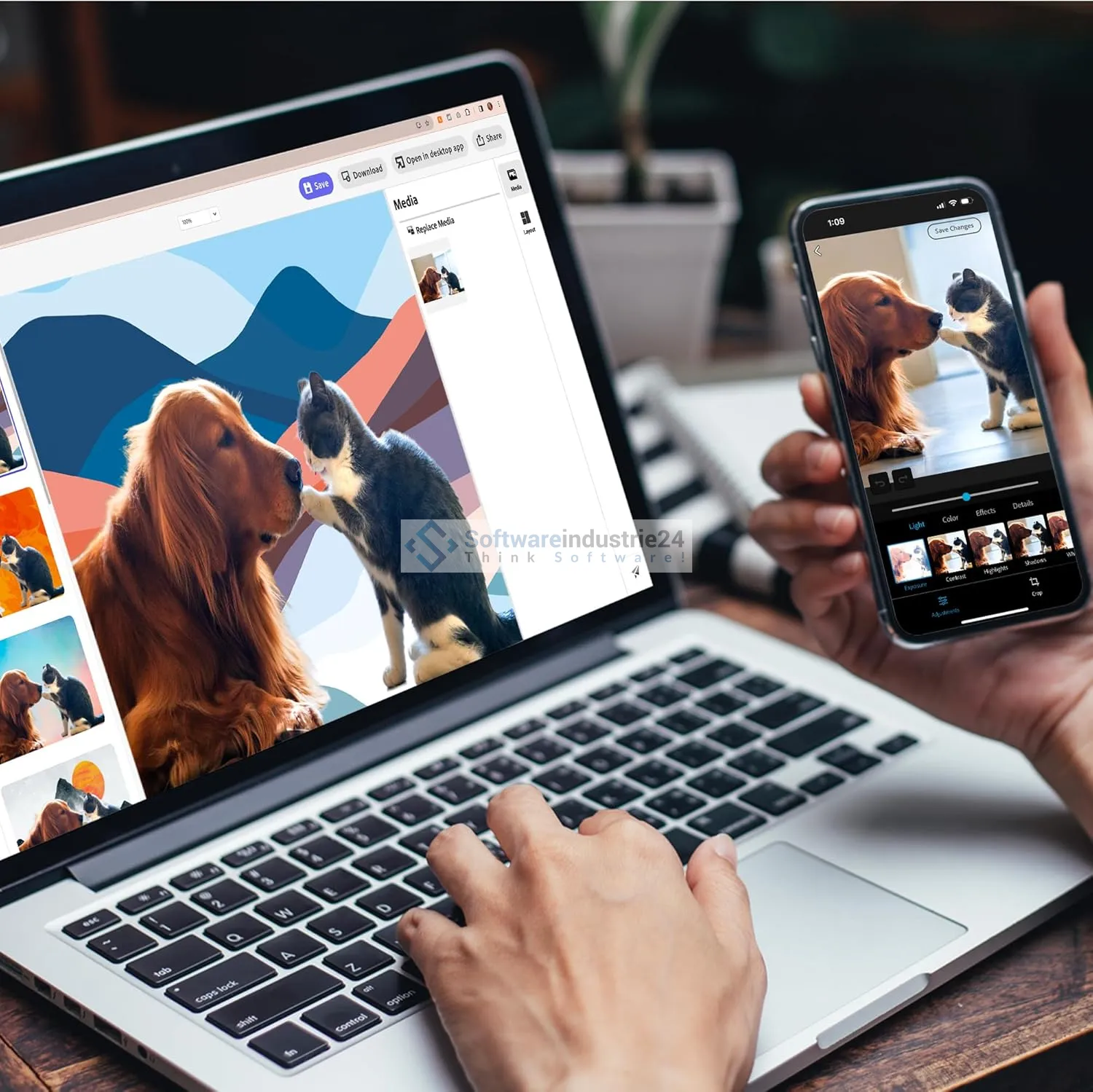
- Cross-platform for on the go – New: Beta versions for web & mobile (Android/iOS) allow quick editing from anywhere.
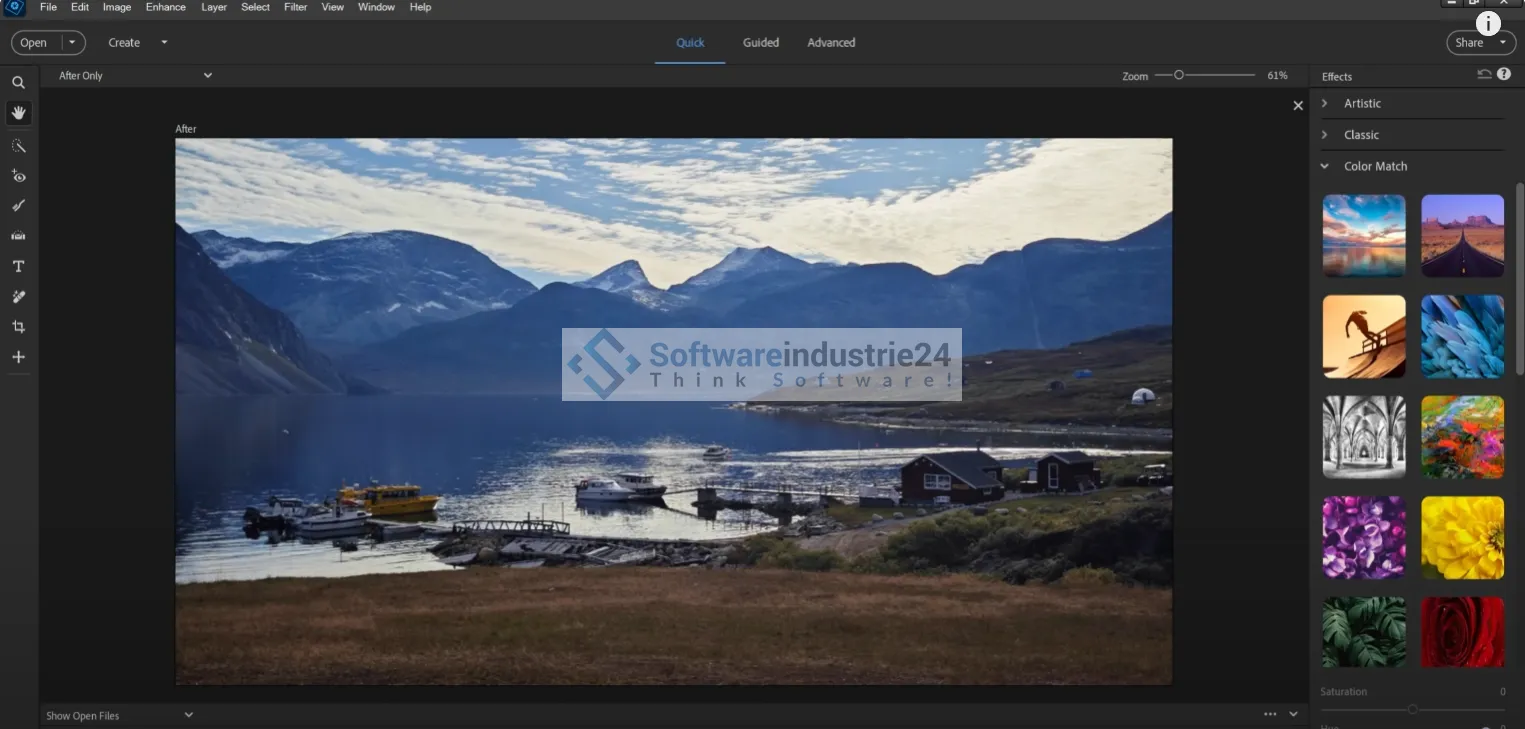
Highlights Photos – Photoshop Elements in focus?
AI Remove Tool – Remove unwanted objects
With a brush stroke, people, power lines, or sensor spots disappear – thanks to AI-based filling that intelligently replicates the background and structure.
Depth blur effect
Simulate professional depth of field: select the focus, AI does the rest (blur, focal length, range).
Change object color
Select automatically and color lamps, clothing, eyes, etc. – precisely, creatively, without the need for traditional masking.
Combine photos – Guided Edit
Create professional composites: extract motifs and place them in new backgrounds – it's easy with step-by-step instructions.
Motion Quick Actions – dynamism with 1 click
Add movement, animated glitter effects, hearts, or frames – ideal for social media and reels.
59 Guided Edits – back to basics & creativity
From retouching to filters to design: tutorials help you learn new techniques and implement projects yourself.
Organizer & automated management
Sort elements, create albums, recognize faces or locations – ideal for extensive image collections.
Highlights Video – Premiere Elements in the spotlight?
New white balance & color correction curves
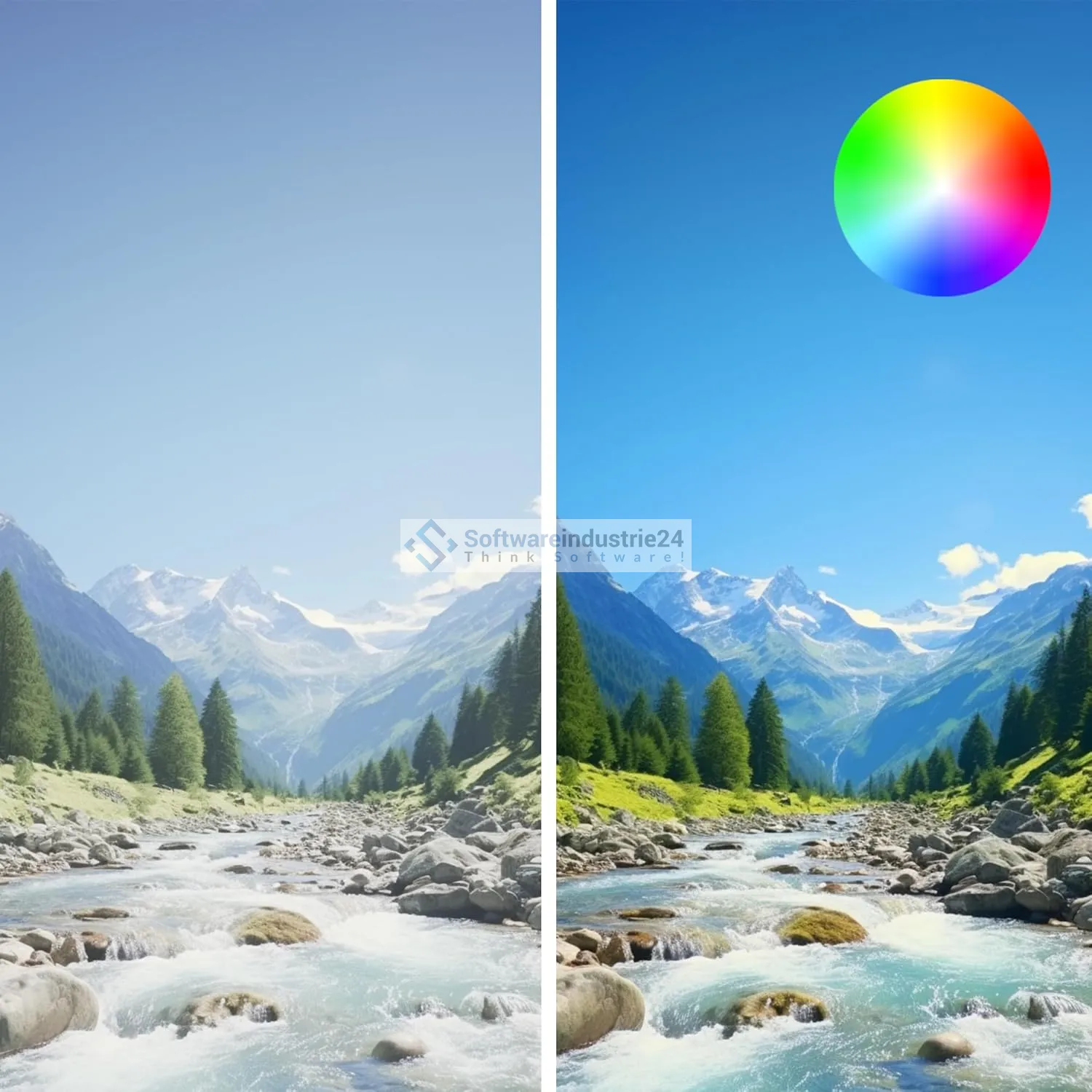
Correct color reflections in snow or clouds, exposure and contrast with professional accuracy – directly integrated.
LUTs – color looks with templates or your own style
Use presets or your own LUTs for dramatic color looks – consistent across all clips.
Dynamic titles & templates from Adobe Stock
Text design – size, alignment, color, spacing – plus professional design material from the stock library.
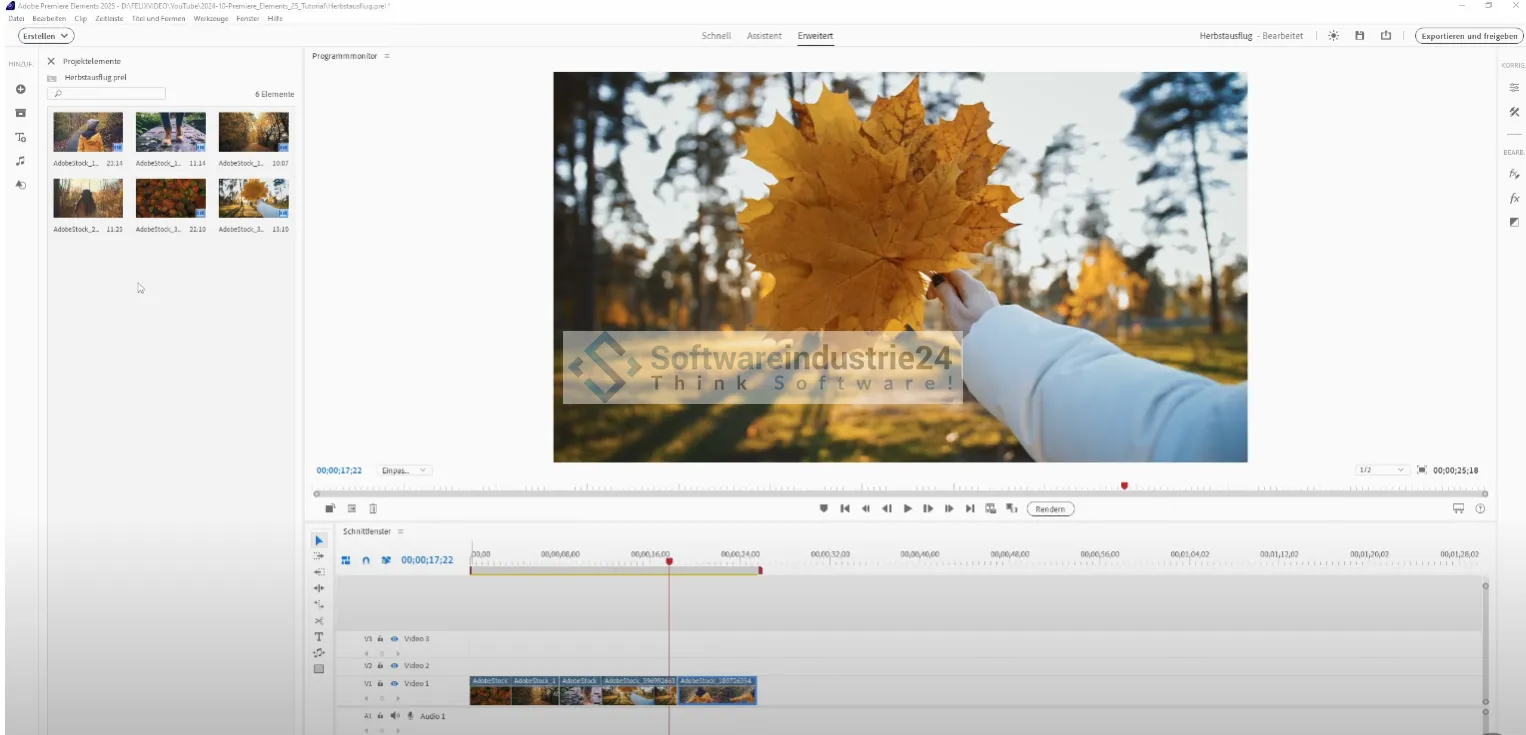
Simplified timeline & quick tools
Track group for video/audio saves clicks. Tools you use often are clearly accessible. Tracks can be locked.
Advanced guided edits
Step-by-step instructions for transitions, effects, animations—perfect for beginners and advanced users.
AI power from Adobe Firefly & Co.
- Not to be confused with the classic Elements versions: Elements uses AI techniques for removal, colorization, bokeh, etc., while the Creative Cloud subscription (Photoshop, Premiere Pro) introduced new AI Agents in the spring – similar, but more powerful.
- Nevertheless, Elements already offers many AI features and mobile support, which represents a major leap in innovation compared to previous versions.
System requirements & compatibility
Windows
- Windows 10 (version 22H2) or Windows 11 or higher
- 64-bit required (32-bit not supported).
macOS
- Compatible with Apple M1/M2/M3+ – including native M3 optimization for maximum performance.
Cross-platform
Desktop version + web beta + mobile beta – work seamlessly from anywhere.
Comparison & benefits of Adobe Photoshop & Premiere Elements
Criterion Photoshop Elements Premiere Elements
Target audience Photo enthusiasts, social media users, bloggers Video creators for YouTube, vlogs
AI features Object removal, blur, color Color editing, LUTs, guided edits
Operation Quick/Assistant/Expert modes Simplified Timeline, Track Grouping
Platform integration Web/Mobile Beta Web/Mobile Beta
Price-performance ratio Top features at a fair price Industry-standard tools at a complete price
Who is this package ideal for?
- Hobby and social media photographers – simple, professional image editing.
- Families and travel vloggers – edit, share, and spice up videos with high quality.
- Content creators & bloggers – quickly create reels, slideshows, and posts.
- Beginners in photography/videography – intuitive tools with lots of learning support.
- Users without a subscription – buy Elements once, use it for three years.
- Travel enthusiasts – mobile photo editing right on your smartphone.
Buy Adobe Photoshop & Premiere Elements quickly and affordably
If you're looking for powerful, AI-powered tools without a multi-year subscription, then Adobe Photoshop & Premiere Elements is the ideal package. Beginner-friendly, mobile-compatible, creative, and visually modern – for just ~an affordable price. Buy once, enjoy for years. For softwareindustrie24, this bundle proved to be a real conversion driver – with high SEO relevance and strong target group appeal.
Direct purchase from Softwareindustrie24
Buy now from Softwareindustrie24 – get instant download, excellent support, and the latest manual. Make your photos and videos shine – with Elements.