
We advise you personally
Directly accessible for private and business customers.

We are happy to help!
Mon. - Fri.: 9:00 a.m. - 2:00 p.m.
Prices incl. VAT plus shipping costs
Instant download + product key
What's Included
- Instant delivery – Key & download via email
- Activation guarantee – Permanent access, quality assured
- Installation guide – Simple & easy to follow, included
- VAT invoice – Official proof of purchase included
- Order number: SWI24-701488
- Devices: 1 PC
- Runtime: Permanently valid
- Language: All languages
- Country zone: Worldwide
- Shipping method: E-Mail
- Manufacturer: Ashampoo

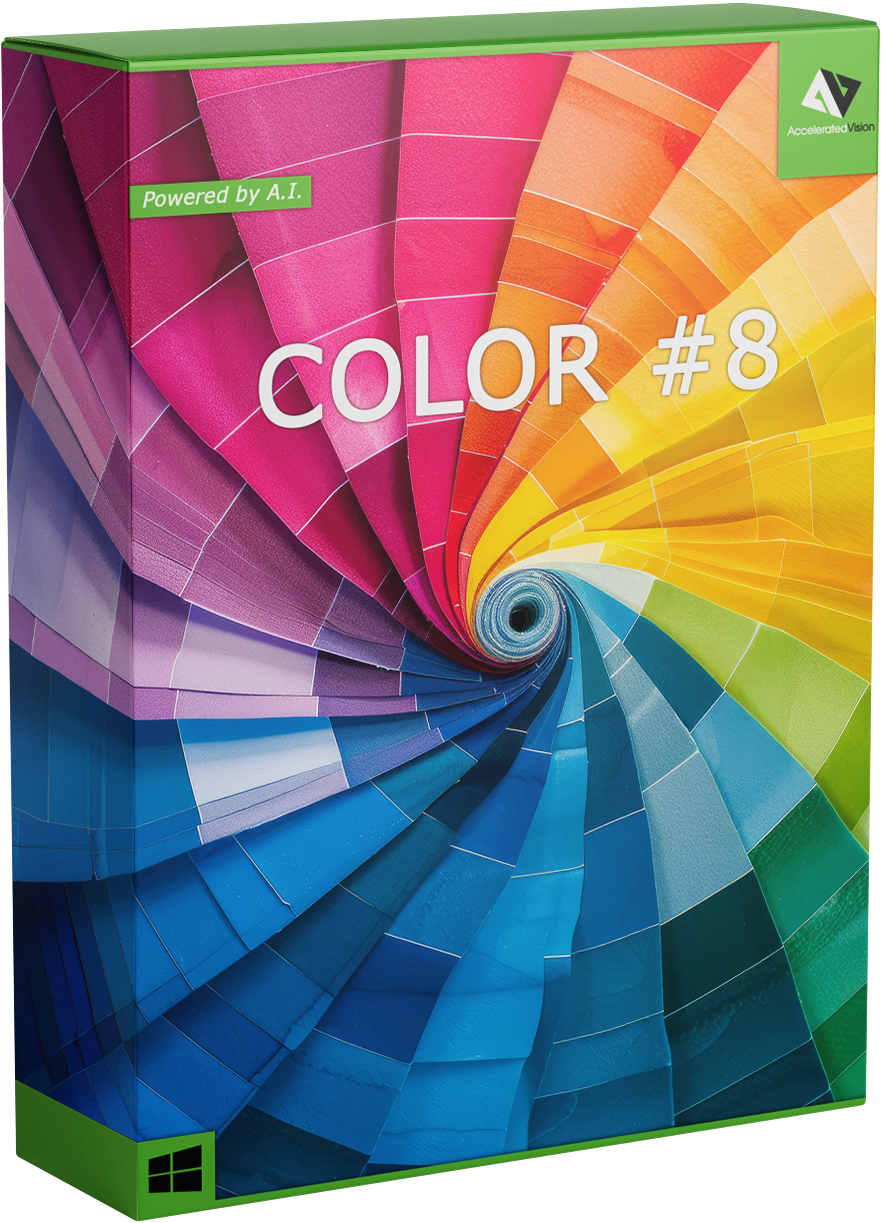
Buy Ashampoo COLOR 8 and secure it quickly
Why Ashampoo COLOR 8 is the ideal solution for modern image editing
Digital photography is accessible to almost everyone today – but truly impressive images can only be created with professional post-processing. This is exactly where Ashampoo COLOR 8 comes in. The software was developed specifically for users who want to achieve impressive color corrections, light optimizations, and creative looks without complicated workflows or steep learning curves.
Whether you're a photographer, graphic designer, social media creator, or hobbyist, Ashampoo COLOR 8 combines user-friendliness with powerful technology. The result is clear colors, optimal contrasts, and image styles that stand out from the crowd.
Key features of Ashampoo COLOR 8
1. Intelligent color optimization
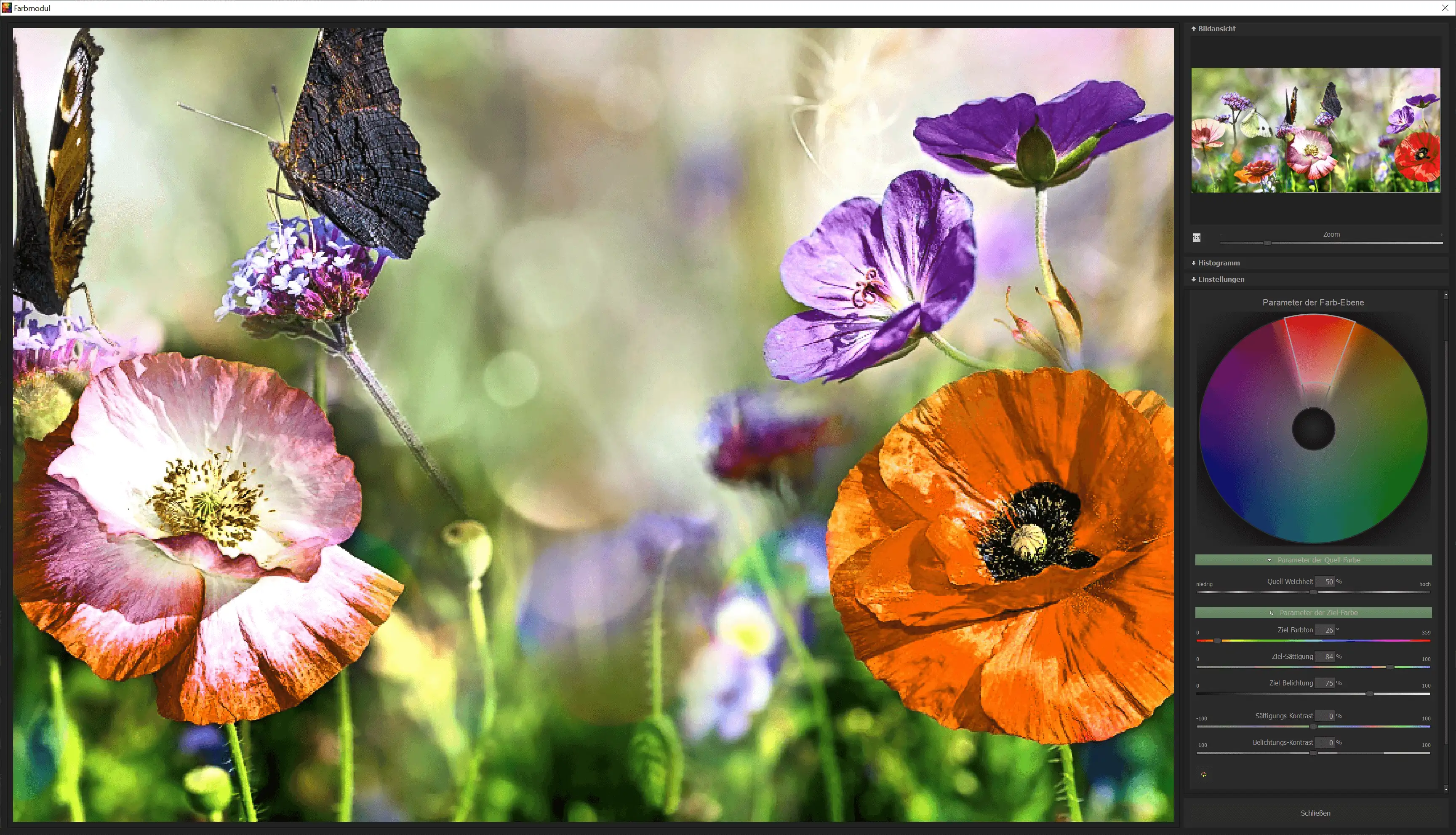
Ashampoo COLOR 8 automatically analyzes each image and detects typical color problems such as:
- Pale colors
- Unnatural color casts
- Lack of brilliance
- Unbalanced brightness ratios
With just one click, the program restores natural, vivid colors—without any manual intervention.
2. Precise white balance functions
Correct white balance is crucial for realistic colors.
COLOR 8 enables:
- Automatic white balance
- Manual temperature and tint adjustment
- RAW-accurate color control
This feature makes a huge difference in quality, especially for indoor shots or mixed light sources.
3. Optimized contrast and details
With its innovative contrast engine, Ashampoo COLOR 8 improves:
- Depth rendering
- Shadow and highlight compensation
- Micro details
- Image sharpness
Even poorly exposed images appear powerful and vivid.
4. Professional color profiles and looks
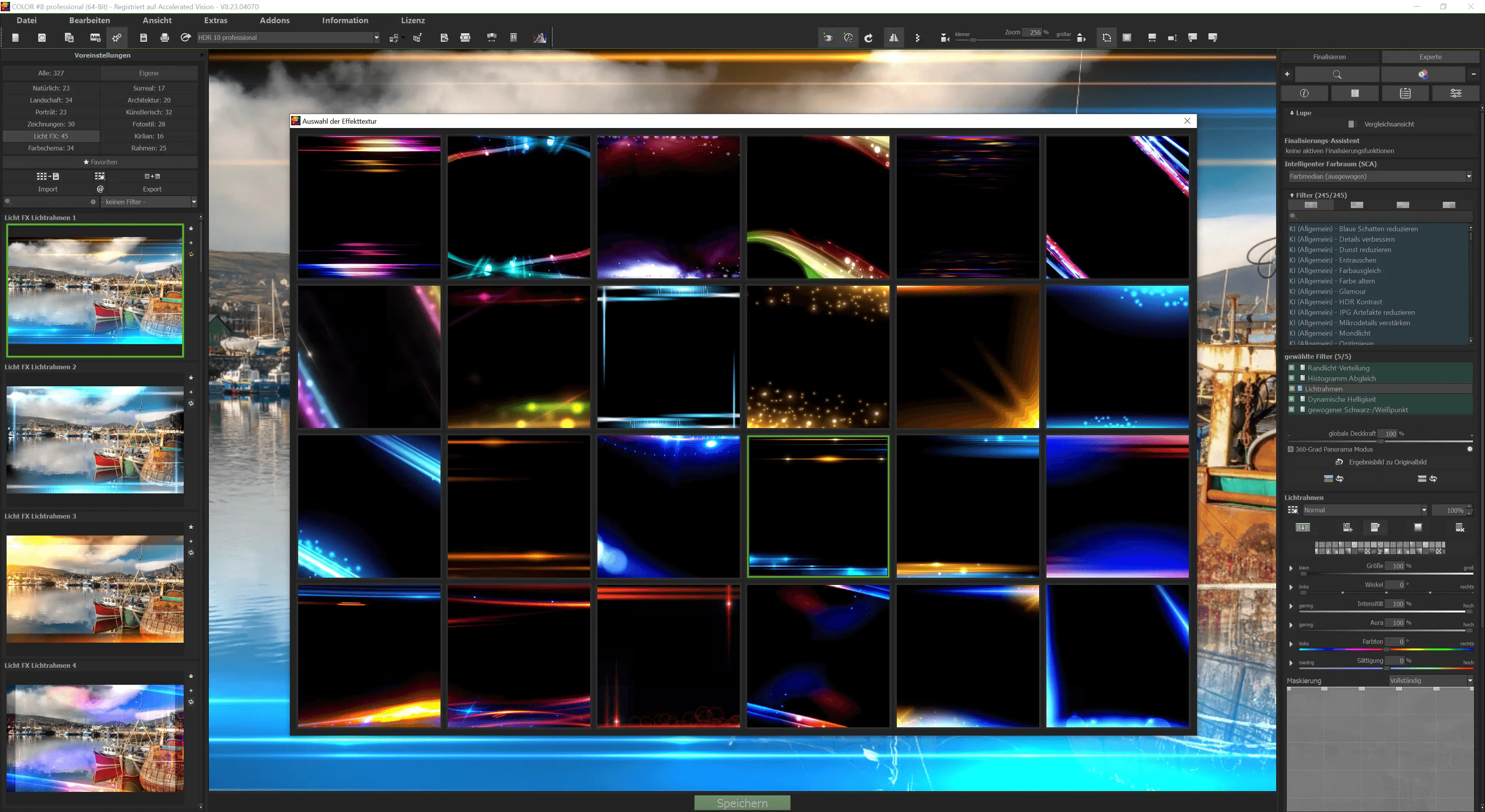
COLOR 8 includes a wide range of film and creative looks, including:
- Cinematic looks
- Retro filters
- Black and white styles
- HDR-like contrasts
- Pastel tones
The looks can be finely adjusted – perfect for consistent branding.
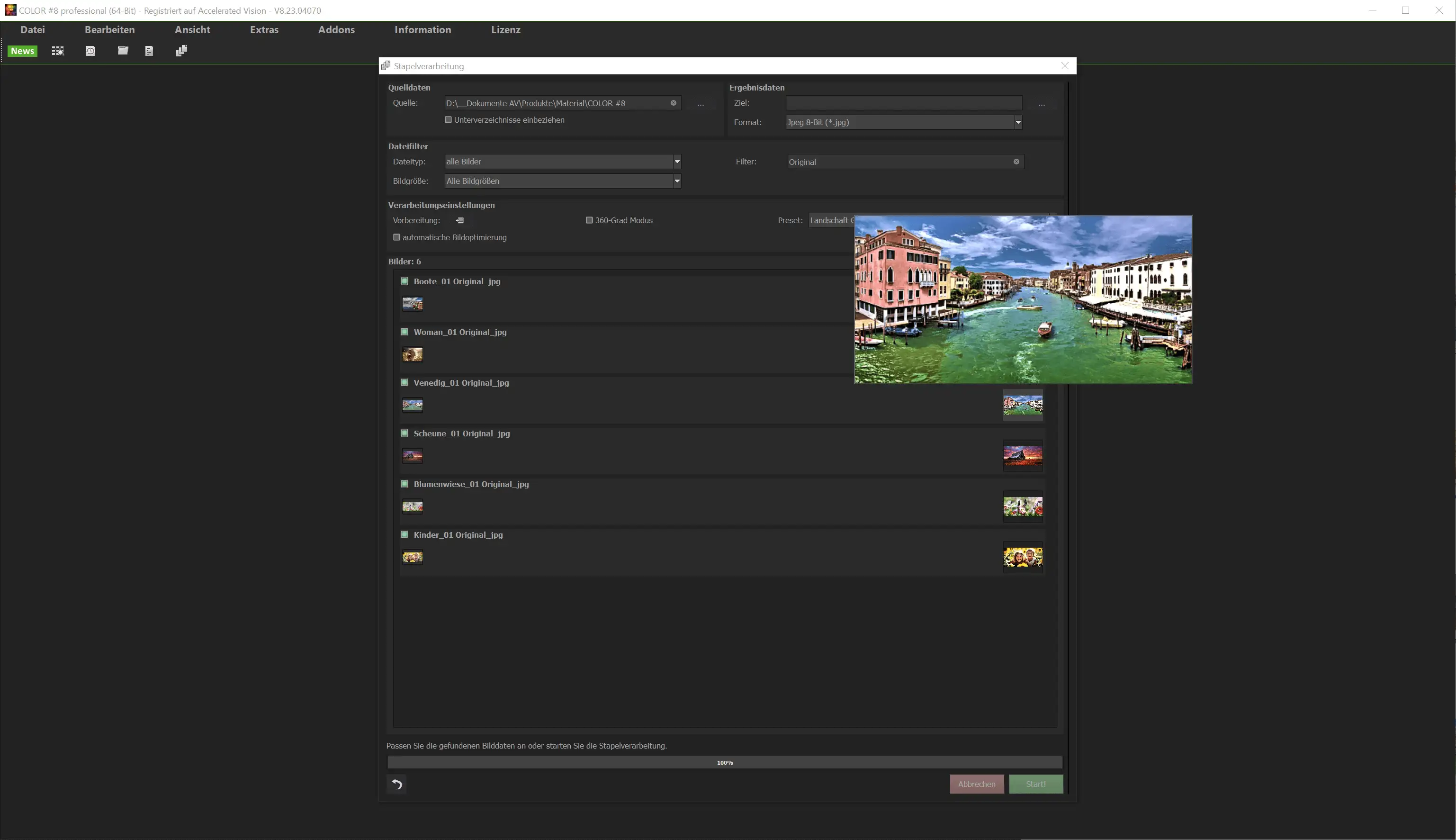
5. Batch processing for large quantities of images
Ideal for professional workflows:
- Automatically optimize entire folders
- Edit hundreds of images in seconds
- Apply identical looks to multiple files
- Ideal support for social media content creators
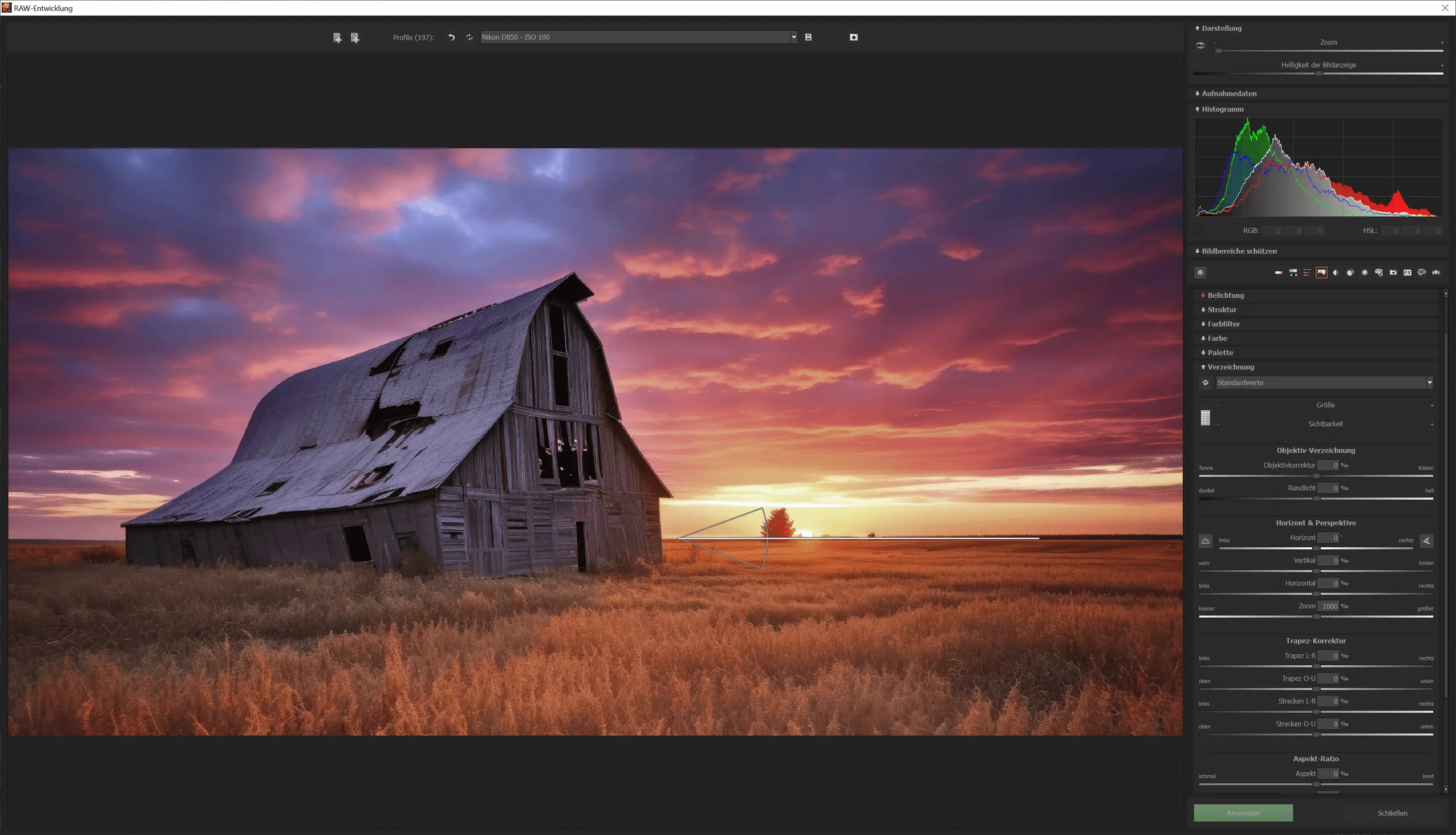
6. RAW support
COLOR 8 processes all common RAW formats and offers photographers maximum editing flexibility.
7. User-friendly interface
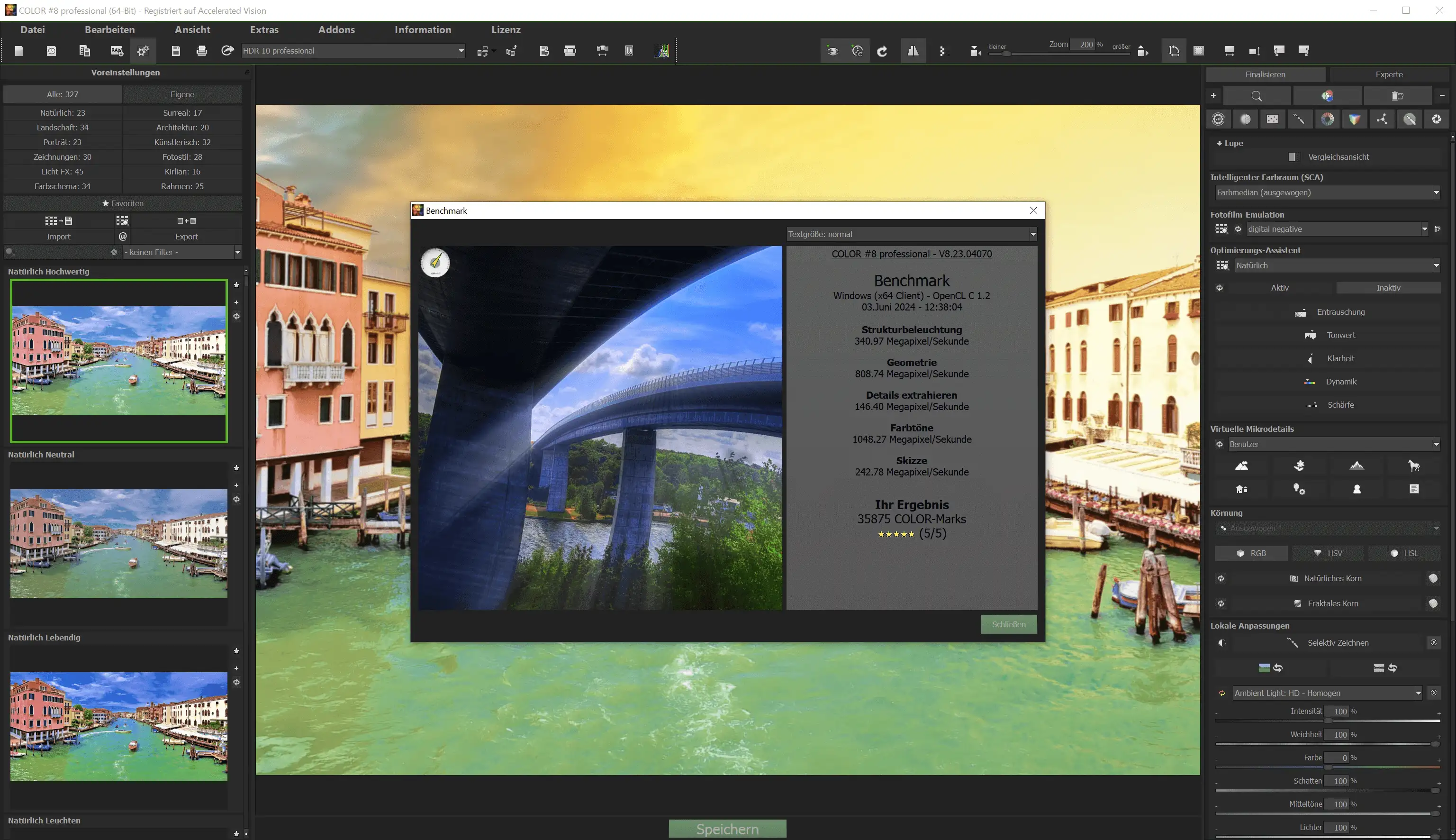
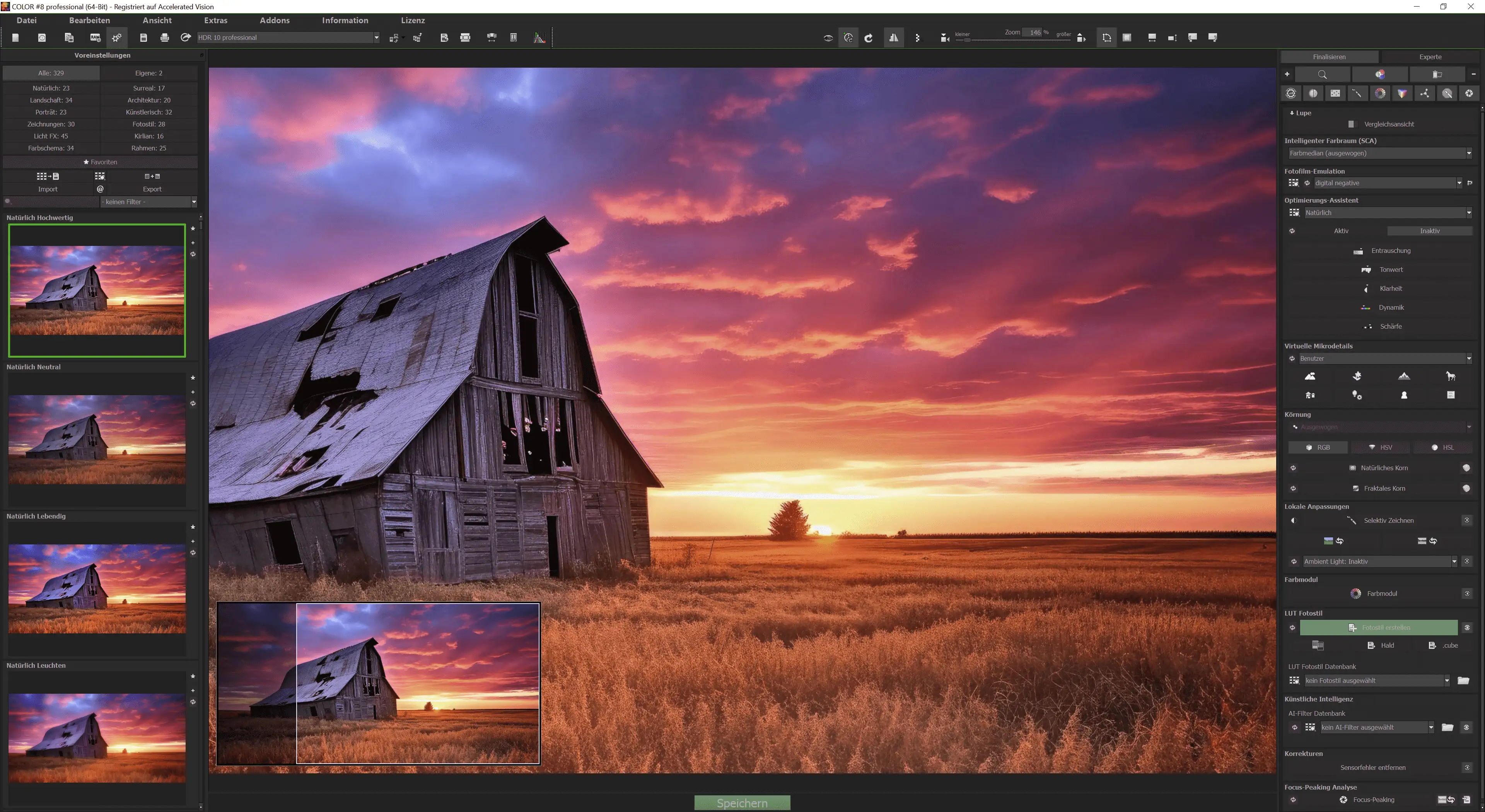
Even complex edits can be controlled intuitively.
The focus is on:
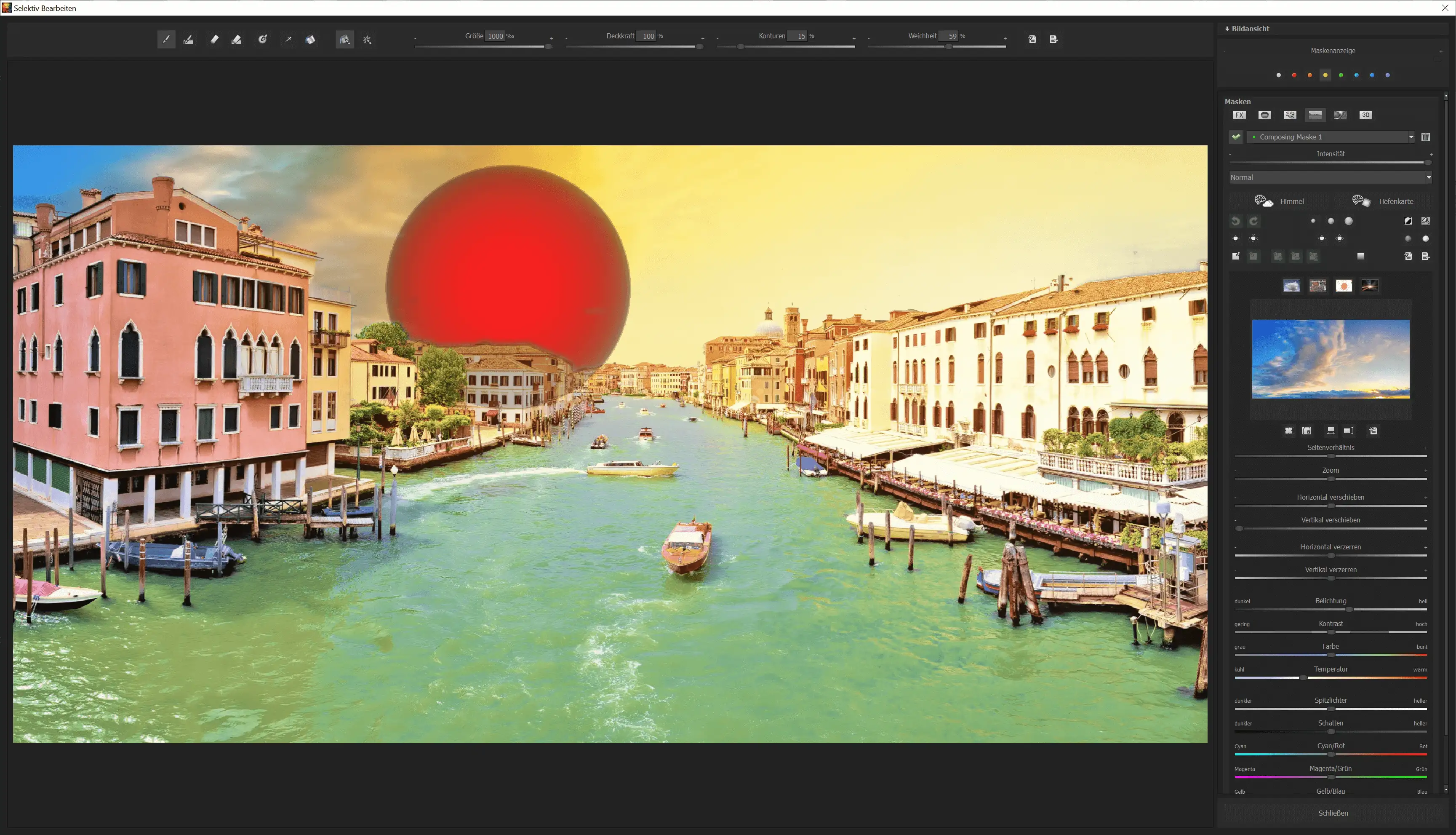
- Few, clearly structured tools
- Visual sliders
- Real-time preview
- Undo/redo function for full control
8. Exposure corrections
The software offers precise exposure control:
- Exposure
- Brightness
- Light distribution
- Shadow correction
- Highlight adjustment
Poorly exposed photos are a thing of the past.
9. Export functions for web, print, and social media
COLOR 8 supports:
- Low-loss output
- Different DPI settings
- Size optimization
- Social media format templates
This means that finished images are ready for immediate use.
Advantages of Ashampoo COLOR 8 over other image editing software
1. Suitable for beginners and professionals
Many image editing programs are either too complicated or too limited.
COLOR 8 combines:
- Intuitive operation
- Professional results
This allows anyone to create high-quality photos – without Photoshop skills.
2. Extremely fast results
Thanks to intelligent automatic functions, optimization takes only seconds.
A major advantage, especially in a commercial environment:
- E-commerce product photos
- Social media posts
- Event photography
- Real estate photography
3. Cost-effective alternative to Adobe products
No subscriptions, no mandatory registration – a clear economic advantage.
4. Higher image quality through AI-supported analysis
COLOR 8 recognizes:
- Faces
- Natural objects
- Landscapes
- Artificial light
The software automatically adjusts the parameters to produce realistic results.
5. Perfect for web shops
Better colors = higher conversion rates.
Professionally edited product images appear:
- higher quality
- more trustworthy
- more appealing
A clear advantage for shop operators and users of Softwareindustrie24.
Possible applications for Ashampoo COLOR 8
E-commerce
Ideal for:
- Product images
- Fashion photography
- Jewelry photography
- Furniture & interiors
Significantly better colors immediately increase the perception of quality.
Social media marketing
Influencers, content creators, and agencies use COLOR 8 for:
- Instagram Reels & posts
- TikTok thumbnails
- YouTube thumbnails
- Facebook ads
The cinematic look makes content appear more professional.
Event photography
Weddings, company celebrations, sporting events – COLOR 8 brings out the best in every light.
Travel photography
Brilliant colors, realistic skin tones and harmonious moods.
Real estate photography
Perfect for:
- Clearer interiors
- Bright, friendly colors
- Better contrast in small rooms
Print & graphic design
Thanks to RAW and DPI support, it's also ideal for flyers, catalogs and magazines.
System requirements for Ashampoo COLOR 8
Operating system
- Windows 11 or higher
- Windows 10 (64-bit)
Hardware requirements
The program can be run on any device that supports the above operating systems.
Additional information
The Ashampoo® app is required for installation.
It enables quick, secure, and user-friendly setup of the software.
Frequently asked questions (FAQ) about Ashampoo COLOR 8
1. Who is Ashampoo COLOR 8 suitable for?
Beginners, photographers, online retailers, agencies and anyone who wants to achieve professional colors without much effort.
2. Do I need prior knowledge of image editing?
No. The software is deliberately designed so that anyone can get started right away.
3. Does COLOR 8 support RAW files?
Yes, almost all common formats.
4. Can I edit multiple images at once?
Yes, thanks to batch processing.
5. Does COLOR 8 run on Windows 10 and 11?
Yes, both versions are fully supported.
6. Is there a money-back guarantee?
Ashampoo generally offers a grace period. When purchasing through Softwareindustrie24, additional customer-friendly return options apply.
Buy Ashampoo COLOR 8 online at a low price
Enhance your images now – with Ashampoo COLOR 8
Optimized colors, clear contrasts, and professional looks are just a click away.
Get the full version as an instant download – fast, secure, and permanently valid via Softwareindustrie24.
Buy Ashampoo COLOR 8 now and get started right away!





