
We advise you personally
Directly accessible for private and business customers.
We are happy to help!
Mon. - Fri.: 9:00 a.m. - 2:00 p.m.
Prices incl. VAT plus shipping costs
Instant download + product key
What's Included
- Instant delivery – Key & download via email
- Activation guarantee – Permanent access, quality assured
- Installation guide – Simple & easy to follow, included
- VAT invoice – Official proof of purchase included
- Order number: SWI24-701489
- Devices: 1 PC
- Runtime: Permanently valid
- Language: All languages
- Country zone: Worldwide
- Shipping method: E-Mail
- Manufacturer: Ashampoo
Buy Ashampoo Photo Optimizer 11 securely and affordably

The new dimension in automatic photo correction
Modern photo editing doesn't have to be complicated, time-consuming or technically demanding. With Ashampoo Photo Optimizer 11, users get a powerful, intuitive tool that brings photos to a professional level – without any prior knowledge. The software is aimed at hobby photographers, social media users, and content creators as well as professionals who need fast, high-quality results.
With state-of-the-art algorithms, an optimized user interface, and intelligent automation, Photo Optimizer 11 offers everything users need to visibly improve images in seconds. The software analyzes each photo individually and automatically optimizes it – precisely, intelligently, and with color fidelity.
Why Ashampoo Photo Optimizer 11? – The biggest advantage: Perfect images with just one click
The core of Photo Optimizer 11 is its unique 1-click optimization, which uses analysis algorithms to correct exposure, colors, contrast, sharpness, and white balance in seconds. While other programs require extensive manual editing, Ashampoo Photo Optimizer 11 does it automatically and effortlessly.
The software detects typical image flaws such as poor exposure, flat colors, image noise or incorrect skin tones – and corrects them so that the result looks natural and consistent. This makes Ashampoo Photo Optimizer 11 an ideal solution for users who want to achieve professional results without technical knowledge.
Key features of Ashampoo Photo Optimizer 11
1. 1-click optimization: Perfect results in seconds
Revolutionary automatic image optimization is at the heart of the software. It analyzes each image according to dozens of factors – including colors, brightness, contrast, sharpness, noise, and saturation – and then makes intelligent corrections.
Advantages at a glance:
- Saves time, ideal for large quantities of images
- Delivers reliable, natural results
- Requires no prior knowledge
- Perfect for vacation photos, portraits, landscapes, and product images
Many users report that their photos look up to 80% better after just one click.
2. Improved color corrections for natural results
The software optimizes skin tones, enhances colors harmoniously, and prevents overcorrections. The result is photos that look vibrant but still natural.
Portraits in particular benefit enormously: smoother skin tones, less blurring, better contrast, and clearer colors. Landscape photos also appear much more vivid without looking unnatural.
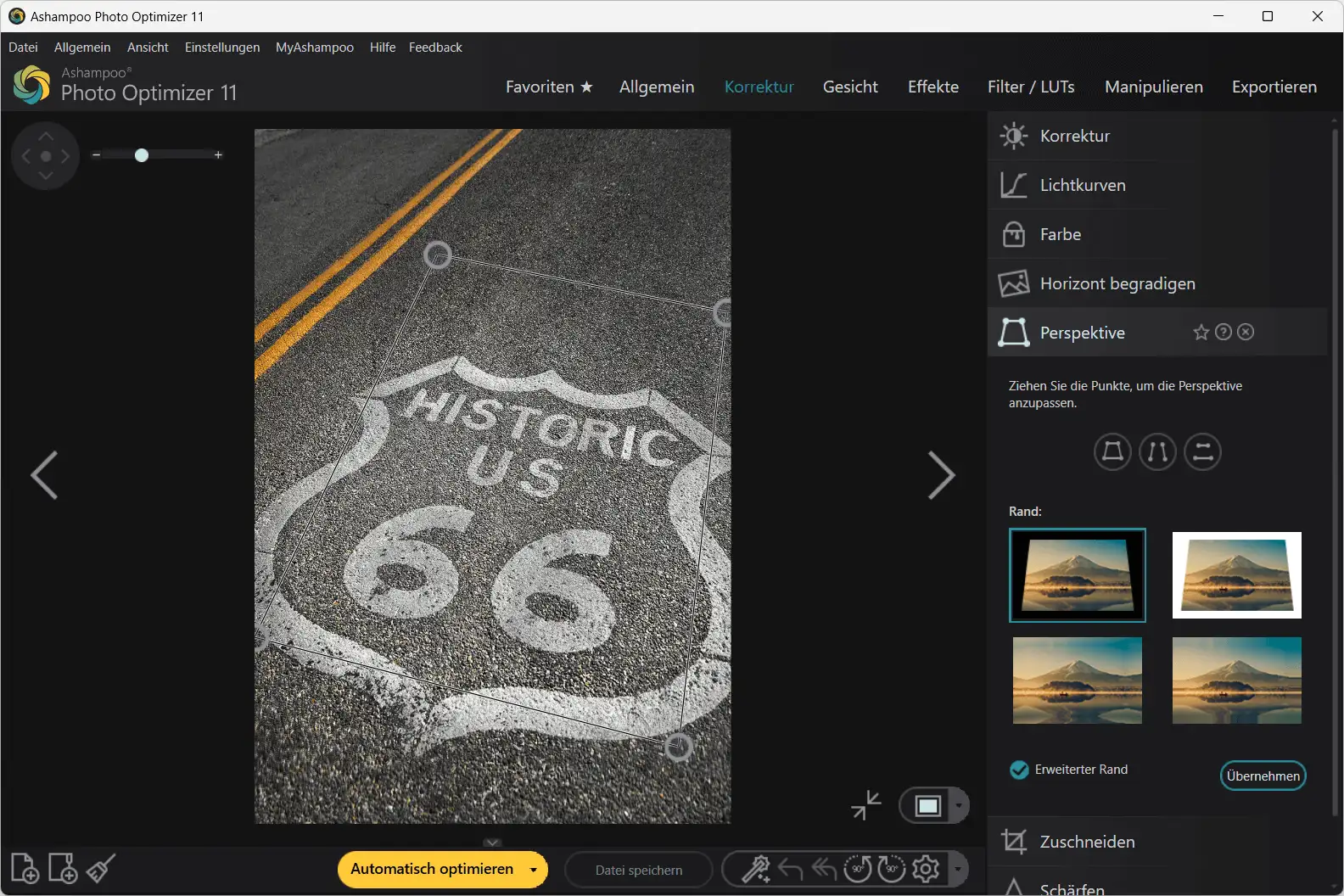
3. Automatic perspective correction
Crooked buildings or distorted lines are a common problem, especially with smartphone photos. Perspective correction aligns architecture, objects, and lines neatly.
Whether spontaneous vacation photos or professional real estate images, everything immediately looks more harmonious and professional.
4. Extensive manual editing tools
Even though the software offers maximum convenience, users have a complete suite of professional tools at their disposal:
- Brightness, contrast, saturation, shadows, highlights
- Sharpening and noise reduction
- Color temperature & white balance
- Red-eye correction
- Cropping, rotating, mirroring
- Gradient filter
- Text and watermark tools
This allows professionals to work with precision, while beginners learn step by step what is important.
5. Batch processing – ideal for large photo archives
If you want to edit many images at once, you will benefit from batch optimization. Hundreds of photos can be optimized in one go – perfect for:
- Vacation photos
- Product photos for online shops
- Social media archives
- Photographers with high output
This reduces several hours of work to just a few minutes.
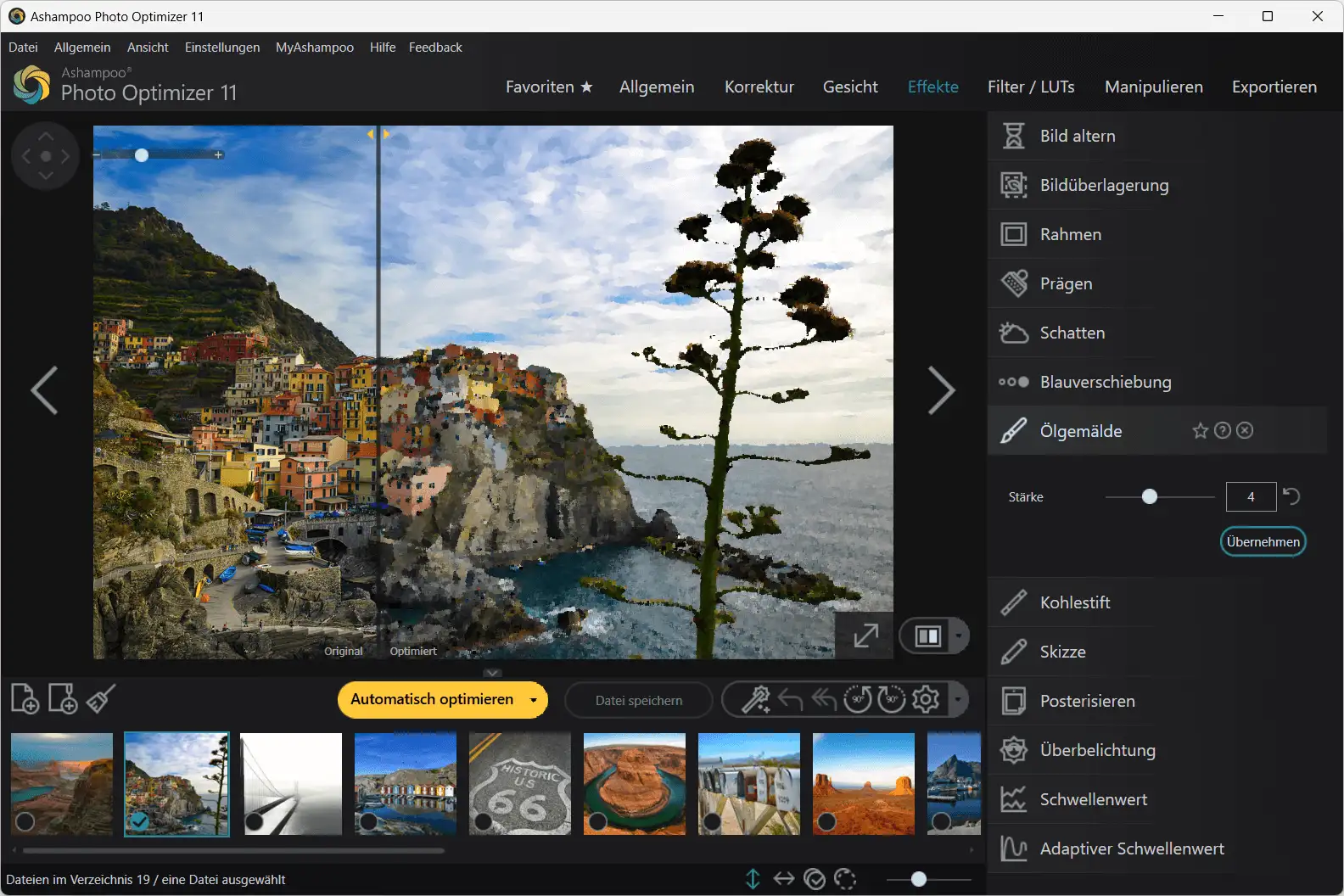
6. Effect library for creative looks from Ashampoo Photo Optimizer 11
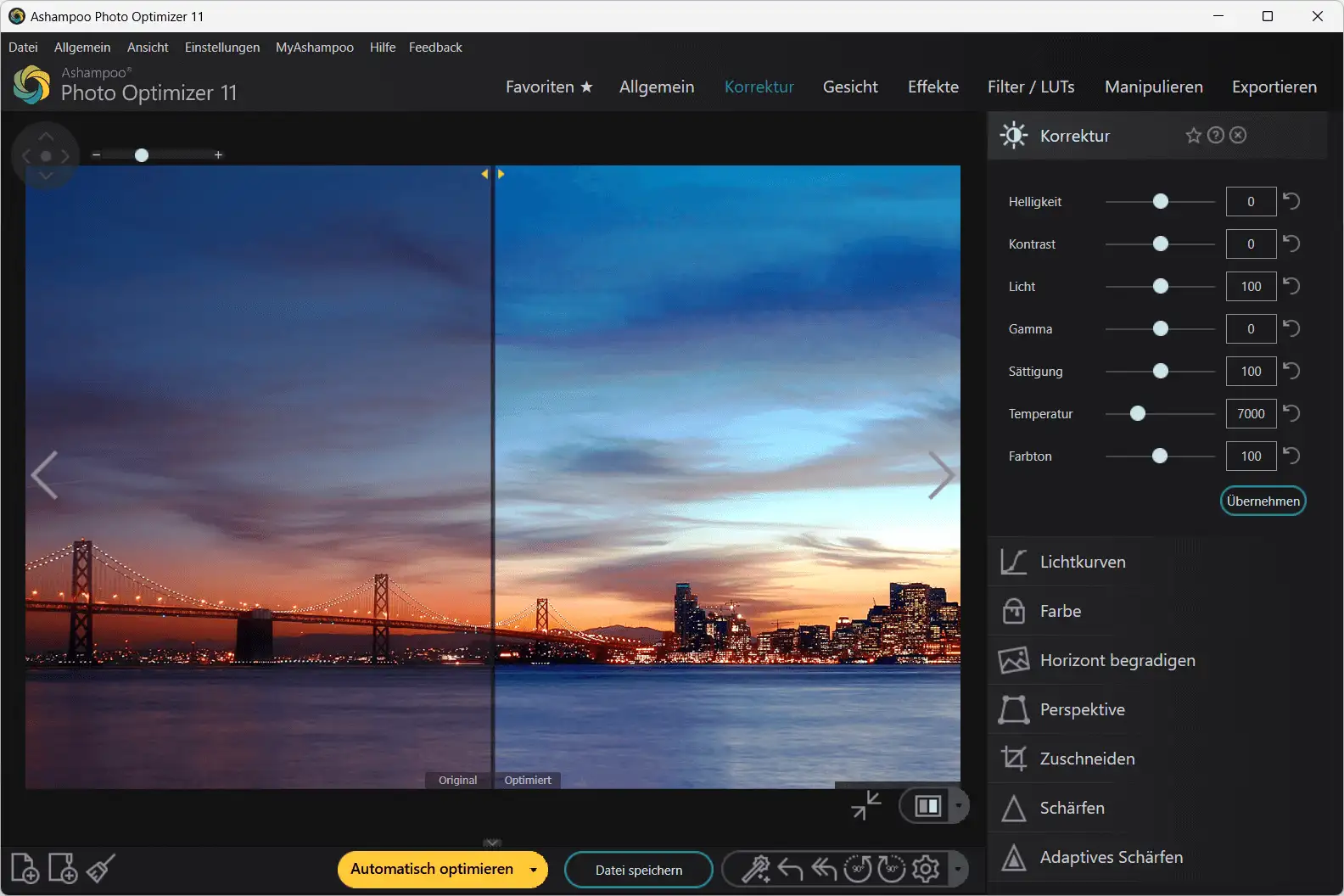
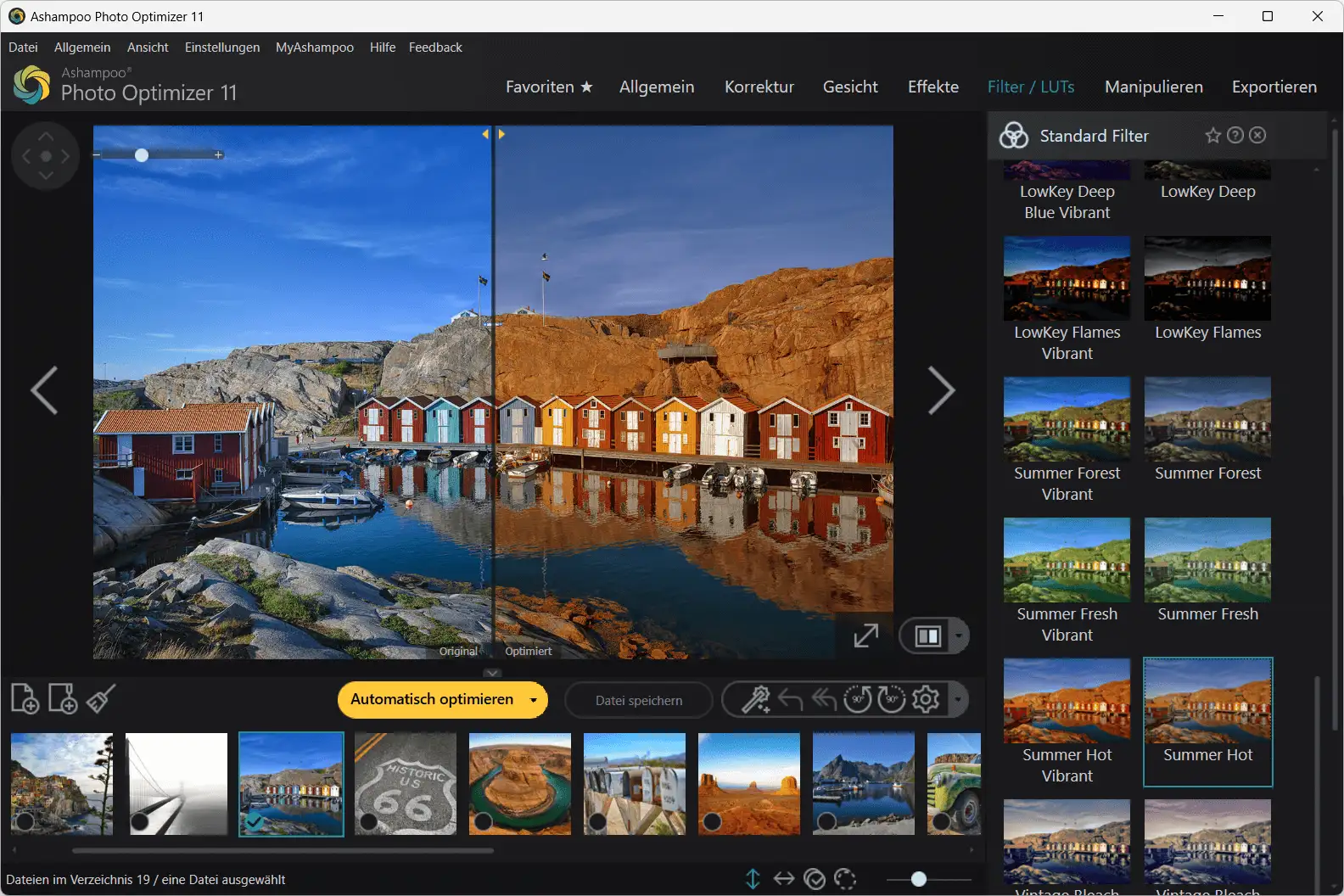
Photo Optimizer 11 includes numerous effects that allow users to add creative accents to their photos – without complicated filter chains.
Popular effects:
- Vintage looks
- Sepia and retro filters
- High-contrast effects
- Black-and-white styles
- Soft focus
- Structural effects
The intensity of all effects can be adjusted to ensure that images always remain high quality.
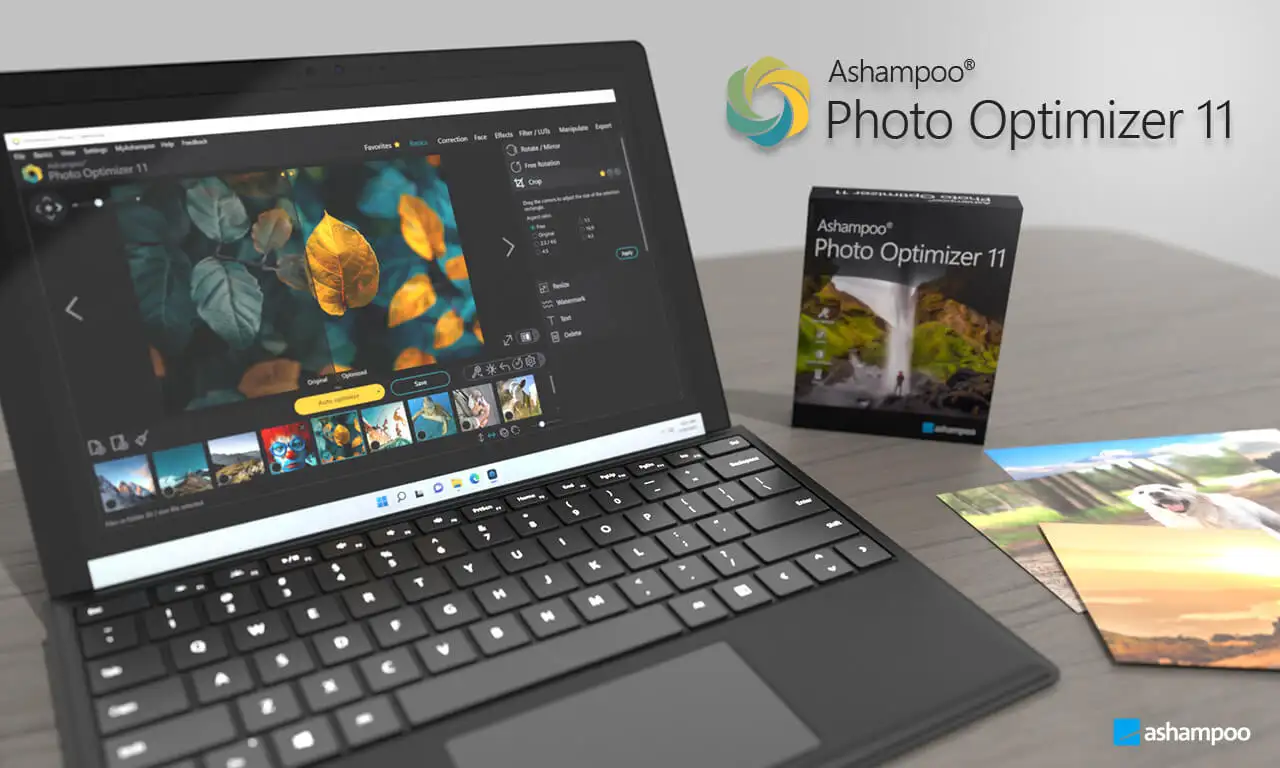
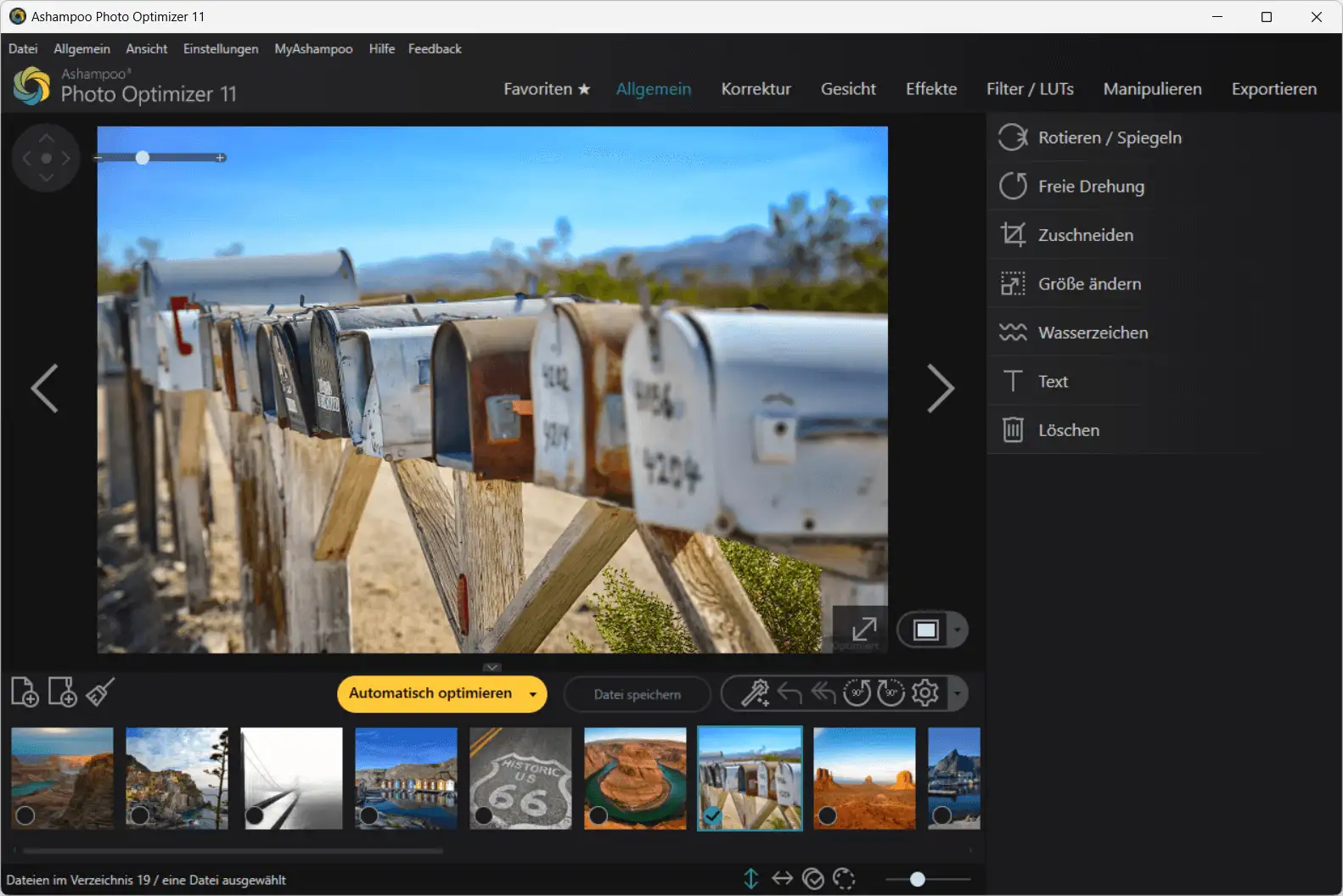
7. Modern user interface – fast, clear, intuitive
The software has been completely modernized:
- Large icon buttons
- Clear menus
- Optimized image preview
- Instantly visible changes
- Touch-optimized operation
Even technically inexperienced users will find their way around easily after just a few minutes.
8. Sharpen and improve details
A common problem with smartphone photos is slight blurring. Ashampoo Photo Optimizer 11 offers an intelligent, structure-oriented sharpening function that highlights details without making the image look artificial.
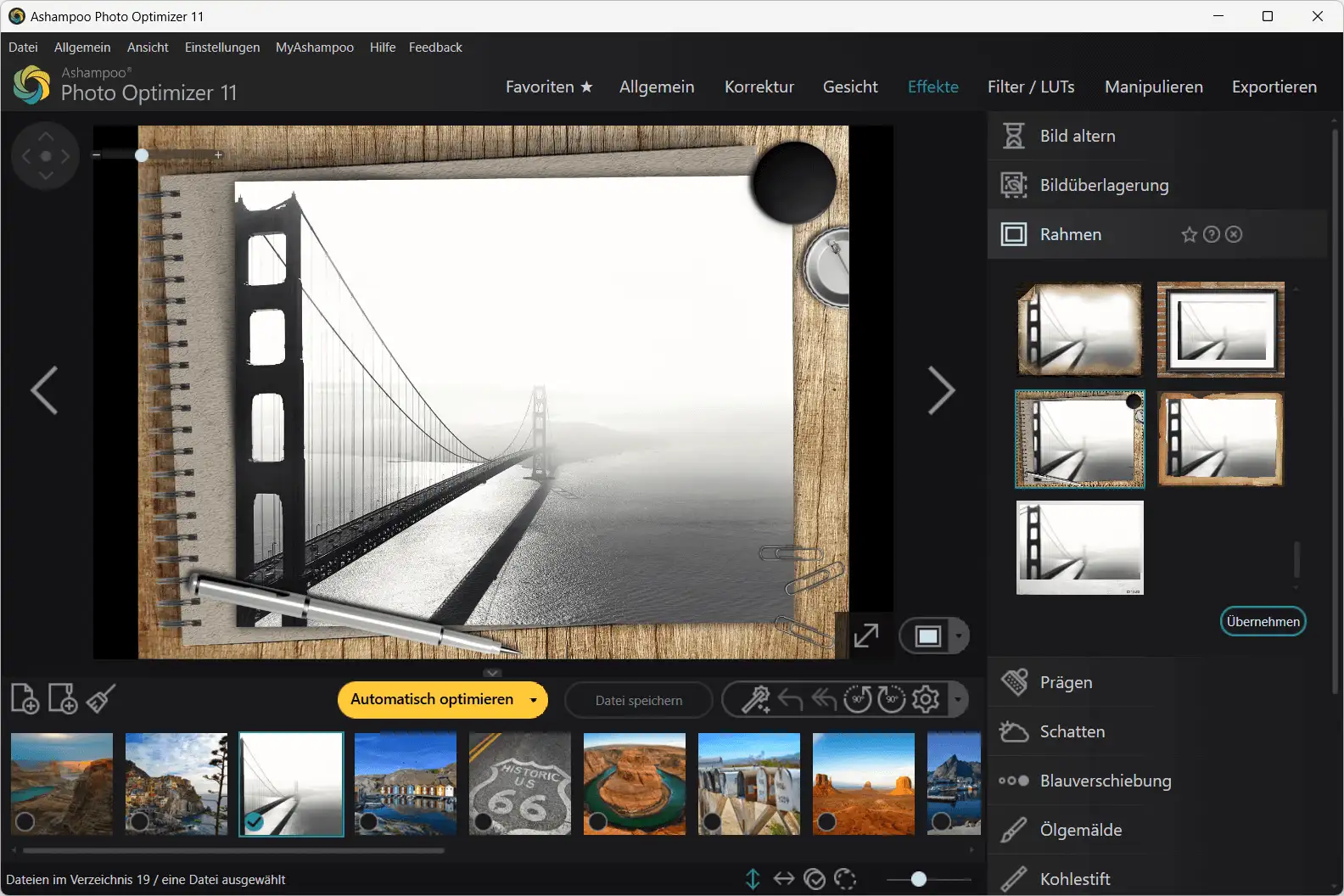
9. Error correction: Remove noise & compression artifacts
Noisy images or JPEG artifacts (often caused by smartphone compression) are visibly reduced. This allows you to enhance older images or poorly lit shots.
10. Secure editing with undo function
Every step can be undone – users can compare at any time or return to the original state.
Areas of application for Ashampoo Photo Optimizer 11
For hobby photographers
Simply beautiful photos – without technical complexity.
For content creators & influencers
Fast image optimization for Instagram, TikTok, Facebook, or YouTube thumbnails.
For photographers
Batch tools and professional settings speed up the workflow.
For businesses
The optimal solution for product photos, application photos, company websites, and marketing material.
For real estate agents
Perspective correction and color optimization ensure compelling property photos.
Frequently asked questions (FAQ) for Ashampoo Photo Optimizer 11
1. Do I need any prior knowledge?
No. The 1-click optimization does everything automatically.
2. Is the software suitable for less powerful PCs?
Yes. Photo Optimizer 11 is very resource-efficient.
3. Can I edit multiple images at once?
Yes, batch processing is a core feature.
4. Is the software better than Lightroom?
For users who want fast results without a learning curve: Yes.
For experts who need RAW processing & masks: Lightroom remains more comprehensive.
System requirements
Supported operating systems
A 64-bit Windows operating system is required to use Ashampoo Photo Optimizer 11. Compatible systems are:
- Windows 11 (64-bit) or higher
- Windows 10 (64-bit)
The program can be run on all devices that support the above operating systems.
Additional requirements
The following Microsoft component package must be installed for smooth operation:
- Microsoft Visual C++ 2015 x64 Redistributable
Internet connection & license verification
An active Internet connection is required to activate the software.
For security and licensing reasons, the validity of your program license is automatically checked online at regular intervals.
Why buy the key from Softwareindustrie24?
- Immediate delivery via email
- 100% original license
- Professional German customer support
- Secure payment methods
- Great prices through direct purchase
Buy Ashampoo Photo Optimizer 11 now
Ashampoo Photo Optimizer 11 offers everything users need to enhance photos quickly, easily, and professionally. The combination of powerful automation, intuitive operation, and creative tools makes the software one of the best image optimization programs on the market.
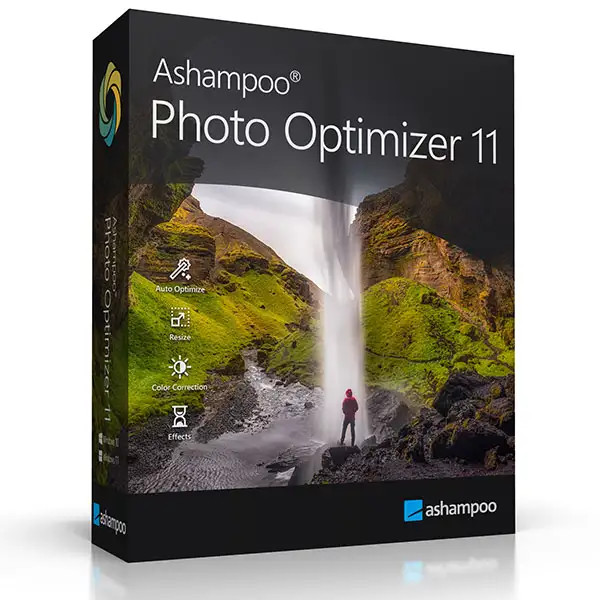
Whether you're an amateur photographer, a professional, or an entrepreneur, Photo Optimizer 11 will help you achieve outstanding results with minimal effort.







