

Ashampoo UnInstaller 16





We advise you personally
Directly accessible for private and business customers.

We are happy to help!
Mon. - Fri.: 9:00 a.m. - 2:00 p.m.
Prices incl. VAT plus shipping costs
Instant download + product key
- Order number: SWI24-701491
- Devices: 1 PC
- Runtime: Permanently valid
- Language: All languages
- Country zone: Worldwide
- Shipping method: E-Mail
- Manufacturer: Ashampoo







What's Included
- Instant delivery – Key & download via email
- Activation guarantee – Permanent access, quality assured
- Installation guide – Simple & easy to follow, included
- VAT invoice – Official proof of purchase included
Buy Ashampoo UnInstaller 16 quickly and affordably
Modern computing involves installing, testing, and removing programs, tools, and apps from various sources. But every installation leaves traces behind, and these accumulate over time: orphaned files, registry entries, temporary data, browser add-ons, autostart remnants, and much more. This is exactly where Ashampoo UnInstaller 16 comes in, offering a professional, clean and reliable way to remove software completely and without leaving any traces.
With this version, Ashampoo sets new standards in terms of uninstallation quality, usability and system maintenance. For users who value a stable, fast and tidy Windows system, UnInstaller 16 is an indispensable tool.
What is Ashampoo UnInstaller 16? – Overview and core idea
Ashampoo UnInstaller 16 is a powerful software tool for Windows that completely removes programs, including all hidden components. Unlike conventional Windows uninstallers, which leave behind a lot of data, UnInstaller 16 monitors every installation in detail – and can later undo all changes.
The software uses a combination of:
- Installation monitoring
- In-depth analysis
- Intelligent file scanning
- Registry logging
- Uncomplicated one-click cleanups
The result: even complex programs, browser add-ons, or stubborn system remnants are reliably removed.
At the same time, UnInstaller 16 also serves as an optimization tool: temporary files, surfing traces, unnecessary autostart entries and memory hogs are detected and deleted, which noticeably speeds up the system.
Who is Ashampoo UnInstaller 16 suitable for?
This software is particularly aimed at:
- Home users who often test programs or want to remove software safely
- Power users who prefer a perfectly maintained system
- Tech enthusiasts who want full control over installations
- PC optimizers looking for performance benefits
- Companies that need a clean software environment
- Laptop users who want to manage storage capacity efficiently
Whether you install software from trusted sources, the Internet, or the Microsoft Store, UnInstaller 16 ensures that nothing is left behind.
The most important features of Ashampoo UnInstaller 16 at a glance
The core features are explained in detail below, including their advantages and practical benefits in everyday use.
1. Intelligent deep uninstallation – no more leftover data
Windows uninstallations often leave behind data and registry entries. This leads to:
- System slowdowns
- Faulty program starts
- Memory loss
- Conflicts between programs
UnInstaller 16 eliminates these problems with a multi-stage analysis process:
- Examination of program data
- Search for hidden files
- Detection of registry changes
- Removal of all installation residues
Thanks to deep analysis, even remnants of previous incomplete uninstallations are detected and eliminated – a clear advantage over typical standard tools.
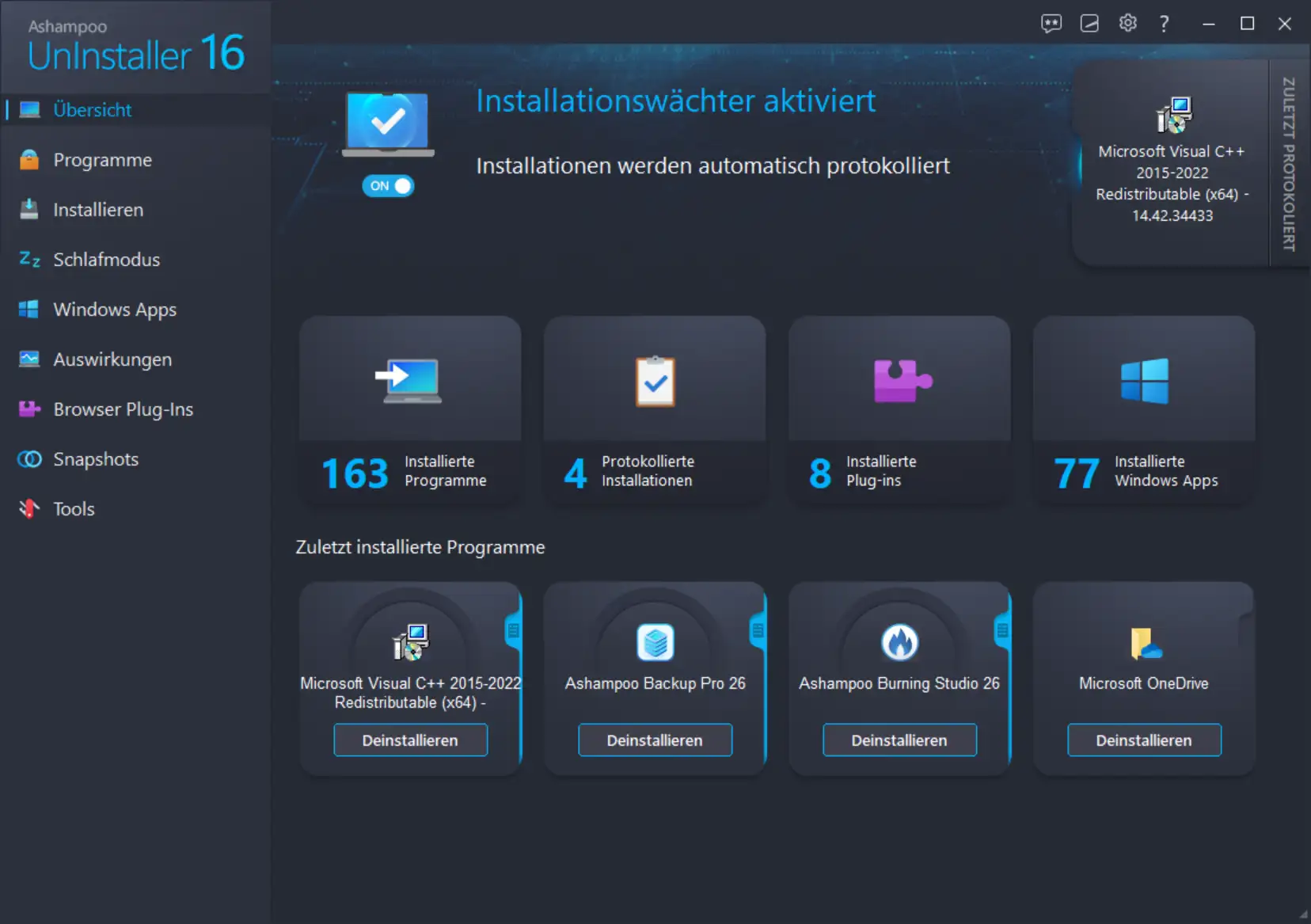
2. Real-time installation monitoring – everything is logged
The software monitors every installation and saves changes to the system:
- New files
- Registry keys
- Folder structures
- Background processes
- System components
This means that later uninstallation can completely reverse what the program changed during installation.
Advantages for the user:
- Maximum control
- Clean uninstallation
- Transparency about every piece of software
- No risk from hidden components
3. Four different methods for program removal
Ashampoo offers flexible uninstall methods:
A) Standard uninstall + deep analysis
Perfect when programs have been removed conventionally but remnants remain.
B) Monitored uninstall
Based on installation logs for 100% clean removal.
C) Force uninstall – emergency mode
For damaged or incompletely installed programs.
D) Uninstall without original uninstaller
If the internal uninstall file is missing or defective.
This makes UnInstaller 16 particularly valuable for programs that “fight back” – e.g., tools that are deeply embedded in the system.
4. Automatic cleanup – system stays clean permanently
Ashampoo integrates several optimization modules:
- Delete junk files
- Remove temporary data
- Remove browsing traces from all popular browsers
- Analyze autostart
- Optimize Windows services
This speeds up the PC, reduces errors, and creates valuable storage space.
5. Software and browser management
Many users underestimate how much software is running in the background. UnInstaller 16 provides the following for this purpose:
Browser add-on manager
- Detects toolbars, extensions, plugins
- Helps remove unwanted add-ons
- Increases browser performance and security
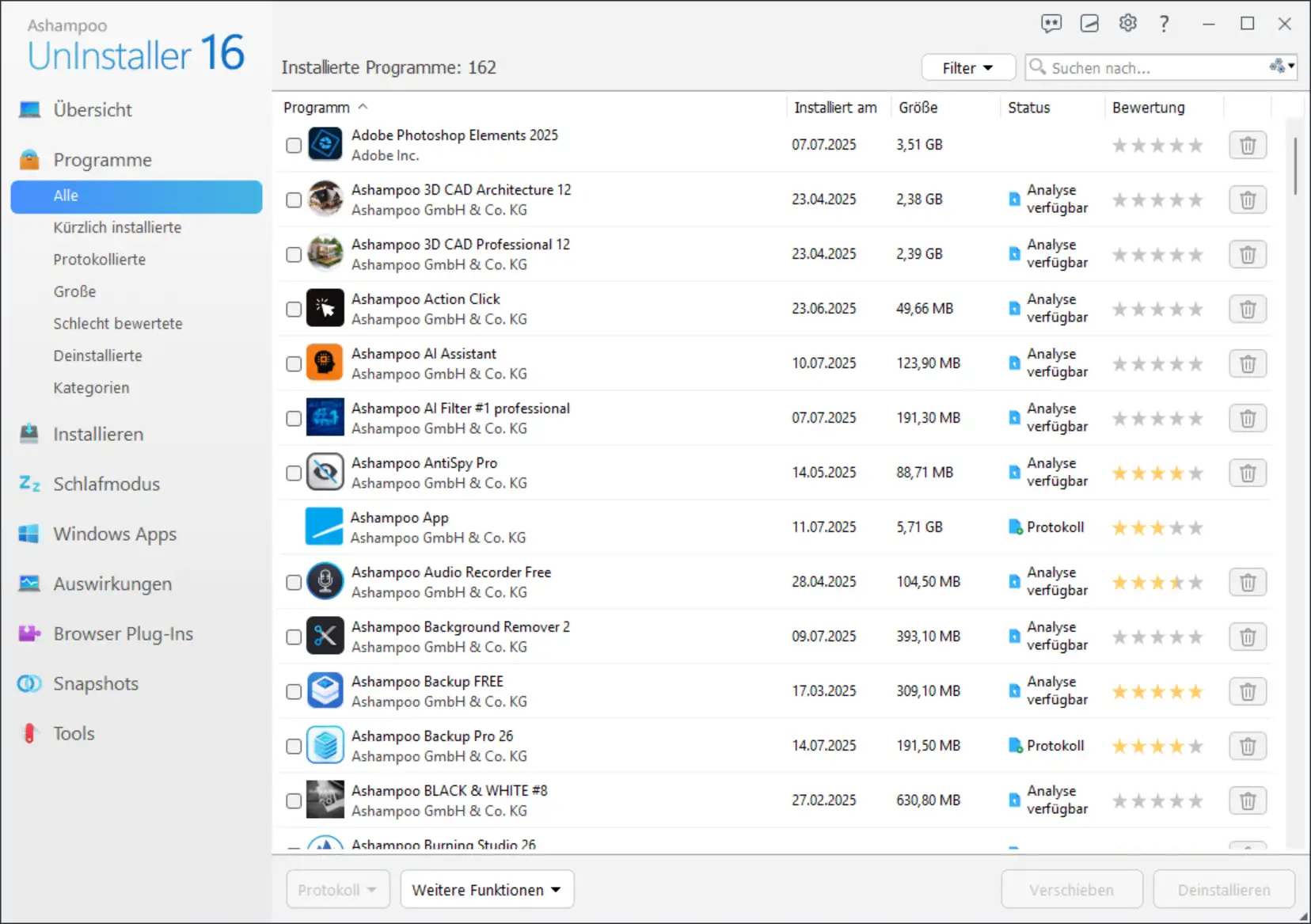
Installed programs clearly sorted
- By installation date, size, origin
- Detects duplicate programs
- Finds rarely used software
A big advantage for users who value order and transparency.
6. Unattended uninstallation
A highlight for frequent users:
Multiple programs can be automatically uninstalled in one go. The computer works independently – perfect for large clean-up operations or company workstations.
7. Snapshot technology – compare system states
A powerful tool for professionals:
- Before and after comparison
- Detect changes to the system
- Make installation effects visible
Ideal for testing software or for support staff who need to narrow down errors.
8. Powerful performance tools
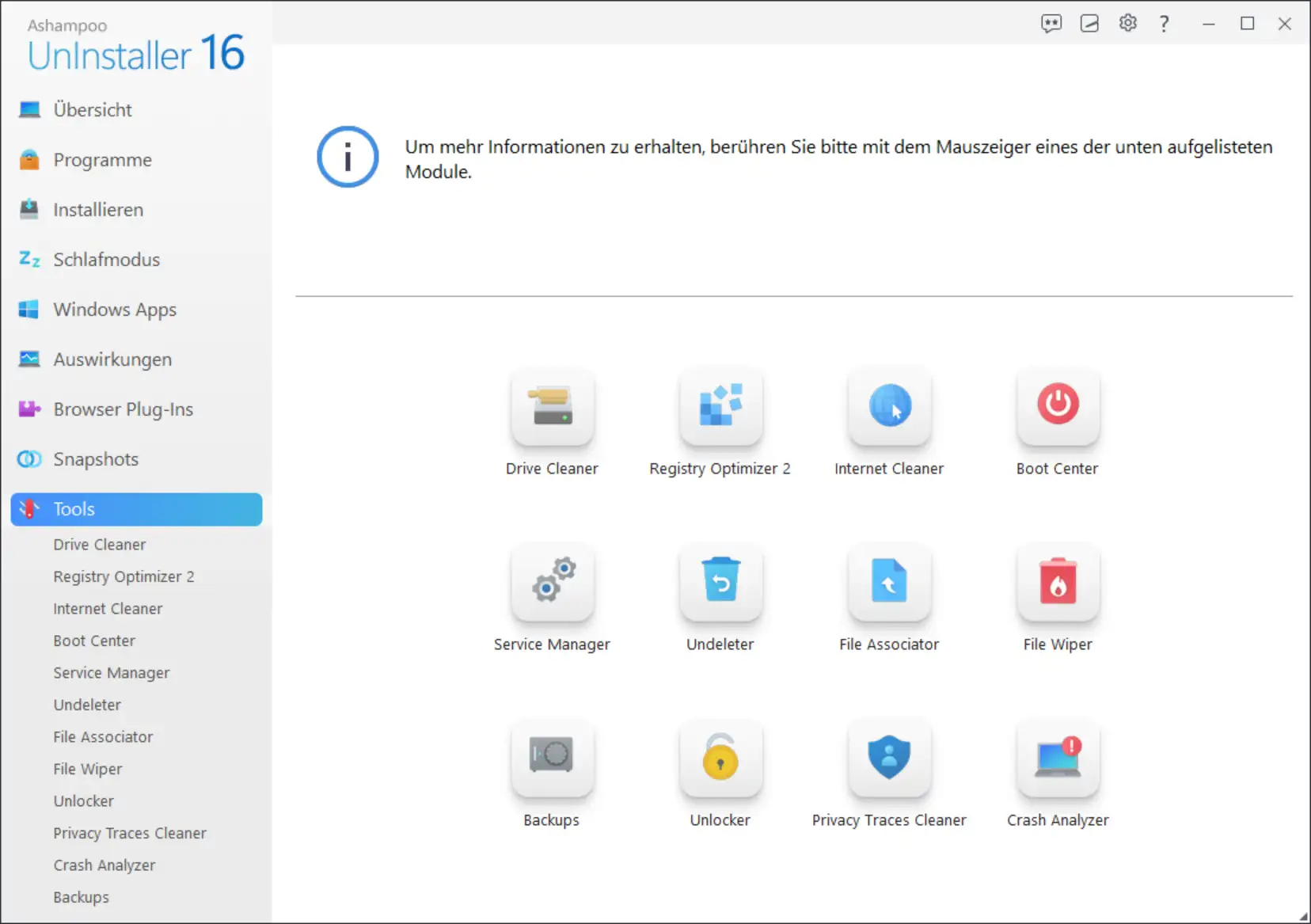
UnInstaller 16 is more than just an uninstaller. It's also a PC tuning tool, including:
- Defragmentation tools
- Well-structured cleanup modules
- Services manager
- Autostart manager
- Registry optimization
This not only speeds up uninstallations, but also your entire computer.
New features in Ashampoo UnInstaller 16
Numerous improvements have been integrated compared to the previous version:
✔ Improved uninstall engine
Faster, more precise, more reliable.
✔ Modernized user interface
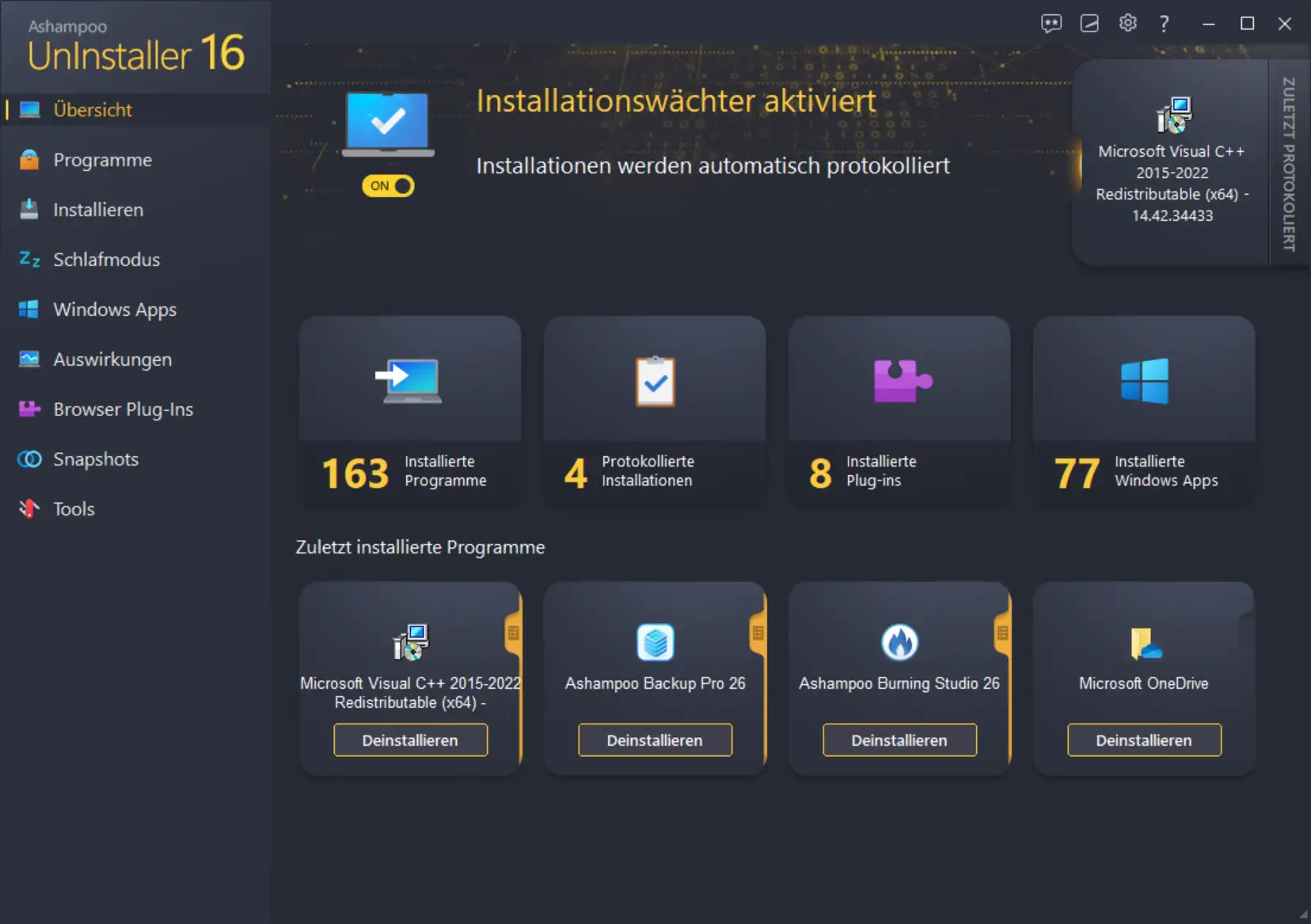
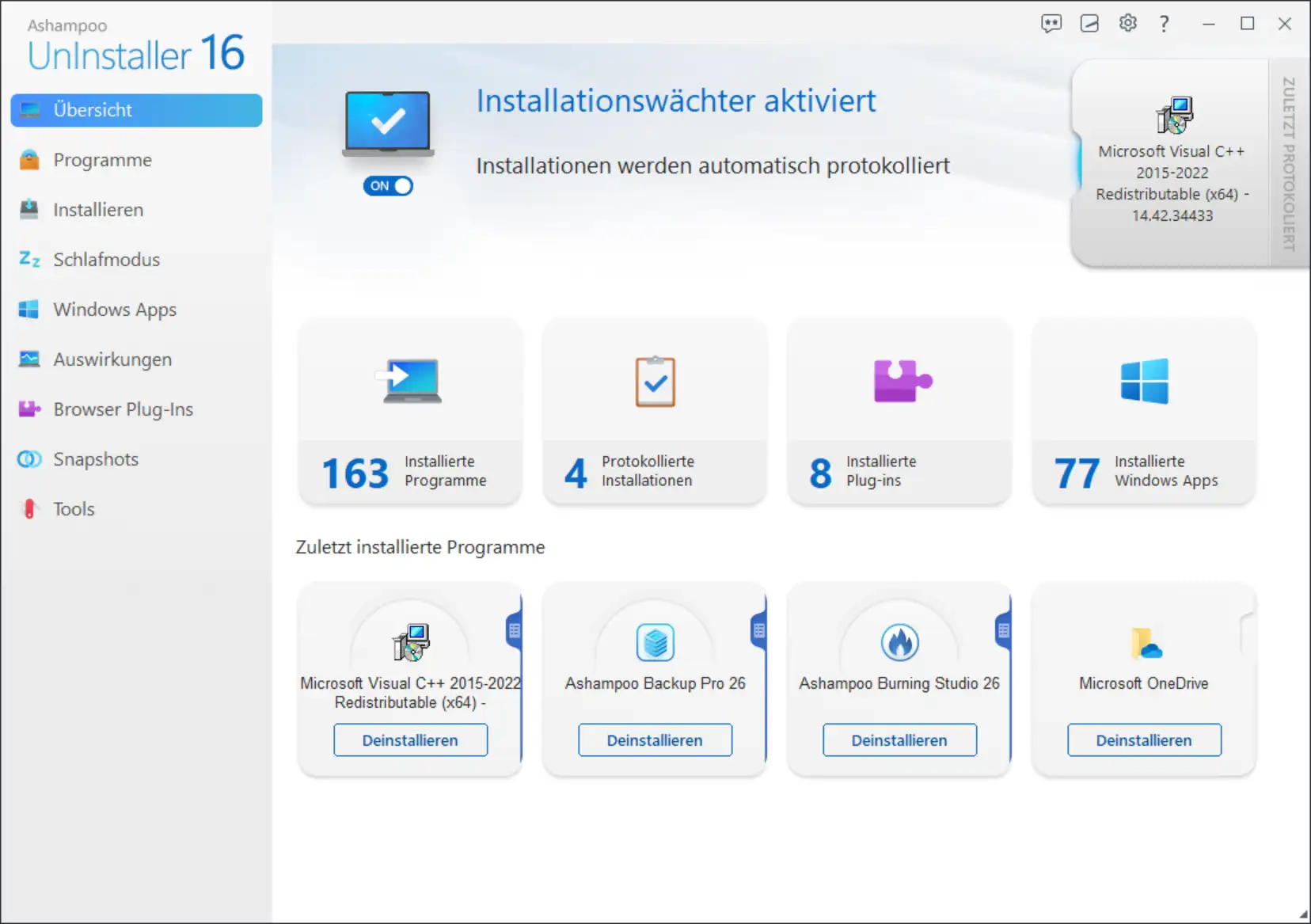
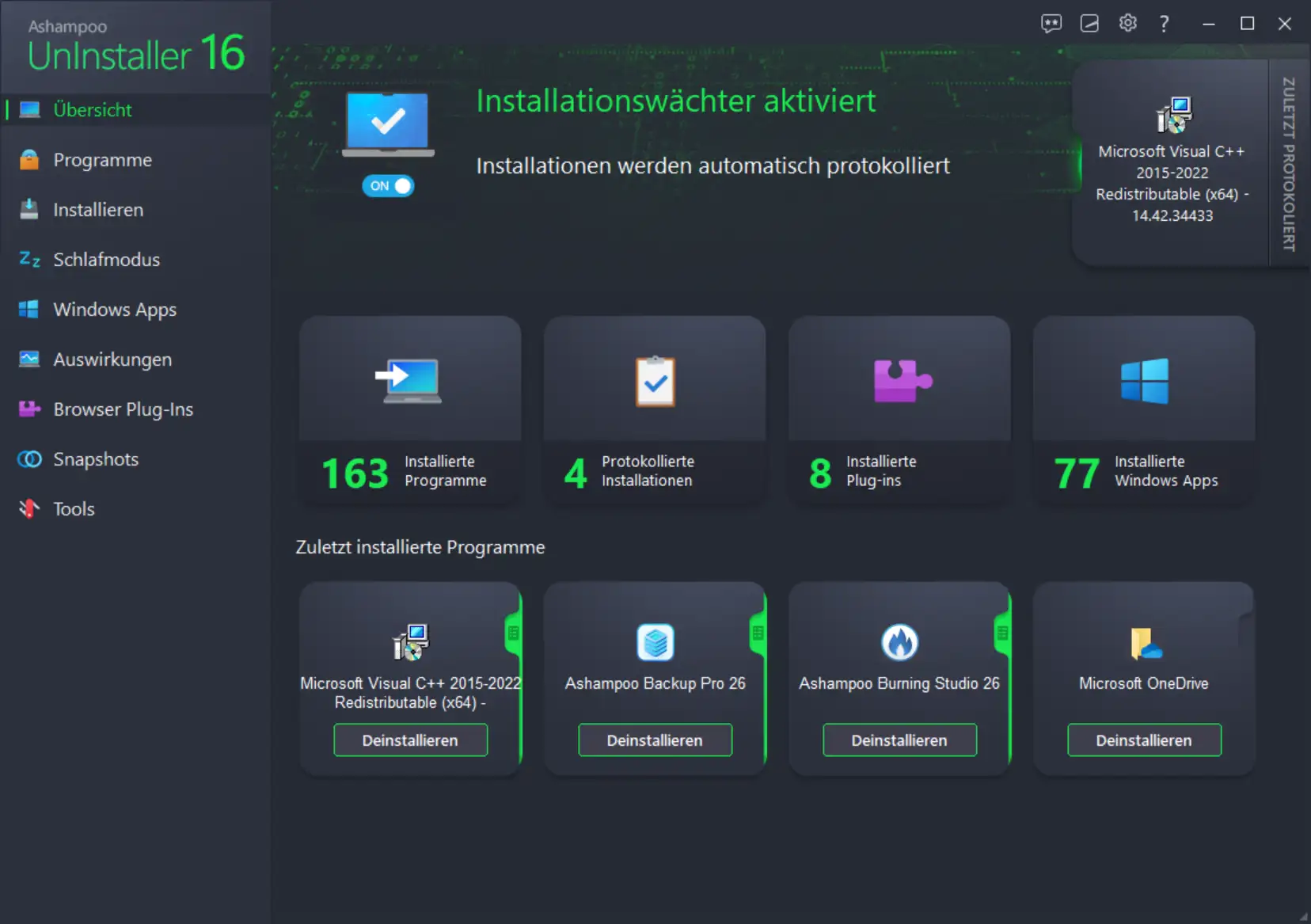
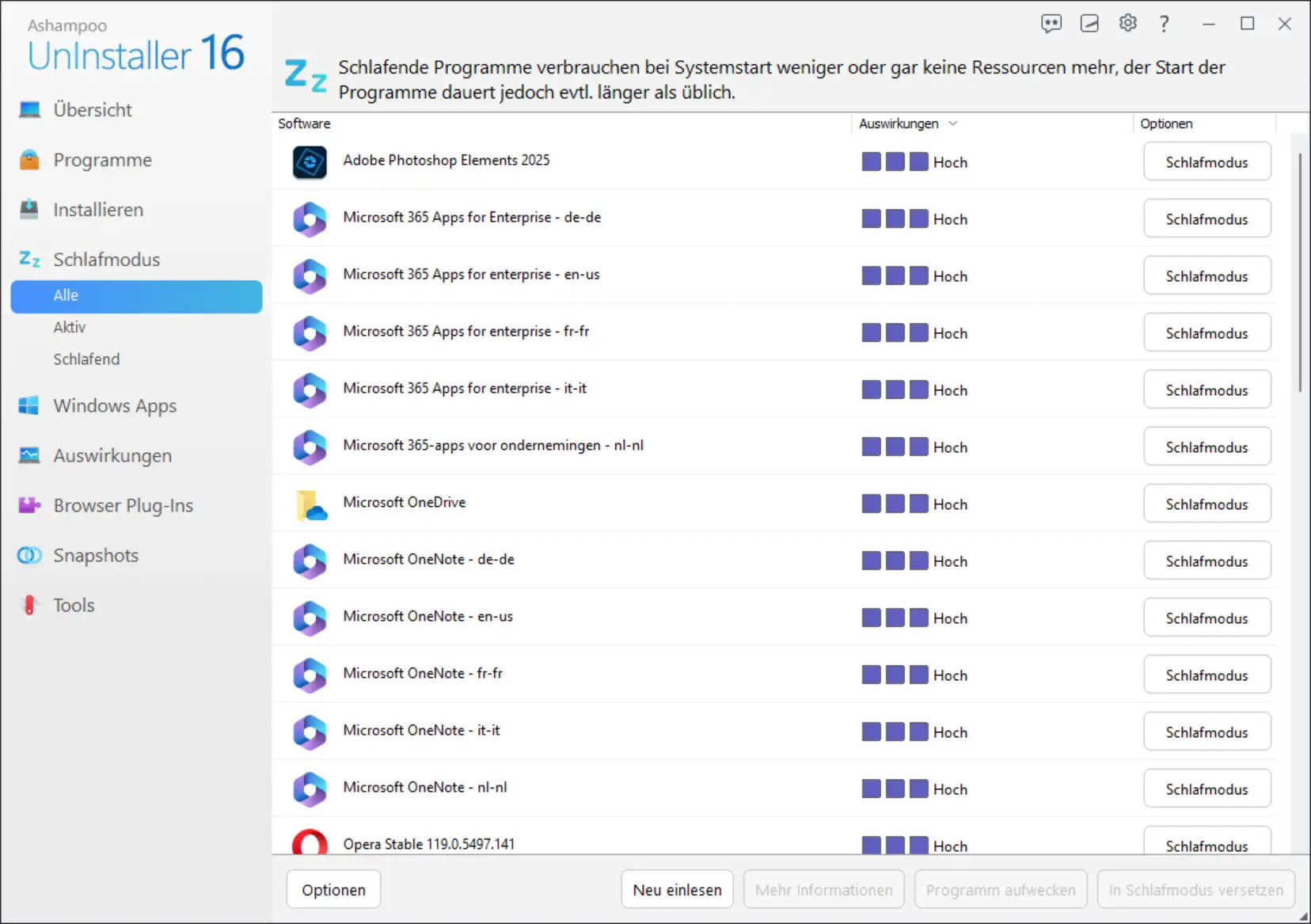
Clear dashboard, intuitive navigation, light/dark design.
✔ Optimized deep analysis
Even more thorough detection of system leftovers.
✔ Better browsing cleanup
Removal of modern browser data (Edge, Chrome, Firefox, Brave).
✔ Advanced real-time monitoring
More precise and resource-efficient.
✔ Improved compatibility with Windows 11
Seamless integration into current system architectures.
With these innovations, Ashampoo once again demonstrates its technological strength and user focus.
Why should you use Ashampoo UnInstaller 16? – The most important advantages
1. A clean Windows system
Fewer remnants → fewer conflicts → more stable performance.
2. More storage space
By removing unnecessary files and installation remnants.
3. Greater privacy
Cleaning up browsing traces and tracking data.
4. Hardware protection
Less data clutter → less SSD wear → longer service life.
5. More security
Removes potentially harmful programs without leaving any traces.
6. Perfect for software testers
Programs can be tried out safely and removed without leaving any traces.
7. Suitable for Windows 10 and 11
Seamless compatibility and regular updates.
Application examples – How buyers use the tool in everyday life
✔ For gamers
Test new games, remove old titles with several GB of residual data.
✔ For office users
Clean uninstallation of old Office versions without leaving any traces.
✔ For tech fans
Compare different tools – without putting strain on the system.
✔ For companies
Software changes without chaos and without leftovers in the registry.
✔ For family PCs
Clean up unwanted child installations or toolbars.
Frequently asked questions (FAQ) about Ashampoo UnInstaller 16
1. Does Ashampoo UnInstaller 16 work with Windows 11?
Yes, the program is fully compatible and optimized for Windows 11.
2. Can I remove programs whose uninstall routine is damaged?
Yes, with the “Force Uninstall” feature.
3. Does UnInstaller 16 also remove browser toolbars and add-ons?
Absolutely – even stubborn extensions.
4. Do I need any technical knowledge?
No. The user interface is intuitive and beginner-friendly.
5. Can I uninstall multiple programs at once?
Yes, with unattended uninstallation.
6. How much storage space can I save?
Several gigabytes, depending on the state of your system.
7. Is the tool secure?
Yes, Ashampoo uses proven technologies and does not store any sensitive data.
System requirements
Operating system
This program only supports the following Windows versions:
- Windows 11 or higher
- Windows 10
Processor compatibility
Please note
- Systems with ARM processors are not supported. The software is designed exclusively for classic x86/x64 Windows systems.
Internet connection
A stable Internet connection is required for activation and regular license verification.
Administrator rights
Administrator rights are required on the respective device to install and use the program.
Ashampoo UnInstaller 16 – A tool for a clean, fast system
Ashampoo UnInstaller 16 is much more than a conventional uninstaller. It is a complete system maintenance and optimization tool that takes transparency, control, and performance to a new level.
If you value order, stability, and security, this software is the perfect solution. Users who frequently test programs or want to keep their system clean in the long term will benefit enormously.
The combination of:
- Intelligent monitoring
- In-depth analysis
- Automatic cleanups
- Comprehensive tools
- Modern design
makes UnInstaller 16 one of the best and most reliable programs in its category.
This product comes highly recommended for all customers of Softwareindustrie24—whether for private, professional, or everyday PC use.


