We advise you personally
Directly accessible for private and business customers.

We are happy to help!
Mon. - Fri.: 9:00 a.m. - 2:00 p.m.
Prices incl. VAT plus shipping costs
Instant download + product key
What's Included
- Instant delivery – Key & download via email
- Activation guarantee – Permanent access, quality assured
- Installation guide – Simple & easy to follow, included
- VAT invoice – Official proof of purchase included
- Order number: SWI24-701482
- Devices: 1 PC
- Runtime: Permanently valid
- Language: All languages
- Country zone: Worldwide
- Shipping method: E-Mail
- Manufacturer: Ashampoo

Ashampoo WinOptimizer 28 | Buy Windows online at a low price from Softwareindustrie24
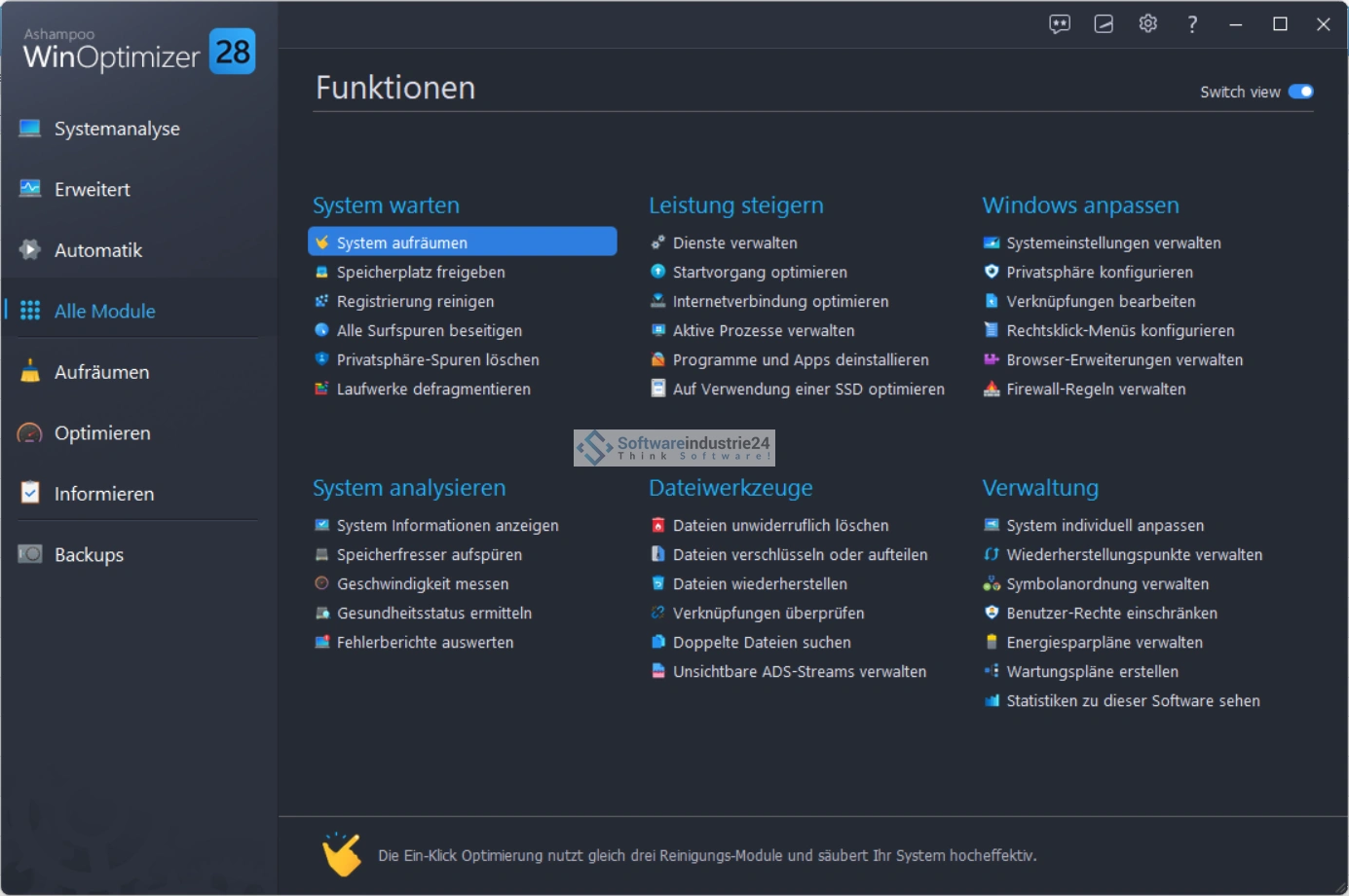
Experience the latest generation of Windows system optimization with Ashampoo WinOptimizer 28. This powerful and versatile software combines over 35 tools in a sleek, modern interface. Not only does it help you speed up and clean up your PC, but it also offers features specifically tailored for Windows 11 users – all clearly structured, intuitive and without any subscription requirements.
Features – Everything your Windows needs for a license
1-click optimization & automation
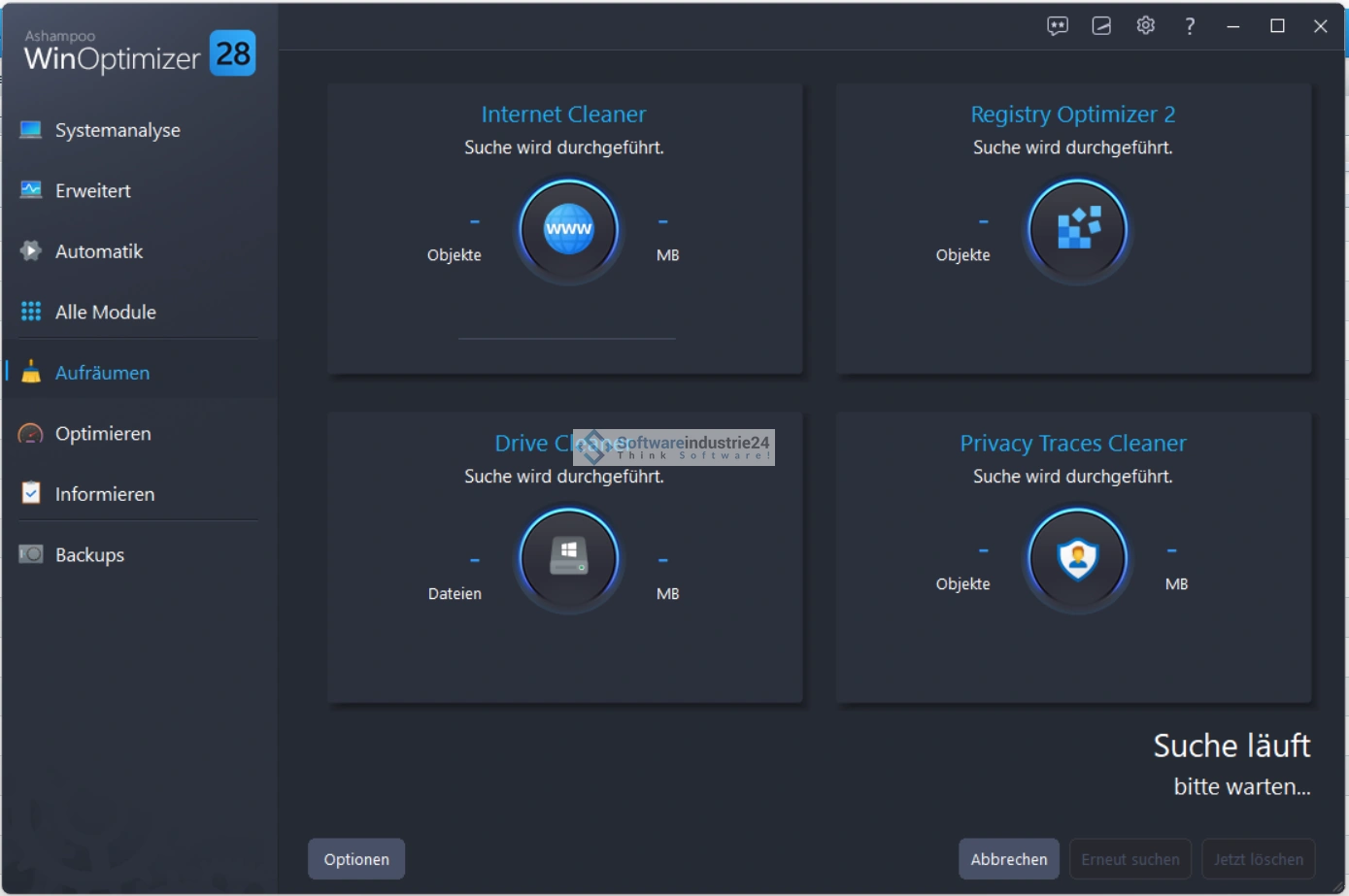
A key feature is the One-Click Optimizer, which automatically detects, cleans and optimizes numerous system paths – ideal for beginners and anyone looking for quick results. You can also automate regular maintenance tasks—daily, weekly, or at your own intervals. This keeps your PC running at peak performance.
Comprehensive cleaning modules
The program's cleaning modules include:
- Cleanup for browsers & system: Removal of cookies, history, temporary files, old Windows installations, and unused installation remnants.
- Registry optimization: The new Registry Optimizer 2 is up to 100 times faster than before and cleans thoroughly and safely thanks to Super Safe Mode and Smart Delete Mechanism.
Live Tuner & Auto Clean
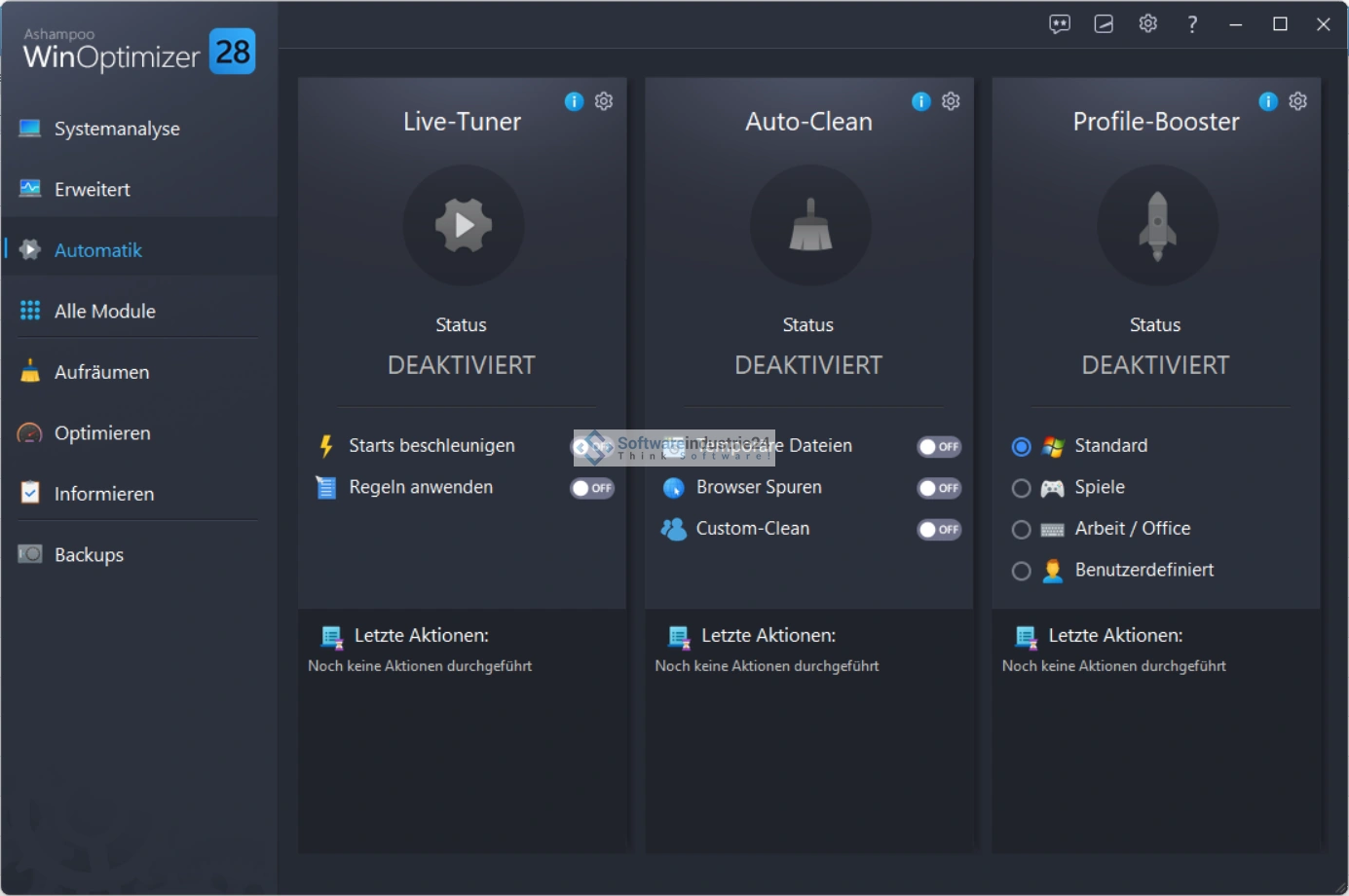
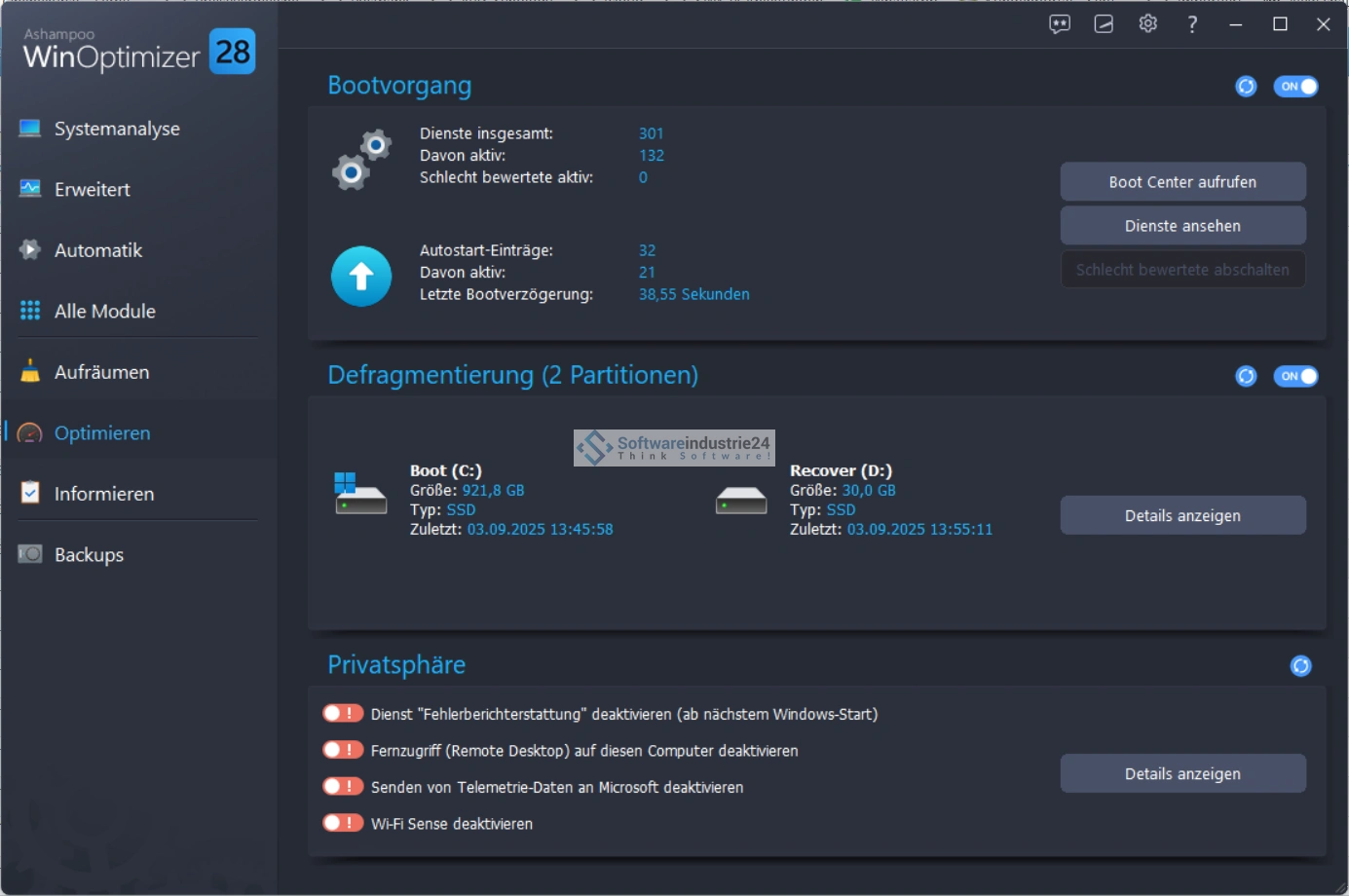
These modules provide dynamic optimization in the background: Live Tuner prioritizes active applications, while Auto Clean cleans up when programs are closed – for noticeably smoother processes.
Firewall Manager
A key feature of version 28 is the new Firewall Manager, an intuitive interface for controlling the Windows firewall. Three modes (Basic, Normal, Advanced) offer suitable control options for both beginners and power users.
System Information & Crash Analysis
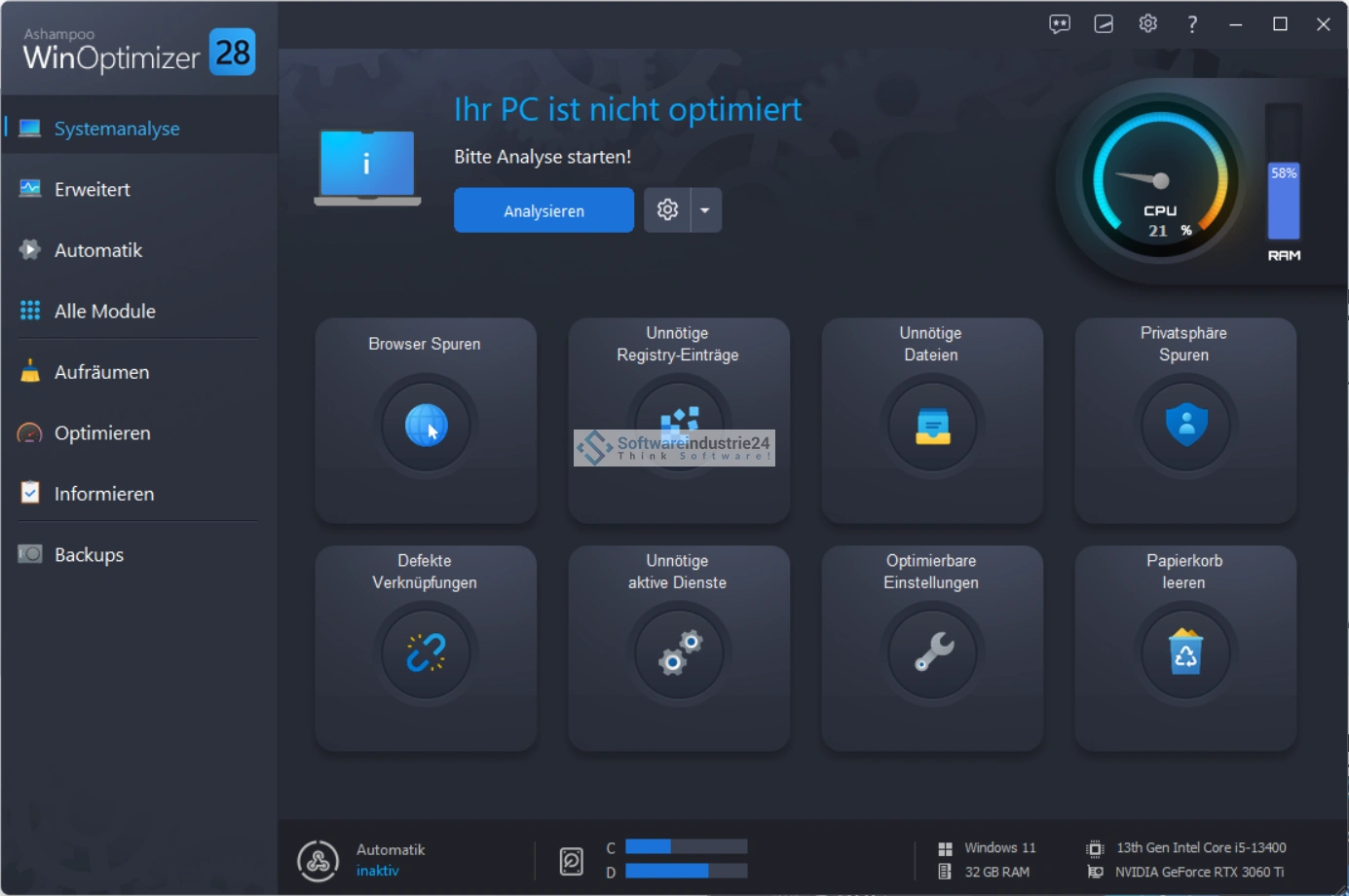
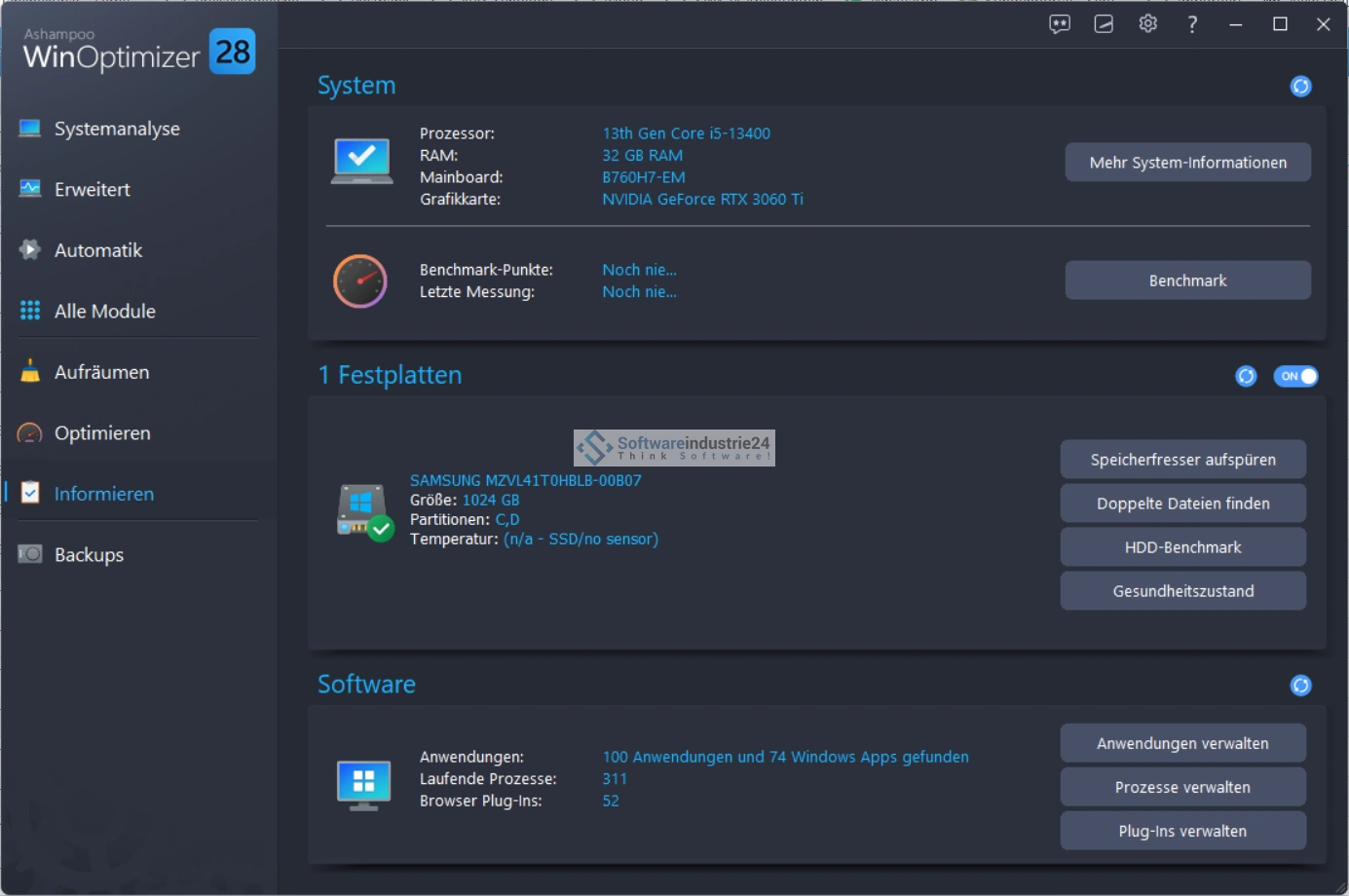
The improved “System Information 2” overview shows CPU, RAM, drives, drivers, and more – clearly and modernly designed. The enhanced Crash Analyzer helps identify crash causes and errors.
File Wiper & Data Protection
Sensitive data is securely deleted according to military standards with the File Wiper. The revised Privacy Manager offers refined settings for telemetry, Cortana, privacy tweaks, and cookie management—including wildcard rules and export function.
Additional tools—from Defrag to Undeleter
Additional tools include:
- Defragmentation and SSD optimization,
- Uninstall Manager for clean app removal,
- DiskSpace Explorer, Font Manager, file encryption, Undeleter and much more.
Advantages – Why Ashampoo WinOptimizer 28 is so impressive
Maximum speed & efficiency
With up to 100 times faster registry scanning and 50% more efficient cleaner modules, you save time and resources.
Wide range of functions
Over 35 maintenance and tuning tools make the software an all-rounder – everything in one package, no need to fragment your system with countless applications.
Intuitive user guidance
Thanks to a logical menu structure, dashboard analysis and optimized design, operation is simple, efficient and stress-free.
Automation for permanently stable systems
Live Tuner, Auto Clean, and Auto Maintenance keep your system running smoothly in the long term – even without manual intervention.
Privacy & security at a glance
Firewall Manager, Privacy Tweaks, and File Wiper increase the protection of your data – ideal for security-conscious users.
German support & integration
German language support, helpful functionality, and integration into the Windows Notification Center significantly improve the user experience.
Areas of application – Who is this tool suitable for?
Everyday use and office
Perfect for users who want to get started quickly and don't have time for manual maintenance: one click is all it takes to get your PC running smoothly again.
Gamers & power users
Live Tuner and GameBoost focus on performance – less background load ensures higher FPS and a smoother gaming experience.
Security-conscious users
Firewall Manager plus Privacy Tools enable effective control over data access and data protection – ideal for sensitive environments.
Tech enthusiasts & IT administrators
System information, crash analyzer, comprehensive tuning and backup tools are perfect for deeper system maintenance and problem solving.
Beginners and busy people
The simple interface, tuning wizard, and automated tasks help you achieve a better-running PC without expertise or effort.
Experience reports – Voices from the field of downloads
Our own tests
A detailed test describes:
- Quick installation
- Clear interface
- Initial analysis with over 1.2 GB of junk data cleaned up
- Live Tuner and Auto Clean with noticeable performance improvement when starting the program
- 1-click tuning ideal for beginners
- New features such as Firewall Manager, registry scan in seconds, Privacy Manager significantly improved.
Specialist portals & reviews
- Computerbild names WinOptimizer 28 the “test winner” and praises its speed, system analysis, and intelligent design.
- Netzsieger highlights the clear menu navigation, German support, and more effective Windows startup times (score 8.69/10).
- TechRadar names the scanning dashboard, clear description of detected problems, and variety of tools as highlights.
User opinions (G2)
An earlier review (WinOptimizer in general) praises the intuitive interface and the “fresh system” effect after use. Privacy features and backup tools are also mentioned positively. Criticism: Demo version limits features, some tuning effects remain superficial.
Community feedback
In forums, WinOptimizer is described as user-friendly and effective – at the same time, users are advised to use the standard Windows tools.
System requirements
Operating system
- Windows® 11 or Windows® 10 (64-bit versions only)
Important note
- Systems with ARM processors are not supported.
Hardware requirements
- Screen resolution: at least 1280 × 768 pixels (recommended: 1920 × 1080 pixels for optimal display and user experience)
Additional requirements:
- Administrator rights are required for installation and use
- An active internet connection is required to activate the software
- The license is validated online at regular intervals to ensure usage
Is it worth buying the key from Softwareindustrie24?
Ashampoo WinOptimizer 28 is one of the most powerful system maintenance suites for Windows 10 and 11. With:
- its impressive speed,
- comprehensive features (over 35 tools),
- powerful automation,
- privacy features,
- and intuitive usability
, WinOptimizer goes far beyond simple cleaners. The price of about one of the original (often reduced) is reasonable given the range of features.
This tool is a clear recommendation, especially for users who value fast results, data protection, and centralized system management. Trial version available – it's worth trying it out!