

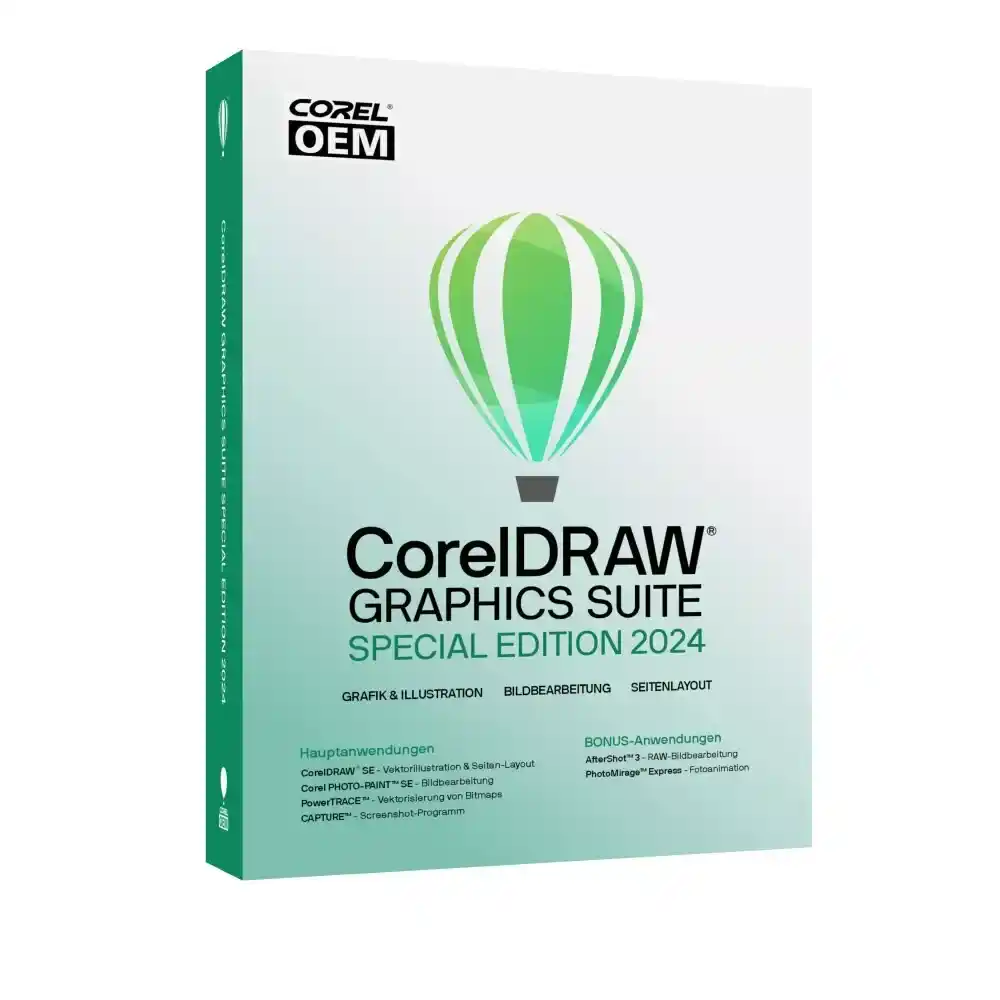
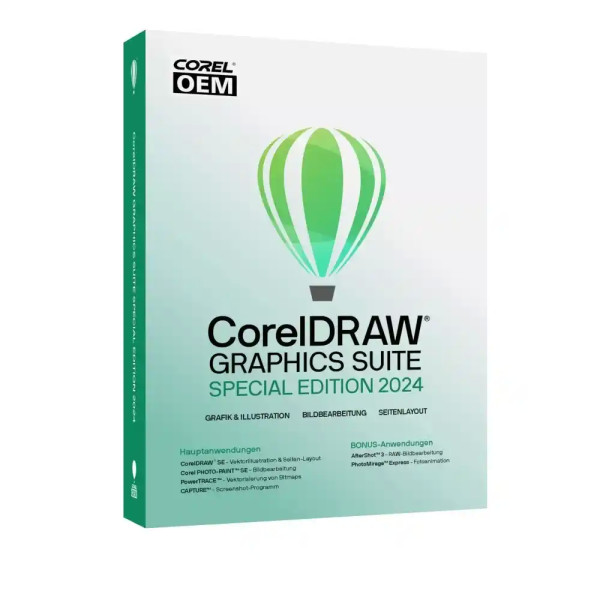
CorelDRAW Graphics Suite 2024 | Special Edition | Windows



We advise you personally
Directly accessible for private and business customers.

We are happy to help!
Mon. - Fri.: 9:00 a.m. - 2:00 p.m.
Prices incl. VAT plus shipping costs
Instant download + product key
- Order number: SWI24-701641
- Devices: 1 PC
- Runtime: Permanently valid
- Language: All languages
- Country zone: Worldwide
- Shipping method: E-Mail
- Manufacturer: Corel







What's Included
- Instant delivery – Key & download via email
- Activation guarantee – Permanent access, quality assured
- Installation guide – Simple & easy to follow, included
- VAT invoice – Official proof of purchase included
Buy CorelDRAW Graphics Suite 2024 | Special Edition | Windows at a great price
The professional all-in-one solution for modern graphic design
The CorelDRAW Graphics Suite 2024 | Special Edition from Corel is one of the most comprehensive and powerful graphic design software solutions on the market. It is specifically designed for creative professionals, designers, marketing teams, and businesses that demand the highest standards of quality, efficiency, and flexibility.
With this suite, you get a fully integrated toolset for vector illustration, image editing, layout design, and typography—all in a single, perfectly coordinated environment. Whether you want to implement complex design projects, develop brand identities, or create high-quality print products—CorelDRAW 2024 offers you the power and precision you need.
Components for Maximum Creativity in the License
The CorelDRAW Graphics Suite 2024 consists of several professional applications that work together seamlessly to provide you with a consistent workflow.
CorelDRAW – Vector Illustration and Layout at the Highest Level
CorelDRAW is the heart of the suite and provides you with powerful tools for creating precise vector graphics and complex layouts. From logos to infographics to large-format print projects—the possibilities are virtually limitless.
With advanced drawing tools, smart guides, and flexible layout options, you can bring designs to life efficiently and with pixel-perfect precision.
Corel PHOTO-PAINT – Professional image editing
With Corel PHOTO-PAINT, you get a powerful tool for image editing and photo retouching. Optimize images, remove distracting elements, or create impressive visual effects—all directly within the suite.
The integration between CorelDRAW and PHOTO-PAINT enables a seamless transition between vector and raster graphics.
Corel Font Manager – Efficient Font Management
Manage your fonts centrally and efficiently. The Font Manager helps you organize, filter, and selectively apply large font libraries—a crucial advantage for professional layouts and branding projects.
PowerTRACE – Intelligent Vectorization
With PowerTRACE, you can convert bitmap graphics into high-quality vector files. This feature is particularly helpful when digitizing logos, sketches, or scanned templates.
Key Features of CorelDRAW Graphics Suite 2024
The latest version brings numerous improvements and new features that make your work significantly more efficient.
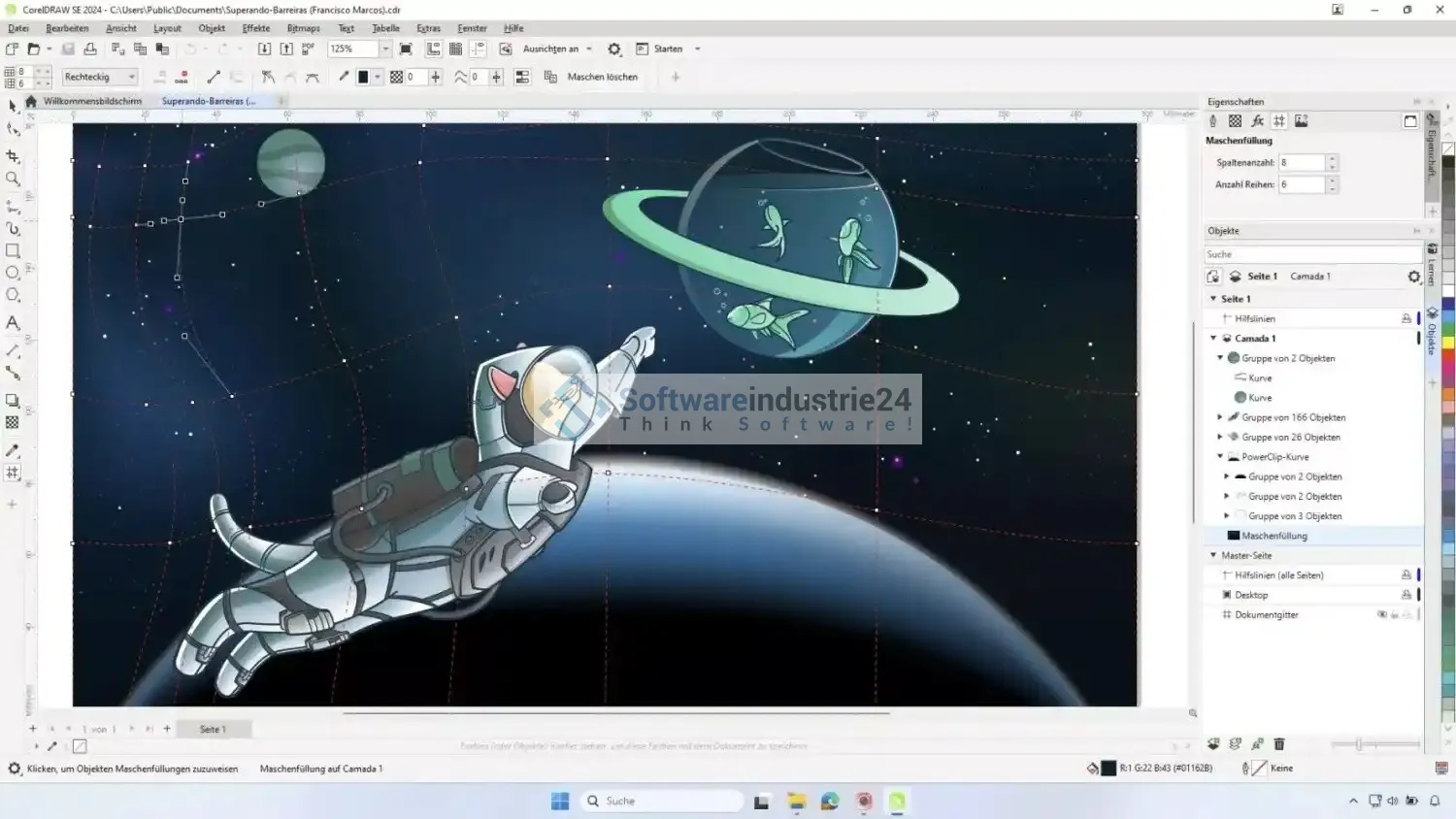
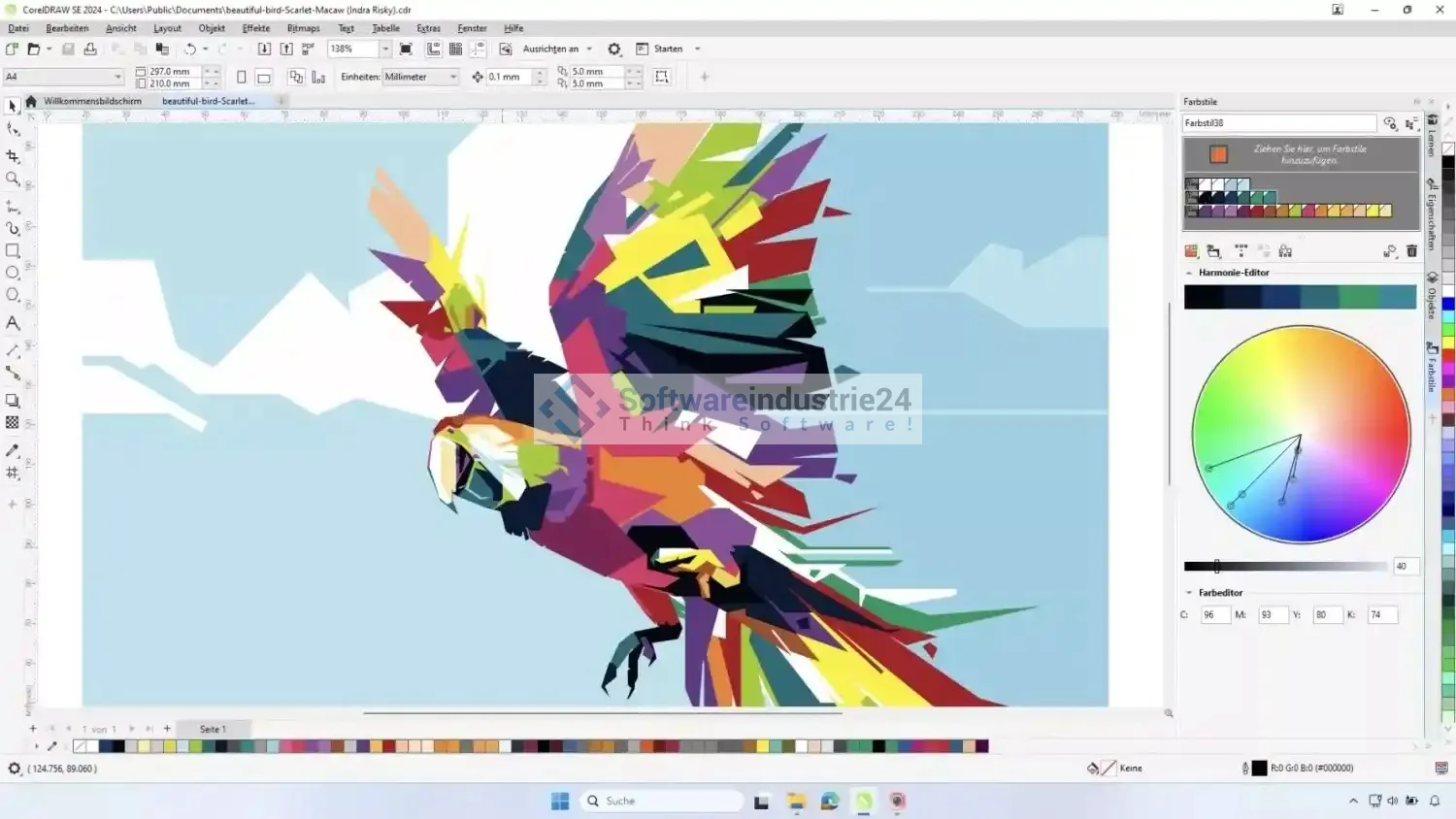
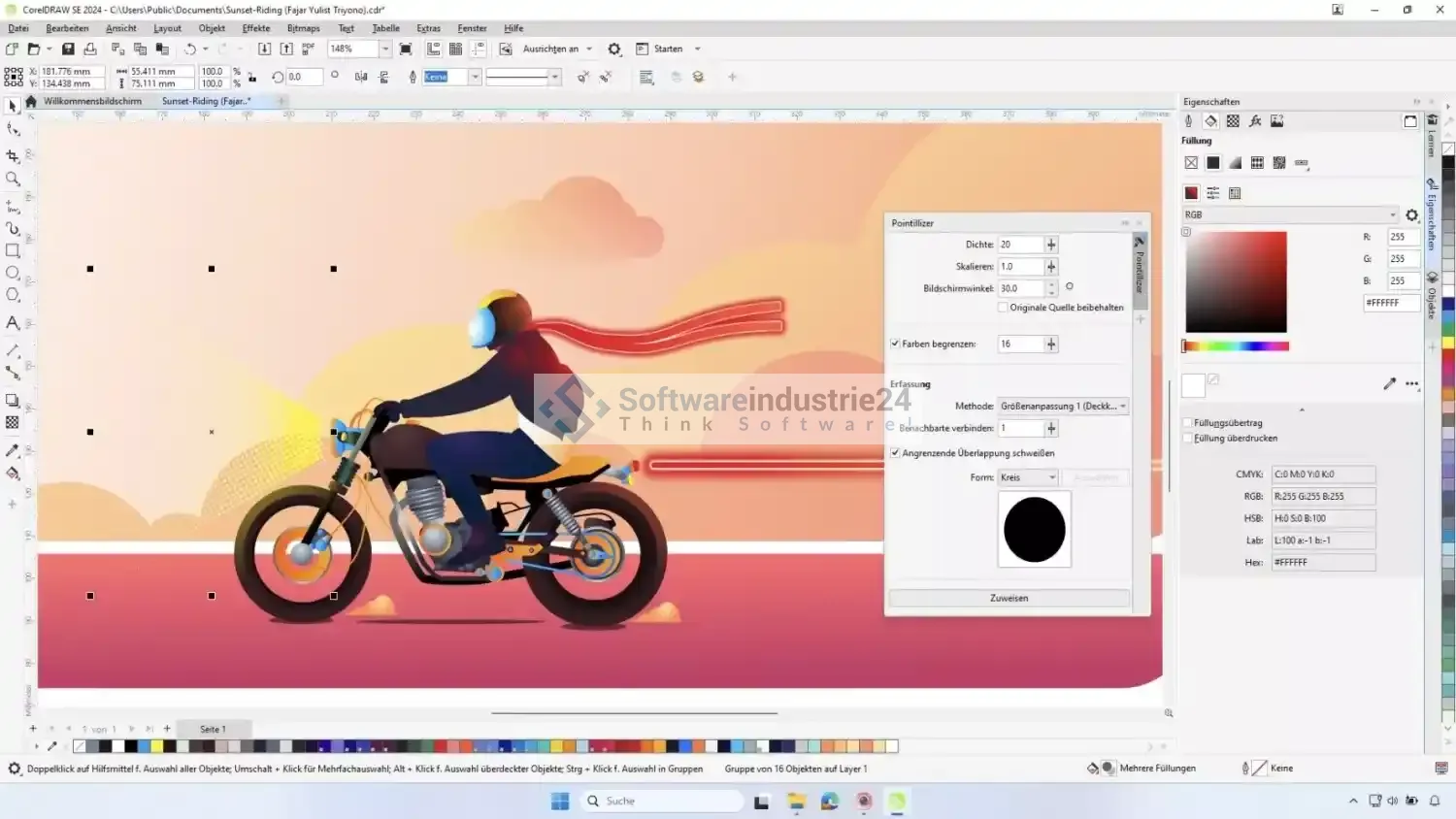
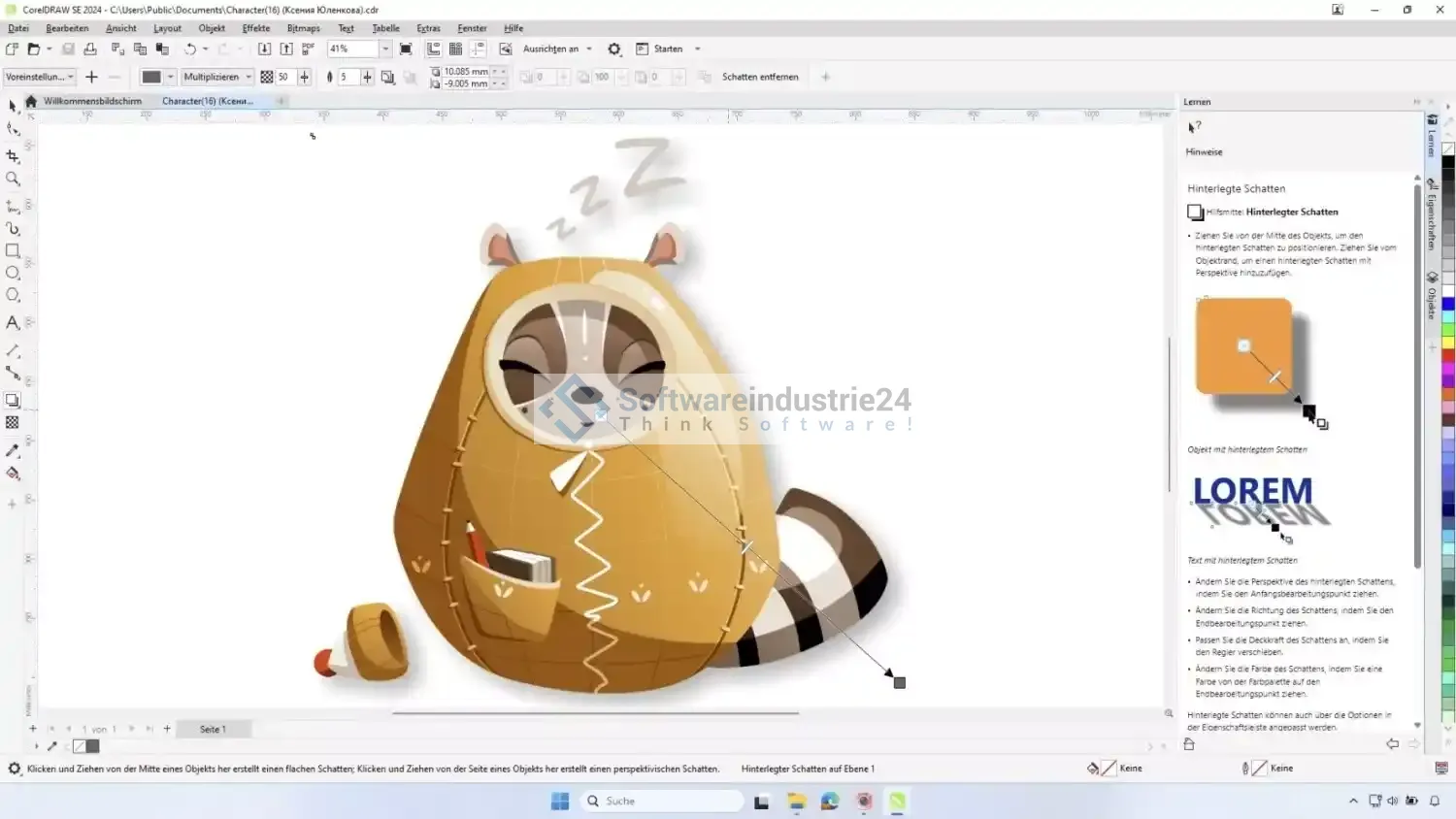
User Interface of CorelDRAW Graphics Suite 2024
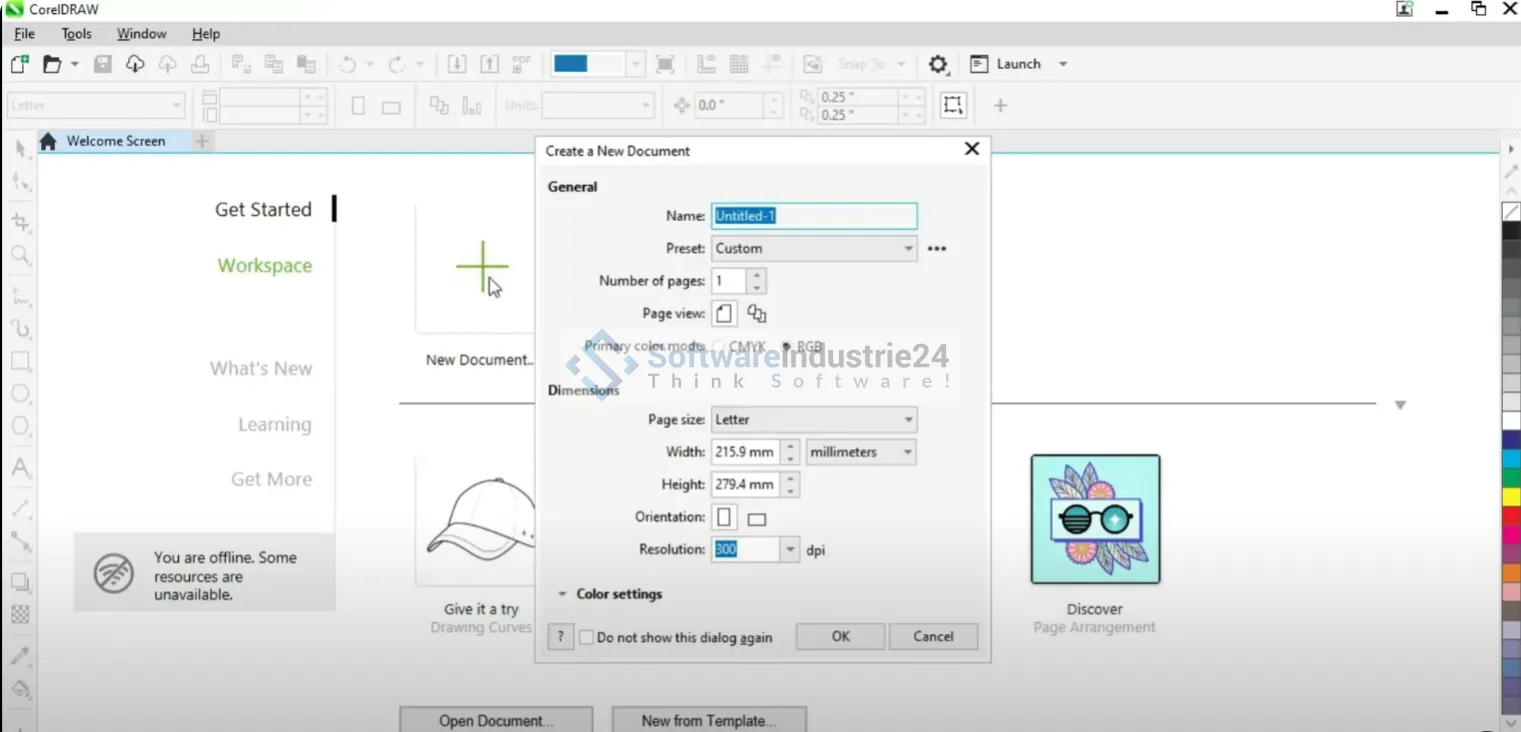
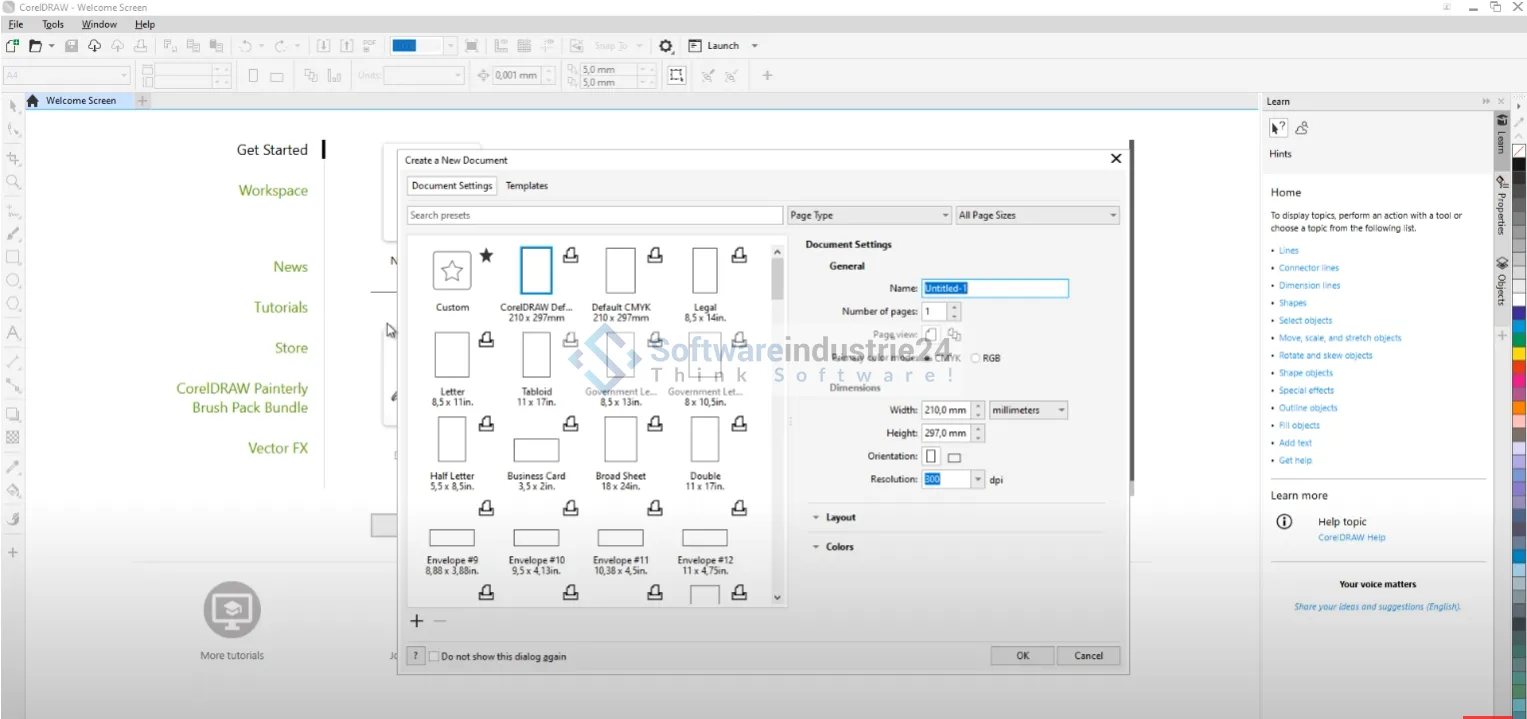
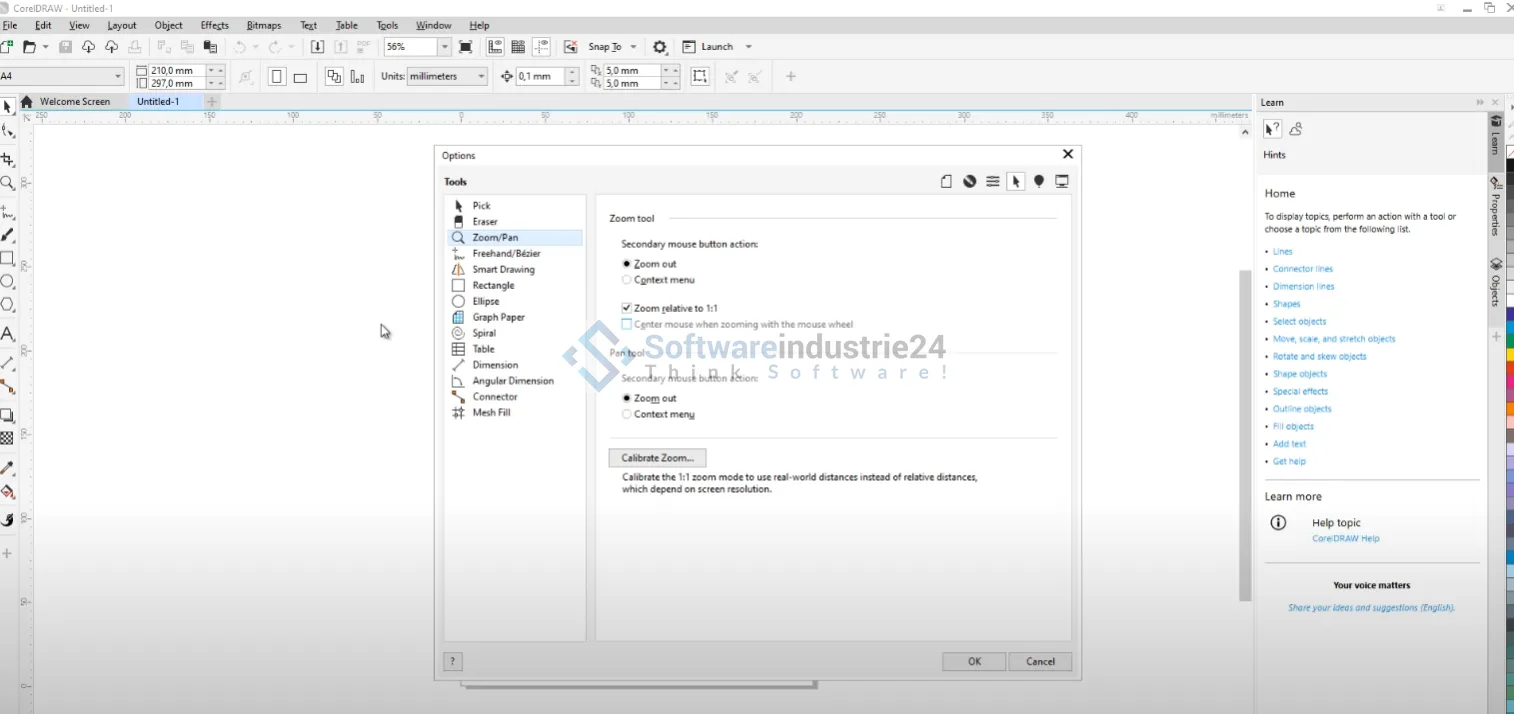
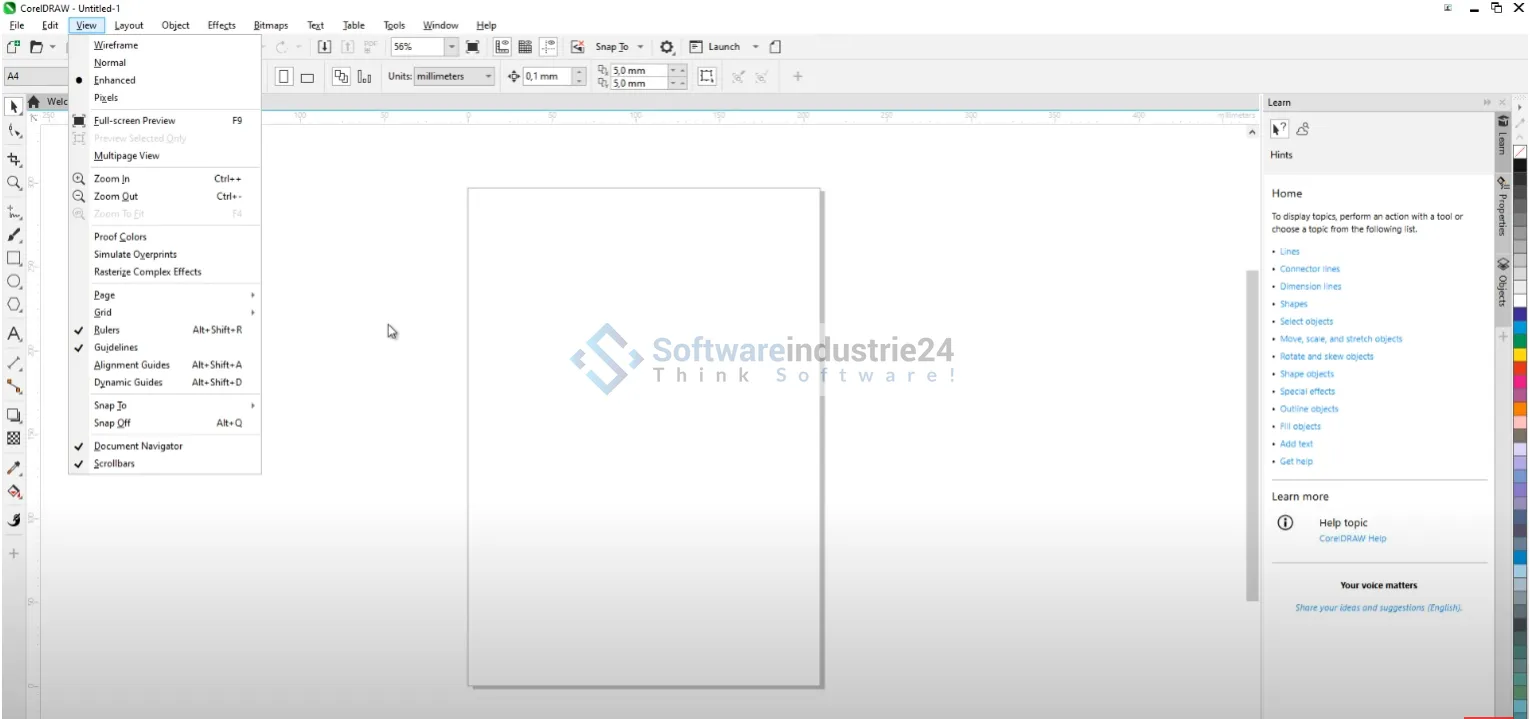
The modern and intuitive interface allows for a quick start and productive work. Customizable workspaces ensure that you can tailor the software perfectly to your needs.
AI-powered features
The integration of intelligent technologies helps you automate complex tasks. Image optimizations, cropping, and adjustments are faster and more precise than ever before.
Advanced Vector Tools
Benefit from improved drawing tools, more precise curve controls, and expanded editing options. This makes it easy to create even complex illustrations.
Wide File Format Support
The suite supports a wide range of formats, including:
- SVG
- PSD
- AI
- JPG, PNG, TIFF
This enables seamless collaboration with other design tools and platforms.
Professional-level typography
Create impressive layouts with advanced text tools. Fine-tuning of letter spacing, OpenType features, and creative typography options ensure perfect results.
Benefits for Businesses and Creative Professionals
CorelDRAW Graphics Suite 2024 offers not only powerful tools but also tangible benefits for your daily workflow.
Time savings through optimized workflows
Thanks to the intelligent integration of the individual programs, you work more efficiently and save valuable time. Projects can be completed faster, and changes can be incorporated flexibly.
High precision and quality
The precise tools enable professional results—whether for print, web, or digital media.
Flexibility for various applications
Whether you’re a sole proprietor, an agency, or a large enterprise—the software adapts flexibly to your needs.
Perpetual license—no recurring costs
Unlike many other solutions, you benefit from a one-time investment with no monthly fees. This makes the Special Edition particularly attractive.
Typical Applications of CorelDRAW Graphics Suite 2024
CorelDRAW Graphics Suite 2024 is versatile and suitable for numerous creative projects.
Branding and Logo Design
Create unique brand identities with precise vector tools. Logos can be designed to scale without loss of quality—ideal for professional use.
Print Design
Design flyers, brochures, posters, or business cards in the highest quality. Thanks to precise color control and print preparation, you’ll achieve perfect results.
Web and Social Media Graphics
Create modern graphics for websites, social media, or online campaigns. Optimized export functions make it easy to use them in digital media.
Technical Illustrations
CorelDRAW is also ideally suited for technical drawings and detailed illustrations. Precision and control are the top priorities here.
Image Editing and Retouching
Optimize photos, create montages, or remove unwanted elements—all with professional tools.
User-Friendliness and Ease of Use
A major advantage of CorelDRAW Graphics Suite 2024 is its user-friendliness. Despite the wide range of features, the software remains clear and intuitive.
Quick Start for Beginners
Thanks to clearly structured menus and helpful tools, even beginners can quickly become productive.
Customizable Workspaces
Customize the interface to suit your workflow and boost your efficiency.
Extensive Support Features
Tutorials, templates, and built-in help functions support you in bringing your projects to life.
System Requirements and Performance of CorelDRAW Graphics Suite 2024
The software has been specifically optimized for modern Windows systems and delivers stable and powerful performance.
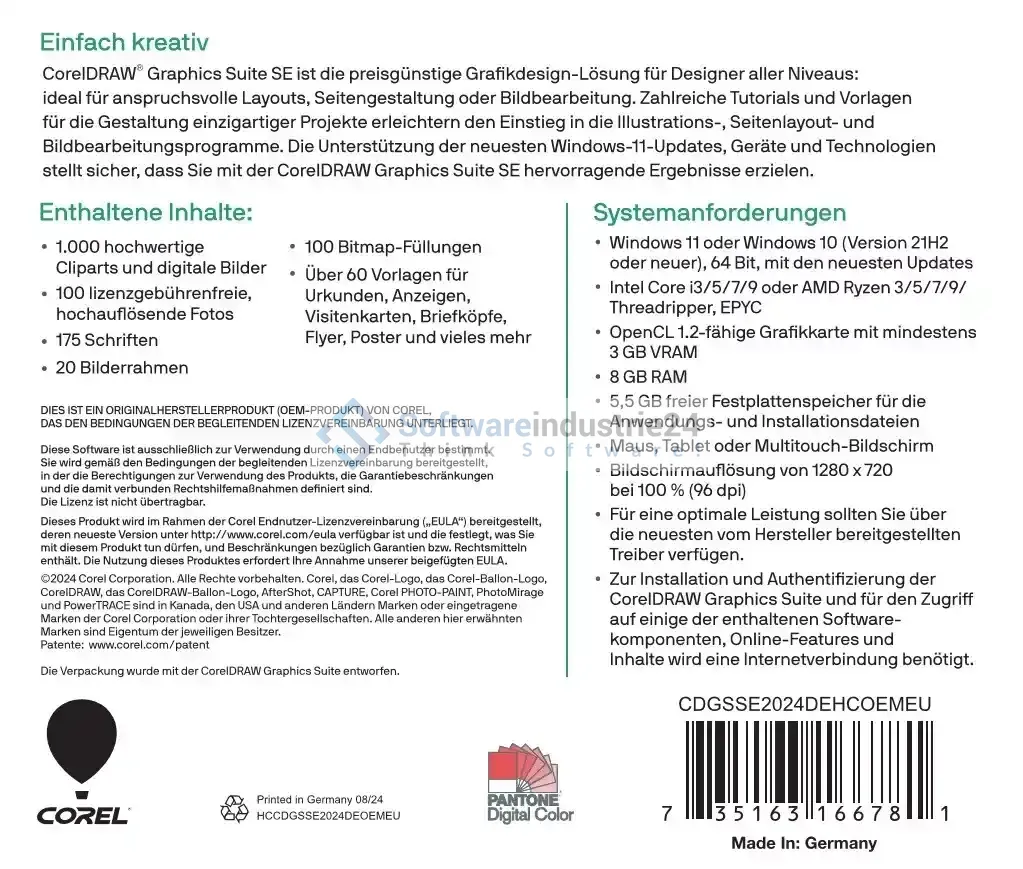
- Compatible with current Windows versions
- Optimized for multi-core processors
- Support for modern graphics technologies
- Fast loading times and smooth operation
Even with complex projects, the software remains reliable and high-performing.
To help you get the most out of CorelDRAW Graphics Suite 2024 | Special Edition | Windows, here is a clear summary of all relevant technical information and requirements:
General Information
- Manufacturer: Corel
- Category: Graphics & Image Editing
- License Type: Perpetual License (Special Edition)
Supported Platforms
- Primary Platform: Windows
- Compatibility:
- Windows 11
- Windows 10 (Version 21H2 or newer)
- System architecture: 64-bit required
Hardware requirements
For smooth operation, the following minimum requirements are recommended:
- Processor:
- Intel Core i3, i5, i7, or i9
- AMD Ryzen 3, 5, 7, 9, or Threadripper / EPYC
- Memory (RAM):
- At least 8 GB
- Graphics Card:
- OpenCL 1.2 compatible
- At least 3 GB VRAM
- Hard Disk Space:
- At least 5.5 GB free disk space
Display & Input Devices
- Screen Resolution:
- At least 1280 x 720 pixels (at 100% scaling / 96 dpi)
- Input Devices:
- Mouse, graphics tablet, or multi-touch screen
Additional Requirements
- Internet connection required for:
- Software installation
- Activation and authentication
- Access to online features and additional content
- Drivers:
- For optimal performance, up-to-date drivers from the respective hardware manufacturer are recommended
Important Notes
- A stable internet connection is required to install and activate the software.
- Some features and content are available exclusively online.
- Performance may vary depending on system configuration and project size.
These requirements ensure that you can utilize the full performance of CorelDRAW Graphics Suite 2024 and guarantee a smooth workflow.
Why CorelDRAW 2024 Is a Strong Alternative
Compared to other graphic design programs, CorelDRAW Graphics Suite 2024 stands out thanks to its combination of performance, flexibility, and pricing structure.
No Subscription Trap
While many competing products rely on subscriptions, here you receive a perpetual license—a clear advantage for businesses.
Complete solution instead of individual solutions
You don’t need any additional programs, as all key features are already integrated.
High compatibility
Broad support for file formats facilitates collaboration with clients and partners.
Focus on value for money
The Special Edition offers an excellent balance between price and performance. You get a professional design solution that saves costs in the long run while delivering the highest quality.
This version is a financially sound investment, especially for self-employed professionals, agencies, and small to medium-sized businesses.
Who is CorelDRAW Graphics Suite 2024 suitable for?
The software is aimed at a broad audience:
- Graphic designers and illustrators
- Marketing and creative departments
- Advertising agencies and print shops
- Self-employed professionals and freelancers
- Companies with internal design needs
Whether you’re a beginner or a professional—the CorelDRAW Suite offers you the right tools.
Future-proof design solution with the license
With the CorelDRAW Graphics Suite 2024, you’re investing in a modern and future-proof software solution. Regular updates and innovative features ensure that you stay up to date in the long term.
The combination of stability, performance, and flexibility makes this suite one of the best solutions in the field of graphic design.
Creativity and efficiency in one software package
The CorelDRAW Graphics Suite 2024 | Special Edition | Windows is the ideal choice for anyone who wants to create professional designs. It combines powerful tools, intuitive operation, and an attractive price-performance ratio in a single solution.
Whether you’re designing logos, creating marketing materials, or implementing complex design projects—with CorelDRAW 2024, you’re fully equipped.
Get the CorelDRAW Graphics Suite 2024 now and take your creative projects to the next level.


