
We advise you personally
Directly accessible for private and business customers.
We are happy to help!
Mon. - Fri.: 9:00 a.m. - 2:00 p.m.
Prices incl. VAT plus shipping costs
Instant download + product key
What's Included
- Instant delivery – Key & download via email
- Activation guarantee – Permanent access, quality assured
- Installation guide – Simple & easy to follow, included
- VAT invoice – Official proof of purchase included
- Order number: SWI24-700209
- Devices: 1 PC
- Runtime: Permanently valid
- Language: All languages
- Country zone: Worldwide
- Shipping method: E-Mail
- Manufacturer: Microsoft
Work like a pro: The features of Microsoft Office 2010 Home and Business | Windows

Microsoft Office 2010 Home and Business is a software package from Microsoft that consists of various applications designed for use in private and business environments. It includes the familiar programs Word, Excel, PowerPoint, Outlook, and OneNote, which allow you to create documents, edit spreadsheets, create presentations, manage emails, and save notes. The Word program allows you to create text documents with a variety of formatting options and templates. Excel is a spreadsheet program that enables complex calculations, data visualizations, and charts. PowerPoint can be used to create professional presentations that can be enhanced with multimedia elements and animations. Outlook offers a comprehensive email management system with scheduling, tasks, and contacts, while OneNote provides a quick way to organize and store notes, ideas, and thoughts.
Microsoft Office 2010 Home and Business offers a variety of features and improvements over previous versions. For example, it offers an improved user interface that makes navigation and operation easier. It also offers better integration with the web, making it easier to share and store documents online. Another improvement is the ability to store documents in the cloud and access them across different devices.
The application is easy to install and use, even for people with little technical experience. It is compatible with Windows computers and does not require any special hardware. Microsoft Office 2010 Home and Business is an ideal solution for individuals and small businesses that need comprehensive and versatile office software.
Who is Microsoft Office 2010 Home and Business | Windows suitable for?
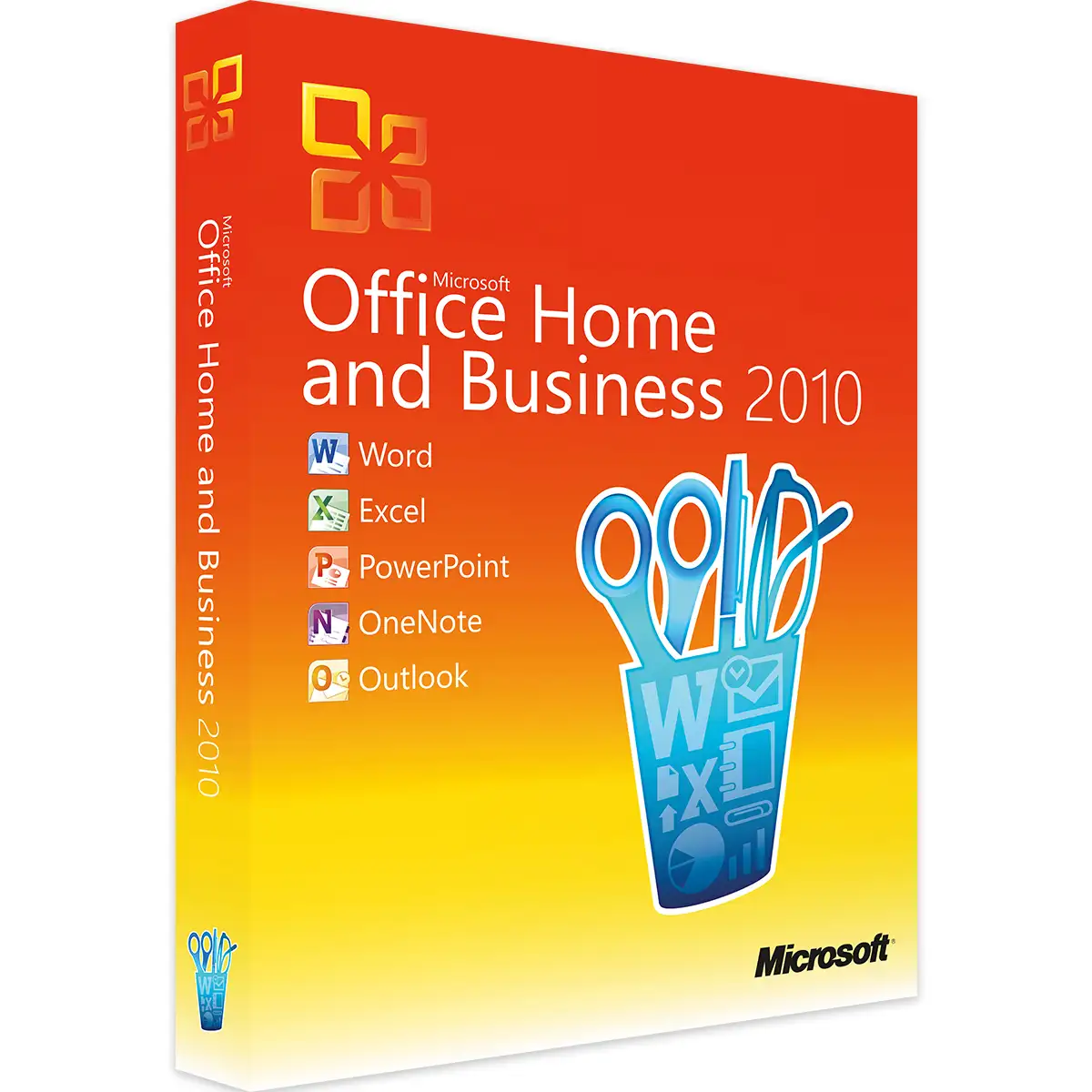
Microsoft Office 2010 Home and Business | Windows is suitable for small businesses, home workers, and freelancers who need powerful productivity software to complete their tasks efficiently.
Here are the categories of users for whom Microsoft Office 2010 Home and Business | Windows is best suited:
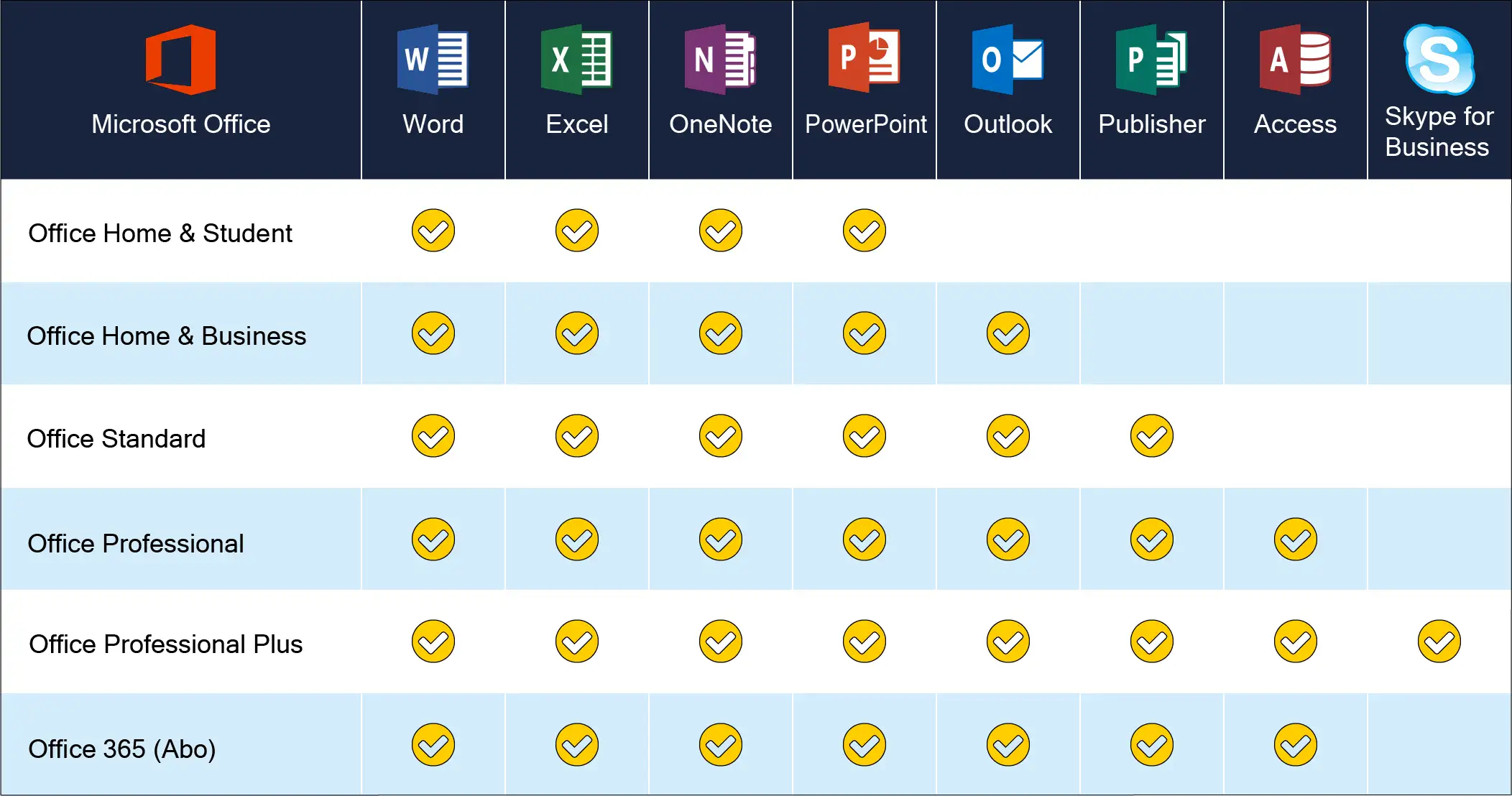
- Small businesses: Microsoft Office 2010 Home and Business | Windows is ideal for small businesses that need affordable but powerful productivity software. It includes all the essential applications needed for efficient office work, including Word, Excel, PowerPoint, Outlook, and OneNote.
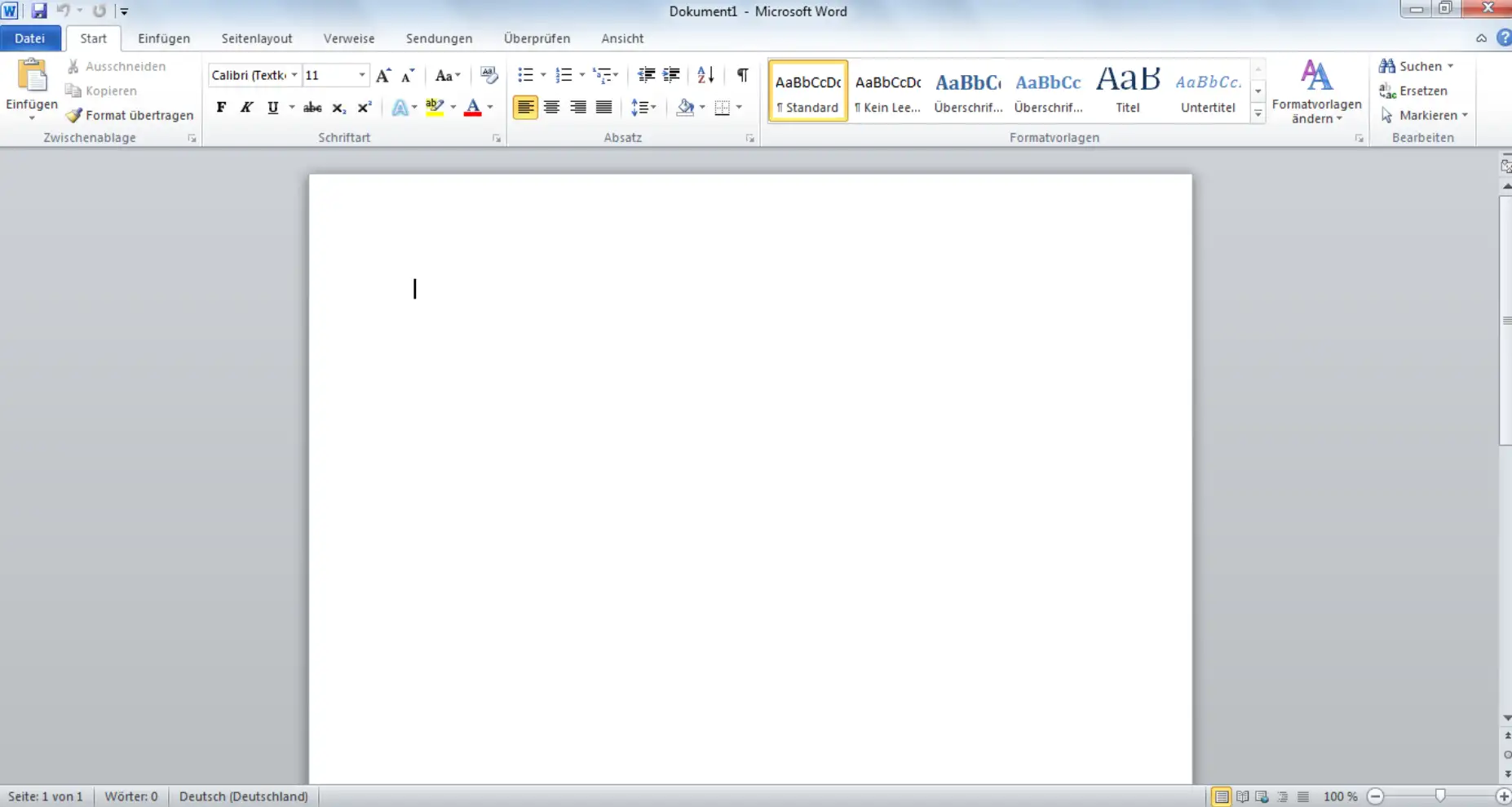
- Freelancers and home workers: If you work as a freelancer or home worker, you may need powerful office software to get your work done. Microsoft Office 2010 Home and Business | Windows is a great option for you, as it provides all the tools you need to create professional-looking documents, organize data, and communicate with clients and colleagues.
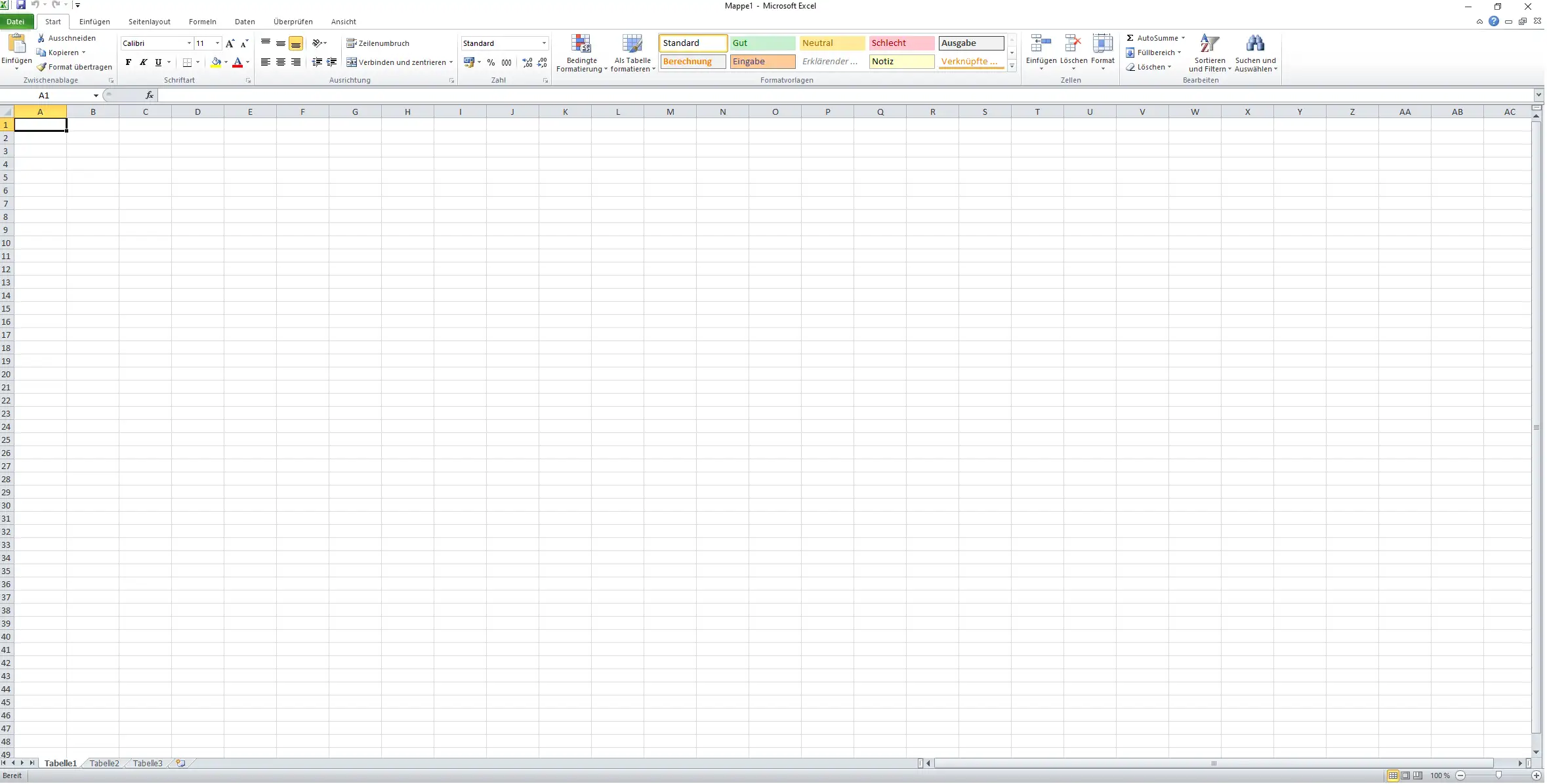
- Students and teachers: Microsoft Office 2010 Home and Business | Windows is also an excellent choice for students and teachers who need powerful and easy-to-use software to complete their tasks. With applications such as Word, Excel, and PowerPoint, they can create presentations, write documents, and organize data.
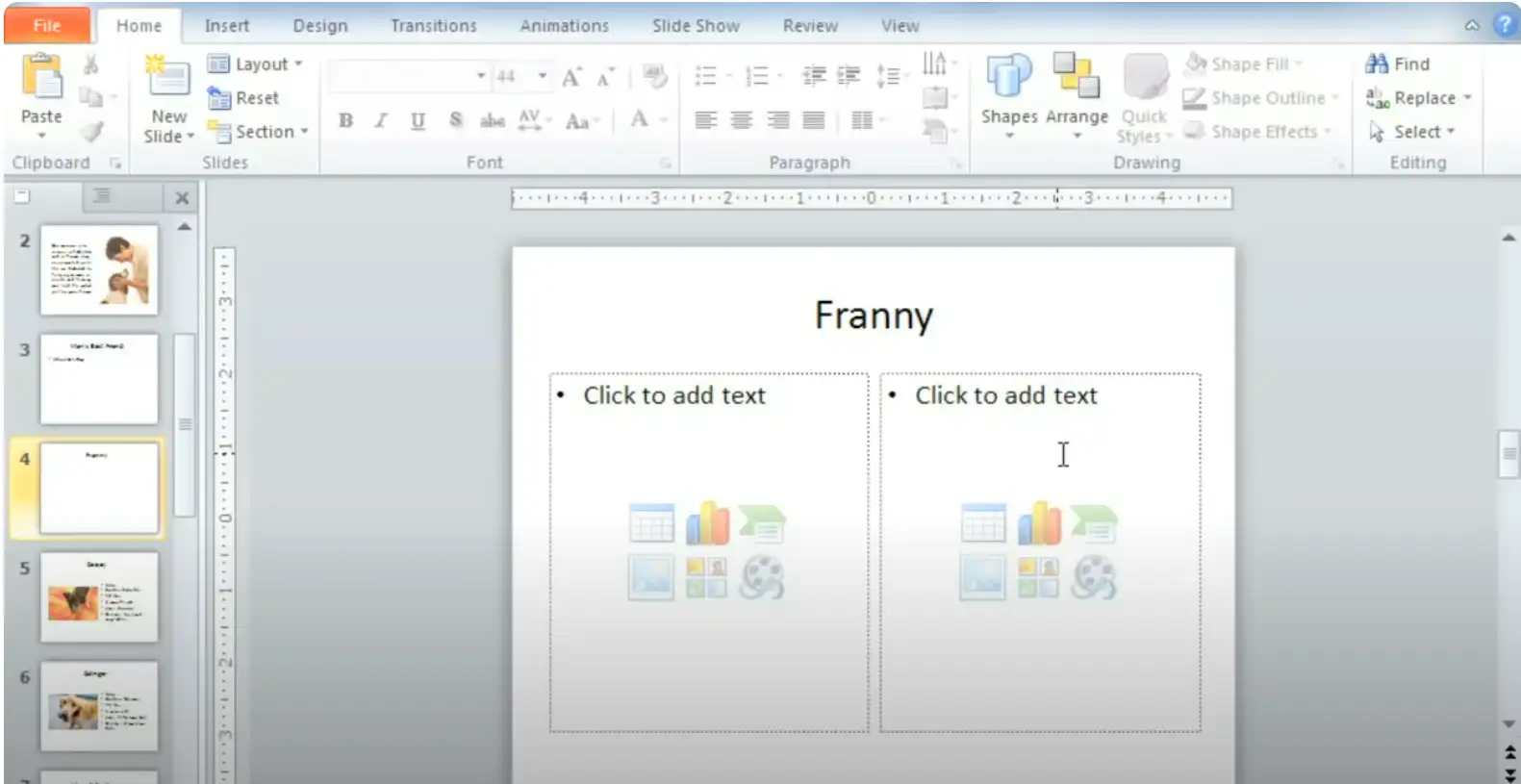
- Sole proprietors: If you are a sole proprietor, you may need software that helps you create professional documents and presentations. Microsoft Office 2010 Home and Business | Windows is a great option because it includes all the tools you need to do this, as well as comprehensive email management with Outlook.
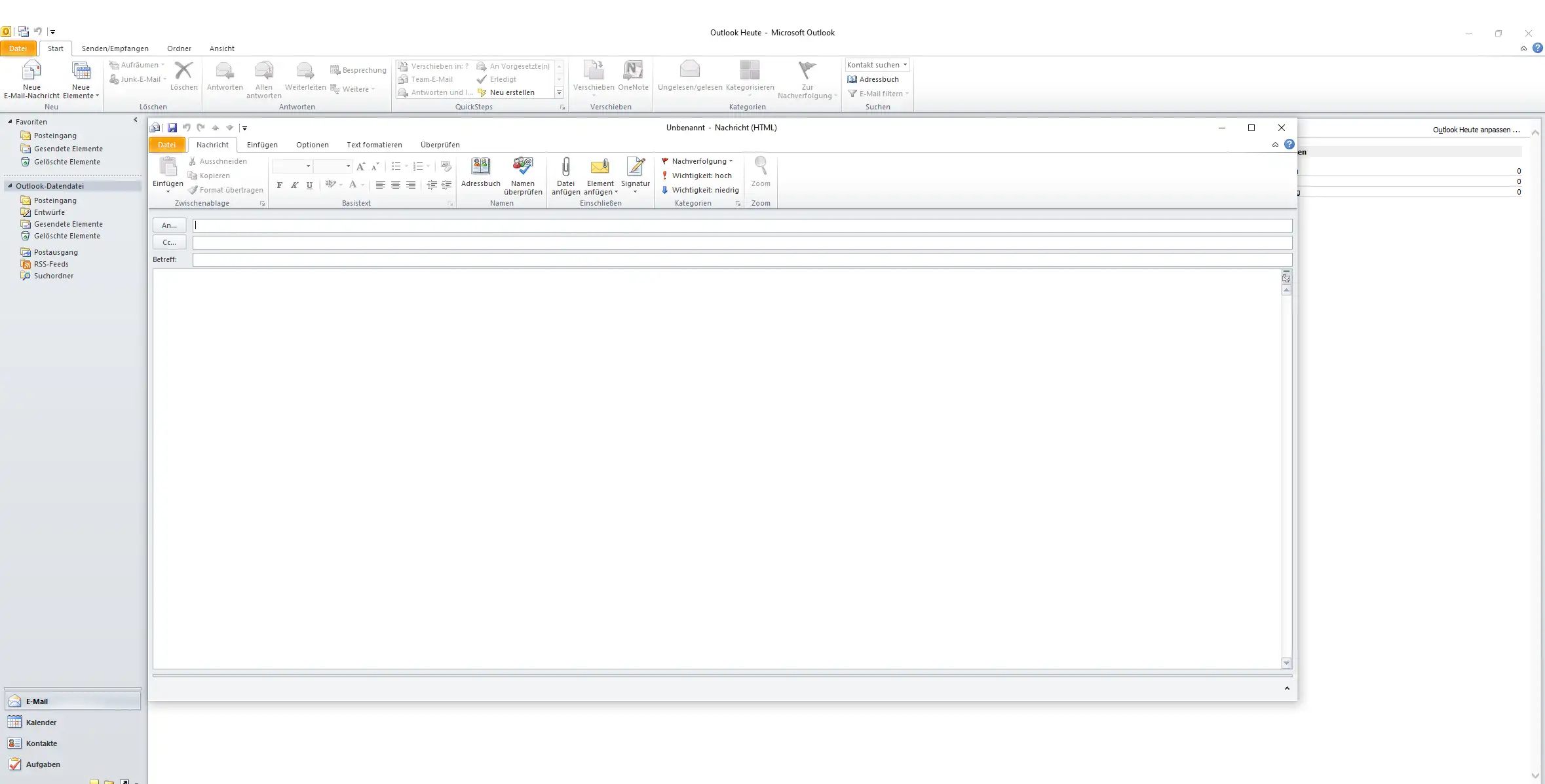
- Home office users: If you work from home, you may need software that helps you stay productive and get your tasks done. Microsoft Office 2010 Home and Business | Windows is a great choice because it includes all the applications you need to do your work effectively, including Word, Excel, PowerPoint, Outlook, and OneNote.
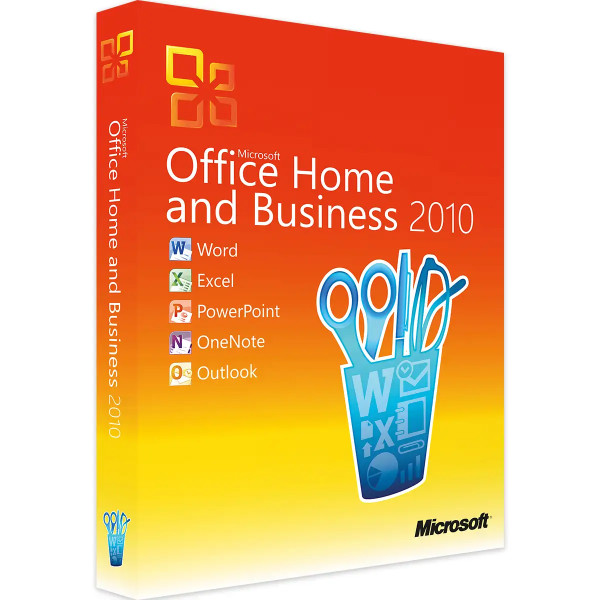
- Small teams: Small teams can also benefit from using Microsoft Office 2010 Home and Business | Windows, as it allows them to work together more effectively. The software includes comprehensive email management, document and presentation sharing, and seamless integration with other Microsoft products.
- Home users: Microsoft Office 2010 Home and Business | Windows is also a good option for home users who need powerful office software. It includes all the necessary applications for creating documents, organizing data, and creating presentations.
Overall, Microsoft Office 2010 Home and Business | Windows is suitable for a wide range of users who need to create and manage business and personal documents.
Our commitment – your satisfaction!
If we no longer have the version of Office you purchased in stock, we will offer you a higher-value version at no additional cost.
This gives you the following benefits:
- Avoid delivery delays
- No additional costs due to the higher-value version
- Get an expanded range of applications at a lower price
Hardware requirements for Microsoft Office 2010 Home and Business | Windows
The minimum hardware requirements for installing and using Microsoft Office 2010 Home and Business on a Windows-based computer are:
- Processor: 500 MHz or higher
- RAM: 256 MB or higher
- Hard disk space: 3 GB available storage space
- Graphics card: A resolution of 1024 x 768 pixels or higher is recommended
- Operating system: Windows XP (SP3), Windows Vista (SP1), Windows 7, Windows 8, Windows 10 or Windows Server 2012, Windows Server 2012 R2, Windows Server 2016
However, it is important to note that these requirements are only sufficient for basic functions of Microsoft Office 2010 Home and Business. For more demanding functions and better performance, Microsoft recommends using a computer with a higher hardware configuration.
(Further detailed information can be obtained from the manufacturer)







