
Jetzt zum Newsletter anmelden!

Abonnieren Sie jetzt unseren kostenlosen Newsletter und verpassen Sie keine Aktionen und Neuigkeiten mehr.

Please enter a valid email address.
  • Spring sale
  • Get your discounts now!
Offers in:
Offers for:

  Service: +49 5561 - 6092957

  Free shipping

  Secure shopping thanks to SSL

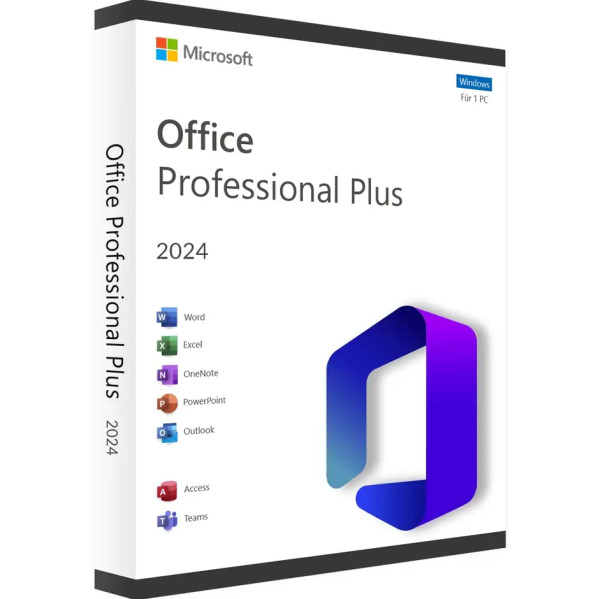
Microsoft Office 2024 Professional Plus | for Windows | 1–5 users

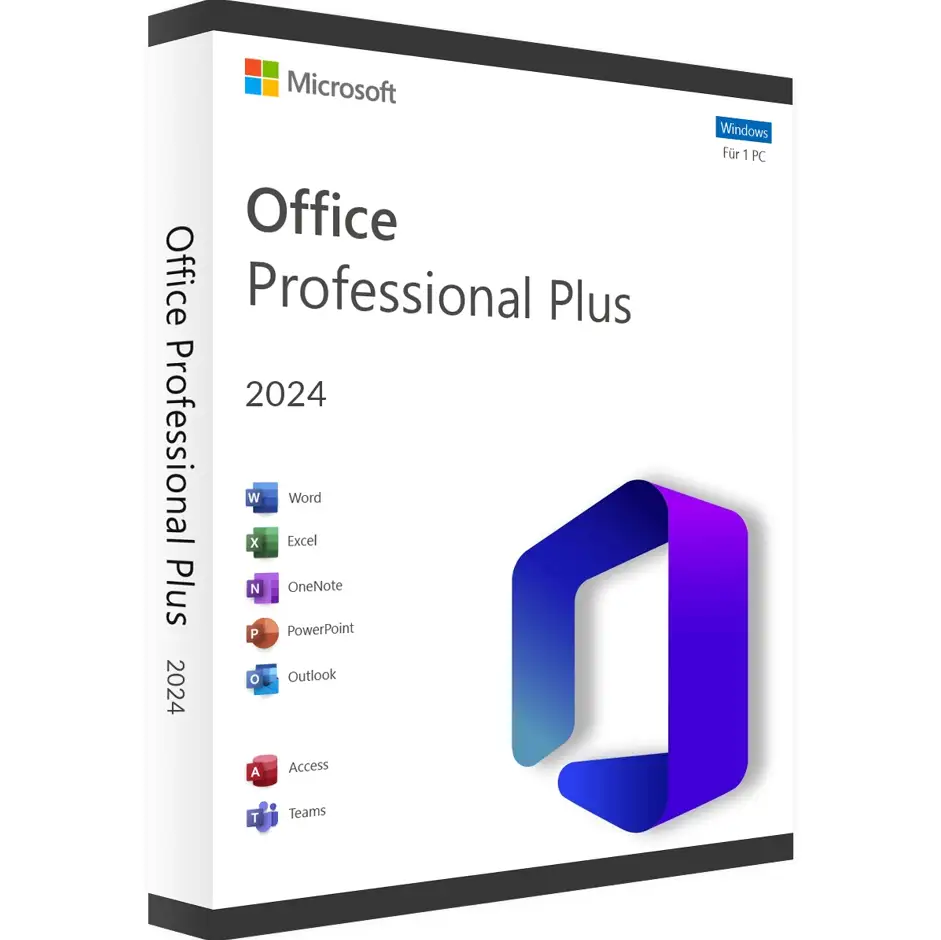
Microsoft Office 2024 Professional Plus | for Windows | 1–5 users
We advise you personally

Directly accessible for private and business customers.


berater-bild

We are happy to help!


Mon. - Fri.: 9:00 a.m. - 2:00 p.m.

€149.90 €319.99 (53.15% Saved)

Prices incl. VAT plus shipping costs

Instant download + product key

What's Included

  • Instant delivery – Key & download via email
  • Activation guarantee – Permanent access, quality assured
  • Installation guide – Simple & easy to follow, included
  • VAT invoice – Official proof of purchase included
Schon 14873-mal verkauft!

Aktivierungsanzahl wählen

[Optional] Software to take with you - incl. USB stick
USB - Stick
USB - Stick
€14.95
  • SWI24-700305
  • Depending on your choice
  • Valid indefinitely
  • All languages
  • Weltweit
  • E-Mail
  • Microsoft
  • Amazon Pay Kreditkarte Klarna Rechnung Apple Pay Google Pay
Microsoft Office 2024 Professional Plus | for Windows | Buy online for 1–5 users Experience...more
Product information "Microsoft Office 2024 Professional Plus | for Windows | 1–5 users"

Microsoft Office 2024 Professional Plus | for Windows | Buy online for 1–5 users

Experience the leap into the future of office software – buy once, use forever. This edition is designed for ambitious individual users and small to medium-sized teams with the highest demands for productivity, security, and collaboration. No subscription, no hidden costs – just pure power for your business.

Why Office 2024 Professional Plus?

Invest once – benefit for a lifetime

With this edition, Microsoft offers a classic one-time license, with no monthly or annual subscriptions. You pay once and use Office 2024 for life on a Windows PC – with five years of security updates included.

Designed for professionals

“Professional Plus” stands for the full suite: Word, Excel, PowerPoint, Outlook, OneNote, and Access are included—perfect for demanding Office users, small business owners, and departments with diverse workflows.

Fully usable offline

You only need an internet connection for installation, activation, and future updates. After that, you work offline without any additional subscription costs.

Which version is right for you?

Microsoft has released Office 2024 as a perpetual license available for a one-time purchase – two main editions:

  • Office 2024 Home & Business: Word, Excel, PowerPoint, OneNote, and Outlook.
  • Office 2024 Professional Plus: Plus Access and Publisher – ideal for databases and print layouts.

Innovative Design & Better Accessibility

  • Modern Fluent Design: Consistent, clean interface—specifically optimized for Windows 11, but backward compatible down to Windows 10.
  • Accessible for Everyone: New accessibility tools automatically detect potential issues in documents, presentations, spreadsheets, and emails.

AI Power for Smart Productivity

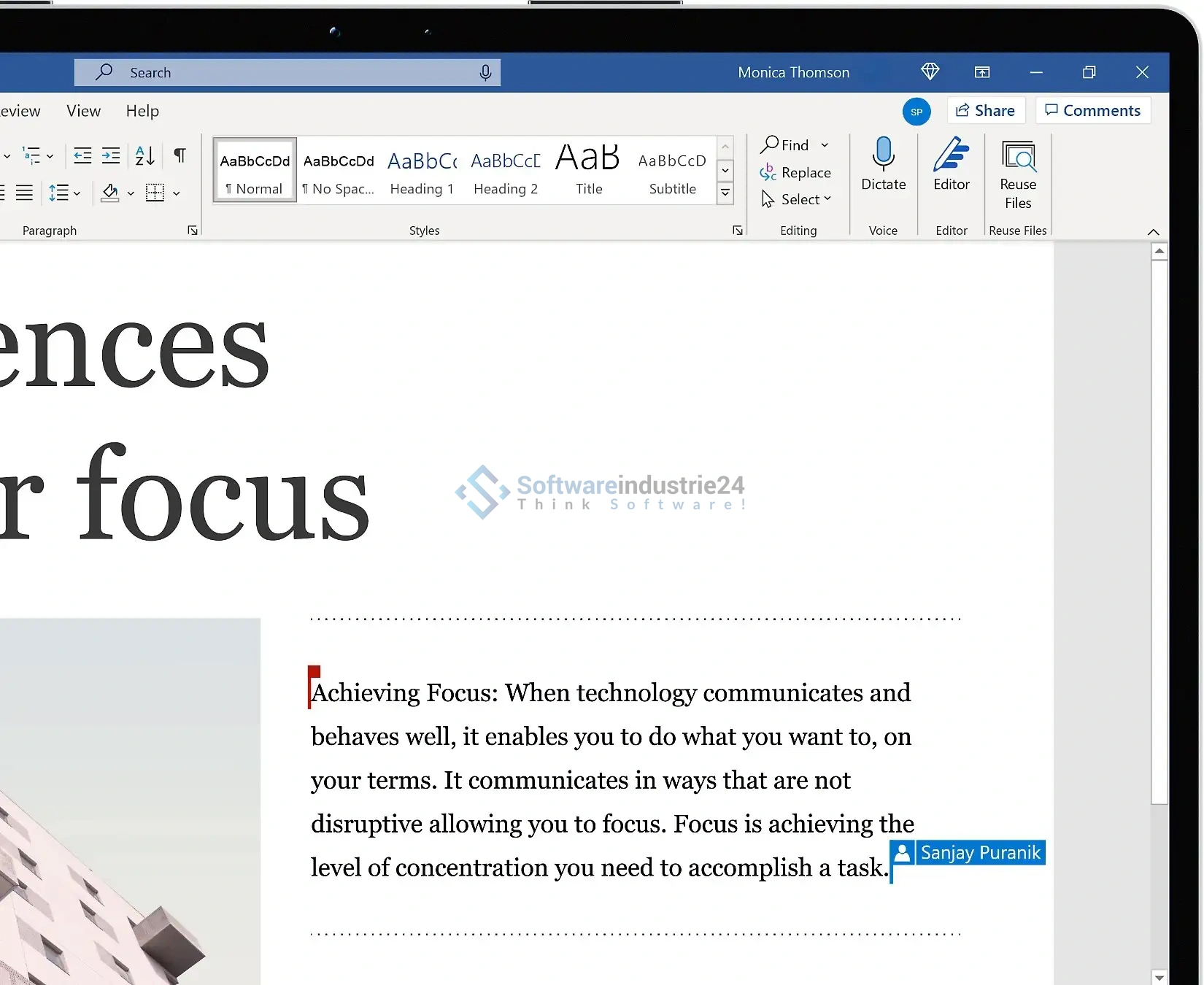
Word: Writing at a New Level

  • Smart Compose: AI-powered text suggestions for style, grammar, and tone.
  • Session Recovery: Documents open automatically after a crash or power outage.

Excel: Data analysis reimagined

  • Dynamic Arrays & new functions: 14 new formulas (text & array functions).
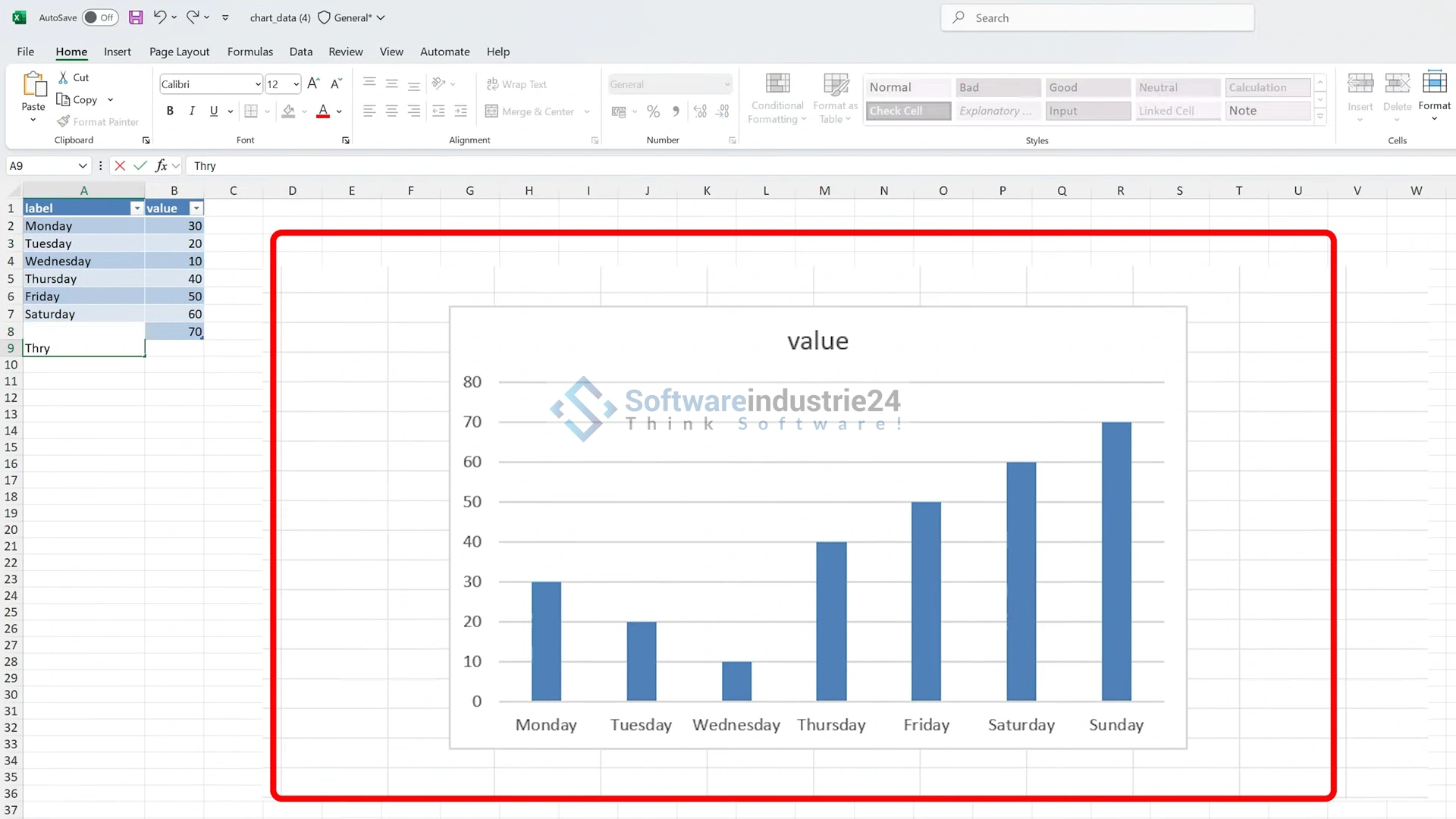
  • IMAGE function: Insert images directly from the web, e.g., into table cells.
  • AI Insights: Automatic trend analysis and predictive data evaluation.
  • Stability & Speed: Excel runs faster, even with complex files.

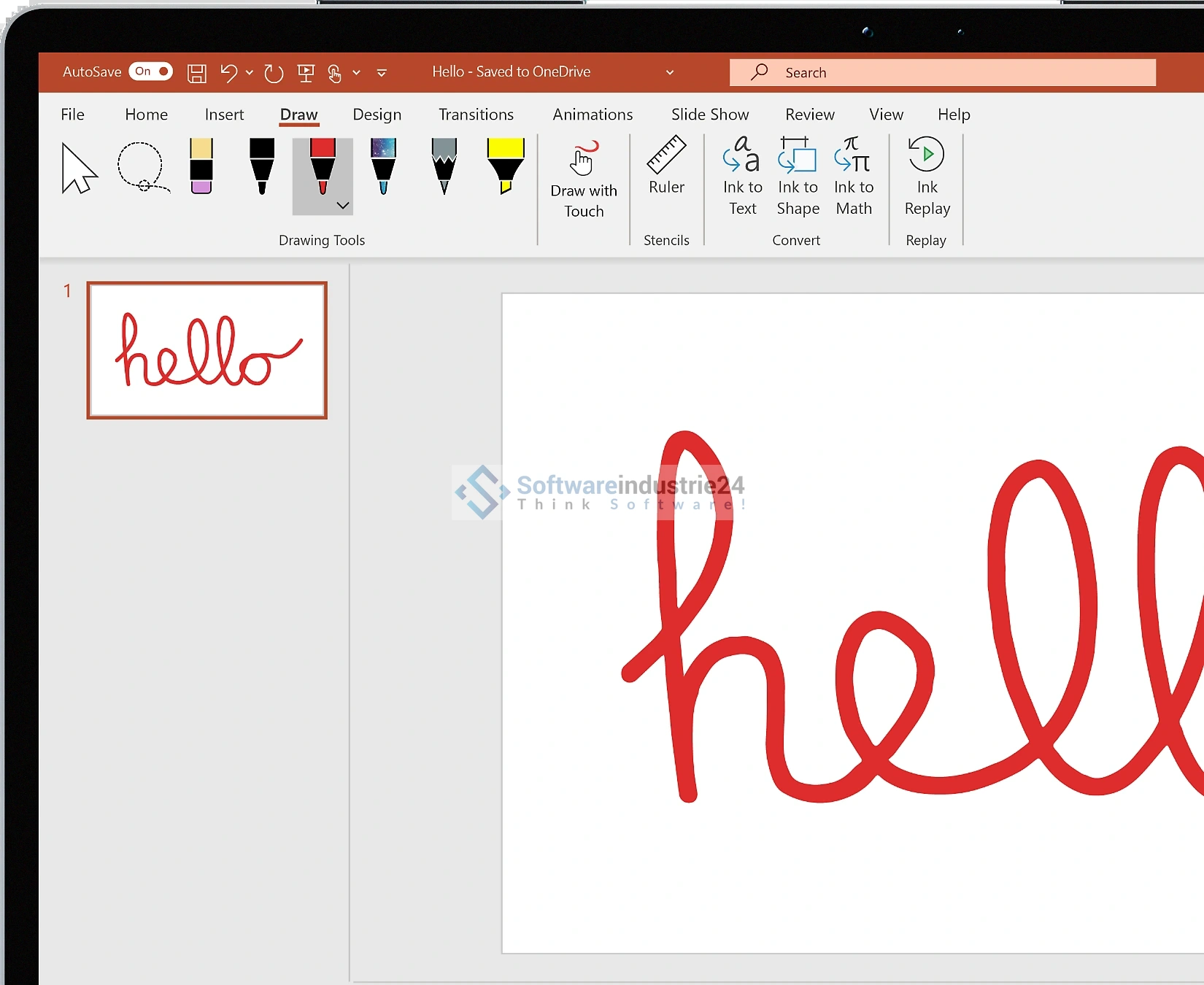
PowerPoint: Presentations with a wow factor

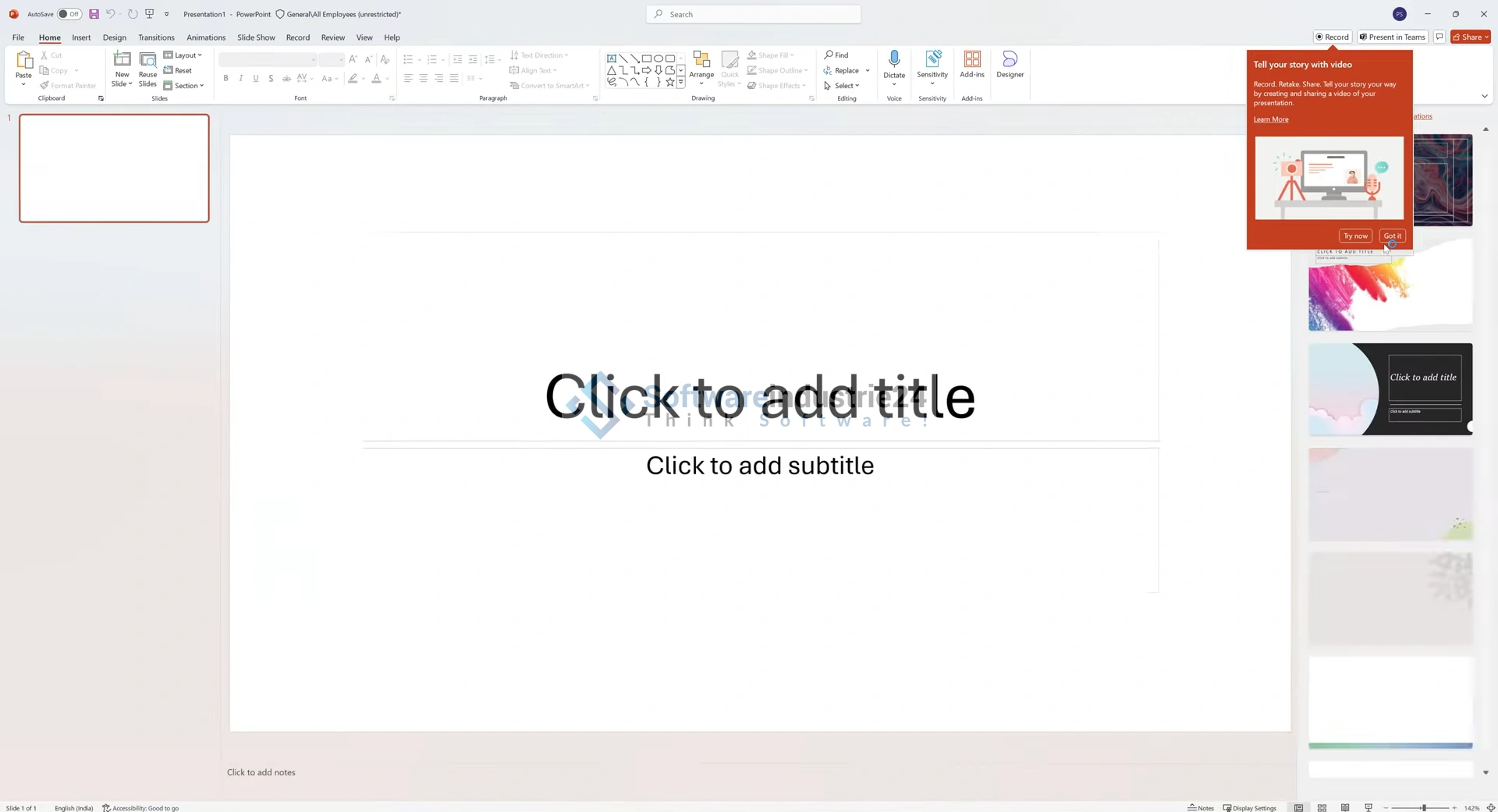
  • Cameo feature & Recording Studio: Live camera feeds, integrate recording – ideal for online presentations.
  • Subtitles & Closed Captions: Make videos and audio more accessible.
  • ODF 1.4 & Zoom Feature: Scalable views and open document compatibility.

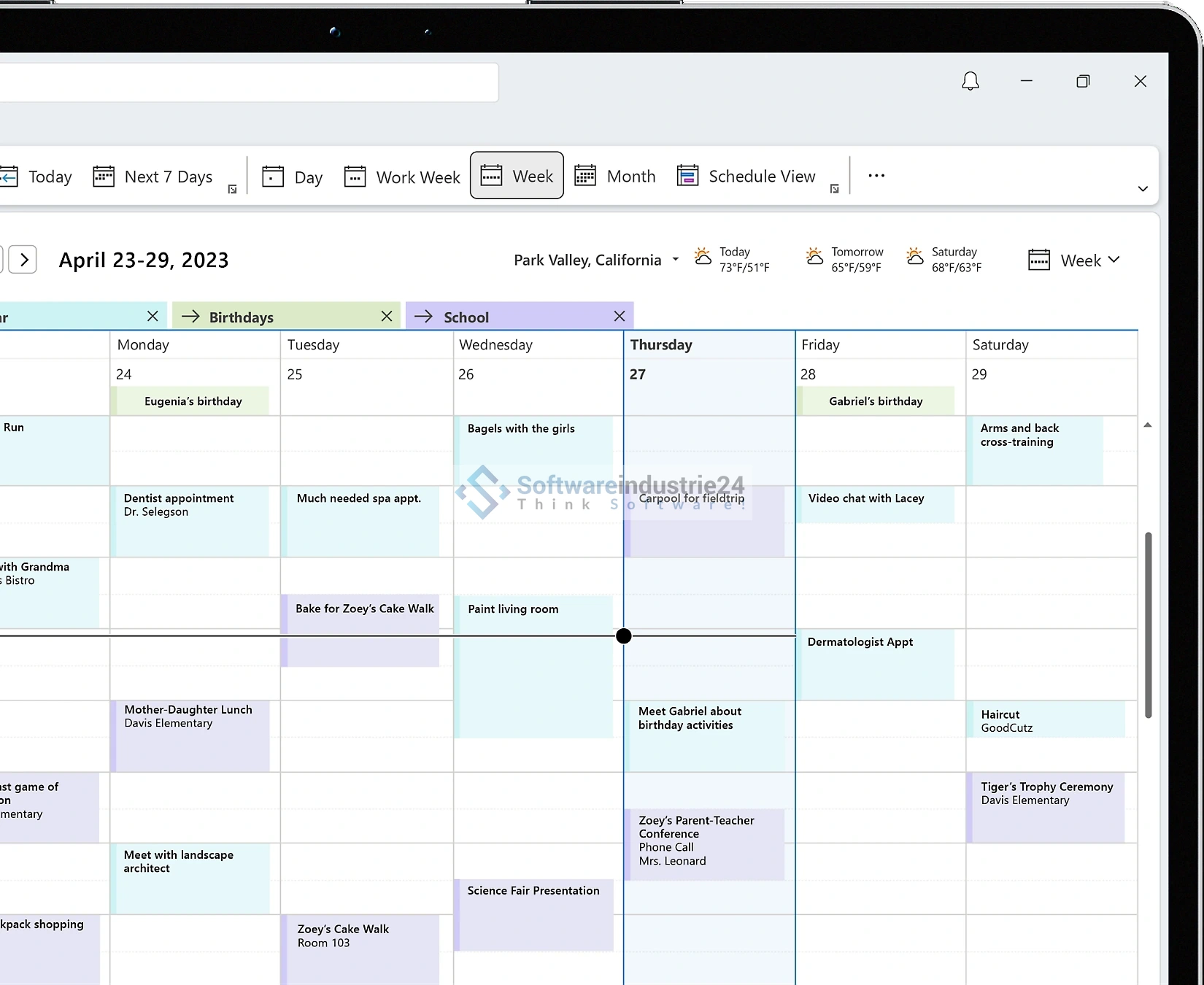
Outlook: Communication Made Easy

  • Smart Search: More relevant results for emails, attachments, and contacts.
  • Meeting Optimization: Automatic meeting shortening & improved swipe controls on Mac (another subscription tool).

Access & Publisher: Databases & Print Design

  • Access: New Edge-based browser component in forms, larger table dimensions (up to 4096 instead of 2048).
  • Publisher: New templates, professional layout on desktop.

OneNote: Central note-taking hub

  • Improved organization, freehand option, deep integration with other Office apps.

Collaboration & cloud integration with Microsoft Office 2024 Professional Plus

  • OneDrive & SharePoint: Storage, sharing, and simultaneous editing of documents.
  • Real-time co-authoring: Collaborate in Word, Excel, PowerPoint – changes are visible live.
  • Teams integration: Meetings directly from Office apps, shared workspaces & chats.
  • Meeting summaries: Automatic meeting minutes and AI transcripts after meetings.

Highest security and privacy standards

  • End-to-end encryption: Protects documents from creation to storage.
  • Multi-factor authentication (MFA): For greater security when accessing data.
  • Data Loss Prevention (DLP): Prevents accidental sharing of sensitive information.
  • AI-based threat detection: Early detection of phishing and malware.

Technical Prerequisites & System Requirements

Component Minimum Requirement

Operating System Windows 10 or 11

Processor 1.6 GHz dual-core (or better)

Memory 4 GB RAM (recommended: 8 GB)

Hard Disk Space Approx. 4 GB free space

Screen Resolution 1280 × 768 (recommended: 4K for UHD)

Graphics Card DirectX 9 / WDDM 1.3 (Windows 10 or higher)

Internet Connection Required for setup, activation, and updates

Benefits for your business at a glance

  1. Full cost control – A purchase license instead of a subscription means no annual fees.
  2. All-in-one package for professionals – From word processing and spreadsheets to a CMS solution.
  3. Offline availability – Works even without a constant internet connection.
  4. AI support – Save time and improve quality with intelligent features.
  5. Top-tier security – Best-in-class compliance, data protection, and GDPR compliance.
  6. Efficient collaboration – Cloud-based teamwork anywhere.
  7. Limited support – Security patches for five years without feature updates

Who is Office 2024 Professional Plus suitable for?

  • Freelancers & self-employed professionals: Professional communication and documentation without recurring costs.
  • Small/medium-sized businesses: Scalable licensing for up to 5 users per license.
  • Office staff & administrative personnel: Optimal templates, email & calendar management.
  • Professionals in finance, science, and technology: Powerful data analysis with Excel & Access.
  • Marketing & design: Publisher & PowerPoint for high-quality print and online presentations.
  • IT Admins: Centralized installation with standard signature and group licensing via KMS.

Frequently Asked Questions (FAQs) about Microsoft Office 2024 Professional Plus

Q: Can I use Office 2024 on multiple devices?

A: This license is per device. For up to five PCs, you need separate licenses—ideal for multiple workstations or team resources.

Q: Do I get updates?

A: Yes, five years of security and stability updates. However, new features are only available with Microsoft 365 subscriptions.

Q: Do I need to be online?

A: Only during installation, activation, and updates. After that, you can work offline.

Q: Why not Microsoft 365?

A: German companies prefer traditional software without recurring costs. This edition offers maximum cost control and legal certainty.

How to install & activate Microsoft Office 2024 Professional Plus

  1. Purchase your license key from trusted providers – e.g., Softwareindustrie24.
  2. Download the ISO installation package from Microsoft.
  3. Run Setup, enter the license key—done.
  4. Activate your license online.
  5. Start using OneDrive integration, Teams, Outlook, and more right away.

Microsoft Office 2024 Professional Plus is your gateway to modern office productivity

Microsoft Office 2024 Professional Plus combines a modern user interface, smart AI support, maximum security, and classic licensing—perfectly tailored for Windows professionals and business customers. Whether you’re analyzing complex data, creating sophisticated presentations, or working in a team—this Office edition delivers everything you need.

With this detailed description, optimized for relevant keywords such as “Office 2024 Professional Plus,” “one-time Windows license,” “Office without a subscription,” and “AI Office 2024,” you’re perfectly equipped for high visibility on Google and maximum traffic to your site Softwareindustrie24 ?

Related links to "Microsoft Office 2024 Professional Plus | for Windows | 1–5 users"






