We advise you personally
Directly accessible for private and business customers.
We are happy to help!
Mon. - Fri.: 9:00 a.m. - 2:00 p.m.
Prices incl. VAT plus shipping costs
Instant download + product key
What's Included
- Instant delivery – Key & download via email
- Activation guarantee – Permanent access, quality assured
- Installation guide – Simple & easy to follow, included
- VAT invoice – Official proof of purchase included
- Order number: SWI24-701168
- Runtime: Permanently valid
- Language: All languages
- Country zone: Worldwide
- Shipping method: E-Mail
- Manufacturer: Microsoft
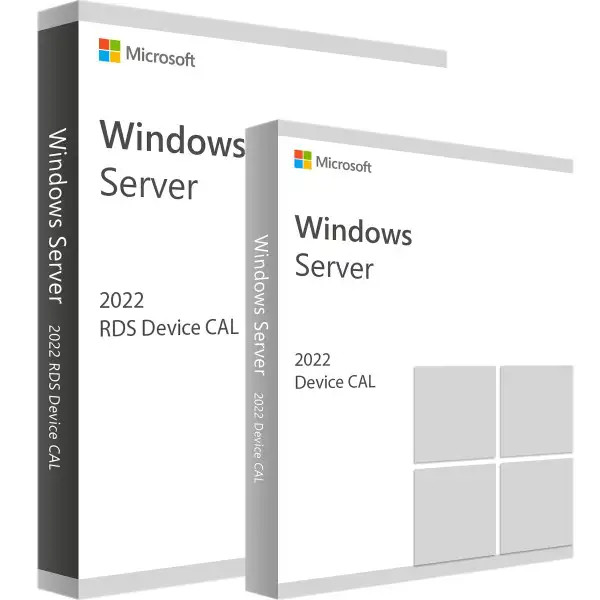
Access to RDS: Discover the benefits of Microsoft RDS 2022 Device CALs and Device Access Licenses!
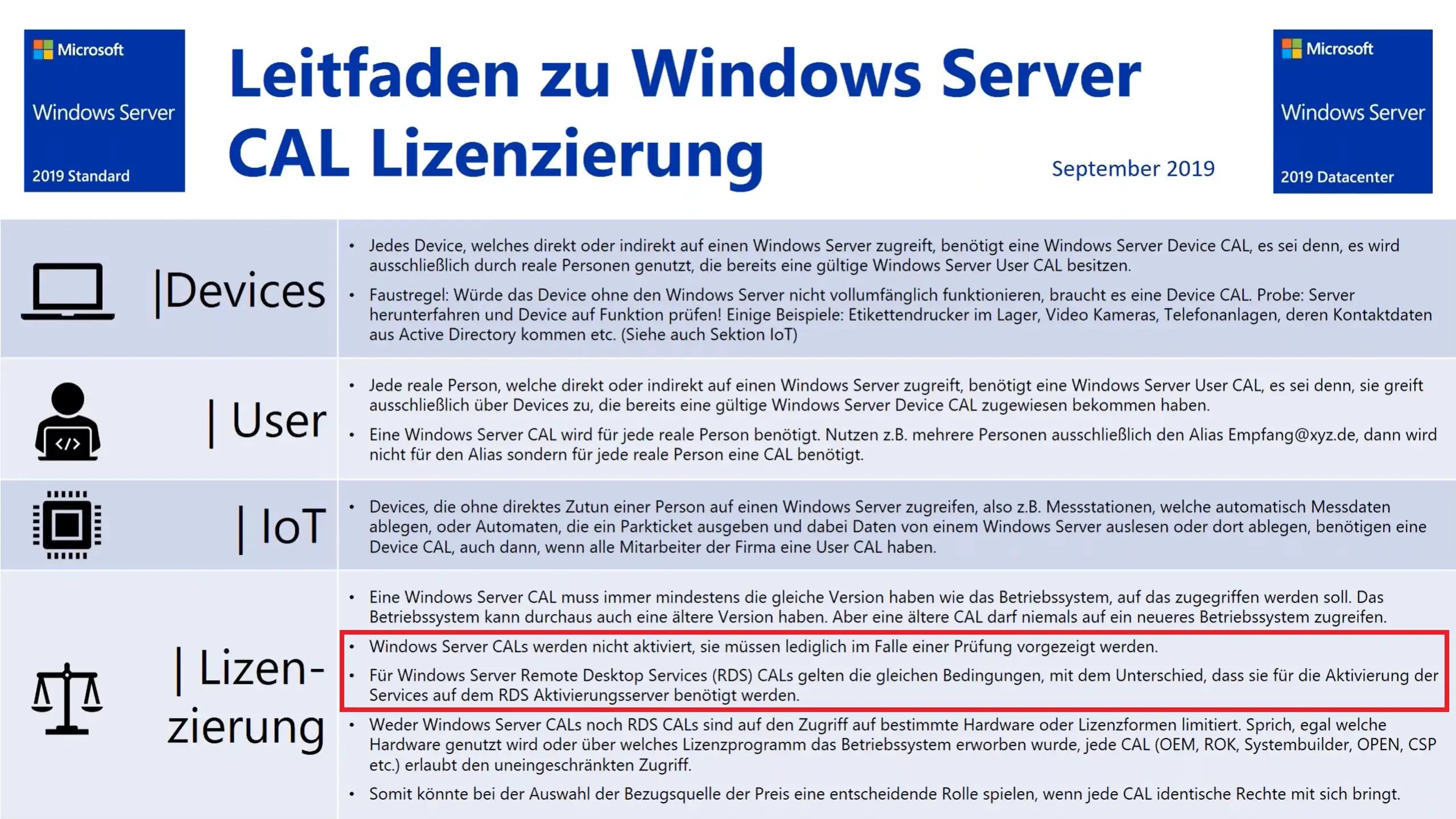
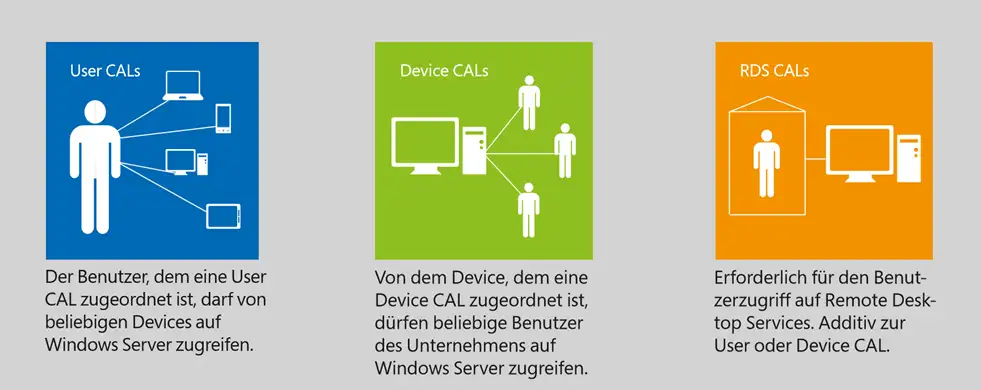
Microsoft RDS 2022 Device CALs and Device Access Licenses are licenses that regulate access to Microsoft's Remote Desktop Services (RDS). They offer companies an efficient way to manage access to RDS at the device level. With RDS 2022 Device CALs and Device Access Licenses, companies can authorize access to RDS for specific devices. These licenses are assigned to a specific device and allow all users who use that device to access RDS. This means that multiple users who use the same device can access RDS with a single license. RDS 2022 Device CALs and Device Access Licenses offer businesses a number of benefits. They enable cost-effective licensing, especially in environments where multiple users share a single device, such as schools, libraries, or retail environments. Instead of having to purchase a separate license for each user, a Device CAL and Device Access License can be used to grant access to RDS for all users on that device.
In addition, RDS 2022 Device CALs and Device Access Licenses offer easy management. Since licensing is at the device level, companies only need to keep track of the number of devices for which licenses have been purchased, rather than tracking the number of users. This simplifies the management of RDS licenses and provides better control over usage.
In summary, Microsoft RDS 2022 Device CALs and Device Access Licenses offer businesses a cost-effective and easy-to-manage way to control access to RDS at the device level. They are particularly well suited for environments where multiple users share a single device. By assigning licenses to devices instead of users, companies can simplify licensing and save costs.
Who is Microsoft RDS 2022 Device CAL + Device Access License suitable for?

Microsoft RDS 2022 Device CALs and Device Access Licenses are suitable for a wide range of user groups and companies.
Here are eight categories where this licensing option can be particularly useful:
- Educational institutions: Schools, universities, and other educational institutions can benefit from Device CALs and Device Access Licenses because they allow access to RDS on devices in computer labs or libraries. Multiple users can work on the devices without requiring a separate license for each individual user.
- Retail environments: Retail businesses that have shared cash registers or point-of-sale devices can use Device CALs and Device Access Licenses to provide access to RDS for all employees who use these devices.
- Call centers and customer service: In environments with call centers or customer service departments where employees share workstations, Device CALs and Device Access Licenses are a practical option. Multiple agents can work on the same devices and access RDS without requiring a separate license for each agent.
- Healthcare: Hospitals, clinics, and medical facilities with shared workstations or devices in care areas can benefit from Device CALs and Device Access Licenses. Doctors, nurses, and other staff can access RDS to use patient records, medical applications, and other resources.
- Manufacturing and production: In the manufacturing industry, where multiple employees work at specific workstations, Device CALs and Device Access Licenses can be an efficient licensing option. Employees can access RDS to share production data, applications, and monitoring tools.
- Public events and trade shows: At trade shows, conferences, or other public events, RDS Device CALs and Device Access Licenses can be used to restrict access to RDS terminals and presentation devices.
In summary, Microsoft RDS 2022 Device CALs and Device Access Licenses are suitable for educational institutions, retail, call centers, hospitality, public institutions, manufacturing and production environments, medical facilities, and public events and trade shows. They enable precise control of RDS access to specific devices in different environments, providing a flexible and effective licensing option.
Hardware requirements for Microsoft RDS 2022 Device CAL + Device Access License
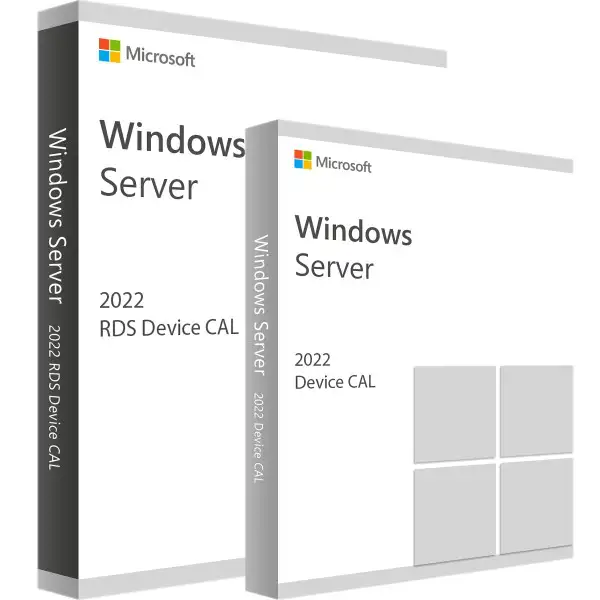
Microsoft RDS 2022 Device CALs and Device Access Licenses regulate access to Microsoft's Remote Desktop Services (RDS) and do not specify any specific hardware requirements. The hardware requirements for RDS itself depend on various factors, such as the number of users, the applications used, and the expected workload.
However, there are some basic hardware requirements for deploying RDS:
- Server hardware: You need powerful servers that can host the RDS roles and features. The exact hardware requirements depend on the number of concurrent users, the applications being run, and the expected workload.
- Processor: A powerful processor with sufficient cores and clock speed is required to handle user demands. Recommended processors include Intel Xeon or AMD Ryzen processors.
- Memory: Sufficient RAM is required to support the operating systems, applications, and concurrent user activities. The recommended RAM capacity depends on the number of users and their application requirements.
- Hard disk space: You need sufficient storage space for the operating system, installed applications, user profiles, and data. The exact storage requirement depends on the size of the applications and data provided.
- Network: A stable and fast network connection is essential to efficiently support remote user access. It is recommended to provide a high-quality network infrastructure to avoid latency issues and bottlenecks.
It is important to note that this information is general in nature and may vary depending on the specific requirements and planned use of RDS. It is recommended that you consult the official documentation from Microsoft or a Microsoft partner for accurate and up-to-date hardware requirements for deploying RDS.
(Further details can be obtained from the developer).