
Jetzt zum Newsletter anmelden!

Abonnieren Sie jetzt unseren kostenlosen Newsletter und verpassen Sie keine Aktionen und Neuigkeiten mehr.

Please enter a valid email address.
  • Spring sale
  • Get your discounts now!
Offers in:
Offers for:

  Service: +49 5561 - 6092957

  Free shipping

  Secure shopping thanks to SSL

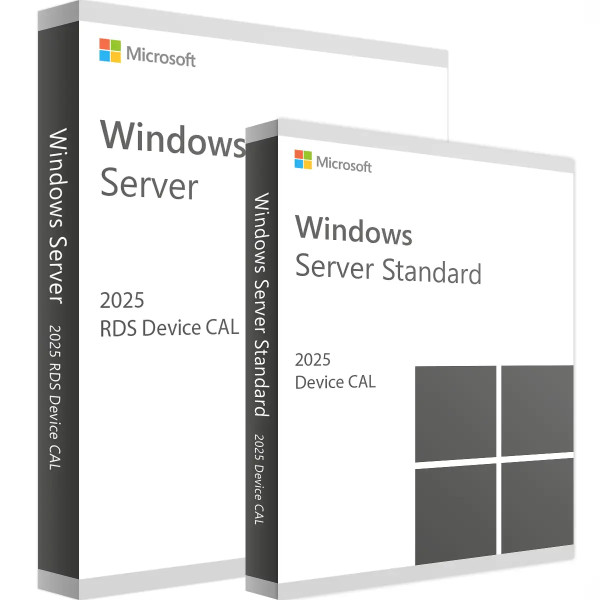
Microsoft RDS 2025 Device CAL + Device Access License

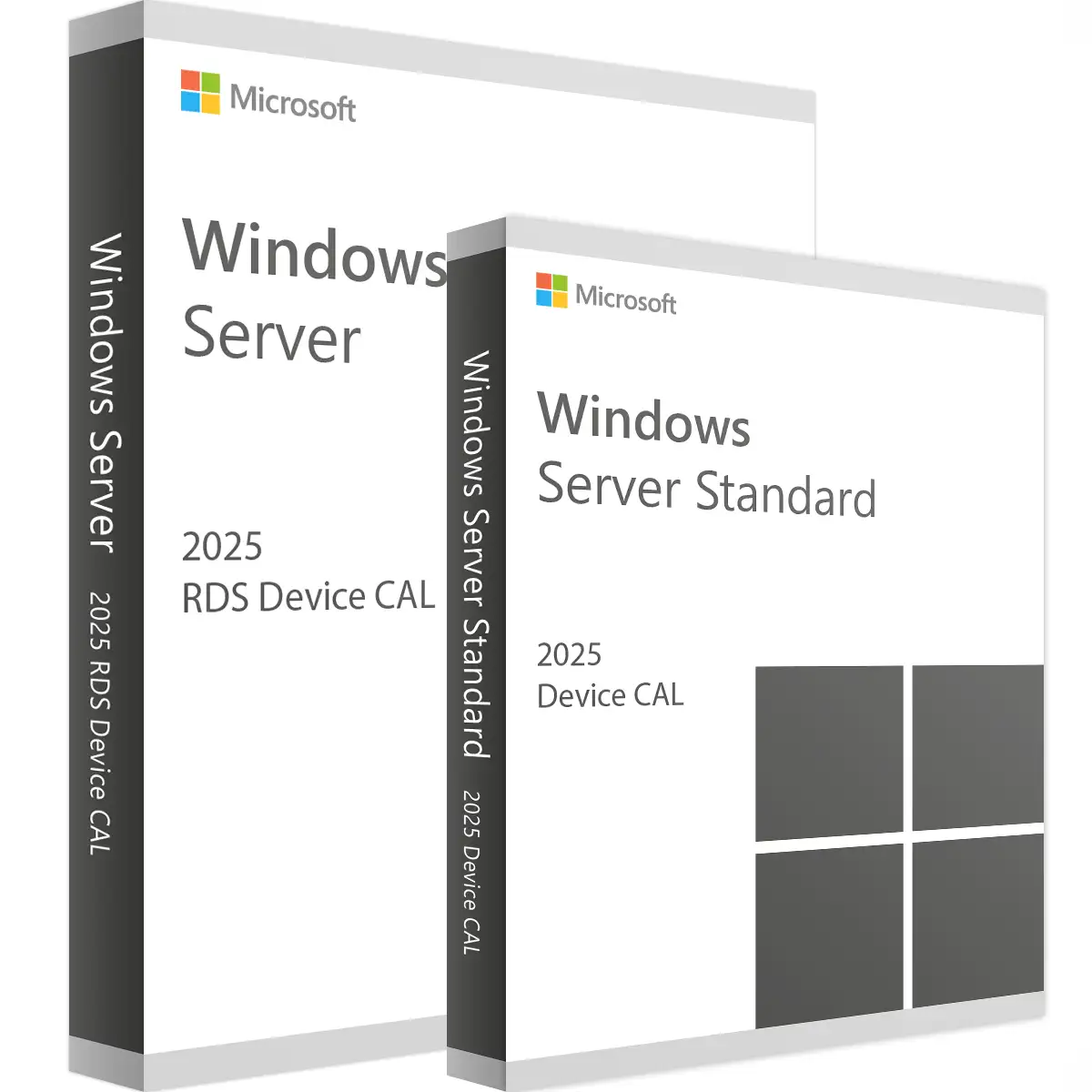
Microsoft RDS 2025 Device CAL + Device Access License
We advise you personally

Directly accessible for private and business customers.


berater-bild

We are happy to help!


Mon. - Fri.: 9:00 a.m. - 2:00 p.m.

€89.90 €119.99 (25.08% Saved)

Prices incl. VAT plus shipping costs

Instant download + product key

What's Included

  • Instant delivery – Key & download via email
  • Activation guarantee – Permanent access, quality assured
  • Installation guide – Simple & easy to follow, included
  • VAT invoice – Official proof of purchase included
Already sold 33 times!

CAL Anzahl

  • SWI24-701170
  • Permanently valid
  • All languages
  • Worldwide
  • E-Mail
  • Microsoft
  • Amazon Pay Kreditkarte Klarna Rechnung Apple Pay Google Pay
Microsoft RDS 2025 Device CAL + License – Your license for Remote Desktop Services...more
Product information "Microsoft RDS 2025 Device CAL + Device Access License"

Microsoft RDS 2025 Device CAL + License – Your license for Remote Desktop Services

Introduction to Microsoft RDS 2025 Device CAL + License

In today's business world, efficiency and flexibility are crucial. Companies need secure, reliable, and user-friendly solutions to connect their employees and keep them productive. This is where Microsoft Remote Desktop Services (RDS) 2025 comes in. With the Microsoft RDS 2025 Device CAL + License, you get the perfect solution for giving your employees secure access to company resources, no matter where they are.

What is Microsoft RDS 2025?

Microsoft Remote Desktop Services (RDS) is a comprehensive platform that enables users to access applications and desktops from virtually any device. RDS provides centralized management and delivery of desktops and applications, giving businesses control over their IT environment while giving users the flexibility to work from anywhere. The 2025 version brings numerous improvements and new features that further increase productivity and security.

Advantages of Microsoft RDS 2025 Device CAL + License

1. Centralized management and deployment

With RDS 2025, you can centrally manage and deploy desktops and applications. This greatly simplifies IT management and ensures that all users are using the same versions and configurations.

2. Security and compliance of RDS Keys

Security is a top priority for RDS 2025. The platform offers advanced security features such as multi-factor authentication and encrypted connections to protect access to company resources. In addition, RDS helps you meet compliance requirements and comply with data protection regulations.

3. Cost efficiency

By centralizing IT infrastructure and leveraging existing hardware, organizations can achieve significant cost savings with RDS 2025. There is no need for expensive investments in new hardware, as users can work from their existing devices.

4. Flexibility and mobility

In today's working world, mobility is a must. RDS 2025 enables employees to access their work environment from anywhere – whether in the office, at home, or on the road. This promotes flexibility and contributes to a healthy work-life balance.

Microsoft RDS 2025 Device CAL + License: Details and Features

1. Device CAL vs. User CAL

When purchasing licenses for Microsoft RDS, you can choose between Device CALs (Client Access Licenses) and User CALs. The Device CAL is a license that is assigned to a specific device, regardless of which user accesses it. This is ideal for companies that use shared devices or have multiple users who use the same device.

2. Improved user experience

RDS 2025 offers an improved user experience with faster and smoother connections to remote desktops and applications. Optimized graphics and audio performance ensures that users can work seamlessly as if they were sitting directly in front of the computer.

3. Easy scalability

One of the standout features of RDS 2025 is its easy scalability. Whether your business is growing or experiencing seasonal fluctuations in headcount, RDS allows you to easily adjust the number of licenses and the capacity of your IT infrastructure.

4. Integrated collaboration tools

The integration of tools such as Microsoft Teams into RDS 2025 enables seamless collaboration and communication between employees. Teams meetings, chats, and file sharing can be used directly within the remote environment.

Implementation and use of Microsoft RDS 2025 Device CAL + license

1. Getting started

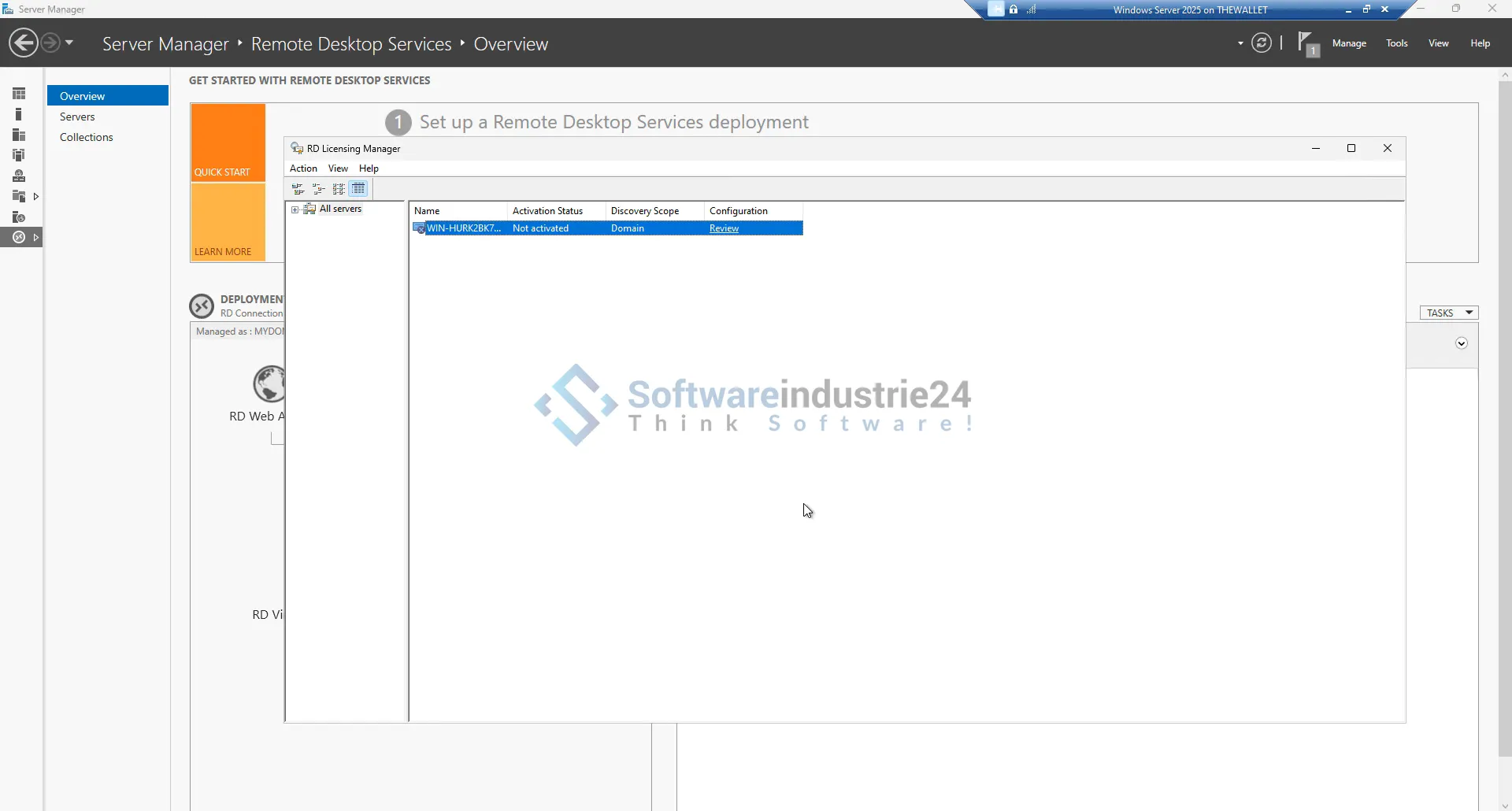
Implementing Microsoft RDS 2025 is a straightforward process. First, you need to purchase the necessary licenses. This is followed by setting up the RDS server, installing the applications, and configuring user access.

2. System requirements

Before you begin implementation, make sure that your hardware and software meet the minimum requirements for RDS 2025. These include compatible operating systems, sufficient storage space, and network bandwidth.

3. Installation and configuration

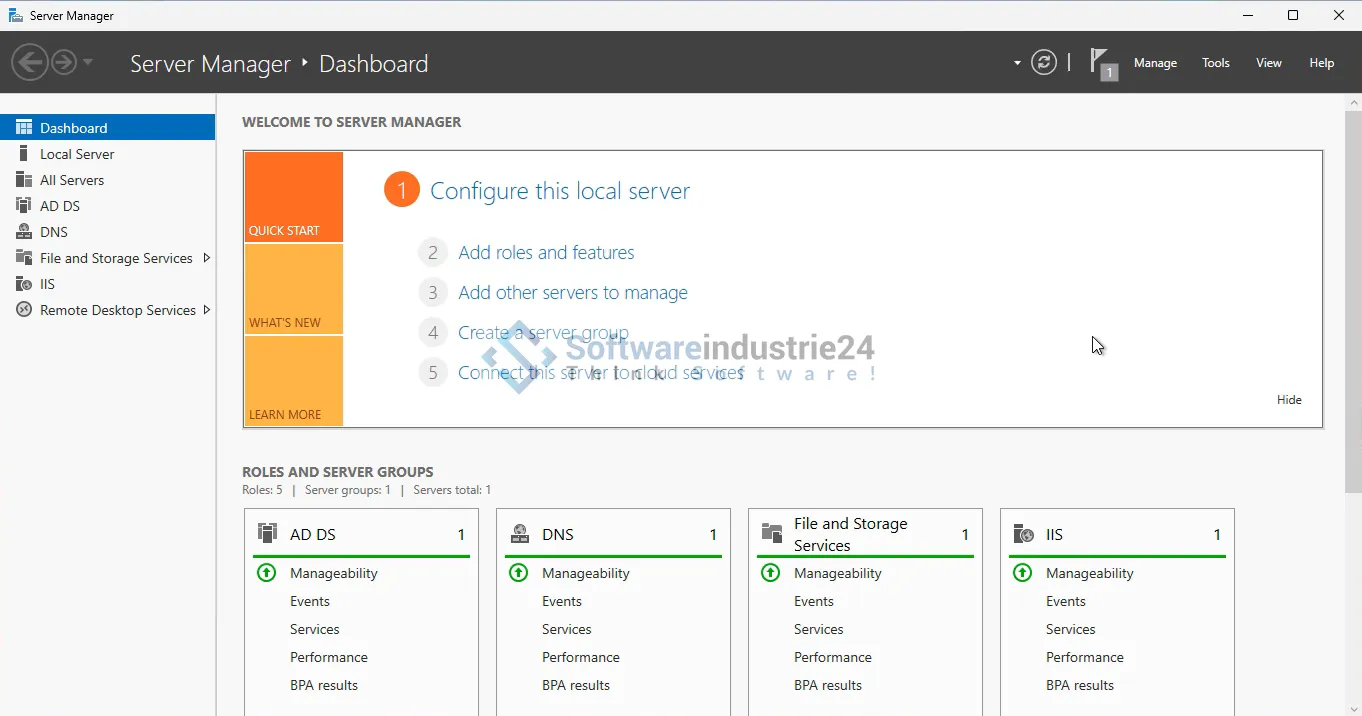
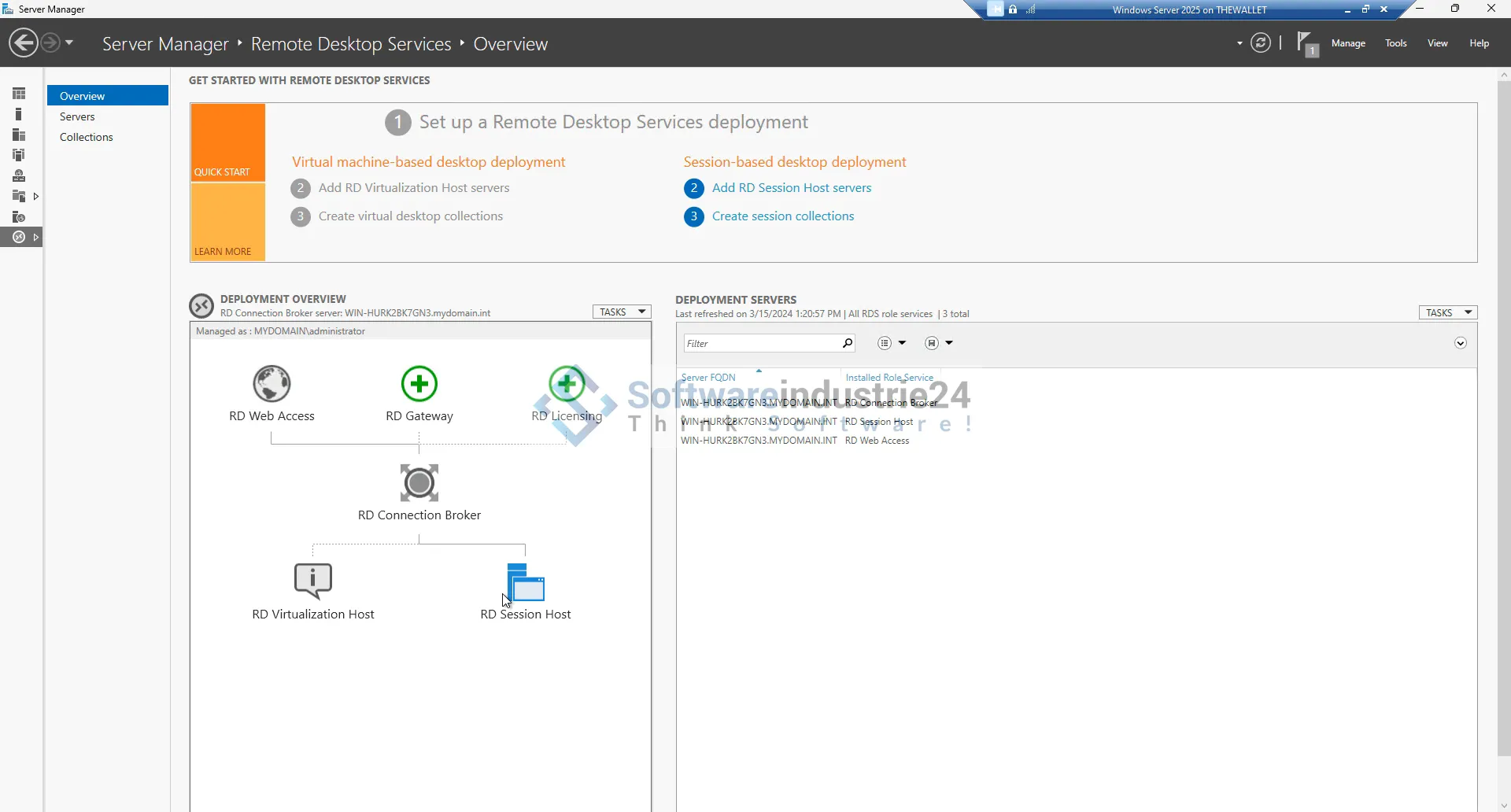
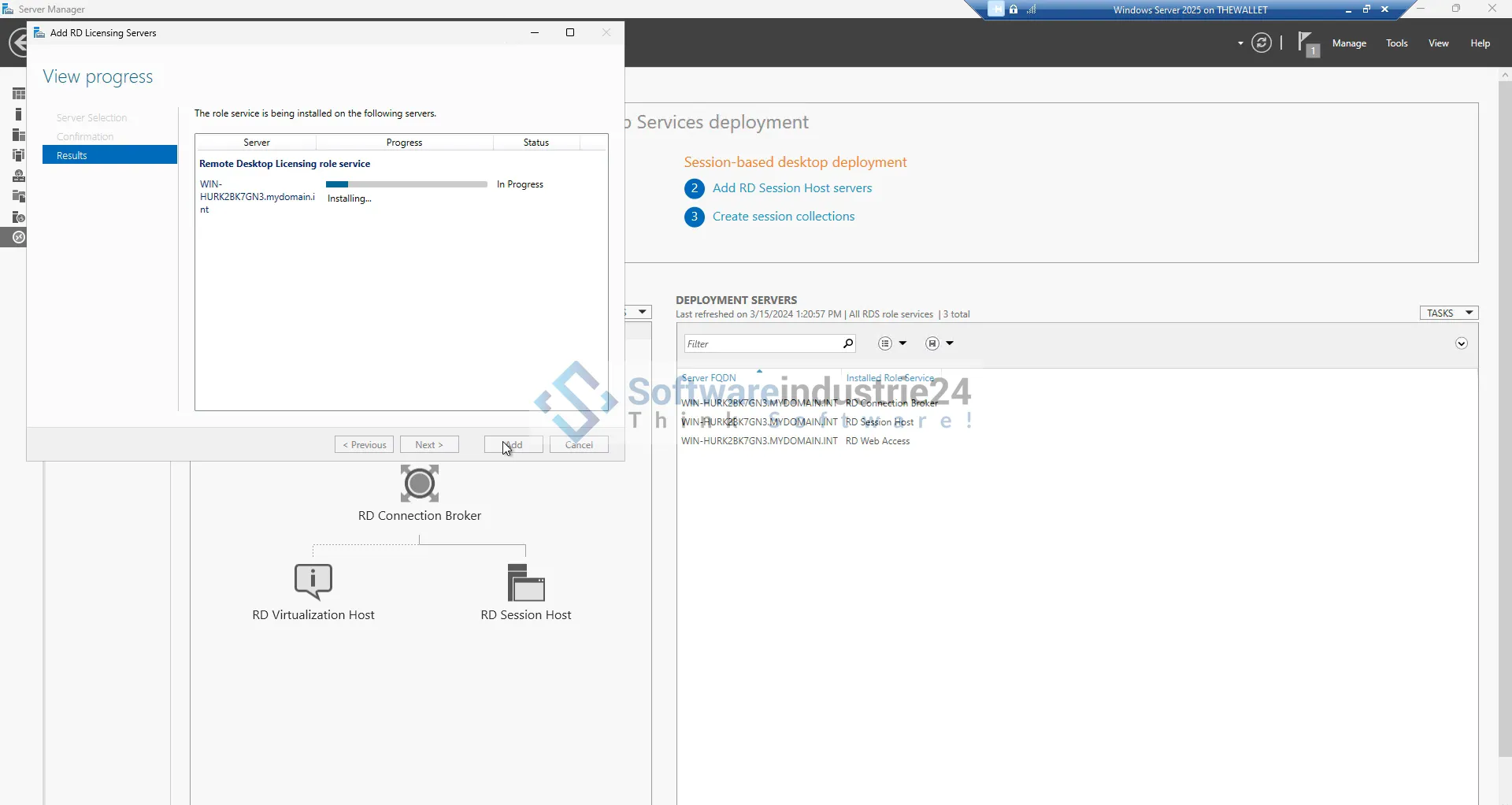
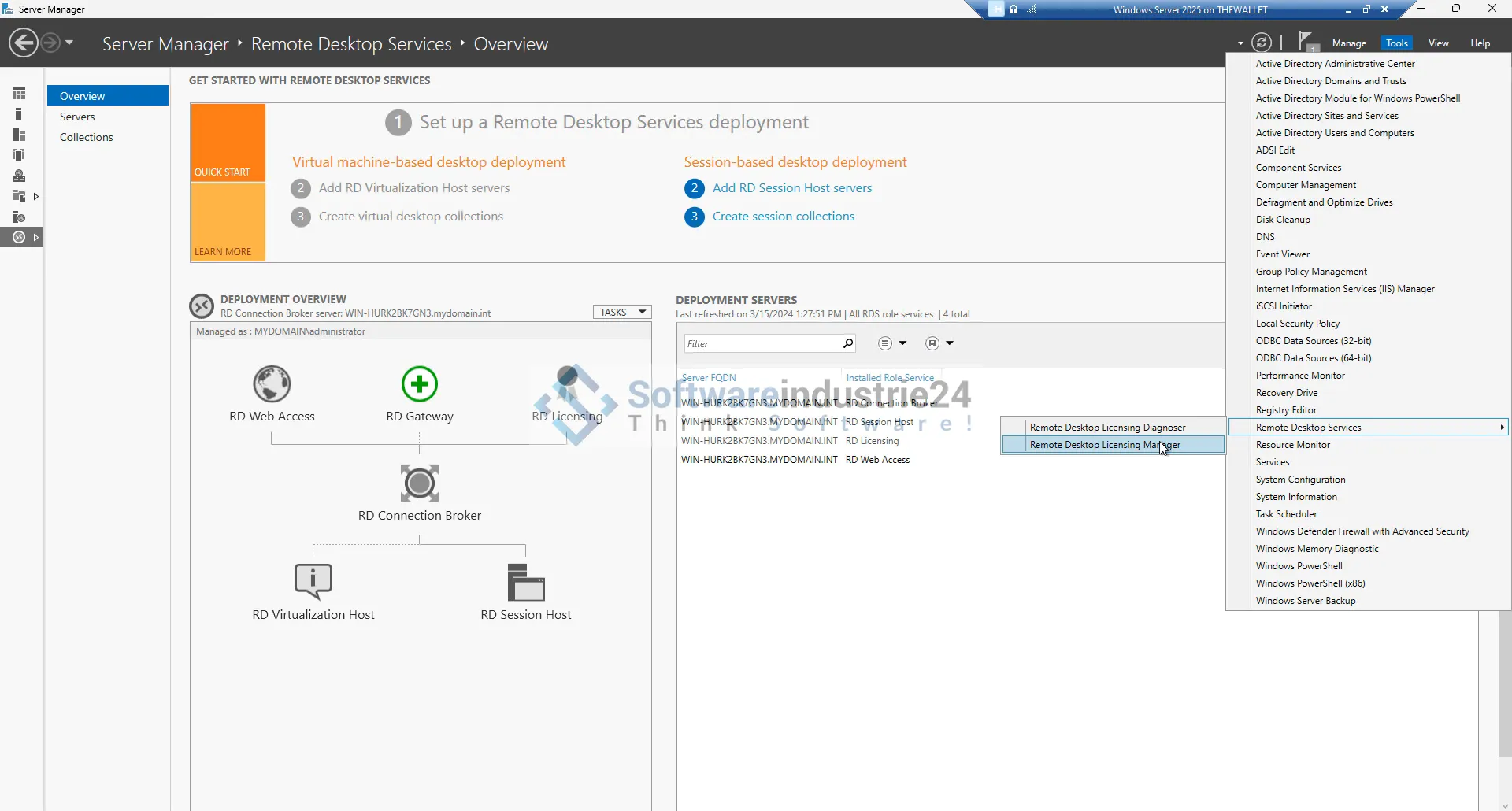
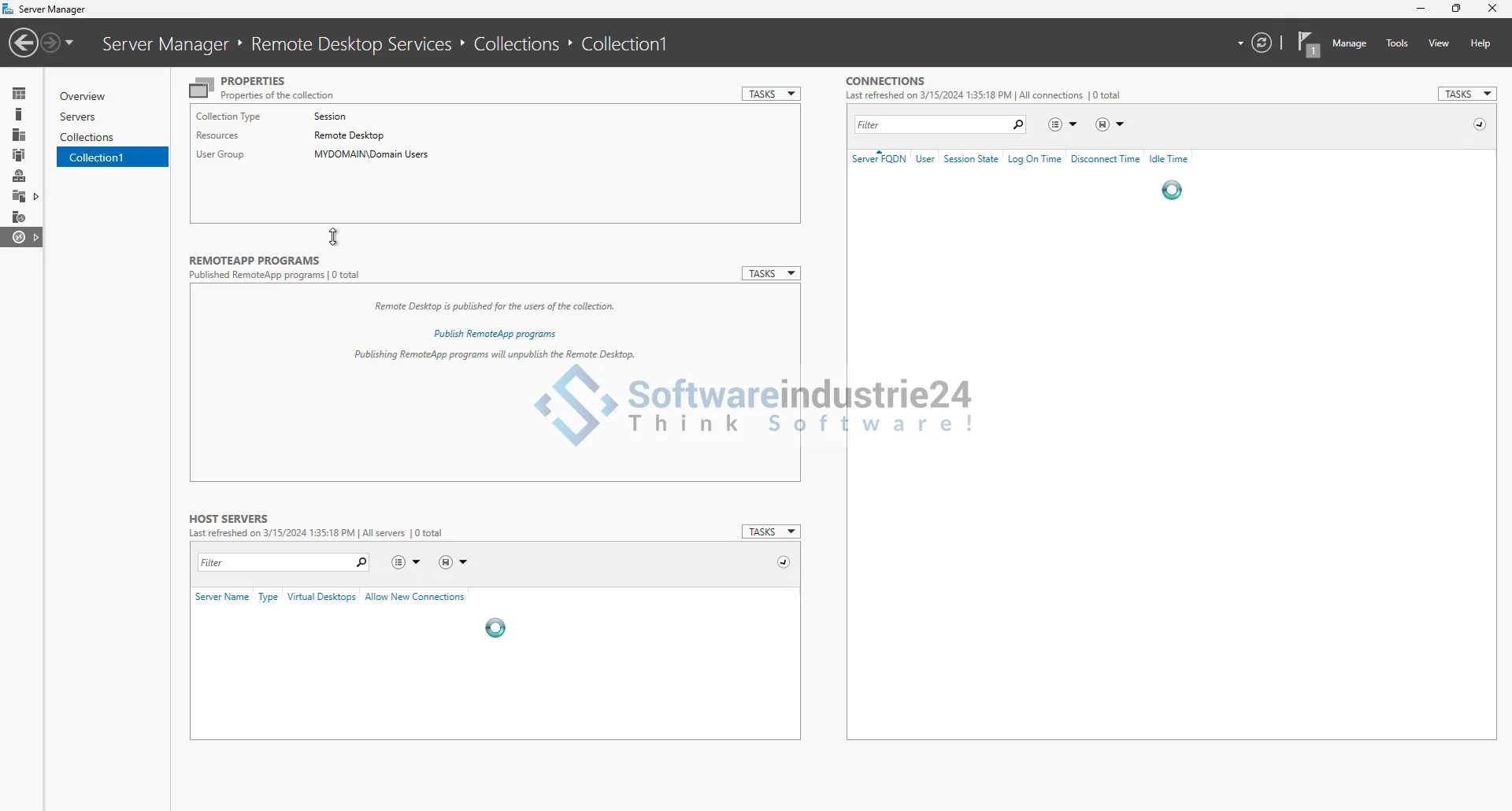
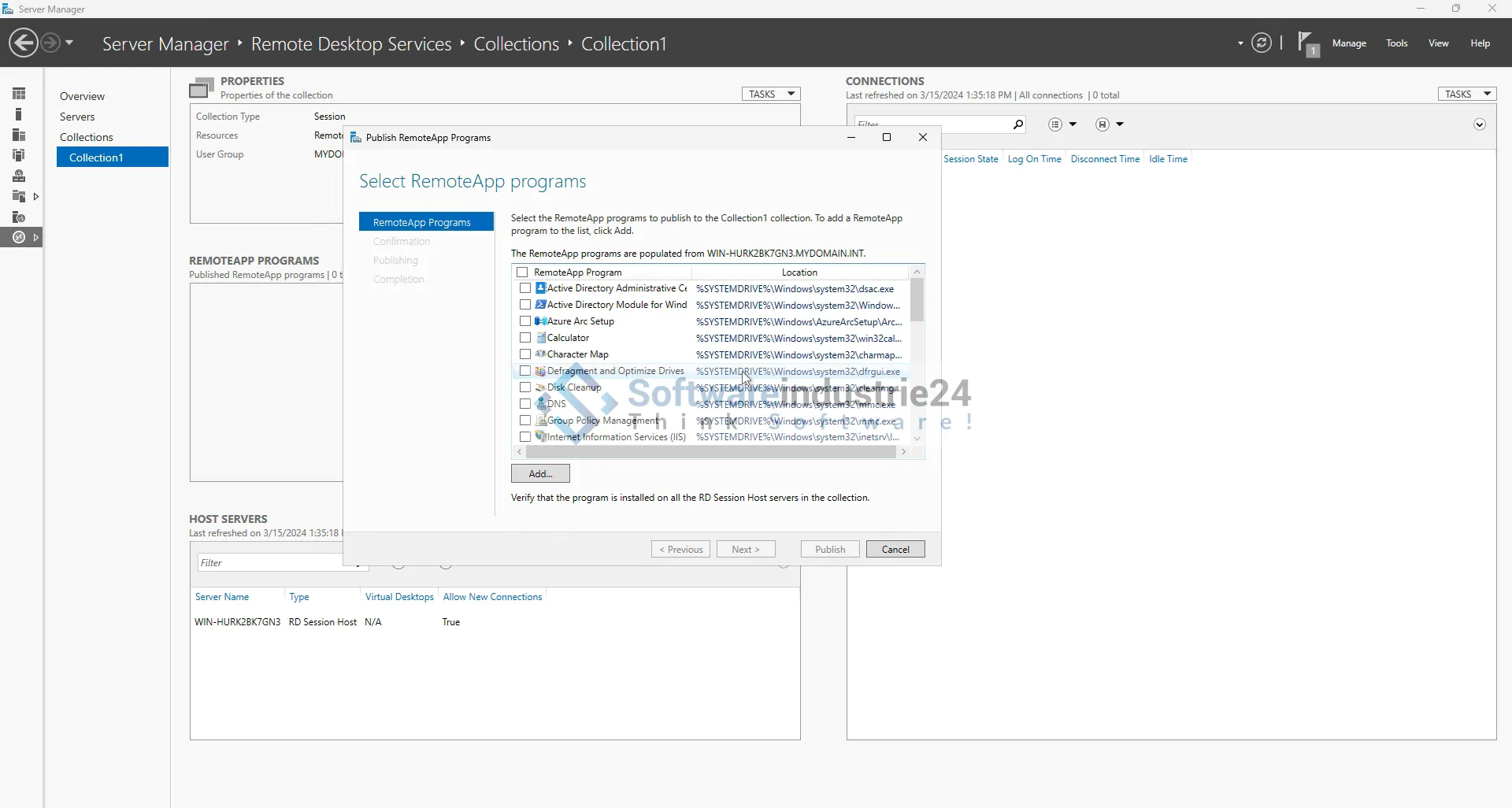
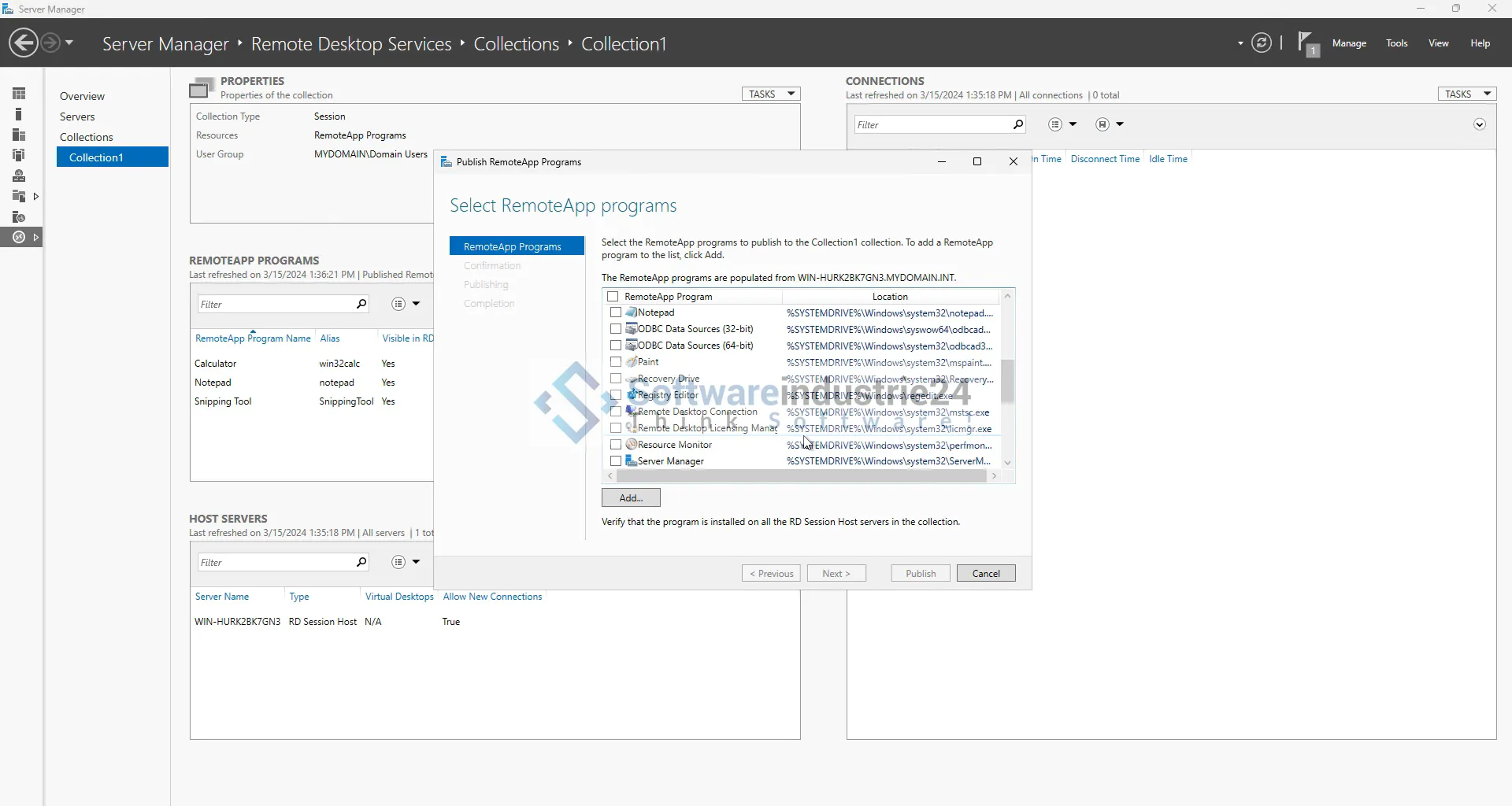
The installation and configuration of RDS 2025 requires technical expertise, so it is recommended that you consult IT professionals or Microsoft certified partners. Setup includes configuring the Remote Desktop Session Host, Connection Broker, and Remote Desktop Web Access.

4. Training and support

To ensure that your employees can take full advantage of RDS 2025, offer training and support. Microsoft provides extensive documentation and training materials to help you get started.

Frequently asked questions (FAQ)

1. What is a device CAL?

A Device CAL (Client Access License) is a license that is assigned to a specific device. Any user who uses that device can access the RDS services.

2. What advantages does RDS 2025 offer over previous versions?

RDS 2025 offers improved security features, an optimized user experience, and easier scalability compared to previous versions.

3. How many device CALs do I need?

The number of device CALs required depends on the number of devices that will access the RDS services. Each device requires its own CAL.

4. Can I integrate RDS 2025 with existing IT infrastructures?

Yes, RDS 2025 can be easily integrated into existing IT infrastructures. It supports various operating systems and can be used with existing hardware.

5. What security measures does RDS 2025 offer?

RDS 2025 offers advanced security measures such as multi-factor authentication, encrypted connections, and centralized management to ensure the protection of your company data.

Conclusion

The Microsoft RDS 2025 Device CAL + license is the ideal solution for companies looking for a flexible, secure, and cost-effective way to connect and support their employees. With numerous improvements and new features, RDS 2025 ensures that your IT infrastructure is future-proof and meets the demands of the modern workplace.

Whether you are a small business or a large enterprise, investing in Microsoft RDS 2025 will pay off in the form of increased productivity, improved security, and reduced IT costs. Take advantage of Remote Desktop Services and stay competitive in an ever-changing business world.

Related links to "Microsoft RDS 2025 Device CAL + Device Access License"






