We advise you personally
Directly accessible for private and business customers.

We are happy to help!
Mon. - Fri.: 9:00 a.m. - 2:00 p.m.
Prices incl. VAT plus shipping costs
Instant download + product key
What's Included
- Instant delivery – Key & download via email
- Activation guarantee – Permanent access, quality assured
- Installation guide – Simple & easy to follow, included
- VAT invoice – Official proof of purchase included
- Order number: SWI24-701169
- Runtime: Permanently valid
- Language: All languages
- Country zone: Worldwide
- Shipping method: E-Mail
- Manufacturer: Microsoft

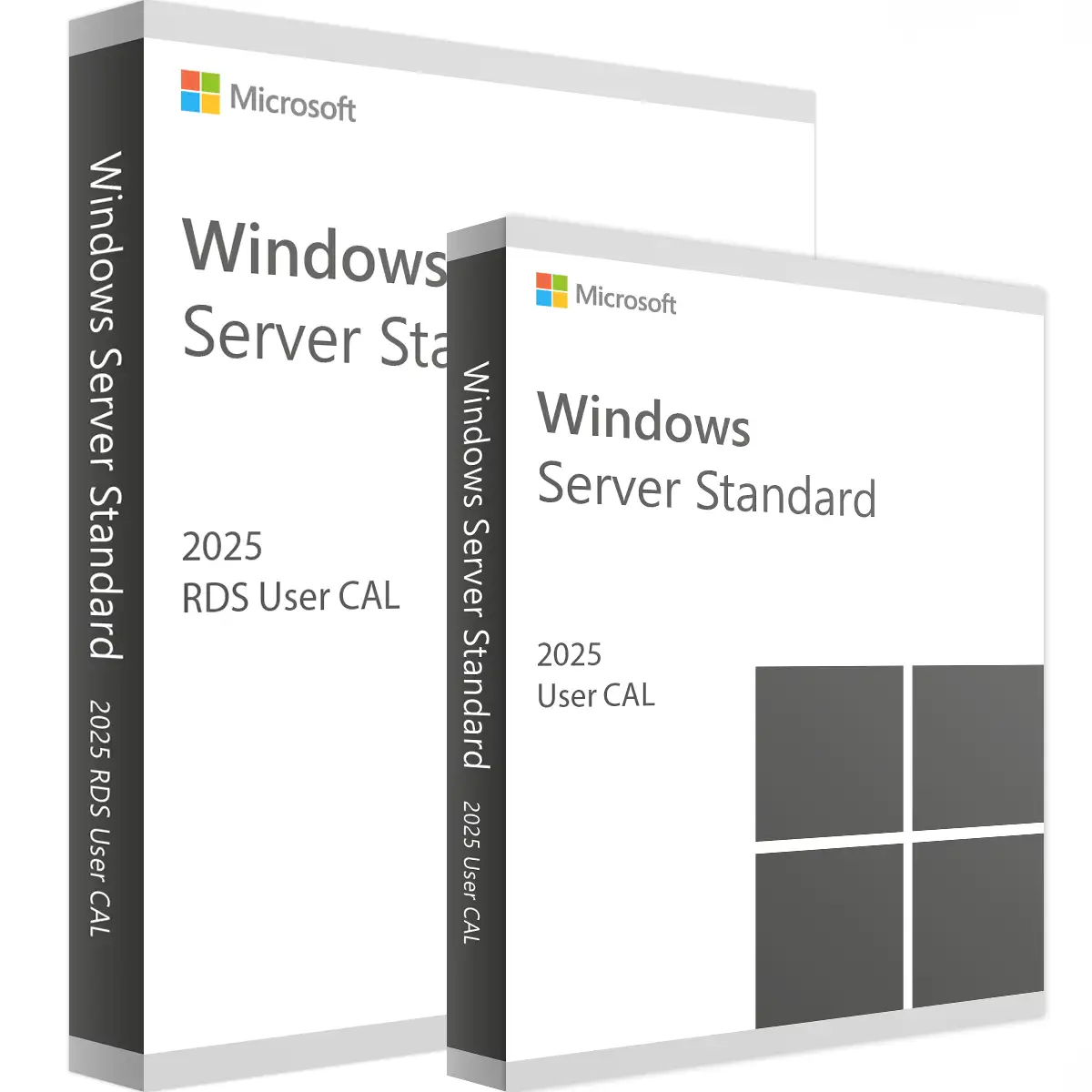
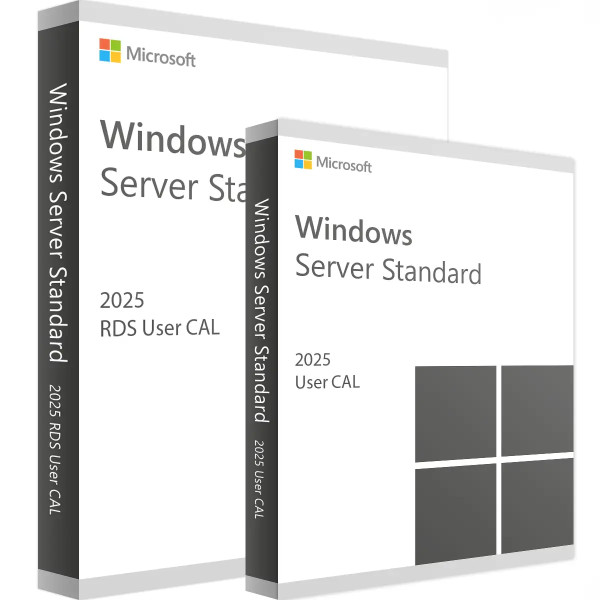
Microsoft RDS 2025 User CAL + Access License: Your licenses for Remote Desktop Services
Introduction
The digital transformation has prompted companies worldwide to modernize their IT infrastructure and make access to their resources more flexible. In this context, Microsoft's Remote Desktop Services (RDS) are one of the leading solutions for enabling users to access applications and desktops from virtually any device and location. The “Microsoft RDS 2025 User CAL + Access License” in particular offers companies the flexibility and security they need to succeed in today's modern work environment. In this detailed product description, we will explain the advantages, features, and significance of the RDS 2025 User CAL + Access License in detail.
What is Microsoft RDS 2025 User CAL + Access License?
Definition and overview
Microsoft Remote Desktop Services (RDS) is a platform developed by Microsoft that allows users to access a Windows-based desktop environment or applications from a remote location. A Client Access License (CAL) is a license that gives users or devices the right to connect to a Microsoft server service. The “Microsoft RDS 2025 User CAL + Access License” allows a specific user to access the Remote Desktop Service regardless of the device used.
Advantages of the RDS 2025 User CAL + Access License
- Flexibility: Access your desktop or applications from anywhere, anytime.
- Security: Comprehensive security features protect corporate data and ensure compliance.
- Cost efficiency: Reduces IT costs by centralizing application delivery and management.
- Scalability: Easily adapts to the needs of your growing business.
Why choose the Microsoft RDS 2025 User CAL + Access License?
Flexible and secure remote access
In today's increasingly remote working world, it is essential that employees can access their work environment securely and efficiently. Microsoft RDS 2025 User CAL + Access License ensures that your employees can always access the resources they need, regardless of their location. With advanced encryption and authentication mechanisms, RDS 2025 offers a high standard of security that ensures the protection of sensitive company data.
Efficient IT management and lower operating costs
Centralized management of applications and desktops enables companies to significantly increase the efficiency of their IT department. IT administrators can install and manage applications once and then distribute them to all users via the RDS platform. This significantly reduces the administrative effort and costs for software updates and maintenance. In addition, the use of user CALs enables better control and predictability of licensing costs, as companies know exactly how many licenses they need.
Scalability and adaptability of keys
Whether your business is growing or experiencing seasonal fluctuations in staffing levels, the RDS 2025 User CAL + Access License makes scaling easy. New users can be added quickly and easily without the need for extensive changes to the IT infrastructure. This makes RDS an ideal solution for businesses of all sizes that need a flexible and scalable IT solution.
Technical details and requirements
System requirements
To get the most out of the “Microsoft RDS 2025 User CAL + Access License,” your servers and end devices should meet certain technical requirements. These include:
- Server: Windows Server 2025 or higher.
- Client: Windows, macOS, Linux, or mobile operating systems such as iOS and Android.
- Network: Stable internet connection with sufficient bandwidth for remote access.
Installation and configuration
Setting up the RDS 2025 User CAL + Access License requires a few steps that should be performed by a qualified IT administrator:
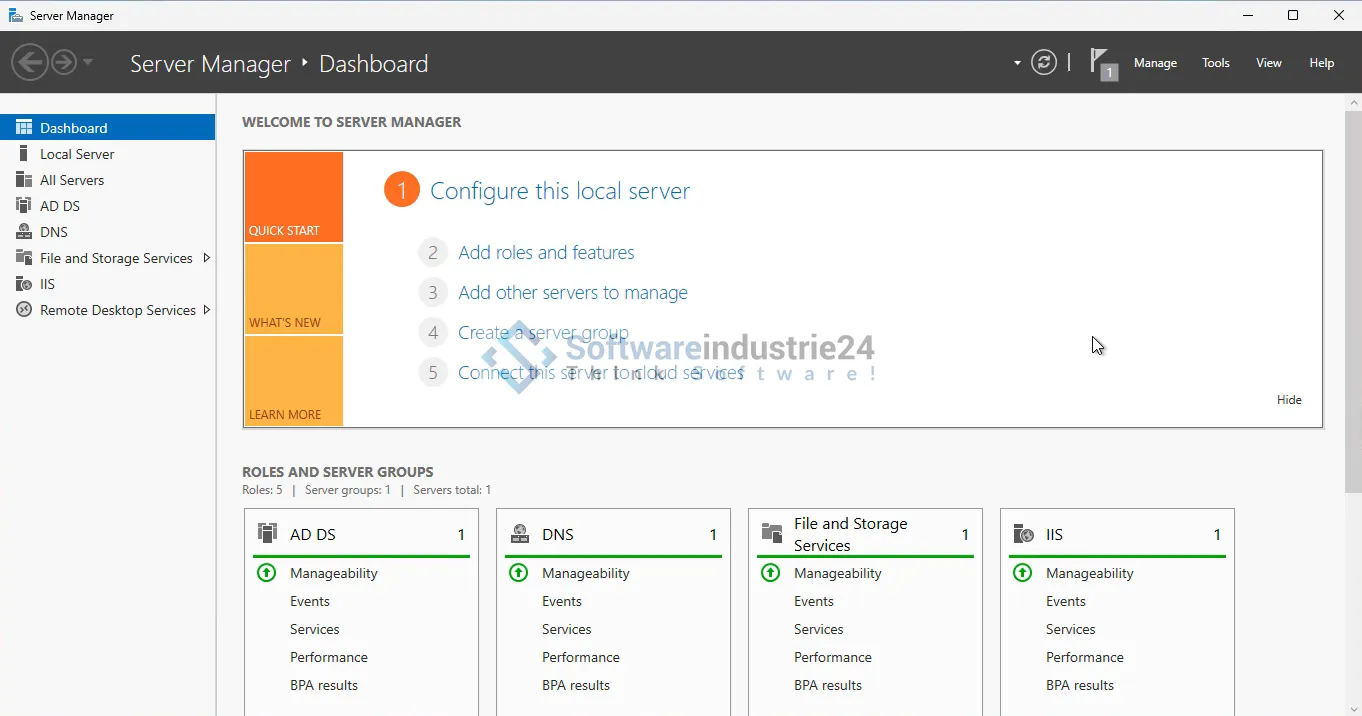
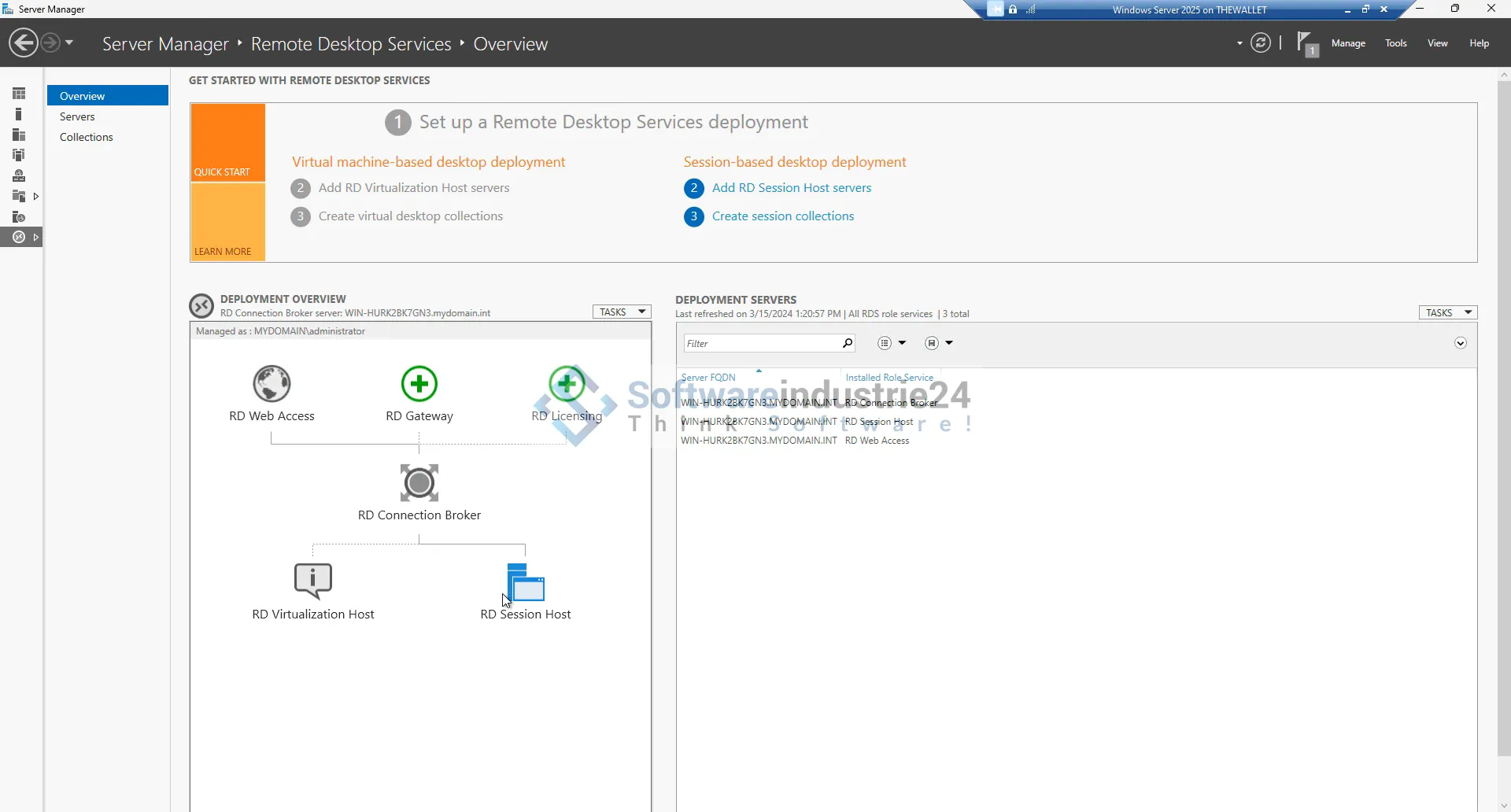
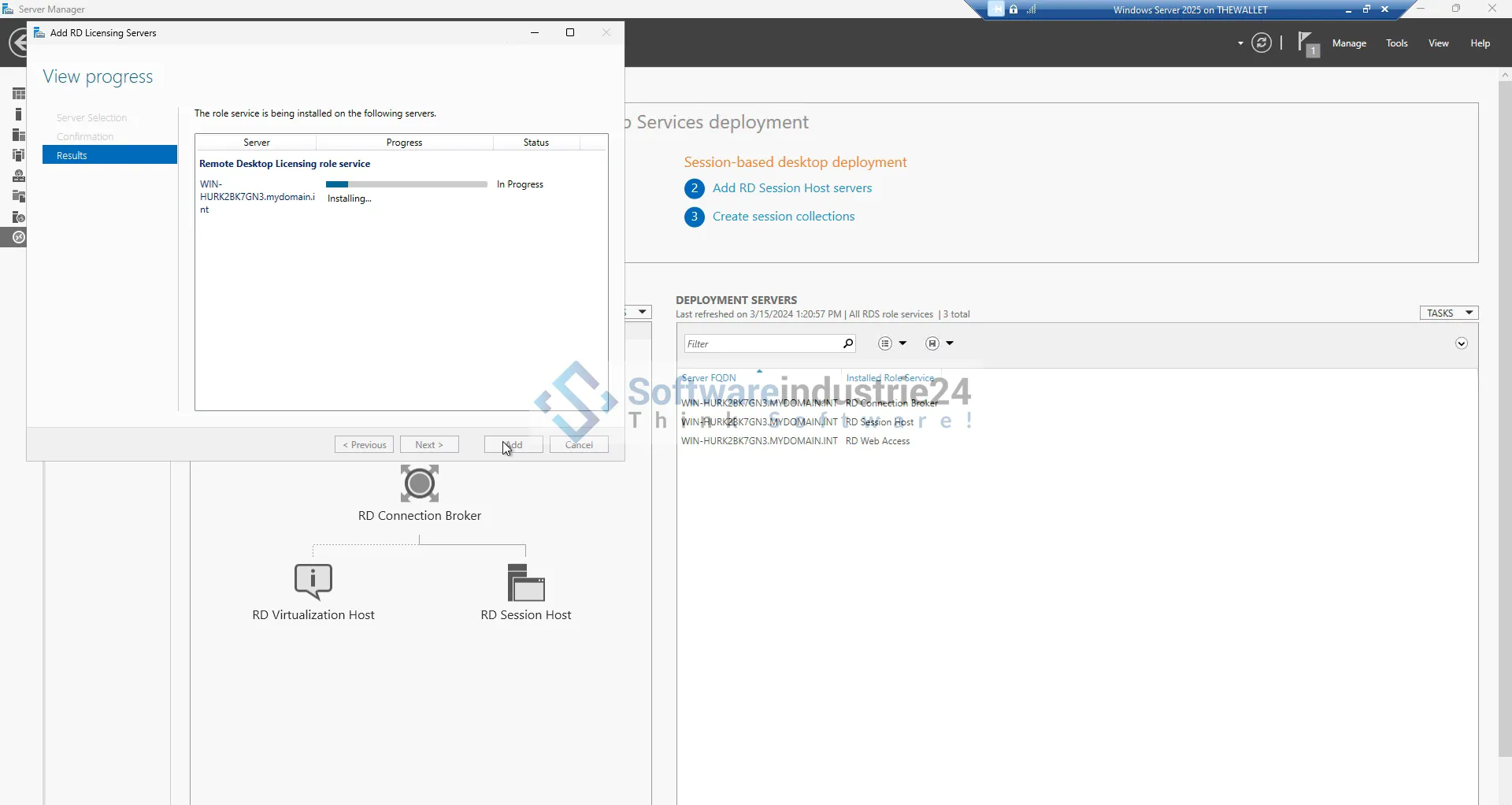
- Installation of RDS roles: Installation of the necessary roles and features on the Windows Server.
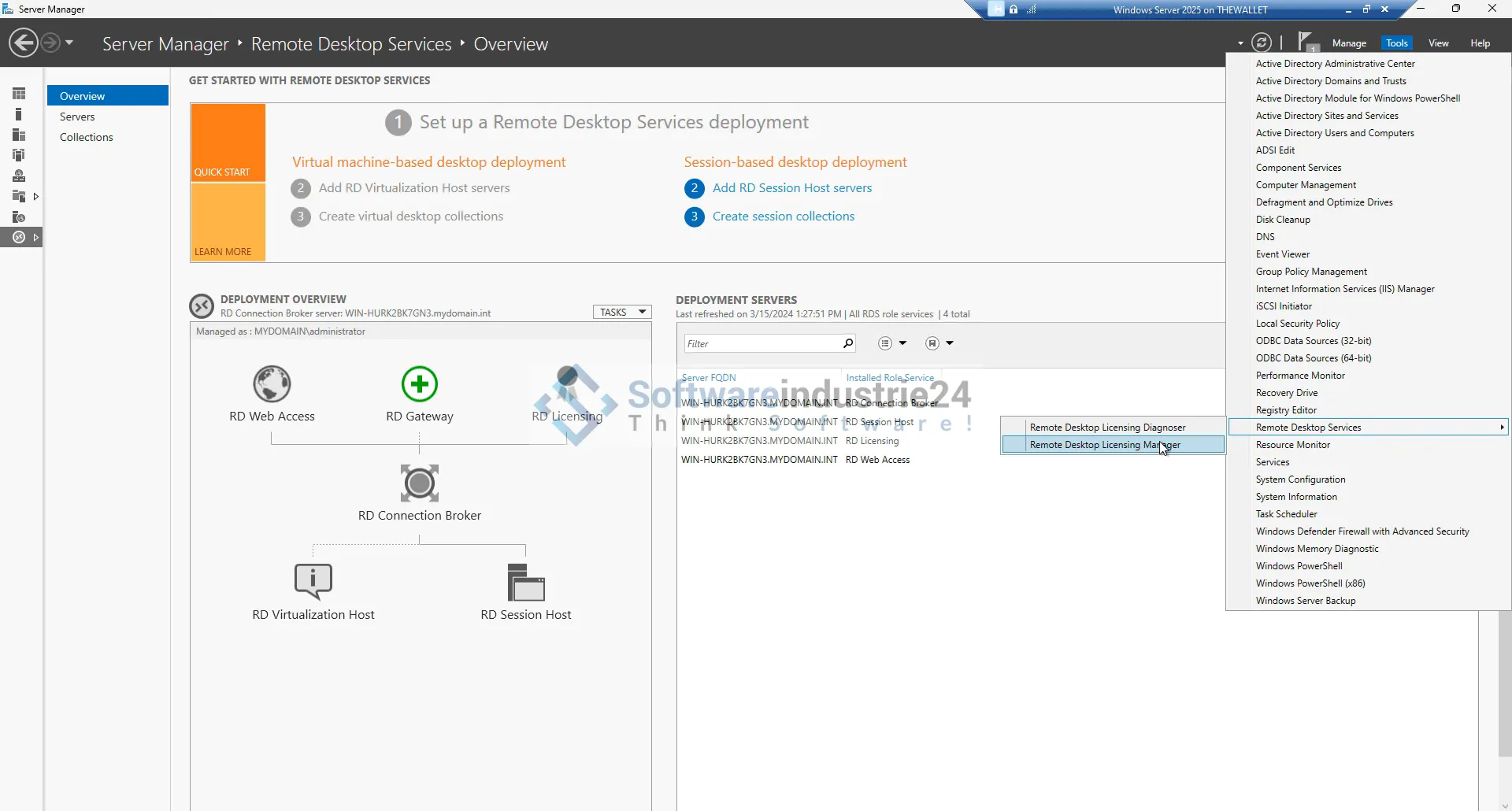
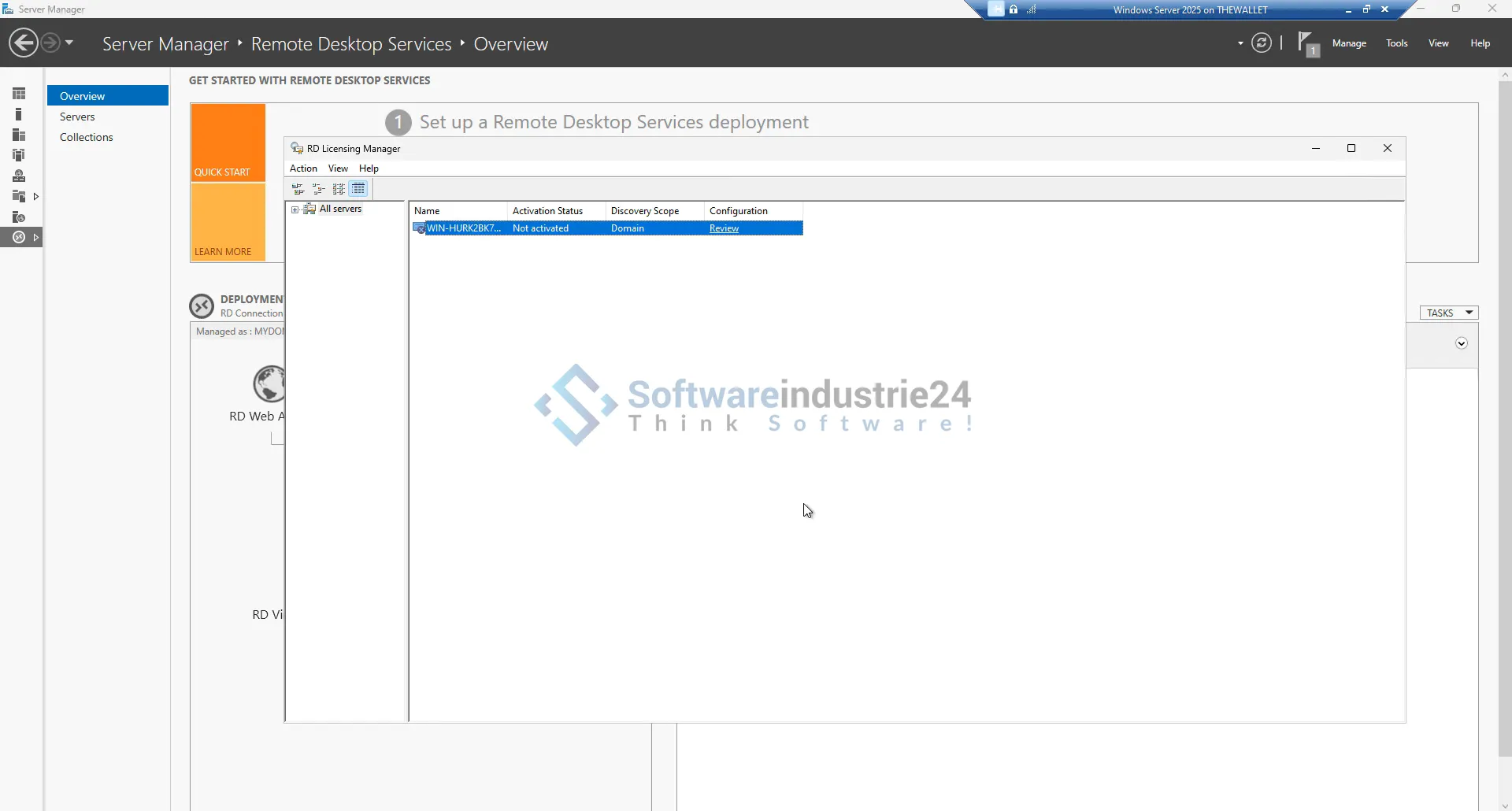
- Configuration of licenses: Assignment and activation of user CALs.
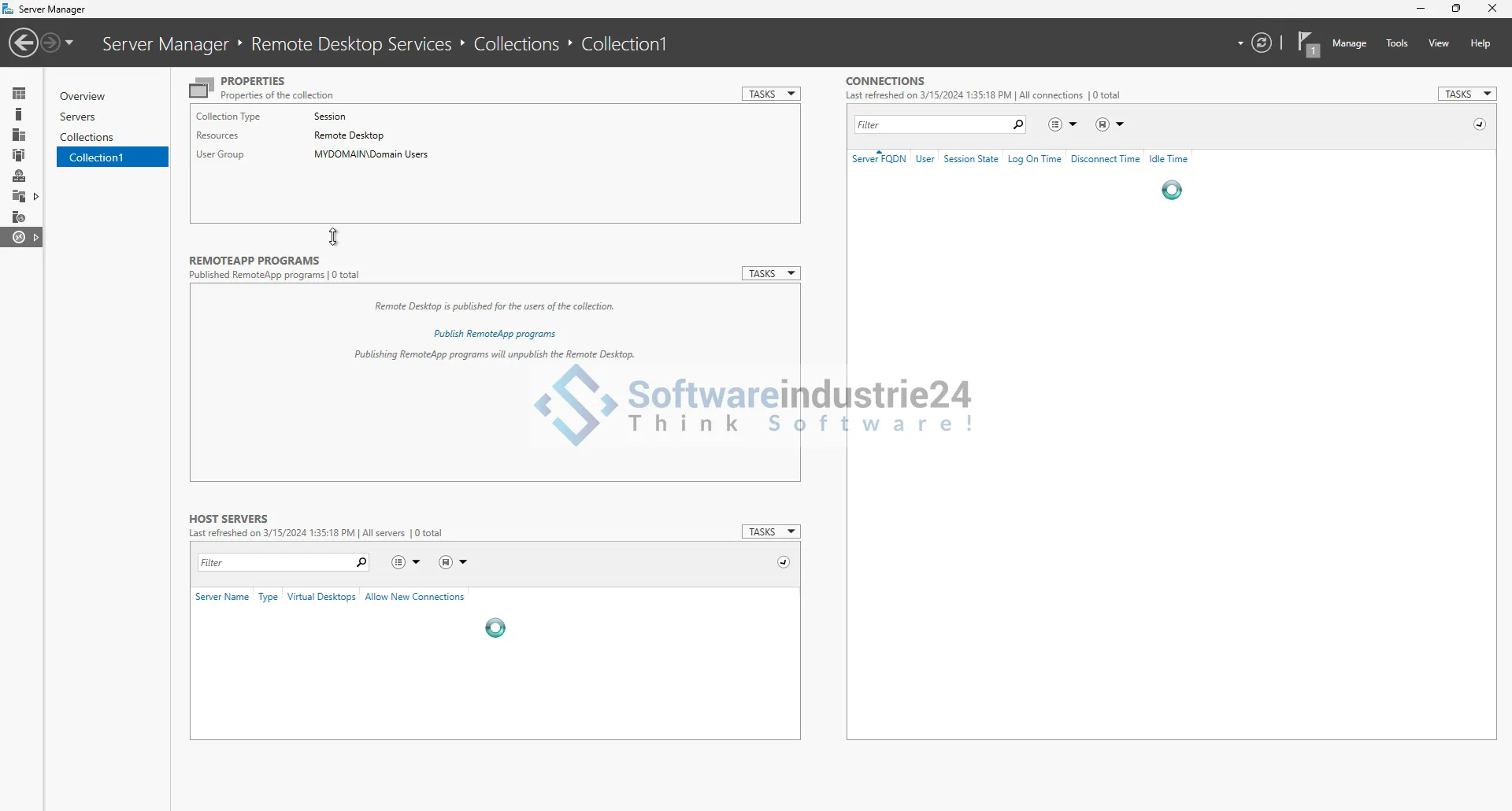
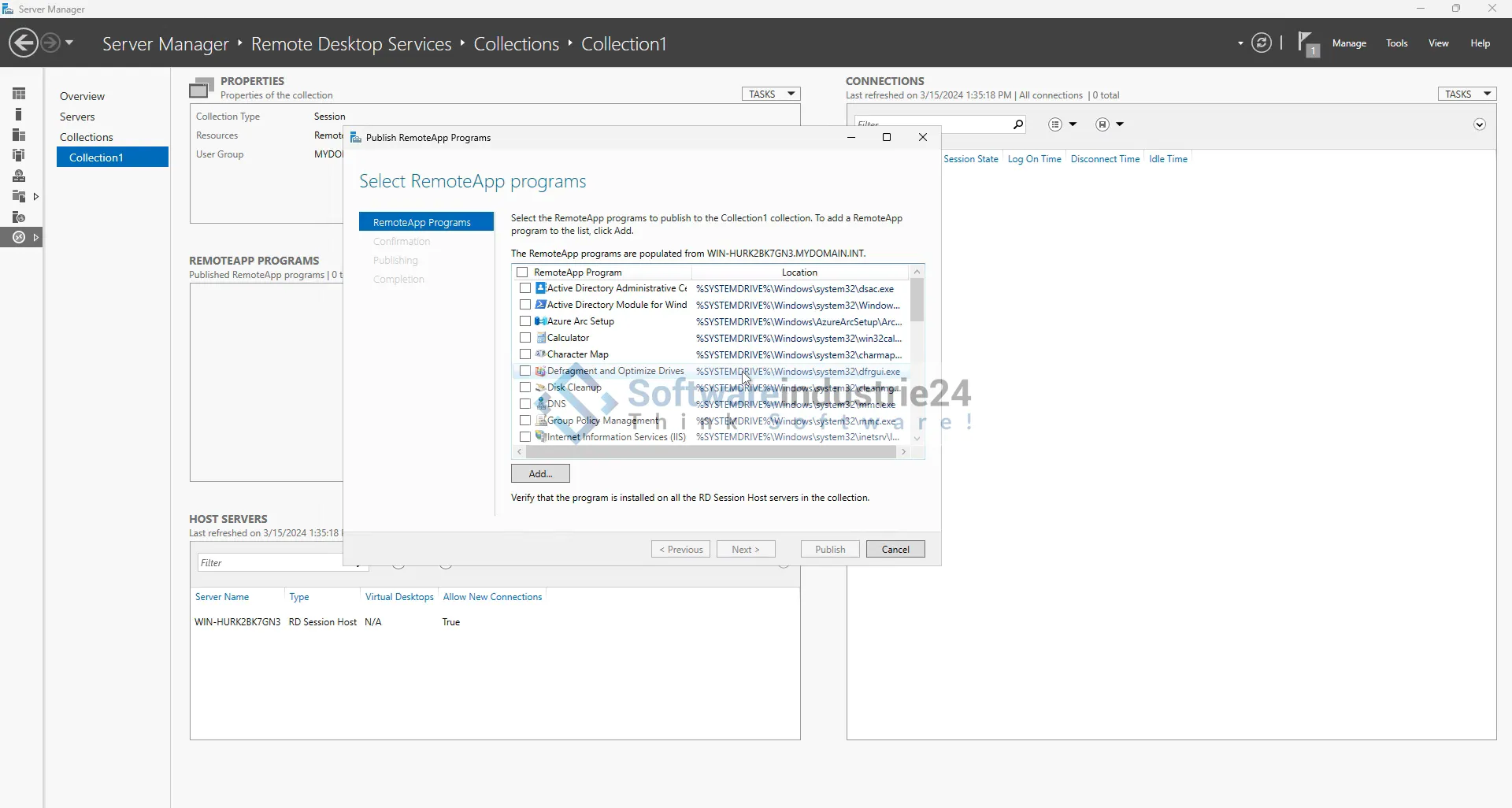
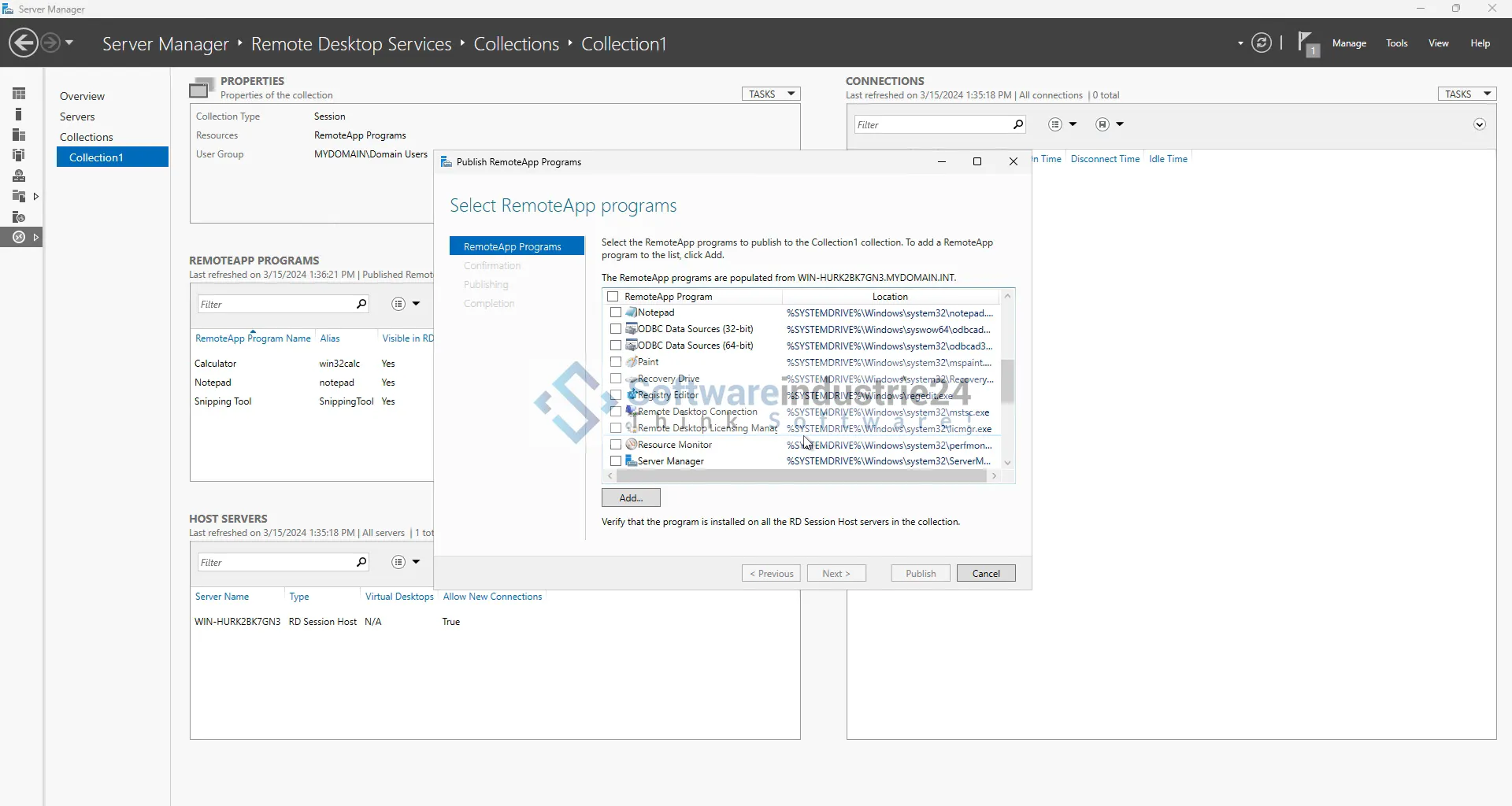
- Setup of RemoteApp: Configuration of the applications and desktops to be made available to users.
- Security configuration: Implementation of security policies and measures to protect access.
Usage scenarios and application examples
Companies of all sizes
Regardless of the size of your company, the RDS 2025 User CAL + access license offers significant advantages. Small businesses can reduce their IT costs while offering their employees flexible working options. Large companies benefit from the centralized management and scalability that RDS offers.
Educational
Schools and universities can use RDS to optimize access to learning resources and software for students. By delivering desktops and applications over the network, educational institutions can use their IT resources more efficiently and make the learning environment more flexible.
Healthcare
In healthcare, secure access to patient data is critical. With RDS 2025, healthcare professionals can access electronic patient records and other important applications whether they are in the hospital, in the office, or on the go. RDS's high security standards ensure that sensitive healthcare data is protected.
Security features and data protection
Encryption and authentication
Data security is of paramount importance to every business. The RDS 2025 User CAL + Access License offers several security features to protect data traffic. These include:
- TLS encryption: Ensures secure data transmission between client and server.
- Multi-factor authentication (MFA): Additional layer of security to prevent unauthorized access.
- Remote Credential Guard: Protects login credentials and reduces the risk of pass-the-hash attacks.
Policies and compliance
Companies often have to adhere to specific compliance requirements, whether due to legal regulations or industry-specific standards. RDS 2025 supports compliance with these requirements through features such as:
- Group policies: Manage and enforce security policies at the user and device level.
- Auditing and monitoring: Log and monitor access and activity to detect and prevent security incidents.
Licensing and costs
Licensing models
The RDS 2025 User CAL + Access License offers various licensing options to meet the individual needs and budgets of businesses. The most common models include:
- Per User CAL: Licenses a specific user, regardless of the number of devices they use.
- Per Device CAL: Licenses a specific device, regardless of the number of users who access it.
Cost structure
The cost of the RDS 2025 User CAL + Access License can vary depending on the number of licenses required and the licensing option selected. Companies should conduct a careful needs analysis to determine the most cost-effective solution for them. It is also advisable to consider possible discounts and license packages that Microsoft or authorized resellers such as Softwareindustrie24 may offer.
Conclusion
The “Microsoft RDS 2025 User CAL + Access License” is a powerful solution that helps companies modernize their IT infrastructure and meet the demands of an increasingly mobile and flexible work environment. With robust security features, flexible licensing options, and easy management, RDS 2025 offers an optimal combination of functionality and efficiency. Regardless of the size or industry of your business, implementing RDS 2025 can significantly improve your IT strategy and make your employees more productive and satisfied.