
Jetzt zum Newsletter anmelden!

Abonnieren Sie jetzt unseren kostenlosen Newsletter und verpassen Sie keine Aktionen und Neuigkeiten mehr.

Please enter a valid email address.
  • Spring sale
  • Get your discounts now!
Offers in:
Offers for:

  Service: +49 5561 - 6092957

  Free shipping

  Secure shopping thanks to SSL

Microsoft Remote Desktop Services 2025 Device CAL

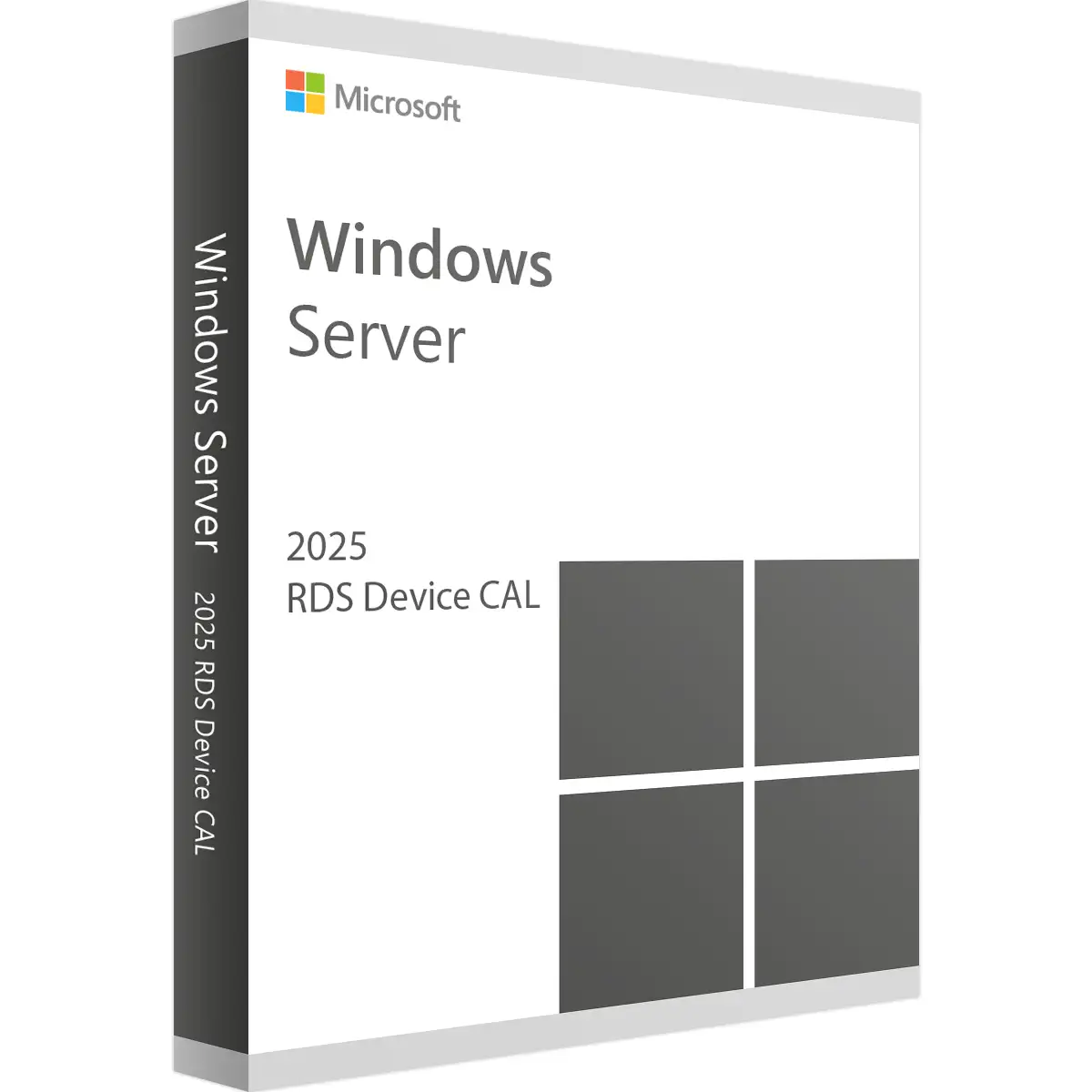
Microsoft Remote Desktop Services 2025 Device CAL
We advise you personally

Directly accessible for private and business customers.


berater-bild

We are happy to help!


Mon. - Fri.: 9:00 a.m. - 2:00 p.m.

€69.90 €109.99 (36.45% Saved)

Prices incl. VAT plus shipping costs

Instant download + product key

What's Included

  • Instant delivery – Key & download via email
  • Activation guarantee – Permanent access, quality assured
  • Installation guide – Simple & easy to follow, included
  • VAT invoice – Official proof of purchase included
Already sold 124 times!

CAL Anzahl

  • SWI24-701150
  • Permanently valid
  • All languages
  • Worldwide
  • E-Mail
  • Microsoft
  • Amazon Pay Kreditkarte Klarna Rechnung Apple Pay Google Pay
Microsoft Remote Desktop Services 2025 Device CAL: Your access to remote working The future of...more
Product information "Microsoft Remote Desktop Services 2025 Device CAL"

Microsoft Remote Desktop Services 2025 Device CAL: Your access to remote working

The future of remote working

In today's fast-paced, connected world, the ability to access corporate resources from any location is critical. Companies are faced with the challenge of finding efficient and secure solutions to provide their employees with a flexible and productive working environment. This is where Microsoft Remote Desktop Services 2025 Device CAL (Client Access License) comes into play. This license enables companies to manage the use of remote desktop services on a device-by-device basis, ensuring seamless, secure and efficient remote working.

What is Microsoft Remote Desktop Services 2025 Device CAL?

Microsoft Remote Desktop Services (RDS) 2025 Device CAL is a special client access license that allows a specific device to access the remote desktop environment. This license is ideal for organizations where multiple users use the same device to access remote desktop services. The Device CAL gives organizations a flexible and cost-effective way to meet the remote work needs of their employees without having to rely on individual user licenses.

Advantages of Microsoft Remote Desktop Services 2025 Device CAL

Efficiency and flexibility

Using a Device CAL offers a high degree of flexibility as it allows multiple users to use the same device to access remote desktops and applications. This is particularly beneficial in environments such as hospitals, schools and call centers where devices are shared by multiple users.

Cost efficiency

With a Device CAL, companies save costs by not having to purchase a separate license for each individual user. Instead, a device used by different users can be covered by a single license. This significantly reduces the overall cost of licensing and makes it easier to manage IT budgets.

Simple administration

Managing licenses is much easier with Device CALs. IT administrators can assign licenses on a per-device basis, making it easier to monitor and control usage and compliance with license terms. This simplifies license compliance and reduces administrative overhead.

Improved security

Microsoft Remote Desktop Services offer advanced security features that ensure only authorized devices can access corporate resources. Features such as multi-factor authentication and encryption ensure a high level of security, which is particularly important when sensitive data and applications are accessible remotely.

Technical details and requirements

System requirements

In order to use Microsoft Remote Desktop Services 2025 Device CAL, certain system requirements must be met. These include:

  • Operating system: Windows Server 2025 or higher
  • Hardware: Compatible devices with sufficient performance for remote desktop sessions
  • Network: Stable and fast internet connection for smooth remote access

Installation and configuration

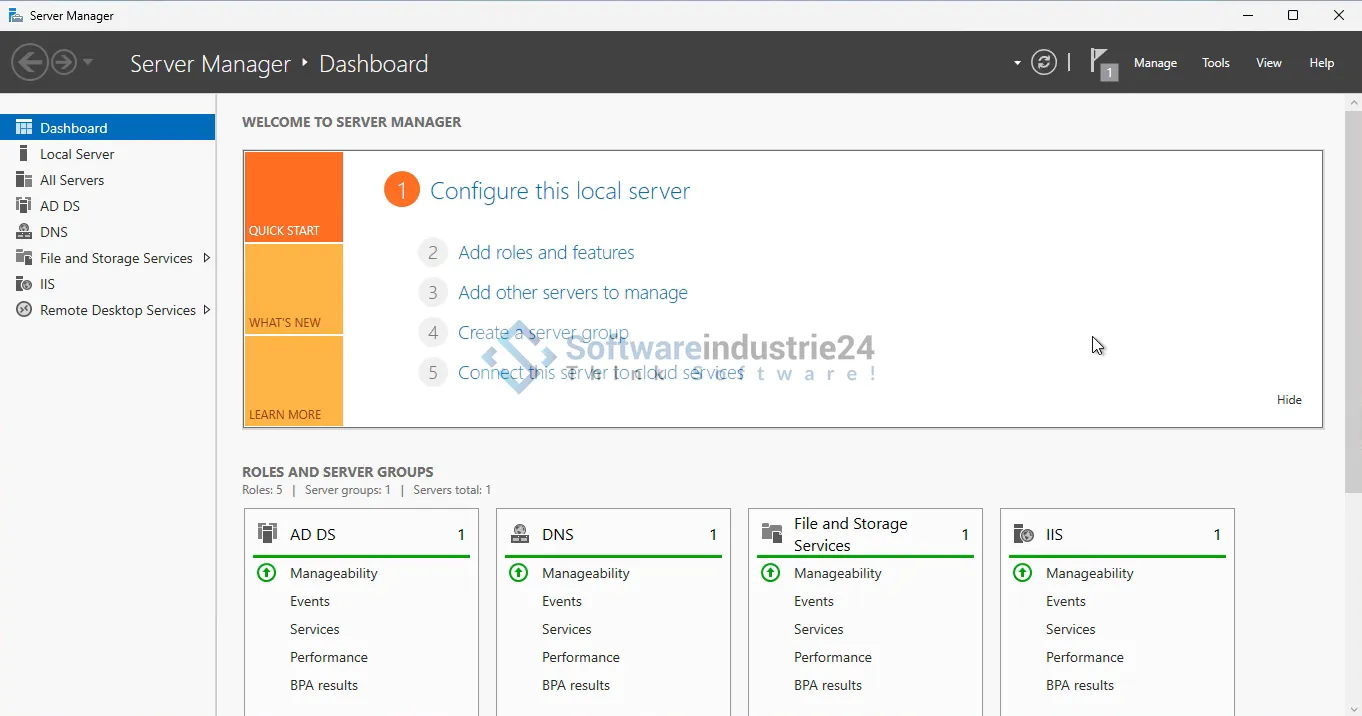
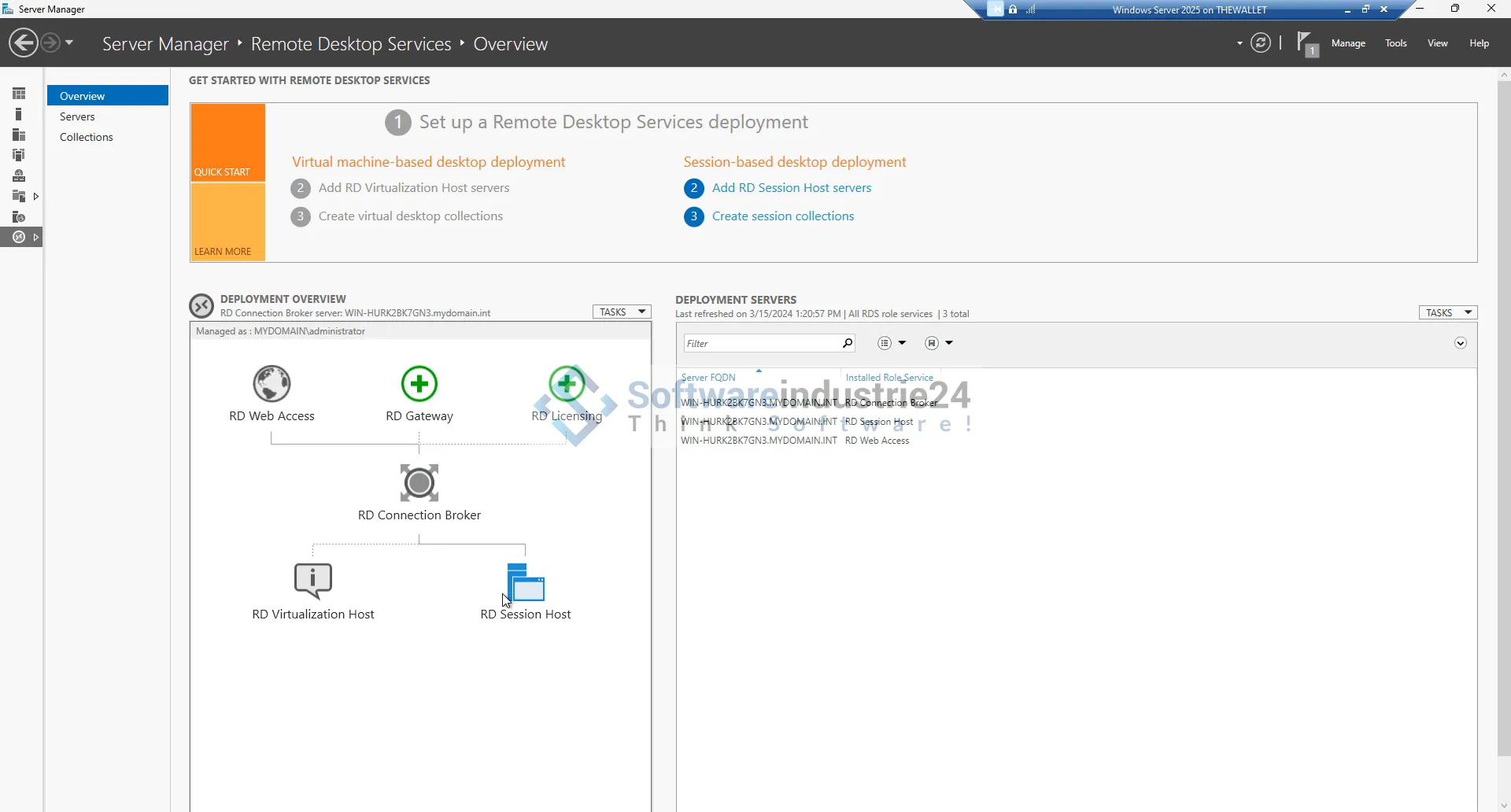
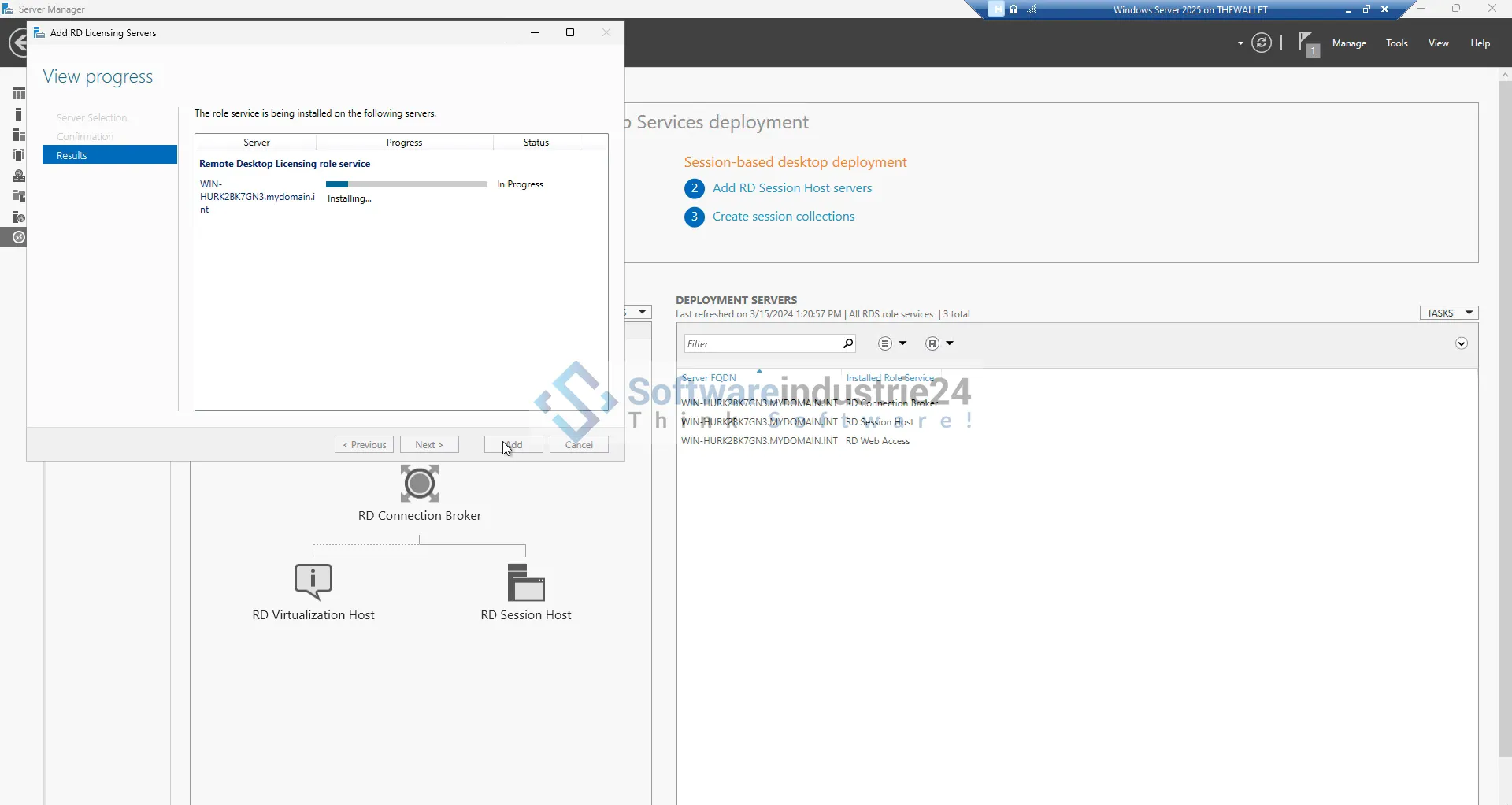
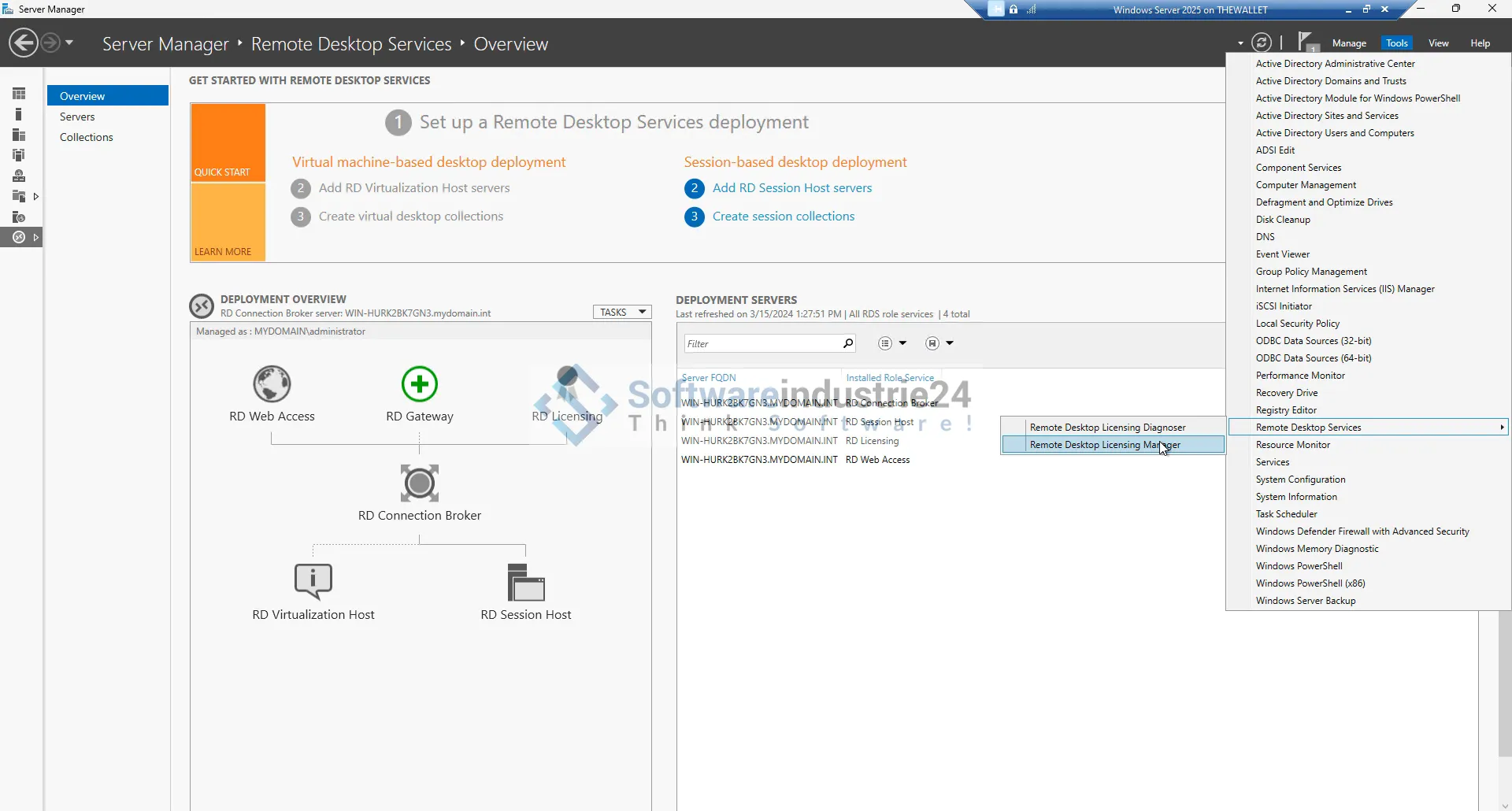
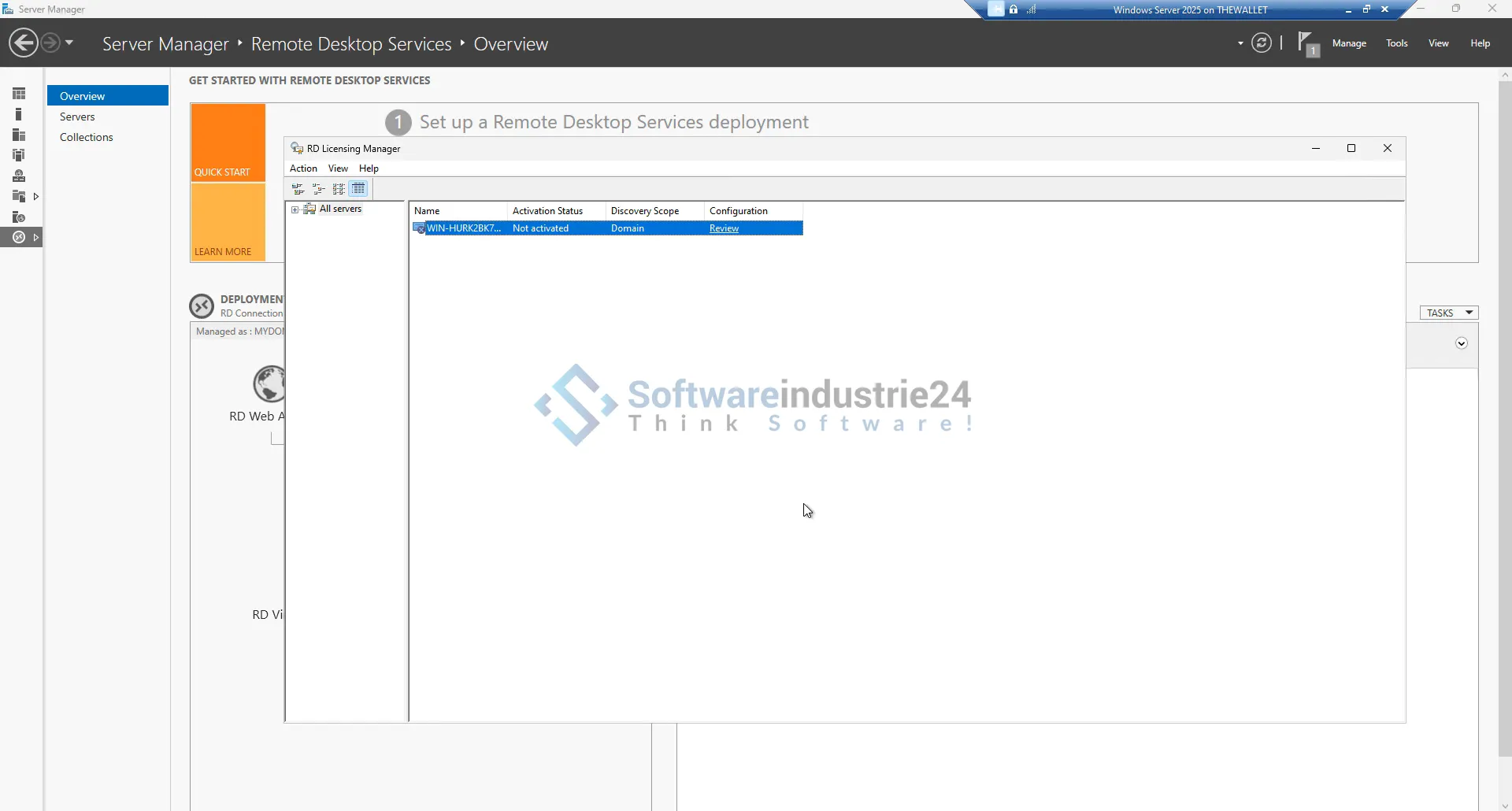
Installing and configuring the Microsoft Remote Desktop Services 2025 Device CAL is simple and straightforward. Companies can purchase and manage the licenses via the Microsoft Volume Licensing Service Center (VLSC). Once purchased, the licenses can be assigned and managed via the Remote Desktop Licensing Manager tool.

Compatibility

Microsoft Remote Desktop Services 2025 Device CAL is compatible with a wide range of devices and operating systems. This includes not only Windows-based devices, but also MacOS, iOS and Android devices, providing broad support and flexibility for organizations.

Use cases and industry examples

Healthcare

In healthcare, secure and fast access to patient records and medical applications is crucial. With Microsoft Remote Desktop Services 2025 Device CAL, healthcare professionals can access the information they need from any device in the hospital or clinic without compromising on security.

Education

Schools and universities benefit from the use of Device CALs as they allow students and teachers to access educational materials and applications from shared devices. This promotes collaborative learning and more efficient use of resources.

Call centers

In call centers where multiple employees use the same device to handle customer inquiries, the Device CAL provides a cost-effective solution. Employees can seamlessly switch between devices without incurring additional license costs.

Public sector

Authorities and public institutions can optimally manage their IT resources by using Device CALs. This makes it possible to provide secure and efficient access to applications and data without incurring high license costs.

How to purchase Microsoft Remote Desktop Services 2025 Device CAL

Step-by-step guide

  • Needs assessment: Determine your organization's need for remote desktop access and the number of devices that require access.
  • Licensing: Visit our Softwareindustrie24 website and purchase the required Device CALs.
  • Installation: Install the licenses via the Remote Desktop Licensing Manager tool and assign them to the appropriate devices.
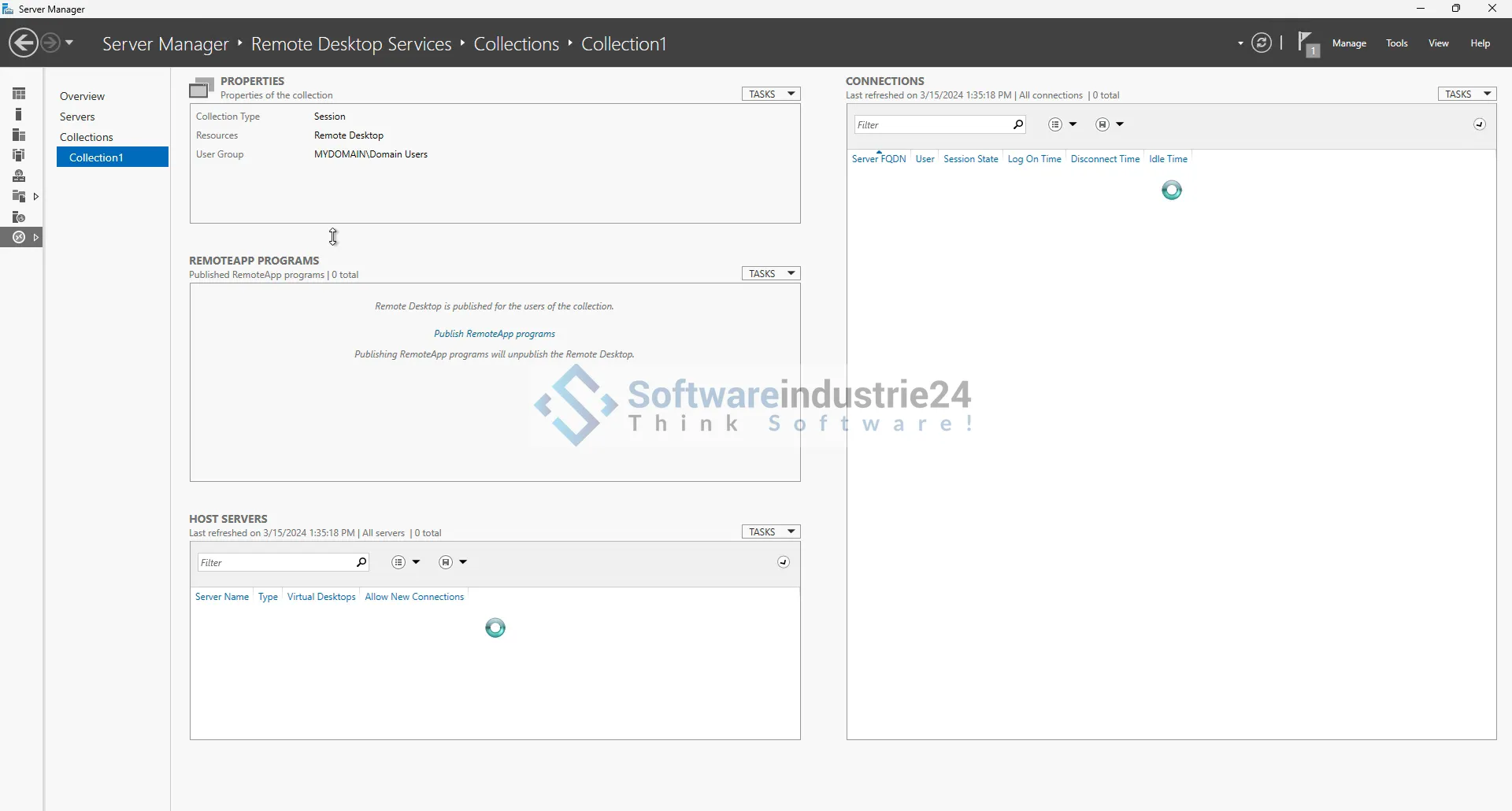
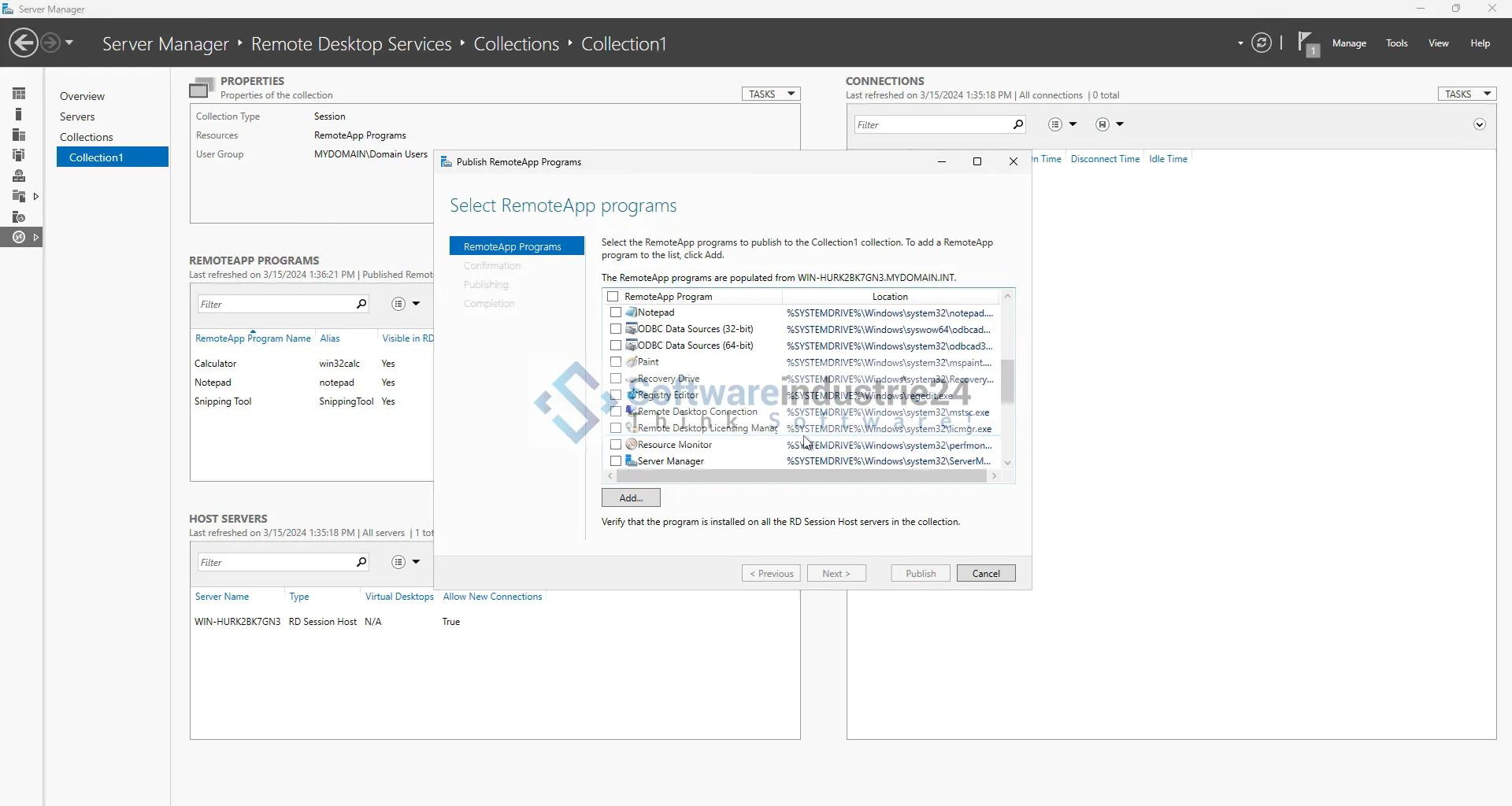
  • Configuration: Conf igure the remote desktop environment according to your company's requirements.
  • Monitoring: Monitor and manage license usage regularly to ensure that all devices are properly licensed.

Cost overview

The cost of Microsoft Remote Desktop Services 2025 Device CAL varies depending on the number of licenses required and the specific requirements of your company. It is advisable to review the different licensing options and pricing plans to find the best solution for your budget.

Frequently Asked Questions (FAQ)

What is the difference between a Device CAL and a User CAL?

A Device CAL allows a specific device to access the remote desktop services, while a User CAL allows a specific user to access from multiple devices. The choice between the two depends on the specific needs of your organization.

Can I transfer a Device CAL license to another device?

Device CALs are tied to the device for which they were purchased. A transfer to another device is usually not possible unless the original device is decommissioned or replaced.

How secure are the Remote Desktop Services Keys?

Microsoft Remote Desktop Services offer advanced security features such as multi-factor authentication, encryption and access controls to ensure that only authorized devices and users have access to corporate resources.

What support options are available for Microsoft Remote Desktop Services 2025 Device CAL?

Microsoft offers comprehensive support for Remote Desktop Services, including technical assistance, documentation and community forums. Organizations can also purchase additional support options and services to ensure their remote desktop environment is running optimally.

Why Microsoft Remote Desktop Services 2025 Device CAL is the best choice

Microsoft Remote Desktop Services 2025 Device CAL provides organizations with a flexible, cost-effective and secure solution for remote access to corporate resources. With the ability to support multiple users from a single device, this license is ideal for organizations in a variety of industries that rely on an efficient and secure remote work environment. The ease of management, advanced security features and broad compatibility make the Device CAL an outstanding choice for organizations of all sizes.

If you are looking for a solution that will enable your organization to take full advantage of remote work, Microsoft Remote Desktop Services 2025 Device CAL is the right choice. Visit Softwareindustrie24 to learn more and purchase your licenses today. With Microsoft Remote Desktop Services 2025 Device CAL you are well equipped for the future of work.

Related links to "Microsoft Remote Desktop Services 2025 Device CAL"







