

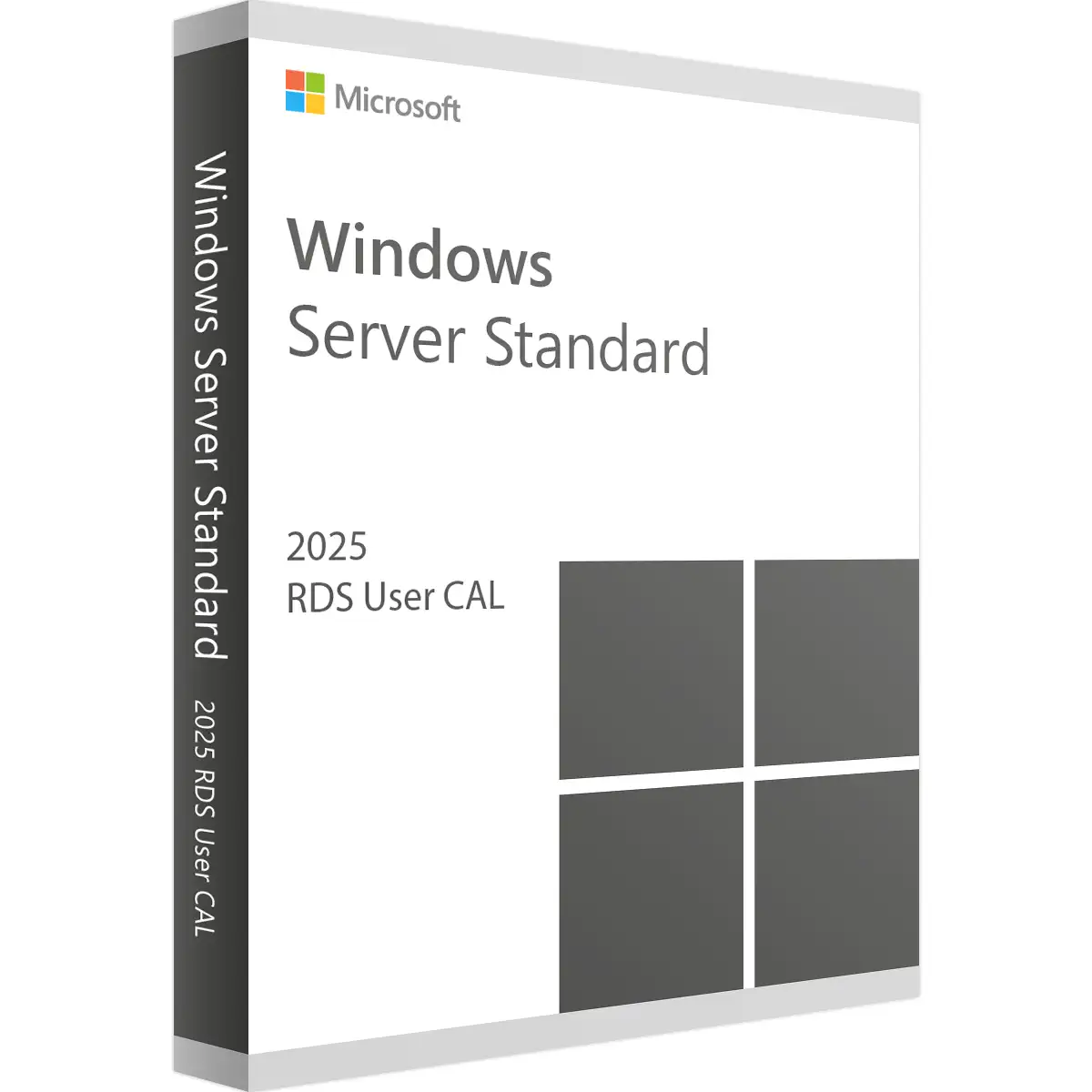
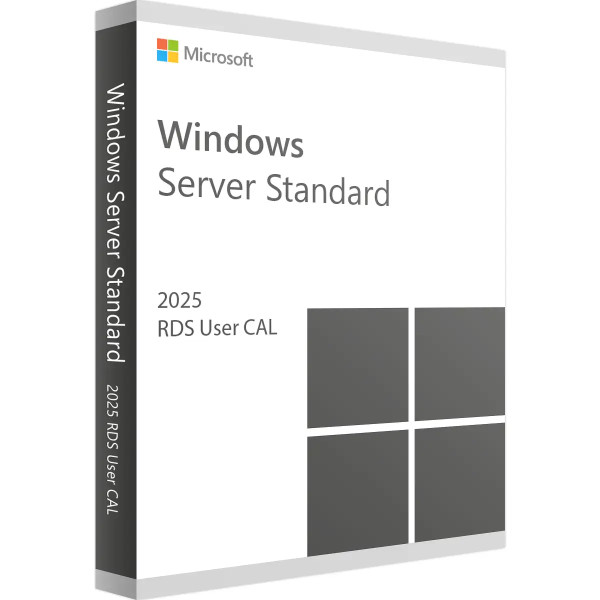
Microsoft Remote Desktop Services 2025 User CAL


We advise you personally
Directly accessible for private and business customers.

We are happy to help!
Mon. - Fri.: 9:00 a.m. - 2:00 p.m.
Prices incl. VAT plus shipping costs
Instant download + product key
- Order number: SWI24-701149
- Runtime: Permanently valid
- Language: All languages
- Country zone: Worldwide
- Shipping method: E-Mail
- Manufacturer: Microsoft







What's Included
- Instant delivery – Key & download via email
- Activation guarantee – Permanent access, quality assured
- Installation guide – Simple & easy to follow, included
- VAT invoice – Official proof of purchase included
Microsoft Remote Desktop Services 2025 User CAL: Your key to remote access
The future of the remote workplace
The world of work has changed and remote working has become an integral part of modern business life. In this context, Microsoft Remote Desktop Services (RDS) 2025 User CAL offers a powerful and flexible solution for organizations that want to provide their employees with secure and efficient access to key resources and applications from anywhere. This product description provides an in-depth look at the benefits, features and applications of RDS 2025 User CAL to ensure you make the best possible decision for your organization.
What is Microsoft Remote Desktop Services 2025 User CAL?
Definition and purpose of the license
Microsoft Remote Desktop Services (RDS) is a centralized desktop and application delivery platform. The 2025 User Client Access License (CAL) allows a specified number of users to access a remote desktop server from anywhere and at any time. This solution is ideal for organizations that want to ensure flexibility and mobility for their employees without compromising on security or performance.
Why are RDS 2025 User CALs important?
At a time when remote working is becoming increasingly important, RDS 2025 User CALs offer a number of benefits:
- Flexibility: employees can access company resources from anywhere with internet access.
- Cost savings: Reduction of hardware costs through centralized management and use of thin clients.
- Security: High security standards and regular updates protect sensitive data.
- Productivity: Easy access to necessary applications and data increases efficiency.
Main functions of the Microsoft Remote Desktop Services 2025 User CAL
Ease of use and accessibility
The Microsoft RDS 2025 User CAL is designed to make it as easy as possible for users to access their work environment. With an intuitive user interface and seamless integration into existing Microsoft environments, users can work quickly and efficiently without a steep learning curve.
High security standards
Security is a key concern in today's digital world. Microsoft RDS 2025 User CAL offers robust security features, including:
- Multi-Factor Authentication (MFA): Enhances security with additional verification steps.
- Encryption: Protects data during transmission.
- Security updates: Regular updates ensure that the system is protected against the latest threats.
Scalability and flexibility
Whether you are a small business or a large enterprise with thousands of users, the RDS 2025 User CAL scales easily. You can adjust the number of user licenses at any time to meet the needs of your business.
Centralized management and maintenance
Centralized management allows IT departments to efficiently control and monitor the entire infrastructure. Updates and maintenance work can be carried out centrally, which significantly reduces administration costs.
Benefits of implementing Microsoft RDS 2025 User CAL in your company
Increase in productivity
With RDS 2025 User CAL, employees can work from anywhere, resulting in greater flexibility and satisfaction. This enables teams to be more productive as they can access the resources they need anytime, anywhere.
Cost efficiency
By using remote desktop services, companies can reduce their hardware costs. Instead of deploying powerful PCs for each user, they can use thin clients or even employees' personal devices to access the remote desktop server.
Improved collaboration
Remote work requires seamless communication and collaboration. With RDS 2025 User CAL, employees have access to shared applications and data, improving collaboration and increasing efficiency.
Enhanced security
With advanced security features, RDS 2025 User CAL protects sensitive company data. Centralized management makes it easy to enforce security policies and perform regular updates to ensure the system is always protected against new threats.
Possible uses and application examples
Small and medium-sized enterprises (SMEs)
For SMBs looking for cost-effective solutions to give their employees access to corporate resources, RDS 2025 User CAL is ideal. It offers an affordable way to modernize IT infrastructure while increasing productivity and security.
Large companies
Large organizations benefit from the scalability and flexibility of RDS 2025 User CAL. They can manage thousands of users while controlling the IT infrastructure in a centralized and efficient way.
Education sector
Schools and universities can use RDS 2025 User CAL to provide students and teachers with access to educational resources from any device and location. This supports flexible learning and facilitates access to important educational tools.
Healthcare
In healthcare, RDS 2025 User CAL enables medical staff to securely access patient records and other important information, no matter where they are located. This improves patient care and efficiency in the healthcare sector.
Technical specifications and requirements
System requirements
In order to use Microsoft RDS 2025 User CAL, certain system requirements must be met. These include:
- Server: Windows Server 2025 or higher
- Client operating systems: Windows 10, Windows 11, macOS, iOS, Android
- Network: Stable internet connection for remote access
- Hardware: Server with sufficient performance (CPU, RAM, storage) depending on the number of users
Licensing models
The RDS 2025 User CALs are available in various licensing models to meet the different needs of companies. It is important to choose the right model for your organization to optimize costs while ensuring the necessary flexibility.
Implementation and best practices
Planning and preparation
Thorough planning is required before implementing RDS 2025 User CAL in your organization. Identify your organization's specific requirements and create a detailed implementation plan.
Installation and configuration
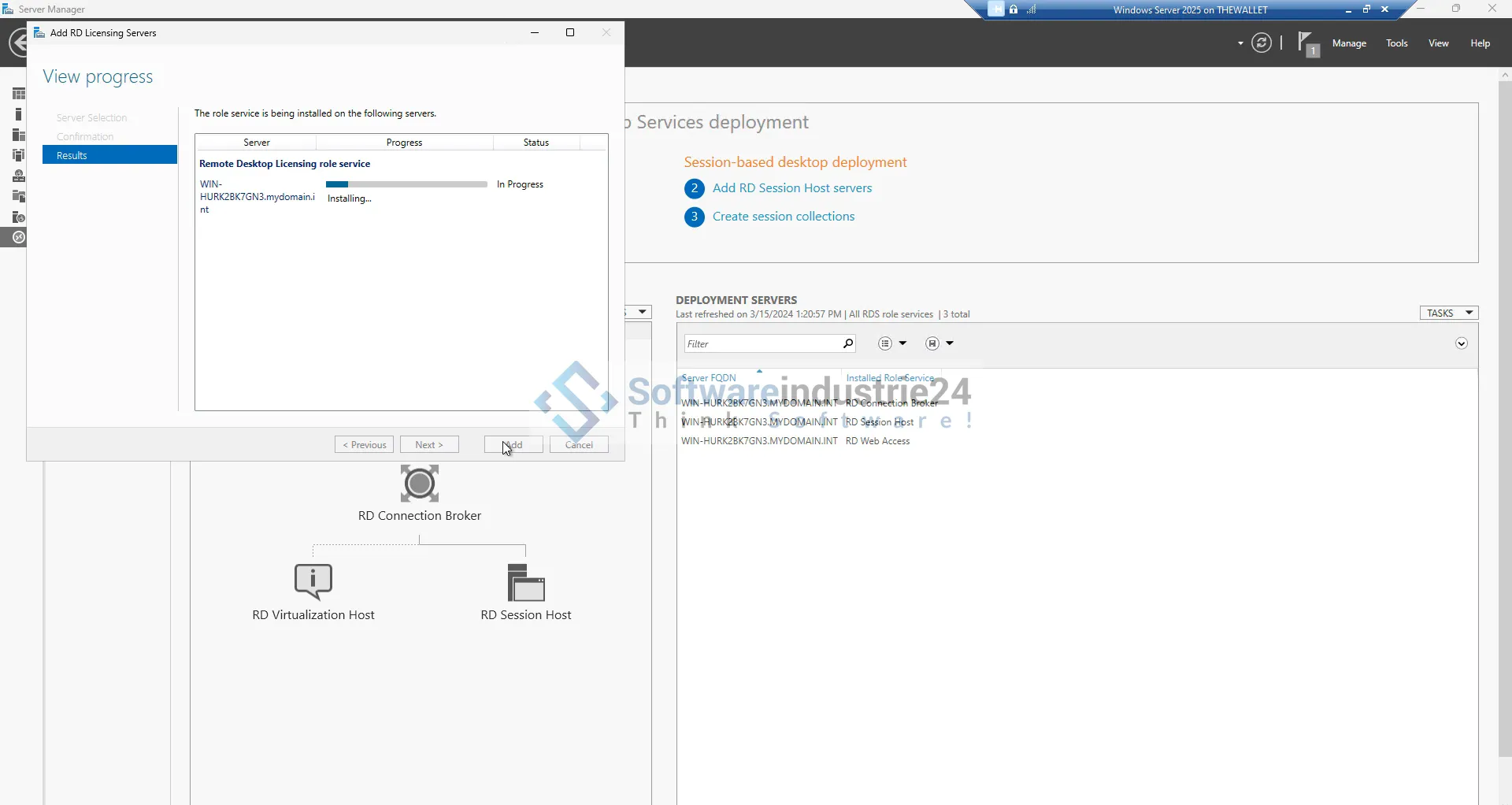
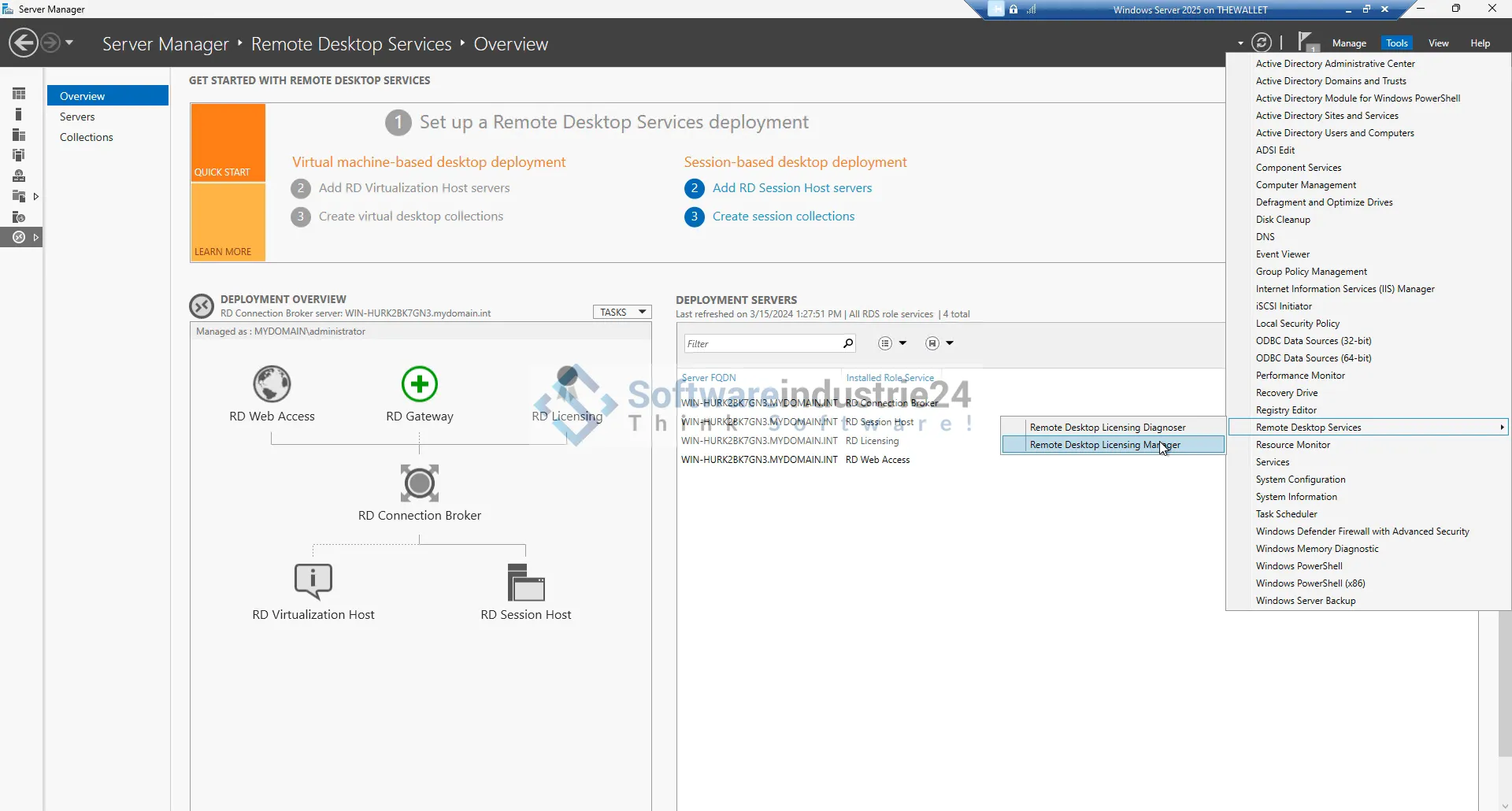
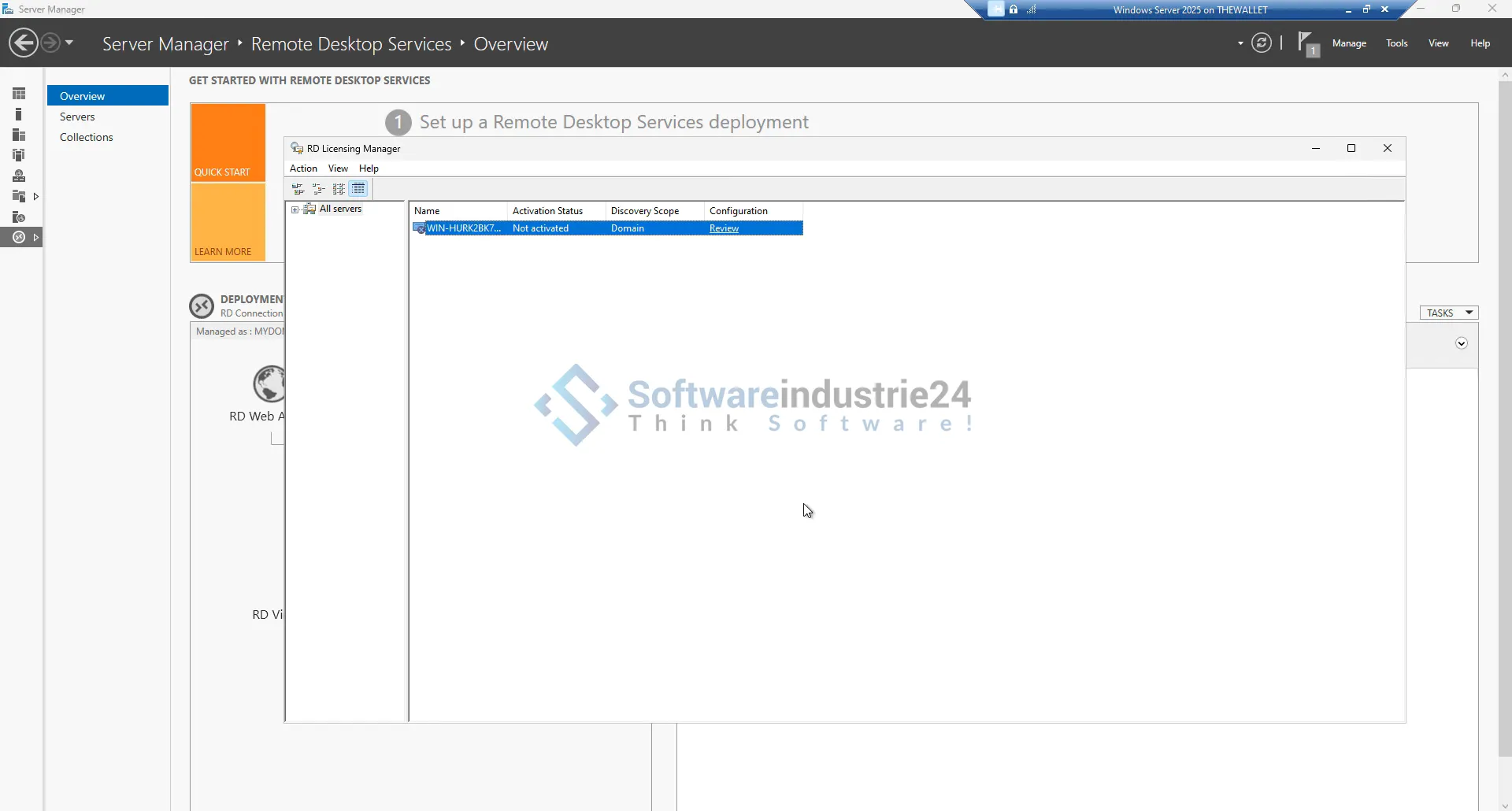
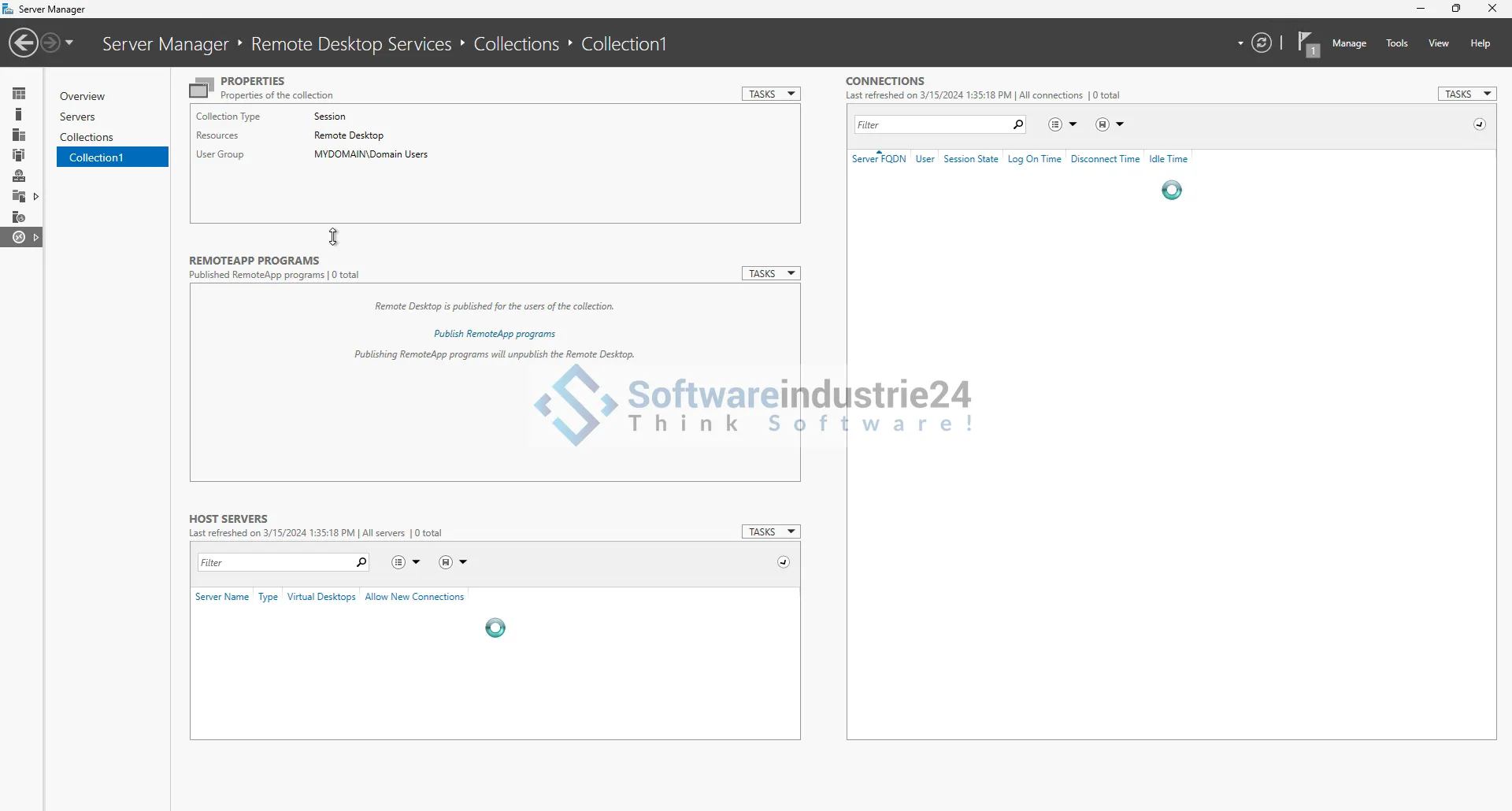
The installation and configuration of RDS 2025 User CAL should be carried out by experienced IT professionals. This ensures that the system is set up optimally and that all functions run smoothly.
Training and support
Ensure that your employees are properly trained to use the remote desktop environment effectively. Provide ongoing support so that you can help quickly in the event of problems or questions.
Maintenance and updates
Regular maintenance and updates are crucial to ensure the security and performance of the system. Implement a maintenance plan that includes regular checks and updates.
Future prospects and further developments
Technological developments
Technology is constantly evolving and Microsoft is continually investing in improving and developing its remote desktop services. Future updates and new features will further enhance the use of RDS 2025 User CAL and provide additional benefits.
Integration with other Microsoft services
The integration of RDS 2025 User CAL with other Microsoft services such as Azure, Microsoft 365 and Teams provides further opportunities to increase productivity and collaboration. This integration enables companies to create a comprehensive and connected working environment.
Why Microsoft RDS 2025 User CAL is the best choice
Summary of the benefits
The Microsoft Remote Desktop Services 2025 User CAL offers numerous benefits, including flexibility, cost efficiency, security and improved collaboration. This solution is ideal for organizations of all sizes and industries looking to expand and optimize their remote working capabilities.
Recommended action
To reap the many benefits of the RDS 2025 User CAL, organizations should consider implementing this solution. Through careful planning, implementation and ongoing maintenance, you can ensure that your organization is optimally prepared for the challenges and opportunities of remote working.
Frequently Asked Questions (FAQ)
What is the difference between User CAL and Device CAL?
A User CAL allows a specific user to access the remote desktop server from multiple devices. A Device CAL, on the other hand, allows access to a specific device, regardless of which user is using it. User CALs are ideal for employees who work from different devices, while Device CALs are more suitable for shared devices.
How many User CALs do I need for my company?
The number of User CALs required depends on the number of users who need to access the remote desktop server. It is important to take an accurate inventory of your users and license accordingly to ensure that everyone who needs it has access.
Can I upgrade my existing CALs to RDS 2025 User CALs?
Yes, there are upgrade options for existing CALs. Microsoft offers programs that facilitate the transition to the latest versions. It is advisable to contact your Microsoft partner or reseller to discuss the best upgrade options.
What support options are available for RDS 2025 User CAL?
Microsoft offers several support options, including technical support, documentation and community forums. It is important to utilize the resources available to ensure your system is working optimally and issues can be resolved quickly.
Can I use RDS 2025 User CAL in a hybrid cloud environment?
Yes, RDS 2025 User CAL can be used in a hybrid cloud environment. This allows organizations to leverage the benefits of the cloud while maximizing their existing on-premises investments.
Further resources and information
For more information and assistance with implementing Microsoft RDS 2025 User CAL, visit the official Microsoft website. Here you will find comprehensive documentation, training materials and contact information for technical support.


