We advise you personally
Directly accessible for private and business customers.
We are happy to help!
Mon. - Fri.: 9:00 a.m. - 2:00 p.m.
Prices incl. VAT plus shipping costs
Instant download + product key
What's Included
- Instant delivery – Key & download via email
- Activation guarantee – Permanent access, quality assured
- Installation guide – Simple & easy to follow, included
- VAT invoice – Official proof of purchase included
- Order number: SWI24-700361
- Devices: 1 PC
- Runtime: Permanently valid
- Language: All languages
- Country zone: Worldwide
- Shipping method: E-Mail
- Manufacturer: Microsoft
Microsoft Visio 2016 Standard: The comprehensive diagramming software for you
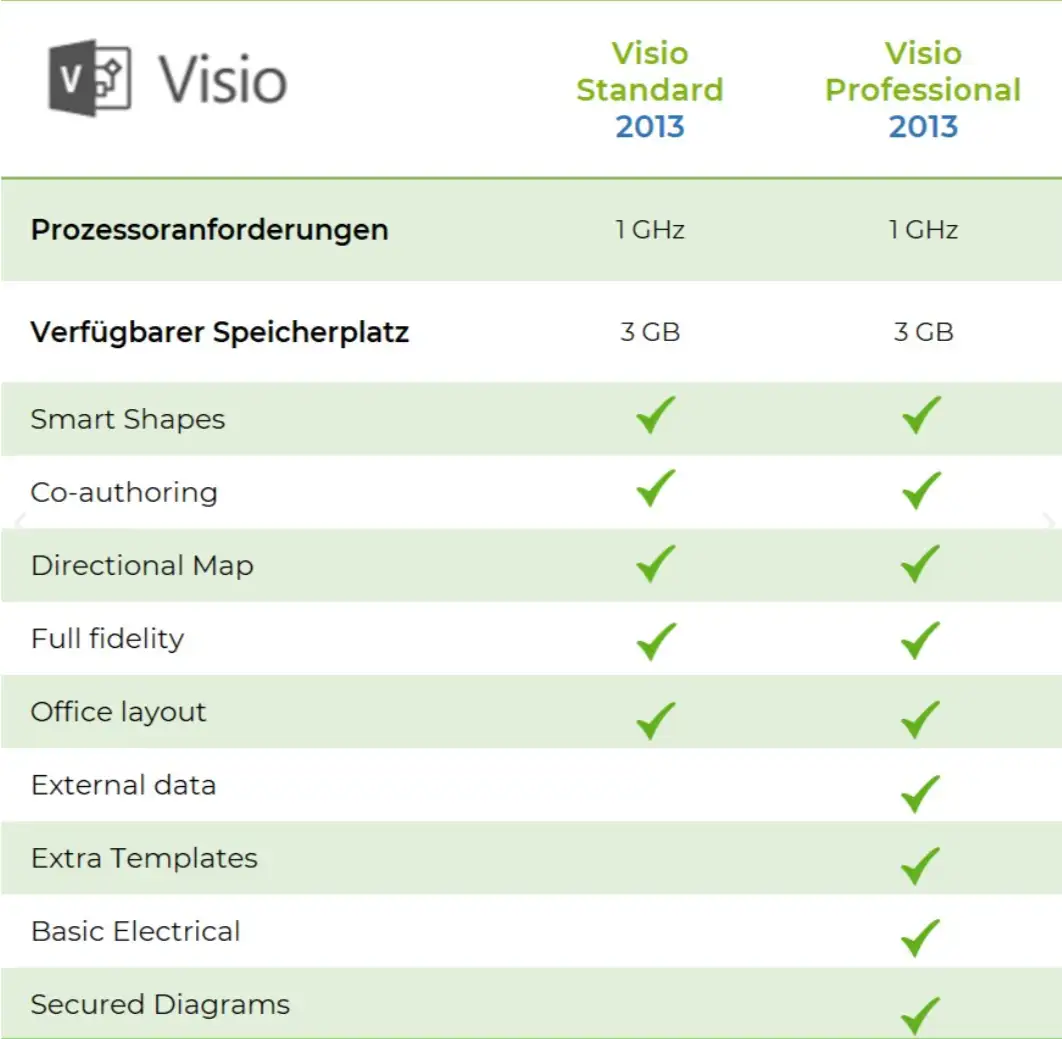
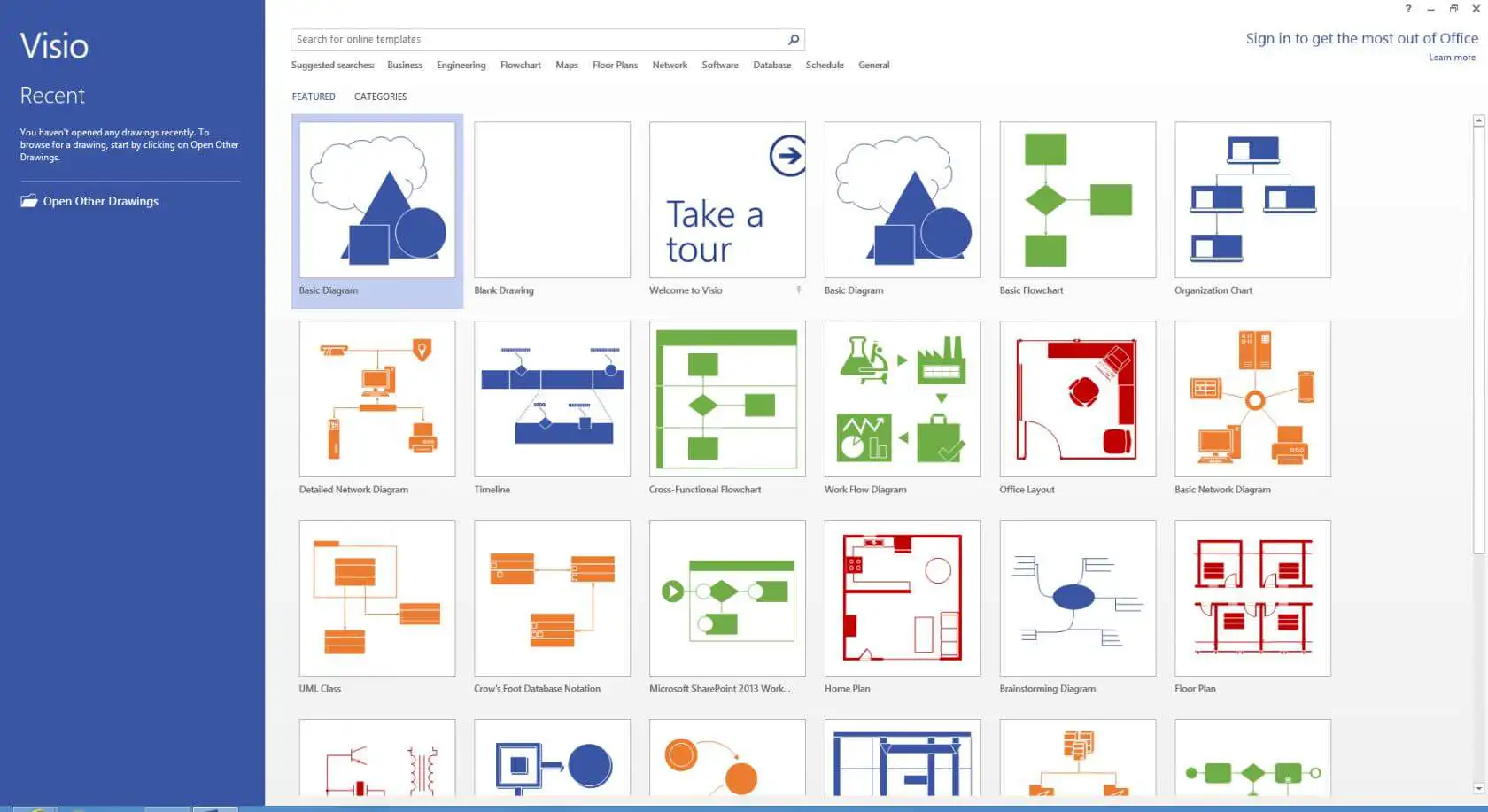
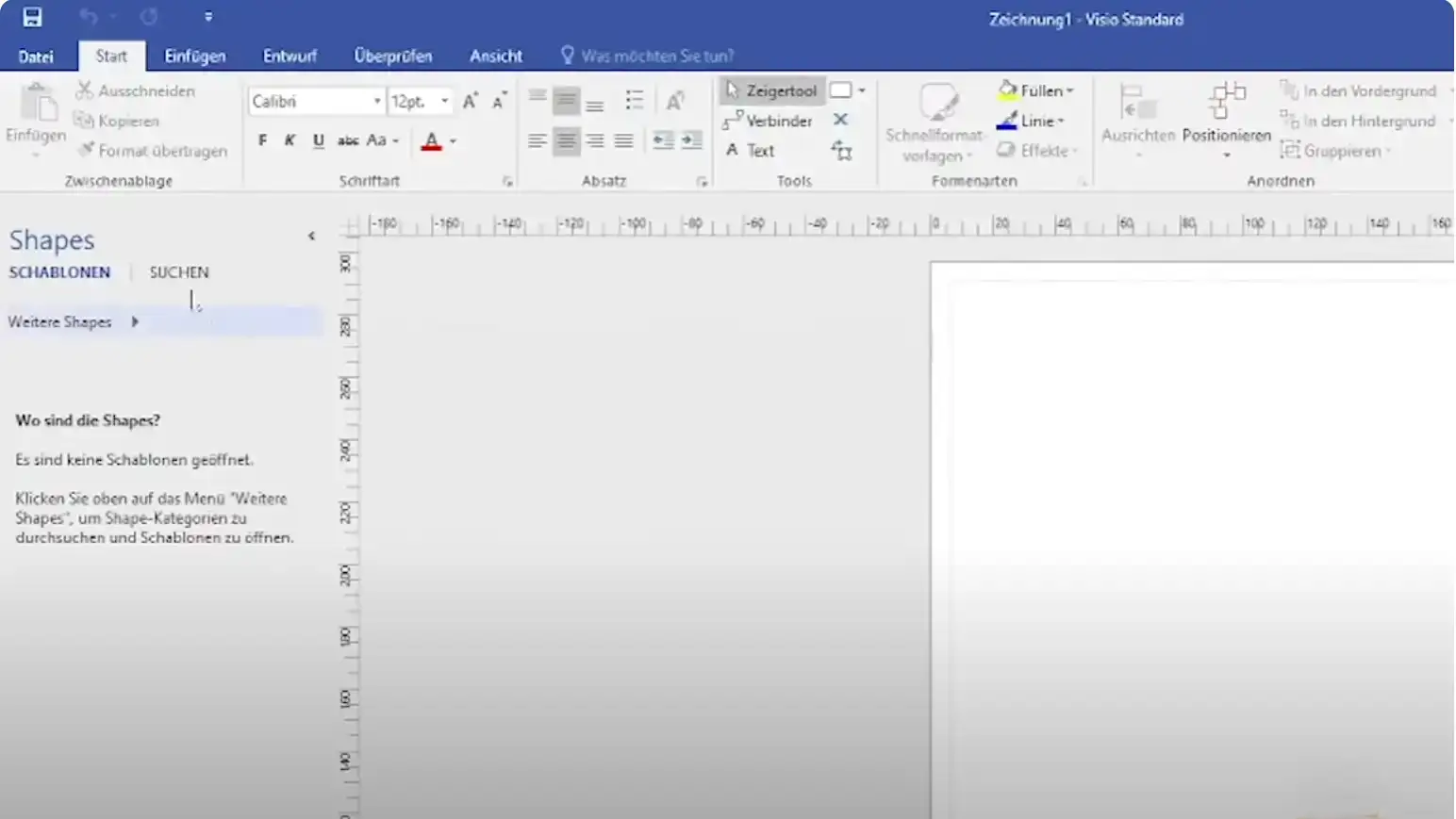
Microsoft Visio 2016 Standard is a powerful diagramming software designed specifically for businesses. The software is available for Windows-based systems and offers a user-friendly interface and a wide range of templates and shapes to simplify diagramming. Visio 2016 Standard offers a variety of templates, including organizational charts, flowcharts, network diagrams and technical drawings. The user interface is easy to use and allows users to quickly create diagrams without having to worry about the technical details. The advanced templates are specifically tailored to certain industries or requirements, allowing users to quickly and easily create professional diagrams that meet their specific needs.
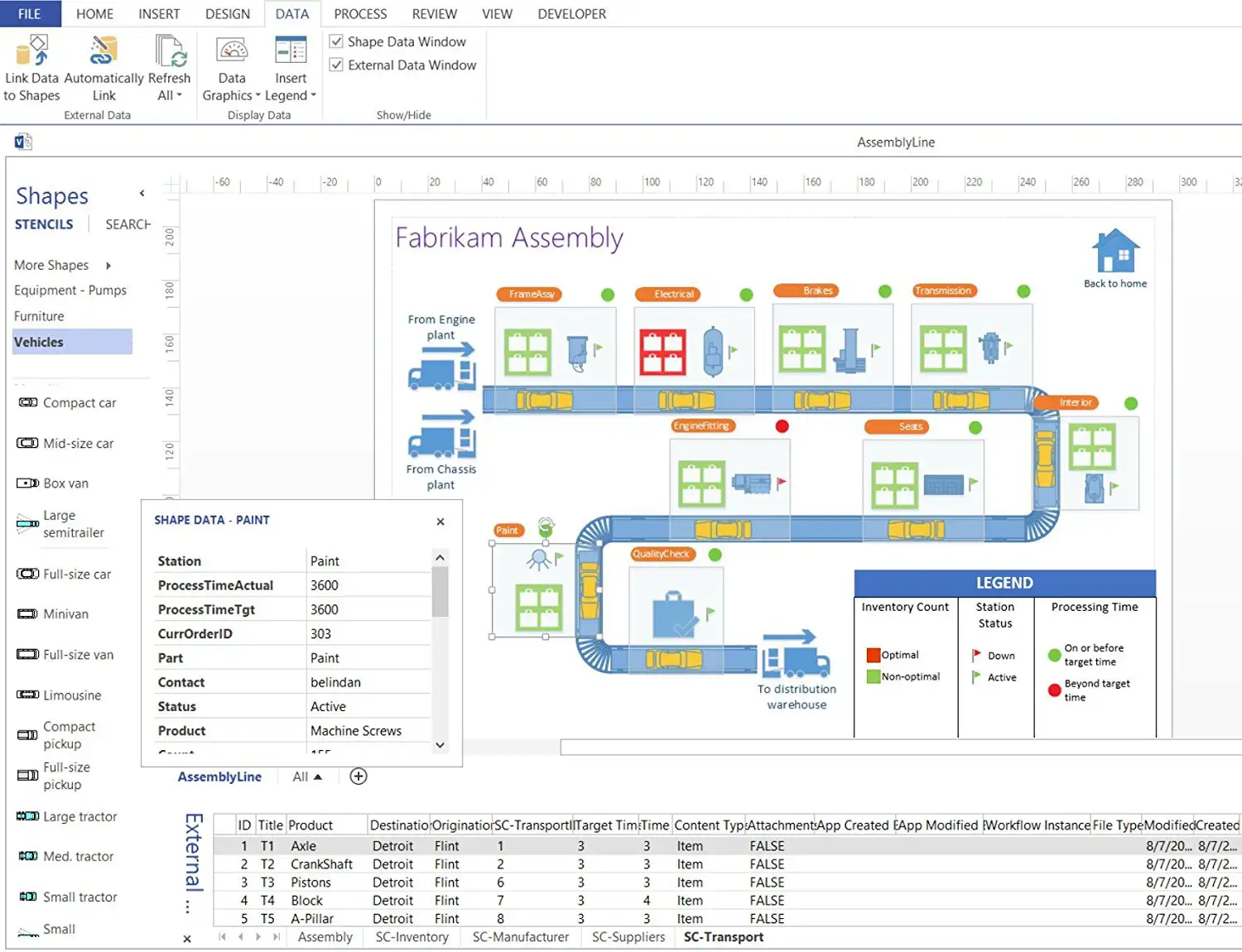
Visio 2016 Standard also offers seamless integration with other Microsoft programs such as Excel, Access and SharePoint. Users can import data from these programs to automatically update diagrams as data changes. Integration with Microsoft SharePoint also allows users to easily store, share and synchronize diagrams online. Another important feature of Visio 2016 Standard is custom data linking. With this feature, users can link external data sources such as SQL servers, Excel spreadsheets or SharePoint lists to their diagrams to create meaningful and accurate diagrams. Visio 2016 Standard also offers advanced features for reviewing diagrams to ensure they comply with company standards and policies. The software also allows users to easily export or integrate diagrams into other Microsoft programs such as Word or PowerPoint.
In summary, Microsoft Visio 2016 Standard is a powerful and easy-to-use software that allows users to create and share professional diagrams and visual representations. With a wide range of templates, custom data links and integrations with other Microsoft programs, Visio 2016 Standard is the ideal solution for organizations that need to visually represent complex information and data to make decisions faster and more effectively.
Who is Microsoft Visio 2016 Standard | Windows suitable for?

Microsoft Visio 2016 Standard is a software for creating diagrams, flowcharts, organization charts and other visual representations.
It is suitable for a wide range of users, including:
- Business professionals and entrepreneurs: Visio 2016 Standard is ideal for business professionals and entrepreneurs who need to create organizational charts, business process diagrams, process flows and other types of business diagrams.
- IT professionals: IT professionals can use Visio to create network diagrams, system architecture, data flow diagrams and other types of IT diagrams.
- Engineers: Visio 2016 Standard is also suitable for engineers who want to create technical diagrams, schematics, circuit diagrams and other types of technical drawings.
- Teachers and students: Teachers and students can use Visio to create diagrams and flowcharts for their research projects, presentations and reports.
- Project managers: Project managers can use Visio to create project management diagrams, including Gantt charts, network diagrams and other types of project planning diagrams.
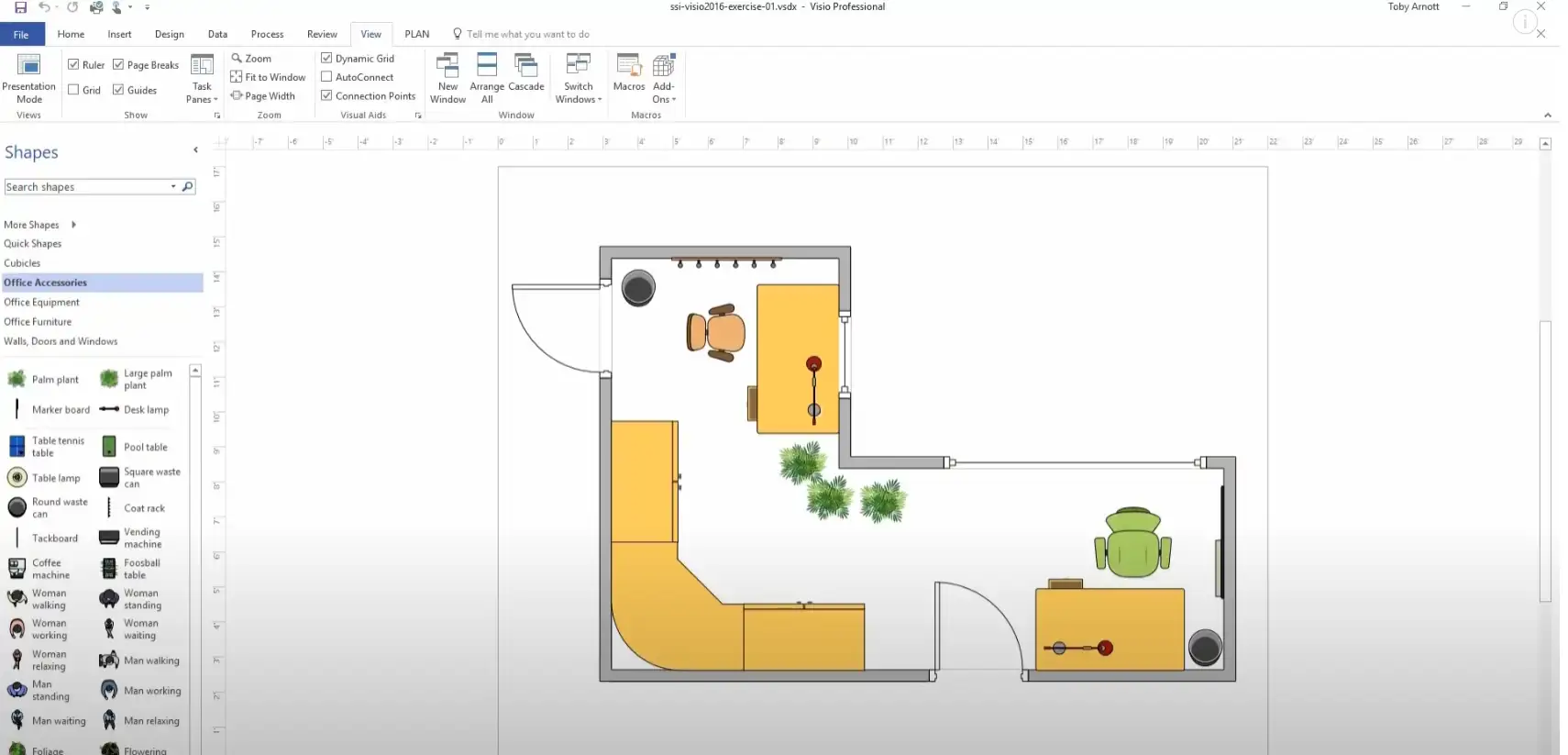
- Architects: Architects can use Visio to create architectural diagrams, floor plans, room layouts, and other types of building plans.
- Designers: Designers can use Visio to create diagrams and flowcharts that can be used in various design fields such as graphic design, web design, industrial design and fashion.
- Scientists: Scientists can use Visio to create scientific diagrams and flowcharts, including chemical structure diagrams, biological process flowcharts and other types of scientific diagrams.
- Trainers and consultants: Trainers and consultants can use Visio to create presentation diagrams and flowcharts that can be used in training courses, workshops and consulting projects.
Overall, Microsoft Visio 2016 Standard is suitable for all users who need to create diagrams, flowcharts or other visual representations, regardless of their industry or specialty.
Hardware requirements for Microsoft Visio 2016 Standard | for Windows
The minimum requirements for installing Microsoft Visio 2016 Standard on a Windows-based system are
- Operating system: Windows 10, Windows 11, Windows Server 2012 R2 or higher
- Processor: 2 GHz or faster x86 or x64 processor with SSE2
- Memory: 4 GB RAM or more
- Hard disk space: 6 GB available space on the hard disk or more
- Screen resolution: 1920 x 1080 or higher
- Graphics card: DirectX 10 compatible graphics card for the use of hardware acceleration
Please note that these requirements apply to a standard installation of Visio 2016. If you want to create large and complex diagrams with many elements, Microsoft recommends higher performance and specifications for the hardware.
(Further detailed information can be obtained from the developer).
Relevant: We offer you the appropriate setup file for the key! Due to the variety of available versions, we strongly recommend to perform a fresh installation with our provided file to avoid possible future difficulties. In case you are unsure. This Office program offers countless templates to help you create documents.