We advise you personally
Directly accessible for private and business customers.
We are happy to help!
Mon. - Fri.: 9:00 a.m. - 2:00 p.m.
Prices incl. VAT plus shipping costs
Instant download + product key
What's Included
- Instant delivery – Key & download via email
- Activation guarantee – Permanent access, quality assured
- Installation guide – Simple & easy to follow, included
- VAT invoice – Official proof of purchase included
- Order number: SWI24-702821
- Devices: 1 PC
- Runtime: Permanently valid
- Language: All languages
- Country zone: Worldwide
- Shipping method: E-Mail
- Manufacturer: Microsoft
Microsoft Word 2024 for Windows Instant download & license from Softwareindustrie24
Microsoft Word 2024 for Windows sets new standards in word processing and offers a wide range of features designed for both professional users and everyday use. With a modern design, enhanced collaboration capabilities, and intelligent tools, Word 2024 optimizes your productivity and creativity.
Modernized design and user interface
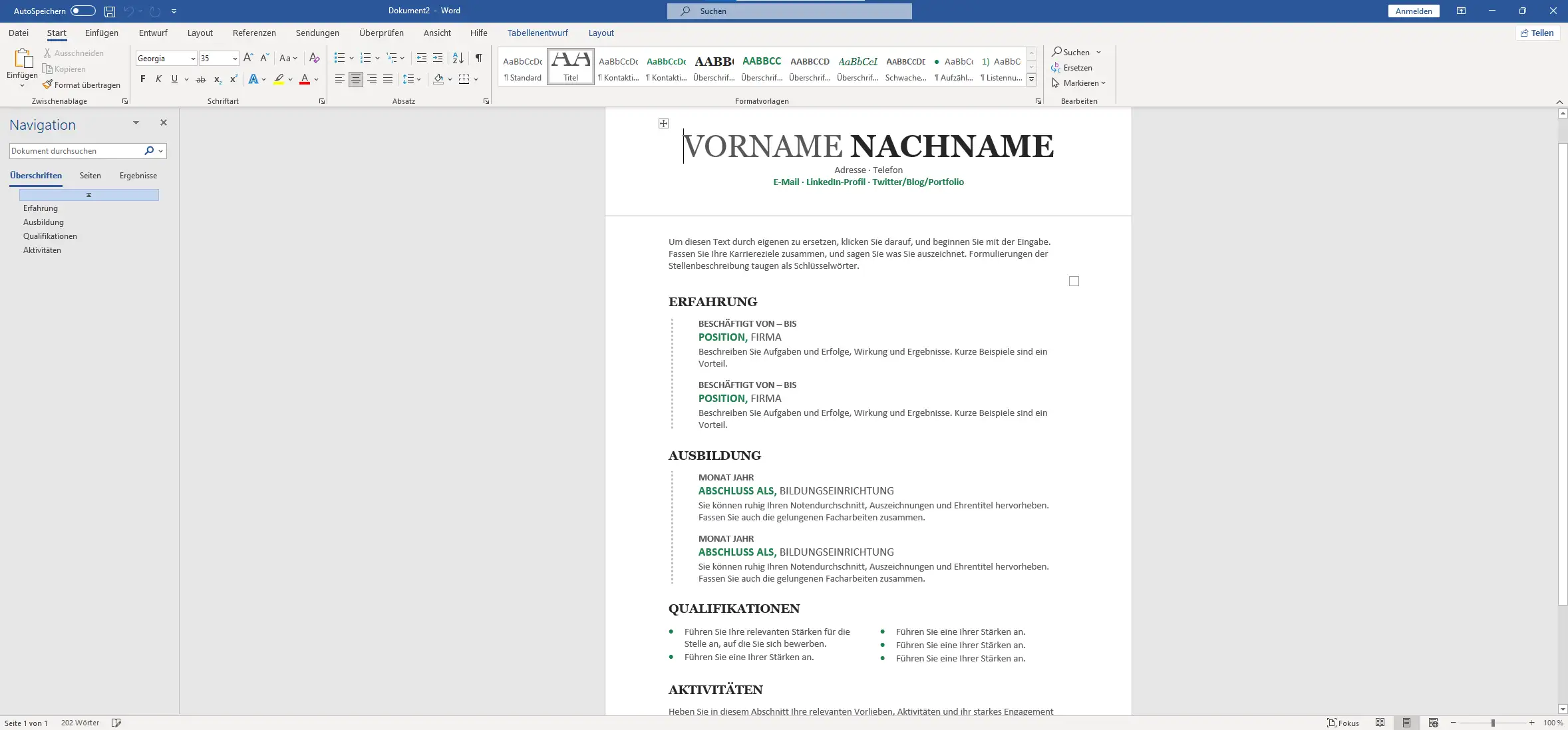
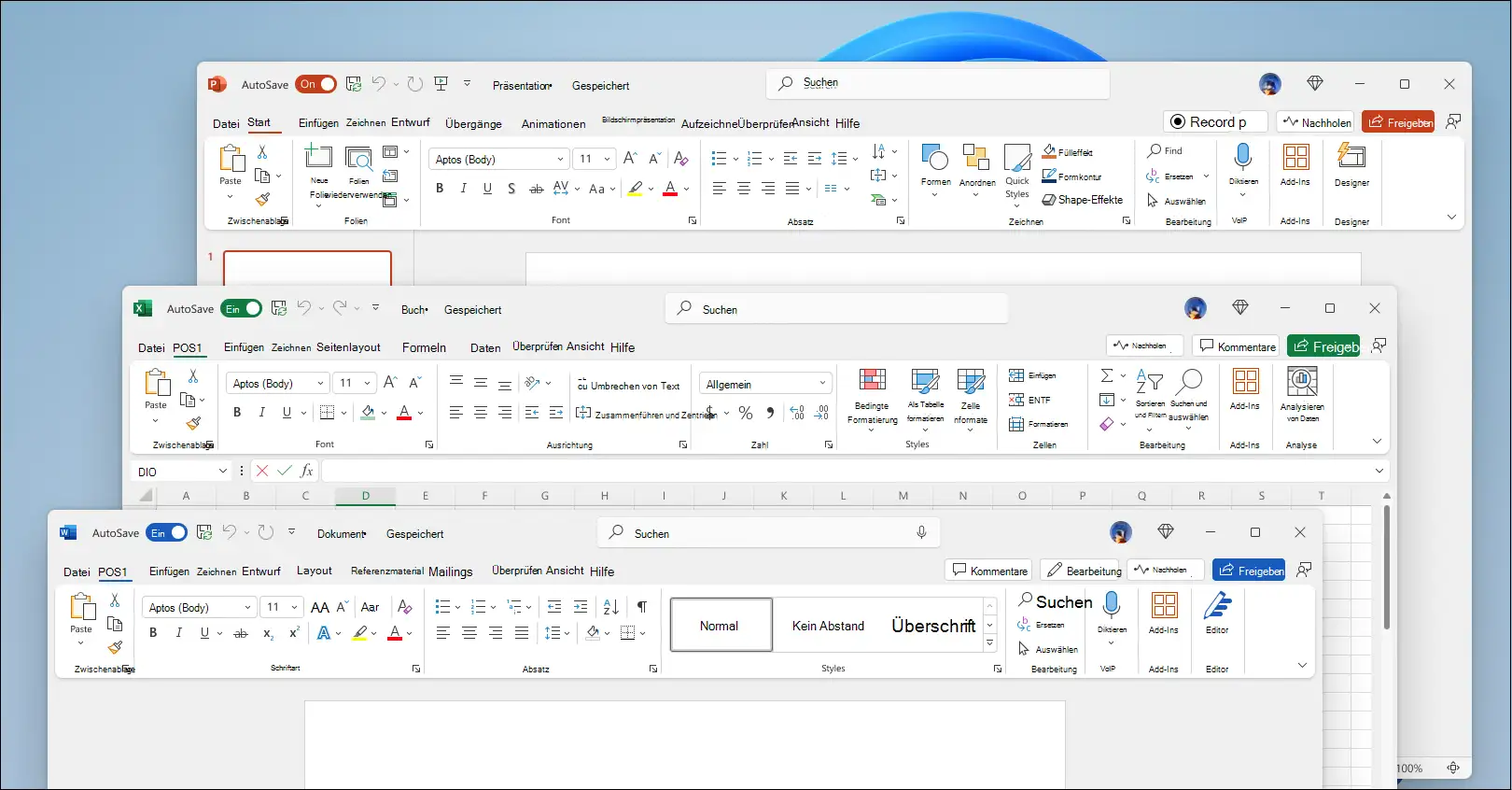
Word 2024 features a redesigned user interface that is not only aesthetically pleasing but also increases usability. The updated color palette and consistent design ensure a consistent look and feel across all Office applications. These design changes improve readability and make it easier to navigate within the application.
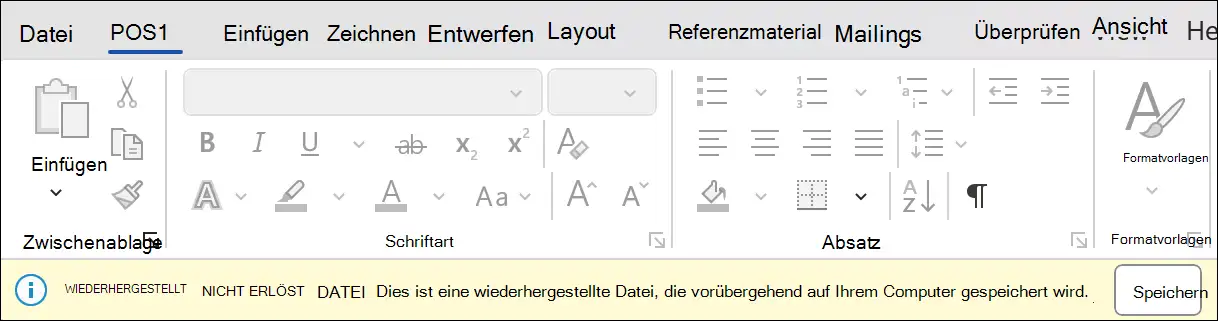
Improved session recovery
A common problem when working with large documents is the loss of data due to unexpected program crashes. Word 2024 addresses this issue with improved session recovery. If the application closes unexpectedly, all open documents are automatically restored so you can seamlessly pick up where you left off.
Enhanced collaboration features
Teamwork is made much easier with the new features in Word 2024:
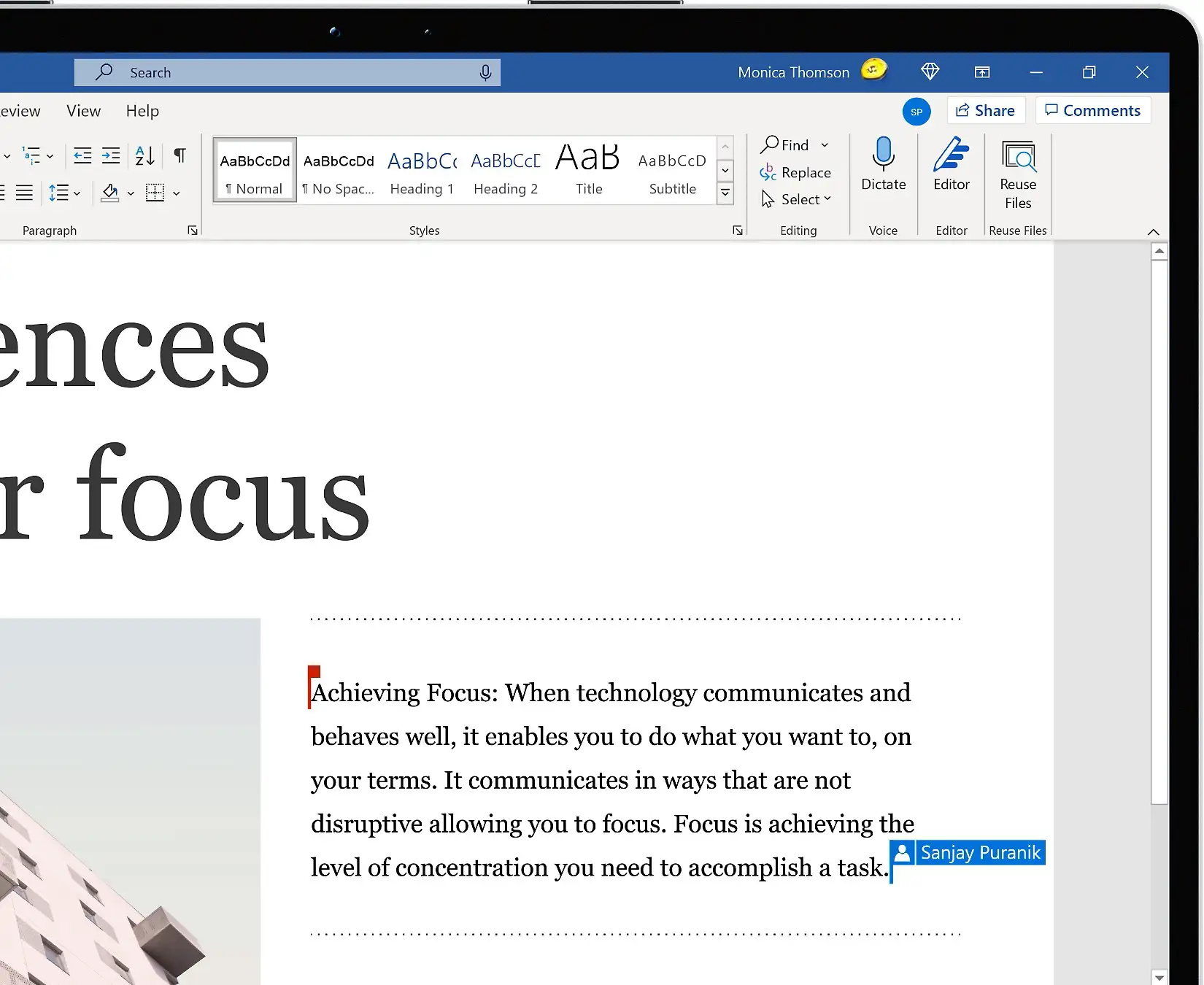
- Modern comments: You can leave thoughts or questions directly in the document, improving communication with colleagues.
- Switch between modes: It's easier than ever to switch between view, review, and edit modes so you can focus on the content that matters.
- Delete resolved comments: With just one click, all resolved comments in a document can be deleted, making it easier to keep track of things.
Support for OpenDocument Format (ODF) 1.4
Word 2024 now supports the OpenDocument Format (ODF) 1.4, which improves compatibility with other Office programs, especially open source alternatives such as LibreOffice. This enhancement enables support for more complex document structures and multimedia elements, increasing interoperability in mixed software environments.
Enhanced AI support and writing assistants
The integration of artificial intelligence in Word 2024 takes word processing to a new level:
- Auto-complete: AI provides context-sensitive text suggestions that speed up and simplify writing.
- Grammar and style corrections: Grammar and style errors are detected and corrected in real time, improving the quality of your documents.
Integration of 3D graphics and models
With Word 2024, you can insert 3D graphics and models directly into your documents, greatly improving the visual appearance of your work. These models are interactive and can be rotated to different perspectives, making presentations and reports more dynamic.
Integration with cloud services
The integration of cloud services such as OneDrive and SharePoint allows you to automatically save and synchronize documents. This ensures that you can access your work at any time and from any device, increasing flexibility and efficiency.
Advanced formatting options
Word 2024 offers advanced formatting options that give you more flexibility and control over the layout of your documents:
- Advanced text formatting: More fonts, colors, and effects are available to customize your documents.
- Precise layout tools: Tables and charts can be customized and positioned in greater detail, making it easier to create professional documents.
Improved accessibility and inclusivity of the key
Another focus of Word 2024 is accessibility and inclusivity:
- Accessibility checking: The enhanced accessibility checker provides detailed guidance to ensure that your documents are accessible to all users.
- Multiple language support: Word 2024 offers enhanced support for multiple languages, allowing you to install and use different language packs.
New security and privacy features
The security and privacy features have also been improved in Word 2024:
- Advanced data encryption: All documents can be secured with advanced data encryption to prevent unauthorized access.
- Document tracking: New document tracking features allow you to better control and monitor changes and access.
Minimum requirements for Microsoft Word 2024 | Windows and Mac:

Requirement Details
- Processor At least 1.1 GHz, 2 cores (Intel or Apple Silicon, compatible with the three latest macOS versions)
- RAM At least 4 GB RAM
- Hard disk space At least 4 GB free space
- Screen resolution At least 1280 x 768 pixels (4K resolutions or higher require the 64-bit version of Office)
- Graphics Direct3D 9.1 or higher, WDDM 1.3 or higher graphics driver for hardware acceleration
- Operating system Windows: Windows 10 or 11 (ARM-based devices require at least Windows 11)
- Mac: Compatible with the three most recent versions of macOS (subject to change)
- Internet connection Required for activation, redemption, and regular connection to maintain activation
- Web browser Latest version of Microsoft Edge, Google Chrome, or Mozilla Firefox
- .NET version Required for some features: .NET 3.5 or 4.6 and higher