We advise you personally
Directly accessible for private and business customers.
We are happy to help!
Mon. - Fri.: 9:00 a.m. - 2:00 p.m.
Prices incl. VAT plus shipping costs
Instant download + product key
- Order number: SWI24-700615
- Devices: 1 PC
- Runtime: Permanently valid
- Language: German | English | French
- Country zone: Worldwide
- Shipping method: E-Mail
- Manufacturer: Nuance
What's Included
- Instant delivery – Key & download via email
- Activation guarantee – Permanent access, quality assured
- Installation guide – Simple & easy to follow, included
- VAT invoice – Official proof of purchase included
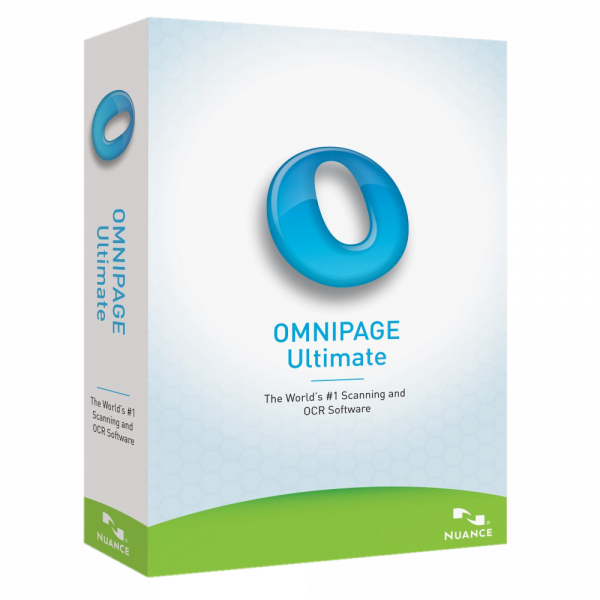
Powerful OCR software: A detailed product description of Nuance Omnipage 19 Ultimate | Windows

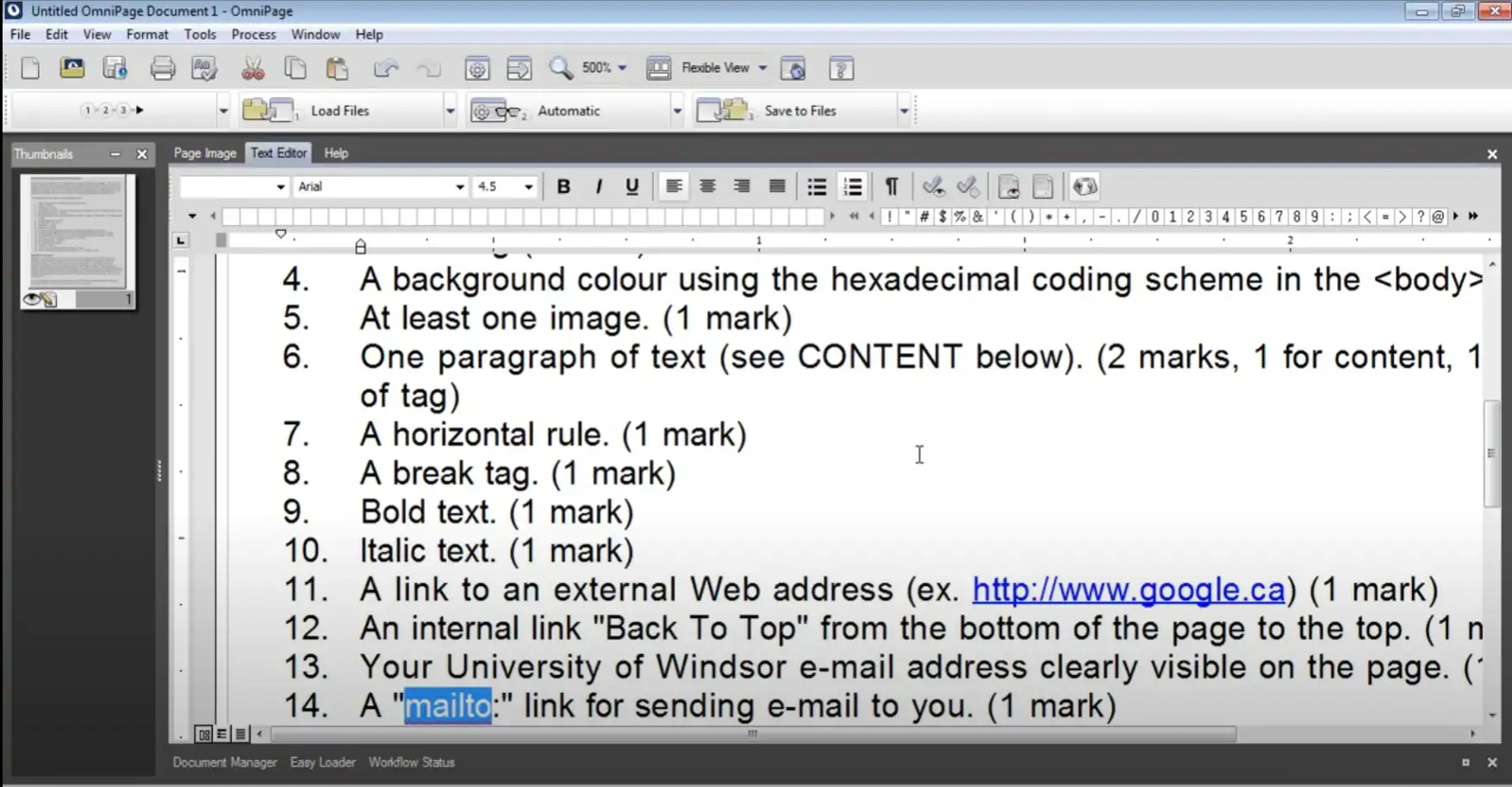
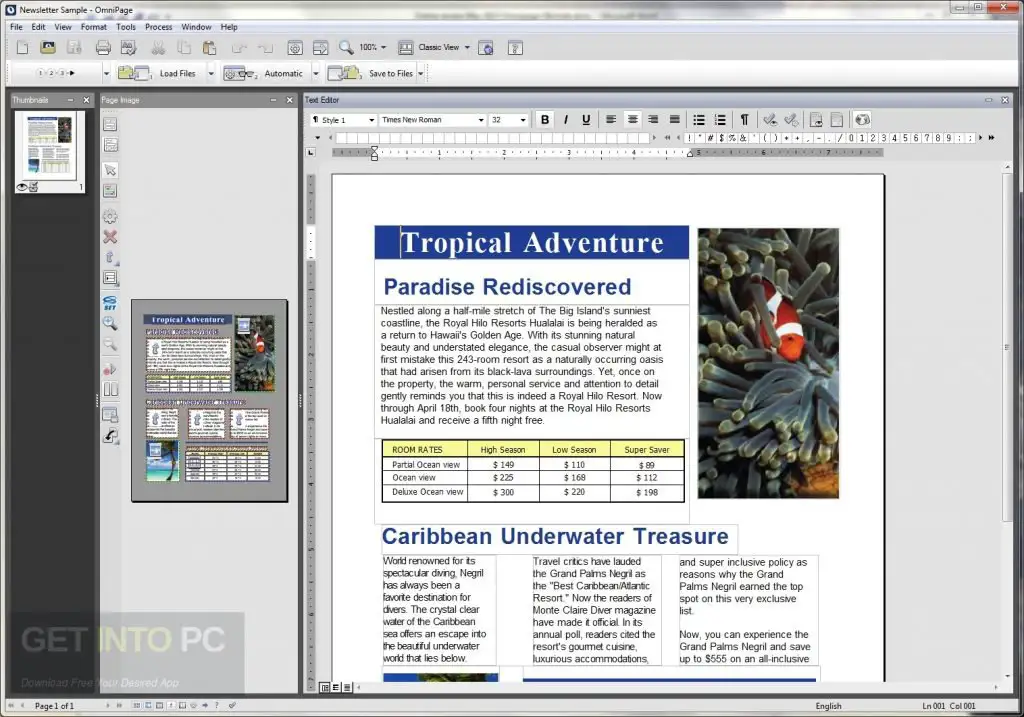
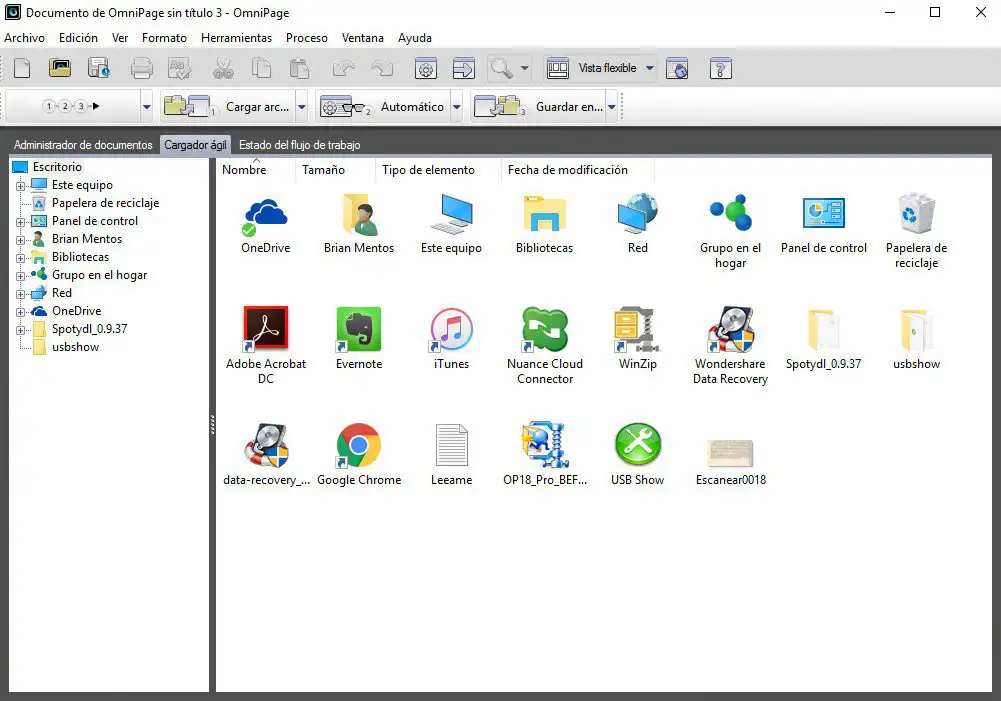
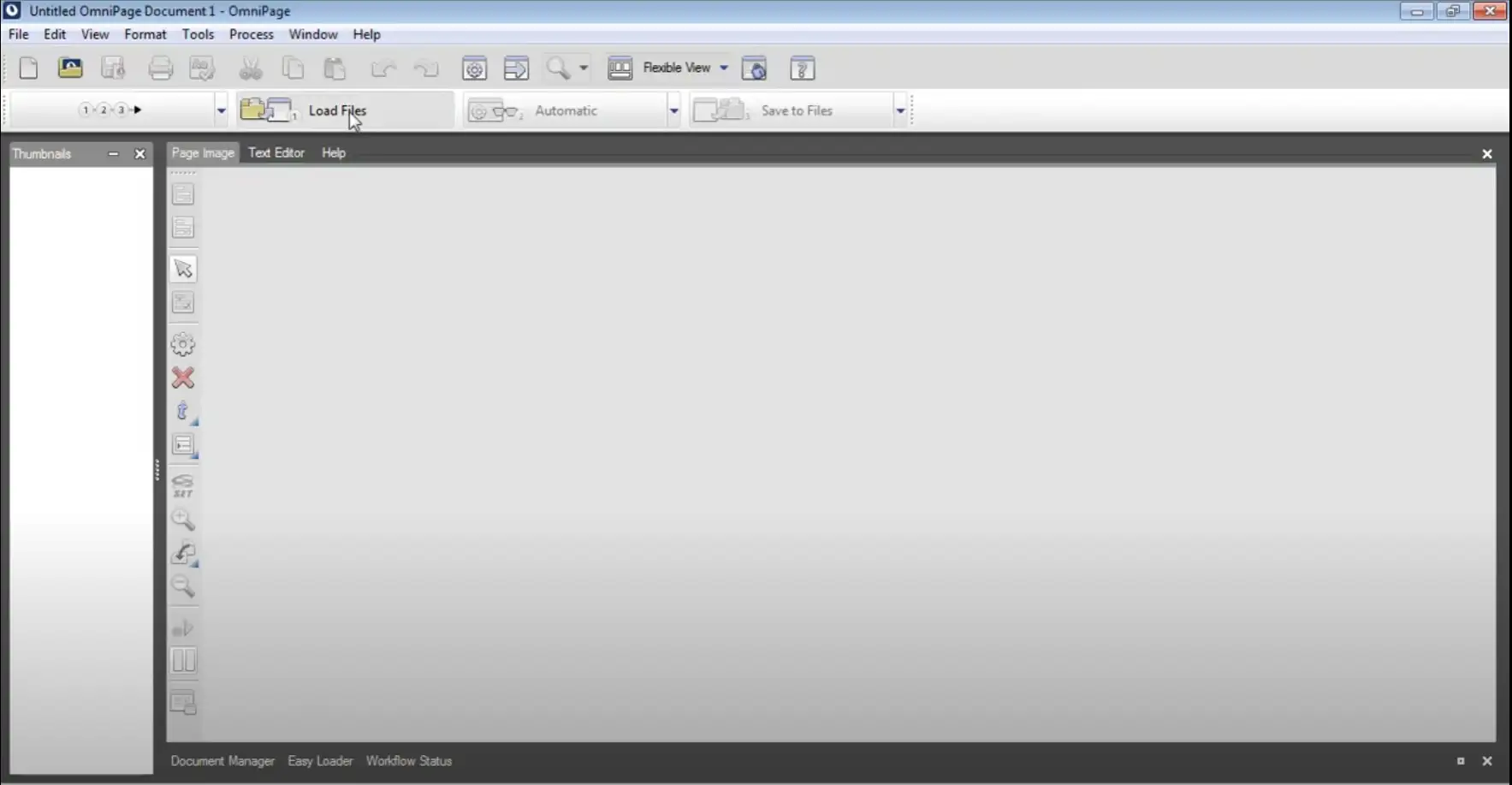
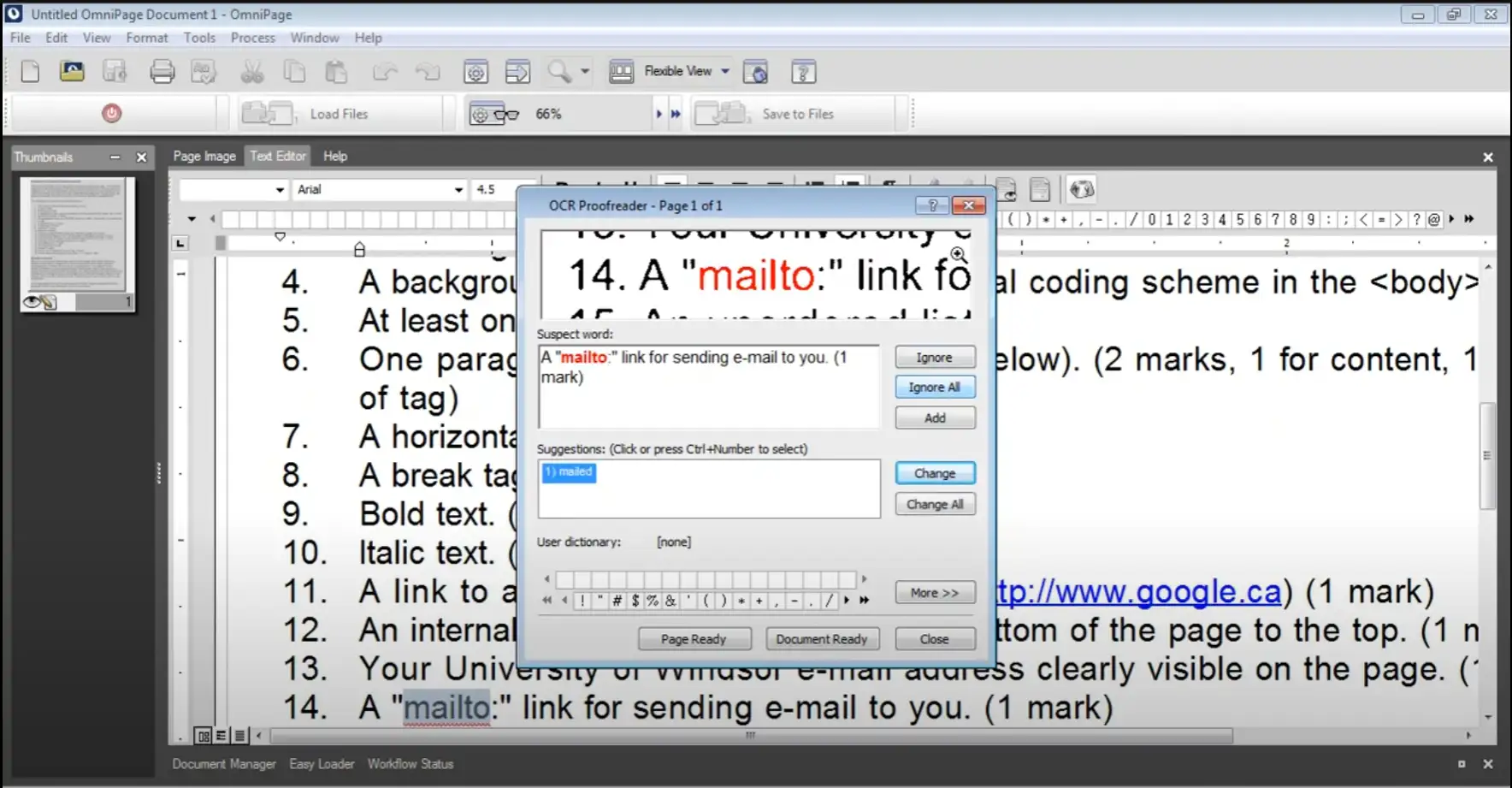
Nuance Omnipage 19 Ultimate is powerful OCR (Optical Character Recognition) software that allows users to convert paper documents and images into editable digital files. The software offers a wealth of features that allow users to quickly and easily digitize documents and save them in various formats. The software is easy to use and offers an intuitive user interface that allows users to digitize documents quickly and easily. The OCR technology in Omnipage 19 Ultimate is fast and accurate, allowing users to quickly convert documents into editable text files. Omnipage 19 Ultimate also offers a comprehensive range of tools and features for document processing, including the ability to automatically separate and edit documents. The software also has a number of features for automatic text recognition, including the recognition of text in tables, columns, and other structured formats.
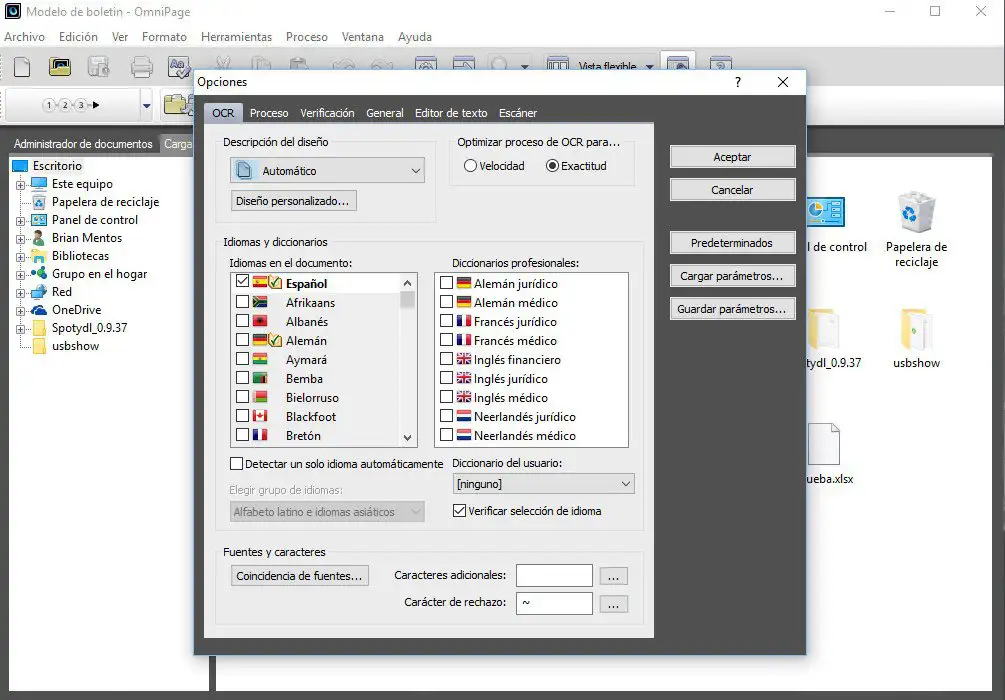
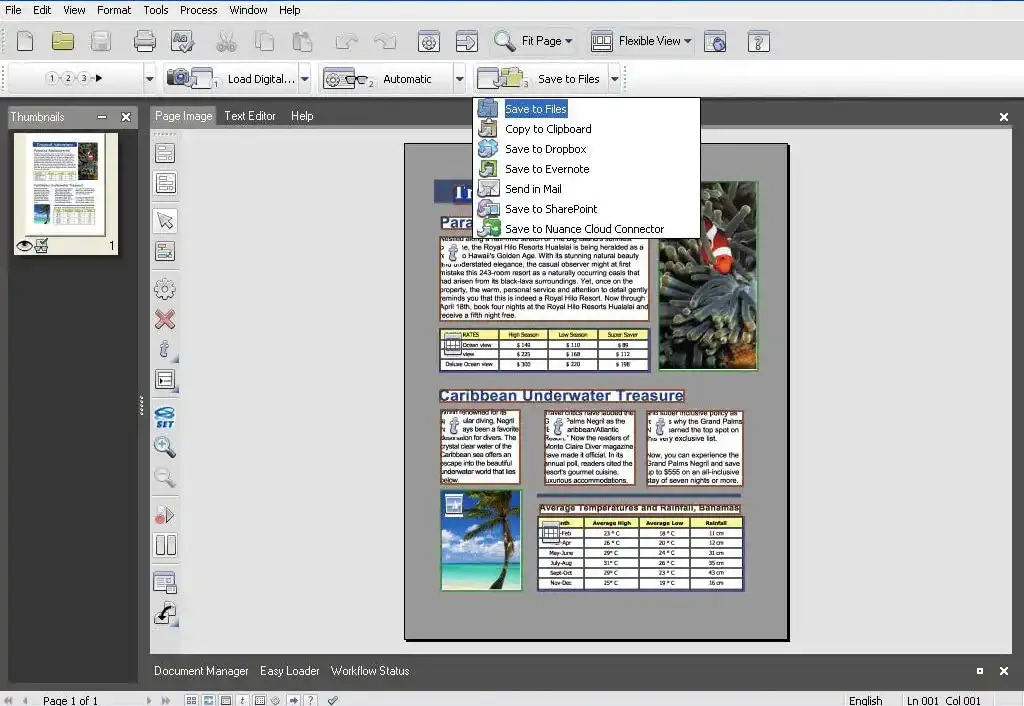
The software also offers support for multiple languages, including English, German, French, Spanish, Portuguese, and many other languages. Users can use the OCR software to save documents in a variety of formats, including PDF, Microsoft Word, Excel, and other formats. In addition, Omnipage 19 Ultimate includes built-in image editing software that allows users to edit and enhance images and graphics in documents. The software also includes a range of features for collaboration and document sharing, including integration with cloud storage services such as Dropbox and Google Drive.
Overall, Nuance Omnipage 19 Ultimate offers a comprehensive OCR solution that allows users to quickly and easily digitize documents and convert them into editable digital formats. The software offers a wealth of features and tools that allow users to edit and manage documents quickly and accurately, making it an excellent choice for businesses and individuals looking to optimize their document processing.
Who is Nuance Omnipage 19 Ultimate | Windows suitable for?
Nuance Omnipage 19 Ultimate | Windows is OCR (Optical Character Recognition) software that is suitable for a wide range of users, in particular:
- Individuals: Omnipage 19 Ultimate is suitable for individuals who regularly work with paper documents and images and want to convert them quickly and easily into digital formats. It is particularly useful for people who need to digitize large quantities of documents or images, such as freelancers, students, and researchers.
- Businesses: Omnipage 19 Ultimate is also suitable for businesses that need to convert documents into digital formats quickly and accurately. It is particularly useful for businesses that manage large volumes of paper documents or images, such as financial institutions, healthcare providers, and educational institutions.
- Healthcare professionals: Omnipage 19 Ultimate is suitable for healthcare professionals who need to quickly and easily convert patient documents, medical records, and other relevant information into digital formats. It is particularly useful for hospitals, clinics, doctors' offices, and other medical facilities.
- Educational institutions: Omnipage 19 Ultimate is also suitable for educational institutions that need to manage large quantities of paper documents and images. It is particularly useful for schools, universities, libraries, and other educational institutions.
- Architects and engineers: Omnipage 19 Ultimate is suitable for architects and engineers who need to convert plans, drawings, and other technical documents into digital formats. It is particularly useful for construction companies, architectural firms, engineering firms, and other technical institutions.
- Graphic designers: Omnipage 19 Ultimate is suitable for graphic designers who want to quickly and easily convert paper documents, logos, and other graphics into digital formats. It is particularly useful for advertising agencies, design studios, and other creative institutions.
Overall, Nuance Omnipage 19 Ultimate | Windows is OCR software that is suitable for a wide range of users, especially individuals, businesses, healthcare professionals, legal professionals, and educational institutions.
Hardware requirements for Nuance Omnipage 19 Ultimate | Windows
The minimum requirements for installing Nuance Omnipage 19 Ultimate | Windows are:
- Processor: Intel Pentium or equivalent processor with a clock speed of 1 GHz or higher (dual-core processor recommended)
- Operating system: Windows 7 (32 or 64 bit), Windows 8 (32 or 64 bit), Windows 8.1 (32 or 64 bit), Windows 10 (32 or 64 bit) or Windows 11 (32 or 64 bit)
- RAM: 2 GB RAM (4 GB recommended)
- Hard disk space: 3.0 GB of free hard disk space for installation
- Monitor: Minimum resolution of 1024 x 768 pixels
- Internet connection for product activation and online updates
Please note that these requirements apply to the basic installation of Omnipage 19 Ultimate | Windows. Higher system requirements may be necessary for optimal performance, especially when working with large documents or complex OCR processing.
(Further details can be obtained from the manufacturer).
Relevant: It is important that the installation file and the product key match. There are different versions of this software, so it may be necessary to use the installation file we offer as a download for a new installation. It is advisable to obtain information in advance and ask questions if necessary to avoid difficulties and inconvenience later on.