

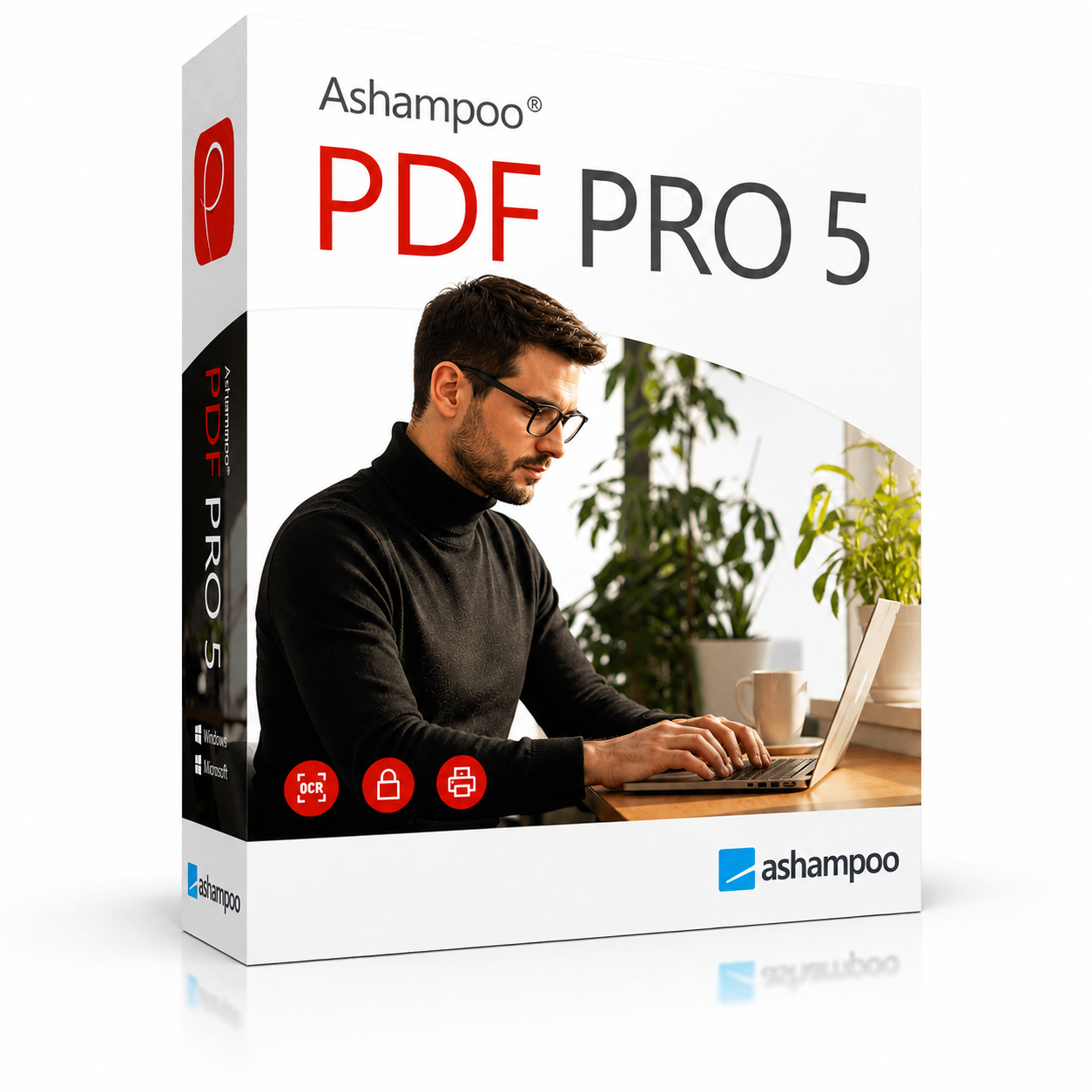
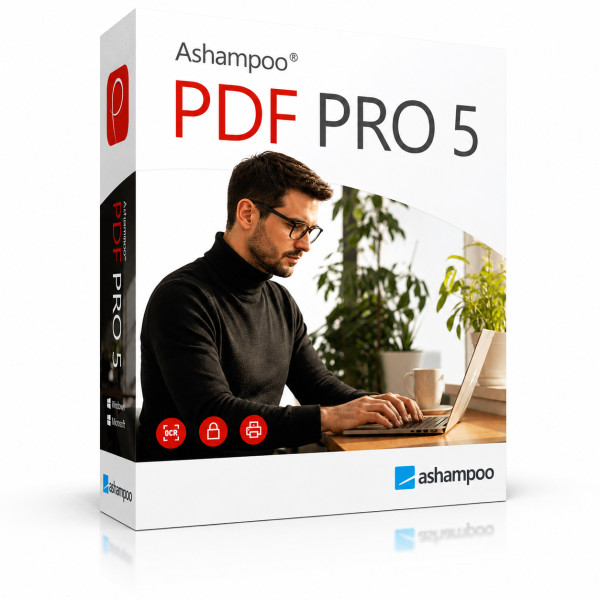
Ashampoo PDF Pro 5 | Windows



We advise you personally
Directly accessible for private and business customers.

We are happy to help!
Mon. - Fri.: 9:00 a.m. - 2:00 p.m.
Prices incl. VAT plus shipping costs
Instant download + product key
- Order number: SWI24-701493
- Devices: 1 PC
- Runtime: Permanently valid
- Language: All languages
- Country zone: Worldwide
- Shipping method: E-Mail
- Manufacturer: Ashampoo







What's Included
- Instant delivery – Key & download via email
- Activation guarantee – Permanent access, quality assured
- Installation guide – Simple & easy to follow, included
- VAT invoice – Official proof of purchase included
Buy Ashampoo PDF Pro 5 for Windows – the PDF software for professional use
Are you looking for a powerful, affordable, and long-term solution for all your PDF-related tasks? With Ashampoo PDF Pro 5 for Windows from Softwareindustrie24, you get a complete PDF software package that lets you create, edit, convert, merge, and reliably protect PDF documents—all in one program and without an expensive subscription. The fifth generation of this popular German-developed PDF software is more powerful, faster, and more flexible than ever before, offering home users, freelancers, and businesses a real alternative to costly subscription models. At Softwareindustrie24, you can secure your original license at a fair price—with a lightning-fast instant download right after purchase.
What is Ashampoo PDF Pro 5?
Ashampoo PDF Pro 5 is the professional all-in-one solution for daily work with PDF files on Windows. While many free PDF tools offer only basic functions such as viewing or simple merging, Ashampoo PDF Pro 5 covers the entire workflow: from creating new documents and directly editing text and images to encrypting sensitive content and creating interactive forms.
What makes it special: You can edit your PDF documents as easily as in a classic word processor. Change text, replace images, rearrange or delete pages—all this can be done with just a few clicks and without any technical knowledge. The well-thought-out, modern user interface with a flat icon design guides you intuitively through every task, so you can get to work right away.
Unlike many competitors, with Ashampoo PDF Pro 5 you purchase a one-time purchase version. There are no monthly or annual subscription fees—a decisive advantage over solutions like Adobe Acrobat, which become significantly more expensive in the long run. At Softwareindustrie24, you receive exactly this original license for permanent use, so your investment pays off from day one.
The key features of Ashampoo PDF Pro 5
Ashampoo PDF Pro 5 combines all the tools you need for professional work with PDF documents into a single application. To help you quickly assess whether the software meets your needs, here is a concise summary of its core features.
- Create PDFs: Generate professional PDF documents from virtually any application—whether from Word, Excel, your browser, or a graphics program.
- Edit PDFs: Modify text and images directly within the document, without having to use other programs.
- Convert PDFs: Convert PDFs to editable formats such as Microsoft Word, HTML, plain text, or even the e-book format ePUB.
- Merge and split PDFs: Combine multiple documents into a single file or split large PDFs into individual pages.
- Create and fill out forms: Design interactive forms with text fields, checkboxes, dropdown menus, and buttons.
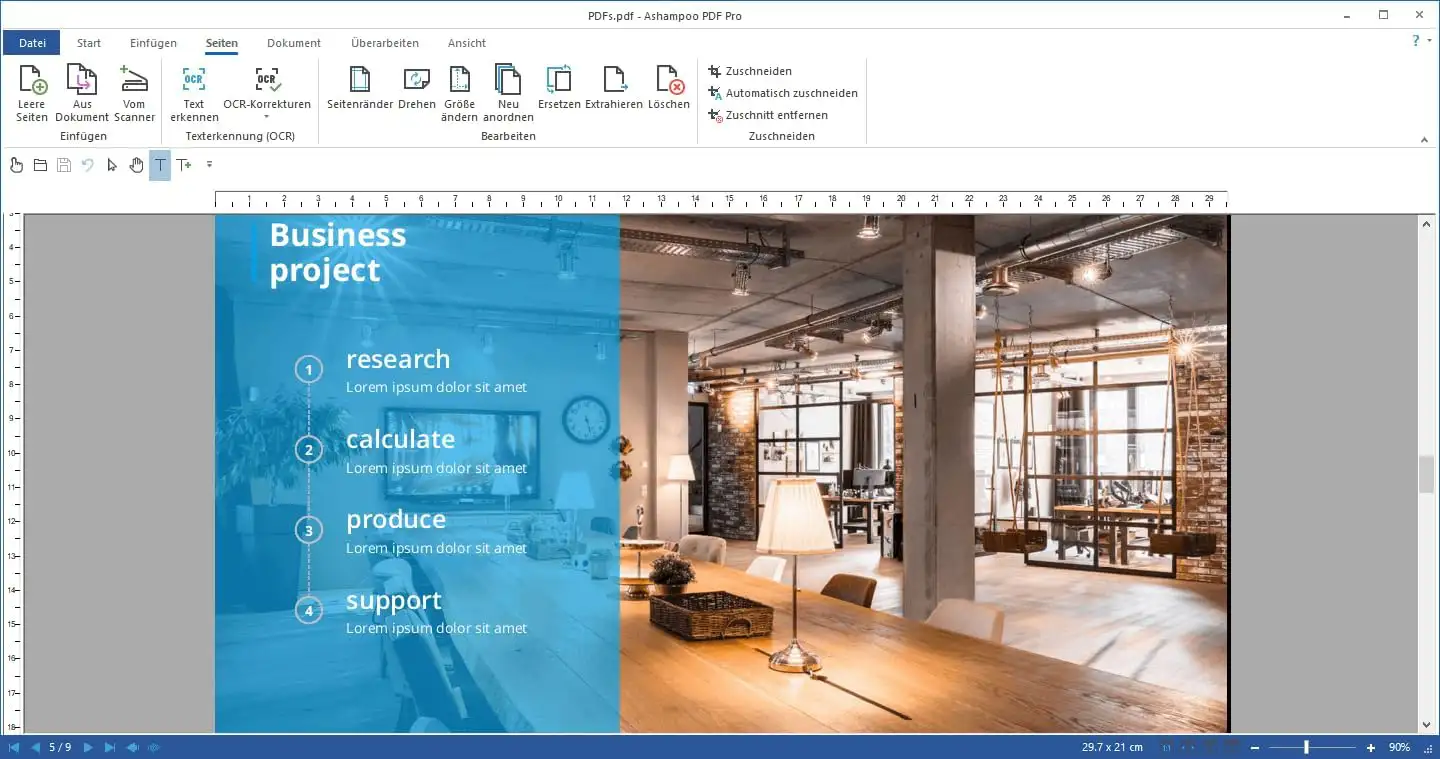
- OCR text recognition: Automatically convert scanned documents into searchable and editable text.
- Protect documents: Secure confidential content with encryption, passwords, and permissions.
- Digital signatures: Add legally binding digital signatures to contracts and documents.
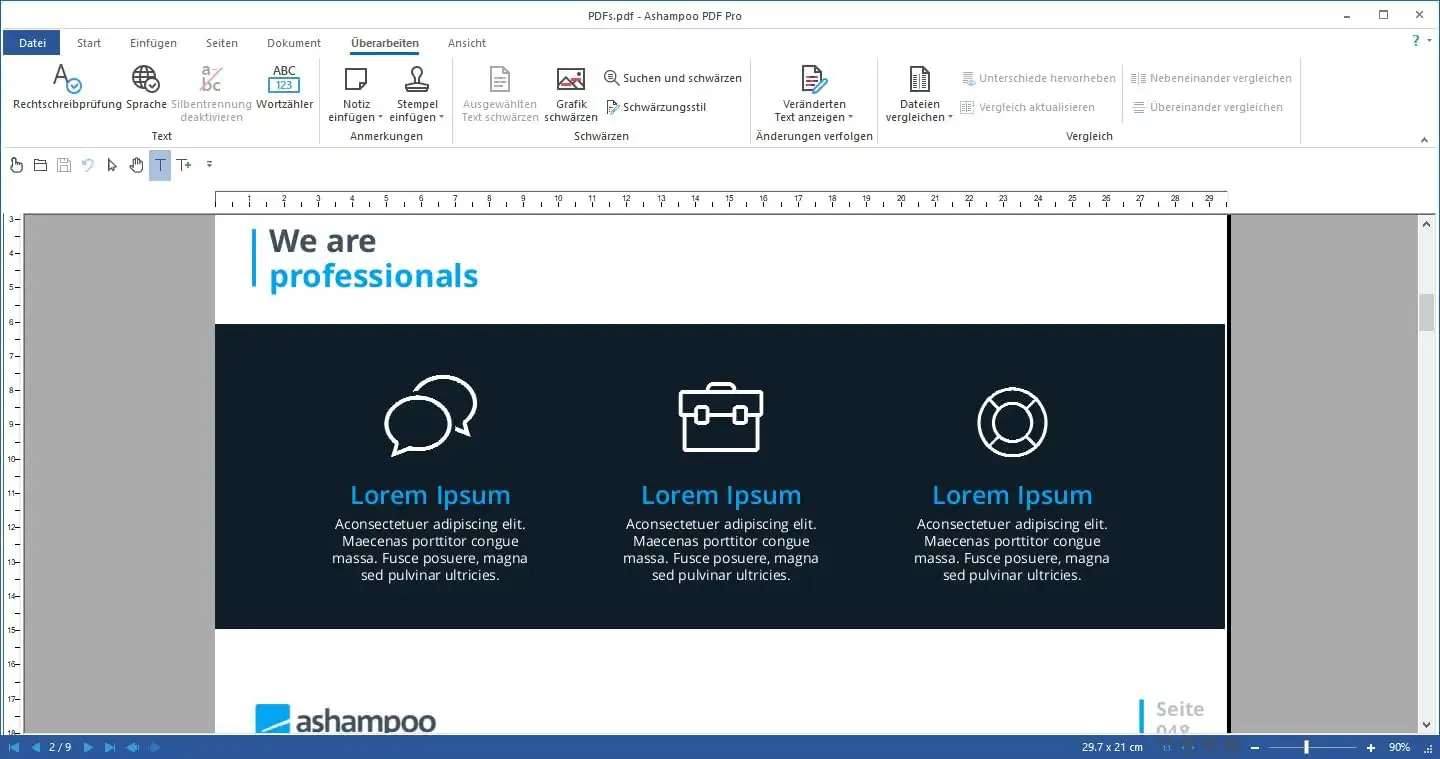
- Comments and annotations: Work efficiently as a team by adding notes, highlights, and comments.
This range of features makes Ashampoo PDF Pro 5 the ideal choice for anyone who regularly works with PDF files and is looking for a reliable, powerful, and affordable solution.
Create and edit PDF documents just like in a word processor
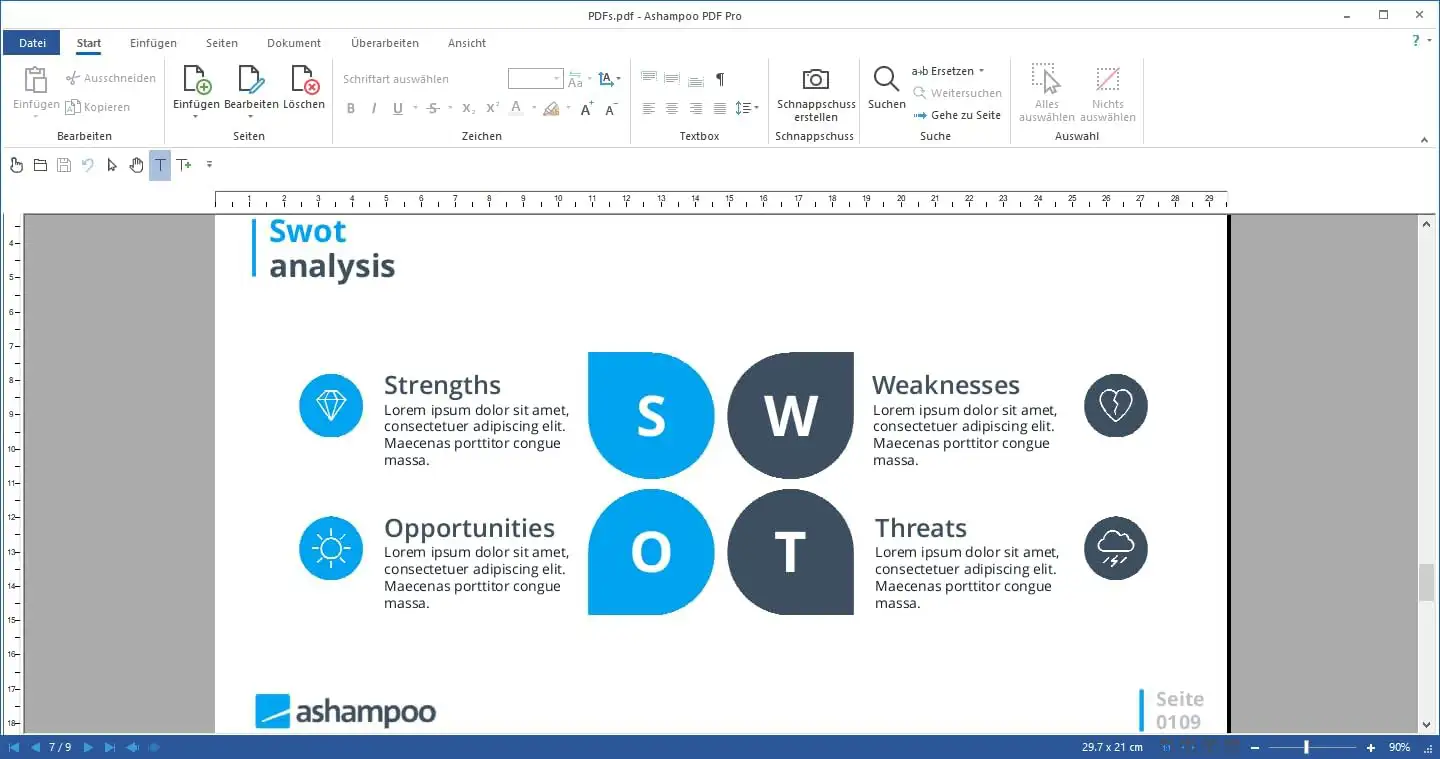
The greatest convenience of Ashampoo PDF Pro 5 lies in its intuitive editing. Instead of having to switch between multiple programs, you can edit content directly within the PDF. Highlight a section of text, correct a typo, add entire paragraphs, or replace an image—the program behaves as familiar as a classic word processor.
Especially handy: When adding text, Ashampoo PDF Pro 5 remembers the last font and font size used. This keeps your document’s appearance consistent without having to manually readjust settings every time you type. Especially during longer editing sessions, this saves you noticeable time and helps you avoid annoying formatting errors.
You can rearrange, rotate, insert, or delete individual pages to structure your documents exactly as you envision them. Whether you’re compiling a multi-page proposal, updating a manual, or customizing a contract—with Ashampoo PDF Pro 5, you maintain full control over the structure and content of your PDF files at all times.
Convert PDFs: Word, HTML, ePUB, and more
One of the most useful features for everyday office work is the powerful conversion tool. Ashampoo PDF Pro 5 reliably converts your PDF documents into editable formats. If you need to revise a document received as a PDF, simply export it to Microsoft Word and then easily edit the content. Exporting to HTML or as plain text is also possible without any issues.
A true unique selling point is support for the open e-book format ePUB. This makes Ashampoo PDF Pro 5 one of the few PDF programs that lets you prepare digital manuals, guides, or literature directly for e-readers. Anyone who regularly publishes content electronically benefits from this feature in particular.
The ability to convert in both directions—create PDFs and convert PDFs—makes the software a flexible all-rounder for virtually any document workflow.
OCR Text Recognition: Making Scanned Documents Digitally Usable
Scanned paper documents are usually just image files—their text cannot be searched or edited. This is exactly where Ashampoo PDF Pro 5’s integrated OCR text recognition (Optical Character Recognition) comes in. The software automatically analyzes scanned documents and converts the text they contain into searchable and editable content.
You can choose between two output formats: a document that looks exactly like the original and remains searchable, or a fully editable version that replicates the layout and can be easily processed further. This lets you digitize invoices, contracts, letters, or entire file folders and finally make your document archive fully searchable—a huge efficiency boost for offices, administrative departments, and self-employed professionals.
Create and Fill Out Interactive Forms
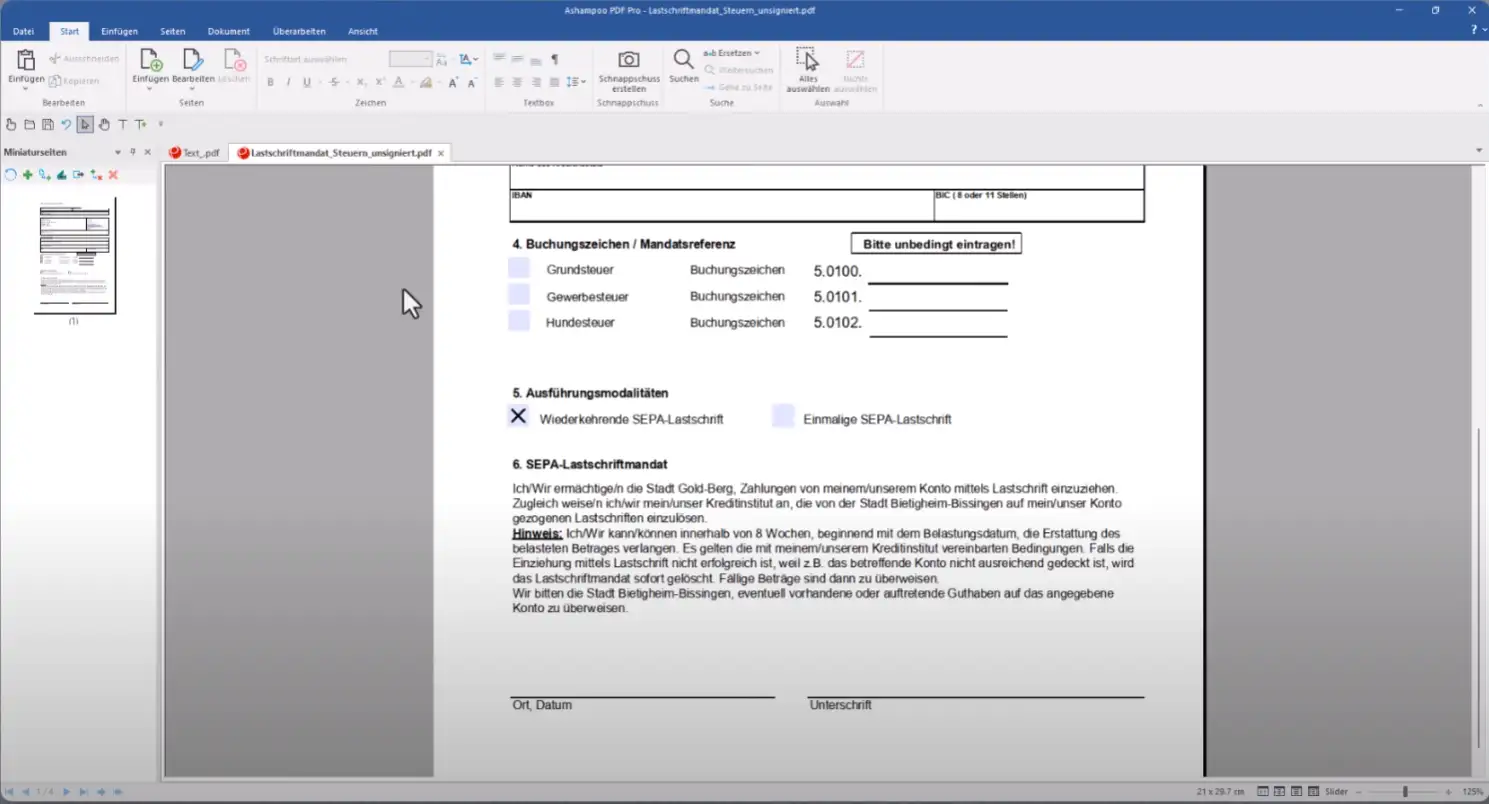
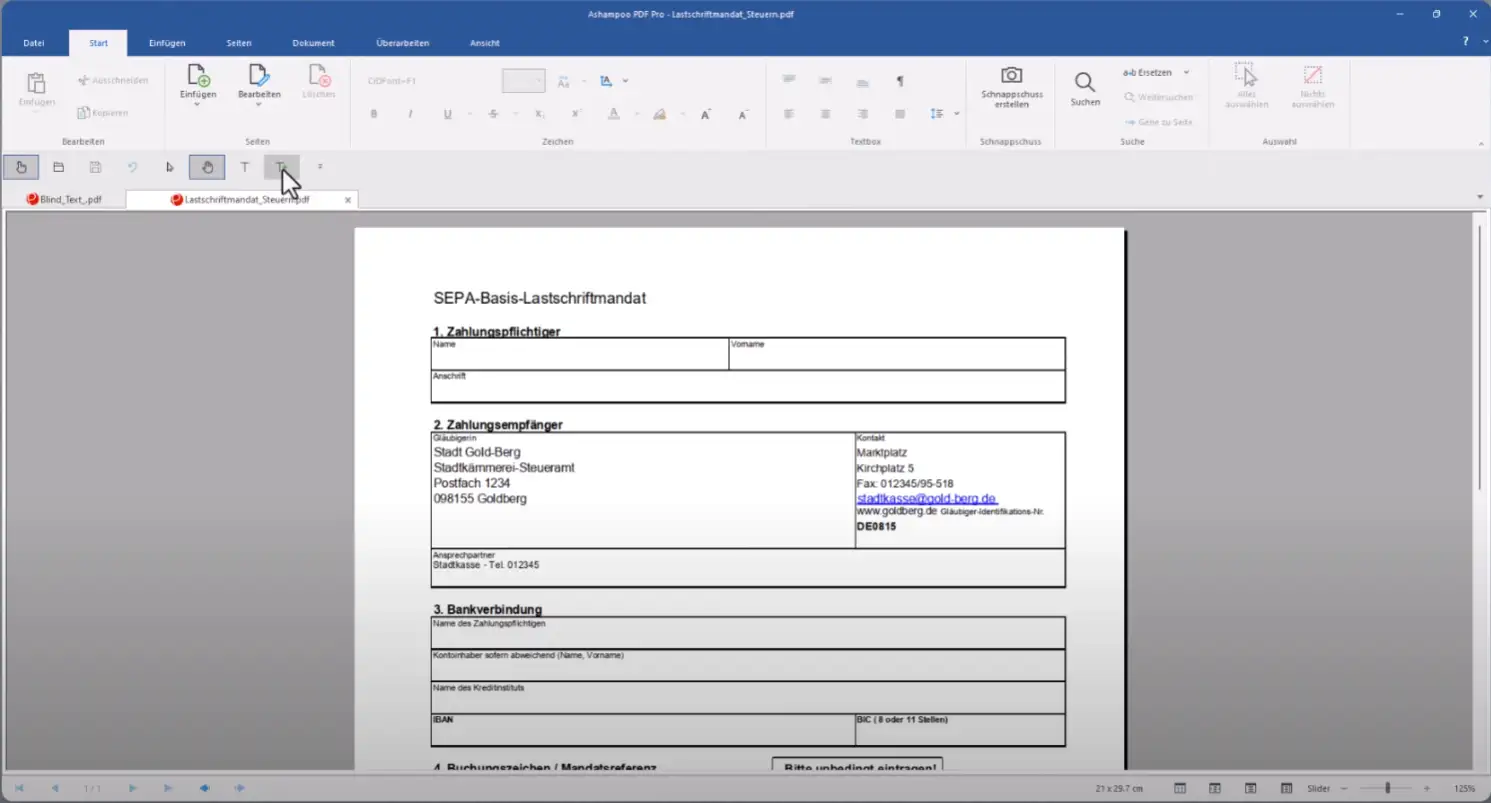
With Ashampoo PDF Pro 5, you can create professional, interactive PDF forms in no time. Add text fields, checkboxes, dropdown menus, and buttons to design custom registration forms, questionnaires, order forms, or contracts. The intuitive tools make form creation a breeze, even for beginners.
Of course, you can also conveniently fill out, save, and forward existing forms right on your screen. This saves paper, printing costs, and above all, time—and ensures a consistently digital, professional image for customers and business partners.
Reliably protect confidential documents
Protecting sensitive data is more important today than ever before. Ashampoo PDF Pro 5 offers comprehensive security features that let you effectively secure your PDF documents. Encrypt confidential content, set passwords, and precisely define who is allowed to open, print, copy, or edit a document.
New in Version 5 is improved handling of password-protected files: The program can open documents with a master password and make them directly editable without requiring additional intermediate steps. This allows you to work with protected documents smoothly and without detours. The security features are complemented by support for the PDF/A archive format, which is indispensable for the long-term, standards-compliant archiving of documents.
New in Ashampoo PDF Pro 5: These improvements are impressive
The fifth generation brings numerous technical innovations that noticeably simplify your daily workflow. If you’re familiar with a previous version or are switching from another PDF program, you’ll quickly appreciate these improvements.
- Full 64-bit support: For the first time, Ashampoo PDF Pro 5 utilizes full 64-bit architecture. This ensures significantly greater performance and stability—even with very large or complex documents.
- Book layout view: A new display shows two pages side by side, just like in a real book. This makes reading longer documents considerably easier.
- Page-by-page scrolling: With every movement of the mouse wheel, you scroll precisely one page forward—ideal for pinpoint navigation in large files.
- Automatic document comparison: Simply drag two PDF files into the program, and Ashampoo PDF Pro 5 automatically highlights the differences. Especially valuable when working with revised contracts or updated drafts.
- Flexible tab management: When you open a PDF from Windows Explorer, it automatically appears as a new tab in the existing window. In the options, you can specify whether new files appear in tabs, separate windows, or within the same workspace.
These detailed improvements reflect the software’s philosophy: it thinks along with you, saves clicks, and adapts to your personal work style instead of forcing fixed workflows on you.
Ashampoo PDF Pro 5 as an Adobe alternative – performance at a fair price
Anyone who works professionally with PDFs knows the problem: market leaders like Adobe Acrobat deter users with high subscription costs, while many free tools lack important features. Ashampoo PDF Pro 5 bridges this gap perfectly. You get a mature, comprehensive solution with professional-grade features—including OCR, PDF/A support, and extensive security options—at a one-time, fair purchase price.
In a direct feature comparison, Ashampoo PDF Pro 5 performs on par with significantly more expensive alternatives like Nitro PDF Pro or Foxit PDF Editor in the most important categories. The key difference lies in the value for money: you get comparable professional features but pay only a fraction of the cost—and without recurring fees. For home users, freelancers, small businesses, and anyone who values cost control, this is the smartest financial decision.
Who is Ashampoo PDF Pro 5 suitable for?
Ashampoo PDF Pro 5 is designed for a wide range of users. Home users use the software to archive invoices, fill out forms, or digitize family documents. Self-employed individuals and freelancers create professional quotes, digitally sign contracts, and protect confidential customer data. Small and medium-sized businesses benefit from batch processing, the OCR feature, and the extensive security options for standards-compliant archiving.
The software also demonstrates its strengths in the education sector and government agencies—for example, when preparing teaching materials, creating searchable archives, or comparing revised documents. In short: Wherever PDF files play a central role, Ashampoo PDF Pro 5 is a reliable and versatile companion.
System Requirements for Ashampoo PDF Pro 5
To ensure Ashampoo PDF Pro 5 runs smoothly on your computer, the following requirements must be met. The requirements are intentionally kept minimal so that the software works reliably even on older hardware.
- Operating System: Windows 11 or Windows 10
- Architecture: 64-bit system recommended for full performance
- Internet Connection: Required for license activation
- Storage Space: Sufficient free hard drive space for the program and documents
Please note that a one-time internet connection is required to activate the software. After successful activation, you can use Ashampoo PDF Pro 5 without restrictions.
Why buy Ashampoo PDF Pro 5 from Softwareindustrie24?
When buying software, trust, speed, and a fair price are what matter. At Softwareindustrie24, you receive Ashampoo PDF Pro 5 as an original license with all the benefits that define a reputable software retailer. We make it a priority to ensure you receive your license quickly, securely, and hassle-free.
- Instant Download: You’ll receive your license and all download information immediately after purchase—no waiting, no shipping.
- Genuine License: You’ll only purchase authentic, valid software licenses from us.
- Affordable Price: Enjoy an attractive price-performance ratio with no hidden costs.
- Secure payment: Choose from various secure and established payment methods.
- Expert service: Our support team is here to assist you with any questions regarding your purchase.
This is how you combine the powerful feature set of Ashampoo PDF Pro 5 with the reliable shopping experience of Softwareindustrie24—the ideal combination for anyone who wants to work professionally and cost-effectively.
Frequently Asked Questions about Ashampoo PDF Pro 5
Is Ashampoo PDF Pro 5 a subscription or a one-time purchase? Ashampoo PDF Pro 5 is a one-time purchase. You pay once and use the software permanently—without monthly or annual subscription fees.
Which operating systems does Ashampoo PDF Pro 5 run on? The software is designed for Windows 11 and Windows 10. Thanks to full 64-bit support, it runs quickly and stably even with large documents.
Can I edit scanned documents with Ashampoo PDF Pro 5? Yes. The built-in OCR text recognition automatically converts scanned documents into searchable and editable text.
Is Ashampoo PDF Pro 5 a suitable alternative to Adobe Acrobat? Yes. Ashampoo PDF Pro 5 offers a comparable range of professional features, but is significantly more affordable and requires no ongoing subscription fees.
How quickly will I receive the software after purchase? At Softwareindustrie24, you’ll receive your original license via instant download immediately after completing your purchase.
Get Ashampoo PDF Pro 5 for Windows now at Softwareindustrie24
Ashampoo PDF Pro 5 is the well-designed all-in-one solution for anyone who wants to professionally create, edit, convert, merge, and protect PDF documents—without having to invest in an expensive subscription. With full 64-bit performance, powerful OCR text recognition, flexible conversion, interactive forms, and comprehensive security features, the software offers everything you need for a modern, digital document workflow.
Get your original license for Ashampoo PDF Pro 5 for Windows now at Softwareindustrie24—at a fair price, with secure instant download and expert support. Take your PDF workflow to the next level and start working with your documents faster, more flexibly, and more professionally today.


