
Jetzt zum Newsletter anmelden!

Abonnieren Sie jetzt unseren kostenlosen Newsletter und verpassen Sie keine Aktionen und Neuigkeiten mehr.

Please enter a valid email address.
  • Spring sale
  • Get your discounts now!
Offers in:
Offers for:

  Service: +49 5561 - 6092957

  Free shipping

  Secure shopping thanks to SSL

Bitdefender Password Manager
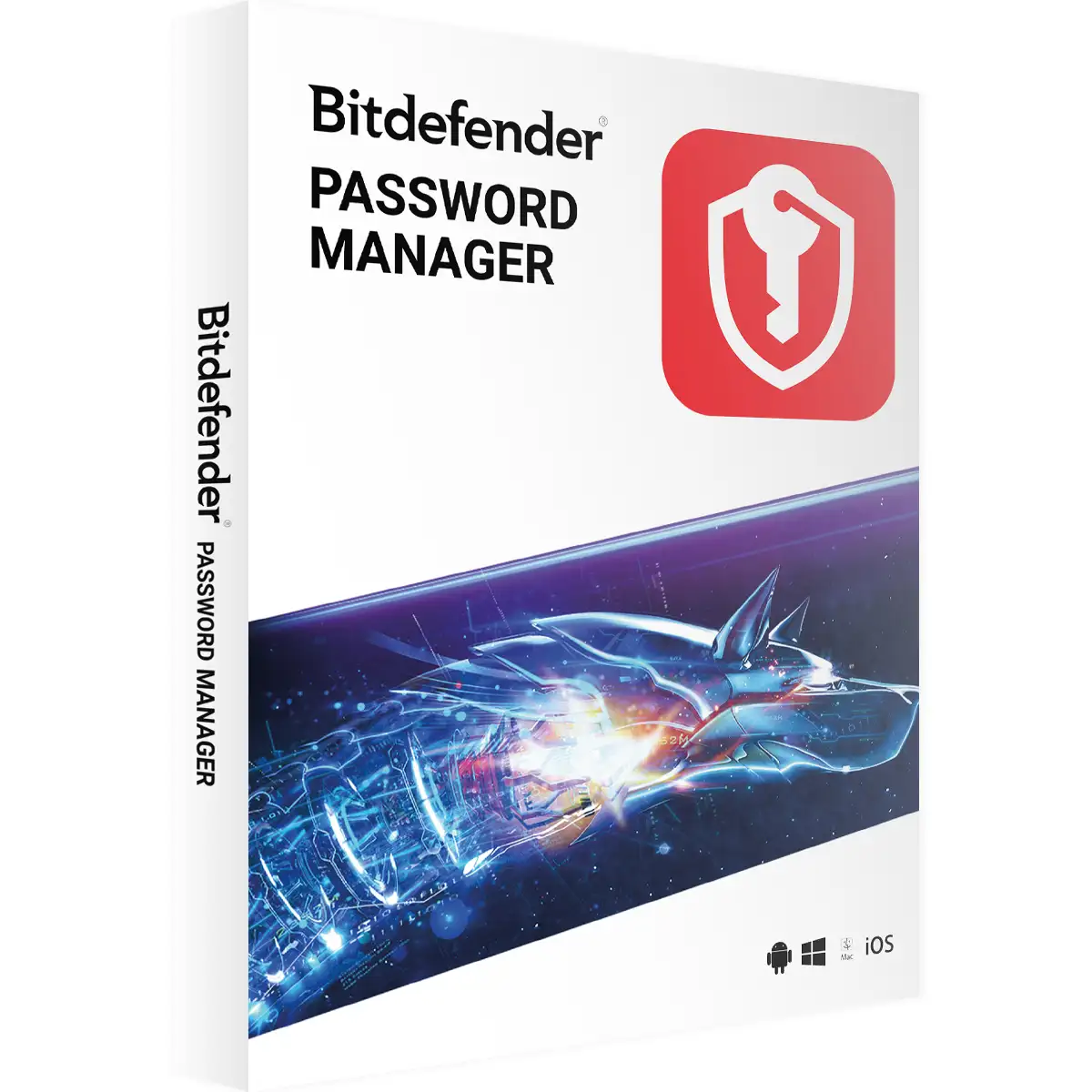
Bitdefender Password Manager
We advise you personally

Directly accessible for private and business customers.


berater-bild

We are happy to help!


Mon. - Fri.: 9:00 a.m. - 2:00 p.m.

€29.90 €39.99 (25.23% Saved)

Prices incl. VAT plus shipping costs

Instant download + product key

Already sold 179 times!
[Optional] Software to take with you - incl. USB stick
USB - Stick
USB - Stick
€14.95
  • SWI24-701024
  • 1 device
  • 1 year
  • All languages
  • ROOF
  • e-mail
  • Bitdefender
  • Amazon Pay Kreditkarte Klarna Rechnung Apple Pay Google Pay

What's Included

  • Instant delivery – Key & download via email
  • Activation guarantee – Permanent access, quality assured
  • Installation guide – Simple & easy to follow, included
  • VAT invoice – Official proof of purchase included
Bitdefender Password Manager - Your protection for passwords and personal data The importance...more
Product information "Bitdefender Password Manager"

Bitdefender Password Manager - Your protection for passwords and personal data

The importance of a secure password manager

In today's digital world, the security of personal data is more important than ever. With the ever-increasing number of online services and accounts we use every day, it is becoming increasingly difficult to manage all our passwords securely and clearly. This is where Bitdefender Password Manager comes in. This advanced software offers a simple, secure, and efficient solution for managing your passwords and personal data.

What is Bitdefender Password Manager?

Bitdefender Password Manager is a powerful application designed to store all your passwords in one secure place. With Bitdefender Password Manager, you can generate, store, and automatically fill in passwords, so you never have to worry about forgetting your passwords or using unsafe passwords again.

Key features of Bitdefender Password Manager

Secure storage and encryption

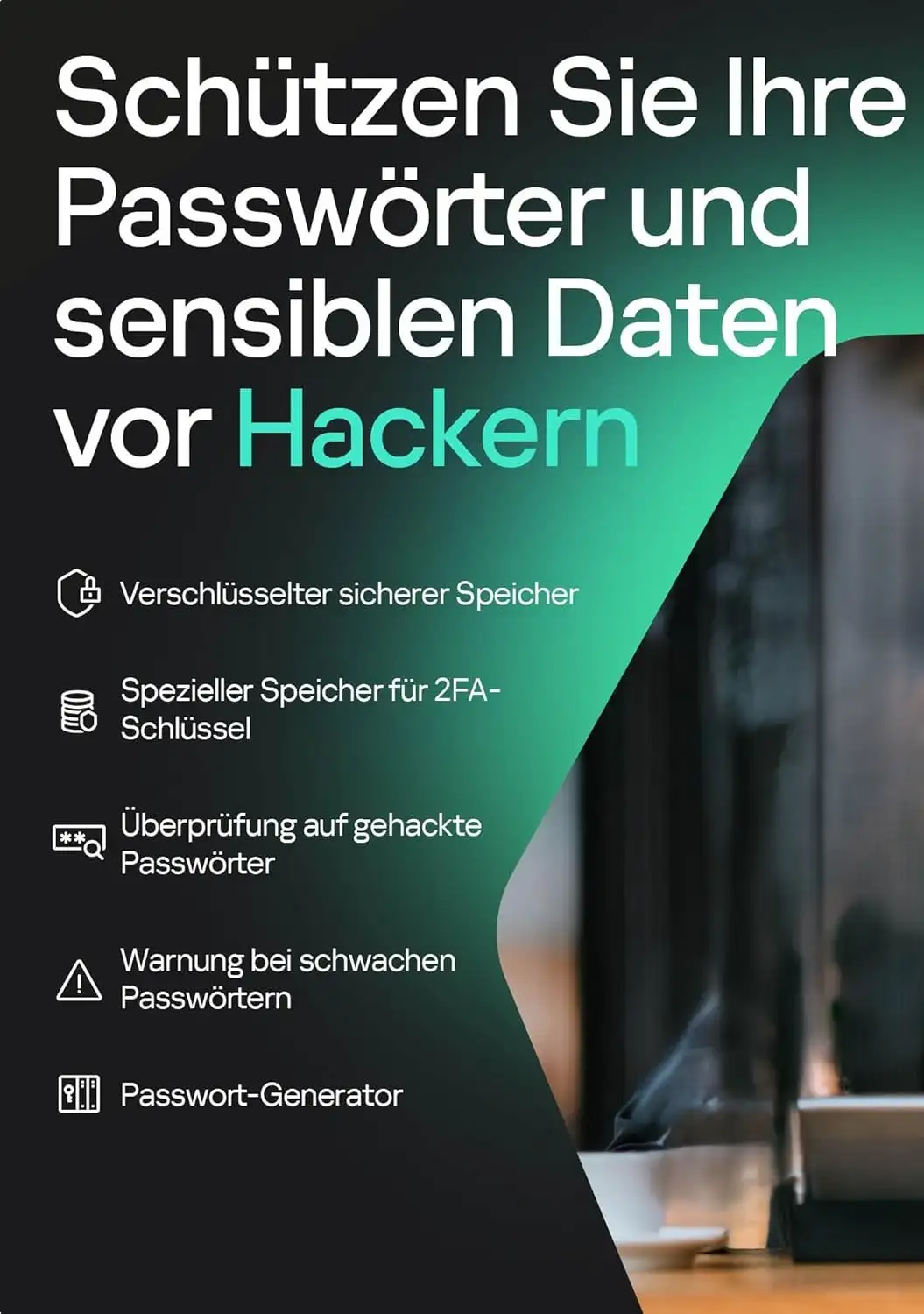
Bitdefender Password Manager uses the strongest encryption technology available to protect your passwords and personal data. All stored data is secured with AES-256-bit encryption, which is currently considered unbreakable. This means that only you have access to your passwords, and they are protected from hackers and cybercriminals.

Automatic filling and synchronization

With Bitdefender Password Manager, you can automatically fill out forms and login details, saving you time and increasing usability. The software synchronizes your data across all your devices, so you can access your passwords securely anytime, anywhere.

Password generator

The software offers an integrated password generator that creates strong and unique passwords for all your accounts. This is especially important to ensure that your accounts are not compromised by weak or reused passwords.

Multi-platform support

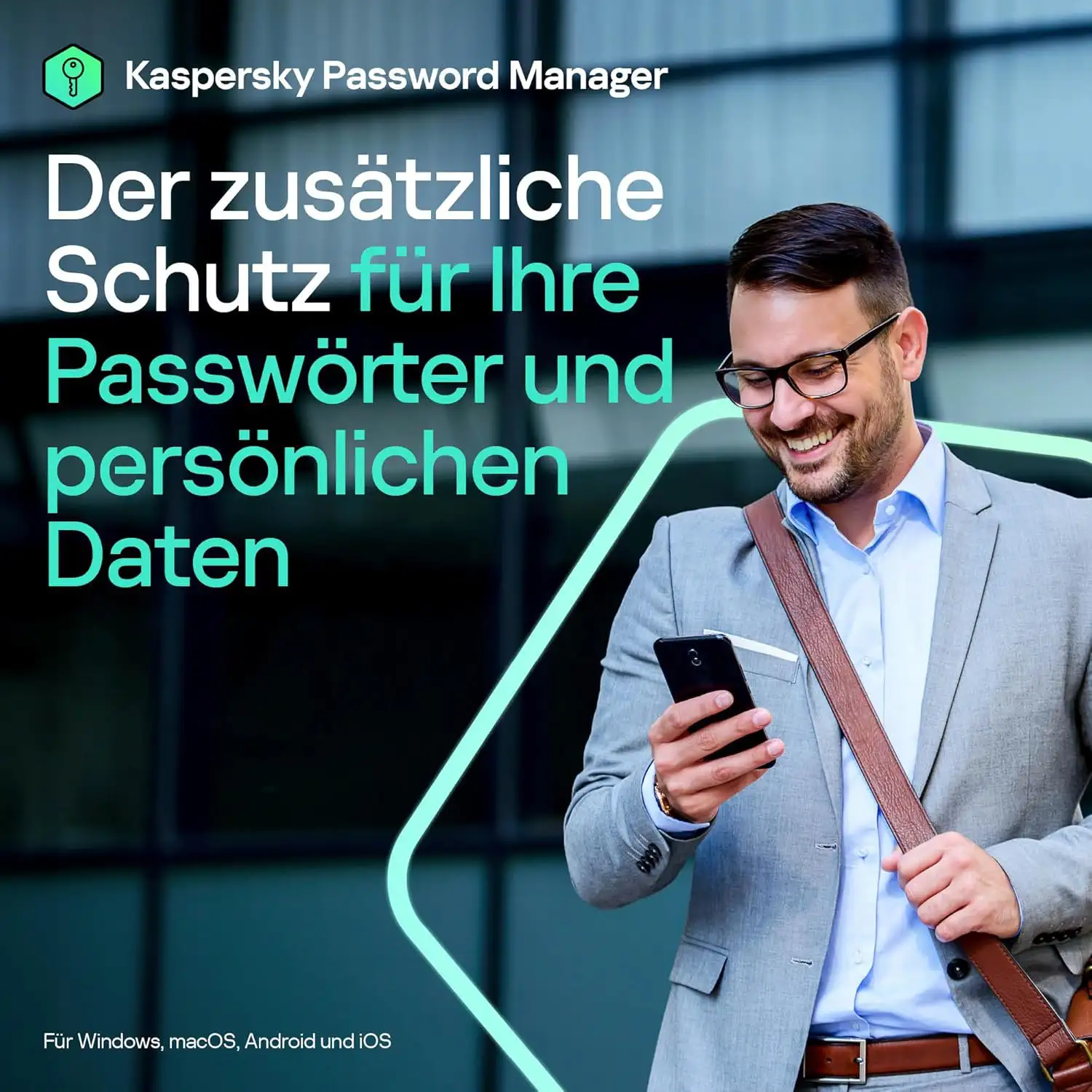
Bitdefender Password Manager is compatible with all popular operating systems and browsers. Whether you use Windows, macOS, iOS, or Android, Bitdefender Password Manager offers seamless integration and ensures that your passwords are always at your fingertips.

Emergency access

In an emergency, you can grant trusted individuals access to your accounts. This ensures that your digital assets remain accessible even in unforeseen situations.

Installation and setup

Step-by-step installation guide

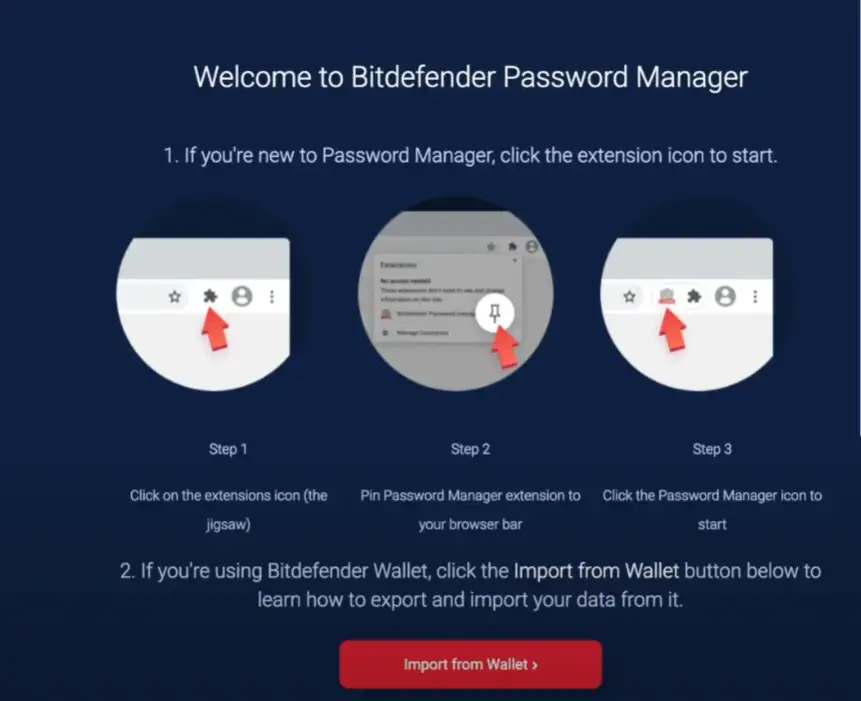
Installing Bitdefender Password Manager is simple and straightforward. Follow these steps to install the software on your device:

  • Download the software: Visit the official Bitdefender website and download the latest version of Password Manager.
  • Start installation: Open the downloaded file and follow the instructions in the installation wizard.
  • Create an account: After installation, you will be prompted to create a Bitdefender account or log in with an existing account.
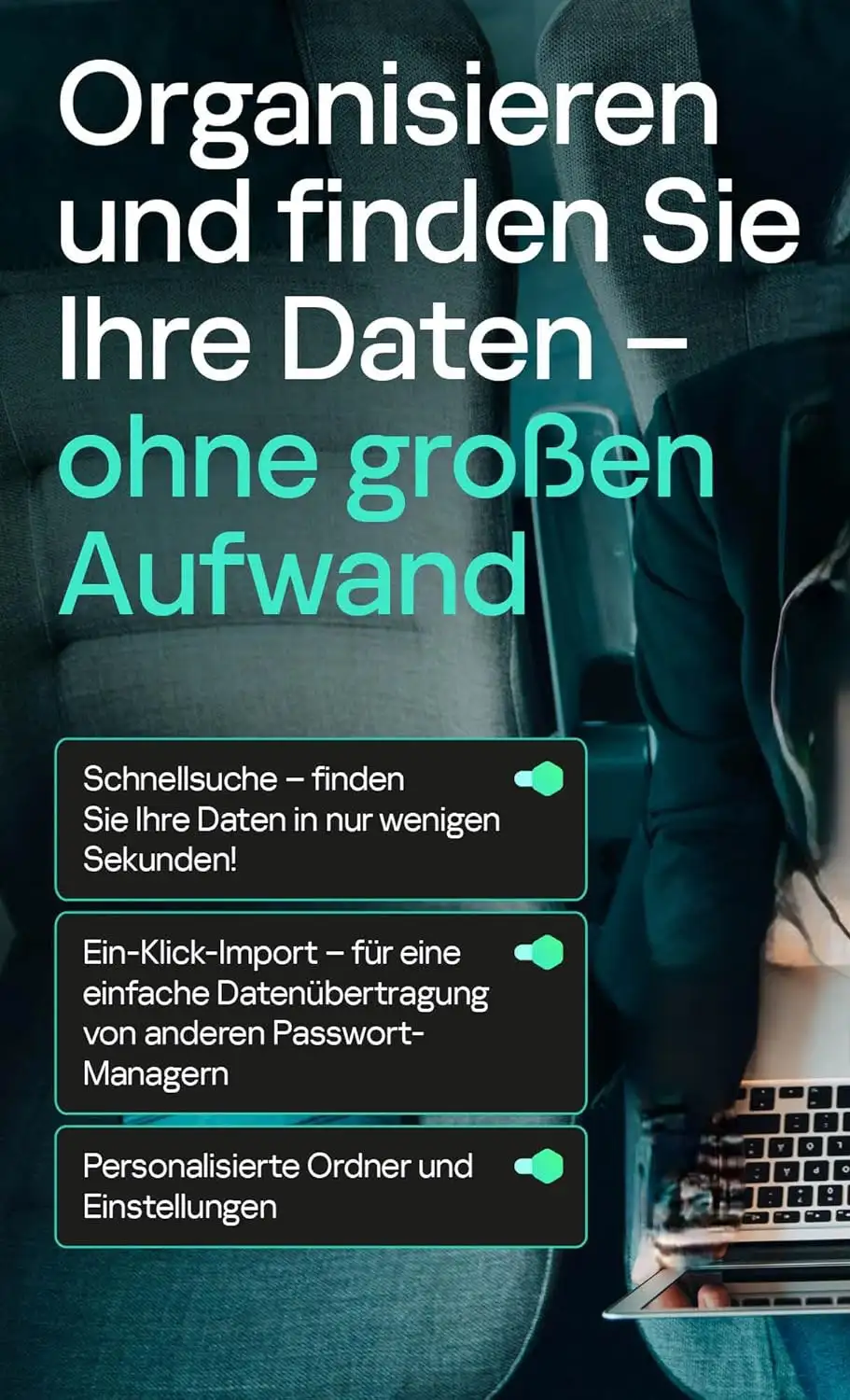
  • Add passwords: Import your existing passwords from other password managers or add them manually.
  • Set up synchronization: Configure synchronization to ensure that your passwords are available on all your devices.

User-friendly interface

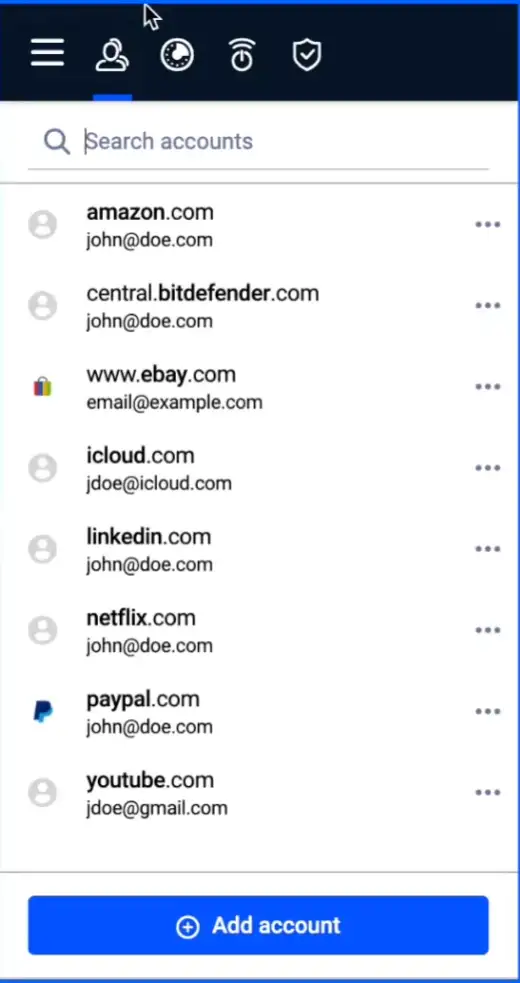
Bitdefender Password Manager offers an intuitive and user-friendly interface that allows even inexperienced users to use the software with ease. The clearly structured menus and simple navigation options make it easy to store, manage, and retrieve passwords when needed.

Security and privacy

Zero-knowledge protocol

Bitdefender uses a zero-knowledge protocol, which means that no one except you has access to your encrypted data – not even Bitdefender itself. This ensures that your passwords and personal information always remain confidential.

Two-factor authentication

To further enhance your security, Bitdefender Password Manager offers the option to enable two-factor authentication (2FA). This adds an extra layer of security by requiring a second verification step when logging in.

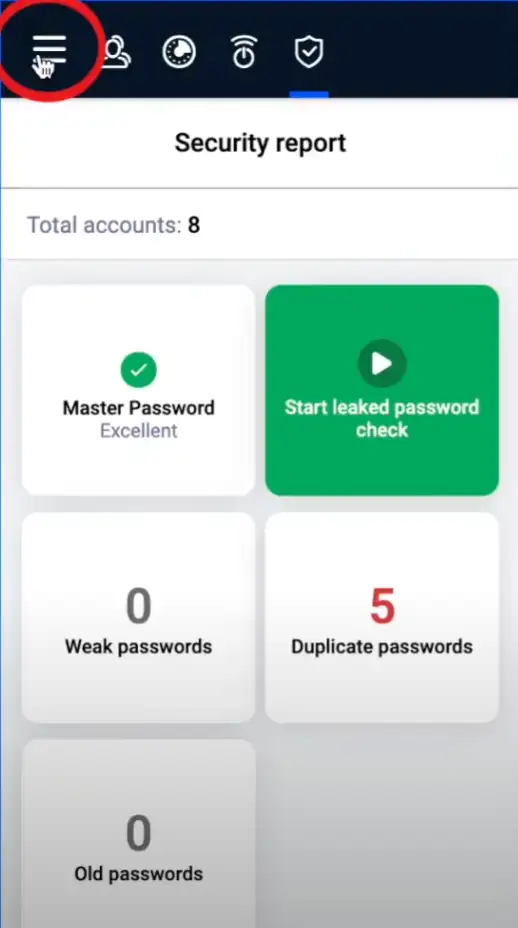
Security reports and audits

Bitdefender conducts regular security reports and audits to ensure that the software always meets the highest security standards. These audits are performed by independent security companies and provide additional assurance that your data is safe.

Comparison with other password managers

Bitdefender vs. LastPass

Bitdefender Password Manager offers stronger encryption and a more user-friendly interface compared to LastPass. In addition, synchronization is faster and more reliable with Bitdefender.

Bitdefender vs. Dashlane

Dashlane is known for its additional features such as VPN and dark web monitoring. Bitdefender, on the other hand, focuses on the core functions of a password manager, offering more robust security and better value for money.

Bitdefender vs. 1Password

1Password offers similar functionality to Bitdefender, but at a higher price. Bitdefender Password Manager impresses with its ease of use and affordable solutions.

Customer support and community

24/7 customer support

Bitdefender offers round-the-clock customer support to help you with any questions or problems. You can contact support by phone, email, or live chat.

Extensive knowledge base

Bitdefender's extensive knowledge base contains numerous guides, FAQs, and tutorials to help you use the password manager. These resources are easily accessible and offer quick solutions to common problems.

Active community

Bitdefender has an active online community where users can share their experiences and support each other. This community is a valuable resource for getting tips and tricks on how to get the most out of the password manager.

Pricing and subscriptions

Various subscription plans

Bitdefender offers various subscription plans tailored to the needs of different users. You can choose between monthly and annual plans, with the annual plans offering significant cost savings.

Free trial

Bitdefender Password Manager offers a free trial that allows you to test the software extensively before purchasing. This allows you to get to know all the features and decide whether the password manager meets your needs.

Money-back guarantee

If you are not satisfied with Bitdefender Password Manager, Bitdefender offers a 30-day money-back guarantee. This gives you the assurance that you will get your money back if the software does not meet your expectations.

Why Bitdefender Password Manager is the best choice

Bitdefender Password Manager offers a comprehensive solution for managing your passwords and personal data. With its strong encryption, user-friendly interface, and extensive features, it is the ideal choice for anyone looking to improve their digital security . Its easy installation, reliable customer support, and affordable subscription plans make Bitdefender Password Manager one of the best password managers on the market.

Key benefits at a glance

  • Strongest encryption technology: AES-256-bit encryption for maximum security.
  • Automatic filling: Save time and increase convenience by automatically filling in login details and forms.
  • Multi-platform support: Compatible with Windows, macOS, iOS, and Android.
  • Two-factor authentication: Additional layer of security for optimal protection.
  • 24/7 customer support: Round-the-clock support for all questions and problems.

Bitdefender Password Manager is more than just a password management tool – it is an essential part of your digital security strategy. Try Bitdefender Password Manager today and see for yourself the many benefits of this first-class software.

(Further details can be obtained from the manufacturer)

Related links to "Bitdefender Password Manager"