
Jetzt zum Newsletter anmelden!

Abonnieren Sie jetzt unseren kostenlosen Newsletter und verpassen Sie keine Aktionen und Neuigkeiten mehr.

Please enter a valid email address.
  • Spring sale
  • Get your discounts now!
Offers in:
Offers for:

  Service: +49 5561 - 6092957

  Free shipping

  Secure shopping thanks to SSL

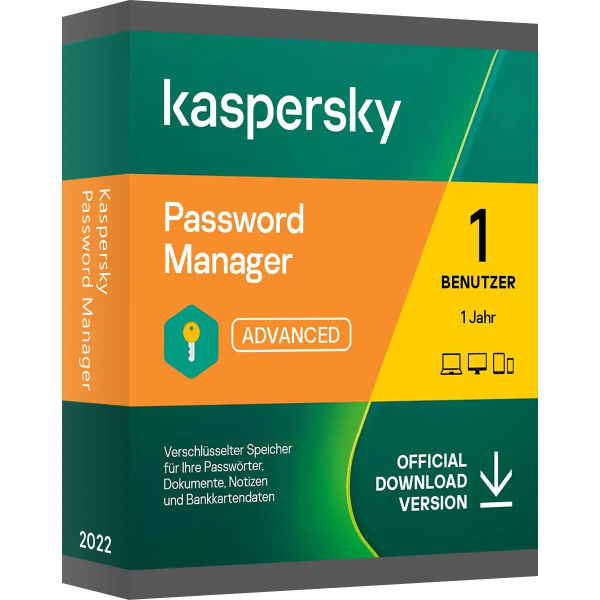
Kaspersky Passwort Manager

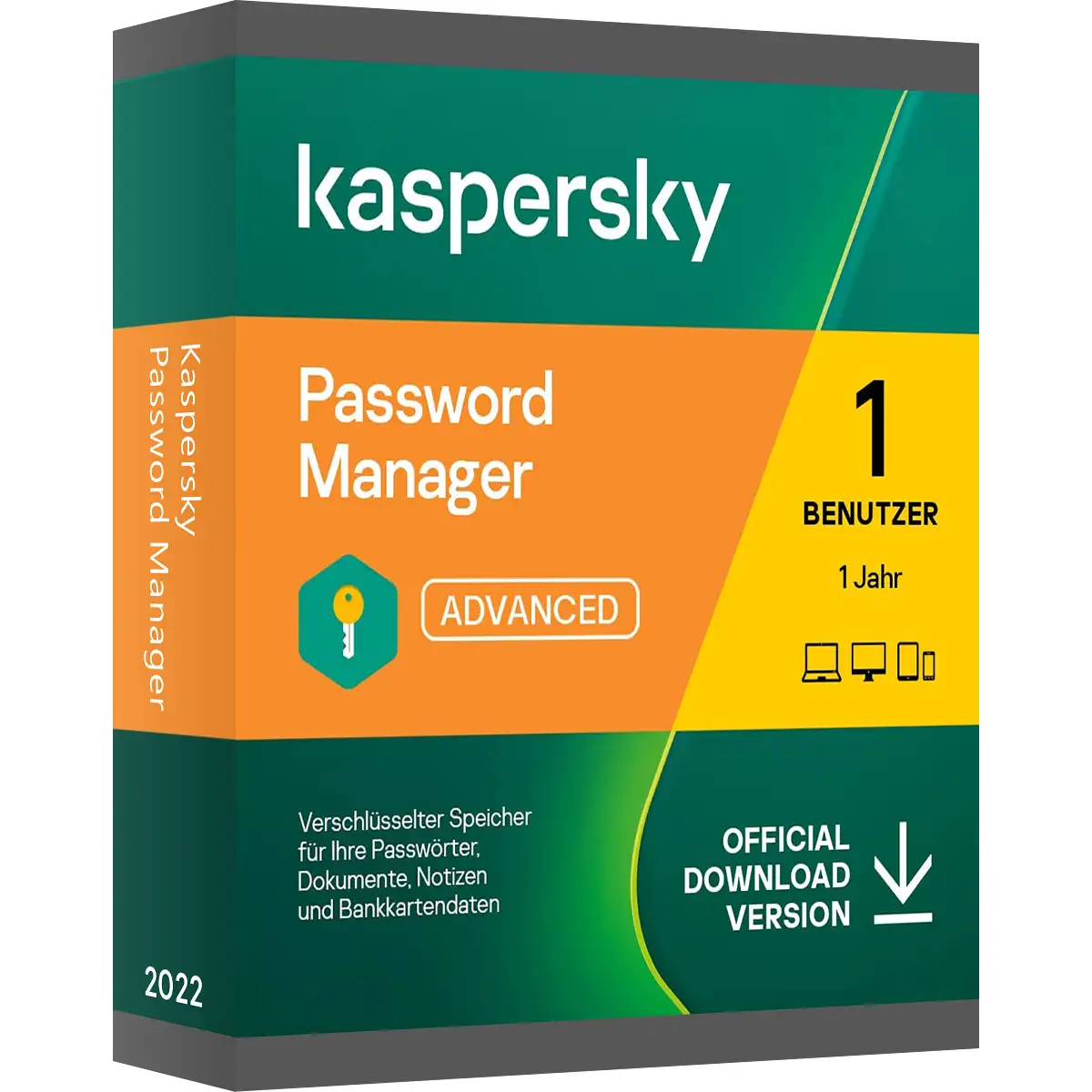
Kaspersky Passwort Manager
We advise you personally

Directly accessible for private and business customers.


berater-bild

We are happy to help!


Mon. - Fri.: 9:00 a.m. - 2:00 p.m.

€19.90 €21.95 (9.34% Saved)

Prices incl. VAT plus shipping costs

Instant download + product key

What's Included

  • Instant delivery – Key & download via email
  • Activation guarantee – Permanent access, quality assured
  • Installation guide – Simple & easy to follow, included
  • VAT invoice – Official proof of purchase included
Already sold 564 times!
[Optional] Software to take with you - incl. USB stick
USB - Stick
USB - Stick
€14.95
  • SWI24-700836
  • 1 device
  • 1 year
  • All languages
  • DACH
  • E-Mail
  • Kaspersky
  • Amazon Pay Kreditkarte Klarna Rechnung Apple Pay Google Pay
Kaspersky Password Manager: The secure treasure chest for your passwords and personal data...more
Product information "Kaspersky Passwort Manager"

Kaspersky Password Manager: The secure treasure chest for your passwords and personal data

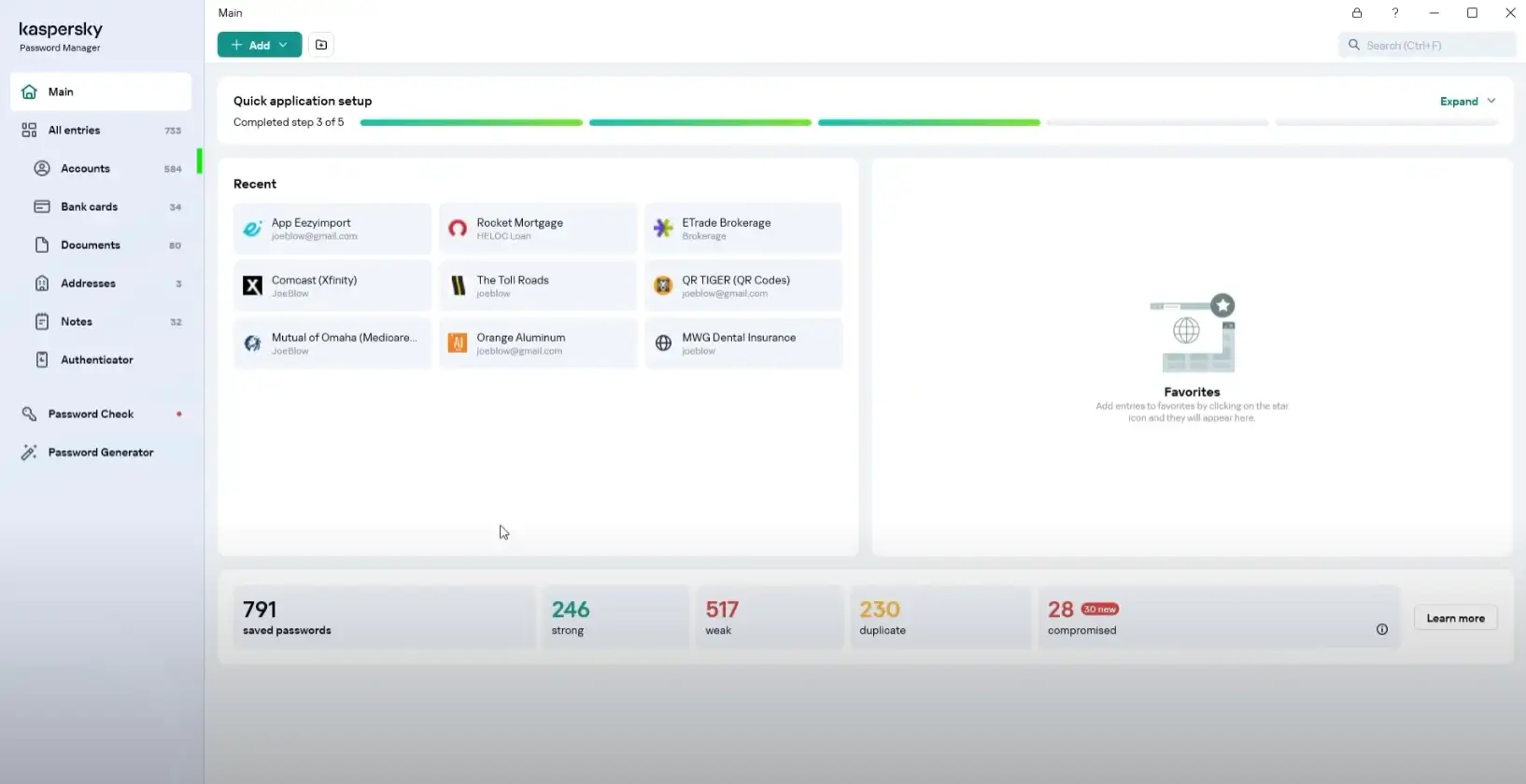
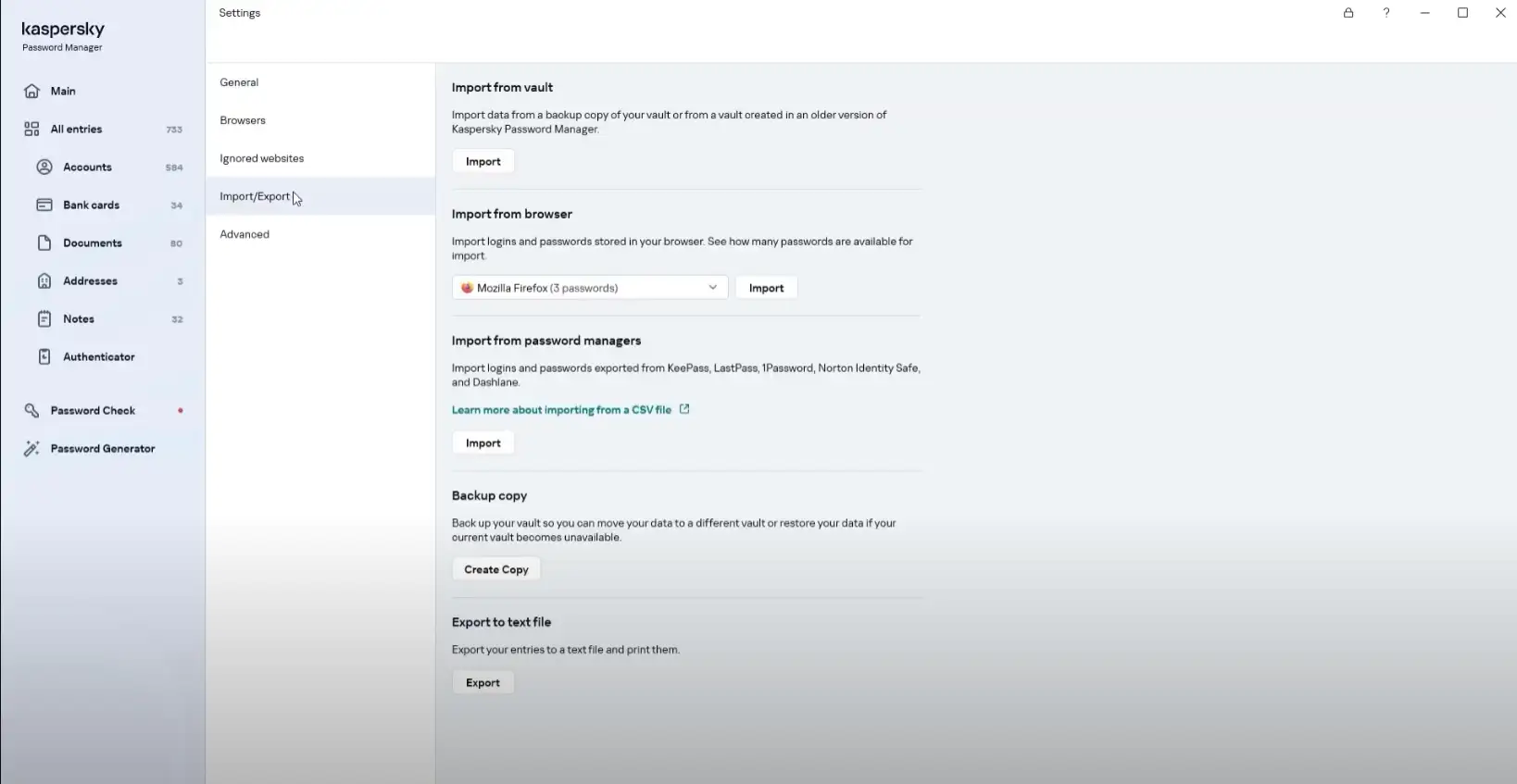
Kaspersky Password Manager is a comprehensive solution for managing passwords and personal data. With this software, you can securely and conveniently store and organize your passwords, credit card information, addresses, and other sensitive information. The main function of Kaspersky Password Manager is to help you generate and store strong, unique passwords for various online accounts. This minimizes the risk of password theft and identity fraud. You only need to remember one master password to access all your stored information. The software has an intuitive user interface that allows you to organize your passwords and data with ease. You can create different categories and group your entries accordingly. In addition, you can use search functions to quickly find specific information. Another outstanding feature of Kaspersky Password Manager is the auto-fill function. When you need to log in to a website or fill out an online form, Password Manager can automatically fill in the required information for you. This saves you time and minimizes typing errors.

Security is a top priority at Kaspersky. Password Manager uses strong encryption technology to protect your data. All stored information is protected with a master password that only you know. In addition, the software is regularly updated to ensure that it is protected against the latest threats. Another advantage of Kaspersky Password Manager is its synchronization feature. You can synchronize your password database across different devices so that you can access your information from anywhere. This is especially handy if you use both a computer and a mobile device.

In summary, Kaspersky Password Manager offers a secure and convenient solution for managing your passwords and personal data. With features such as auto-fill, strong encryption, and device synchronization, you can securely manage your online accounts and save time.

Who is Kaspersky Password Manager suitable for?

Kaspersky Password Manager is suitable for a variety of audiences.

Here are seven categories of people for whom Password Manager is particularly useful:

  • Private individuals: Kaspersky Password Manager is ideal for private individuals who want to improve their online security and simplify their password management. Whether you use online banking, social media, or online shopping, Password Manager helps you create and manage strong, unique passwords.
  • Business professionals: For business professionals who manage professional online accounts and sensitive information, Password Manager is a valuable tool. It provides an easy way to securely store and organize passwords for various business applications and services.
  • Families: Password Manager allows families to manage their passwords and ensure that every family member has access to the accounts they need. It provides a central platform for sharing passwords and protects sensitive information from unauthorized access.
  • Students: As a student, you probably have many online accounts for your coursework, presentations, email accounts, and more. Password Manager helps you keep track of your passwords and manage them securely while you focus on your studies.
  • Frequent travelers: If you travel a lot and need to access various online services and accounts, Password Manager is a convenient solution. It allows you to securely store your passwords and access them from any device, no matter where you are.
  • Tech enthusiasts: For people who are interested in technology and online security, Password Manager offers advanced functionality and customization options. You can configure complex security settings and optimize the management of your passwords according to your personal preferences.
  • Seniors: Older people can benefit from the user-friendly interface and simple features of the Password Manager. It makes it easier to manage passwords and minimizes the risk of losing passwords or forgetting login details.

In summary, the Kaspersky Password Manager is equally suitable for private individuals, business people, families, students, frequent travelers, tech enthusiasts, and seniors. It offers a convenient and secure way to manage passwords and improve online security.

Hardware requirements for Kaspersky Password Manager

The hardware requirements for Kaspersky Password Manager are generally quite low, as it is an application that can be used on various devices.

Here are the basic hardware requirements for the most common platforms:

Windows:

  • Operating system: Windows 11, Windows 10, Windows 8.1, Windows 8, Windows 7 SP1 or higher
  • Processor: 1 GHz or faster
  • RAM: 1 GB RAM (32-bit) or 2 GB RAM (64-bit)
  • Hard disk space: 150 MB available space
  • Internet connection for updates and access to cloud features

Mac:

  • Operating system: macOS 10.15 - 12
  • Processor: Intel-based Mac
  • Memory: 2 GB RAM
  • Hard disk space: 300 MB available storage space
  • Internet connection for updates and access to cloud features

iOS:

  • Operating system: iOS 13.0 - 15
  • Devices: Compatible with iPhone, iPad, and iPod touch
  • Storage space: Storage space requirements may vary depending on device model and iOS version.

Android:

  • Operating system: Android 8.0 - 13
  • Storage space: Storage space requirements may vary depending on device model and Android version.

However, it is important to note that the exact hardware requirements may vary depending on the specific version and additional features of Kaspersky Password Manager. Therefore, I recommend that you consult the official Kaspersky website or documentation for the most accurate and up-to-date information.

(Further details can be obtained from the manufacturer)

Related links to "Kaspersky Passwort Manager"






