We advise you personally
Directly accessible for private and business customers.
We are happy to help!
Mon. - Fri.: 9:00 a.m. - 2:00 p.m.
Prices incl. VAT plus shipping costs
Instant download + product key
- Order number: SWI24-700573
- Runtime: Permanently valid
- Language: All languages
- Country zone: Worldwide
- Shipping method: E-Mail
- Manufacturer: Microsoft
What's Included
- Instant delivery – Key & download via email
- Activation guarantee – Permanent access, quality assured
- Installation guide – Simple & easy to follow, included
- VAT invoice – Official proof of purchase included
Unleash your creativity: Tips and tricks for a productive and inspiring work environment
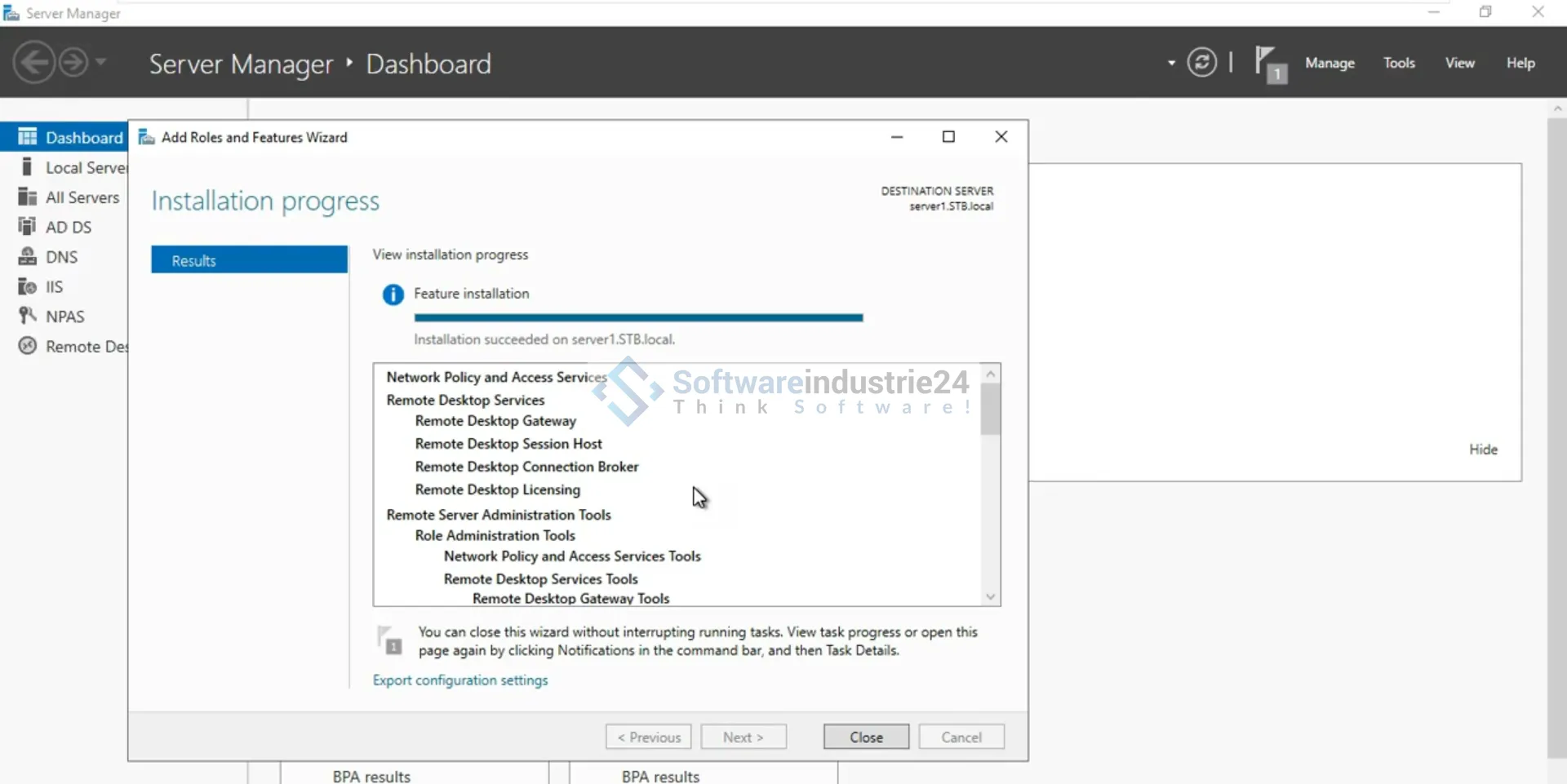
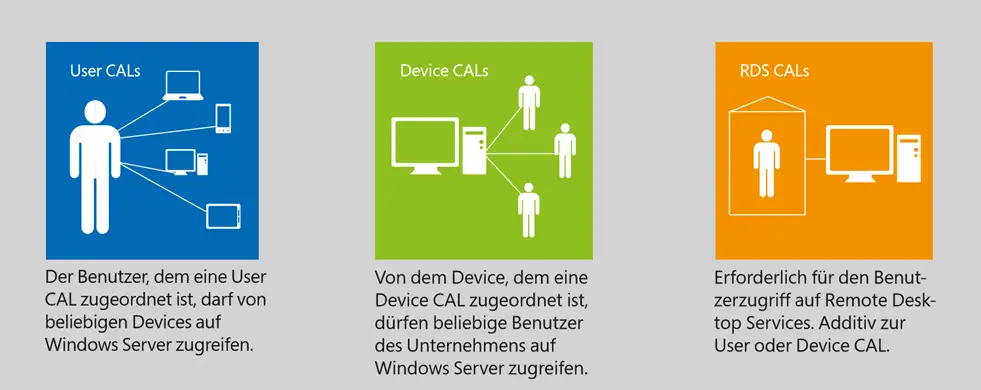
Microsoft Remote Desktop Services 2022 Device CAL is a license that allows a specific endpoint device to access the Remote Desktop Services (RDS) of Windows Server 2022. RDS is a technology that allows users to access a full Windows desktop environment hosted on a server. The Device CAL allows a device to access this environment instead of being associated with a specific user identity. The Remote Desktop Services 2022 Device CAL is particularly suitable for shift workstations, as multiple users can access the licensed end device to work remotely. Microsoft Office programs as well as other third-party technologies can be provided centrally on an RDS session host. This means that necessary software updates only need to be carried out on the server, which minimizes administrative effort and ultimately also reduces costs. The Remote Desktop Services 2022 Device CAL also offers greater security, as all data and applications are stored on the server instead of on the user's end device. This means that even if a device is lost or stolen, no sensitive data is lost or falls into the wrong hands.

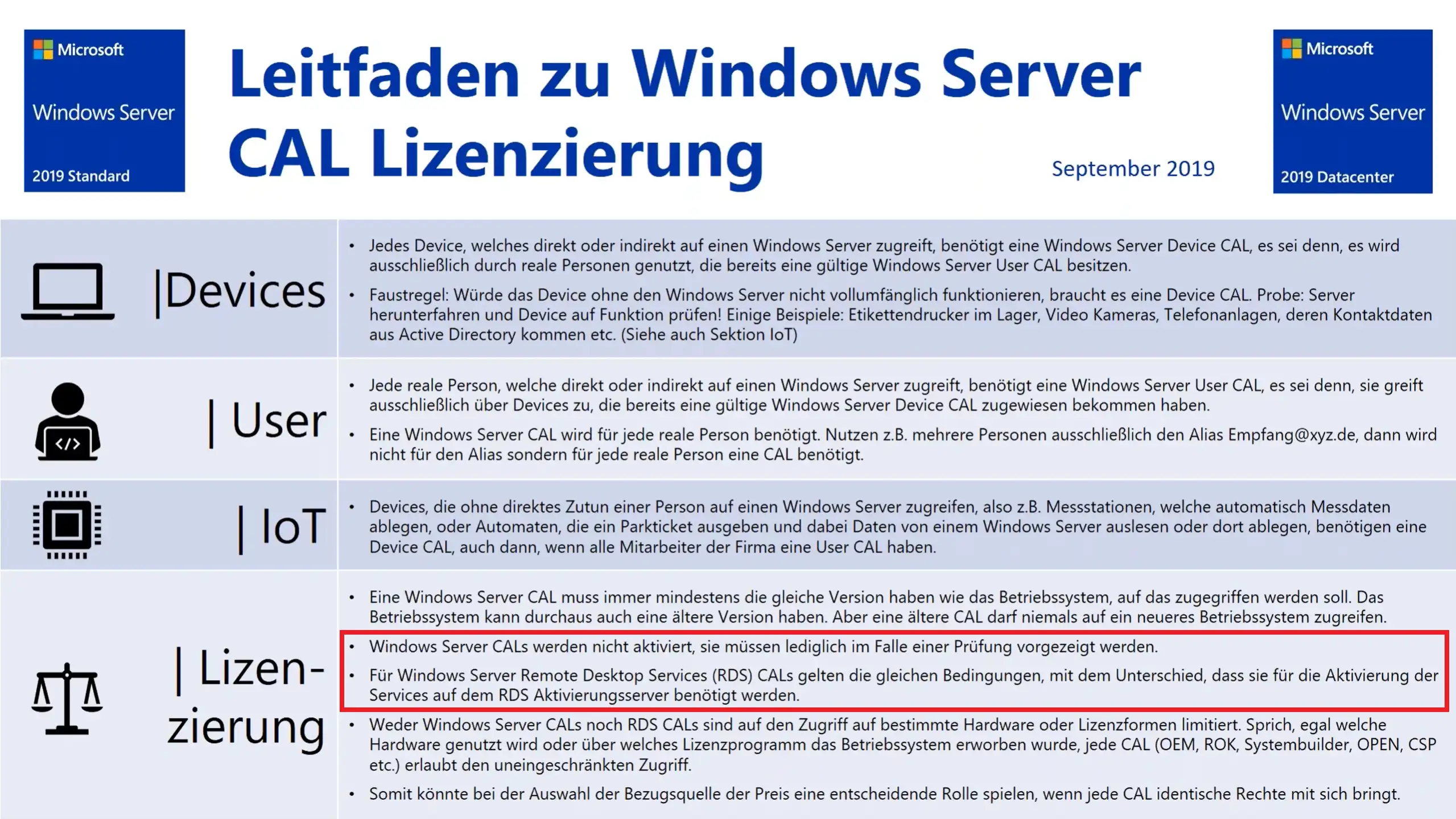
Remote Desktop Services 2022 Device CALs can be purchased quickly and easily via the Microsoft online store. A one-off license fee enables the licensed end device to permanently access the RDS functions of Windows Server 2022. With a Remote Desktop Services 2022 Device CAL, companies can increase their productivity and offer their employees more flexibility at work.
Who is Microsoft Remote Desktop Services 2022 Device CAL suitable for?
Microsoft Remote Desktop Services 2022 Device CAL is suitable for companies and organizations that want to provide their employees or customers with a reliable and secure way to access applications and data hosted on a central server.
Here are some categories of companies and organizations for which the use of Remote Desktop Services 2022 Device CAL may make sense:
- Companies with shift work: Remote Desktop Services 2022 Device CAL is an ideal solution for companies with shift workers, as they can license a specific device, allowing multiple users to access RDS features.
- IT departments: IT departments can use Remote Desktop Services 2022 Device CAL to host applications and data on a central server and transfer them to other devices over the network. This minimizes administrative effort and simplifies maintenance.
- Educational institutions: Schools, universities and other educational institutions can use Remote Desktop Services 2022 Device CAL to provide students and teachers with secure and reliable remote access to applications and data.
- Healthcare: Hospitals, clinics and other healthcare facilities can use Remote Desktop Services 2022 Device CAL to store patient data and medical records on a central server and retrieve them from various devices.
- Small and medium-sized businesses: Remote Desktop Services 2022 Device CAL is a cost-effective solution for small and medium-sized businesses that do not have extensive IT departments but still want to optimize their IT infrastructure.
- Freelancers: Remote Desktop Services 2022 Device CAL can also be beneficial for freelancers and independent professionals who need to access various applications and resources to get their work done. With this license, they can do so from any device, no matter where they are.
Overall, Microsoft Remote Desktop Services 2022 Device CAL is suitable for users in a variety of industries and roles who want to access Windows Server 2022 remote desktop services to make their work more efficient and stay in control of their IT security.
Hardware requirements for Microsoft Remote Desktop Services 2022 DEVICE CAL
The hardware requirements for Microsoft Remote Desktop Services 2022 DEVICE CAL depend on the number of users who will use the RDS services.
However, the following minimum requirements should be met to ensure optimal performance:
- A 64-bit processor with at least 4 cores
- At least 8 GB RAM (16 GB recommended)
- At least 128 GB hard disk space (SSD recommended)
- A network card with a transmission speed of 1 Gbit/s or higher
- A graphics card that supports DirectX 11 or higher
These requirements may vary depending on the number of users and the size of the applications used. It is also important to ensure that the server hardware meets Microsoft certification requirements to ensure compatibility and stability.
(Further details can be obtained from the manufacturer)