Jetzt zum Newsletter anmelden!

Abonnieren Sie jetzt unseren kostenlosen Newsletter und verpassen Sie keine Aktionen und Neuigkeiten mehr.

Please enter a valid email address.
  • Spring sale
  • Get your discounts now!
Offers in:
Offers for:

  Service: +49 5561 - 6092957

  Free shipping

  Secure shopping thanks to SSL

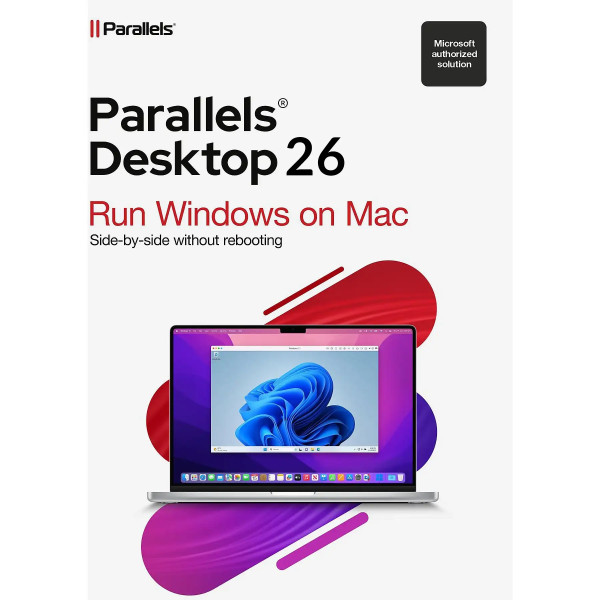
Parallels Desktop 26 Standard | for Mac

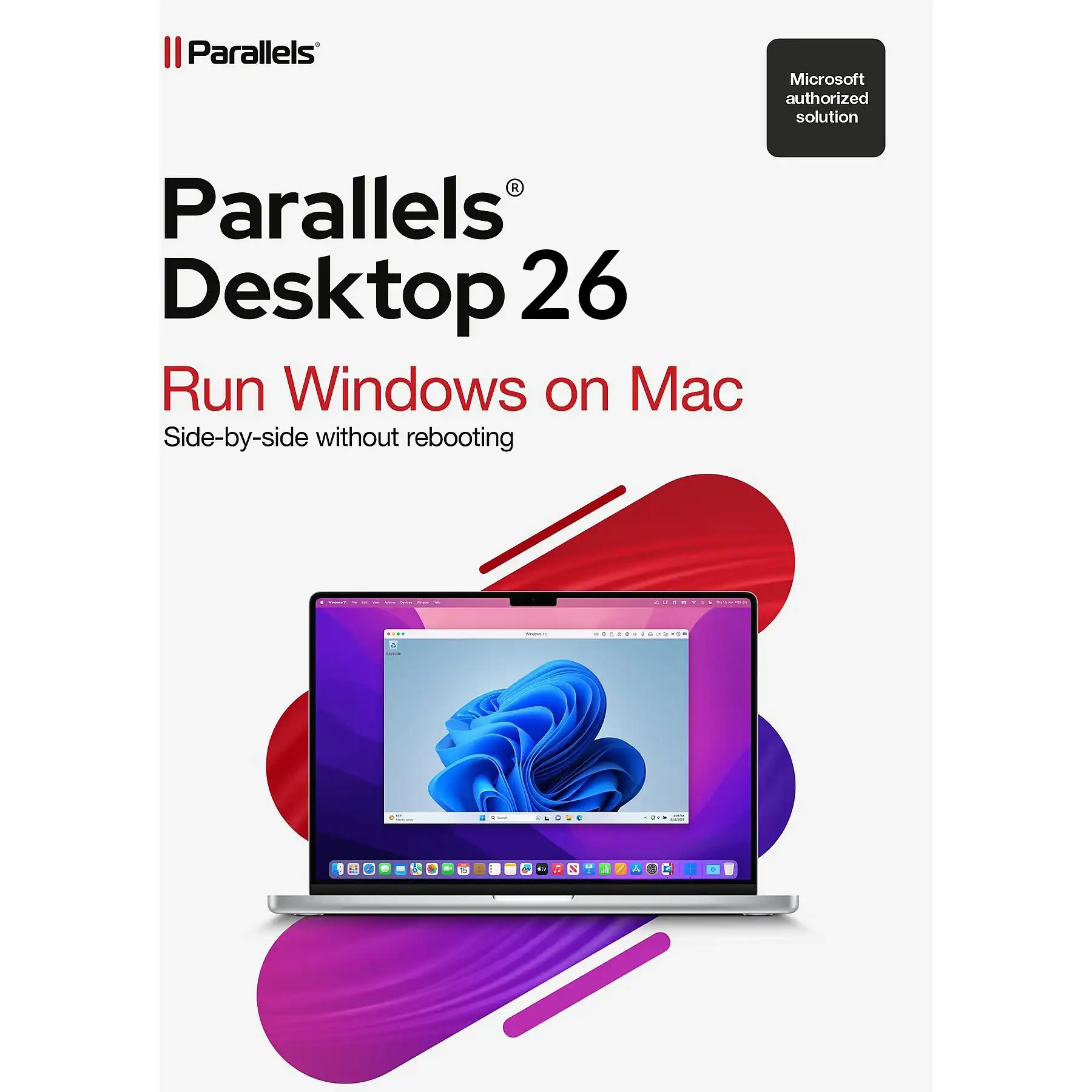
Parallels Desktop 26 Standard | for Mac
We advise you personally

Directly accessible for private and business customers.


berater-bild

We are happy to help!


Mon. - Fri.: 9:00 a.m. - 2:00 p.m.

€139.90 €199.99 (30.05% Saved)

Prices incl. VAT plus shipping costs

Instant download + product key

Already sold 459 times!
[Optional] Software to take with you - incl. USB stick
USB - Stick
USB - Stick
€14.95
  • SWI24-700920
  • 1 Mac
  • 1 year
  • All languages
  • Worldwide
  • E-Mail
  • Parallels
  • Amazon Pay Kreditkarte Klarna Rechnung Apple Pay Google Pay

What's Included

  • Instant delivery – Key & download via email
  • Activation guarantee – Permanent access, quality assured
  • Installation guide – Simple & easy to follow, included
  • VAT invoice – Official proof of purchase included
Parallels Desktop 26 Standard | Buy for Mac at a great price Imagine being able to bring...more
Product information "Parallels Desktop 26 Standard | for Mac"

Parallels Desktop 26 Standard | Buy for Mac at a great price

Imagine being able to bring your entire digital work environment together on a single device—no reboots, no limitations, and no complicated workarounds. That’s exactly what Parallels Desktop 26 Standard for Mac lets you do. This virtualization solution was developed specifically for Mac users who need Windows applications without sacrificing the elegance and stability of macOS.

Whether you use business-critical software, need specific Windows applications, or simply want maximum flexibility—with Parallels Desktop 26, you get the best of both worlds.

Virtualization at the Highest Level

Parallels Desktop 26 Standard is among the leading solutions in the field of virtualization and sets new standards in performance and efficiency. The software makes optimal use of your Mac’s hardware resources and ensures that both macOS and Windows run in parallel and seamlessly.

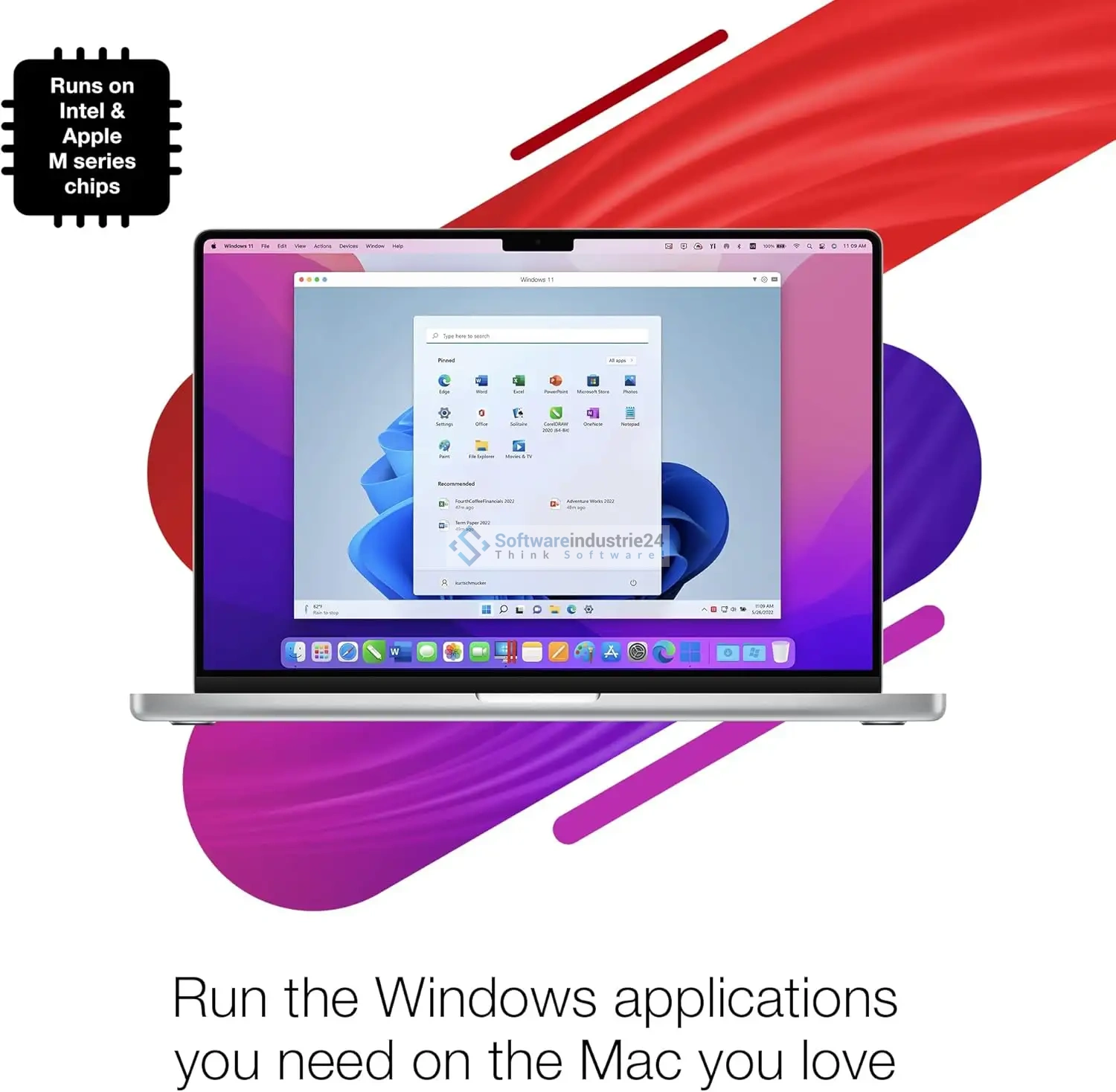
Thanks to intelligent resource allocation, you can run even demanding applications without any issues. Whether it’s databases, development environments, or Office applications—everything runs stably and without delays. Performance has been significantly improved, especially for users with Apple Silicon (M1, M2, M3), so that Windows applications feel almost native.

For you, this means: no long load times, no stuttering, and no limitations in your daily work.

Integration of Windows into macOS with Parallels Desktop 26 Standard

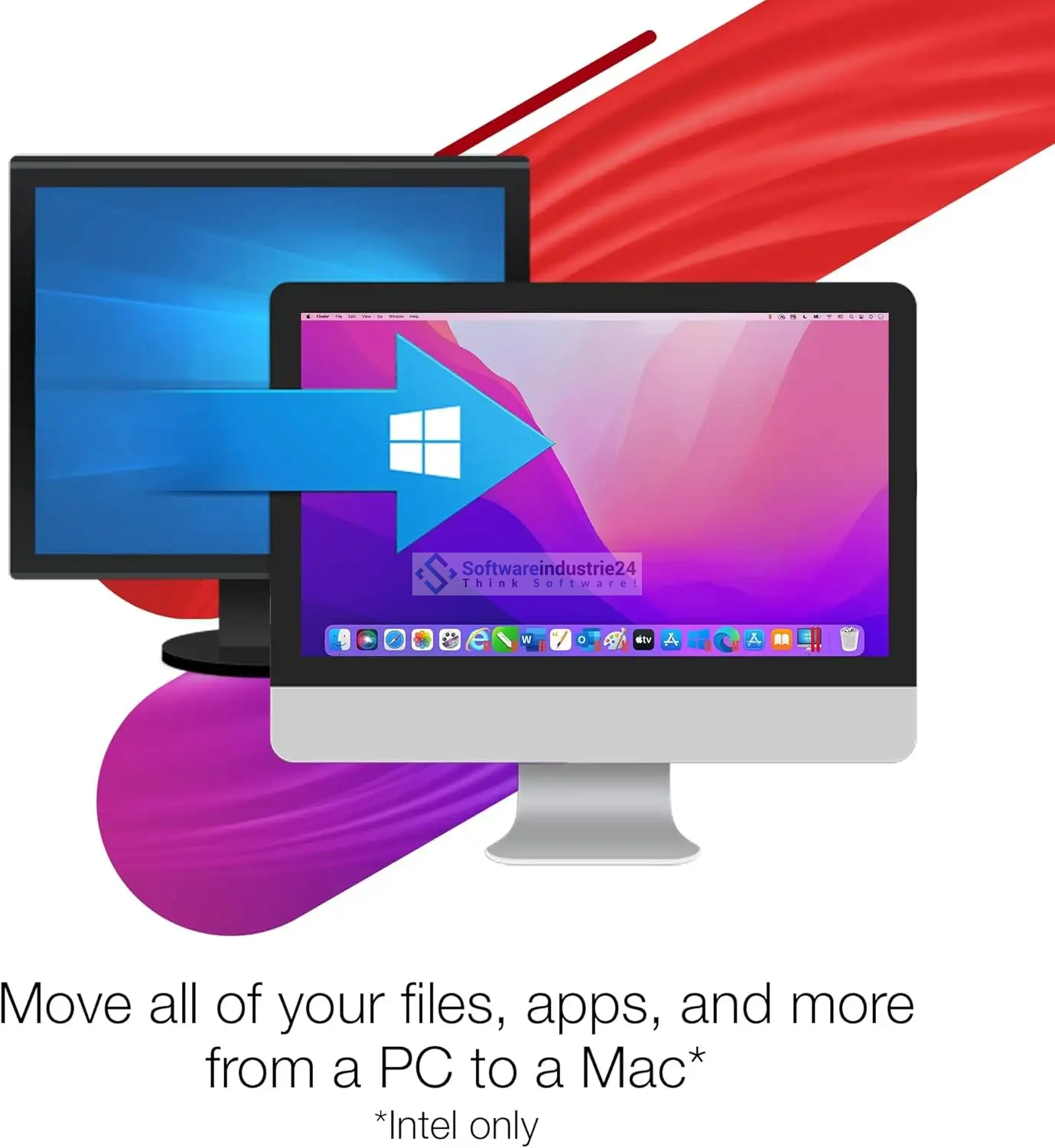
One of the biggest advantages of Parallels Desktop is the near-perfect integration of Windows into the macOS environment. You don’t have to switch between systems—both run simultaneously.

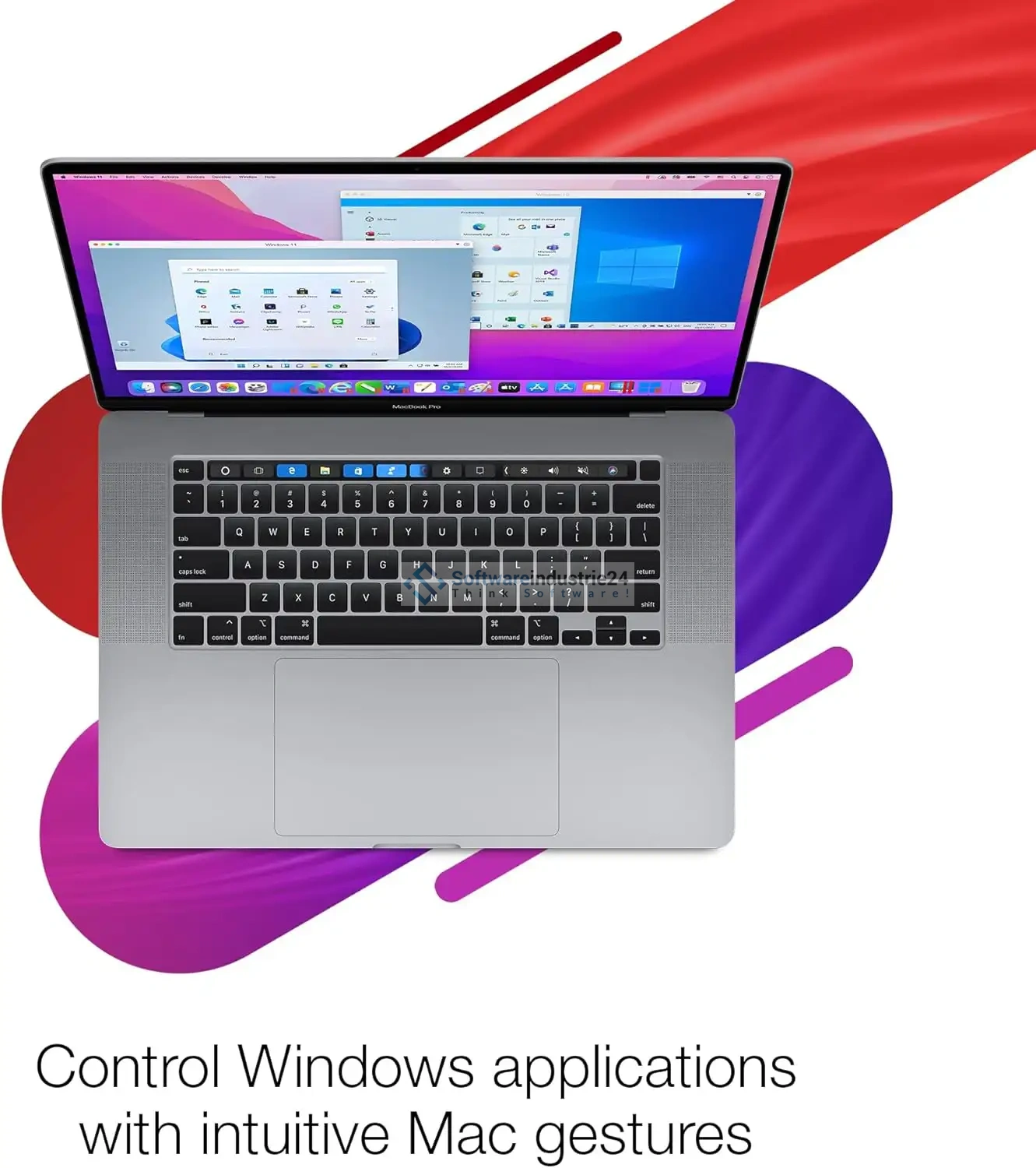
Windows programs appear directly in the Mac Dock, can be operated just like native Mac apps, and can even be integrated into Mission Control. You can easily move files between systems via drag-and-drop. Copy and paste works across systems—just like opening files with the appropriate application.

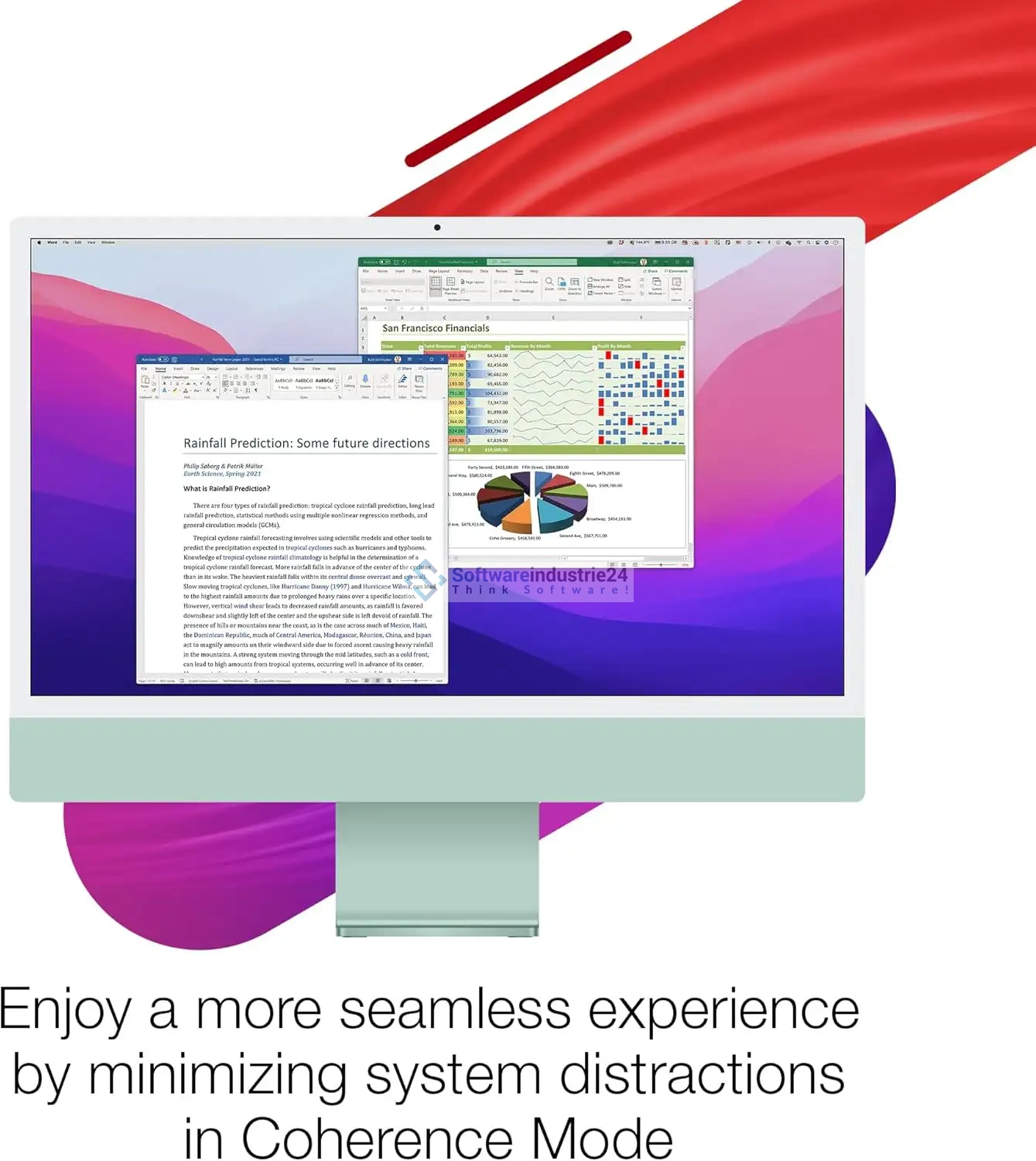
The so-called “Coherence Mode” hides the classic Windows interface and fully integrates Windows applications into macOS. This creates a unified, uncluttered user experience that significantly boosts your productivity.

Easy installation – even without prior knowledge of the software

Parallels Desktop 26 was designed so that both beginners and professionals can get up and running quickly. Installation is incredibly simple and takes only a few minutes.

The built-in wizard guides you step by step through the entire process:

  • Automatically download and install Windows
  • Create a virtual machine
  • Select optimal settings

You don’t need in-depth technical knowledge. Everything is intuitive and clearly structured. At the same time, advanced users have the option to make detailed adjustments to optimize performance individually.

Compatibility for every need with Parallels Desktop 26 Standard

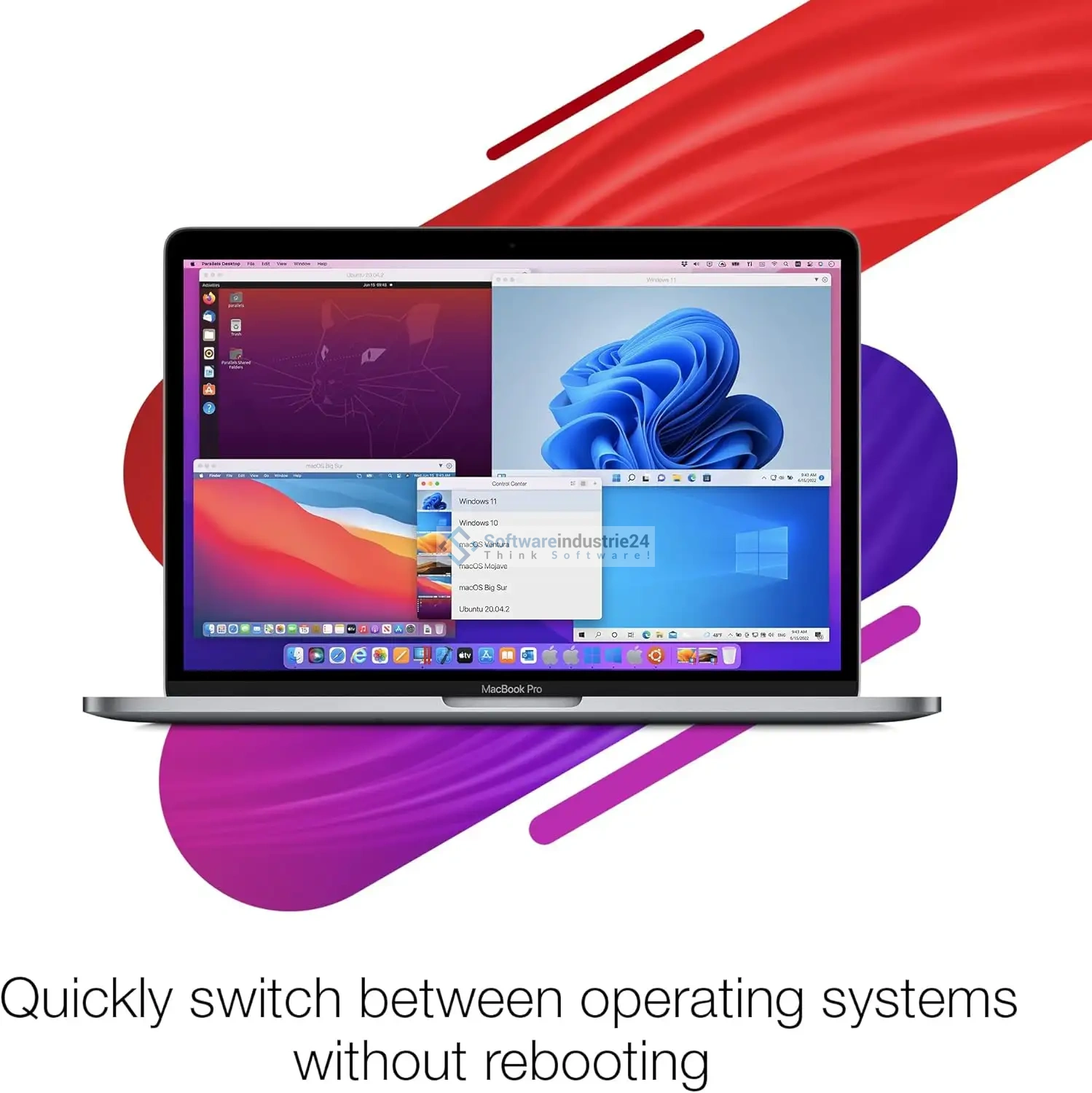
With Parallels Desktop 26 Standard, you have maximum flexibility. The software supports a wide range of operating systems, including:

  • Windows 11
  • Windows 10
  • Various Linux distributions
  • Additional operating systems for specialized applications

Whether you want to test, develop, or use software in a production environment—Parallels Desktop offers you the right environment.

This versatility is a decisive advantage, especially for businesses and developers. You can run, test, and compare different systems in parallel without needing additional hardware.

Use the download for work, school, and everyday life

Parallels Desktop 26 is aimed at a broad audience and offers real added value for every use case.

For businesses:

Use business-critical Windows software on your Mac without having to purchase additional devices. Save costs while simultaneously increasing the efficiency of your work processes.

For students:

Many degree programs require specialized software that only runs on Windows. With Parallels Desktop, you can easily use this software on your Mac—ideal for technology, engineering, or computer science.

For developers and IT professionals:

Test applications in different environments, simulate networks, or develop cross-platform software—all on a single device.

For home users:

Play Windows games or use specialized programs not available for macOS—without having to give up your Mac.

Security and reliability of Parallels Desktop 26 Standard

Parallels Desktop places a high priority on security and stability. Virtual machines are isolated, ensuring your Mac system remains protected. At the same time, you benefit from regular updates and optimizations that ensure consistently high performance.

Snapshots allow you to save the state of your virtual machine and restore it as needed. This is particularly useful during testing or software installations.

Optimized Performance for Apple Silicon

With the increasing adoption of Apple Silicon (M1, M2, M3), Parallels Desktop has further developed its technology to make the most of these chips’ performance.

The result:

  • Faster startup times
  • Smoother applications
  • Better energy efficiency

Windows runs particularly efficiently on these systems, making Parallels Desktop the best choice for modern Mac devices.

Work without interruptions

A major advantage of Parallels Desktop is the ability to work without interruptions. You don’t need to restart your Mac to use Windows.

This not only saves time but also significantly boosts your productivity. You can switch between applications at any time, use multiple programs simultaneously, and optimize your workflow.

Why Parallels Desktop 26 Standard Is the Right Choice

If you’re looking for a reliable, powerful, and user-friendly solution to run Windows on your Mac, Parallels Desktop 26 Standard is the ideal choice.

The combination of ease of use, high performance, and seamless integration makes this software an indispensable tool for modern work environments.

You’ll save time, reduce costs, and benefit from a level of flexibility that opens up new possibilities.

Your next step toward success

Unlock the full potential of your Mac and expand your possibilities with Parallels Desktop 26 Standard.

Order now and experience how easy and efficient it can be to use Windows and macOS simultaneously—without compromise.

Related links to "Parallels Desktop 26 Standard | for Mac"