We advise you personally
Directly accessible for private and business customers.

We are happy to help!
Mon. - Fri.: 9:00 a.m. - 2:00 p.m.
Prices incl. VAT plus shipping costs
Instant download + product key
What's Included
- Instant delivery – Key & download via email
- Activation guarantee – Permanent access, quality assured
- Installation guide – Simple & easy to follow, included
- VAT invoice – Official proof of purchase included
- Order number: SWI24-700934
- Devices: 1 Mac
- Runtime: Permanently valid
- Language: English
- Country zone: Worldwide
- Shipping method: E-Mail
- Manufacturer: VMware

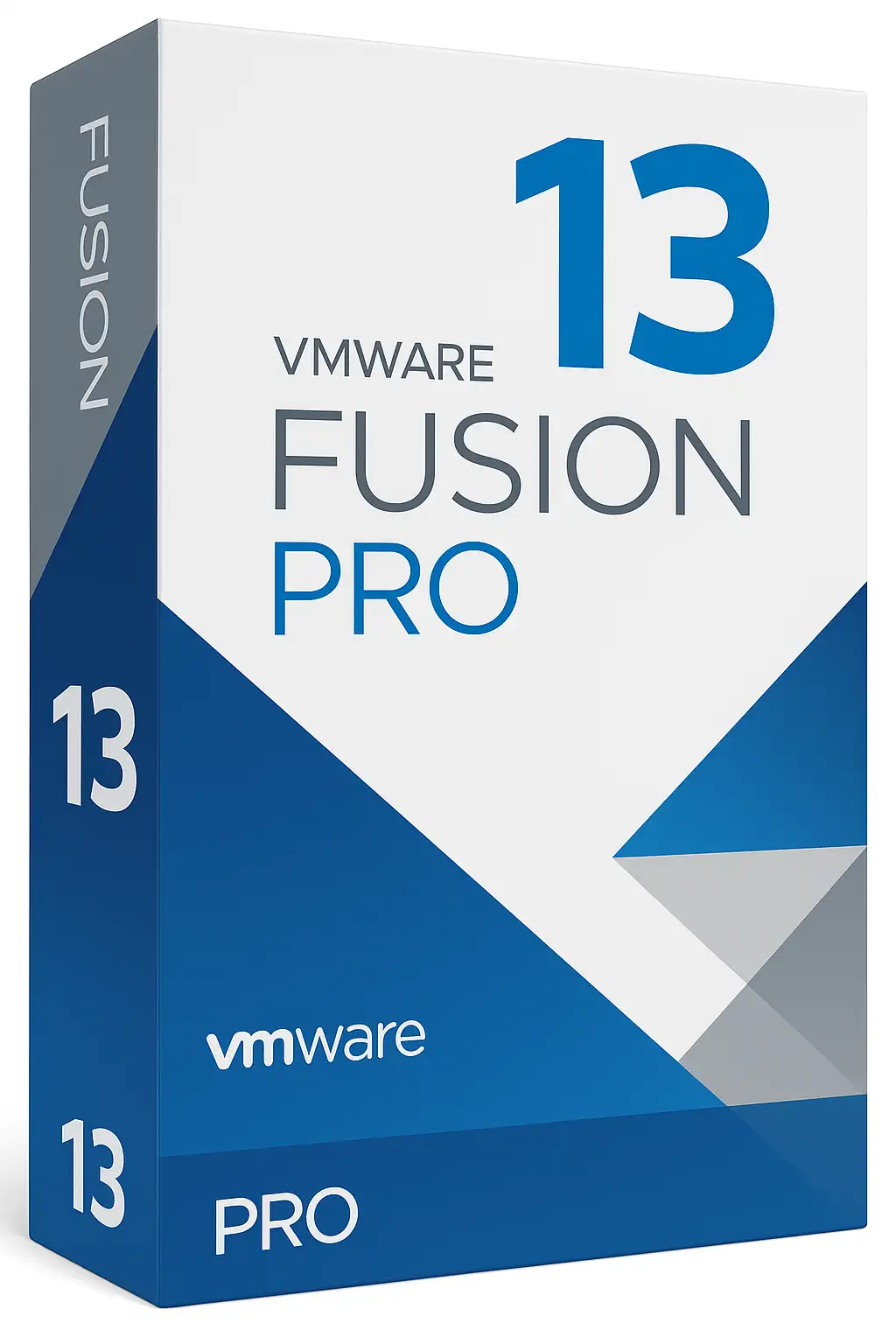
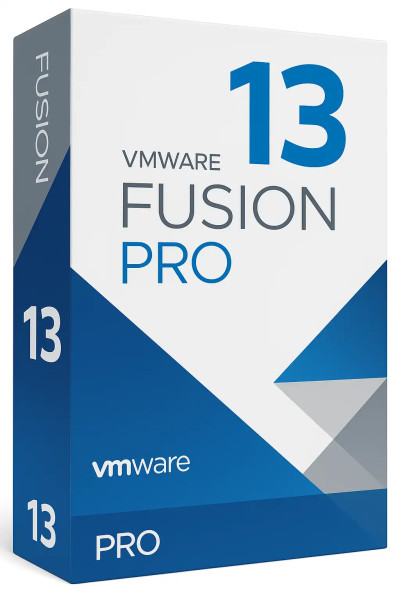
Buy VMware Fusion 13 Pro for Mac at a great price, online, and fast
VMware Fusion 13 Pro is one of the most powerful and versatile virtualization platforms for macOS. Designed for developers, IT administrators, businesses, and demanding power users, the Pro Edition offers maximum freedom to run Windows, Linux, and other operating systems alongside macOS—quickly, securely, and with high performance.
With version 13 Pro, VMware sets new standards for Apple Silicon and Intel Macs, supports modern operating systems, and delivers professional tools specifically tailored to business needs.
The following comprehensive product description provides you with all the features, benefits, use cases, system requirements, and SEO-relevant content needed to convince your potential customers—clearly structured and optimized for Google.
What is VMware Fusion 13 Pro?
VMware Fusion 13 Pro is professional virtualization software that enables Mac users to run multiple operating systems simultaneously on a single device. By creating virtual machines (VMs), users can run Windows, Linux, Ubuntu, Debian, Kali Linux, or older macOS versions in parallel without having to restart their system.
Key features include:
- Advanced virtualization technology
- Professional workflows for developers & businesses
- Support for Apple Silicon (M1/M2/M3) & Intel Macs
- Maximum compatibility with modern operating systems
- Advanced network configuration & security features
Fusion 13 Pro was developed to simplify complex tasks in areas such as software development, IT administration, testing environments, cybersecurity, and system virtualization.
An overview of the key features of VMware Fusion 13 Pro
Support for Apple Silicon & Intel
Fusion 13 Pro is optimized for both Mac architectures.
- Intel Macs: Windows, Linux, and macOS guests
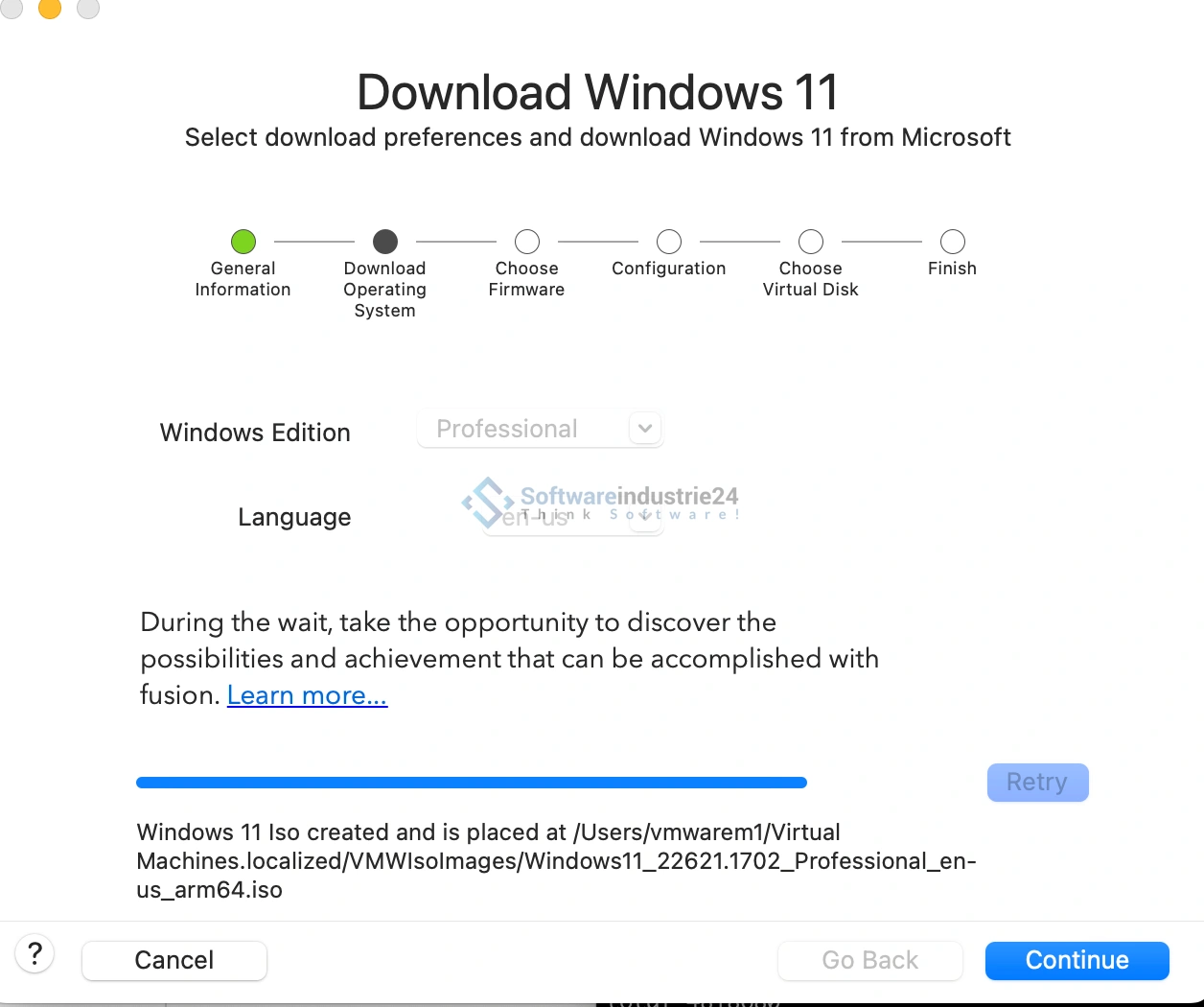
- M-chip Macs: ARM-based operating systems, including Windows 11 ARM
Windows 11 ARM compatibility
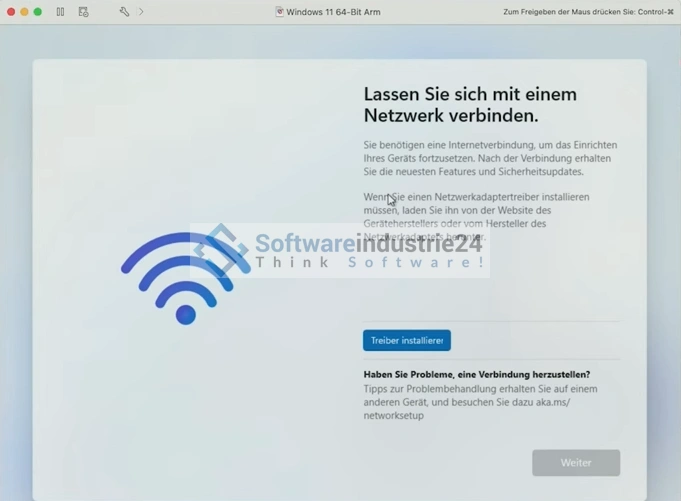
One of the highlights of the Pro version is fully optimized support for Windows 11 ARM. This allows modern Windows applications to run stably and with high performance on M-series Macs.
Enhanced graphics performance
- Support for OpenGL 4.3
- Improved GPU acceleration
- Ideal for design software, 3D simulations, and development environments
Professional networking features
Fusion 13 Pro enables complex networking scenarios, including:
- VLAN support
- Virtual network topologies
- Customizable NAT and host-only networks
- Simulated network environments for testing purposes
A major advantage for IT professionals and DevOps engineers.
Snapshots & Clones of the Download
- Multiple snapshots per VM
- Full & linked clones
- Perfect for test labs and software developers
Snapshots allow you to revert to a previous state at any time—ideal for troubleshooting or experimental setups.
Advanced security features
- TPM virtualization (required for Windows 11)
- Encrypted VMs
- Sandboxing
- Secure container environments
Perfect for companies subject to strict data protection requirements.
vSphere integration
Fusion 13 Pro enables:
- Connection to VMware vSphere
- Remote management of ESXi servers
- Import/export of VMs
Ideal for professional server environments.
Benefits for different target groups
For developers of the Key
- Testing apps on multiple operating systems
- Emulation of different device types
- Automated DevOps processes
- Compatibility with Docker, Kubernetes, and CLI tools
For IT professionals and administrators
- Creation of complex network landscapes
- Testing of security mechanisms
- Use of vSphere infrastructure
- Management of external server instances
For businesses
- Cost savings through virtual test devices
- Secure sandboxing environments
- Flexible work from home
- Support for modern security policies
For creatives & power users
- Seamless use of Windows software on Mac
- Graphics acceleration for CAD, simulation & data science
- Efficient workflows for multitasking
VMware Fusion 13 Pro – Perfect compatibility with modern operating systems
Fusion 13 Pro supports a wide range of operating systems:
Windows:
- Windows 11 ARM
- Windows 10
- Windows Server editions
Linux:
- Ubuntu
- Debian
- Red Hat
- Kali Linux
- CentOS
- Fedora
macOS (Intel Macs only):
- macOS Monterey or later
- macOS Big Sur
- macOS Catalina through High Sierra
Top-tier performance
Through optimized use of Mac hardware, users benefit from:
- Low latency
- High stability
- Optimized CPU/GPU utilization
- Fast load times
- Seamless switching between systems
Fusion 13 Pro uses modern virtualization standards to remain smooth even under heavy load.
User-friendly operation despite professional features
Although Fusion 13 Pro was developed for professionals, the user interface is intuitive:
- Drag-and-drop installation
- Automatic VM configuration
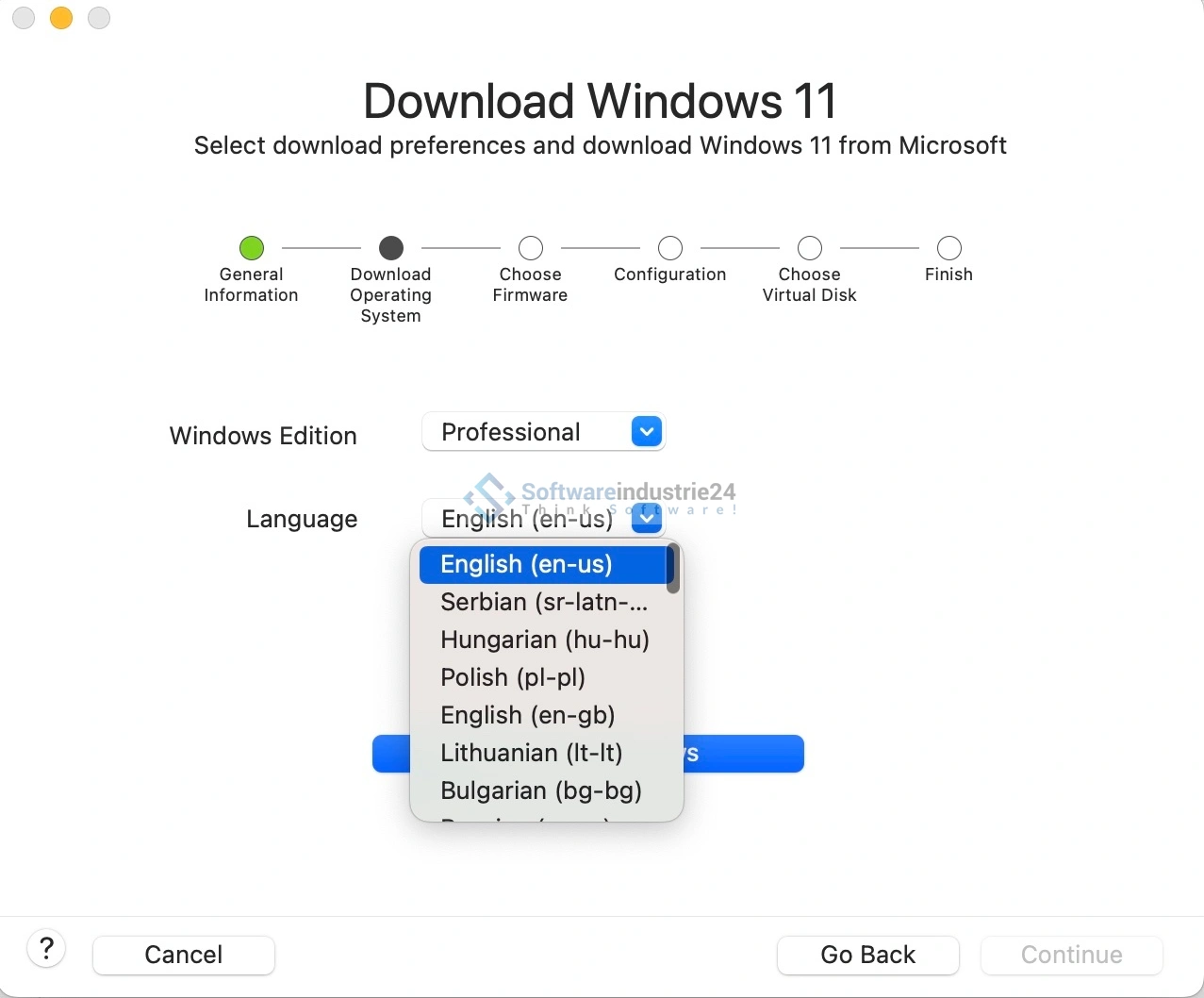
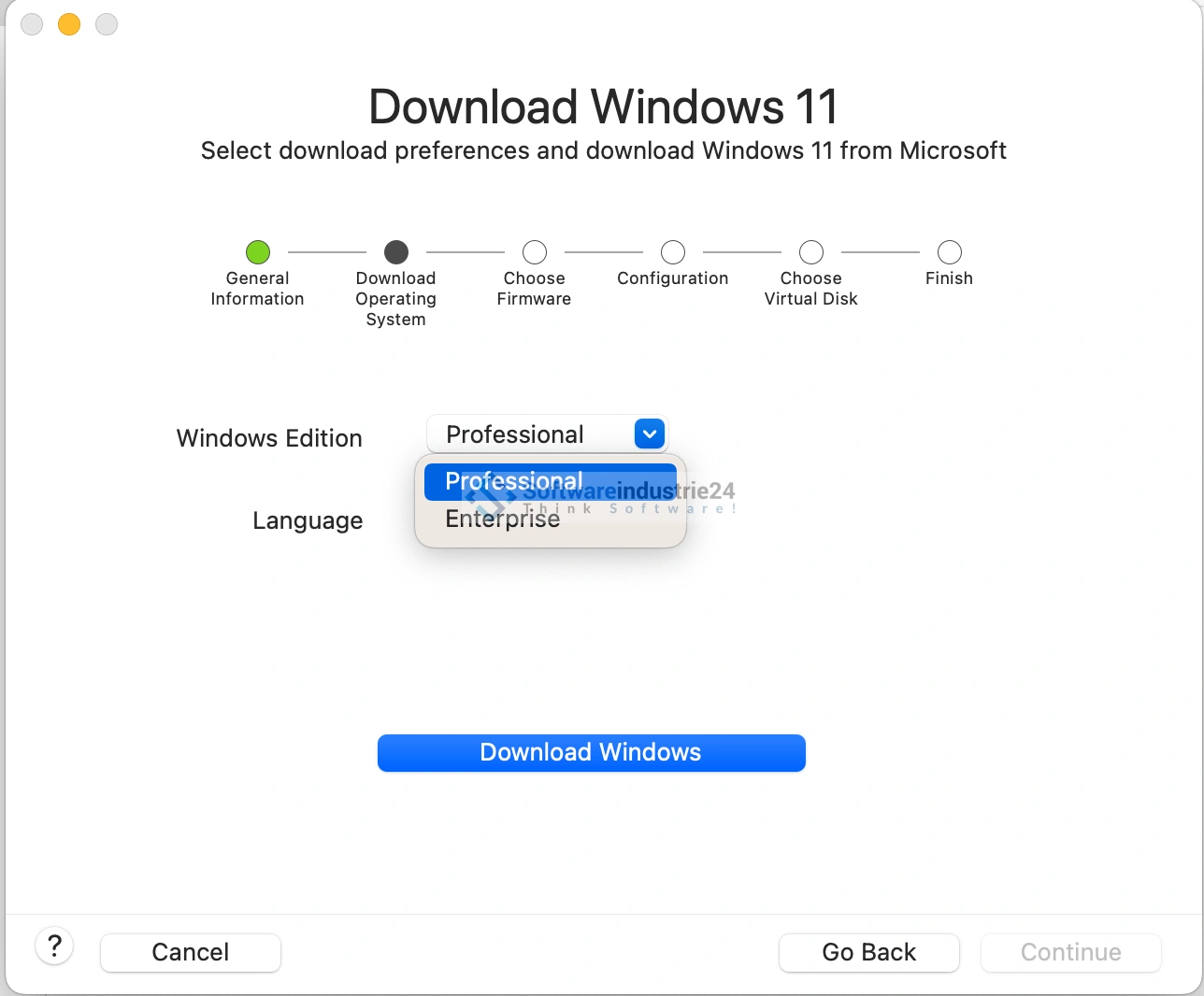
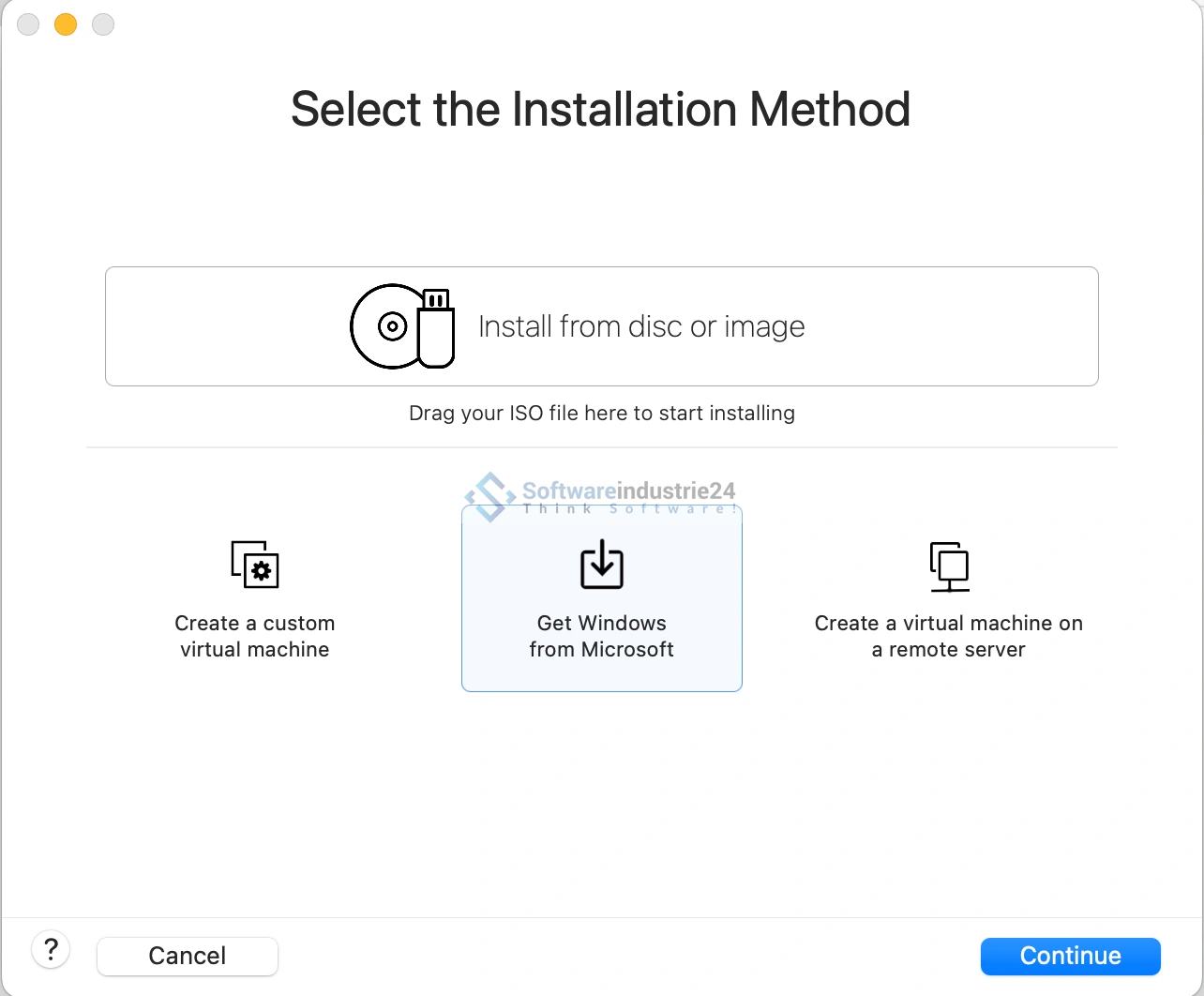
- Wizard for operating system installations
- Clear menu navigation for network and hardware configuration
Even beginners can handle it with ease.
Typical everyday use cases
Software development
Development, testing, and deployment of apps across multiple platforms.
Security research / penetration testing
VMs for simulated cyberattacks, e.g., with Kali Linux.
Schools, offices, and businesses
Centralized management of test environments and Windows applications.
Gaming
Thanks to DirectX and OpenGL support, many games can be played.
Data Security
Sandboxed Windows environments with no risk to macOS.
System Requirements for VMware Fusion 13 Pro
Hardware Requirements
- Apple Silicon or Intel Mac
- At least 8 GB RAM
- Recommended: 16–32 GB
- 20+ GB storage per VM
- macOS 12 or later
Software Requirements
- Current macOS versions
- ISO or VHDX of the desired operating systems
Advantages over Competitors
Comparable products like Parallels Desktop are often more expensive and subscription-based.
Fusion 13 Pro offers:
- One-time payment instead of a subscription
- More advanced professional features
- Better networking tools
- Native vSphere integration
- Greater flexibility for IT workflows
Why buy VMware Fusion 13 Pro from Softwareindustrie24?
- Instant delivery via email
- Invoice incl. VAT
- Free installation assistance
- Reputable & certified software store
- Over 10,000 satisfied customers
The perfect solution for professional virtualization on the Mac
VMware Fusion 13 Pro is currently one of the most powerful, flexible, and reliable virtualization platforms for macOS. Whether you’re a developer, security expert, enterprise, or power user—the Pro version offers everything modern IT workflows require.
With top-notch performance, high security, excellent compatibility, and extensive professional tools, Fusion 13 Pro is an indispensable tool for anyone who wants to get the most out of their Mac.