
Jetzt zum Newsletter anmelden!

Abonnieren Sie jetzt unseren kostenlosen Newsletter und verpassen Sie keine Aktionen und Neuigkeiten mehr.

Please enter a valid email address.
  • Spring sale
  • Get your discounts now!
Offers in:
Offers for:

  Service: +49 5561 - 6092957

  Free shipping

  Secure shopping thanks to SSL

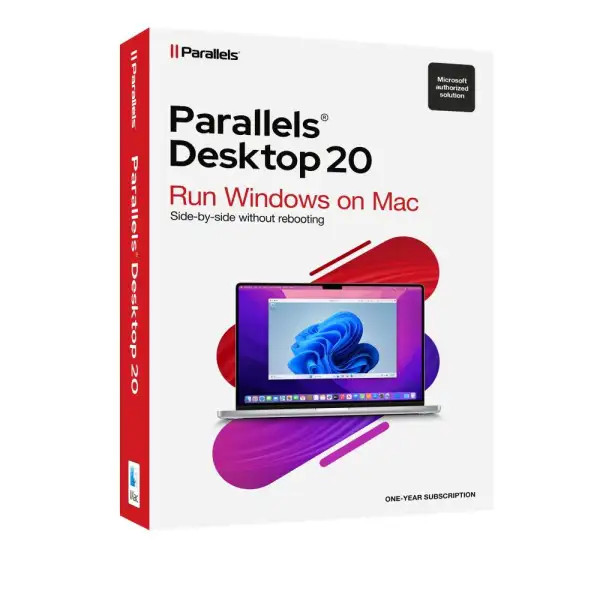
Parallels Desktop 20 Pro | for Mac

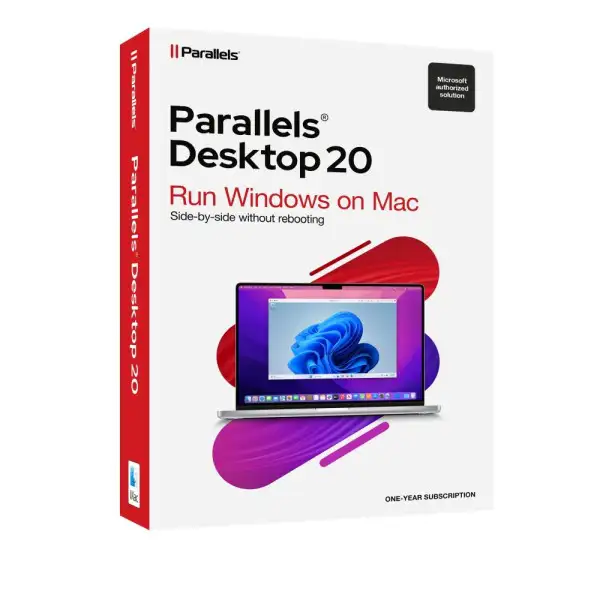
Parallels Desktop 20 Pro | for Mac
We advise you personally

Directly accessible for private and business customers.


berater-bild

We are happy to help!


Mon. - Fri.: 9:00 a.m. - 2:00 p.m.

€109.90 €189.90 (42.13% Saved)

Prices incl. VAT plus shipping costs

Instant download + product key

Already sold 667 times!
[Optional] Software to take with you - incl. USB stick
USB - Stick
USB - Stick
€14.95
  • SWI24-700919
  • 1 Mac
  • 1 year
  • All languages
  • Worldwide
  • E-Mail
  • Parallels
  • Amazon Pay Kreditkarte Klarna Rechnung Apple Pay Google Pay

What's Included

  • Instant delivery – Key & download via email
  • Activation guarantee – Permanent access, quality assured
  • Installation guide – Simple & easy to follow, included
  • VAT invoice – Official proof of purchase included
Parallels Desktop 20 Pro | Buy easily and affordably for Mac Parallels Desktop 20 Pro for Mac...more
Product information "Parallels Desktop 20 Pro | for Mac"

Parallels Desktop 20 Pro | Buy easily and affordably for Mac

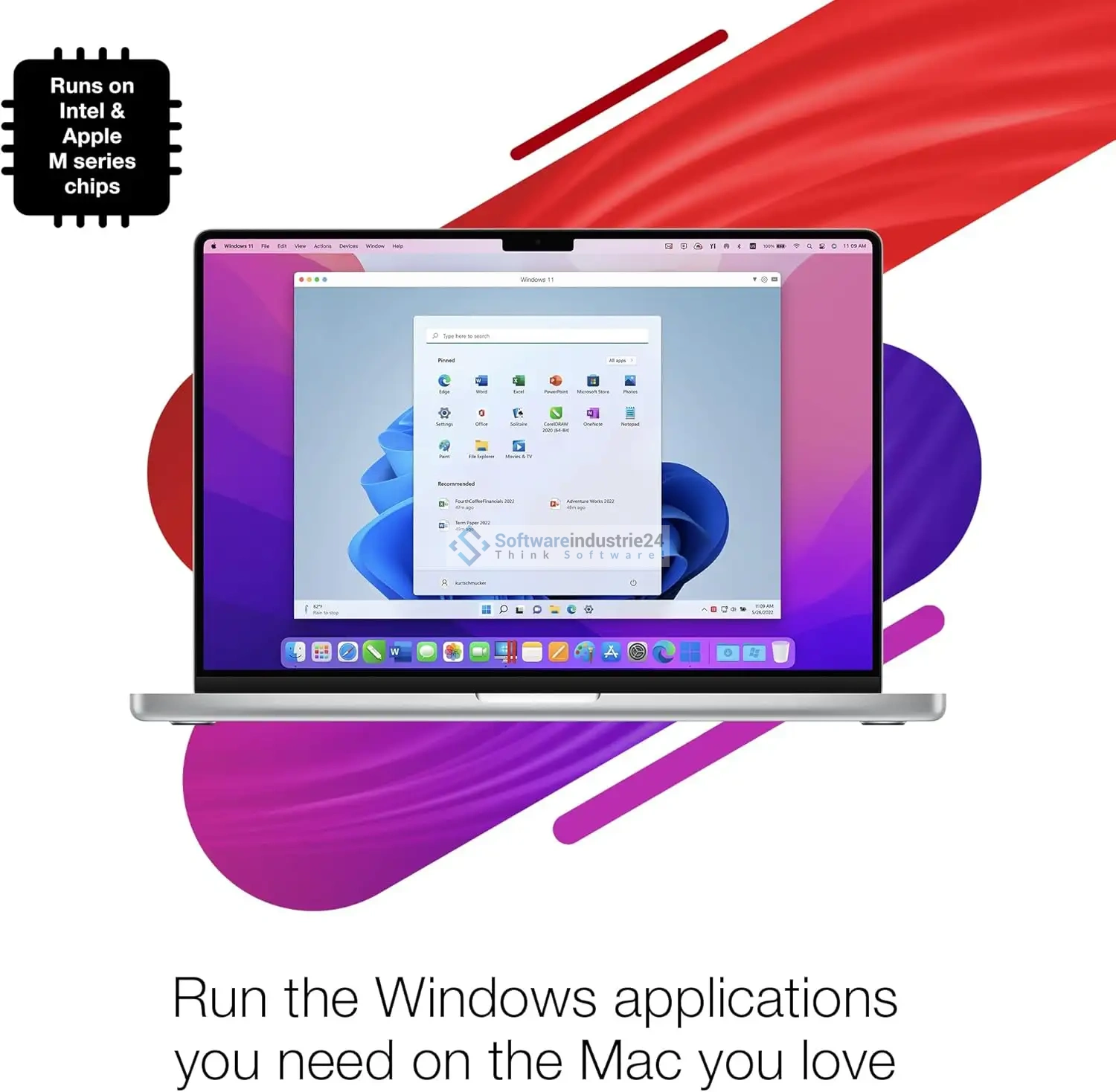
Parallels Desktop 20 Pro for Mac sets new standards in virtualization technology and is the perfect choice for anyone who needs top performance, flexibility, and compatibility. Whether you’re a developer, IT administrator, designer, or business—this powerful software lets you run Windows, Linux, and other operating systems seamlessly on your Mac without having to give up your familiar macOS environment.

Compared to the Standard and Business editions, the Pro version offers advanced features, greater performance, and additional tools specifically tailored to the needs of professional users. If you want maximum efficiency, top speed, and full control, Parallels Desktop 20 Pro is the right choice.

Technical Specifications of Parallels Desktop 20 Pro

So you know exactly what Parallels Desktop 20 Pro offers, here is an overview of the key technical details:

  • Supported Host Systems:
    • macOS compatible with the three latest Mac versions
    • Apple Silicon (M1, M2, M3) and Intel-based Macs
  • Supported guest operating systems:
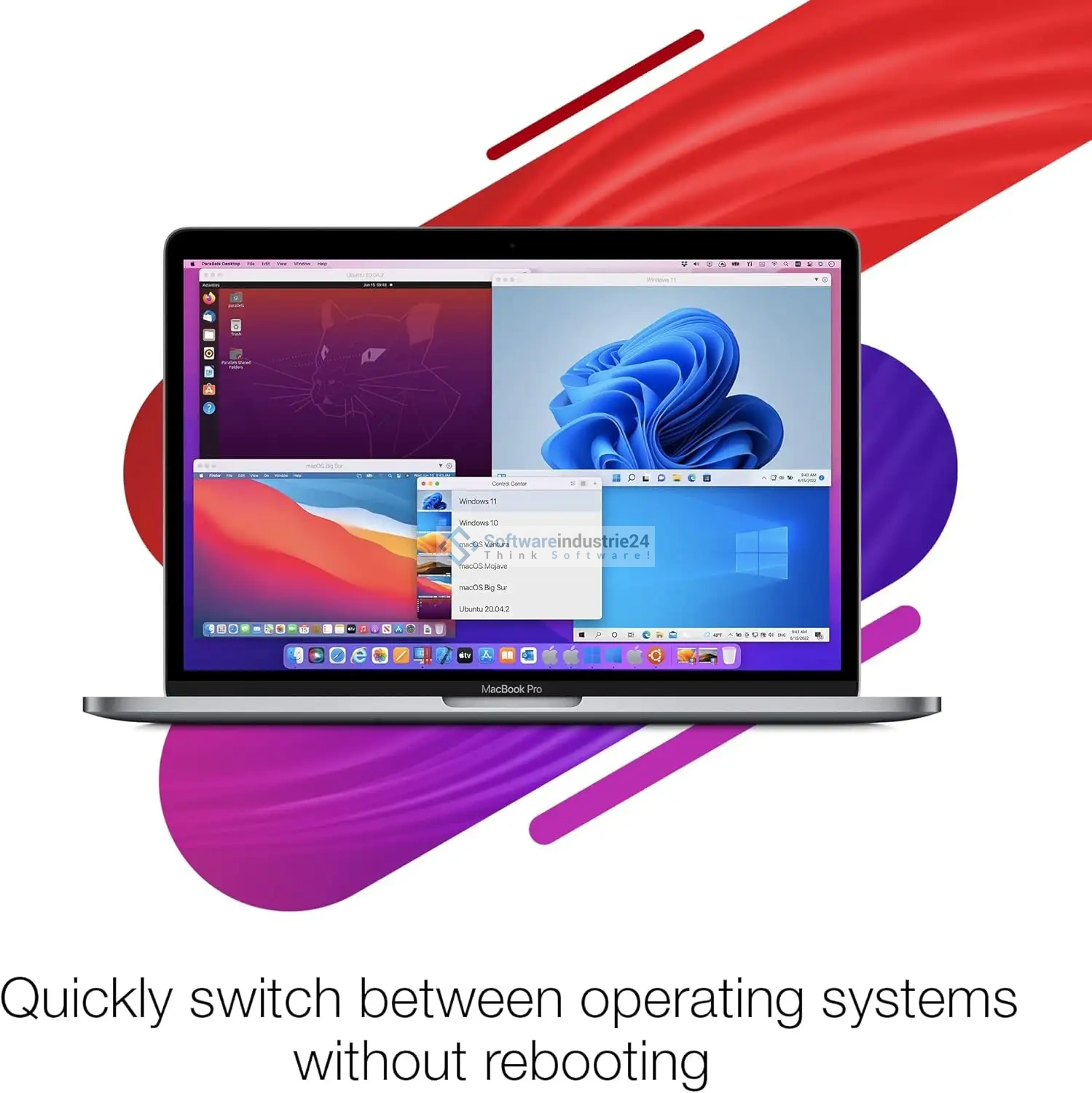
    • Windows 11, Windows 10, Windows 8.1, Windows 7
    • Various Linux distributions (Ubuntu, Fedora, Debian, CentOS, etc.)
    • macOS in virtual machines (depending on Apple hardware)
  • Hardware requirements:
    • At least 8 GB RAM (Recommended: 16 GB or more for developers & power users)
    • 600 MB of free disk space for installation
    • SSD storage for optimal performance
    • Internet connection for activation and updates
  • Graphics & Performance:
    • Support for DirectX 11, OpenGL, Metal
    • Up to 128 GB RAM and 32 vCPUs per virtual machine in the Pro Edition
    • Optimized 3D graphics for games and CAD software

These technical specifications make it clear: Parallels Desktop 20 Pro is not only designed for home use, but is a true professional solution that also impresses in corporate and developer environments.

User-Friendliness and Installation of Parallels Desktop 20 Pro

A key advantage of Parallels Desktop 20 Pro is its ease of use. Even though virtualization sounds complex, the setup here is surprisingly straightforward:

  1. Quick Installation – After downloading and launching the installer, a user-friendly wizard guides you through the entire process.
  2. Automatic Windows Installation – If you want to use Windows, Parallels Desktop automatically downloads the appropriate version or allows you to import an existing ISO file.
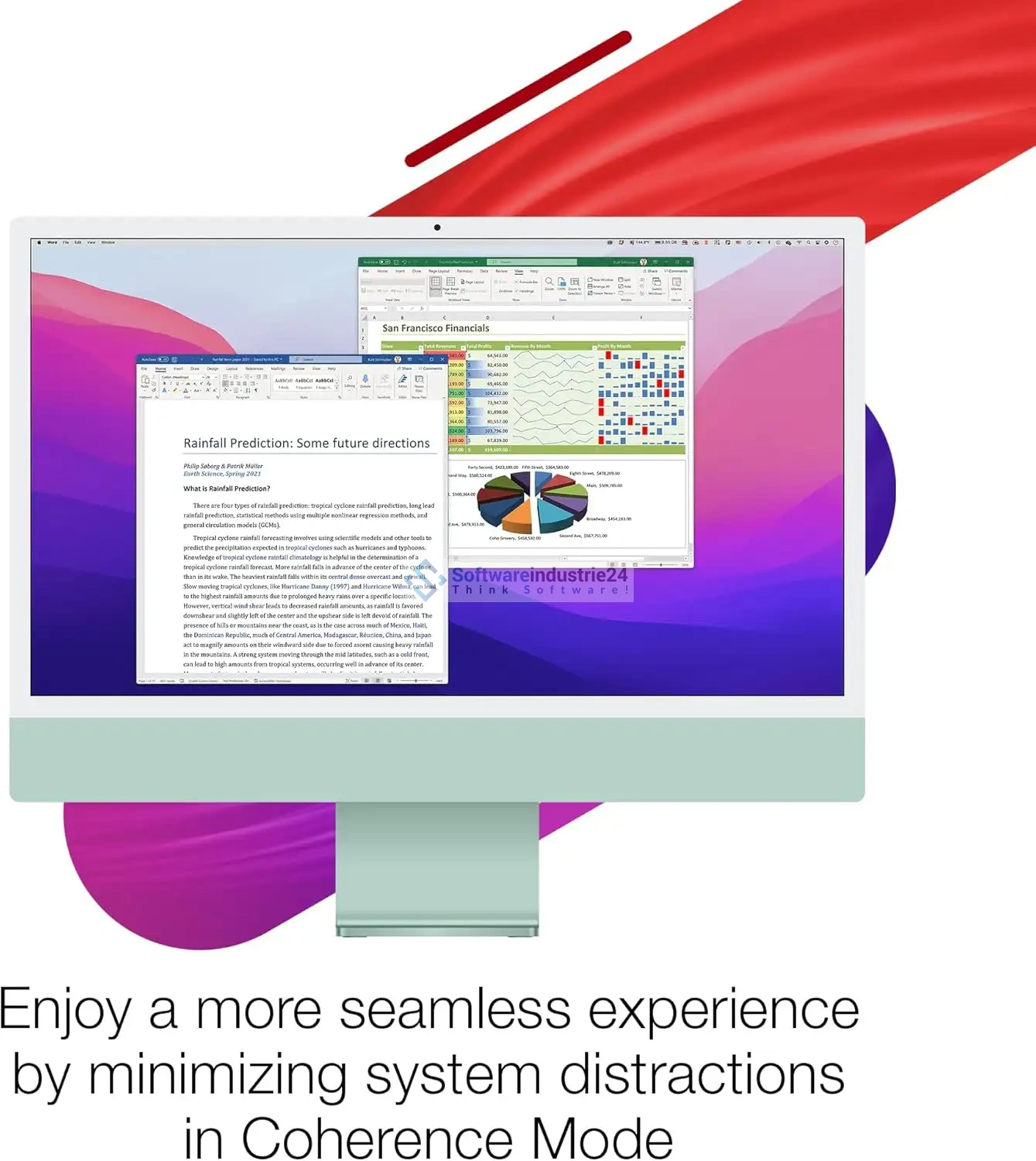
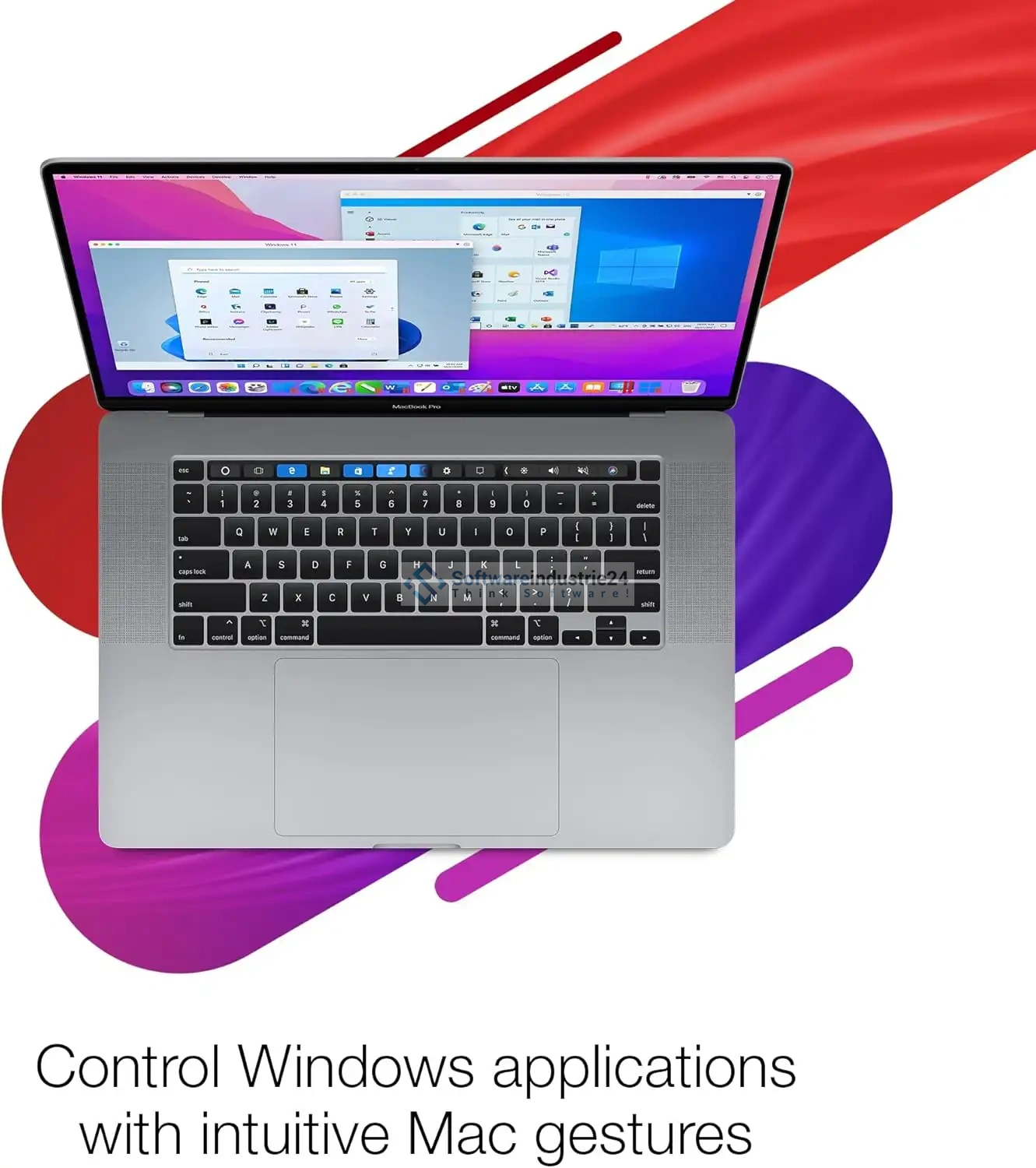
  3. Seamless Integration – With “Coherence Mode,” Windows applications blend seamlessly with the macOS interface. This lets you use programs like Word, Excel, or even specialized software directly on the Mac desktop, as if they were native applications.
  4. Easy Management – The Control Center lets you keep track of all your virtual machines and quickly switch between different environments.

Parallels Desktop 20 Pro is an excellent choice, especially for users with little prior experience with virtualization—the software takes care of many technical hurdles for you and ensures a smooth user experience.

Comparison with Previous Versions of the License

Parallels Desktop 20 Pro brings numerous new features and improvements compared to its previous versions:

  • Optimized Performance – Up to 25% faster startup times for virtual machines.
  • Enhanced Support for Apple Silicon – Full compatibility with M1, M2, and M3 processors, including native ARM versions of Windows.
  • Improved graphics performance – Support for the latest DirectX and OpenGL versions ensures smoother rendering, even with graphics-intensive programs.
  • New developer tools – Improved integration with Docker, Vagrant, Minikube, and other DevOps tools.
  • Enhanced networking options – More granular configuration options for developers and IT professionals.

Parallels Desktop 20 Pro sets the standard for the next generation of virtualization and is significantly more powerful than older versions such as Parallels Desktop 18 or 19.

Use cases for different types of Parallels Desktop 20 Pro users

Parallels Desktop 20 Pro is extremely versatile and suitable for various user groups:

  • For developers: Test software simultaneously on macOS, Windows, and Linux. Use Docker, Visual Studio, or JetBrains tools without any loss of performance.
  • For designers: Work with programs like AutoCAD or SolidWorks directly on your Mac—thanks to optimized 3D support.
  • For businesses: Manage entire IT environments, deploy different operating systems for your employees, or use legacy applications that only run on Windows.
  • For Gamers: Play Windows-exclusive titles directly on your Mac with high performance.
  • For Students and Home Users: Access Windows programs for school, work, or leisure without needing a second computer.

No matter how varied the use cases—Parallels Desktop 20 Pro always offers the optimal solution.

Benefits of using Parallels Desktop 20 Pro

Some of the biggest benefits at a glance:

  • Maximum compatibility – Use Windows and Linux seamlessly on your Mac.
  • High performance – Thanks to optimized virtualization technology, applications run quickly and stably.
  • Easy to use – Suitable even for beginners, thanks to intuitive wizards and a clear user interface.
  • Professional Tools – Ideal for developers and IT professionals with special features such as debugging, network simulations, and advanced configuration options.
  • Quick Updates – Parallels continuously responds to new macOS and Windows versions, ensuring you’re always up to date.
  • Coherence Mode – Unique integration that makes Windows programs look as if they were Mac apps.

These advantages make the Pro version the top choice for anyone seeking maximum flexibility and performance.

Value for money and where to buy the license key

Parallels Desktop 20 Pro offers excellent value for money, especially for professional users:

  • Compared to an additional Windows PC, you save not only money but also space and maintenance costs.
  • The Pro version offers significantly more performance and features than the standard version, yet remains attractively priced.
  • At Softwareindustrie24, you can get Parallels Desktop 20 Pro at particularly favorable terms—including legally compliant licensing and fast delivery.

By purchasing from a reputable provider, you ensure that you receive a legal, verified license that is ready to use immediately.

Parallels Desktop 20 Pro direct download and activation at Softwareindustrie24

Parallels Desktop 20 Pro | for Mac is the perfect choice for anyone who wants to use Windows and other operating systems in a powerful, flexible, and user-friendly environment on their Mac. Whether you’re a developer, a business, or a home user—the Pro version impresses with maximum performance, professional tools, and seamless integration.

Buy Parallels Desktop 20 Pro now and unleash the full power of your Mac—available at Softwareindustrie24, your trusted partner for software solutions.

Related links to "Parallels Desktop 20 Pro | for Mac"