We advise you personally
Directly accessible for private and business customers.

We are happy to help!
Mon. - Fri.: 9:00 a.m. - 2:00 p.m.
Prices incl. VAT plus shipping costs
Instant download + product key
- Order number: SWI24-700918
- Devices: 1 Mac
- Runtime: 1 year
- Language: All languages
- Country zone: Worldwide
- Shipping method: E-Mail
- Manufacturer: Parallels

What's Included
- Instant delivery – Key & download via email
- Activation guarantee – Permanent access, quality assured
- Installation guide – Simple & easy to follow, included
- VAT invoice – Official proof of purchase included
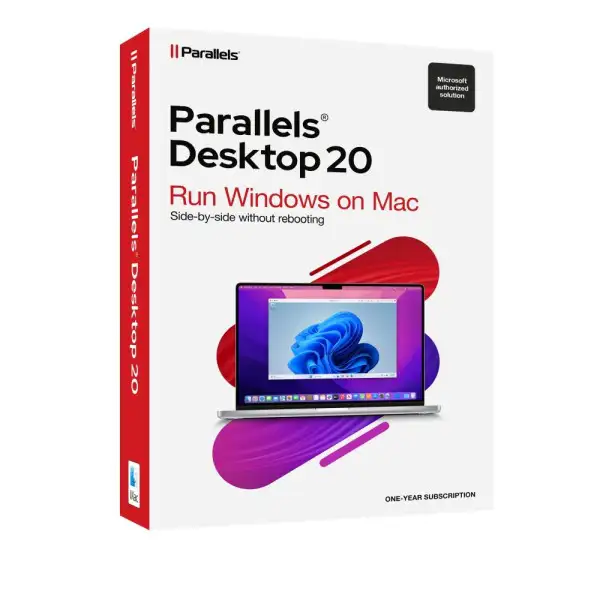
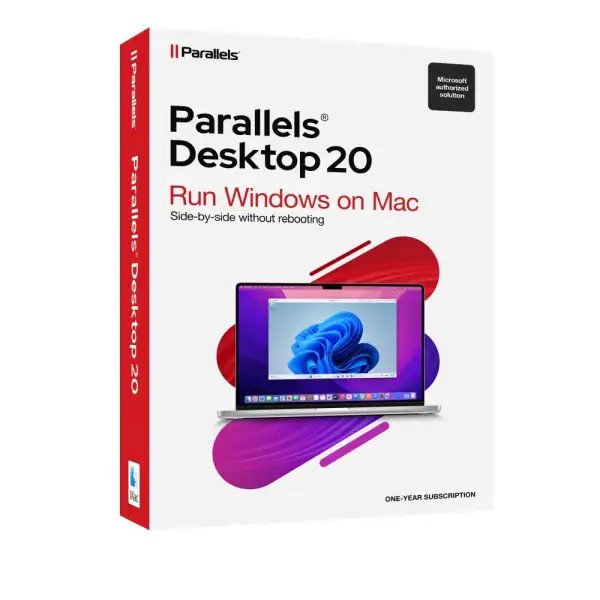
Buy Parallels Desktop 20 Standard for Mac quickly and affordably
Why Parallels Desktop 20 Standard?
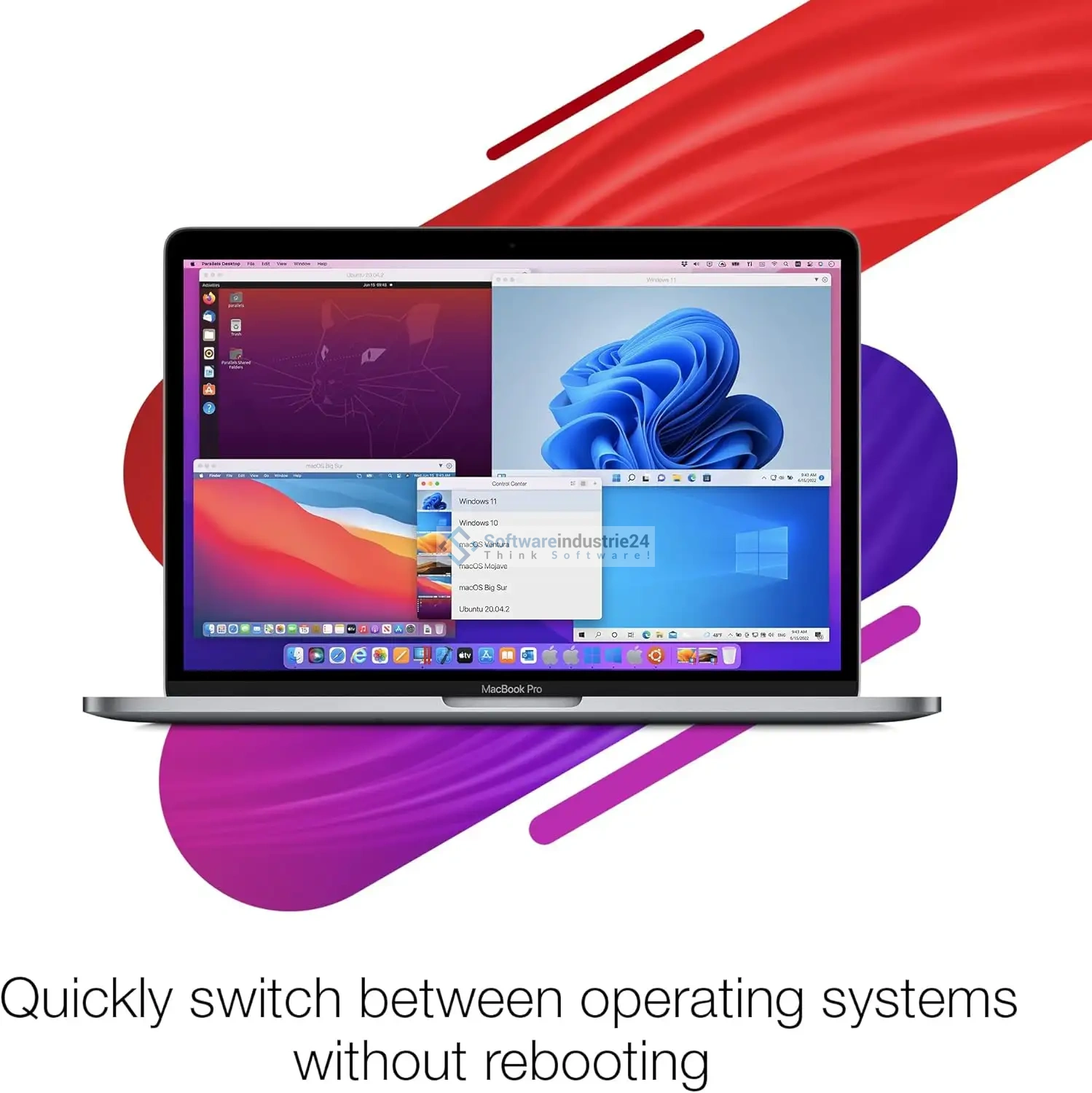
Anyone who uses a Mac knows the benefits of macOS: stability, security, and a sleek user experience. But sometimes there’s no way around using Windows applications—whether for professional purposes, specific software, or personal preferences. This is exactly where Parallels Desktop 20 Standard comes in: the leading virtualization solution for Mac, allowing you to run Windows, Linux, or other operating systems seamlessly on your Mac—no reboot, no complicated configurations.
Parallels Desktop has been trusted by millions of users worldwide for years and is the #1 virtualization solution for macOS. With the latest version, Parallels Desktop 20, the program takes performance, compatibility, and user-friendliness to a whole new level.
The key features and benefits of Parallels Desktop 20
1. Seamless integration of Windows and macOS
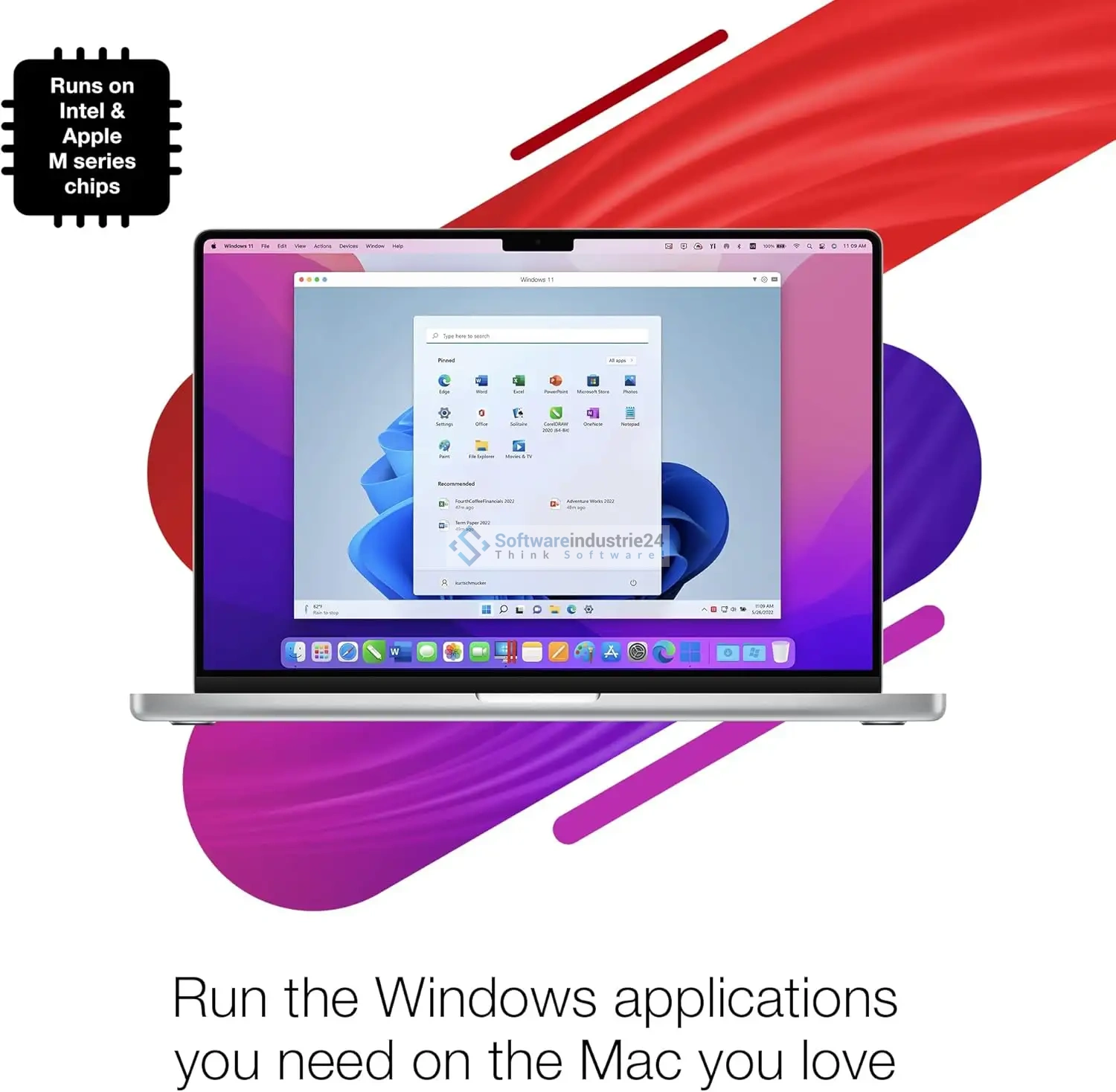
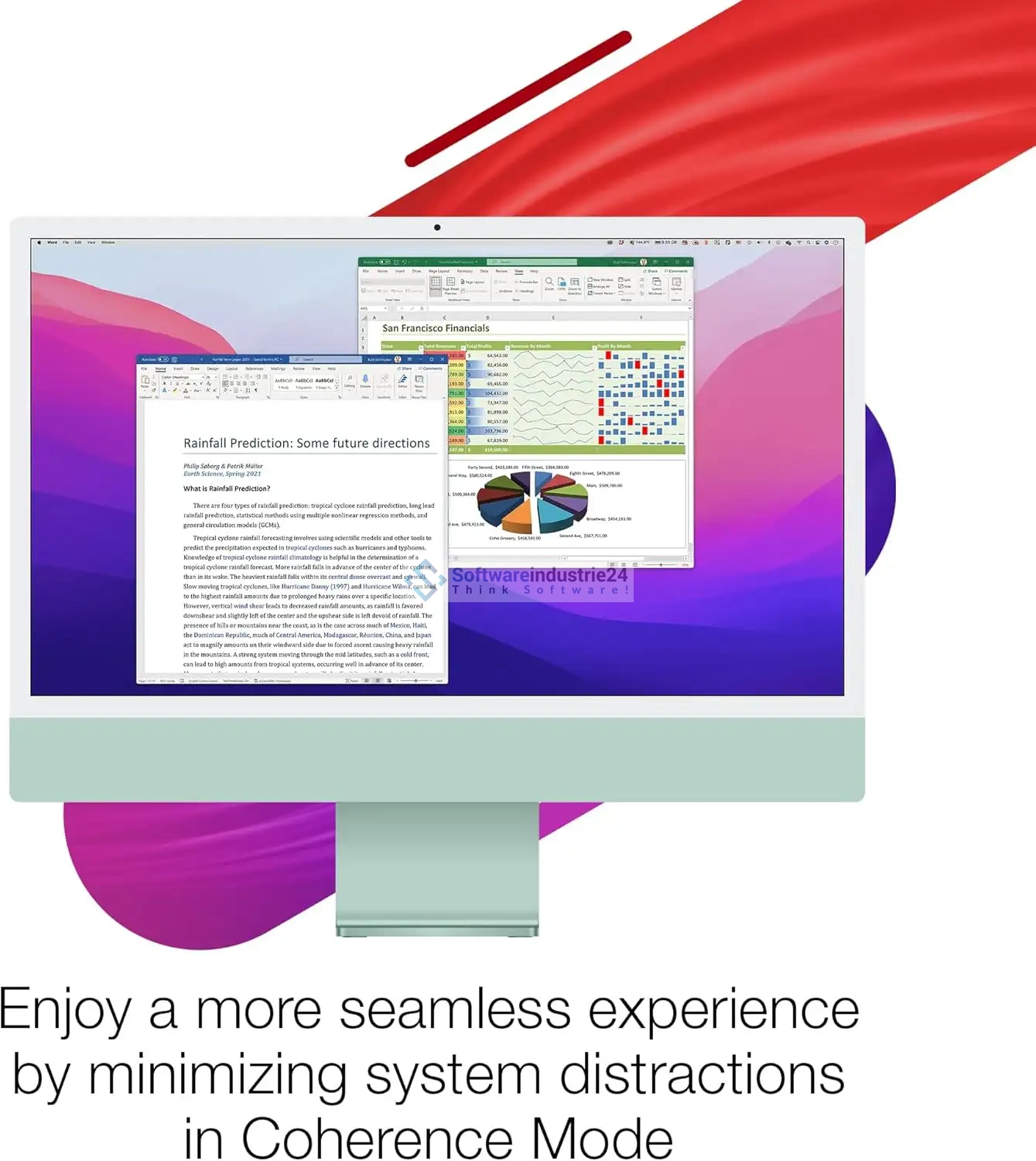
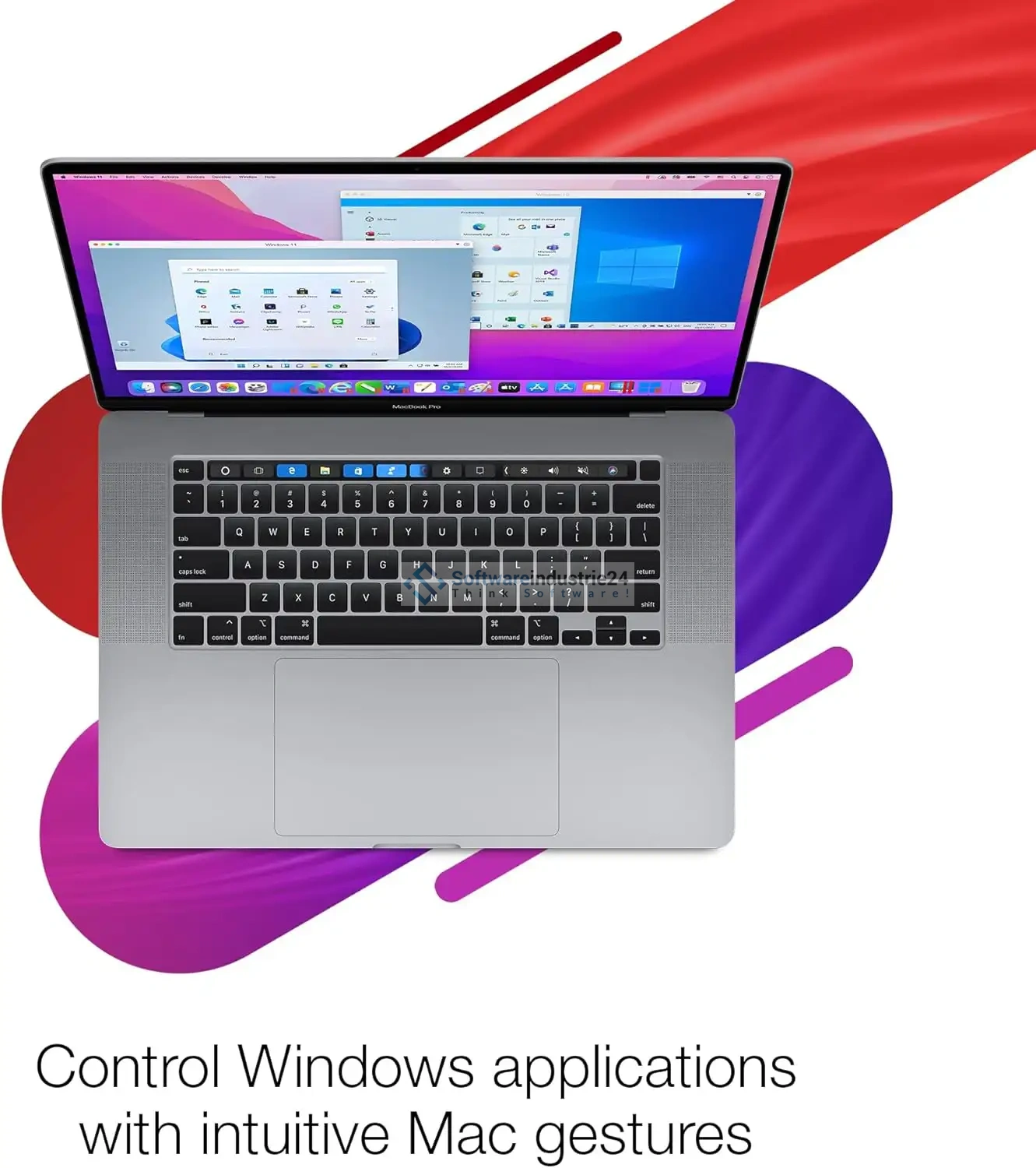
Parallels Desktop 20 allows you to run Windows applications directly on your Mac—just as if they were native macOS programs. Thanks to Coherence Mode, both systems merge: Windows apps run in their own windows, can be placed in the Dock, and access the same files as macOS programs.
2. Optimized performance
The latest version is even faster:
- Up to 40% faster Windows startup
- Improved graphics performance for applications that rely on DirectX and OpenGL
- Resource-efficient operation, ideal for MacBooks with M1, M2, M3 chips or higher, as well as Intel-based Macs.
3. Support for macOS Sequoia and Windows 11
Parallels Desktop 20 is fully compatible with the latest operating systems:
- macOS’s three most recent versions as the host system
- Windows 11 as the guest system (including TPM 2.0 support) This ensures you can use the latest generation of software without restrictions.
4. User-Friendly Download Link
Parallels Desktop is designed for simplicity:
- Quick setup via wizards
- Automatic configuration for optimal performance
- Drag-and-drop of files between macOS and Windows
- Shared clipboard for text, images, and files.
5. Security and stability of the system
With a built-in virtual TPM chip, support for BitLocker, and Windows Hello, Parallels Desktop offers the highest level of security. At the same time, the sandbox environment ensures that Windows viruses have no impact on your macOS system.
Examples of use and usage scenarios for Parallels Desktop 20 Standard
Professional use
- IT professionals & developers: Test software on different operating systems.
- Designers & engineers: Use Windows programs like AutoCAD or SolidWorks directly on your Mac.
- Office users: Use Microsoft Office for Windows or specialized business software.
Personal use
- Gaming: Play numerous Windows games thanks to improved graphics support.
- Education: Students can use educational software that is only available for Windows.
- Flexibility: Access home or work software without having to leave the Mac ecosystem.
System requirements for Parallels Desktop | macOS
Operating system
- macOS Sequoia 15.0 or later
- macOS Sonoma 14.5 or later
- macOS Ventura 13.2 or later
- Always compatible with the three latest Mac versions*
Processor
- Apple Silicon: All M-series chips (e.g., M1, M2, M3)
- Intel: Core i5, Core i7, Core i9, Core M, or Xeon
Memory (RAM)
- Minimum requirement: 4 GB RAM
- Recommendation: 8 GB RAM or more for smooth performance
Storage
- 600 MB for installing the Parallels Desktop application
- Additionally: at least 16 GB of free storage space for the guest operating system (e.g., Windows)
- Recommendation: SSD drive for optimal speed
Graphics
- Apple Silicon: Integrated M-series GPU
- Intel: Integrated or dedicated graphics units
- Compatible with AMD Radeon and NVIDIA graphics cards
Guest operating systems
- Windows 11, Windows 10, Windows 8, Windows 7
- Various Linux distributions (Ubuntu, Debian, Fedora, etc.)
- macOS (older versions as a virtual machine)
User experiences and customer reviews
Customers report an extremely simple setup and praise the performance: Windows runs so smoothly that many hardly notice they’re using a second operating system. The deep integration is highlighted as a particular strength—files, folders, and apps can be exchanged between systems without restrictions.
Another plus: Parallels Desktop is the only solution that responds so quickly to new macOS versions and is always compatible with the latest Apple chips.
Pricing and purchase options for Parallels Desktop 20 Standard
The Standard version of Parallels Desktop 20 is ideal for home users and students. You receive a perpetual license with no subscription requirement.
Benefits of purchasing from Softwareindustrie24:
- Instant download
- Lower price compared to the manufacturer
- 100% legal license keys
- Free customer support
Comparison with similar products
- Boot Camp: With Boot Camp, Apple offers an alternative where Windows is installed on a separate partition. Drawback: You must restart the Mac to use Windows. Parallels Desktop, on the other hand, allows for parallel operation.
- VMware Fusion: Also a virtualization solution, but not as tightly integrated with macOS and often more resource-intensive.
- VirtualBox: Free, but significantly more limited in performance, convenience, and compatibility.
Conclusion: Parallels Desktop 20 is the best solution for Mac users who value speed, convenience, and compatibility.
Frequently Asked Questions (FAQ) about Parallels Desktop 20 Standard
1. Do I need a separate Windows license?
Yes, Parallels Desktop provides the virtualization environment. For Windows 11, you need a valid license key.
2. Does Parallels Desktop 20 work with older Macs?
Yes, provided they meet the system requirements (Intel-based or Apple Silicon).
3. Can I play Windows games?
Yes, many games run smoothly thanks to optimized graphics performance. However, a high-performance Mac is recommended for very graphics-intensive games.
4. Are there regular updates?
Yes, Parallels regularly releases updates for better performance, compatibility, and security.
5. Is it safe to use?
Yes, Windows runs in an isolated environment. Viruses or malware cannot spread to macOS.
Buy Parallels Desktop 20 Standard safely, affordably, and quickly at Softwareindustrie24
If you want to use Windows on your Mac without compromising, Parallels Desktop 20 Standard is the way to go. It combines top performance, ease of use, and full compatibility with the latest operating systems. Whether for work, school, or leisure—this solution turns your Mac into the ultimate all-in-one platform.
Buy now at Softwareindustrie24 and benefit from low prices, fast delivery, and top-notch support!